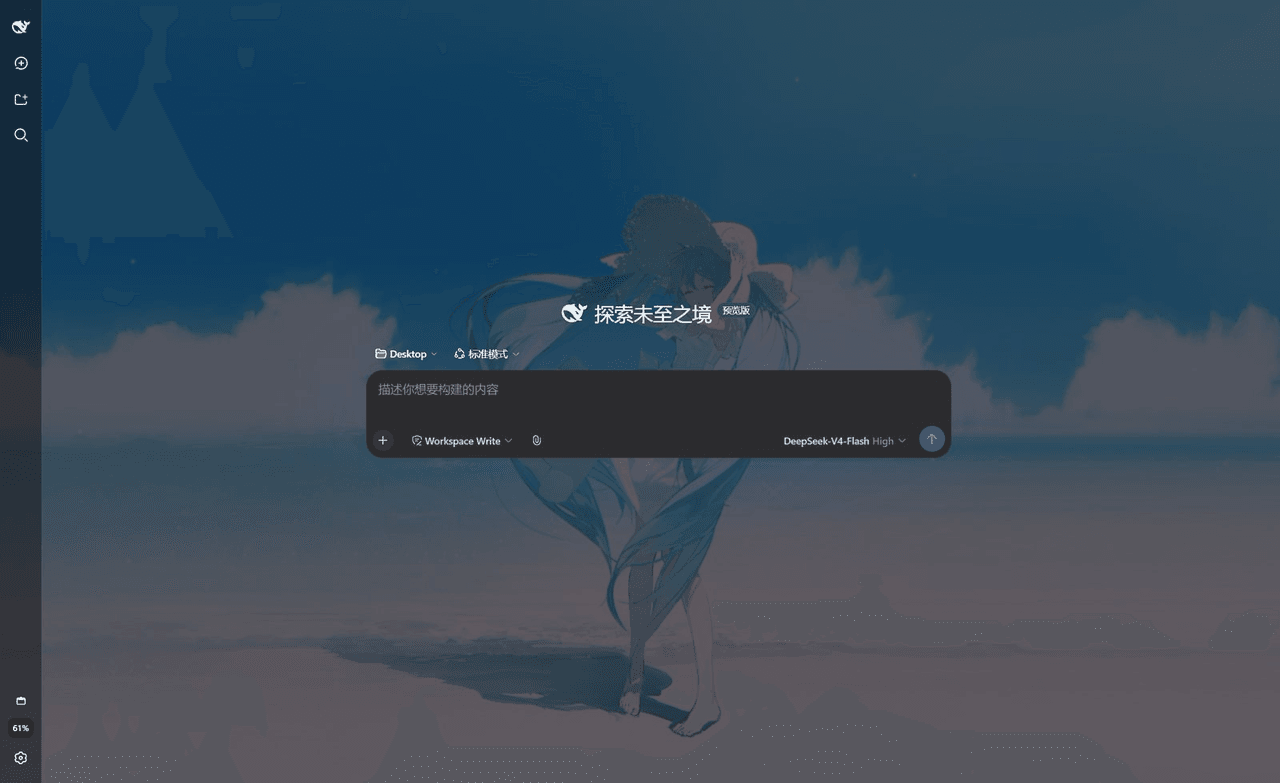
sakuraaa667/dsh-wallpaper-engine
将wallpaper集成到DeepSeek harness中,以便设置dsh的动态壁纸。
Project Overview项目介绍
dsh-wallpaper-engine is a DeepSeek Harness plugin that integrates locally downloaded Wallpaper Engine content (Steam Workshop app 431960 and local projects directories, with multi-library support) as the web UI background. It auto-discovers wallpapers, rescans every 30 seconds, lets users browse thumbnails, search, and apply with one click; videos stream via <video muted loop>, images use the highest-resolution original in the folder with fit/contain modes, plus panel dim and overlay sliders. Selection persists to $DSH_HOME/dsh-wallpaper.json, with HTTP routes for list/config/preview/file, using scan-generated IDs to prevent path traversal. Caveat: scene- and web-type wallpapers cannot render in-browser and fall back to preview images.
dsh-wallpaper-engine 是 DeepSeek Harness 插件,把本机 Wallpaper Engine 已下载的壁纸(Steam 创意工坊 app 431960 与本地 projects 目录,含多 Steam 库)接入 Web 界面作为背景,自动发现并每 30 秒静默重扫,缩略图浏览、搜索、一键应用,视频以 <video muted loop> 流式播放,图片选用目录内最高分辨率原图并支持铺满/完整显示两种模式,附带面板暗化与背景压暗滑杆,选择持久化到 $DSH_HOME/dsh-wallpaper.json,提供 /dsh-wallpaper/list|config|preview|file 路由且不参与路径拼接以避免穿越。场景与网页型壁纸无法实时渲染,会回退为预览图。
请帮我了解并安装插件:【dsh-wallpaper-engine】【https://github.com/sakuraaa667/dsh-wallpaper-engine】Send this message to DSH in your current session. CLI install commands may not be accurate across systems — DSH will figure it out for you.把上面这条消息直接发给当前会话里的 DSH,让它帮你了解并安装。安装命令不一定准确,发给 DSH 更稳。
Or use CLI install (for developers)或使用命令行安装(适合开发者)
CLI Install命令行安装
dsh plugin --profile web add github:sakuraaa667/dsh-wallpaper-engine把 sakuraaa667/dsh-wallpaper-engine 加入你的 DSH 配置(web profile)即可启用。
READMEREADME
dsh-wallpaper-engine
把本机 Wallpaper Engine 里已经下载的壁纸接入 DeepSeek Harness,作为 Web 界面 的背景(动态壁纸视频也支持)。Use wallpapers downloaded by Wallpaper Engine as the DeepSeek Harness web background.
效果预览
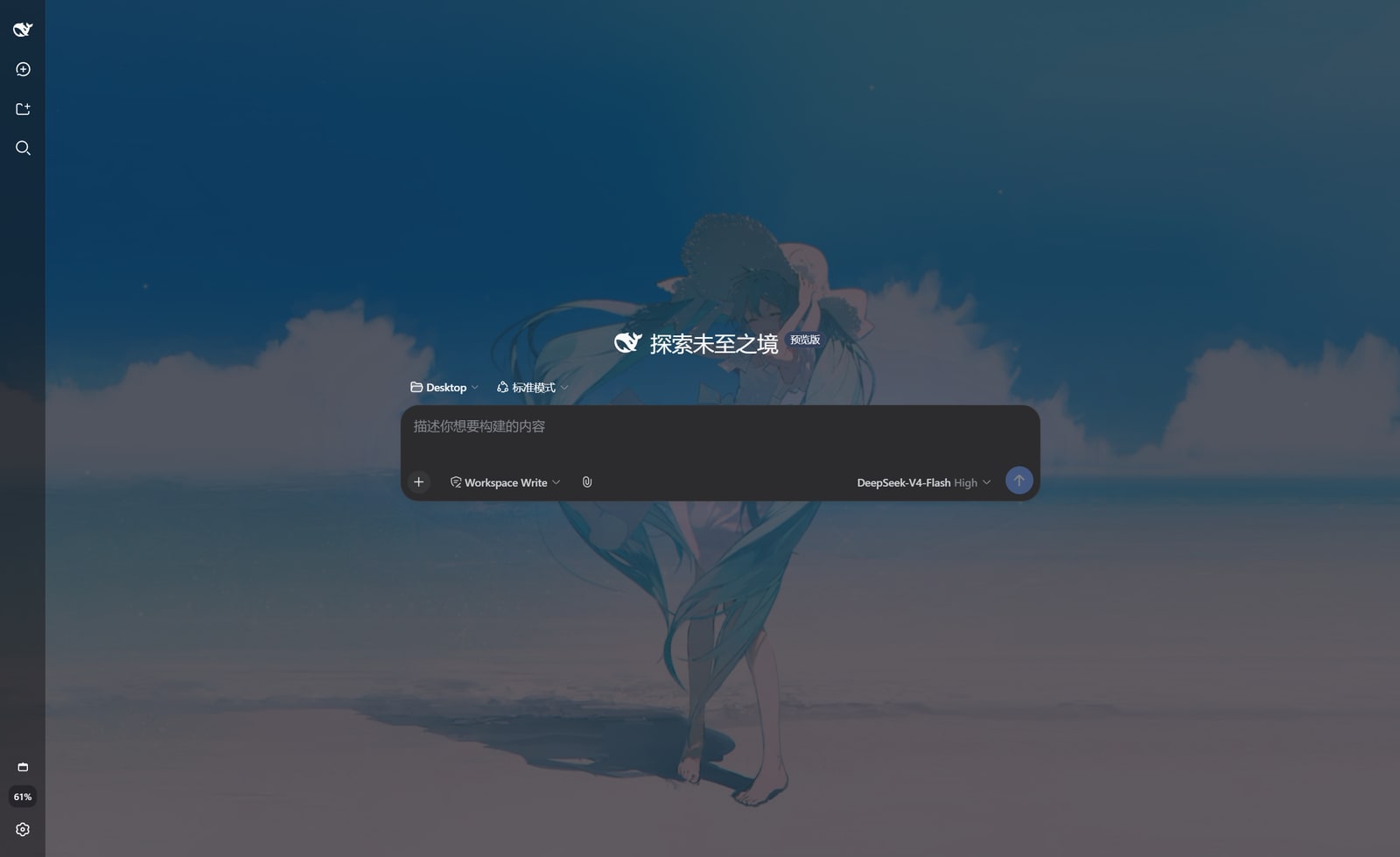
功能
- 自动发现 Wallpaper Engine 已下载内容:
- Steam 创意工坊壁纸(app 431960,自动读取
libraryfolders.vdf,支持多 Steam 库); - 本地项目(
projects/myprojects、projects/defaultprojects)。
- Steam 创意工坊壁纸(app 431960,自动读取
- 在 设置 → 壁纸 Wallpaper Engine 中浏览缩略图、搜索、一键使用;
- 自动同步:打开壁纸页时每 30 秒静默重扫磁盘,Wallpaper Engine 里新下载的壁纸会自动出现(也可点「刷新」立即更新);
- 视频壁纸以
<video>方式播放(muted + loop);图片壁纸优先使用目录内最高分辨率原图(而非小尺寸预览图),并支持「铺满 / 完整显示」两种适配模式(完整显示带毛玻璃背景填充); - 「面板暗化(0–100%)」与「背景压暗(0–50%)」两个滑杆控制可读性;
- 选择会持久化到
$DSH_HOME/dsh-wallpaper.json,重启 / 刷新后自动恢复。
安装
在 dsh 安装目录(或任意目录)执行:
dsh plugin --profile web add file:C:\path\to\dsh-wallpaper-engine
或手动方式(与 dsh plugin add 等价):
在
$DSH_HOME/profiles/web下pnpm add file:<本插件绝对路径>;在该 profile 的
cordis.patch.yml中加入:- insert: - id: dsh-wallpaper-engine name: dsh-wallpaper-engine刷新浏览器页面(若服务端未热加载,重启
dsh web)。
使用
- 打开 DeepSeek Harness Web 界面;
- 进入 设置 → 壁纸 Wallpaper Engine;
- 点击任意壁纸卡片即可设为背景,再次点击「清除背景」恢复默认。
配置
插件支持可选配置(在 profile 的 cordis.patch.yml 中以 id 覆盖):
- id: dsh-wallpaper-engine
  config:
    workshopDir: "D:\\steam\\steamapps\\workshop\\content\\431960"
    projectsDir: "D:\\steam\\steamapps\\common\\wallpaper_engine\\projects\\myprojects"
也支持环境变量(; 分隔多路径):
DSH_WALLPAPER_WORKSHOP_DIR— 创意工坊壁纸目录;DSH_WALLPAPER_STEAM_DIR— Steam 根目录(用于推导 workshop 与本地项目)。
HTTP 路由
| 路由 | 说明 |
|---|---|
GET /dsh-wallpaper/list |
壁纸列表 + 检测到的来源目录 |
GET /dsh-wallpaper/config |
当前持久化的选择 |
POST /dsh-wallpaper/config |
持久化选择 {id, dim, overlay} |
GET /dsh-wallpaper/preview/<id> |
缩略图 |
GET /dsh-wallpaper/file/<id> |
壁纸媒体文件(支持 Range,用于视频) |
所有 id 均通过扫描生成的映射查找,不参与路径拼接,避免路径穿越。
限制
- 场景型(scene)与网页型(web)壁纸无法在浏览器背景中实时渲染,回退为预览图;
- 视频通过本机 HTTP 流式传输,仅本机访问(默认 loopback)。
Related相关推荐
-
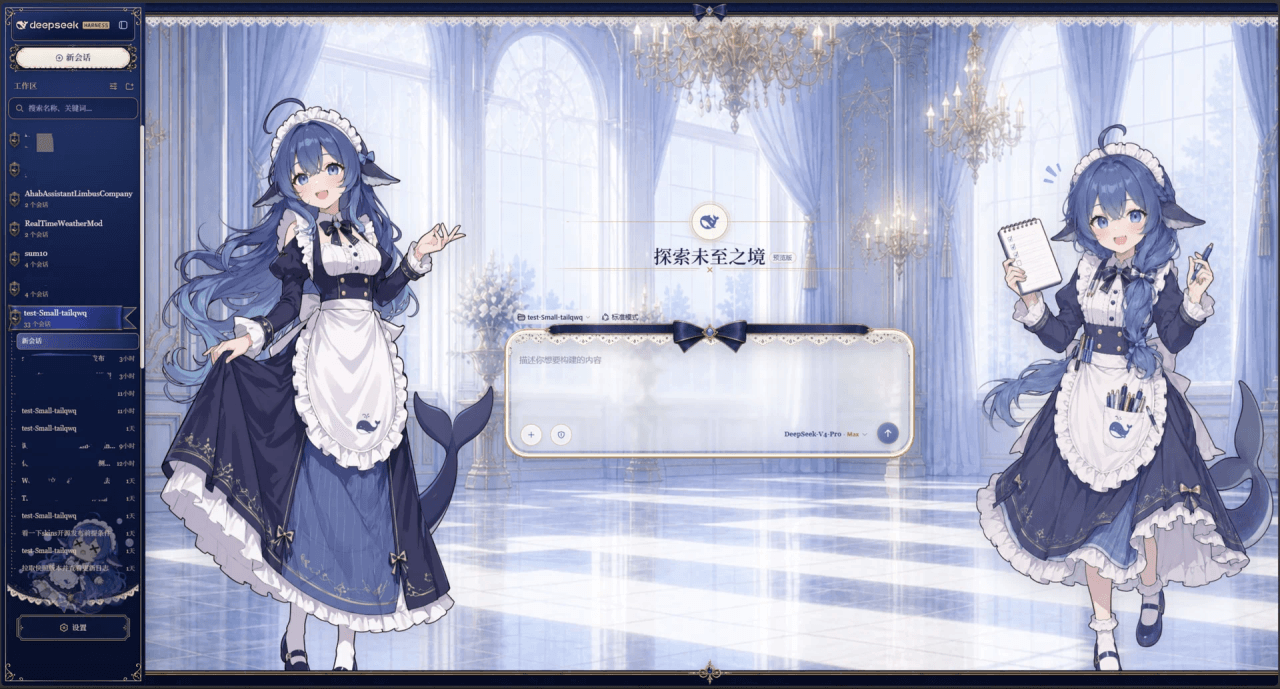 Small-tailqwq/dsh-deep-whale
Whale Girl skin series for DeepSeek Harness. 适用于 DeepSeek Harness 的,鲸鱼娘系列皮肤。
Small-tailqwq/dsh-deep-whale
Whale Girl skin series for DeepSeek Harness. 适用于 DeepSeek Harness 的,鲸鱼娘系列皮肤。
-
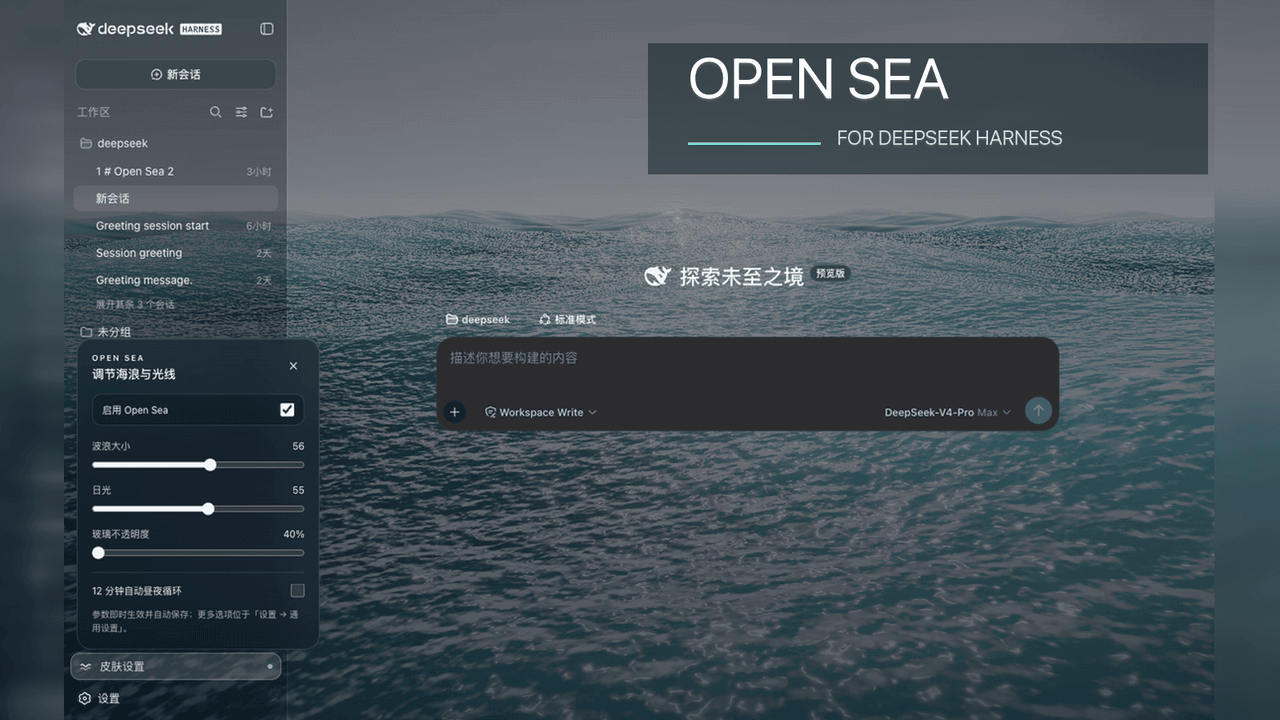 d-dev0101/open-sea-skin
🌊 DeepSeek Harness 海洋皮肤与动态主题 | Real-time ocean theme with adjustable waves, sunset & glass opacity. DSH plugin + Chrome…
d-dev0101/open-sea-skin
🌊 DeepSeek Harness 海洋皮肤与动态主题 | Real-time ocean theme with adjustable waves, sunset & glass opacity. DSH plugin + Chrome…
-
 kingOfSoySauce/dsh-liang-skin
DeepSeek Harness 滑动变阻器皮肤
kingOfSoySauce/dsh-liang-skin
DeepSeek Harness 滑动变阻器皮肤
-
 RevolutionLA/dsh-dream-skin
DeepSeek Harness 换肤 / 壁纸 / 主题包插件 (dsh-plugin) — 8 套 Mirage 主题、每用户强调色、壁纸2.0、主题包导入导出/分享链接、收藏与随机,纯原生 token 系统实现。
RevolutionLA/dsh-dream-skin
DeepSeek Harness 换肤 / 壁纸 / 主题包插件 (dsh-plugin) — 8 套 Mirage 主题、每用户强调色、壁纸2.0、主题包导入导出/分享链接、收藏与随机,纯原生 token 系统实现。
-
 Fishquito7/dsh-skill-mcp-panel
DSH Web UI plugin: skill and MCP management(Web界面的skill/MCP管理工具)
Fishquito7/dsh-skill-mcp-panel
DSH Web UI plugin: skill and MCP management(Web界面的skill/MCP管理工具)
-
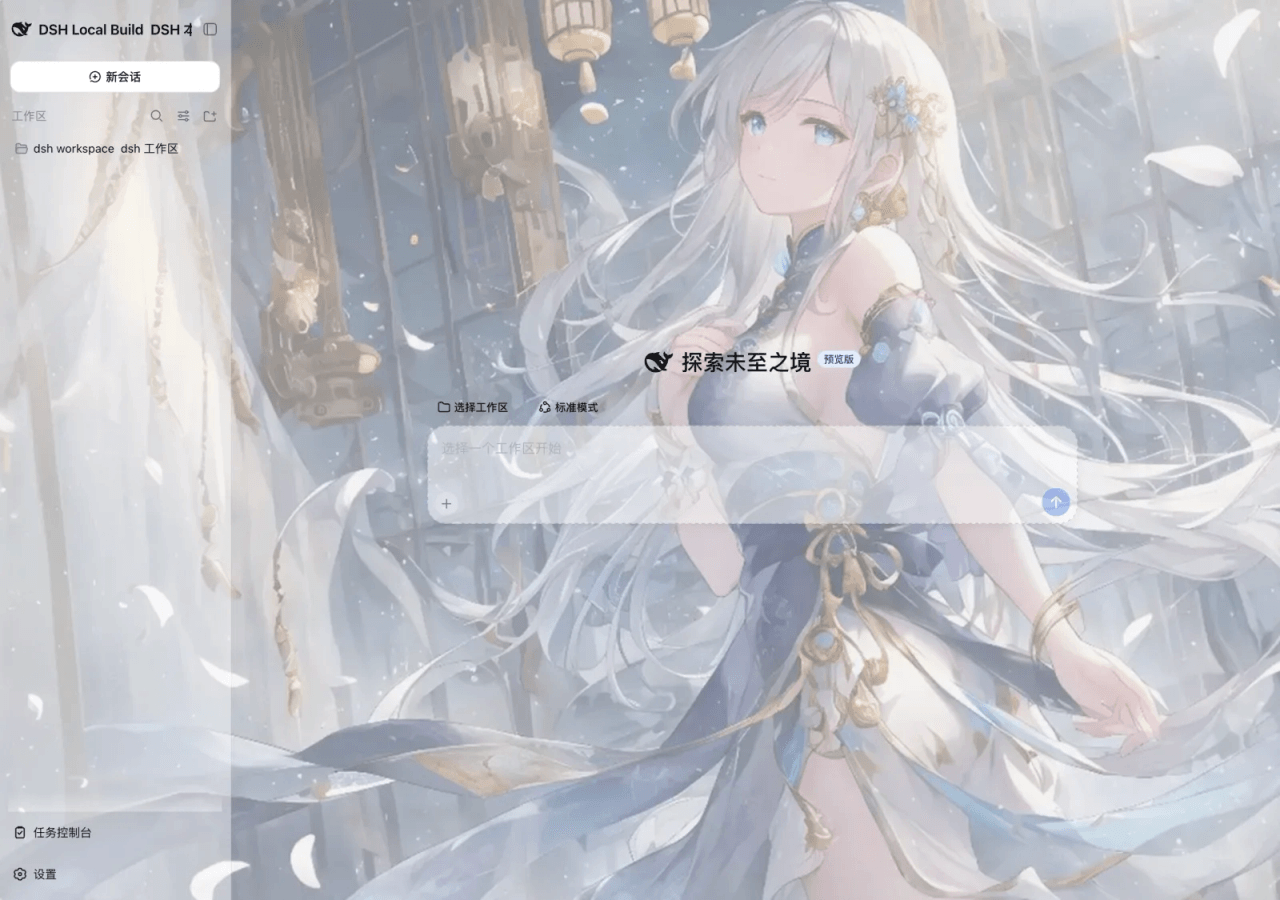 SLin-code/dsh-custom-skin
DSH自定义壁纸/皮肤插件——Custom wallpapers and translucent skins for DeepSeek Harness Web
SLin-code/dsh-custom-skin
DSH自定义壁纸/皮肤插件——Custom wallpapers and translucent skins for DeepSeek Harness Web
-
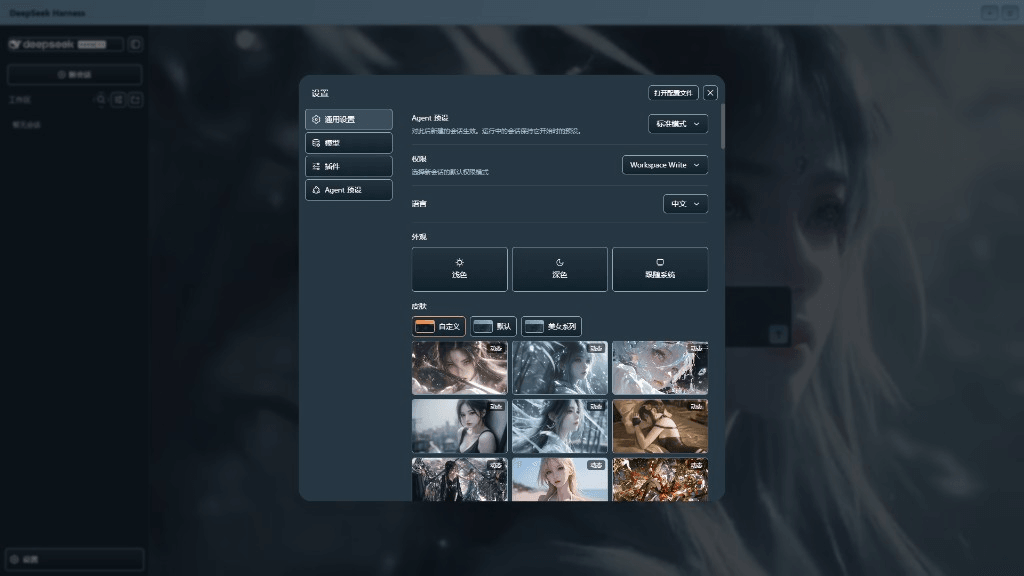 XieRW/dsh-beauty-skins
给 DeepSeek Harness 用的美女系列皮肤:设置里从 哲风壁纸 拉预览网格,点一张即应用,配色从壁纸提取。支持动态壁纸,也保留自定义选图。
XieRW/dsh-beauty-skins
给 DeepSeek Harness 用的美女系列皮肤:设置里从 哲风壁纸 拉预览网格,点一张即应用,配色从壁纸提取。支持动态壁纸,也保留自定义选图。
- ymh0000123/dsh-theme-endfield 终末地官网风格的 DSH Web 主题:奶油纸底、墨黑文字、信号黄强调、全直角工业编辑风。