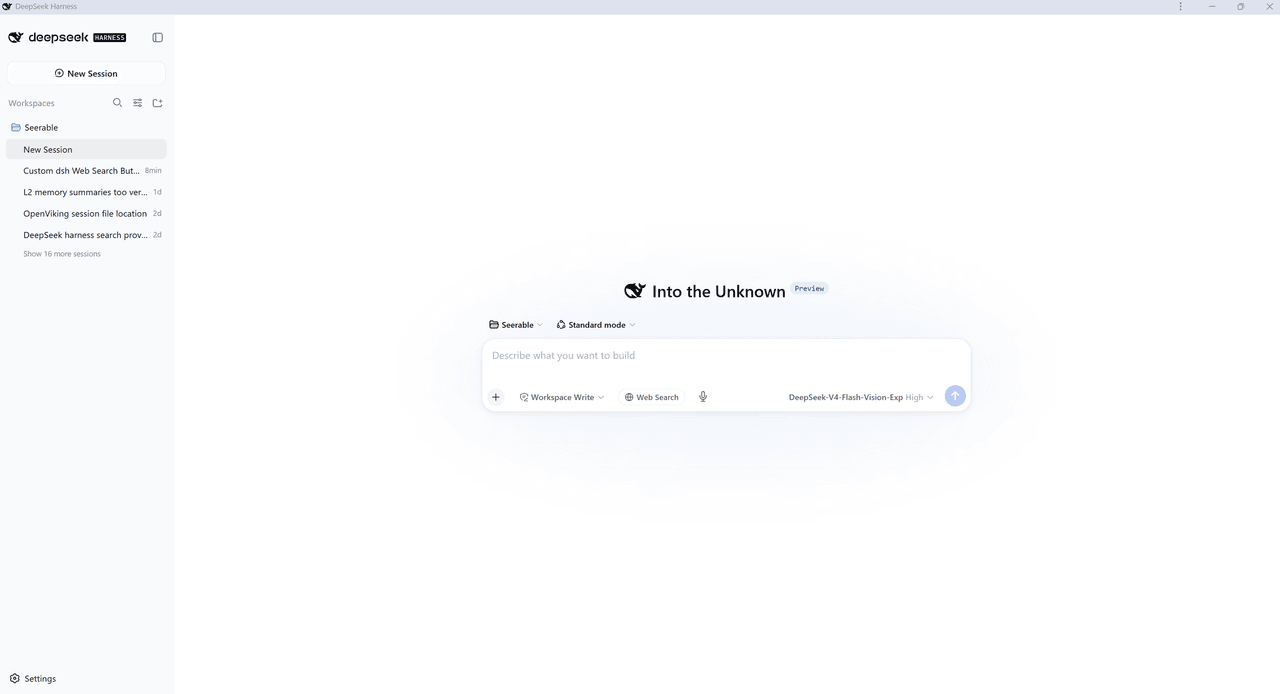
SeerableOfficial/dsh-web-search-toggle
A DeepSeek Harness (DSH) plugin that adds a "Web Search" toggle button to the chat composer tool row. When it is turned on, the agent is instructed that it must search the web before answering — mirroring the "Web Search" toggle in the DeepSeek Web Chat UI. The toggle is per-session (per conversation), like DeepSeek's own
catalog descriptioncatalog 简介 / catalog description:DSH plugin: a per-session "Web Search" toggle that forces the agent to search the web before answering.
Project Overview项目介绍
A DSH plugin that adds a per-session "Web Search" toggle to the chat composer toolbar. When enabled, it injects a system-prompt directive forcing the agent to invoke the web_search tool before answering each turn, with state persisted across reloads. Use it under the DSH web profile with a pre-configured search provider. Enforcement is advisory rather than guaranteed, since compliance remains probabilistic.
DSH 插件,为聊天输入框工具栏添加"Web Search"开关。激活后通过系统提示指令强制代理在每次回答前调用 web_search 工具,状态按会话持久化。适用于 DSH web 配置文件,需预先配置搜索提供商;该指令为概率性遵循,无法保证模型绝对执行。
请帮我了解并安装插件:【dsh-web-search-toggle】【https://github.com/SeerableOfficial/dsh-web-search-toggle】Send this message to DSH in your current session. CLI install commands may not be accurate across systems — DSH will figure it out for you.把上面这条消息直接发给当前会话里的 DSH,让它帮你了解并安装。安装命令不一定准确,发给 DSH 更稳。
Or use CLI install (for developers)或使用命令行安装(适合开发者)
CLI Install命令行安装
dsh plugin --profile web add dsh-web-search-toggle把 SeerableOfficial/dsh-web-search-toggle 加入你的 DSH 配置(web profile)即可启用。
READMEREADME
dsh-web-search-toggle
A DeepSeek Harness (DSH) plugin that adds a "Web Search" toggle button to the chat composer tool row. When it is turned on, the agent is instructed that it must search the web before answering — mirroring the "Web Search" toggle in the DeepSeek Web Chat UI. The toggle is per-session (per conversation), like DeepSeek's own per-conversation toggle.
Features
- Adds a compact, pill-shaped "Web Search" button in the composer tool row. Inactive = neutral outline; active = DeepSeek brand blue with a small green "on" dot.
- When ON, injects a mandatory system-prompt directive telling the agent to
call
web_searchbefore answering, on every turn of that session. - Per-session state, persisted across reloads and host restarts.
- Follows DSH's plugin conventions (
dsh.bundle.patch+dsh.client), so it installs like any other DSH web-profile plugin.
How it works
- Client half (
lib/client.js): registers the toggle into the composer's tool row (conversation.input.left, the seat beside the resident access-mode / plan / attach chrome). On toggle it calls the host through the client↔host RPC channel. - Host half (
index.js):- Serves an RPC channel (
/dsh-web-search) withwebsearch.get-state/websearch.set-state, storing the flag per session and persisting it to~/.dsh/dsh-web-search-toggle.json. - Registers a system-prompt section (
dsh-web-search:force) whose text is evaluated on every prompt assembly. When the current session's flag is ON, it injects a mandatory "you MUST callweb_searchfirst" directive into the system prompt; when OFF it renders empty (empty sections disappear).
- Serves an RPC channel (
The web_search tool itself is registered by DSH's own dsh-tool-web package
(via the auto-selected DeepSeek search-provider seam); this plugin only forces
its use.
Why "force" is a directive, not a hard block
DSH has no primitive for "the model MUST call tool X on every turn." So the enforcement is a strong, always-present system-prompt instruction — the authoritative, reliable way to steer the model in this harness. The model follows it, but compliance is probabilistic rather than guaranteed (as in the DeepSeek web chat UI itself).
Requirements
- DeepSeek Harness with the web profile (
dsh --profile web). - A configured web search provider (the built-in DeepSeek search provider, or
any
web_search-providing provider). The plugin forces the tool; it does not install one.
Installation
The plugin is published to npm. From the DSH web profile:
# via the dsh plugin command (recommended — reconciles the bundle list)
dsh plugin --profile web add dsh-web-search-toggle
or with pnpm directly (skips bundle-list reconcile):
cd <your-profile-dir>
npx pnpm add dsh-web-search-toggle
# then add "dsh-web-search-toggle" to dsh.profile.bundles in package.json
Then restart DSH so the bundle patch composes at boot:
dsh --profile web restart # or your normal restart path
Usage
- Open a conversation in the DSH web UI.
- Click the Web Search pill in the composer tool row to toggle it on.
- Ask a question — the agent calls
web_searchfirst and cites sources. - Toggle it off to restore normal behavior.
The on/off state is remembered per session.
Files
| Path | Purpose |
|---|---|
package.json |
Package + dsh.bundle.patch + dsh.client declaration |
index.js |
Host plugin: RPC channel + system-prompt force section |
lib/client.js |
Client plugin: composer "Web Search" toggle |
cordis.patch.yml |
Bundle patch mounting the host half |
LICENSE |
MIT License |
README.md |
This file |
License
Related相关推荐
-
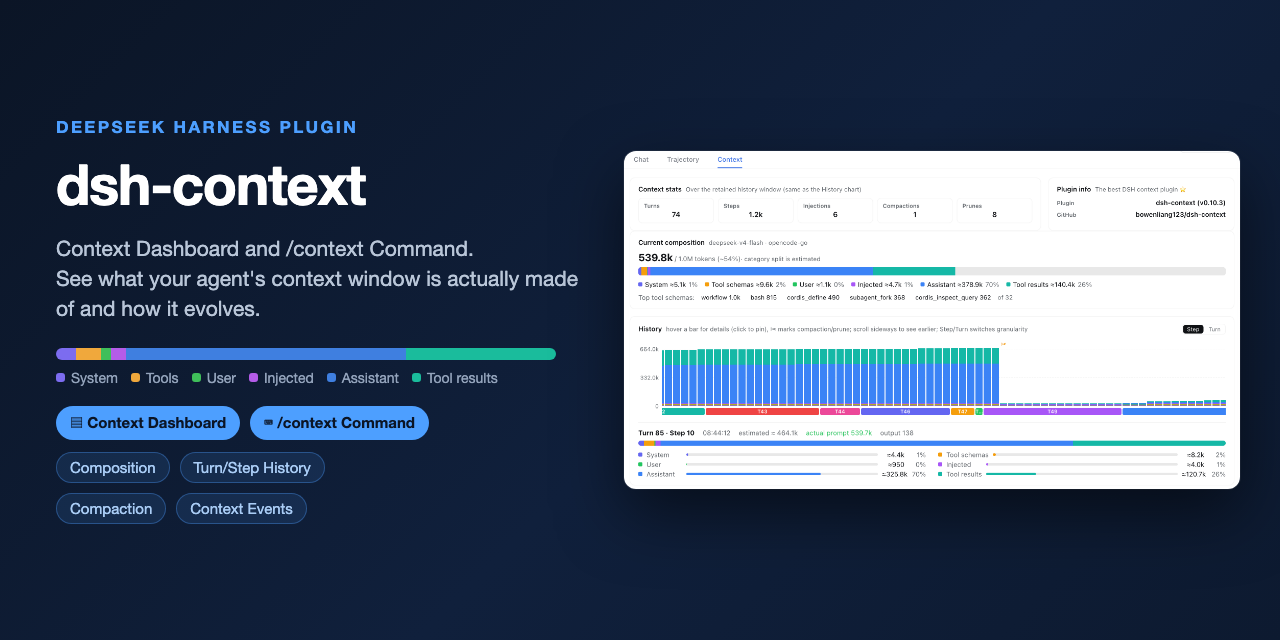 bowenliang123/dsh-context
The best DeepSeek Harness plugin for context insight and management, with context dashboard / browser / sidebar and cont…
bowenliang123/dsh-context
The best DeepSeek Harness plugin for context insight and management, with context dashboard / browser / sidebar and cont…
-
 cocofhu/anime-find
DeepSeek Harness 搜番插件:对话内多源搜索番剧,卡片展示 Bangumi 评分与详情,支持复制磁力。
cocofhu/anime-find
DeepSeek Harness 搜番插件:对话内多源搜索番剧,卡片展示 Bangumi 评分与详情,支持复制磁力。
-
 dingyi222666/dsh-session-notification
为 Deepseek Harness 提供会话完成等四种状态的通知响应,支持浏览器提示和提示词
dingyi222666/dsh-session-notification
为 Deepseek Harness 提供会话完成等四种状态的通知响应,支持浏览器提示和提示词
- IWAIBAOLI/dsh-with-pencil Official Pencil (pen.dev) canvas inside DeepSeek Harness: conversation-bound workspaces, live agent edits, and 7 MCP des…
-
 guo6x/dsh-pilot
Give your DSH agent hands: drive a real browser (Edge/Chrome over CDP) from the chat — ref-driven clicking, per-session …
guo6x/dsh-pilot
Give your DSH agent hands: drive a real browser (Edge/Chrome over CDP) from the chat — ref-driven clicking, per-session …
-
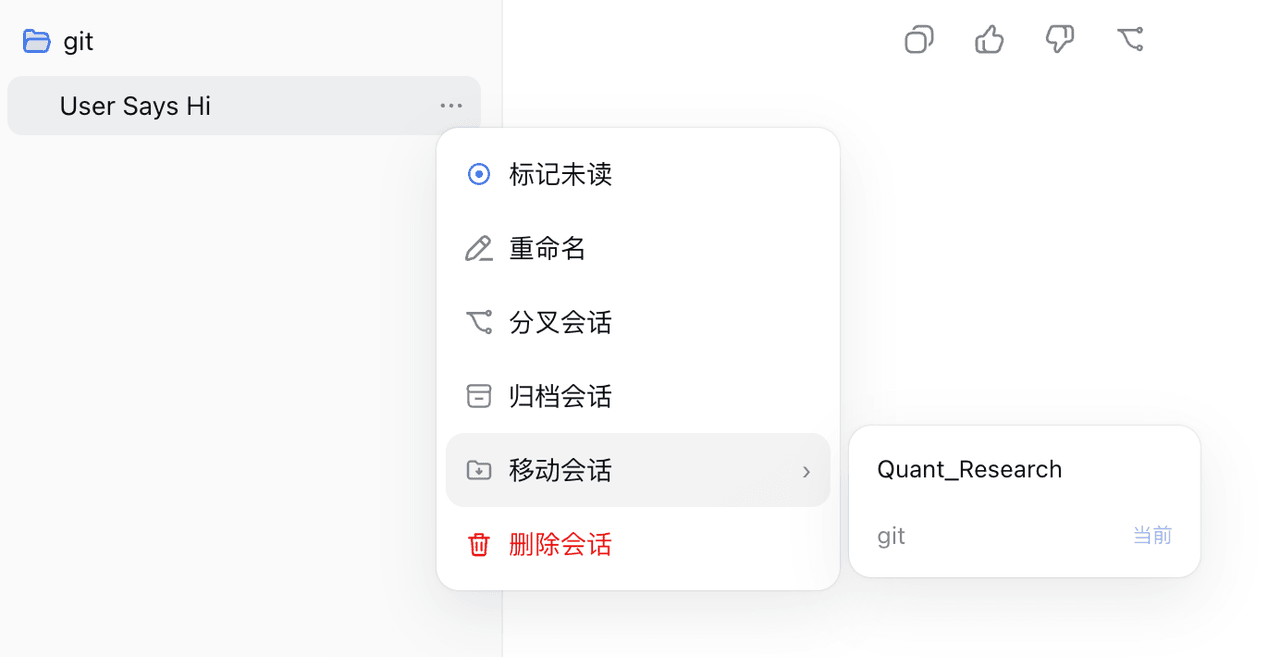 TOBYCAI/dsh-sessions-manager
DSH 会话管理插件:设置面板 + 侧边栏双入口,归档/恢复/跨工作区移动/软删进回收站;回收站可恢复·批量清空·7/30/90 天自动清理,按标题·会话 ID·工作区搜索,带磁盘与血统详情;已适配 DSH 0.1.5(v3 日志,被打开着…
TOBYCAI/dsh-sessions-manager
DSH 会话管理插件:设置面板 + 侧边栏双入口,归档/恢复/跨工作区移动/软删进回收站;回收站可恢复·批量清空·7/30/90 天自动清理,按标题·会话 ID·工作区搜索,带磁盘与血统详情;已适配 DSH 0.1.5(v3 日志,被打开着…
-
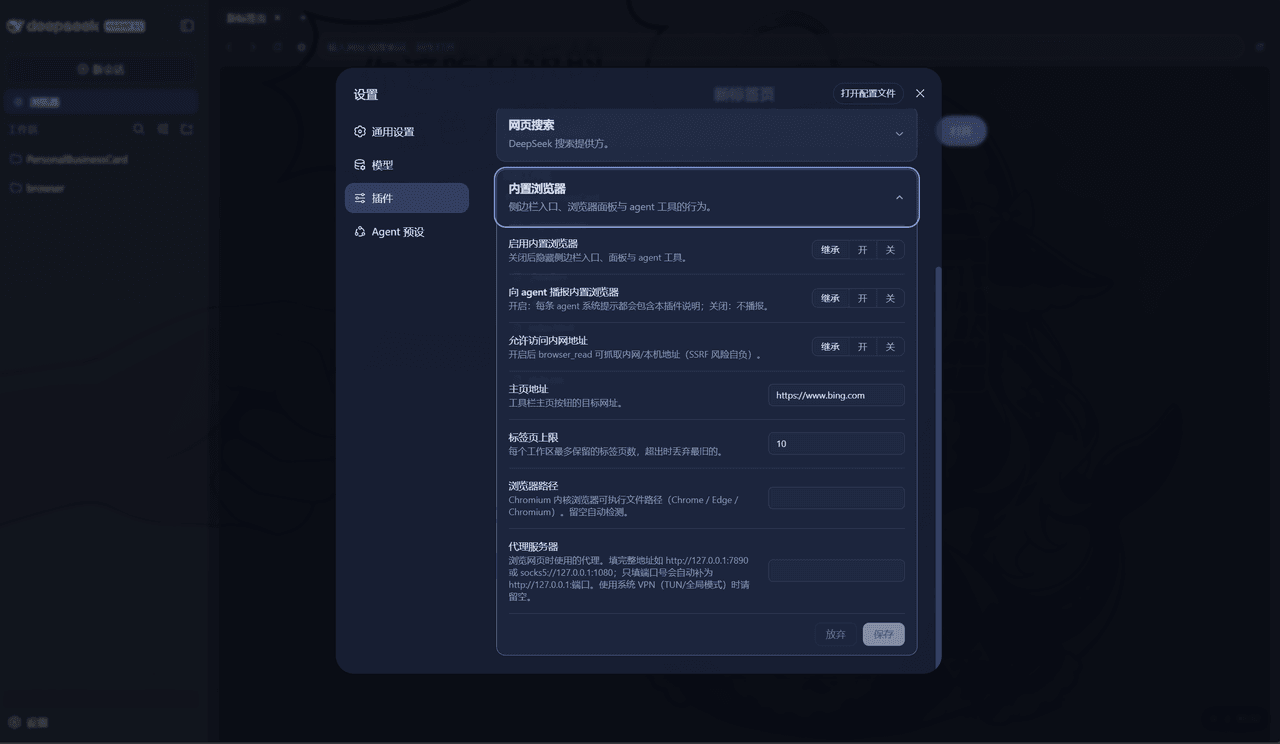 Nono-neko/dsh-browser
An AI-native browser workspace for DeepSeek Harness (DSH), combining multi-tab browsing, live page annotations, lightwei…
Nono-neko/dsh-browser
An AI-native browser workspace for DeepSeek Harness (DSH), combining multi-tab browsing, live page annotations, lightwei…
-
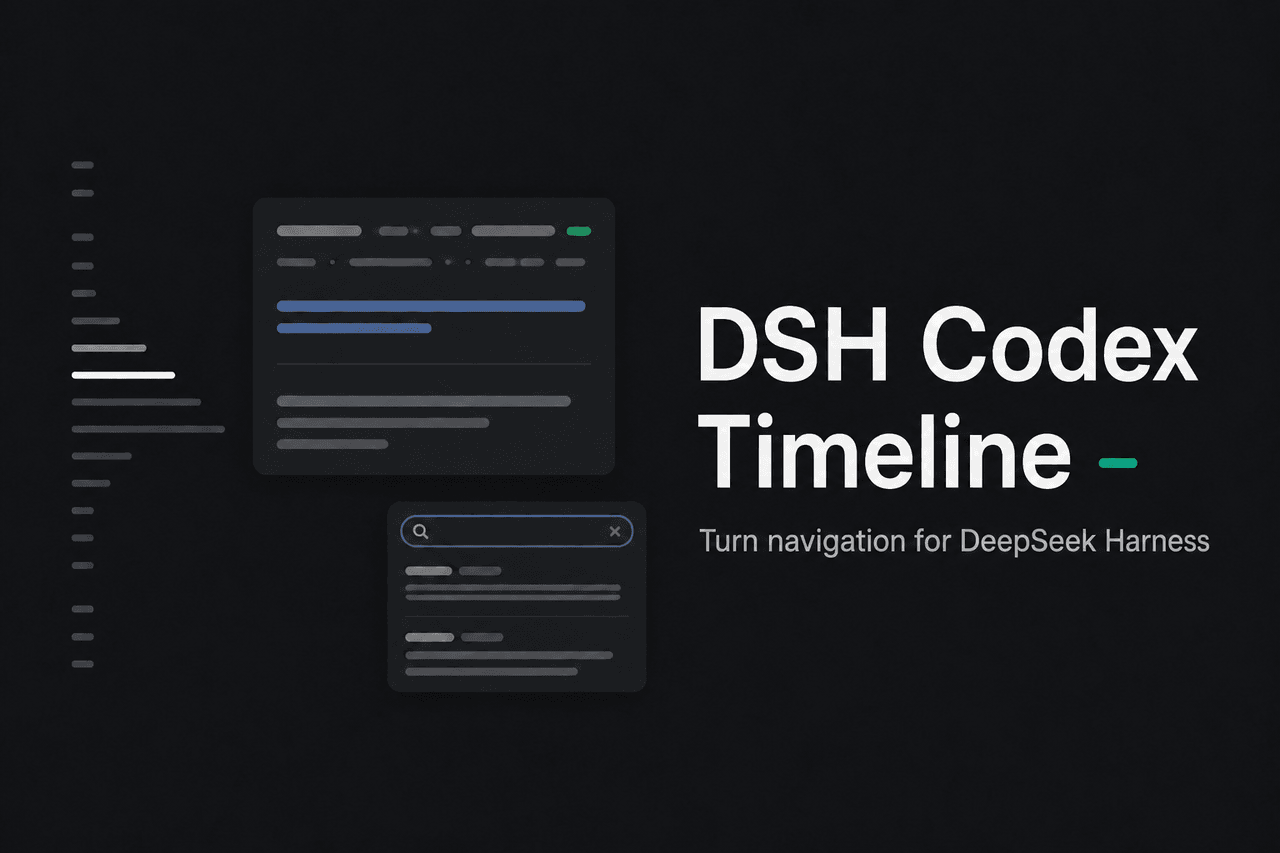 Wine-Red/dsh-codex-timeline
Codex-style turn timeline and local conversation search for DeepSeek Harness Web | Codex风格的对话节点时间线导航栏,提供会话内容搜索等增强
Wine-Red/dsh-codex-timeline
Codex-style turn timeline and local conversation search for DeepSeek Harness Web | Codex风格的对话节点时间线导航栏,提供会话内容搜索等增强