
SpookyWaste/dsh-bash-native
Rust 实现的 Windows 原生 POSIX bash 执行器:给 DSH 提供一个真正的 bash(brush 引擎,不依赖 WSL 或 MSYS兼容层),支持 DSH 的三档权限策略、后台作业和一节模型可见的环境契约
Project Overview项目介绍
dsh-bash-native is a DSH-native plugin that gives the DeepSeek Harness a real POSIX bash on Windows without leaning on Git for Windows, MSYS2, or WSL, by shipping a Rust-built brush engine plus a curated POSIX toolchain that are verified against a lock and a bundle manifest every time the package resolves. Instead of paying the MSYS fork cost for every subshell or crossing the Windows/Linux VM boundary on every call, the plugin makes echo, cat, ls, cp, rm, sort and similar commands internal builtins so they spawn no new process, while everything else runs as a normal native process. Install it with dsh plugin --profile web add dsh-bash-native or paste https://github.com/SpookyWaste/dsh-bash-native into the DSH web plugin page, restart, then pick Native Bash (Windows) as the default preset under Settings → General.
The plugin registers ctx.shell as a ShellExecutor service provider layered over @deepseek-ai/dsh-bash-local and forwards every command to the resolved brush engine. It honours DSH's three-tier policy (read-only / workspace-write / danger-full-access) by handing engine argv to ctx.sandbox in restricted modes and spawning directly otherwise, reports background jobs through ctx.jobs with spill files when output exceeds the in-memory budget, and keeps working with an empty PATH. Two cordis-patch presets — bash-native (order 5, mirroring standard) and bash-native-minimal (order 6, mirroring minimal) — are installed into their own isolate: { shell: true, terminals: true } realm so the host shell and any other preset (including pwsh) are untouched, making it suitable for daily Windows shell sessions and for minimal single-shell sandboxes alike.
Requirements are Windows x64, Node 24, and DSH >=0.1.7-rc.2 <0.2.0; the bundled engine lives under engine/win32-x64/brush.exe (~15 MB) with seventeen documented patches, and the toolchain contributes 28 names (20 published, 8 install-only) including grep, sed, awk, jq, find, xargs, diff, cmp, which, timeout, stat, and ps. Known limits are non-trivial: brush on Windows is upstream preview; background-job PIDs only exist for external spawned children and only while alive, so liveness must be checked with wait, not kill -0; signals on Windows always exit with 128+n; path-rewriting for /tmp and drive aliases is purely textual, so awk '/x/{print}' and sed '/x/d' break and grep /tmp/x file silently follows the rewrite — the escape hatch is DSH_BASH_NATIVE_NO_PATHCONV=1; select is rejected at parse time; convert.exe is the Windows tool because the toolchain ships no convert; and ./script.sh does not execute because the bundle dispatches by name. The plugin, the brush engine, and the toolchain (uutils coreutils/findutils/grep/sed, jaq, goawk, plus in-tree posix-extra) are all MIT.
dsh-bash-native 是 DSH 的 Windows 原生 bash 插件,用 Rust 编写的 brush 引擎取代 Git Bash 与 WSL,避免 MSYS 兼容层 fork 开销和 VM 边界往返,把 echo、cat、ls、cp 等做成内建而其余按原生进程启动。安装走 dsh plugin --profile web add dsh-bash-native 或在插件页面填入仓库地址,重启并把 Native Bash (Windows) 设为默认 preset 即可启用,引擎与工具链随包分发并在解析时按 lock 与 manifest 校验产物。
插件注册 ctx.shell 构建在 @deepseek-ai/dsh-bash-local 之上,并把命令交给解析到的 brush 执行;同时注册两个 agent preset,分别镜像 harness 的 standard 与 minimal,每条命令交给持久或一次性 bash,配合文件、作业、委派等工具供日常或轻量会话使用,并通过 isolate: { shell: true, terminals: true } 的 realm 与宿主层及其他 preset 隔离,pwsh 工具不受影响。引擎与工具链随包分发,工具链公布 20 个 POSIX 程序并遮蔽同名 Windows 程序,77 个名字通过同卷硬链接指向引擎,引擎再按文件名分派到 bundled 实现。
依赖方面要求 Windows x64、DSH ≥0.1.7-rc.2 <0.2.0、Node 24,刷子上游仍为 preview;后台作业的 PID 仅在存活期内可信、判活要用 wait、Windows 不送信号而以 128+n 结束,盘符与 /tmp 改写是文本层只看字面、awk、sed 的脚本操作数和 grep 的数据参数会被改写需用 DSH_BASH_NATIVE_NO_PATHCONV=1 逃生;许可上插件与 brush 引擎及 uutils、jaq、goawk 等随包工具链均为 MIT。
请帮我安装这个 DSH 插件。安装前先完成【兼容性检查 + 安全性检查】,检查通过再动手。

插件:dsh-bash-native(SpookyWaste/dsh-bash-native)
仓库:https://github.com/SpookyWaste/dsh-bash-native
本站详情页:https://www.yhbd.top/plugins/spookywaste-dsh-bash-native/
本站登记:类型 plugin · 归类 原生 DSH 插件 · 许可证 MIT · ⭐ 3 · 最近提交 2026-09-30 · 主语言 JavaScript

按下面顺序执行,每步先把结论告诉我,再进入下一步:

【1 兼容性检查】
① 我这边:DSH 版本、Node 版本、操作系统、当前 profile(web / desktop)。
② 读它的 README、package.json、插件 manifest,列出它要求的 DSH 版本 / Node 版本 / 操作系统 / 外部依赖 / 需要另外先装的运行时。
③ 逐条比对,结论只写「满足 / 不满足 / 未知」三种;不满足的给出可行替代方案。
④ 检查是否和我已装的插件冲突:命令名重复、skill / tool 重名、端口占用、重复注册的 MCP server。

【2 安全性检查】
① 仓库可信度:和上面「本站登记」是否一致;star / fork 数、创建时间、最近提交,是否归档或长期停更。
② 安装脚本:逐行看 package.json 的 preinstall / install / postinstall,以及 install.sh、setup.ps1 之类脚本。出现 curl|bash、下载后直接执行、混淆代码、访问与插件功能无关的域名,立刻停下来告诉我,不要继续装。
③ 依赖:列出新增依赖,标出无人维护、或与知名包拼写近似的可疑包(typosquatting)。
④ 权限与副作用:它会读写哪些目录、访问哪些域名、需要哪些 DSH 权限(filesystem / network / shell / clipboard 等),以及怎么卸载和回滚。
⑤ 如果它要求 sudo / 管理员权限,或权限明显超出功能所需,先停下来问我。

【3 安装】
上面两步没有「不满足」和「高危项」时才执行;用官方推荐方式安装,不要自行提权。

【4 汇报】
用表格输出:检查项 / 结论 / 依据 / 是否需要我决策。拿不准的一律写「未知」并说明要我怎么确认——不要猜,也不要替我决定。
Send this message to DSH in your current session: it verifies compatibility and security first (answering met / not met / unknown item by item) and only installs once everything checks out — it will stop and ask you if it finds a high-risk item. The box scrolls; the copy is the full prompt. CLI install commands may not be accurate across systems, so DSH is the safer route.把上面这条消息直接发给当前会话里的 DSH:它会先核对兼容性与安全性(逐条给「满足 / 不满足 / 未知」),确认没问题再安装,有高危项会停下来问你。框内可滚动,复制到的是完整提示词;安装命令不一定准确,发给 DSH 更稳。
- Only 3 stars - very few users, little community feedback星标只有 3,几乎没人在用,遇到问题缺少社区反馈
DSH walks through these 9 checksDSH 会逐条核对这 9 项
Compatibility兼容性
- DSH, Node, OS and profile requirementsDSH 版本 / Node 版本 / 操作系统 / profile 是否满足要求
- External dependencies and runtimes (Electron / Python / Docker, ...)外部依赖与运行时(Electron / Python / Docker 等)是否齐备
- Conflicts with installed plugins: command names, skill / tool names, ports, duplicate MCP registration与已装插件是否冲突:命令名、skill / tool 重名、端口占用、重复 MCP 注册
Security安全性
- Repo matches the facts registered here; archived or abandoned?仓库是否与页面登记一致,是否归档或长期停更
- Safety of preinstall / install / postinstall and install.sh / setup.ps1preinstall / install / postinstall 与 install.sh、setup.ps1 是否安全
- curl|bash, download-then-execute, obfuscation, unrelated domains → stop immediatelycurl|bash、下载即执行、混淆代码、无关域名 → 立刻停止
- Typosquatting or unmaintained packages among the new dependencies新增依赖里有没有 typosquatting 或无人维护的包
- Requested permissions vs. what the feature actually needs申请了哪些权限、是否超出功能所需(filesystem / network / shell / clipboard)
- Any sudo / admin requirement, plus uninstall and rollback是否要求 sudo / 管理员权限,以及卸载与回滚方式
Anything uncertain must be marked unknown with a note on how to confirm it. This site's signal screen is a static snapshot, not a security audit.拿不准的必须标「未知」并说明要我怎么确认。本站的信号筛查是静态快照,不能替代安全审计。
Or use CLI install (for developers)或使用命令行安装(适合开发者)
CLI Install命令行安装
dsh plugin --profile web add dsh-bash-native把 SpookyWaste/dsh-bash-native 加入你的 DSH 配置(web profile)即可启用。
READMEREADME
🐚 dsh-bash-native
Rust 实现的 Windows 原生 POSIX bash 执行器
给 DSH 的 shell 提供一个真正的 bash —— brush 引擎,不依赖 WSL,也不需要 MSYS 兼容层
三档权限策略 · 后台作业 · 一句模型可见的环境契约




中文 · English
🐟 为什么需要它
避免肥鱼被 cmd 咬,也规避了子系统和 MSYS 兼容层的性能开销

| 方案 | 命令在哪里执行 | 每条命令的代价 |
|---|---|---|
| Git for Windows | MSYS2 兼容层上的移植 bash,POSIX 语义由运行时模拟 | 兼容层每次起子 shell 或外部命令都要完整 fork 一个 MSYS2 进程(挂起线程、另起进程、经管道搬运内存),开销随子 shell 启动频率线性放大 |
| WSL | 命令在 Linux VM 的发行版里执行 | 每条命令都要经 Windows/Linux 边界往返一次,延迟对高频短命令尤为不利 |
| 本插件 brush 引擎 + 工具链 |
纯 Rust 实现的原生二进制,无模拟层、无 VM | echo、cat、ls、cp 等由引擎内建、不产生新进程,其余按原生进程启动,没有兼容层或 VM 边界 |
📦 安装
CLI 安装
dsh plugin --profile web add dsh-bash-native
dsh 网页版 / 桌面版安装
dsh 插件页面 → 右上角 添加插件 → 填入:
https://github.com/SpookyWaste/dsh-bash-native
重启后,在 Settings → General 里把 Native Bash (Windows) 设为默认 preset(或在会话里切过去)。
| 平台 | Windows x64 |
| Node | 24 |
| DSH | >=0.1.7-rc.2 <0.3.0-0(0.1.7-rc.2 与 0.2.0-rc.2 实测通过) |
Showing the opening section of the README — the full document lives in the repository以上为 README 开头摘要,完整文档在仓库内 · View the full README on GitHub →在 GitHub 查看完整 README →
Related相关推荐
-
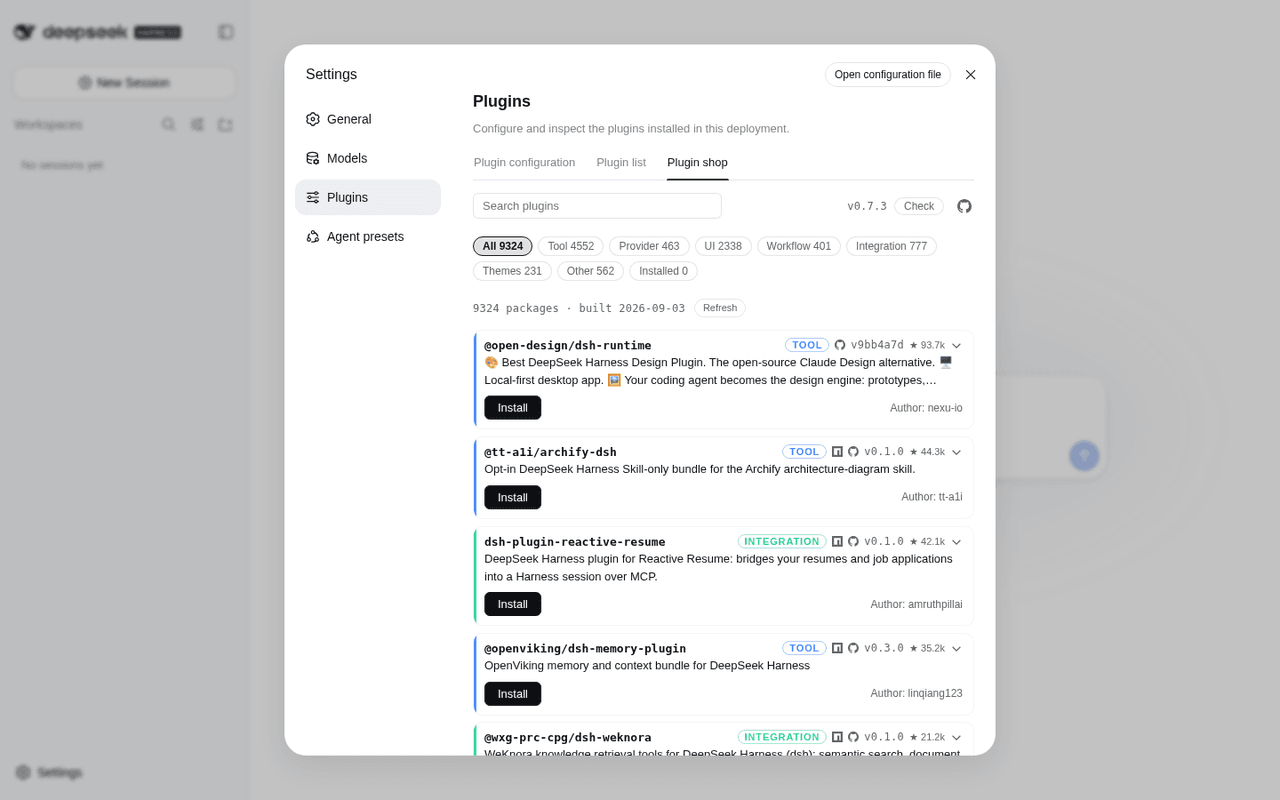 LivXue/dsh-plugin-shop
The most comprehensive DeepSeek Harness plugin market — refreshed daily, sourced across the Internet, reviewed before pu…
LivXue/dsh-plugin-shop
The most comprehensive DeepSeek Harness plugin market — refreshed daily, sourced across the Internet, reviewed before pu…
-
 Hilbert-beinghappy/seektty
面向 DeepSeek Harness 的 Claude Code 风格终端界面,支持 Windows、macOS 与 Linux,兼容透明终端、VS Code 主题和自定义配色。
Hilbert-beinghappy/seektty
面向 DeepSeek Harness 的 Claude Code 风格终端界面,支持 Windows、macOS 与 Linux,兼容透明终端、VS Code 主题和自定义配色。
-
 xiajiajun516/dsh-config-manager
DeepSeek Harness (DSH) backup & restore plugin — export, import, migrate and sync your complete DSH configuration, plugi…
xiajiajun516/dsh-config-manager
DeepSeek Harness (DSH) backup & restore plugin — export, import, migrate and sync your complete DSH configuration, plugi…
-
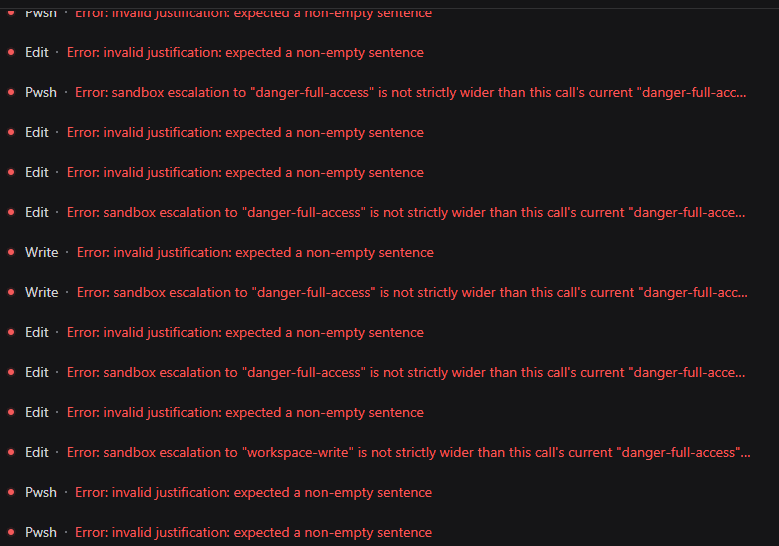 HakureiMonika/dsh-sandbox-escalation-fix
Session-aware sandbox escalation compatibility plugin for DeepSeek Harness/DSH第三方模型会话沙箱升级兼容插件
HakureiMonika/dsh-sandbox-escalation-fix
Session-aware sandbox escalation compatibility plugin for DeepSeek Harness/DSH第三方模型会话沙箱升级兼容插件
-
 PerryLink/dsh-claude-move
Four-source migration wizard for DeepSeek Harness: move Claude Code, Codex, OpenCode and Hermes sessions, memories, skil…
PerryLink/dsh-claude-move
Four-source migration wizard for DeepSeek Harness: move Claude Code, Codex, OpenCode and Hermes sessions, memories, skil…
-
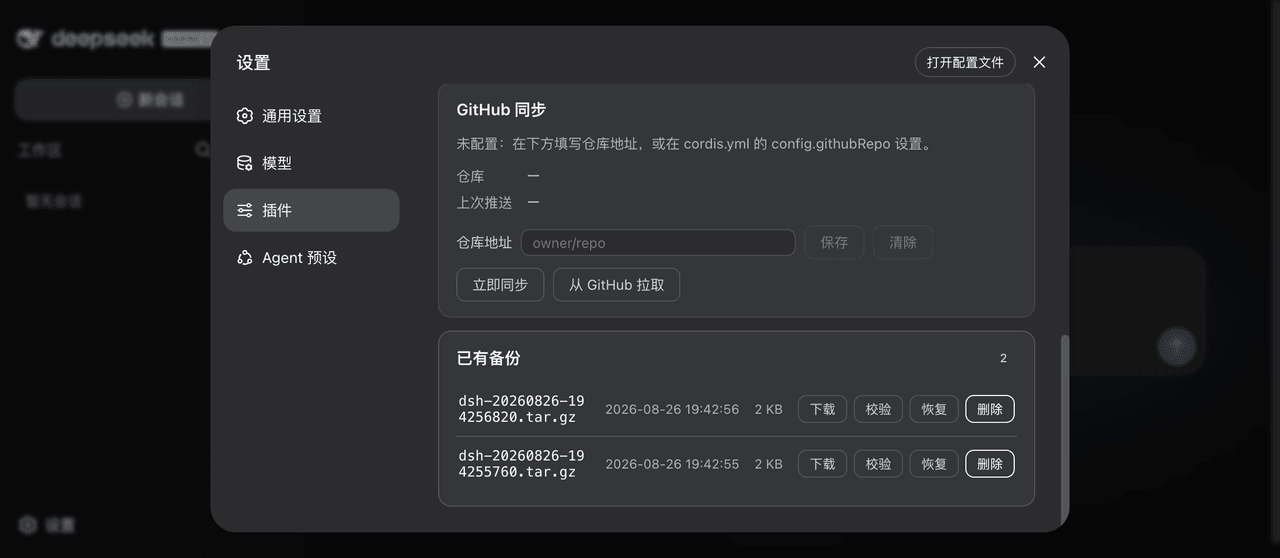 xiaoyuyu6420/dsh-backup
一条命令备份/恢复 DeepSeek Harness(dsh)的全部数据:升级快照、会话日志体检修复、迁移预检、救援通道、凭据脱敏、GitHub 同步。 One command to back up & restore all of ~/.…
xiaoyuyu6420/dsh-backup
一条命令备份/恢复 DeepSeek Harness(dsh)的全部数据:升级快照、会话日志体检修复、迁移预检、救援通道、凭据脱敏、GitHub 同步。 One command to back up & restore all of ~/.…
- fakechris/dsh-harness-ops DSH 运维工具箱:升级、重启、故障都不用操心。① 官方每日快照 A/B 双槽轮换——旧插件迁移+构建+验收全过才原子切换,一键回滚,旧版本永远兜底;② 守护 10s 自动拉起 web + agent 断点自动续接,重启无人值守;③ web…
-
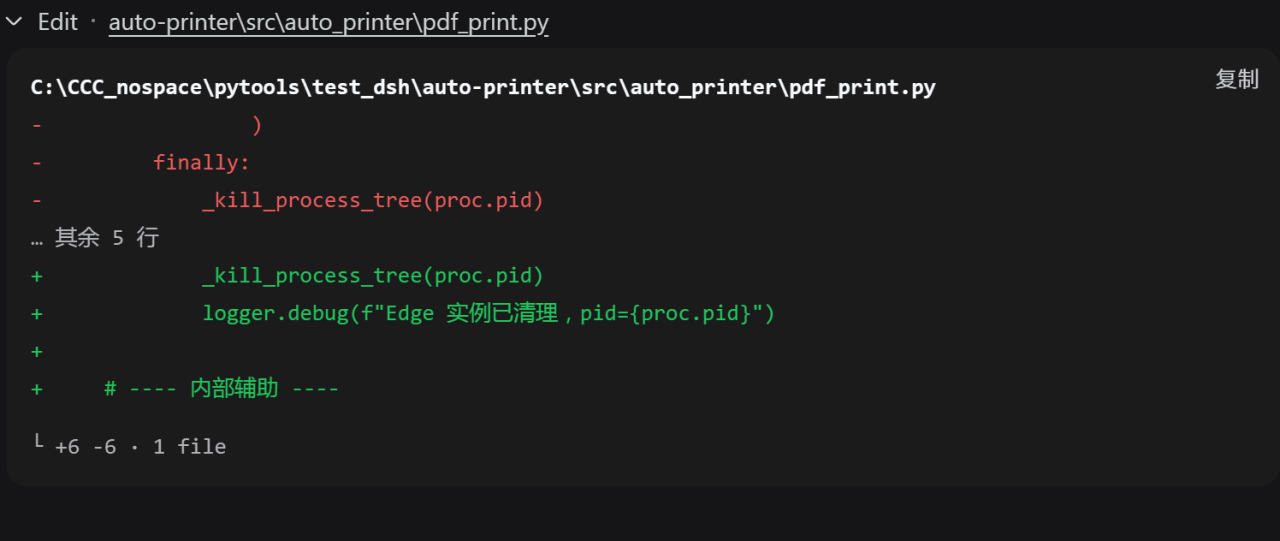 better-er/dsh-edit-diff
「DSH·质量 diff」:接管 edit/write 及 extraTools 配置的其他工具卡片,行级去重与行内高亮,消除相同内容在删除与新增两区的重复;兼容 PTC 模式。
better-er/dsh-edit-diff
「DSH·质量 diff」:接管 edit/write 及 extraTools 配置的其他工具卡片,行级去重与行内高亮,消除相同内容在删除与新增两区的重复;兼容 PTC 模式。