suuuuuu-1/dsh-discord
用于DeepSeek Harness的双向Discord桥接与远程控制器
项目介绍Project Overview
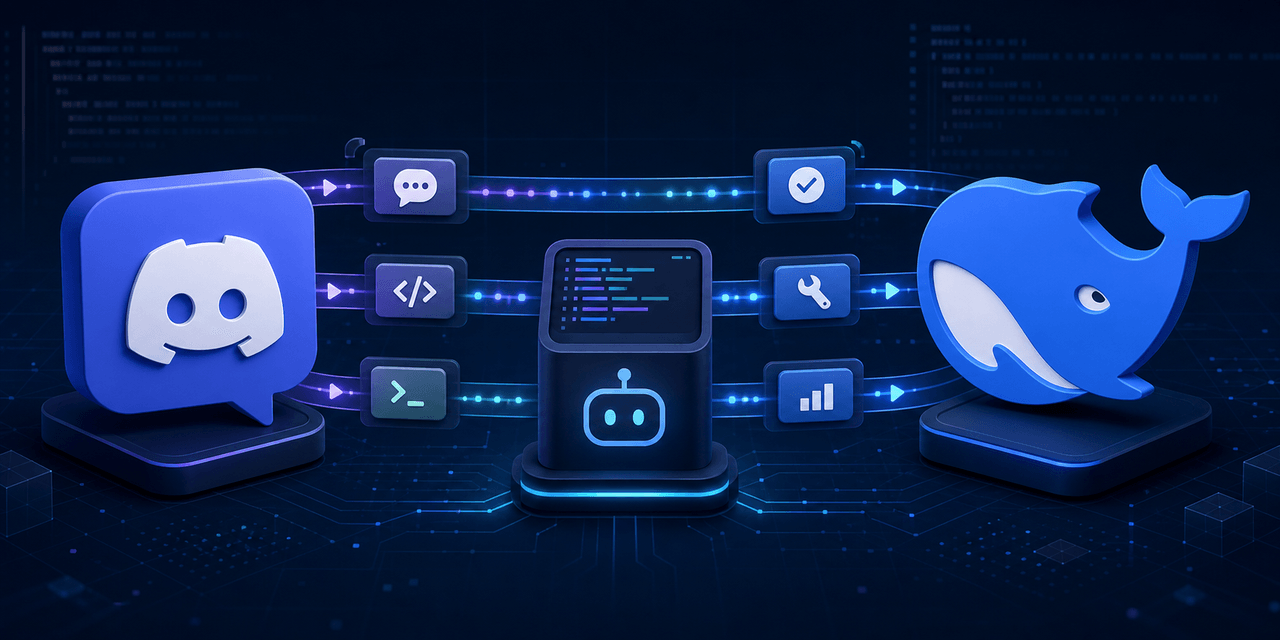
dsh-discord 是一款 DeepSeek Harness 插件,提供 Discord 与 DSH Session 的双向桥接与远程控制,支持 DM、公会频道与线程中与单个项目对话。具备自然文本与斜杠命令、合并进度、审批、结构化提问、图片与附件输入、事件去重、Gateway 重连以及托管守护进程等能力。适用于需要通过 Discord 操控 DSH 项目的所有者。安装前需在 Discord 开发者门户启用 Message Content Intent;插件为单所有者设计,绑定后不随目录切换激活。
dsh-discord is a DeepSeek Harness plugin that bridges Discord and a DSH Session for bidirectional remote control, letting one owner converse with a single project across DMs, guild channels, and threads. Capabilities include natural text and slash commands, coalesced progress, approvals, structured questions, image and attachment ingress, durable event deduplication, Gateway reconnect, and managed daemon operation. Use it when you need Discord-based control of a DSH project. Enable Message Content Intent on the Discord Developer Portal, and remember the plugin is single-owner and bound to the project chosen at setup, not the working directory.
请帮我了解并安装插件:【dsh-discord】【https://github.com/suuuuuu-1/dsh-discord】把上面这条消息直接发给当前会话里的 DSH,让它帮你了解并安装。安装命令不一定准确,发给 DSH 更稳。Send this message to DSH in your current session. CLI install commands may not be accurate across systems — DSH will figure it out for you.
或使用命令行安装(适合开发者)Or use CLI install (for developers)
命令行安装CLI Install
dsh plugin --profile web add github:suuuuuu-1/dsh-discord把 suuuuuu-1/dsh-discord 加入你的 DSH 配置(web profile)即可启用。
READMEREADME
dsh-discord
Bidirectional Discord bridge and remote controller for DeepSeek Harness.
Listed in the independent community-run DSH Marketplace (source).
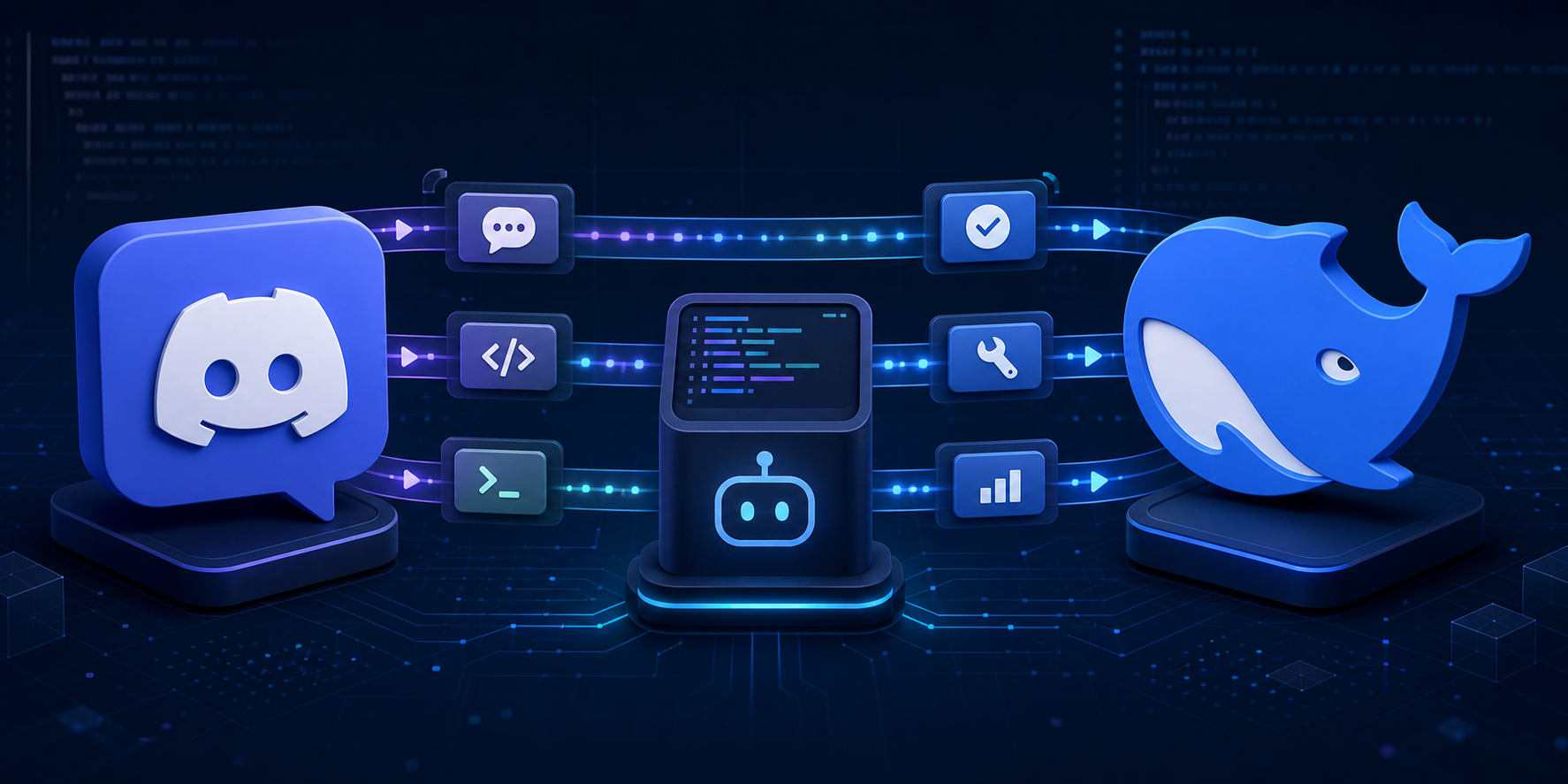
The dedicated discord profile supports one owner and project across DMs, guild text channels, and threads. Each Discord conversation owns an independently persisted DSH Session. Owner DMs trigger directly; ordinary guild-channel messages require an explicit bot mention; an already-bound thread continues without repeated mentions. Slash commands never require a mention.
The bot invite requests View Channel, Send Messages, Send Messages in Threads, Read Message History, Embed Links, and Attach Files. doctor checks the same permission set. Discord server and channel permissions determine where the bot is visible; the plugin remains single-owner and fail-closed.
The controller includes natural text, /dsh help/status/new/stop/steer, coalesced progress, approvals, structured questions, image and text/code attachment ingress, durable event deduplication, Gateway reconnect, and managed daemon operation.
Enable Message Content Intent on the Discord Developer Portal Bot page for natural guild-channel messages.
# Until an npm release is available, install the CLI from GitHub.
npm install --global github:suuuuuu-1/dsh-discord
dsh-discord setup --package-spec github:suuuuuu-1/dsh-discord
dsh-discord doctor
dsh-discord start

# or managed background mode
dsh-discord start --daemon
dsh-discord status
dsh-discord stop
The global CLI is only a launcher. The plugin itself is activated in the dedicated discord profile and remains bound to the single project selected during setup; it does not become active in every directory or in the web profile.
The Bot Token is stored only through DSH Credentials. See README.zh.md, DESIGN.md, and SECURITY.md.
相关推荐Related
-
 nexu-io/open-design
🎨 Best DeepSeek Harness Design Plugin. The open-source Claude Design alternative. 🖥️ Local-first desktop app. 🖼️ Your…
nexu-io/open-design
🎨 Best DeepSeek Harness Design Plugin. The open-source Claude Design alternative. 🖥️ Local-first desktop app. 🖼️ Your…
-
 ruvnet/ruflo
🌊 The original agent meta-harness. Deploy intelligent multi-player swarms, coordinate autonomous workflows, and build c…
ruvnet/ruflo
🌊 The original agent meta-harness. Deploy intelligent multi-player swarms, coordinate autonomous workflows, and build c…
-
 amruthpillai/reactive-resume
A one-of-a-kind resume builder that keeps your privacy in mind. Completely secure, customizable, portable, open-source a…
amruthpillai/reactive-resume
A one-of-a-kind resume builder that keeps your privacy in mind. Completely secure, customizable, portable, open-source a…
-
 esengine/DeepSeek-Reasonix
DeepSeek-native AI coding agent for your terminal. Engineered around prefix-cache stability — leave it running.
esengine/DeepSeek-Reasonix
DeepSeek-native AI coding agent for your terminal. Engineered around prefix-cache stability — leave it running.
-
 volcengine/OpenViking
Self-evolving Context Database for AI Agents. Unify Agent Memory, Knowledge RAG and Skills.
volcengine/OpenViking
Self-evolving Context Database for AI Agents. Unify Agent Memory, Knowledge RAG and Skills.
-
 Molunerfinn/PicGo
:rocket: The Ultimate Image Uploader for Efficient Creators. Supports Obsidian, Typora, VS Code etc. and 60+ image hosti…
Molunerfinn/PicGo
:rocket: The Ultimate Image Uploader for Efficient Creators. Supports Obsidian, Typora, VS Code etc. and 60+ image hosti…
-
 titanwings/colleague-skill
将冰冷的离别化为温暖的 Skill,欢迎加入数字生命1.0!Transforming cold farewells into warm skills? It's giving rebirth era. Welcome to Digital …
titanwings/colleague-skill
将冰冷的离别化为温暖的 Skill,欢迎加入数字生命1.0!Transforming cold farewells into warm skills? It's giving rebirth era. Welcome to Digital …
-
 nocobase/nocobase
NocoBase is an open-source AI + no-code platform for building business systems fast. Instead of generating everything fr…
nocobase/nocobase
NocoBase is an open-source AI + no-code platform for building business systems fast. Instead of generating everything fr…