Tencent/BrowserSkill
Let AI agents use your browser without interrupting your work. BrowserSkill connects Cursor, Claude Code, Codex, OpenClaw, CodeBuddy, WorkBuddy, Pi, Hermes Agent, DeepSeek Harness, and other AI agents to your already logged-in browser.
catalog 简介 / catalog descriptioncatalog description:Let AI agents use your real, logged-in browser without interrupting your work. CLI + extension for browser automation across any shell-capable AI agent.
安装Install
dsh plugin --profile web add @wxg-prc-cpg/browser-skill-dsh-plugin把 Tencent/BrowserSkill 加入你的 DSH 配置(web profile)即可启用。
READMEREADME
BrowserSkill
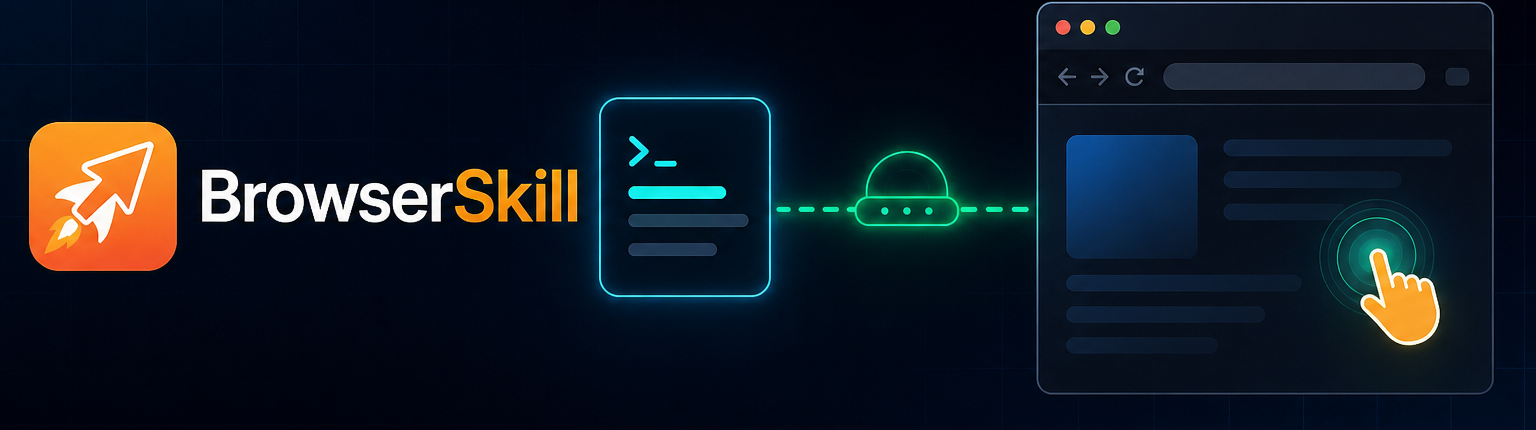
Let AI agents use your browser without interrupting your work.
English · 中文
BrowserSkill connects Cursor, Claude Code, Codex, OpenClaw, CodeBuddy, WorkBuddy, Pi, Hermes Agent, DeepSeek Harness, and other AI agents to your already logged-in browser.
Need the agent to touch a tab you already have open? It must borrow that tab explicitly, return it when the task is done, and leave the rest of your browser alone.
https://github.com/user-attachments/assets/db782c92-b1d4-4aae-a255-039675937a90
BrowserSkill Advantages
- Reuse real login state: Agents can work with sites you are already signed into, without separate test accounts.
- Keep working uninterrupted: browser tasks run in a separate, visible Agent Window, so you can keep using your own browser.
- Support any Agent: any Agent that can call a shell can use BrowserSkill
through the
bskCLI, with no lock-in to a specific model, Agent framework, or harness. - Built-in human-in-loop: when a task hits captcha, login, confirmation dialogs, or other human-only steps, the Agent can ask you to take over and then continue afterwards.
Runtime Environment
BrowserSkill has two local runtime pieces: the bsk CLI/daemon and the browser
extension.
| Runtime | Support |
|---|---|
| Operating systems | macOS (Apple Silicon and Intel), Linux (x64 and ARM64), Windows x64 |
| Browsers | Chrome and Microsoft Edge are supported; other Chromium-based browsers are expected to work when they support unpacked Chromium extensions; Firefox is planned |
Quick Start
Install with your Agent (recommended)
Already using Cursor, Claude Code, Codex, or another shell-capable agent? Just copy this one line and send it to your agent — it will install the CLI and skill for you, then walk you through loading the extension:
Set up browser-skill on this machine by following https://raw.githubusercontent.com/Tencent/BrowserSkill/main/AGENT_INSTALL.md
Manual install
Install the CLI, then install the extension from the Chrome Web Store or Edge Add-ons.
1. Install the bsk CLI
macOS / Linux (recommended — installs to ~/.local/bin):
curl -fsSL https://raw.githubusercontent.com/Tencent/BrowserSkill/main/install.sh | sh
Windows (PowerShell — installs to ~/.local/bin):
irm https://raw.githubusercontent.com/Tencent/BrowserSkill/main/install.ps1 | iex
Verify the binary:
bsk --version
2. Install the browser extension
Install BrowserSkill from your browser's store:
| Browser | Store listing |
|---|---|
| Chrome | Chrome Web Store |
| Microsoft Edge | Edge Add-ons |
On other Chromium-based browsers, install the Chrome Web Store build.
3. Install the skill
BrowserSkill ships a skill that teaches your agent harness how to use bsk. For
these harnesses, install it in one step:
 Cursor |
 Claude Code |
 Codex |
 OpenClaw |
 CodeBuddy |
 WorkBuddy |
 Pi |
 Hermes Agent |
bsk install-skill
Use Space to select the Agent harness you want to install into, then
press Enter to install the skill. Run bsk install-skill --list to see
internal variants and install paths.
Other shell-capable agent harnesses are supported too. Copy
skill/SKILL.md into your harness's skills directory as
browser-skill/SKILL.md to install the skill manually. DeepSeek Harness uses a
dedicated plugin instead — see DeepSeek Harness plugin.
Start a new Agent session and write a prompt that needs the browser, for example:
/browser-skill open example.com and summarize what is on the page.
DeepSeek Harness plugin
Using DeepSeek Harness (dsh)?
BrowserSkill ships a first-class dsh plugin on npm as
@wxg-prc-cpg/browser-skill-dsh-plugin.
It injects native browser_* tools (no shelling out to bsk) and a live Web UI
overlay of each Agent Window.
Add it to a dsh profile, then start that profile:
dsh plugin --profile web add @wxg-prc-cpg/browser-skill-dsh-plugin
dsh --profile web
The plugin carries its own copy of the skill, so bsk install-skill is not needed
for dsh — but the bsk CLI and the browser extension are still prerequisites. See
the plugin README for the tool list,
configuration, and the observation overlay.
How It Works
BrowserSkill is a local bridge between your agent harness and your browser.
flowchart TB
  subgraph Harness["Agent Harness"]
    Agent["Cursor / Claude Code / Codex / OpenClaw"]
  end

  subgraph Local["Your Machine"]
    CLI["bsk CLI"]
    Daemon["bsk daemon"]
    Extension["BrowserSkill extension"]
  end

  subgraph Browser["Browser Profile"]
    AgentWindow["Agent Window"]
    UserWindows["Your normal browser windows"]
  end

  Agent -->|"shell: bsk ..."| CLI
  CLI -->|"local IPC"| Daemon
  Daemon -->|"WebSocket on 127.0.0.1"| Extension
  Extension -->|"automates"| AgentWindow
  Extension -.->|"borrow tab only when asked"| UserWindows

  style AgentWindow fill:#fff4e6,stroke:#f59e0b,stroke-width:2px,color:#111827
  style UserWindows fill:#f8fafc,stroke:#cbd5e1,color:#334155
The agent never talks to the browser directly. It asks the bsk CLI to perform a
browser task; the local daemon routes that request to the extension; the
extension runs it in an Agent Window. DeepSeek Harness takes the same path
through the plugin: the agent calls injected
browser_* tools, and the plugin invokes bsk on its behalf.
For Developers
The repository is a Cargo + pnpm workspace:
crates/bsk-cli—bskCLI and local daemoncrates/bsk-protocol— shared wire types and JSON schemasapps/extension— browser extensionpackages/uiandpackages/i18n— shared extension UI supportpackages/dsh-plugin-browserskill— DeepSeek Harness plugin (@wxg-prc-cpg/browser-skill-dsh-plugin)
License
MIT
相关推荐Related
- deepseek-ai/deepseek-harness DeepSeek Harness: Everything is a Plugin.
- deepseek-ai/deepseek-harness DeepSeek Harness (dsh) — 由 DeepSeek AI 开发的开源 agent harness(智能体框架)。一切皆插件:核心 + 插件 + 技能 = 可热插拔的 AI 编程工作台。DeepSeek Harness: …
-
 ruvnet/ruflo
🌊 The original agent meta-harness. Deploy intelligent multi-player swarms, coordinate autonomous workflows, and build c…
ruvnet/ruflo
🌊 The original agent meta-harness. Deploy intelligent multi-player swarms, coordinate autonomous workflows, and build c…
-
 amruthpillai/reactive-resume
A one-of-a-kind resume builder that keeps your privacy in mind. Completely secure, customizable, portable, open-source a…
amruthpillai/reactive-resume
A one-of-a-kind resume builder that keeps your privacy in mind. Completely secure, customizable, portable, open-source a…
-
 volcengine/OpenViking
Self-evolving Context Database for AI Agents. Unify Agent Memory, Knowledge RAG and Skills.
volcengine/OpenViking
Self-evolving Context Database for AI Agents. Unify Agent Memory, Knowledge RAG and Skills.
-
 Molunerfinn/PicGo
:rocket: The Ultimate Image Uploader for Efficient Creators. Supports Obsidian, Typora, VS Code etc. and 60+ image hosti…
Molunerfinn/PicGo
:rocket: The Ultimate Image Uploader for Efficient Creators. Supports Obsidian, Typora, VS Code etc. and 60+ image hosti…
-
 titanwings/colleague-skill
将冰冷的离别化为温暖的 Skill,欢迎加入数字生命1.0!Transforming cold farewells into warm skills? It's giving rebirth era. Welcome to Digital …
titanwings/colleague-skill
将冰冷的离别化为温暖的 Skill,欢迎加入数字生命1.0!Transforming cold farewells into warm skills? It's giving rebirth era. Welcome to Digital …
-
 nocobase/nocobase
NocoBase is an open-source AI + no-code platform for building business systems fast. Instead of generating everything fr…
nocobase/nocobase
NocoBase is an open-source AI + no-code platform for building business systems fast. Instead of generating everything fr…