
tylina/dsh-tylina
Edit typeset Typst documents inside DeepSeek Harness. Share a workspace with your agent, from first draft to finished PDF.
Project Overview项目介绍
This is a DeepSeek Harness plugin that enables editing and typesetting Typst documents within DSH. It shares workspace with your agent, supports full workflow from draft to PDF export, and offers both portable WASM and native performance editions. Use when creating documents with your DSH agent. Note that only one edition can be installed per profile.
这是DeepSeek Harness的Typst编辑插件,支持在DSH内编辑排版Typst文档,和智能代理共享工作区,覆盖从草稿到PDF导出全流程,可选择浏览器WASM或本机编译版本,每个配置文件仅可安装一个版本,适合配合代理创建各类正式文档。
请帮我了解并安装插件:【dsh-tylina】【https://github.com/tylina/dsh-tylina】Send this message to DSH in your current session. CLI install commands may not be accurate across systems — DSH will figure it out for you.把上面这条消息直接发给当前会话里的 DSH,让它帮你了解并安装。安装命令不一定准确,发给 DSH 更稳。
Or use CLI install (for developers)或使用命令行安装(适合开发者)
CLI Install命令行安装
dsh plugin --profile web add dsh-tylina把 tylina/dsh-tylina 加入你的 DSH 配置(web profile)即可启用。
READMEREADME

Tylina for DeepSeek Harness
Beautiful documents, right beside your agent.
English · 简体中文
Website · Try the Web editor · Install
Edit typeset Typst documents inside DeepSeek Harness. Share a workspace with your agent, from first draft to finished PDF.
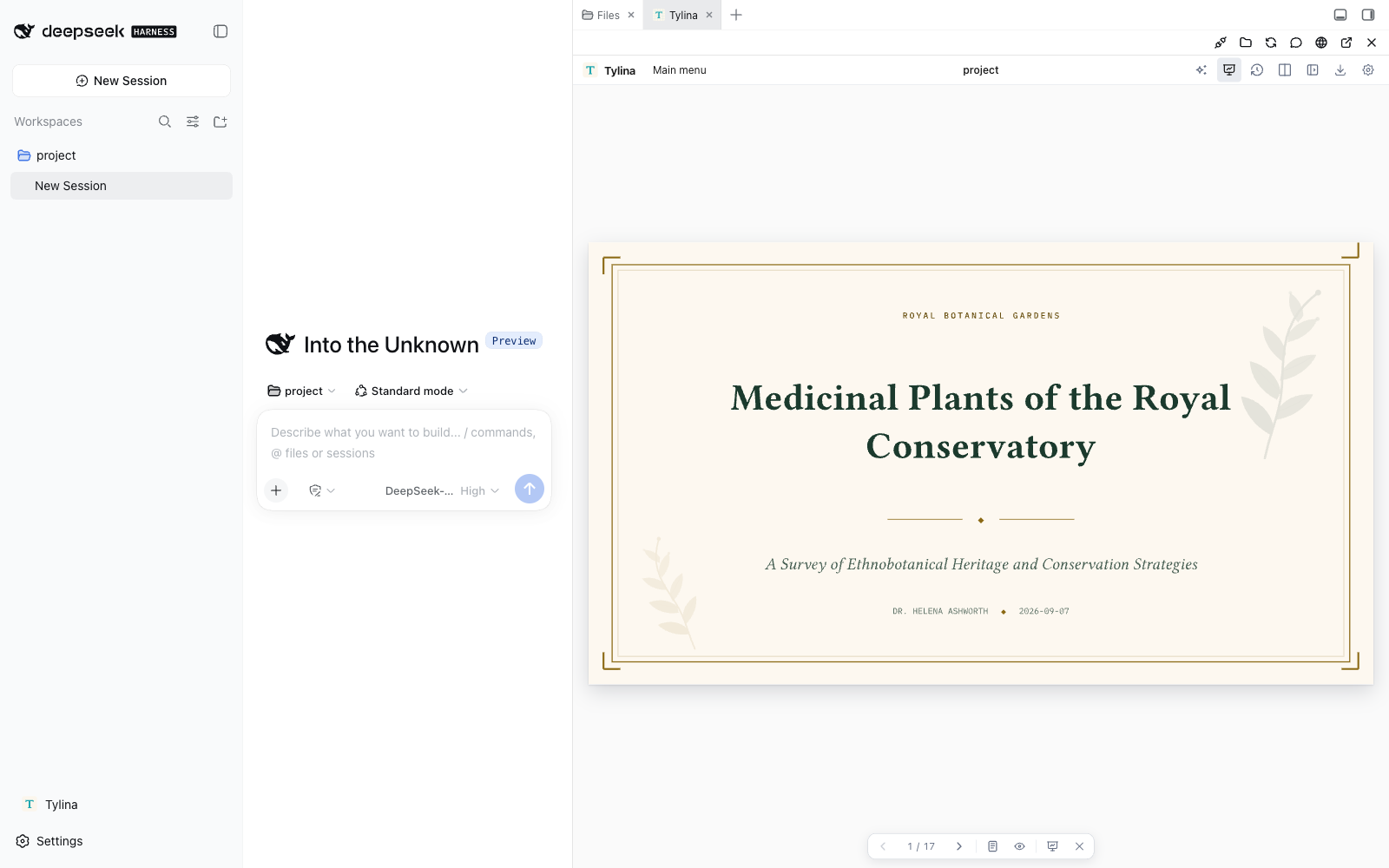
- Edit the finished page. Click and write on the typeset document; use Split or Source Lens for precise source control.
- Create with your agent. Share the conversation's workspace, document tools, Typst Skills, and MCP. Harness owns the model and chat.
- Go from template to delivery. Templates, fonts, Slides Mode, presenter view, and PDF export are part of the same editor.
Install & update
Already using DeepSeek Harness? Install the browser WASM edition:
dsh plugin --profile web add dsh-tylina
dsh web
Update:
dsh plugin --profile web update dsh-tylina@latest
Click Tylina to open the current conversation’s workspace automatically. Double-click a .typ file,
or ask your agent to set the main document. Switch conversations and the editor follows; pin it to stay in one workspace.
WASM lists folders as you expand them and reads only requested files, including Typst dependencies. The header also offers a separate window.
With Better Sidebar installed, Tylina joins its tabs; otherwise it provides its own resizable sidebar.
Native edition, requirements, and switching
Choose browser WASM or native compilation on the Harness host. Both editions follow the current session and load workspace files on demand; see Releases for updates.
| Package | Compilation runs in | Choose it for |
|---|---|---|
dsh-tylina |
WASM Workers in your browser | A portable setup without native Typst executables |
dsh-tylina-native |
Native processes on the Harness host | Native compilation performance |
Both share the editor, workspace, templates, and tools. Native packages target macOS, Windows, and Linux on x64/arm64; Linux requires glibc. Install one edition per profile. To switch to native:
dsh plugin --profile web remove dsh-tylina
dsh plugin --profile web add dsh-tylina-native
Native updates: dsh plugin --profile web update dsh-tylina-native@latest.
Verified with Harness 0.1.2-rc.1, Node.js 22.19+ or 24, and pnpm 11.9.
Restart a running Harness after installation or updates. Check the installed version with
dsh plugin --profile web list dsh-tylina --depth 0 (use dsh-tylina-native for the native edition).
If a just-published update is not picked up, pnpm 11 may be applying its release-age delay: “Already up to date” can still mean the older eligible version. Wait for it to become eligible, or use the exact update command in that release.
What will you make?
Start with a template, then shape it through conversation and direct editing. These are real compiled template examples.
Résumé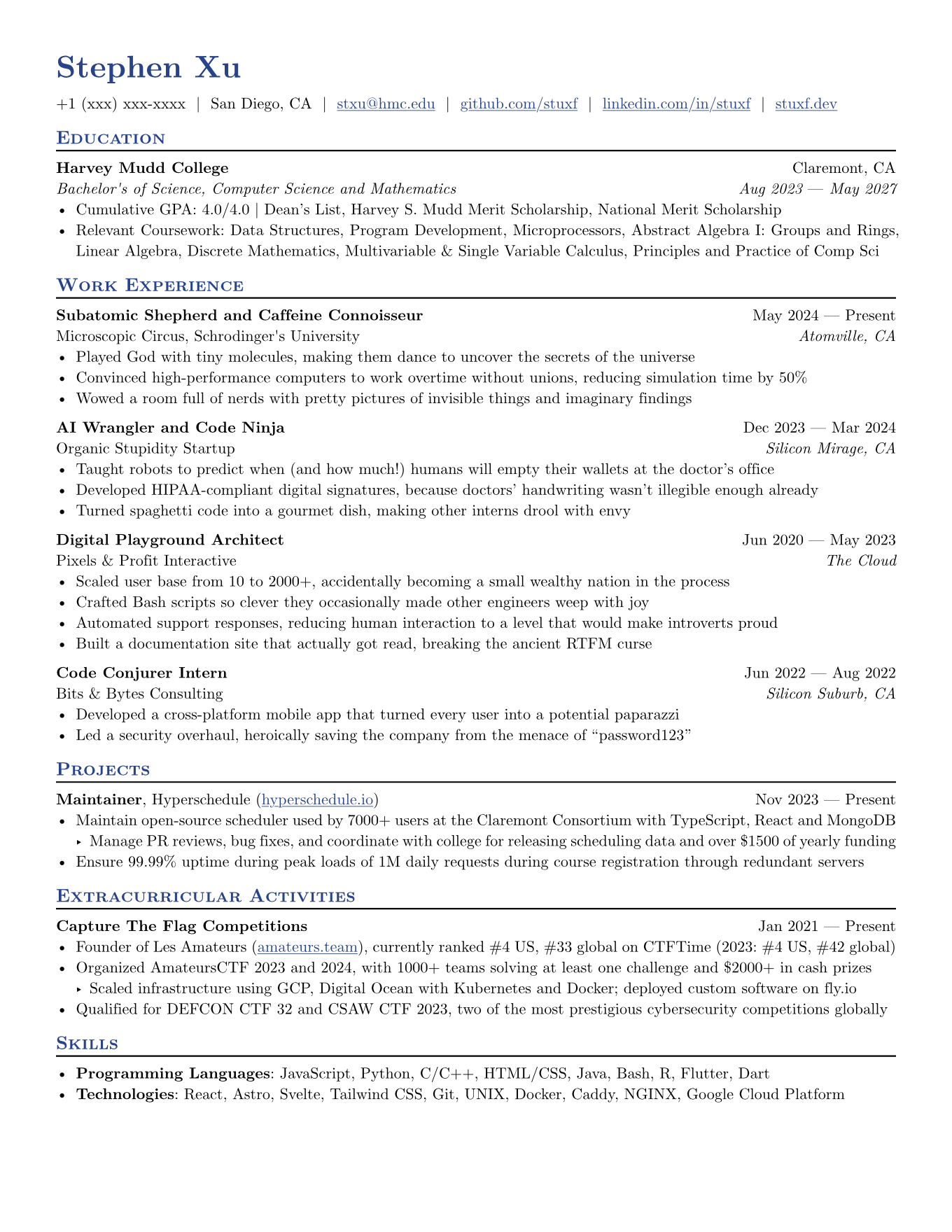 | Poster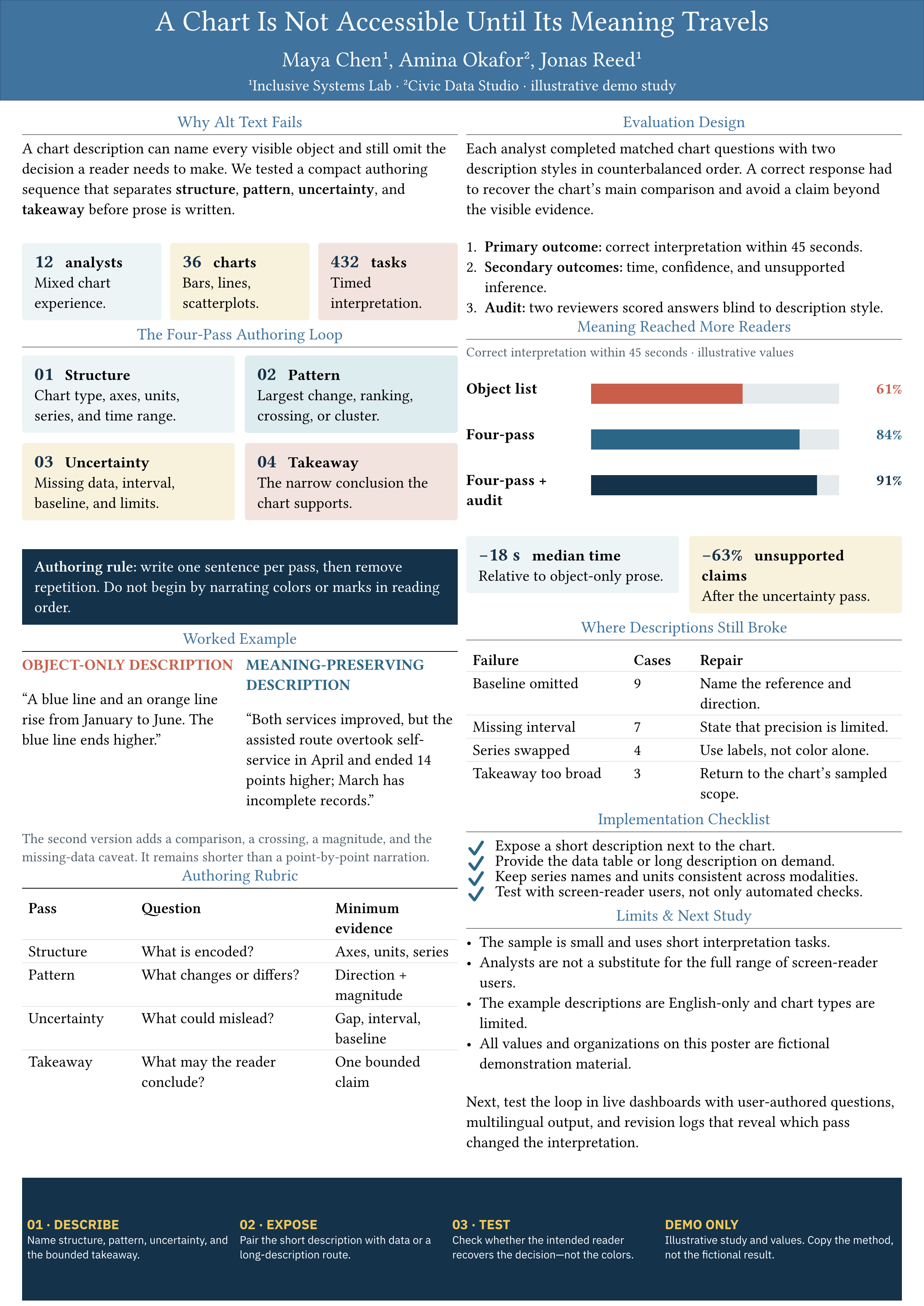 |
Academic slides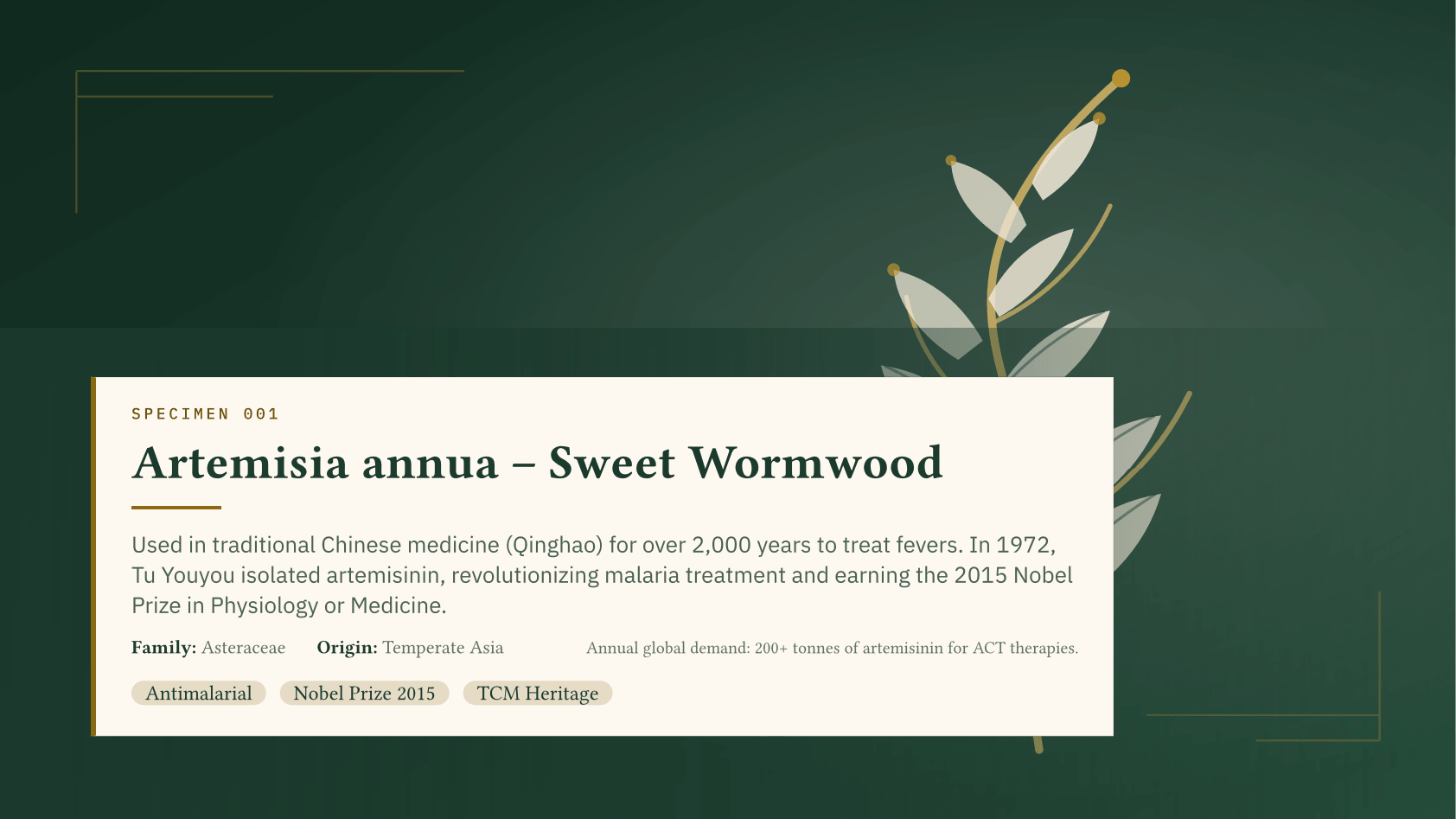 | Charts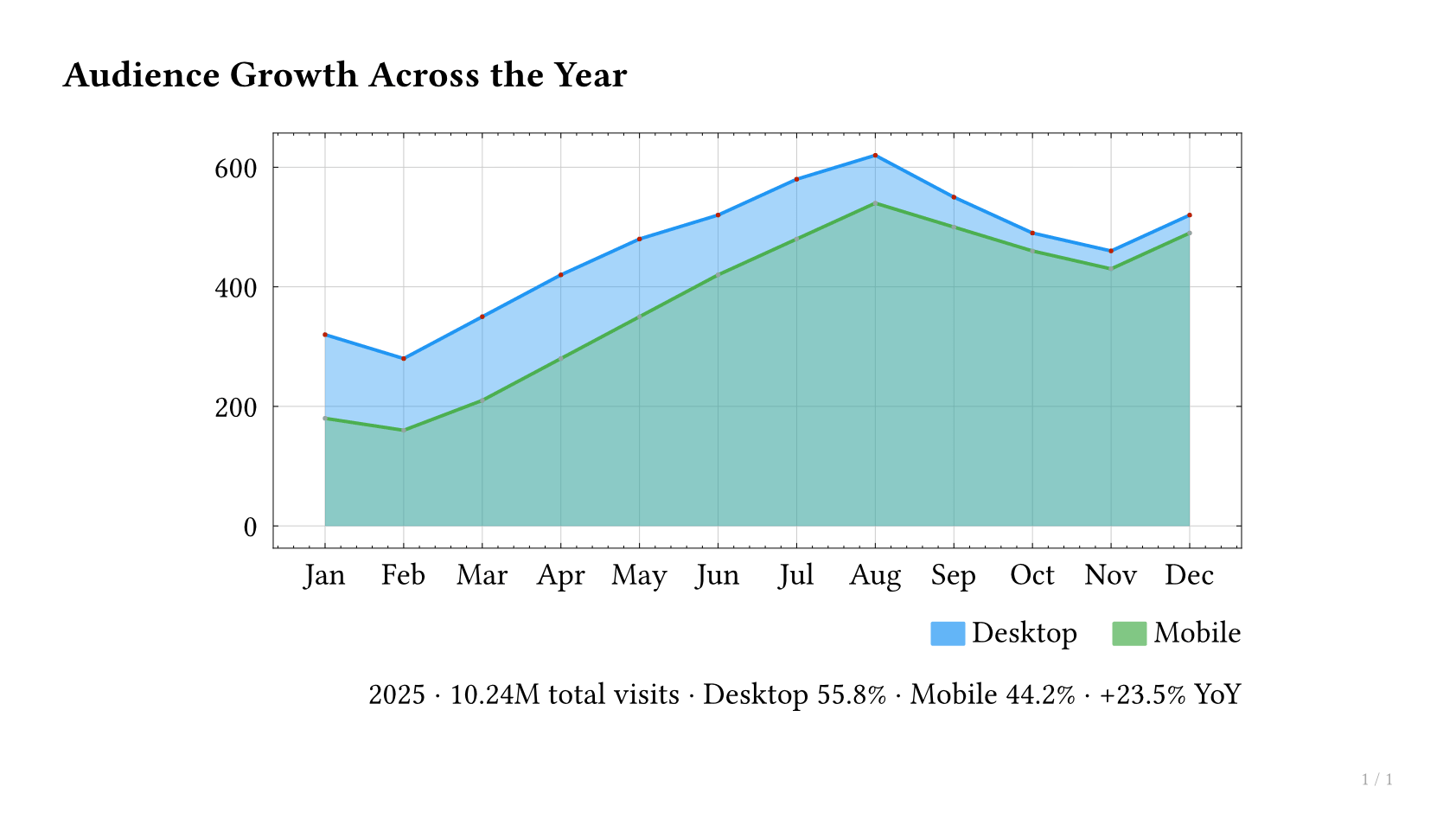 |
Paper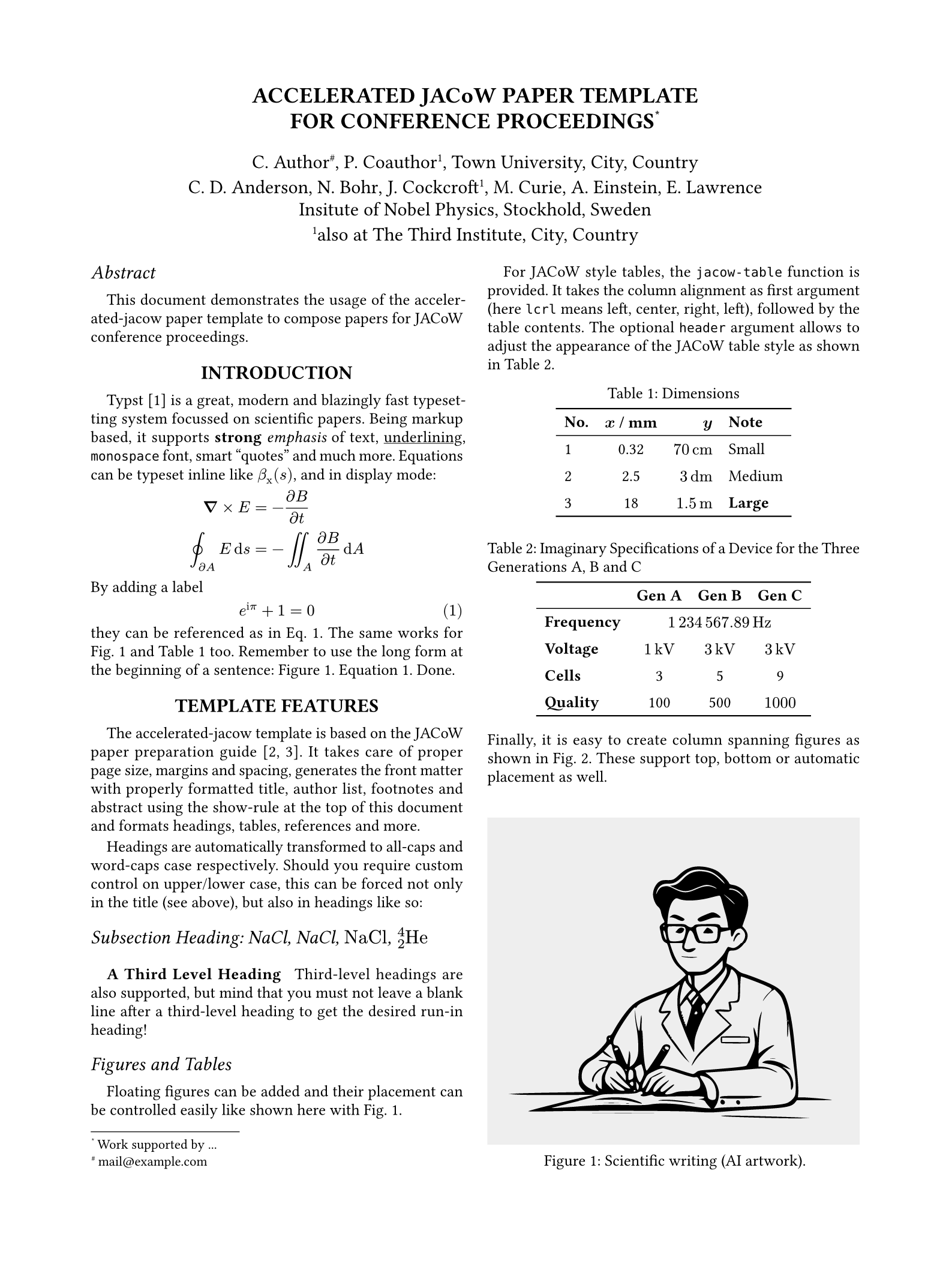 | Notes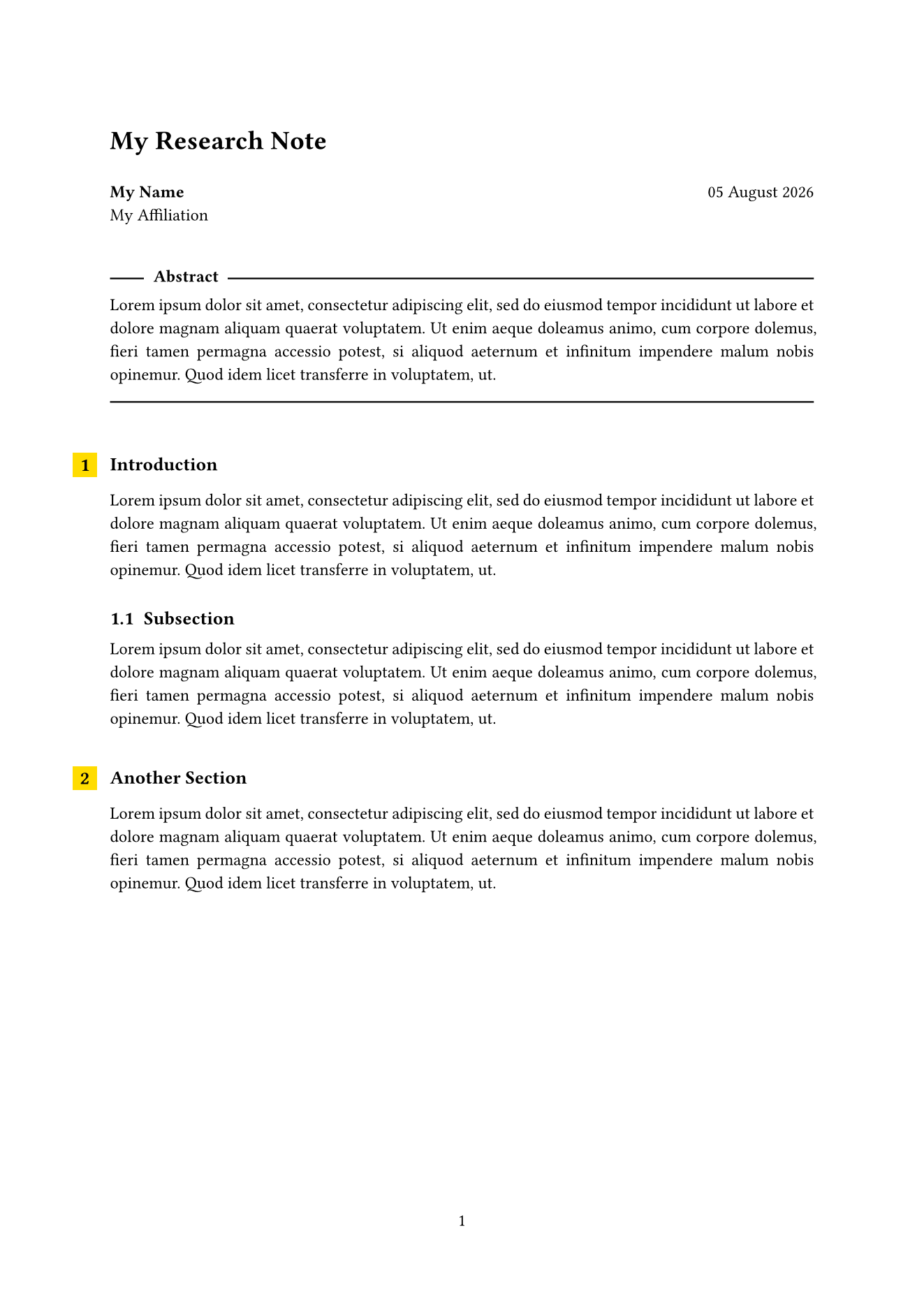 |
Report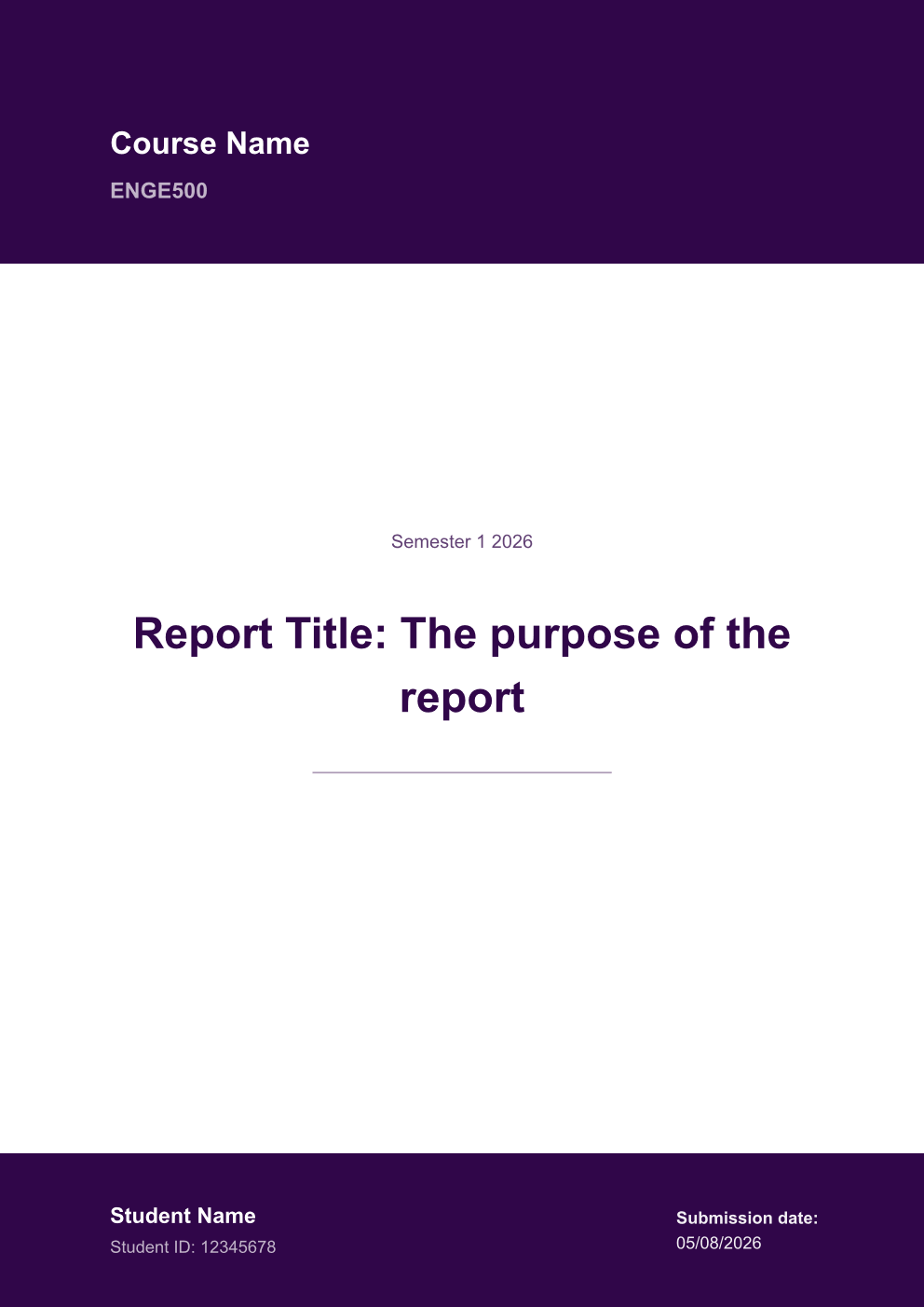 | Book |
Explore Tylina · Watch the editing demo · Template and screenshot credits
Try asking your agent
Turn the paper in this workspace into a 10-slide research talk. Keep the citations, add speaker notes, review the layout, and export a PDF.
Turn my experience into a one-page résumé with a clear hierarchy and an emphasis on project outcomes.
Documents remain standard .typ source and resources that you can edit locally. Model requests use your configured
Harness provider. Tylina requires no account and adds no model proxy server.
Embed elsewhere with the SDK · Development & builds · Connect MCP clients · Report an issue
Tylina is proprietary software. This repository provides the Harness integration; the core is distributed as compiled npm dependencies. Third-party templates and fonts retain their own licenses.
Related相关推荐
-
 ZSeven-W/dsh-openpencil
The DeepSeek Harness plugin for OpenPencil — preview, inspect, and edit real .op documents inside a conversation.
ZSeven-W/dsh-openpencil
The DeepSeek Harness plugin for OpenPencil — preview, inspect, and edit real .op documents inside a conversation.
-
 HanaAyane/dsh-reasoning-effort
DSH适用的Codex风格的思考强度滑块,以及大肥鱼跑步滑块。Codex-style model and reasoning-effort slider for DeepSeek Harness
HanaAyane/dsh-reasoning-effort
DSH适用的Codex风格的思考强度滑块,以及大肥鱼跑步滑块。Codex-style model and reasoning-effort slider for DeepSeek Harness
- FylarOpen/dsh-fylar-office-editor Office document preview, editing, and DOCX generation for DeepSeek Harness, powered by Fylar Office SDK.
-
 HuanLinOTO/dsh-plugin-better-sidebar-plugin-office
为 better-sidebar 提供 Office 三件套预览(.docx/.xlsx/.pptx),独立 bundle 瘦身主体 | Provides Office-suite preview (.docx/.xlsx/.pptx) f…
HuanLinOTO/dsh-plugin-better-sidebar-plugin-office
为 better-sidebar 提供 Office 三件套预览(.docx/.xlsx/.pptx),独立 bundle 瘦身主体 | Provides Office-suite preview (.docx/.xlsx/.pptx) f…
- Andiii208/dsh-ultramath UltraMath 数学建模竞赛多 Agent 求解 DSH 插件: 5 角色预设 + 33 篇模型库 + 论文模板/审稿脚本随包 + 进度可视化
-
 omdsh-dev/dsh-office
办公三件套!Office document tools for DeepSeek Harness (dsh): generate, read, and edit spreadsheets (.xlsx), PDFs, and present…
omdsh-dev/dsh-office
办公三件套!Office document tools for DeepSeek Harness (dsh): generate, read, and edit spreadsheets (.xlsx), PDFs, and present…
-
 dingyi222666/dsh-focus-chat
为 Deepseek Harness 提供新的「聚焦会话」精简会话视图,更轻松易于阅读,只关注最终产出结果。
dingyi222666/dsh-focus-chat
为 Deepseek Harness 提供新的「聚焦会话」精简会话视图,更轻松易于阅读,只关注最终产出结果。
-
 609476965/dsh-LorebookMD
DSH lorebook-driven fiction writer plugin: import Tavern/SillyTavern character cards & world books, save local Markdown …
609476965/dsh-LorebookMD
DSH lorebook-driven fiction writer plugin: import Tavern/SillyTavern character cards & world books, save local Markdown …