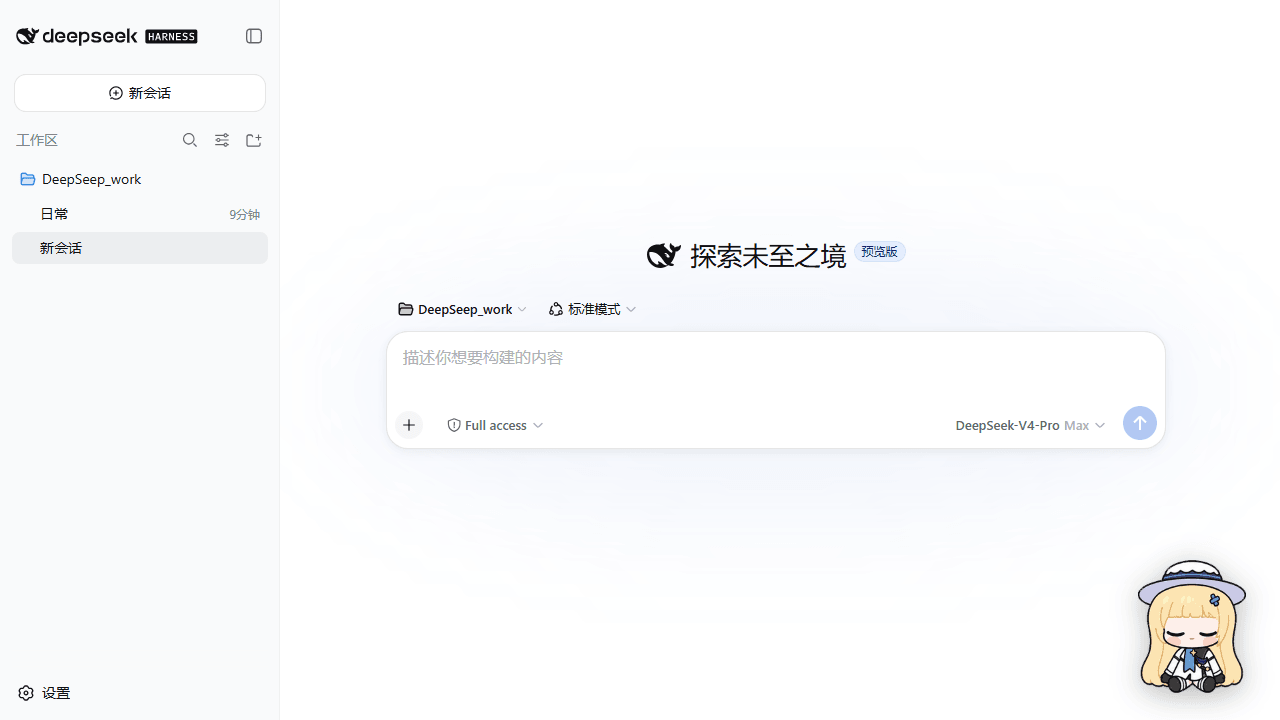
w1661884010-jpg/dsh-plugin-feibi-pet
| 🎭 动作 | 什么时候出现 | | --- | --- | | 👋 挥手问好 | Harness 刚启动,先跟你打个招呼 | | 💻 抱电脑敲代码 | 会话干活时——她比你还认真 | | 🙋 举手等你 | 等待审批 / 提问;或者你晾她 3 分钟,她会轻轻做两个循环的「在吗」 | | 😢 垂头丧气 | 会话报错时陪你一起难过(6 秒) | | 🎊 跳起庆祝 | 任务完成!先跳 3 秒,再凑近「审查结果」10 秒 | | 🐇 开心蹦跳 | 鼠标移到她身上,她高兴得跳起来(还有「菲比 / 啾比」气泡) |
catalog 简介 / catalog descriptioncatalog description:?? ????:???? DeepSeek Harness ??????--?????????????,? 16 ?????????
项目介绍Project Overview
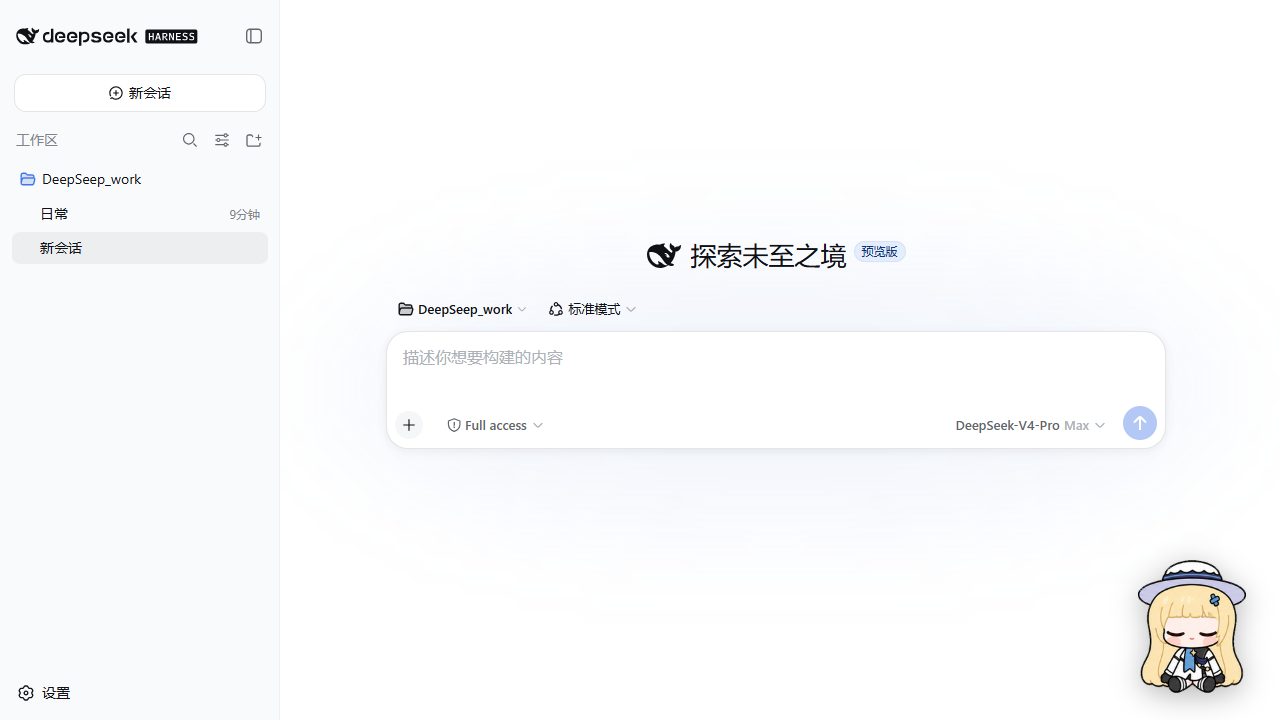
菲比桌宠是 DSH 插件,在界面右下角放一只 Canvas 动画小宠物。它根据会话状态挥手、敲代码、等待、报错沮丧、完成庆祝,并支持鼠标注视、拖动、悬停气泡和一键隐藏;适合想给工作台加状态反馈与陪伴感时使用。动画依赖客户端会话运行时,需在 profile 中安装登记并重启刷新。
Feibi Pet is a DSH plugin that adds a canvas-animated desktop pet to the lower-right corner. It reacts to session states by waving, coding, waiting for approval, looking sad on errors, and celebrating completion; it also follows the cursor, can be dragged, shows hover bubbles, and can be hidden. Use it for lightweight workspace feedback and companionship. It relies on client session state and requires profile installation, registration, and a restart/refresh.
请帮我了解并安装插件:【dsh-plugin-feibi-pet】【https://github.com/w1661884010-jpg/dsh-plugin-feibi-pet】把上面这条消息直接发给当前会话里的 DSH,让它帮你了解并安装。安装命令不一定准确,发给 DSH 更稳。Send this message to DSH in your current session. CLI install commands may not be accurate across systems — DSH will figure it out for you.
或使用命令行安装(适合开发者)Or use CLI install (for developers)
命令行安装CLI Install
dsh plugin --profile web add github:w1661884010-jpg/dsh-plugin-feibi-pet把 w1661884010-jpg/dsh-plugin-feibi-pet 加入你的 DSH 配置(web profile)即可启用。
READMEREADME
🐣 菲比桌宠 · Feibi Pet for DeepSeek Harness
把一只会呼吸、会偷看你、会抱电脑敲代码的小家伙,请进你的 DeepSeek Harness 里。 菲比(Feibi)不是装饰品——她是活在你的工作台上的搭档:你忙她陪你忙,你发呆她歪头等你,你按下回车她就跳起来庆祝。🎉
✨ 她都会点什么
| 🎭 动作 | 什么时候出现 |
|---|---|
| 👋 挥手问好 | Harness 刚启动,先跟你打个招呼 |
| 💻 抱电脑敲代码 | 会话干活时——她比你还认真 |
| 🙋 举手等你 | 等待审批 / 提问;或者你晾她 3 分钟,她会轻轻做两个循环的「在吗」 |
| 😢 垂头丧气 | 会话报错时陪你一起难过(6 秒) |
| 🎊 跳起庆祝 | 任务完成!先跳 3 秒,再凑近「审查结果」10 秒 |
| 🐇 开心蹦跳 | 鼠标移到她身上,她高兴得跳起来(还有「菲比 / 啾比」气泡) |
| 👀 16 方向注视 | 空闲时瞳孔跟着你的鼠标转,每 22.5° 一格 |
| 🏃 拖着跑 | 按住拖动,朝哪边拖她就朝哪边跑,位置自动记住 |
| 🫣 一键隐身 | 设置面板里随时藏起来 / 召唤回来 |



🚀 三分钟安装
一个 DSH profile(以 web 为例)+ 三条命令:
1. 把菲比接进 profile
cd $env:USERPROFILE\.dsh\profiles\web
pnpm add "github:w1661884010-jpg/dsh-plugin-feibi-pet"
没有 pnpm?用
corepack pnpm add ...,或改用方案 B(克隆仓库 +file:依赖,见文末)。
2. 在 cordis.patch.yml 里登记
# 菲比桌宠:让她住进右下角 🐣
- insert:
    - id: ui-feibi-pet
      name: 'dsh-plugin-feibi-pet'
3. 重启并刷新
dsh --profile web
刷新页面——右下角有只小家伙在朝你挥手 👋。以后想管她:设置 → 菲比桌宠(隐藏/显示、重置位置)。
🎮 状态速查
| 图集行 | 动画 | 触发 |
|---|---|---|
| 0 | 待机呼吸 | 默认 |
| 1 / 2 | 左右跑动 | 拖动的方向 |
| 3 | 挥手 | 启动问候 / 点击 |
| 4 | 跳跃 | 任务完成庆祝 / 悬停 |
| 5 | 失败沮丧 | 会话错误 |
| 6 | 等待输入 | 审批提问 / 空闲 3 分钟(两个循环) |
| 7 | 抱电脑工作 | 任一会话运行中 |
| 8 | 审查结果 | 完成庆祝后 10 秒 |
| 9 / 10 | 16 方向注视 | 空闲 + 指针 420px 内 |
🛠️ 给想折腾的人
- 全部状态来自客户端运行时(
useSessions+ 会话lastAgentError),零后端改造 - 图集重建工具链在
scripts/:素材更新后rebuild-row.mjs/rebuild-look-rows.mjs一键重灌,自带幽灵像素检测与逐字节校验 - 单测:
node --test tests/host-entry.test.mjs tests/helpers.test.mjs tests/bundle-smoke.test.mjs
📦 方案 B:克隆安装
git clone https://github.com/w1661884010-jpg/dsh-plugin-feibi-pet.git
# 然后在 profile 的 package.json 里:
# "dependencies": { "dsh-plugin-feibi-pet": "file:C:/path/to/dsh-plugin-feibi-pet" }
🙏 素材与版权
精灵图集源自 w1661884010-jpg/feibi-codex-pet(MIT),方向行与待机行按 菲比桌宠状态素材-v1.0.3 重建。本项目同样以 MIT 开源——把菲比带回家,想怎么改就怎么改。💛
她在看你哦。真的,转一下眼睛试试。 👀
相关推荐Related
-
 nexu-io/open-design
🎨 Best DeepSeek Harness Design Plugin. The open-source Claude Design alternative. 🖥️ Local-first desktop app. 🖼️ Your…
nexu-io/open-design
🎨 Best DeepSeek Harness Design Plugin. The open-source Claude Design alternative. 🖥️ Local-first desktop app. 🖼️ Your…
-
 freestylefly/awesome-gpt-image-2
Prompt as Code | GPT-Image2 工业级提示词引擎与模板库,530+ 个案例逆向工程,20+ 套工业级模板,并提炼出Skills,持续更新中
freestylefly/awesome-gpt-image-2
Prompt as Code | GPT-Image2 工业级提示词引擎与模板库,530+ 个案例逆向工程,20+ 套工业级模板,并提炼出Skills,持续更新中
-
 anywhere-labs/dsh-desktop
为 DeepSeek Harness (DSH) 插件生态打造的现代化桌面端解决方案。万物皆「插件」,桌面本身也是「插件」。
anywhere-labs/dsh-desktop
为 DeepSeek Harness (DSH) 插件生态打造的现代化桌面端解决方案。万物皆「插件」,桌面本身也是「插件」。
- Nagi-ovo/voyager Enhancement suite for Gemini, AI Studio, Claude & ChatGPT — plus a prompt manager for any web UI, DeepSeek Harness inclu…
-
 walkinglabs/learn-harness-engineering
Harness engineering beginner tutorial, from 0 to 1
walkinglabs/learn-harness-engineering
Harness engineering beginner tutorial, from 0 to 1
-
 awesome-dsh-plugin/awesome-dsh-plugin
A curated list of plugins for DeepSeek Harness (dsh) · DeepSeek Harness 插件精选列表
awesome-dsh-plugin/awesome-dsh-plugin
A curated list of plugins for DeepSeek Harness (dsh) · DeepSeek Harness 插件精选列表
-
 MemTensor/MemOS
Self-evolving memory OS for LLM & AI Agents: ultra-persistent memory, hybrid-retrieval, and cross-task skill reuse, with…
MemTensor/MemOS
Self-evolving memory OS for LLM & AI Agents: ultra-persistent memory, hybrid-retrieval, and cross-task skill reuse, with…
- yjh051108/dsh-routing-suite dsh-routing-suite — injector + router-standard kit: install the runtime injector first, then the task-aware reasoning-mo…