wang-junjian/spritely
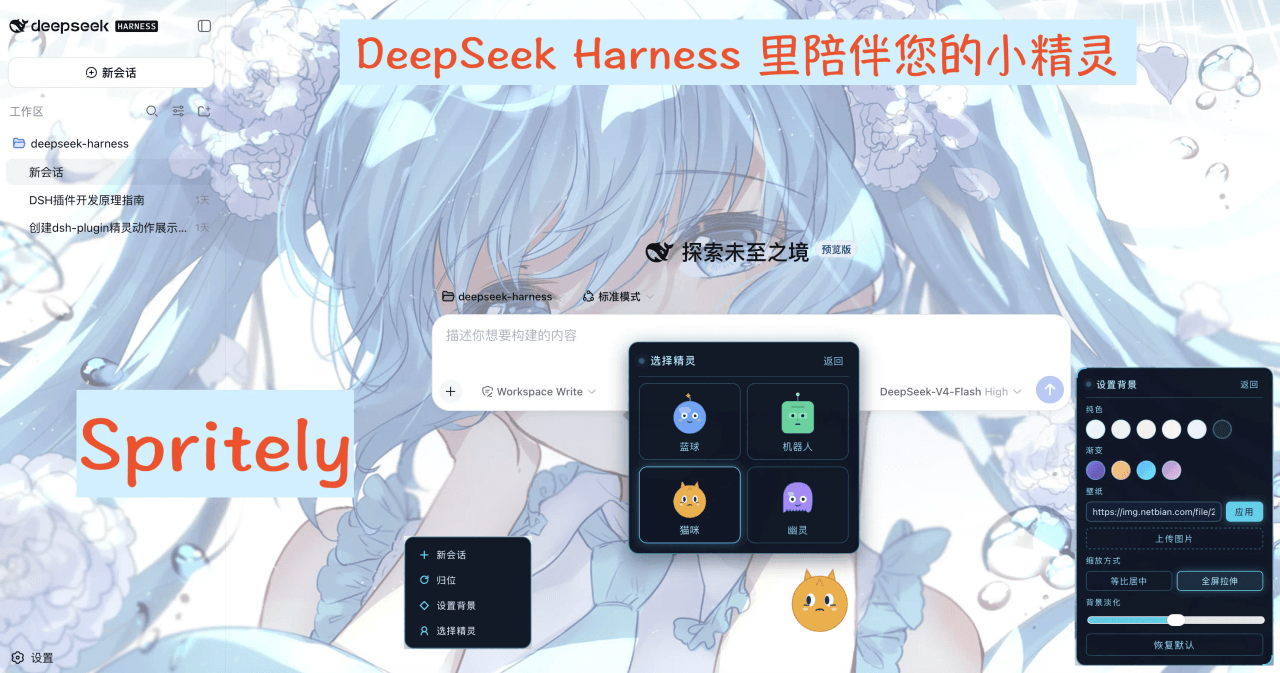
Spritely(原名 ui-sprite 插件)是一个 dsh 客户端插件,在界面角落放一个会动的小精灵:它观察智能体的活动(待命、思考、撰写、调用工具、等你确认、出错、完成),播放对应姿态,眼珠跟随鼠标,还能被拖到任意位置。
catalog 简介 / catalog descriptioncatalog description:DeepSeek Harness 的插件:灵动的小精灵【sprite(精灵)+ -ly(活泼地)】桌面精灵与背景设置
项目介绍Project Overview
Spritely 是一款 DSH 客户端插件(dsh.client),在界面角落放置一个会动的小精灵。它能观察智能体的待命、思考、撰写、调用工具、等待确认、出错、完成等状态,播放对应姿态并让眼珠跟随鼠标,适用于希望为 DSH 对话界面增添拟人化反馈与可玩性的用户。支持四款角色切换、自定义背景与拖拽定位。安装时需在 profile 清单中手动添加 ui-sprite row,仅执行 dsh plugin add 不会自动登记该层级。
Spritely is a DSH client plugin (dsh.client) that places a small animated companion in the corner of the interface. It observes agent states such as idle, thinking, writing, tool-calling, awaiting confirmation, error, and completion, then plays matching poses with eyes that follow the cursor. Use it to add lively, personified feedback to DSH chat sessions. It supports four switchable characters, custom backgrounds, and drag-to-reposition. Installation requires manually adding the ui-sprite row to the profile manifest, as dsh plugin add alone will not register this layer.
请帮我了解并安装插件:【spritely】【https://github.com/wang-junjian/spritely】把上面这条消息直接发给当前会话里的 DSH,让它帮你了解并安装。安装命令不一定准确,发给 DSH 更稳。Send this message to DSH in your current session. CLI install commands may not be accurate across systems — DSH will figure it out for you.
或使用命令行安装(适合开发者)Or use CLI install (for developers)
命令行安装CLI Install
dsh plugin --profile web add github:wang-junjian/spritely把 wang-junjian/spritely 加入你的 DSH 配置(web profile)即可启用。
READMEREADME
Spritely
中文 | 英文
Your spritely work companion —— dsh Web 界面的工作精灵,随智能体的工作状态实时做出表情与动作。
Spritely(原名 ui-sprite 插件)是一个 dsh 客户端插件,在界面角落放一个会动的小精灵:它观察智能体的活动(待命、思考、撰写、调用工具、等你确认、出错、完成),播放对应姿态,眼珠跟随鼠标,还能被拖到任意位置。
功能特性
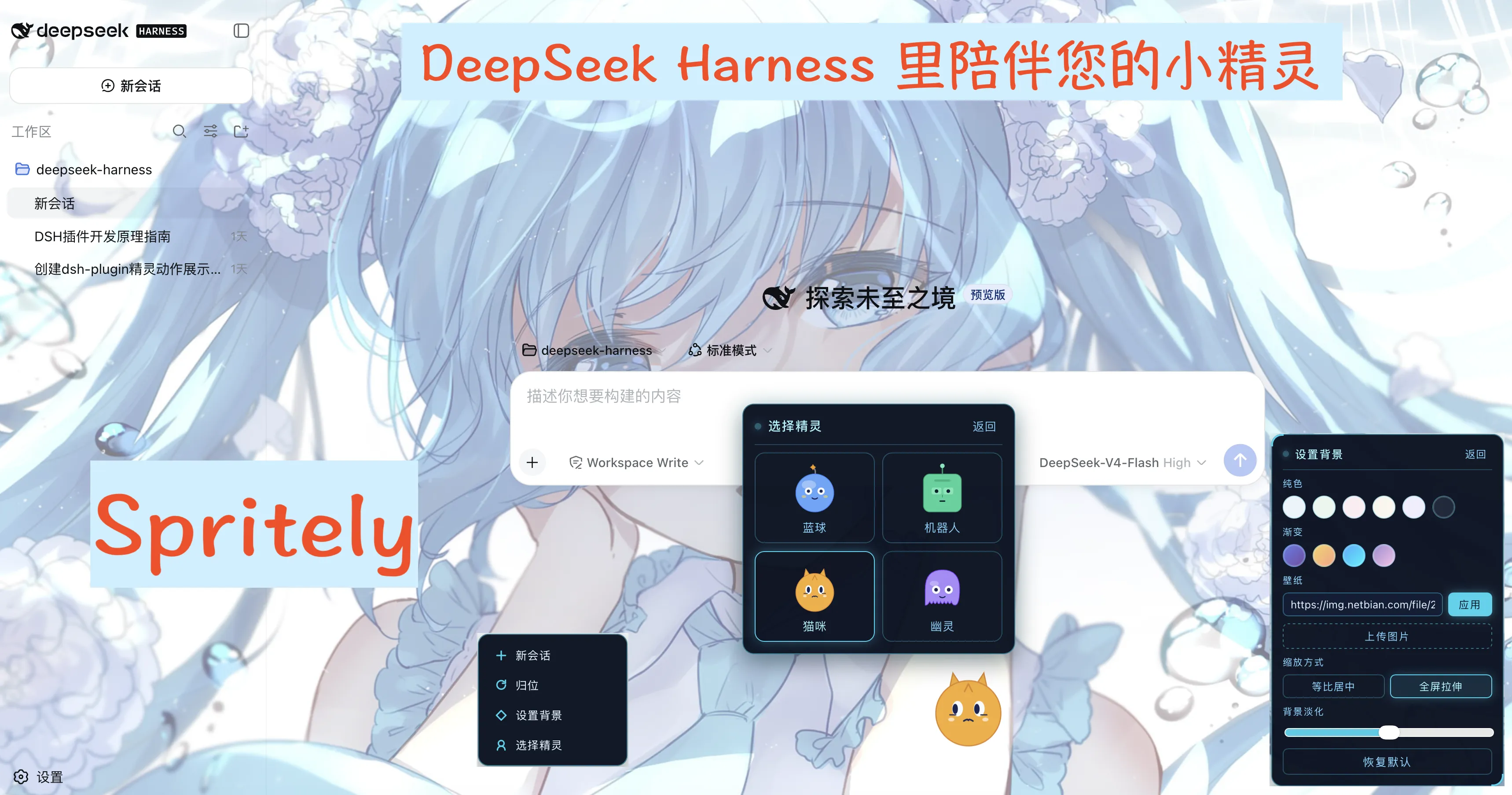
- 四款可切换角色 —— 蓝球(Blob)、薄荷机器人(Bot)、猫咪(Cat)、幽灵(Ghost),各有独特造型与眼睛风格。
- 实时工作状态姿态 —— 待命 / 思考 / 撰写 / 工作 / 等待 / 出错,以及运行收尾时的短暂庆祝。
- 眼珠跟随鼠标(rAF 节流)。
- 可拖拽 —— 拖到任意位置,一键归位。
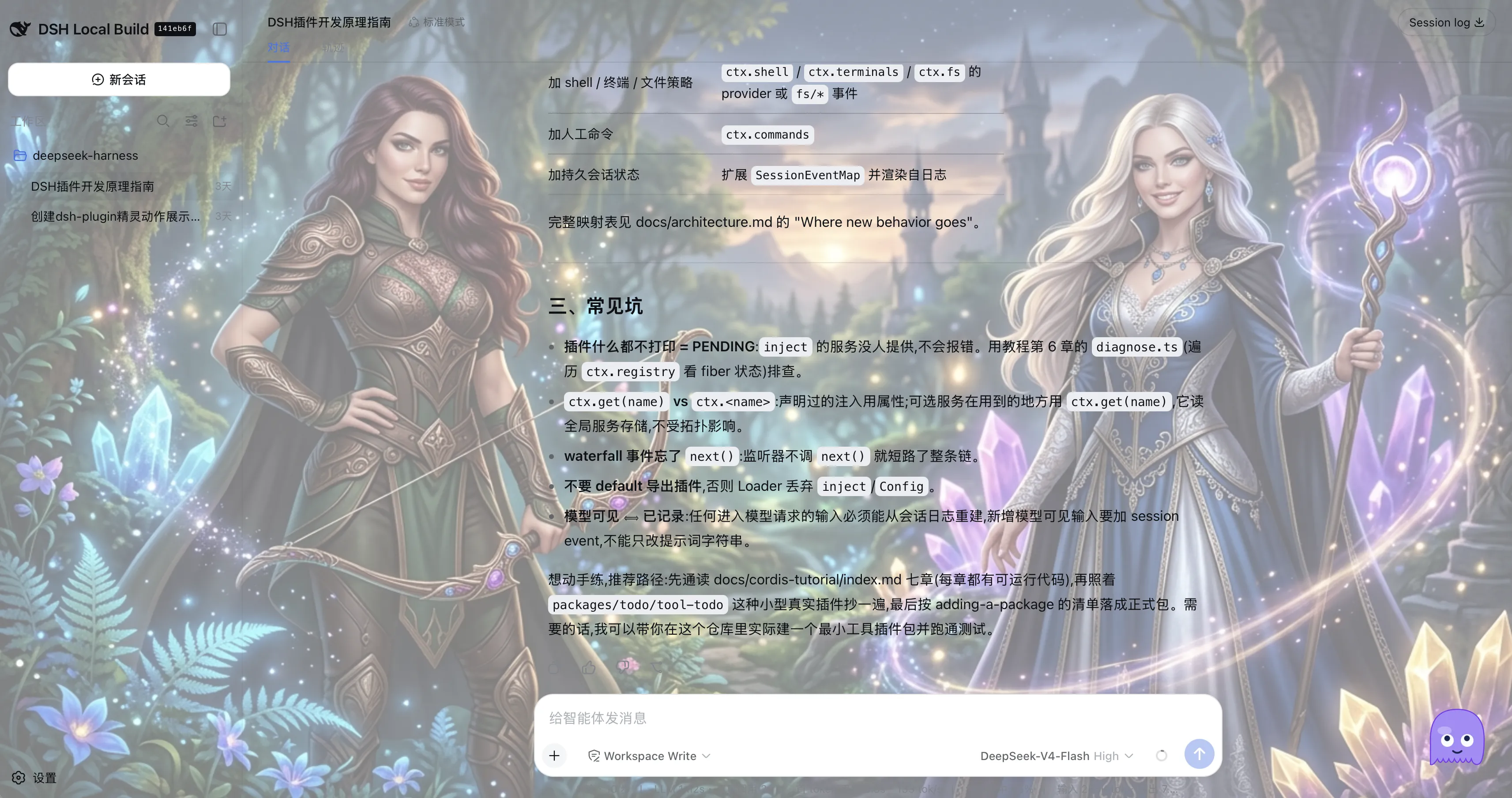
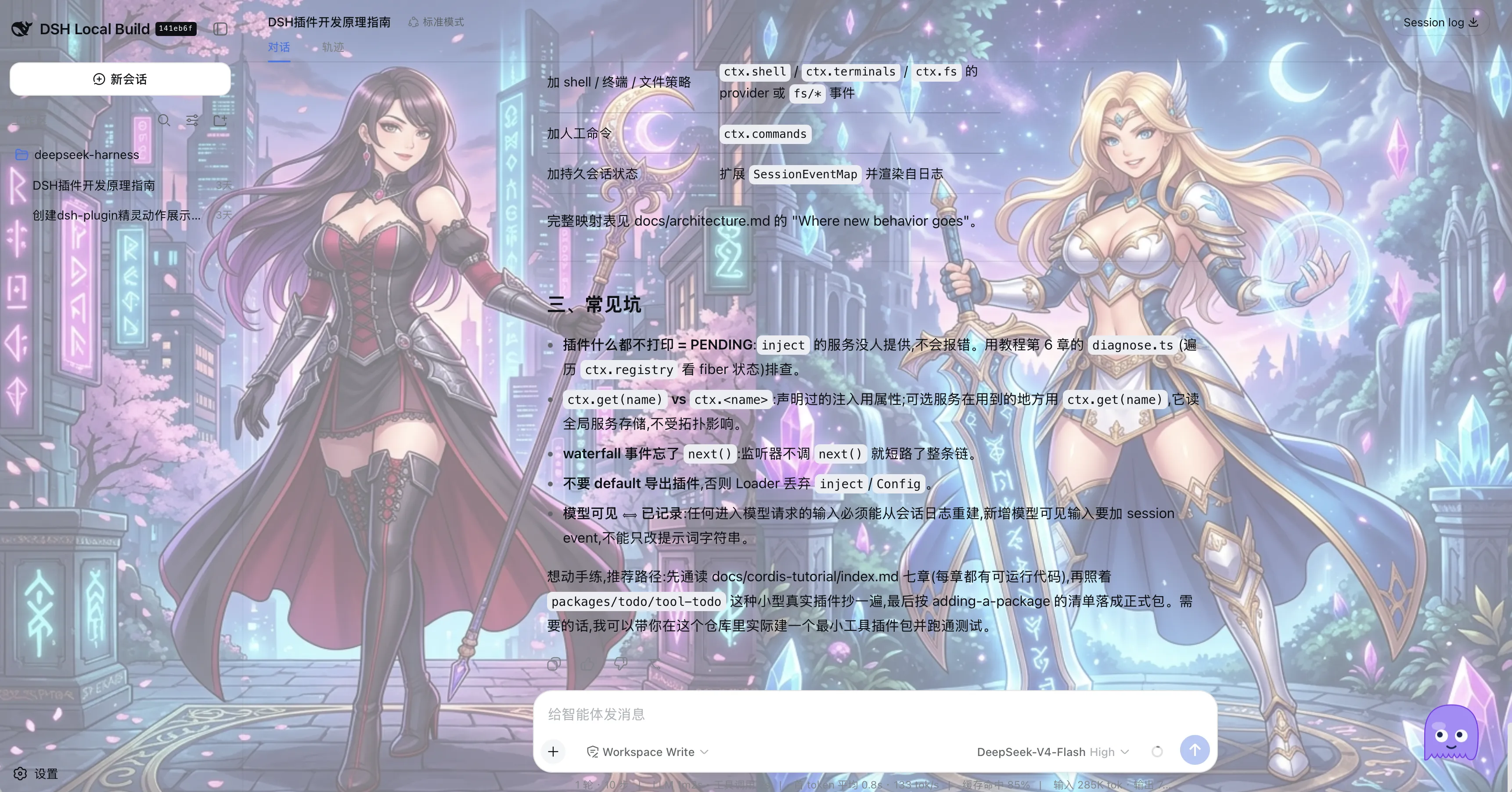
- 自定义背景 —— 纯色、渐变、图片 URL、本地图片上传,支持等比居中 / 全屏拉伸缩放 + 淡化遮罩(保证文字可读)。
- 科幻 HUD 风格 —— 菜单与面板采用固定深色全息配色 + 青色霓虹描边。
- 持久化 —— 角色、背景、位置刷新后保留。
安装
Spritely 是一个 dsh 客户端插件(dsh.client,而非 dsh.bundle)。它自带构建产物(lib/),可从 git 或本地源码直接安装、无需 build。在 dsh profile 里激活它需要两步:
1. 把包装进 profile。
# 从 git 安装
dsh plugin --profile <name> add github:wang-junjian/spritely

# 或从本地源码
dsh plugin --profile <name> add ./spritely
2. 在浏览器插件清单里登记一行。 因为 Spritely 声明的是 dsh.client 而非 dsh.bundle,dsh plugin add 只会把它当普通依赖安装(打印 "activates no layer"),不会替你登记 row。请在 profile 的补丁层 ~/.dsh/profiles/<name>/cordis.patch.yml 里加上:
- insert:
    - id: ui-sprite
      name: '@deepseek-ai/dsh-client-ui-sprite'
插件自带 dsh.client 元数据(platform: web + 其 inject 依赖),只要 row 存在,宿主 Loader 就会扫描它、serve /plugins/ui-sprite/client.js,并注入 window.__DSH_BOOT__。
它的 peer 依赖(
@deepseek-ai/dsh-client-runtime、dsh-client-ui-layout、dsh-client-locale等)都是 dsh 自带的 in-box 包,从 dsh 安装本身解析,无需单独安装。
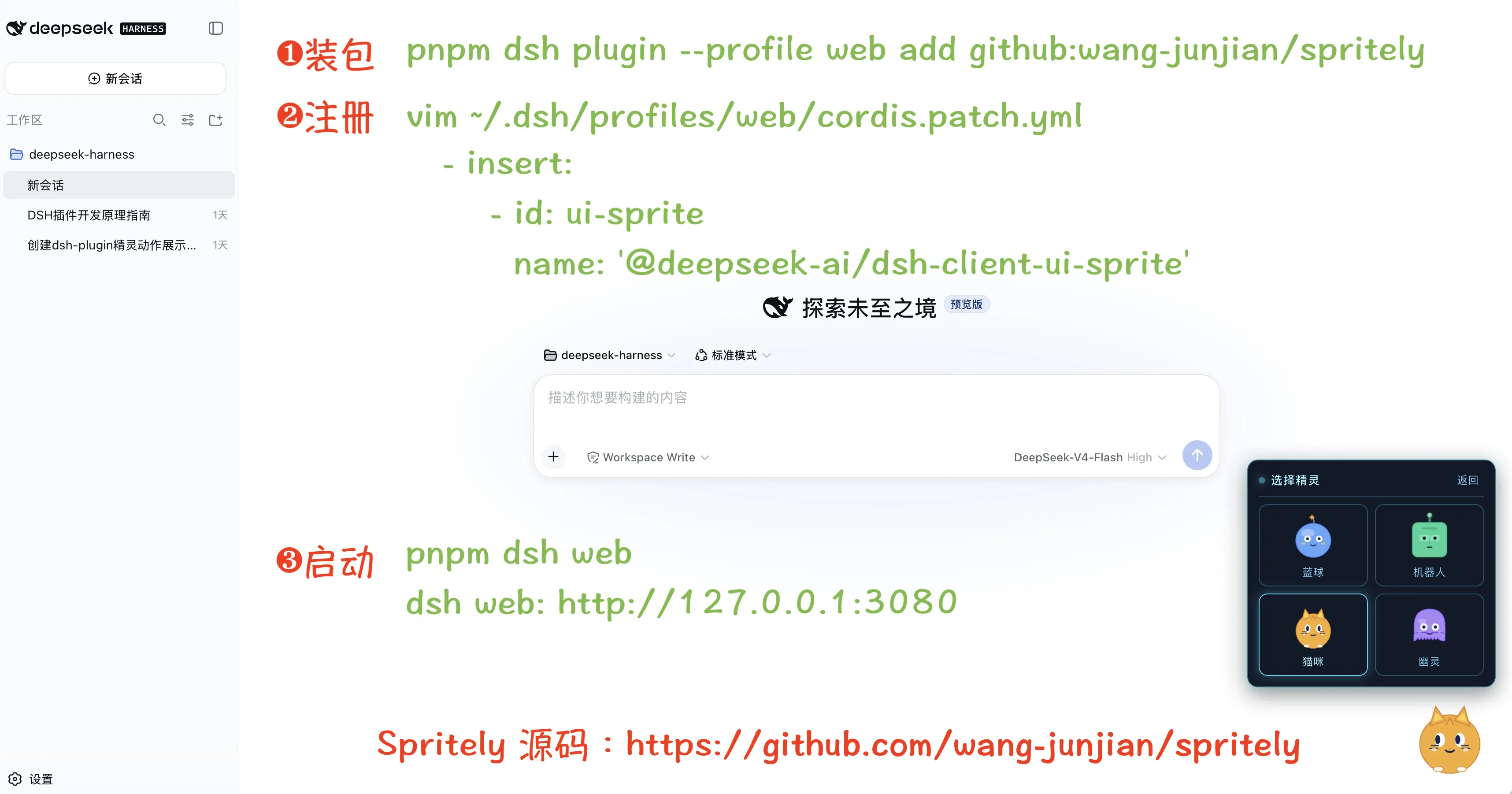
使用
点击精灵打开菜单:
- 新会话 —— 开启新会话(默认工作区流程)。
- 归位 —— 回到默认右下角。
- 设置背景 —— 打开背景控制台(纯色、渐变、图片 URL、本地上传、缩放、淡化)。
- 选择精灵 —— 在四款角色中切换。
角色
| 角色 | 造型 | 配色 |
|---|---|---|
| 蓝球 Blob | 圆球 + 天线星 | 蓝 |
| 机器人 Bot | 圆角方头 + LED 眼 | 薄荷绿 |
| 猫咪 Cat | 三角耳 + 竖瞳 + 胡须 | 橙 |
| 幽灵 Ghost | 波浪底边 + 大圆眼 | 紫 |
开发
npm install          # 安装 dsh peer 依赖 + 开发工具链
npm run build        # tsc(类型)+ tsdown(node 半 lib + 浏览器 client bundle)
npm test             # vitest
npm run watch        # tsdown --watch
构建产出 node 半库(lib/index.js、lib/invariant.js)和浏览器客户端 bundle(lib/client.js,dsh 的 __ModuleLoader__ 闭包工厂格式),CSS Modules 由 lightningcss 内联。
License
相关推荐Related
-
 ruvnet/ruflo
🌊 The original agent meta-harness. Deploy intelligent multi-player swarms, coordinate autonomous workflows, and build c…
ruvnet/ruflo
🌊 The original agent meta-harness. Deploy intelligent multi-player swarms, coordinate autonomous workflows, and build c…
-
 amruthpillai/reactive-resume
A one-of-a-kind resume builder that keeps your privacy in mind. Completely secure, customizable, portable, open-source a…
amruthpillai/reactive-resume
A one-of-a-kind resume builder that keeps your privacy in mind. Completely secure, customizable, portable, open-source a…
-
 volcengine/OpenViking
Self-evolving Context Database for AI Agents. Unify Agent Memory, Knowledge RAG and Skills.
volcengine/OpenViking
Self-evolving Context Database for AI Agents. Unify Agent Memory, Knowledge RAG and Skills.
-
 Molunerfinn/PicGo
:rocket: The Ultimate Image Uploader for Efficient Creators. Supports Obsidian, Typora, VS Code etc. and 60+ image hosti…
Molunerfinn/PicGo
:rocket: The Ultimate Image Uploader for Efficient Creators. Supports Obsidian, Typora, VS Code etc. and 60+ image hosti…
-
 titanwings/colleague-skill
将冰冷的离别化为温暖的 Skill,欢迎加入数字生命1.0!Transforming cold farewells into warm skills? It's giving rebirth era. Welcome to Digital …
titanwings/colleague-skill
将冰冷的离别化为温暖的 Skill,欢迎加入数字生命1.0!Transforming cold farewells into warm skills? It's giving rebirth era. Welcome to Digital …
-
 nocobase/nocobase
NocoBase is an open-source AI + no-code platform for building business systems fast. Instead of generating everything fr…
nocobase/nocobase
NocoBase is an open-source AI + no-code platform for building business systems fast. Instead of generating everything fr…
-
 Tencent/WeKnora
Open-source LLM knowledge platform: turn raw documents into a queryable RAG, an autonomous reasoning agent, and a self-m…
Tencent/WeKnora
Open-source LLM knowledge platform: turn raw documents into a queryable RAG, an autonomous reasoning agent, and a self-m…
- Nagi-ovo/voyager Enhancement suite for Gemini, AI Studio, Claude & ChatGPT — plus a prompt manager for any web UI, DeepSeek Harness inclu…