WaveSpeedAI/wavespeed-dsh-skill
A DeepSeek Harness (dsh) skill that lets the agent generate and edit AI media — image, video, audio, 3D — through the WaveSpeed platform, using the open-source @wavespeed/cli.
catalog descriptioncatalog 简介 / catalog description:WaveSpeed skill for DeepSeek Harness (dsh) — generate and edit AI image, video, audio & 3D via the wavespeed CLI
Project Overview项目介绍
WaveSpeed is a DeepSeek Harness plugin skill that lets the agent generate and edit AI images, videos, audio, and 3D content through the WaveSpeed platform via the @wavespeed/cli. Its core capability is a find → inspect → run pattern: the agent browses the live catalog, reads each model's input schema, and executes it with wavespeed run <model-id>, uploading local files via the @path marker. Use it when you need on-demand access to many generation models, price lookups, or project aliases inside a conversation. Caveat: requires Node.js ≥ 18, the globally installed CLI, and a logged-in WaveSpeed account.
WaveSpeed 是面向 DeepSeek Harness 的插件技能,让智能体通过 @wavespeed/cli 调用 WaveSpeed 平台完成 AI 图像、视频、音频与 3D 内容的生成和编辑。核心能力是 find → inspect → run 模式,智能体可浏览实时模型目录、读取输入 schema 并以 wavespeed run <model-id> 执行,支持 @path 自动上传本地文件。适用于需要在对话中直接调用多种生成模型、查询价格或管理项目别名的场景。注意:需 Node.js ≥ 18、全局安装 CLI,并通过 wavespeed login 完成账户认证后才能使用。
请帮我了解并安装插件:【wavespeed-dsh-skill】【https://github.com/WaveSpeedAI/wavespeed-dsh-skill】Send this message to DSH in your current session. CLI install commands may not be accurate across systems — DSH will figure it out for you.把上面这条消息直接发给当前会话里的 DSH,让它帮你了解并安装。安装命令不一定准确,发给 DSH 更稳。
Or use CLI install (for developers)或使用命令行安装(适合开发者)
CLI Install命令行安装
dsh plugin --profile web add github:WaveSpeedAI/wavespeed-dsh-skill把 WaveSpeedAI/wavespeed-dsh-skill 加入你的 DSH 配置(web profile)即可启用。
READMEREADME
WaveSpeed skill for DeepSeek Harness
A DeepSeek Harness (dsh) skill that lets the agent generate and edit AI media — image, video, audio, 3D — through the WaveSpeed platform, using the open-source @wavespeed/cli.
Every model on the platform is one wavespeed run <model-id> call. The skill teaches the agent the find → inspect → run pattern, so it can browse the live catalog, read any model's input schema, and execute it — including uploading local files with the @path marker.
Requirements
- Node.js ≥ 18
- The WaveSpeed CLI:
npm install -g @wavespeed/cli - A WaveSpeed account —
wavespeed loginopens the key page at wavespeed.ai and handles the rest
Install
As a dsh plugin (recommended — the bundle registers the skill automatically):
dsh plugin --profile web add github:WaveSpeedAI/wavespeed-dsh-skill
Or copy the skill directory by hand — project-level (checked into the repo, shared with your team):
mkdir -p .dsh/skills
git clone --depth 1 https://github.com/WaveSpeedAI/wavespeed-dsh-skill /tmp/wss \
  && cp -r /tmp/wss/skills/wavespeed .dsh/skills/ && rm -rf /tmp/wss
User-level (available in every project):
mkdir -p ~/.dsh/skills
git clone --depth 1 https://github.com/WaveSpeedAI/wavespeed-dsh-skill /tmp/wss \
  && cp -r /tmp/wss/skills/wavespeed ~/.dsh/skills/ && rm -rf /tmp/wss
Other agents (Claude Code, Cursor, Codex): the CLI installs the same skill directly —
wavespeed skill install
What the agent can do with it
# text → image
wavespeed run bytedance/seedream-v5.0-pro -p "a cyberpunk skyline at golden hour" --json

# edit a local image (uploaded automatically via @path)
wavespeed run bytedance/seedream-v5.0-pro/edit -p "replace the background with a sunlit kitchen" \
  -i images='["@./input.jpg"]' --json

# image → video
wavespeed run wavespeed-ai/minimax-h3/image-to-video -p "subtle parallax" -i image=@./hero.jpg --json

# check the cost before running anything
wavespeed price bytedance/seedream-v5.0-pro -i resolution=2k
The skill also covers project aliases (wavespeed.json), schema introspection, price/balance checks, and prediction history.
License
MIT — same as the CLI.
WaveSpeed AI — AI image & video generation platform. Try it in the browser: Image generator · Video generator
Related相关推荐
-
 Anionex/dsh-vision-toolkit
[dsh]为纯文本模型设计更强大的视觉工具箱:一行安装使用、粘贴图片直接识别、多张图片问答、截图到前端UI 还原等|DeepSeek Harness-native integration for agent-vision-toolkit: …
Anionex/dsh-vision-toolkit
[dsh]为纯文本模型设计更强大的视觉工具箱:一行安装使用、粘贴图片直接识别、多张图片问答、截图到前端UI 还原等|DeepSeek Harness-native integration for agent-vision-toolkit: …
-
 zhaoolee/notes
开源版锤子便签,复刻锤科美学,一键Docker私有化部署,支持skill调用,支持dsh plugin,支持多租户,一键生成公众号格式,支持导出便签为图片
zhaoolee/notes
开源版锤子便签,复刻锤科美学,一键Docker私有化部署,支持skill调用,支持dsh plugin,支持多租户,一键生成公众号格式,支持导出便签为图片
- MoYuSOwO/dsh-provision Manifest-driven multi-source asset manager for DeepSeek Harness profiles (npm/github/release/skill/preset/local) — sync,…
-
 Devin-AXIS/iPolloWork
Enterprise-grade, local-first Agent Workbench for people and agent teams. A unified multi-engine workspace for Codex Har…
Devin-AXIS/iPolloWork
Enterprise-grade, local-first Agent Workbench for people and agent teams. A unified multi-engine workspace for Codex Har…
-
 ysr666/dsh-vision-router
Eyes for text-only DeepSeek Harness agents: built-in free vision chain (no key) + pixel-level vision tools (Q&A, groundi…
ysr666/dsh-vision-router
Eyes for text-only DeepSeek Harness agents: built-in free vision chain (no key) + pixel-level vision tools (Q&A, groundi…
-
 shanliuling/dsh-image-gen
AI image studio for DeepSeek Harness — generate, edit & compare images in chat, with 500+ prompts, gallery, multi-model …
shanliuling/dsh-image-gen
AI image studio for DeepSeek Harness — generate, edit & compare images in chat, with 500+ prompts, gallery, multi-model …
- beiyege-01/dsh-voice-ai-girlfriend 语音 AI 女友(Voice AI girlfriend for DeepSeek Harness):Whisper 语音输入 + Qwen3-TTS 声音克隆 + 句子级流式朗读 + 数字人动画窗。插话/排队双模式,说话即打断。
-
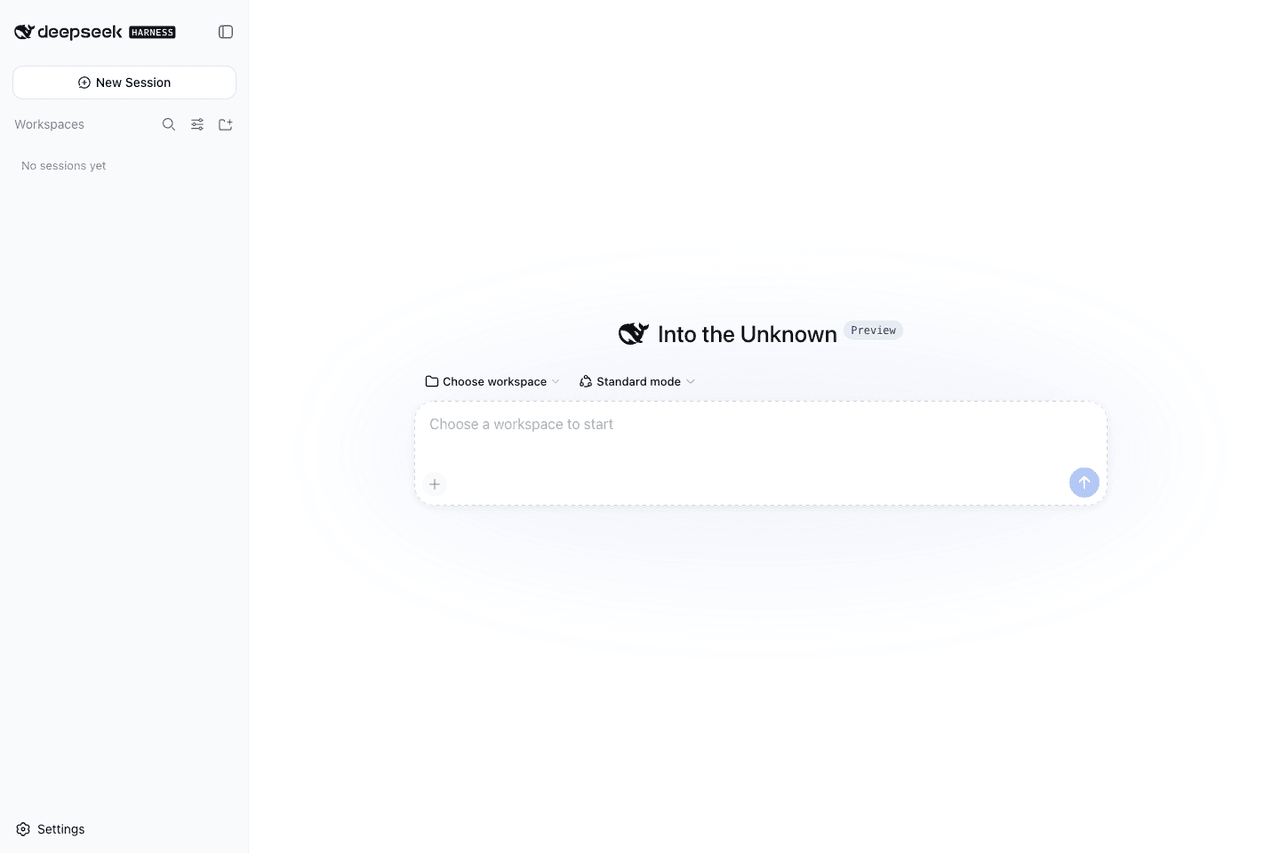 runzhliu/deepseek-harness-docker
Community Docker and Kubernetes packaging for DeepSeek Harness (@deepseek-ai/dsh), with a hardened image, Compose stack,…
runzhliu/deepseek-harness-docker
Community Docker and Kubernetes packaging for DeepSeek Harness (@deepseek-ai/dsh), with a hardened image, Compose stack,…