
windfind-02/jingbao-voice-pet
鲸宝语音桌宠 Jingbao Voice Pet · DSH 桌宠插件(网页版 + 桌面端通用):确认&提问语音播报 + 任务完成闹钟 + CPU/内存/GPU 监测 + DeepSeek 余额 + 音量调节 + 自动更新 + H3 无缝真动画萌娘女仆。Voice alerts for confirmations & questions, task-done alarm, live monitor, balance display, auto-update. Works on DSH Web & Desktop.
Project Overview项目介绍
jingbao-voice-pet is a native DSH (DeepSeek Harness) cordis plugin published as an official bundle: the repository root itself is the package, declaring dsh.bundle in package.json alongside a cordis.patch.yml manifest. It installs straight from GitHub via the official CLI as dsh plugin --profile web add github:windfind-02/jingbao-voice-pet, which automatically registers it with the chosen profile; the plugin mounts asset-serving routes on DSH's built-in webserver so animations and voice files ship inside assets/ and work on both the web profile and the Electron desktop build (whose app.asar dist is read-only, ruling out the older "copy into frontend dist" approach).
The plugin injects a chibi ocean-maid mascot into the DSH chat UI. It observes DOM markers such as data-turn-tail, confirmation dialogs, and agent question prompts to trigger Qwen3-TTS voice lines and bubble notifications, then enters a sleepy state machine after three idle minutes. A right-click menu toggles a built-in CPU/RAM/GPU monitor that auto-starts and stops with DSH itself. It targets DSH users running long ComfyUI-style generation jobs who want audible "task complete" cues and a desktop companion.
Dependencies include an NVIDIA GPU for GPU monitoring (optional), PowerShell on Windows for the installer, and a local DeepSeek API key for the live balance widget. Code is MIT; character art was generated with Krea 2 and MiniMax H3 and is open-sourced with the plugin under the @jingbao-voice-pet attribution requirement. Users upgrading from 1.7.0 or earlier must remove ~/.dsh/profiles/{node_modules,web}/@local/dsh-pet plus the id: pet lines in cordis.patch.yml before installing 1.8.0+, and on the desktop client Ctrl+R/F5 are intercepted by Electron, so configuration changes require exiting from the tray icon and relaunching the app.
鲸宝语音桌宠(jingbao-voice-pet)是一个面向 DSH(DeepSeek Harness)的原生 cordis 插件,属于组合包(bundle)结构,仓库根即为包本体,package.json 中声明 dsh.bundle 并附带 cordis.patch.yml。可通过官方 CLI dsh plugin --profile web add github:windfind-02/jingbao-voice-pet 直接安装,自动挂载到指定 profile;插件在 DSH 内置 webserver 注册路由,从包内 assets/ 提供动画与语音素材,同时兼容网页端与 Electron 桌面端。
它在 DSH 对话页面渲染一个 Q 版海洋女仆桌宠,会通过 DOM 观察(data-turn-tail、确认弹窗、agent 提问)触发专属 Qwen3-TTS 声线播报与气泡提醒,并在闲置 3 分钟后进入瞌睡状态机。右键菜单可启用内置的 CPU/内存/GPU 实时监测服务。适合长时间挂机跑生成任务、需要被"主人,任务完成啦!"提醒、又喜欢桌面萌娘陪伴的 DSH 用户。
依赖项包括 NVIDIA GPU(仅 GPU 监测需要)、PowerShell(Windows 安装)、本地 DeepSeek API Key(余额显示可选)。许可上代码为 MIT,形象素材由 Krea 2 与 MiniMax H3 生成并随插件开源,须保留 @jingbao-voice-pet 署名。首次运行前若从 1.7.0 及以下升级,必须先删除 ~/.dsh/profiles/{node_modules,web}/@local/dsh-pet 并清理 cordis.patch.yml 中的 id: pet,再装 1.8.0+;桌面端无 Ctrl+R/F5,改配置需从托盘"退出"后重启。
请帮我安装这个 DSH 插件。安装前先完成【兼容性检查 + 安全性检查】,检查通过再动手。

插件:jingbao-voice-pet(windfind-02/jingbao-voice-pet)
仓库:https://github.com/windfind-02/jingbao-voice-pet
本站详情页:https://www.yhbd.top/plugins/windfind-02-jingbao-voice-pet/
本站登记:类型 client · 归类 原生 DSH 插件 · 许可证 MIT · ⭐ 2 · 最近提交 2026-09-29 · 主语言 JavaScript

按下面顺序执行,每步先把结论告诉我,再进入下一步:

【1 兼容性检查】
① 我这边:DSH 版本、Node 版本、操作系统、当前 profile(web / desktop)。
② 读它的 README、package.json、插件 manifest,列出它要求的 DSH 版本 / Node 版本 / 操作系统 / 外部依赖 / 需要另外先装的运行时。
③ 逐条比对,结论只写「满足 / 不满足 / 未知」三种;不满足的给出可行替代方案。
④ 检查是否和我已装的插件冲突:命令名重复、skill / tool 重名、端口占用、重复注册的 MCP server。

【2 安全性检查】
① 仓库可信度:和上面「本站登记」是否一致;star / fork 数、创建时间、最近提交,是否归档或长期停更。
② 安装脚本:逐行看 package.json 的 preinstall / install / postinstall,以及 install.sh、setup.ps1 之类脚本。出现 curl|bash、下载后直接执行、混淆代码、访问与插件功能无关的域名,立刻停下来告诉我,不要继续装。
③ 依赖:列出新增依赖,标出无人维护、或与知名包拼写近似的可疑包(typosquatting)。
④ 权限与副作用:它会读写哪些目录、访问哪些域名、需要哪些 DSH 权限(filesystem / network / shell / clipboard 等),以及怎么卸载和回滚。
⑤ 如果它要求 sudo / 管理员权限,或权限明显超出功能所需,先停下来问我。

【3 安装】
上面两步没有「不满足」和「高危项」时才执行;用官方推荐方式安装,不要自行提权。

【4 汇报】
用表格输出:检查项 / 结论 / 依据 / 是否需要我决策。拿不准的一律写「未知」并说明要我怎么确认——不要猜,也不要替我决定。
Send this message to DSH in your current session: it verifies compatibility and security first (answering met / not met / unknown item by item) and only installs once everything checks out — it will stop and ask you if it finds a high-risk item. The box scrolls; the copy is the full prompt. CLI install commands may not be accurate across systems, so DSH is the safer route.把上面这条消息直接发给当前会话里的 DSH:它会先核对兼容性与安全性(逐条给「满足 / 不满足 / 未知」),确认没问题再安装,有高危项会停下来问你。框内可滚动,复制到的是完整提示词;安装命令不一定准确,发给 DSH 更稳。
- Only 2 stars - very few users, little community feedback星标只有 2,几乎没人在用,遇到问题缺少社区反馈
- Desktop client: installation downloads an executable - verify the publisher and checksums桌面客户端:安装会下载可执行文件,请核对发布者与校验和
DSH walks through these 9 checksDSH 会逐条核对这 9 项
Compatibility兼容性
- DSH, Node, OS and profile requirementsDSH 版本 / Node 版本 / 操作系统 / profile 是否满足要求
- External dependencies and runtimes (Electron / Python / Docker, ...)外部依赖与运行时(Electron / Python / Docker 等)是否齐备
- Conflicts with installed plugins: command names, skill / tool names, ports, duplicate MCP registration与已装插件是否冲突:命令名、skill / tool 重名、端口占用、重复 MCP 注册
Security安全性
- Repo matches the facts registered here; archived or abandoned?仓库是否与页面登记一致,是否归档或长期停更
- Safety of preinstall / install / postinstall and install.sh / setup.ps1preinstall / install / postinstall 与 install.sh、setup.ps1 是否安全
- curl|bash, download-then-execute, obfuscation, unrelated domains → stop immediatelycurl|bash、下载即执行、混淆代码、无关域名 → 立刻停止
- Typosquatting or unmaintained packages among the new dependencies新增依赖里有没有 typosquatting 或无人维护的包
- Requested permissions vs. what the feature actually needs申请了哪些权限、是否超出功能所需(filesystem / network / shell / clipboard)
- Any sudo / admin requirement, plus uninstall and rollback是否要求 sudo / 管理员权限,以及卸载与回滚方式
Anything uncertain must be marked unknown with a note on how to confirm it. This site's signal screen is a static snapshot, not a security audit.拿不准的必须标「未知」并说明要我怎么确认。本站的信号筛查是静态快照,不能替代安全审计。
Or use CLI install (for developers)或使用命令行安装(适合开发者)
CLI Install命令行安装
dsh plugin --profile web add github:windfind-02/jingbao-voice-pet把 windfind-02/jingbao-voice-pet 加入你的 DSH 配置(web profile)即可启用。
READMEREADME
🐳 鲸宝语音桌宠(DSH 插件版) / Jingbao Voice Pet (DSH Plugin)
📝 本文档由鲸宝(AI 助手)亲手编写 🐳 📝 Written by Jingbao (AI assistant) 🐳
一个可爱的 Q 版海洋系萌娘女仆桌宠,会一直陪着你的 DSH 对话页面。 基于 MiniMax H3 图生视频 生成的真·流畅动画(首尾帧无缝、无残影),不是普通 GIF 桌宠可比哒~
A cute chibi ocean-style maid girl desktop pet that stays with you on the DSH chat page. Powered by MiniMax H3 image-to-video real smooth animations (seamless first/last frames, no ghosting) — far beyond a plain GIF pet!

⚠️ 从 1.8.0 之前的版本升级:必须卸载后重新安装
如果你是 1.7.0 或更早版本的用户,请不要点桌宠右键菜单里的「立即更新」 —— 会失败(
HTTP 404)。原因:1.8.0 做了一次破坏性调整,本仓库从「
plugin/子目录」改成官方组合包结构(仓库根就是包),素材也随之从「复制进 DSH 前端 dist」改为「放包内assets/」。下载地址变了,旧版插件写死的/plugin/lib/client.js已经不存在;而且旧版代码里也没有能提示你的逻辑,所以只能在这里说明。正确做法:删掉旧安装,按下面的 📦 安装 重新装一次 1.8.0+,之后就能正常使用自动更新了。
删除旧安装(如果不确定旧版装在哪,两处都清一下):
Remove-Item "$env:USERPROFILE\.dsh\profiles\node_modules\@local\dsh-pet" -Recurse -Force
Remove-Item "$env:USERPROFILE\.dsh\profiles\web\node_modules\@local\dsh-pet" -Recurse -Force
再从各 profile 的
cordis.patch.yml里删掉id: pet那两行(如果有),然后重新安装。
🆕 v1.8.0(2026-09-29)· 正式支持 DSH 桌面端
- ✅ 桌面端(Electron)适配完成:桌宠现在在网页版和桌面端都能正常运行
- 📦 改为官方组合包(bundle):可直接用
dsh plugin --profile web add github:...安装,自动注册,无需手工改配置- 🔧 安装方式变更:素材从「复制进前端 dist」改为「放进包内
assets/,由插件注册 webserver 路由提供」—— 因为桌面端的 dist 打包在只读的app.asar里,旧方式在桌面端必然失效- 🐛 修复语音异常:自建素材路由原先不支持 HTTP Range,导致 Chromium 播放语音时反复重连(表现为「截断并重复播放几次」),现已支持
206 Partial Content- 🛡️ 健壮性加固:
nvidia-smi不可用(或无 N 卡)时不再让整个插件初始化失败(原先会连带 8765 监控服务一起挂掉)- 📌 桌面端提示:桌面端没有刷新快捷键(
Ctrl+R/F5都被 Electron 拦掉),改完配置请从托盘图标右键 → 退出后重启;临时刷新可在开发者工具 Console 里执行location.reload()
⭐ 鲸宝的杀手锏(Killer Features)
🔔 1. 需求确认 & 提问回答 · 语音播报提醒 — 人不在对话页也能听到!
当页面弹出「需要确认」的请求框,或 agent 向你提问(比如"接下来怎么做?")时,鲸宝不仅会冒气泡提醒,还会用她软萌的专属声线语音播报!这意味着:
- 你不在对话页也能知道有需求在等你确认/回答 —— 挂机跑任务、切到别的窗口,都绝不会错过关键确认
- 处理完弹窗,气泡和语音立即安静下来,不会一直吵你
- 智能防重复播报:同一个弹窗只提醒一次,你处理完绝不会再重复播一遍——连 DSH 弹窗关闭时的 React 重渲染残留、自动审批都能精准识别
- 多弹窗也不慌:连续弹出多个需求时,每个都独立提醒、互不吞没
- 智能识别各种确认框(同意 / 允许 / 批准 / 取消…)和提问框,自动判断你已处理
💡 这是很多"动图桌宠"做不到的——鲸宝是真正会主动提醒你的小女仆!
Showing the opening section of the README — the full document lives in the repository以上为 README 开头摘要,完整文档在仓库内 · View the full README on GitHub →在 GitHub 查看完整 README →
Related相关推荐
-
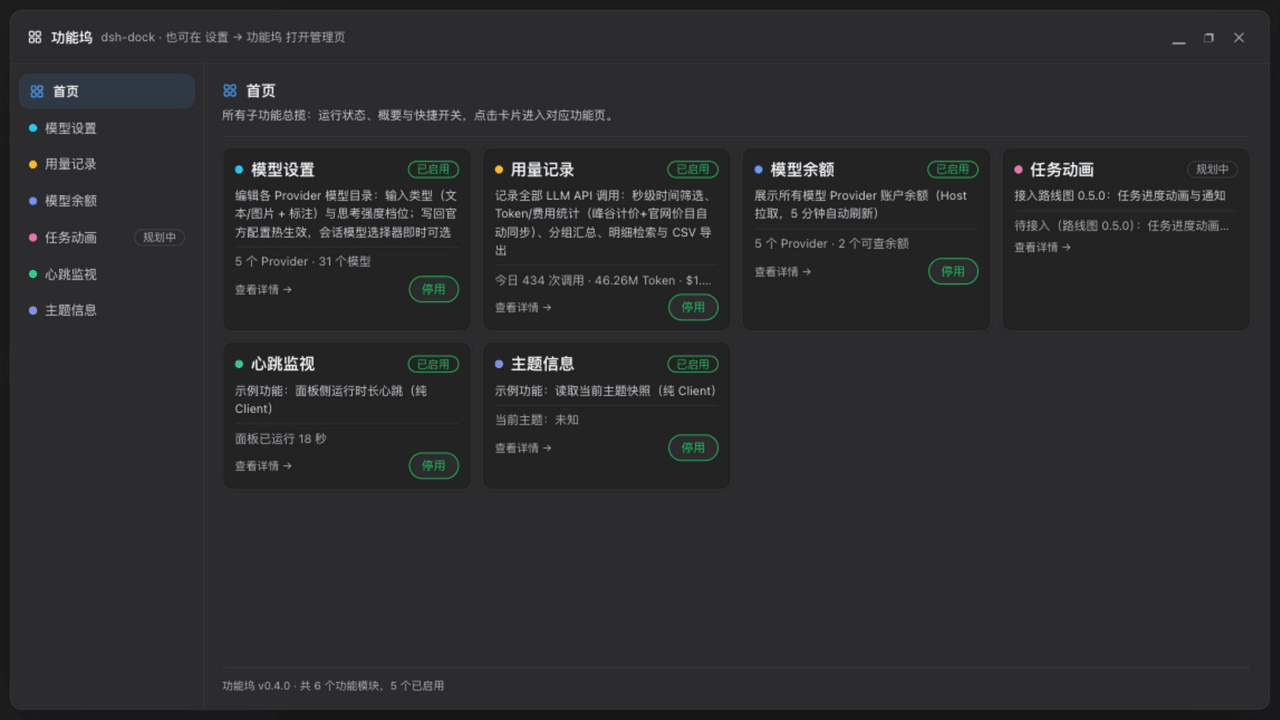 wycto/dsh-dock
dsh-dock · DeepSeek Harness 功能坞插件:一张面板统一注册/开关所有小功能——用量记账(自定义单价·分时价)、模型设置与余额、19 种任务动画、任务通知(钉钉/飞书)、运行状态、图片理解代理、账号密码远程访问、10…
wycto/dsh-dock
dsh-dock · DeepSeek Harness 功能坞插件:一张面板统一注册/开关所有小功能——用量记账(自定义单价·分时价)、模型设置与余额、19 种任务动画、任务通知(钉钉/飞书)、运行状态、图片理解代理、账号密码远程访问、10…
-
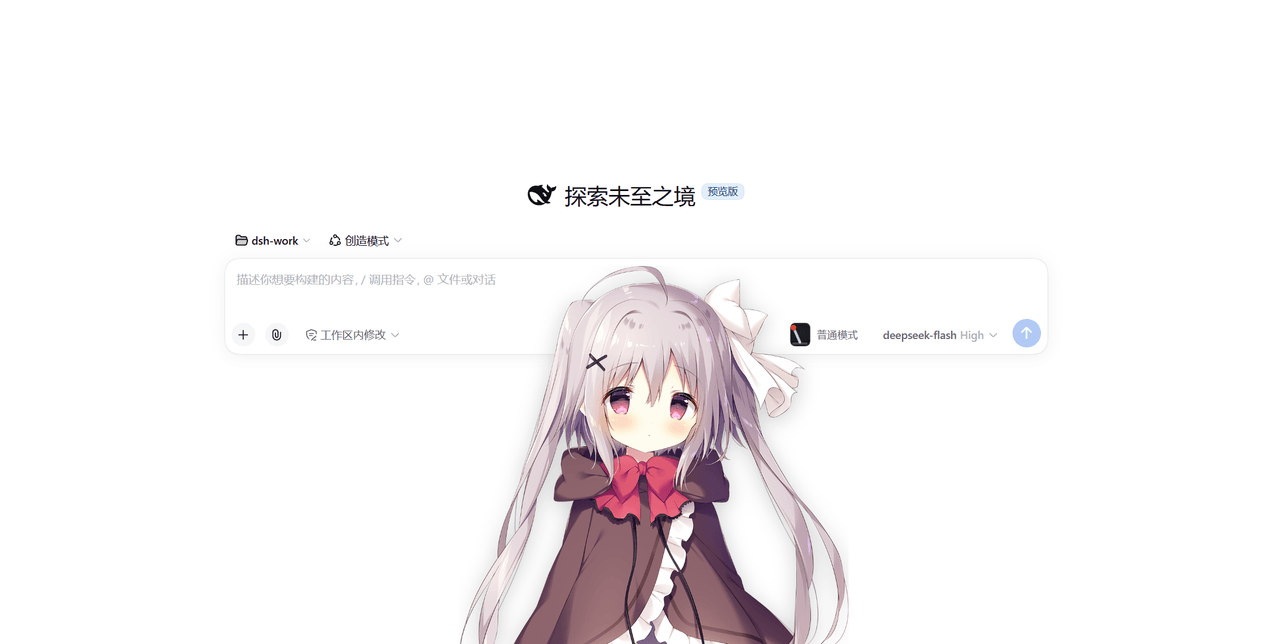 strawberry0321/dsh-gal
dsh-gal —— DeepSeek Harness 的立绘挂件:实时显示余额与今日消耗、每轮对话结束结算 token 与花费、点击立绘随机播语音并逐字显示台词,立绘包/语音包都能换
strawberry0321/dsh-gal
dsh-gal —— DeepSeek Harness 的立绘挂件:实时显示余额与今日消耗、每轮对话结束结算 token 与花费、点击立绘随机播语音并逐字显示台词,立绘包/语音包都能换
-
 alybg/dsh-angelina-pet
DeepSeek Harness 部署级桌宠:右下角随 Agent 工作状态切换 GIF 动画,气泡实时显示 DeepSeek 余额与语音台词,可拖动、可点击互动,任务完成随机播放语音。
alybg/dsh-angelina-pet
DeepSeek Harness 部署级桌宠:右下角随 Agent 工作状态切换 GIF 动画,气泡实时显示 DeepSeek 余额与语音台词,可拖动、可点击互动,任务完成随机播放语音。
- fiven577/dsh-whale-widget-sankou DSH 小鲸鱼余额挂件·三口皮肤版 —— 基于 MeteorNOX/DeepSeek-Balance-Whale-Widget(MIT)的修改版:自定义桌宠“三口”形象/语音/不同状态动画,含余额提醒与菜单修复
-
 PC2005-cloud/dsh-pet
DSH 桌面宠物:一行命令装好即用的透明动画小桌宠,支持多开、大小位置随心配置;还内置 DIY 素材链,能用 AI 视频自造专属宠物
PC2005-cloud/dsh-pet
DSH 桌面宠物:一行命令装好即用的透明动画小桌宠,支持多开、大小位置随心配置;还内置 DIY 素材链,能用 AI 视频自造专属宠物
-
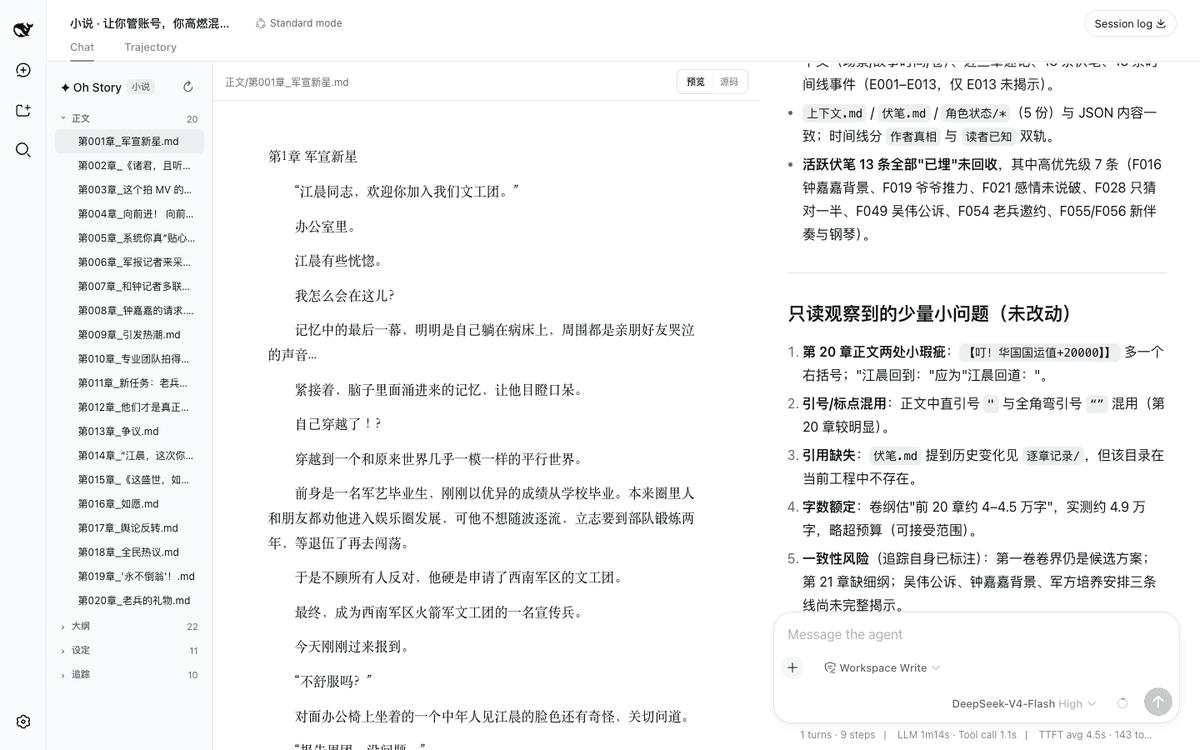 zenstory-ai/oh-story-dsh
DeepSeek 写网文/小说的工作流插件:DeepSeek Harness 社区插件,内置小说、短剧、游戏、视频解说四个工作台 | Community DeepSeek Harness plugin with novel, short-d…
zenstory-ai/oh-story-dsh
DeepSeek 写网文/小说的工作流插件:DeepSeek Harness 社区插件,内置小说、短剧、游戏、视频解说四个工作台 | Community DeepSeek Harness plugin with novel, short-d…
-
 ChisaAlter/WhaleIsle
鲸屿 Whale Isle · DeepSeek Harness 社区增强桌面版:官方核心功能齐备,扩展主题壁纸、鲸鱼娘桌宠、用量统计与手机远程连接。Community-enhanced DeepSeek Harness desktop c…
ChisaAlter/WhaleIsle
鲸屿 Whale Isle · DeepSeek Harness 社区增强桌面版:官方核心功能齐备,扩展主题壁纸、鲸鱼娘桌宠、用量统计与手机远程连接。Community-enhanced DeepSeek Harness desktop c…
-
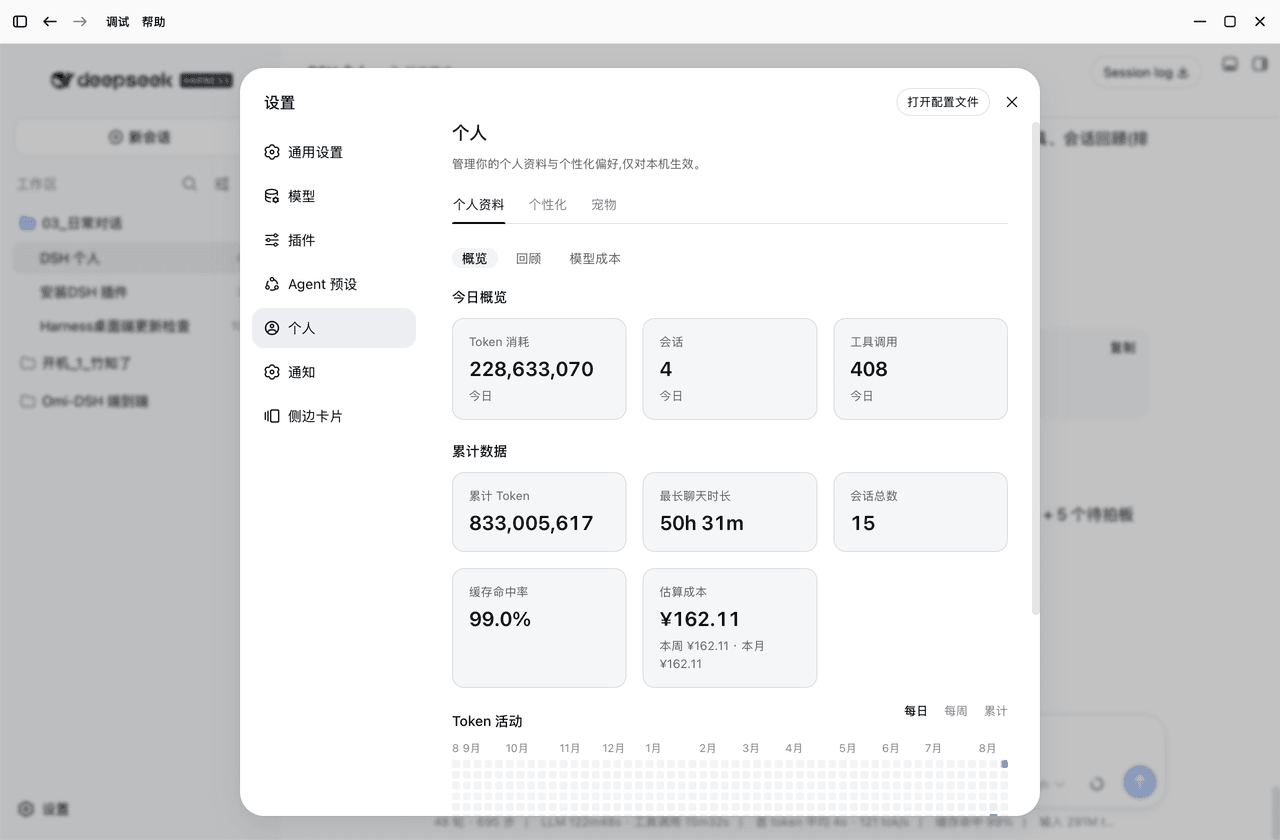 PolinniZhong/dsh-personal-center
DSH 个人配置:Token 用量统计 / 成本估算 / 自定义指令 / 外观全局字号 / 桌面宠物(含会话状态概览),纯本地不联网。Personal center for DSH: usage stats, cost estimation…
PolinniZhong/dsh-personal-center
DSH 个人配置:Token 用量统计 / 成本估算 / 自定义指令 / 外观全局字号 / 桌面宠物(含会话状态概览),纯本地不联网。Personal center for DSH: usage stats, cost estimation…