wutian122/dsh-remote-shell
Project Overview项目介绍
dsh-remote-shell is a DSH-native plugin that targets the DeepSeek Harness exclusively and ships as a Cordis plugin injecting a single skills provider into the host. On load it scans the bundled skills/ directory for SKILL.md files, parses their YAML frontmatter, and registers each skill at rank 600 with source bundled, where the provider is immutable, performs no file watching or polling, and degrades gracefully by skipping malformed entries instead of throwing. Installation is done via the DSH CLI either from the npm registry with dsh plugin --profile web add dsh-remote-shell or from a local checkout with dsh plugin --profile web add /path/to/dsh-remote-shell, after which dsh web must be restarted; the skill then surfaces in the skill catalog as remote-shell with provider dsh-remote-shell.
The bundled remote-shell skill targets operations and DevOps workflows that need auditable remote access, offering SSH, WinRM, and Telnet command execution in single, batch, and scripted modes, alongside remote system information and health checks. SFTP is supported for upload, download, and directory listing. Credentials are never accepted in plaintext on the command line — there is no -p flag — and are always pulled from an encrypted vault using Fernet with PBKDF2-HMAC-SHA256, managed through the bundled credctl utility for add, list, update, and remove operations. Mutating commands are blocked by default and only proceed after explicit user confirmation or when --auto-confirm is supplied, fitting teams that require strong credential isolation and reviewable remote actions.
Dependencies include Python 3 plus third-party libraries such as paramiko for SSH and SFTP and pywinrm for WinRM, installed on first use as the skill's SKILL.md instructs. The bundled skill files use mixed line endings and are pinned via .gitattributes so that any core.autocrlf setting reproduces the source bytes; SKILL.md is pinned to LF because the provider's frontmatter detection requires exact --- lines and would otherwise skip the skill entirely. Unit tests run with the Node.js built-in runner via node --test with no extra tooling. The project is MIT licensed. First-run caveat: installing the plugin executes third-party code locally, and the master password for the vault is held only by the user, with the plugin neither storing nor transmitting it.
dsh-remote-shell 是一个面向 DSH(DeepSeek Harness)的原生插件,通过 Cordis 插件机制注入一个 skills provider,将名为 remote-shell 的技能以 bundled 源(rank 600)注册到宿主技能注册表中。安装可通过 dsh plugin --profile web add dsh-remote-shell 从 npm 注册表添加,也可通过 dsh plugin --profile web add /path/to/dsh-remote-shell 从本地 checkout 添加,随后需重启 dsh web 才能使插件生效,并在技能目录中以 provider 为 dsh-remote-shell 的形式出现。
该插件封装的安全技能面向运维与开发场景,提供基于 SSH、WinRM、Telnet 的远程命令执行、批量与脚本执行、系统信息与健康检查,以及 SFTP 文件的上传、下载与目录列表。所有凭证均通过 Fernet + PBKDF2-HMAC-SHA256 加密的凭证保险库管理,由 credctl 维护,登录与执行脚本不接受明文密码,且破坏性命令默认拦截,仅在显式用户确认或传入 --auto-confirm 时才会执行,适合需要可审计、强凭证隔离的远程操作流程。
依赖方面,技能脚本使用 Python 3 编写,需要 paramiko、pywinrm 等三方库,使用时按 SKILL.md 说明安装即可。插件随附使用 mixed 行结尾的源文件,并通过 .gitattributes 锁定各文件原始行结尾,SKILL.md 强制 LF 以保证 frontmatter 解析。测试可通过 Node.js 内置 runner 执行 node --test,无需额外工具;许可证为 MIT。安装时会运行第三方代码,主密码由用户自行管理,插件不存储或外传。
请帮我安装这个 DSH 插件。安装前先完成【兼容性检查 + 安全性检查】,检查通过再动手。

插件:dsh-remote-shell(wutian122/dsh-remote-shell)
仓库:https://github.com/wutian122/dsh-remote-shell
本站详情页:https://www.yhbd.top/plugins/wutian122-dsh-remote-shell/
本站登记:类型 plugin · 归类 原生 DSH 插件 · 许可证 MIT · ⭐ 2 · 最近提交 2026-08-25 · 主语言 Python

按下面顺序执行,每步先把结论告诉我,再进入下一步:

【1 兼容性检查】
① 我这边:DSH 版本、Node 版本、操作系统、当前 profile(web / desktop)。
② 读它的 README、package.json、插件 manifest,列出它要求的 DSH 版本 / Node 版本 / 操作系统 / 外部依赖 / 需要另外先装的运行时。
③ 逐条比对,结论只写「满足 / 不满足 / 未知」三种;不满足的给出可行替代方案。
④ 检查是否和我已装的插件冲突:命令名重复、skill / tool 重名、端口占用、重复注册的 MCP server。

【2 安全性检查】
① 仓库可信度:和上面「本站登记」是否一致;star / fork 数、创建时间、最近提交,是否归档或长期停更。
② 安装脚本:逐行看 package.json 的 preinstall / install / postinstall,以及 install.sh、setup.ps1 之类脚本。出现 curl|bash、下载后直接执行、混淆代码、访问与插件功能无关的域名,立刻停下来告诉我,不要继续装。
③ 依赖:列出新增依赖,标出无人维护、或与知名包拼写近似的可疑包(typosquatting)。
④ 权限与副作用:它会读写哪些目录、访问哪些域名、需要哪些 DSH 权限(filesystem / network / shell / clipboard 等),以及怎么卸载和回滚。
⑤ 如果它要求 sudo / 管理员权限,或权限明显超出功能所需,先停下来问我。

【3 安装】
上面两步没有「不满足」和「高危项」时才执行;用官方推荐方式安装,不要自行提权。

【4 汇报】
用表格输出:检查项 / 结论 / 依据 / 是否需要我决策。拿不准的一律写「未知」并说明要我怎么确认——不要猜,也不要替我决定。
Send this message to DSH in your current session: it verifies compatibility and security first (answering met / not met / unknown item by item) and only installs once everything checks out — it will stop and ask you if it finds a high-risk item. The box scrolls; the copy is the full prompt. CLI install commands may not be accurate across systems, so DSH is the safer route.把上面这条消息直接发给当前会话里的 DSH:它会先核对兼容性与安全性(逐条给「满足 / 不满足 / 未知」),确认没问题再安装,有高危项会停下来问你。框内可滚动,复制到的是完整提示词;安装命令不一定准确,发给 DSH 更稳。
- Only 2 stars - very few users, little community feedback星标只有 2,几乎没人在用,遇到问题缺少社区反馈
DSH walks through these 9 checksDSH 会逐条核对这 9 项
Compatibility兼容性
- DSH, Node, OS and profile requirementsDSH 版本 / Node 版本 / 操作系统 / profile 是否满足要求
- External dependencies and runtimes (Electron / Python / Docker, ...)外部依赖与运行时(Electron / Python / Docker 等)是否齐备
- Conflicts with installed plugins: command names, skill / tool names, ports, duplicate MCP registration与已装插件是否冲突:命令名、skill / tool 重名、端口占用、重复 MCP 注册
Security安全性
- Repo matches the facts registered here; archived or abandoned?仓库是否与页面登记一致,是否归档或长期停更
- Safety of preinstall / install / postinstall and install.sh / setup.ps1preinstall / install / postinstall 与 install.sh、setup.ps1 是否安全
- curl|bash, download-then-execute, obfuscation, unrelated domains → stop immediatelycurl|bash、下载即执行、混淆代码、无关域名 → 立刻停止
- Typosquatting or unmaintained packages among the new dependencies新增依赖里有没有 typosquatting 或无人维护的包
- Requested permissions vs. what the feature actually needs申请了哪些权限、是否超出功能所需(filesystem / network / shell / clipboard)
- Any sudo / admin requirement, plus uninstall and rollback是否要求 sudo / 管理员权限,以及卸载与回滚方式
Anything uncertain must be marked unknown with a note on how to confirm it. This site's signal screen is a static snapshot, not a security audit.拿不准的必须标「未知」并说明要我怎么确认。本站的信号筛查是静态快照,不能替代安全审计。
Or use CLI install (for developers)或使用命令行安装(适合开发者)
CLI Install命令行安装
dsh plugin --profile web add dsh-remote-shell把 wutian122/dsh-remote-shell 加入你的 DSH 配置(web profile)即可启用。
READMEREADME
dsh-remote-shell
A DSH (DeepSeek Harness) plugin that bundles the remote-shell skill: secure SSH / SFTP / Telnet / WinRM remote operations with an encrypted credential vault (Fernet + PBKDF2-HMAC-SHA256).
中文说明见 README.zh.md。
Installation
From the npm registry (once published):
dsh plugin --profile web add dsh-remote-shell
From a local checkout (development / testing):
dsh plugin --profile web add /path/to/dsh-remote-shell
Then restart dsh web for the plugin to take effect. The skill appears in the skill catalog as remote-shell (provider dsh-remote-shell, source bundled).
Features
The bundled skill provides:
- Remote command execution over SSH / WinRM / Telnet: single commands, batch execution, script execution, remote system information, and health checks.
- SFTP file transfer: upload, download, and directory listing.
- Encrypted credential vault: login/execution scripts never accept plaintext passwords (there is no
-pflag); credentials are always fetched from the encrypted vault. Usecredctlto add, list, update, and remove credentials. - Safety interception: mutating commands are blocked by default and only run after explicit user confirmation (
--auto-confirm).
How it works
The plugin is a Cordis plugin that injects a single skills provider. On load it scans the bundled skills/ directory for SKILL.md files, parses each file's YAML frontmatter, and registers the skill with the host's skill registry (rank 600, source bundled). The provider is immutable: it performs no file watching or polling, and a missing or malformed skill degrades gracefully (skipped, never thrown).
Line-ending policy
The bundled skill files are copied verbatim from the source skill, which uses mixed line endings. .gitattributes pins each file to its source line ending so checkouts (under any core.autocrlf setting) reproduce the source bytes exactly. SKILL.md is pinned to LF because the provider's frontmatter detection requires exact --- lines — a CRLF checkout would make the provider skip the skill entirely.
Development
Run the unit tests (Node.js built-in test runner, no extra tooling):
node --test
Dependencies
The skill's scripts are written in Python 3 and require third-party libraries such as paramiko (SSH/SFTP) and pywinrm (WinRM). Install them on first use following the instructions in the skill's SKILL.md.
Security Notice
Installing this plugin runs third-party code on your machine. The credential vault master password is managed by you; the plugin does not store or transmit it.
License
MIT — see LICENSE.
Related相关推荐
-
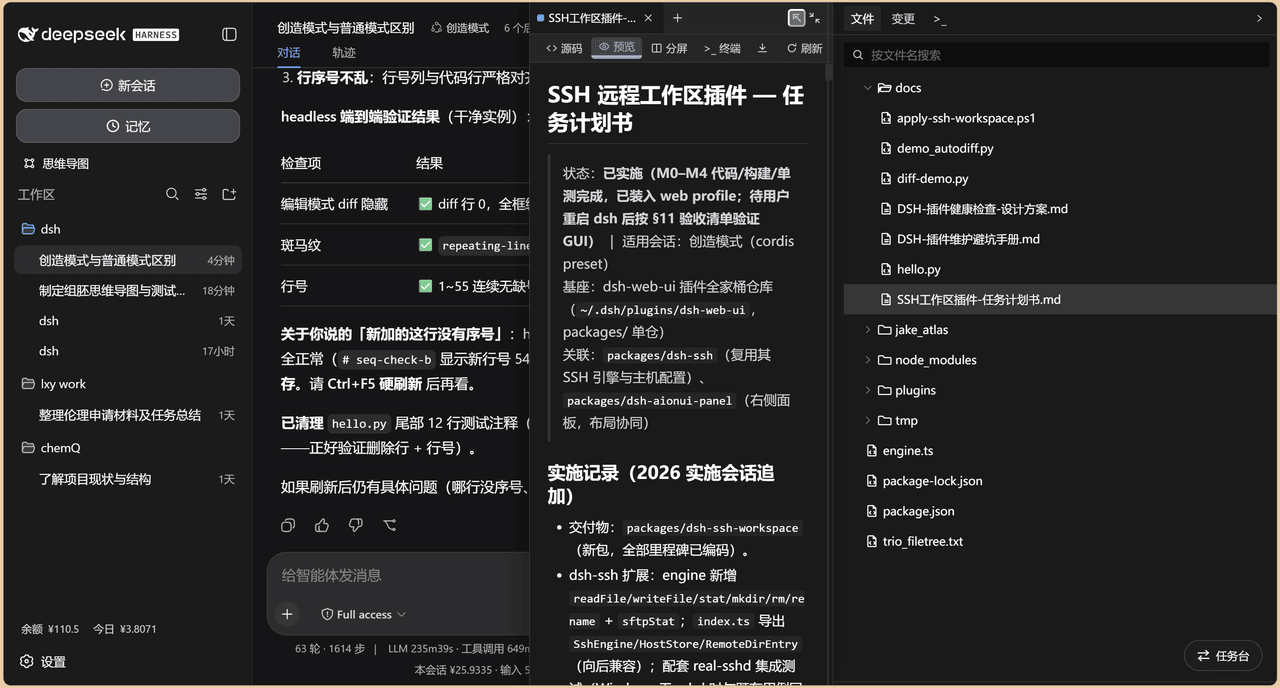 chenw2759-wq/dsh-IDE
dsh-IDE 把 DeepSeek Harness(DSH)网页版升级成一站式 IDE:JupyterLab 式文件树、带语法高亮的代码编辑、多格式预览、Trae 风格红绿 diff 和内置终端,再加上「本地大脑、远程手脚」的 SSH 远…
chenw2759-wq/dsh-IDE
dsh-IDE 把 DeepSeek Harness(DSH)网页版升级成一站式 IDE:JupyterLab 式文件树、带语法高亮的代码编辑、多格式预览、Trae 风格红绿 diff 和内置终端,再加上「本地大脑、远程手脚」的 SSH 远…
-
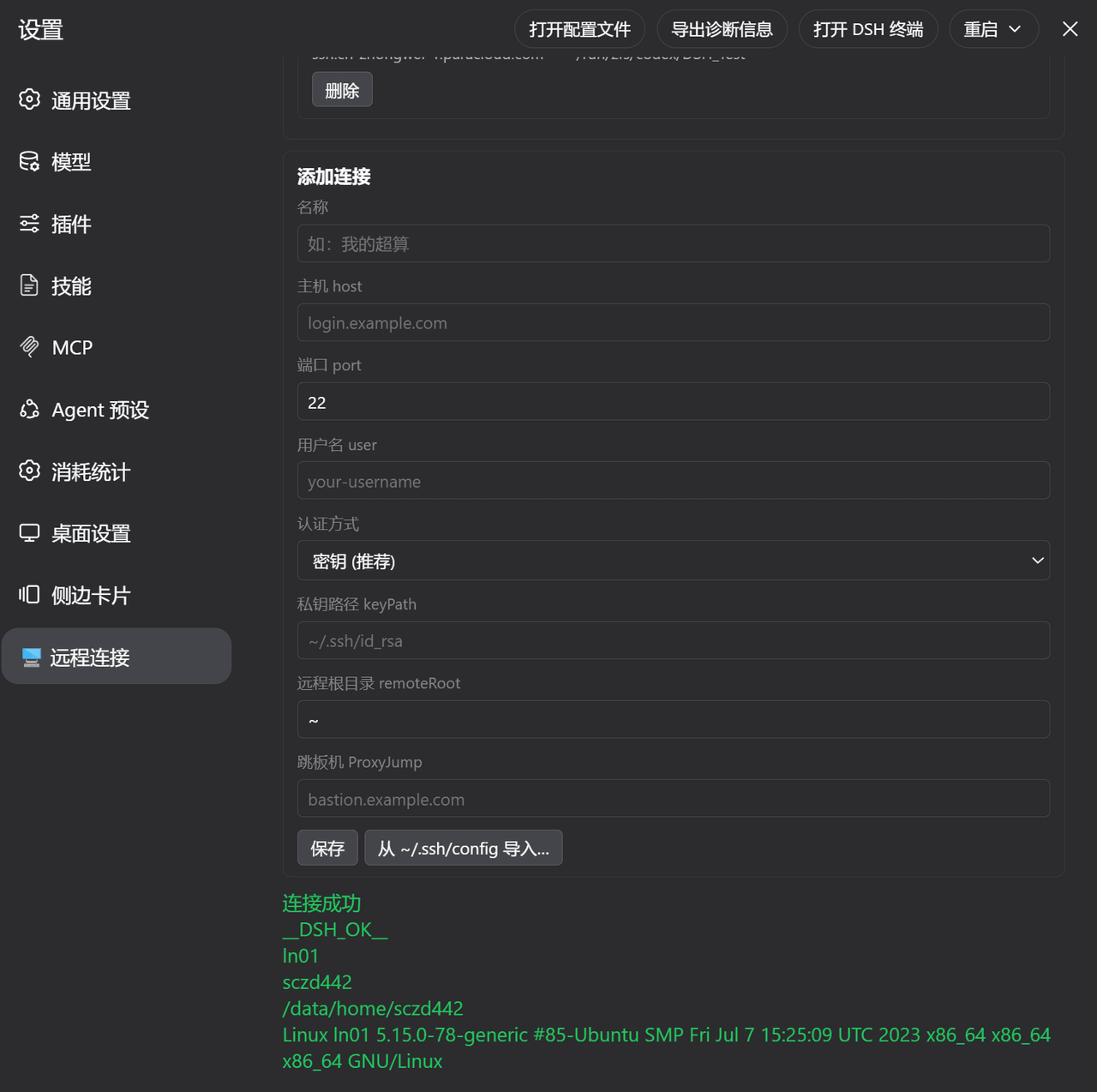 ZhangFengshun/dsh-remote-ssh
DSH web plugin: VSCode Remote-SSH-like remote development (SSH, remote workspace, file explorer, integrated terminal)
ZhangFengshun/dsh-remote-ssh
DSH web plugin: VSCode Remote-SSH-like remote development (SSH, remote workspace, file explorer, integrated terminal)
-
 caoyiwei850/dsh-ssh-ops
DeepSeek Harness SSH 运维插件:主对话驱动 SSH,带高危命令保护与右侧终端。
caoyiwei850/dsh-ssh-ops
DeepSeek Harness SSH 运维插件:主对话驱动 SSH,带高危命令保护与右侧终端。
-
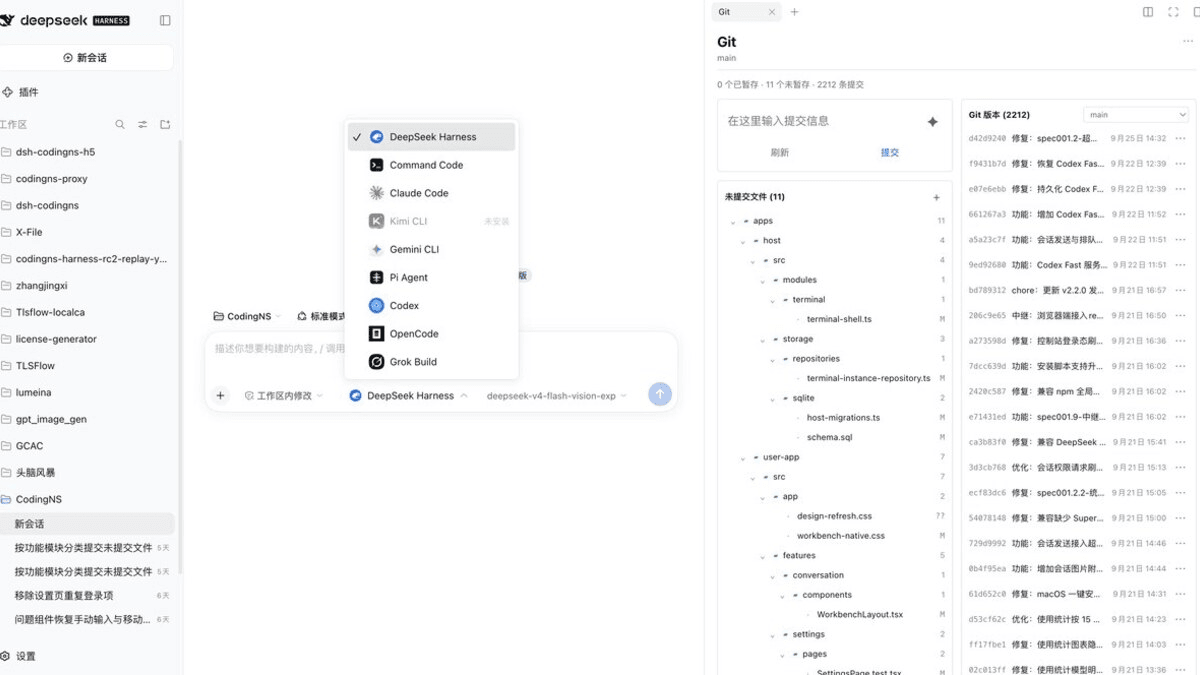 jingyi0605/Codingns4DSH
把外部 Agent CLI、持久终端、工作区调试和远程访问,装进 DSH 原生界面。
jingyi0605/Codingns4DSH
把外部 Agent CLI、持久终端、工作区调试和远程访问,装进 DSH 原生界面。
- klarkxy/zhihu-search 知乎开放平台接口,官方Zhihu Cli开源平替。
- huoxue1/harness-lark Lark/飞书(Feishu)渠道插件,为 [DeepSeek Harness](https://github.com/deepseek-ai/deepseek-harness) 提供飞书通信能力
-
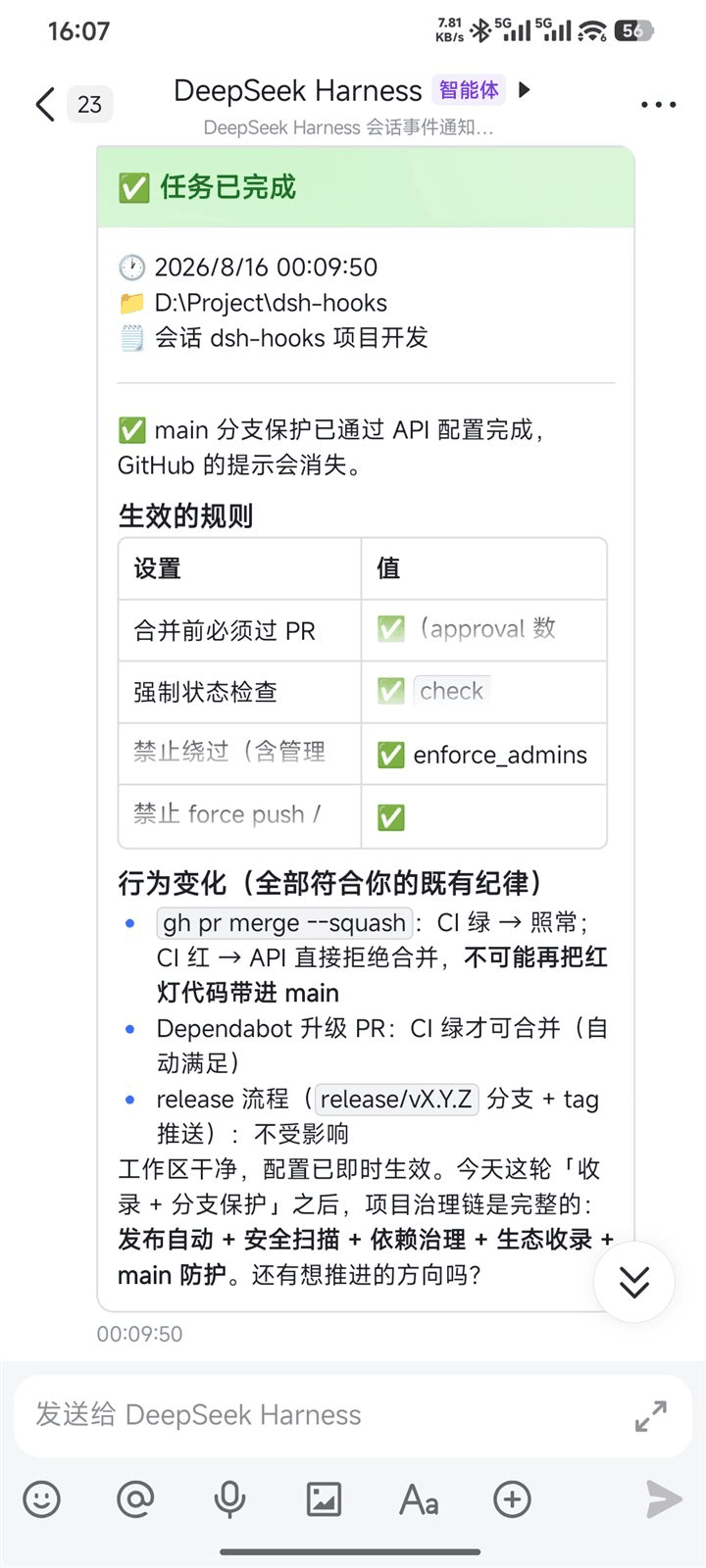 PeterBon/dsh-hooks
Config-driven lifecycle hooks plugin for DeepSeek Harness
PeterBon/dsh-hooks
Config-driven lifecycle hooks plugin for DeepSeek Harness
-
 Jesse-njx/dsh-chatnode-wechat
Chat with, monitor, and approve your DSH agents from WeChat — an iLink gateway + conversation node bundle for DeepSeek H…
Jesse-njx/dsh-chatnode-wechat
Chat with, monitor, and approve your DSH agents from WeChat — an iLink gateway + conversation node bundle for DeepSeek H…