xiaohj233/dsh-keepalive
面向DSH Web进程的可选分离看门狗,支持基于快照校验的修复及显式补丁恢复。
Project Overview项目介绍
dsh-keepalive is a feature plugin for the DSH platform (DeepSeek Harness), targeting version 0.1.0-rc.6. It runs a detached Node watchdog that restarts the DSH Web process on exit, with an opt-in repair agent that inspects repeated boot failures, modifies the plugin workspace from a snapshot, and rolls back failed repairs; scope is limited to node_modules junctions in dev checkouts and minimal source fixes. Use it to keep the web UI available unattended. Caveat: watchdog supervision uses recorded PIDs and may kill unrelated processes after PID reuse; diagnostics may leak environment secrets; it is not a high-availability or service manager replacement.
dsh-keepalive 是 DSH 平台的功能插件,附带兼容性补丁,仅适配 0.1.0-rc.6。它运行独立的 Node 看门狗,启用后 DSH Web 进程退出时自动重启;可选的修复代理会分析反复启动失败,从快照中修改插件工作区并回滚,扩展范围仅限 dev-checkout 的 node_modules 连接与最小源码修复。用于无人值守时维持 Web 进程可用。注意:看门狗仅通过 PID 识别,PID 被回收可能误杀无关进程;诊断日志可能泄露环境变量;不是 HA 或服务管理器。
请帮我安装这个 DSH 插件。安装前先完成【兼容性检查 + 安全性检查】,检查通过再动手。

插件:dsh-keepalive(xiaohj233/dsh-keepalive)
仓库:https://github.com/xiaohj233/dsh-keepalive
本站详情页:https://www.yhbd.top/plugins/xiaohj233-dsh-keepalive/
本站登记:类型 plugin · 归类 原生 DSH 插件 · 许可证 MIT · ⭐ 2 · 最近提交 2026-08-29 · 主语言 JavaScript

按下面顺序执行,每步先把结论告诉我,再进入下一步:

【1 兼容性检查】
① 我这边:DSH 版本、Node 版本、操作系统、当前 profile(web / desktop)。
② 读它的 README、package.json、插件 manifest,列出它要求的 DSH 版本 / Node 版本 / 操作系统 / 外部依赖 / 需要另外先装的运行时。
③ 逐条比对,结论只写「满足 / 不满足 / 未知」三种;不满足的给出可行替代方案。
④ 检查是否和我已装的插件冲突:命令名重复、skill / tool 重名、端口占用、重复注册的 MCP server。

【2 安全性检查】
① 仓库可信度:和上面「本站登记」是否一致;star / fork 数、创建时间、最近提交,是否归档或长期停更。
② 安装脚本:逐行看 package.json 的 preinstall / install / postinstall,以及 install.sh、setup.ps1 之类脚本。出现 curl|bash、下载后直接执行、混淆代码、访问与插件功能无关的域名,立刻停下来告诉我,不要继续装。
③ 依赖:列出新增依赖,标出无人维护、或与知名包拼写近似的可疑包(typosquatting)。
④ 权限与副作用:它会读写哪些目录、访问哪些域名、需要哪些 DSH 权限(filesystem / network / shell / clipboard 等),以及怎么卸载和回滚。
⑤ 如果它要求 sudo / 管理员权限,或权限明显超出功能所需,先停下来问我。

【3 安装】
上面两步没有「不满足」和「高危项」时才执行;用官方推荐方式安装,不要自行提权。

【4 汇报】
用表格输出:检查项 / 结论 / 依据 / 是否需要我决策。拿不准的一律写「未知」并说明要我怎么确认——不要猜,也不要替我决定。
Send this message to DSH in your current session: it verifies compatibility and security first (answering met / not met / unknown item by item) and only installs once everything checks out — it will stop and ask you if it finds a high-risk item. The box scrolls; the copy is the full prompt. CLI install commands may not be accurate across systems, so DSH is the safer route.把上面这条消息直接发给当前会话里的 DSH:它会先核对兼容性与安全性(逐条给「满足 / 不满足 / 未知」),确认没问题再安装,有高危项会停下来问你。框内可滚动,复制到的是完整提示词;安装命令不一定准确,发给 DSH 更稳。
- Only 2 stars - very few users, little community feedback星标只有 2,几乎没人在用,遇到问题缺少社区反馈
DSH walks through these 9 checksDSH 会逐条核对这 9 项
Compatibility兼容性
- DSH, Node, OS and profile requirementsDSH 版本 / Node 版本 / 操作系统 / profile 是否满足要求
- External dependencies and runtimes (Electron / Python / Docker, ...)外部依赖与运行时(Electron / Python / Docker 等)是否齐备
- Conflicts with installed plugins: command names, skill / tool names, ports, duplicate MCP registration与已装插件是否冲突:命令名、skill / tool 重名、端口占用、重复 MCP 注册
Security安全性
- Repo matches the facts registered here; archived or abandoned?仓库是否与页面登记一致,是否归档或长期停更
- Safety of preinstall / install / postinstall and install.sh / setup.ps1preinstall / install / postinstall 与 install.sh、setup.ps1 是否安全
- curl|bash, download-then-execute, obfuscation, unrelated domains → stop immediatelycurl|bash、下载即执行、混淆代码、无关域名 → 立刻停止
- Typosquatting or unmaintained packages among the new dependencies新增依赖里有没有 typosquatting 或无人维护的包
- Requested permissions vs. what the feature actually needs申请了哪些权限、是否超出功能所需(filesystem / network / shell / clipboard)
- Any sudo / admin requirement, plus uninstall and rollback是否要求 sudo / 管理员权限,以及卸载与回滚方式
Anything uncertain must be marked unknown with a note on how to confirm it. This site's signal screen is a static snapshot, not a security audit.拿不准的必须标「未知」并说明要我怎么确认。本站的信号筛查是静态快照,不能替代安全审计。
Or use CLI install (for developers)或使用命令行安装(适合开发者)
CLI Install命令行安装
dsh plugin --profile web add "github:xiaohj233/dsh-keepalive#v0.1.0"把 xiaohj233/dsh-keepalive 加入你的 DSH 配置(web profile)即可启用。
READMEREADME
dsh-keepalive
English | 中文
Status: Feature Plugin with Compatibility Patch. Tested only with DeepSeek Harness 0.1.0-rc.6.
dsh-keepalive runs a detached watchdog for the DSH Web process. When explicitly enabled, the watchdog restarts DSH after a process exit. An optional repair agent can inspect repeated startup failures, modify the plugin workspace, and retry from a snapshot.
Problem
A Web process that exits cannot restart itself. DSH provides stream idle watchdogs and browser reconnect backoff, but those mechanisms do not supervise the host process.
Behavior
- Adds a Plugins settings card for watchdog configuration.
- Starts a detached Node watchdog only when
enabledis true. - Checks process health and relaunches the same DSH binary and arguments.
- Manual restart: the card's "手动重启" button (or
POST /api/keepalive/restart) — the current process exits and the watchdog relaunches it; when no watchdog is running, the fallback restarter (restarter.mjs) relaunches with the same binary and arguments. - Applies guarded compatibility patches for the settings namespace and hidden Windows child processes.
- Optionally runs a repair agent after repeated boot failures.
- Snapshots the allowed repair workspace, validates resulting paths/configuration/syntax, and rolls back failed repairs.
- Repair scope extension: for dev checkouts referenced by
link:/file:(directory) dependencies in the web profile, the repair agent may add junctions under theirnode_modulesto resolve dependencies; added junctions are snapshot-tracked and removed on failed-rollback, while existing entries and source/config are never touched. - Repair status page: when a web launch fails and a repair begins, the watchdog serves a zero-dependency status page on the web port (default 3080) — "startup failed, repairing", live repair-agent progress and elapsed time; on success the page auto-redirects back to the web UI, on failure it shows the agent's conclusion.
- The repair agent may make minimal source fixes inside the dev-checkout root that owns the failing plugin (e.g. add a missing variable declaration, fix an import, repair syntax); that root is content-snapshotted and rolled back on failure; file deletion is forbidden.
- The repair agent's workspace root is automatically the common parent of all user dev-checkout targets (e.g.
D:\Code); official@deepseek-ai/*link packages are excluded and never writable; writes are bounded by the snapshot audit. - Front-end plugin failure reporting: when the web is UP but a client plugin module fails to load, reported ONLY on the browser's explicit dynamic-
import()failure messages (e.g. "Failed to fetch dynamically imported module"); windowerrorevents andslots.onEntryErrorare NOT used — ordinary script errors and entry render crashes (e.g. React #130) are not plugin module failures and would only spam normal use; the watchdog runs a "degraded repair" (skips live dirs in the snapshot, relaunches web to reload plugins afterwards; if the agent changed nothing it clears the report without relaunching). - Global repair progress banner: a fixed banner in any page's corner shows "正在修复: phase + agent progress lines" live; it renders only while
status=repairing, disappears when the repair finishes, and shows the failure reason on error.
Showing the opening section of the README — the full document lives in the repository以上为 README 开头摘要,完整文档在仓库内 · View the full README on GitHub →在 GitHub 查看完整 README →
Related相关推荐
-
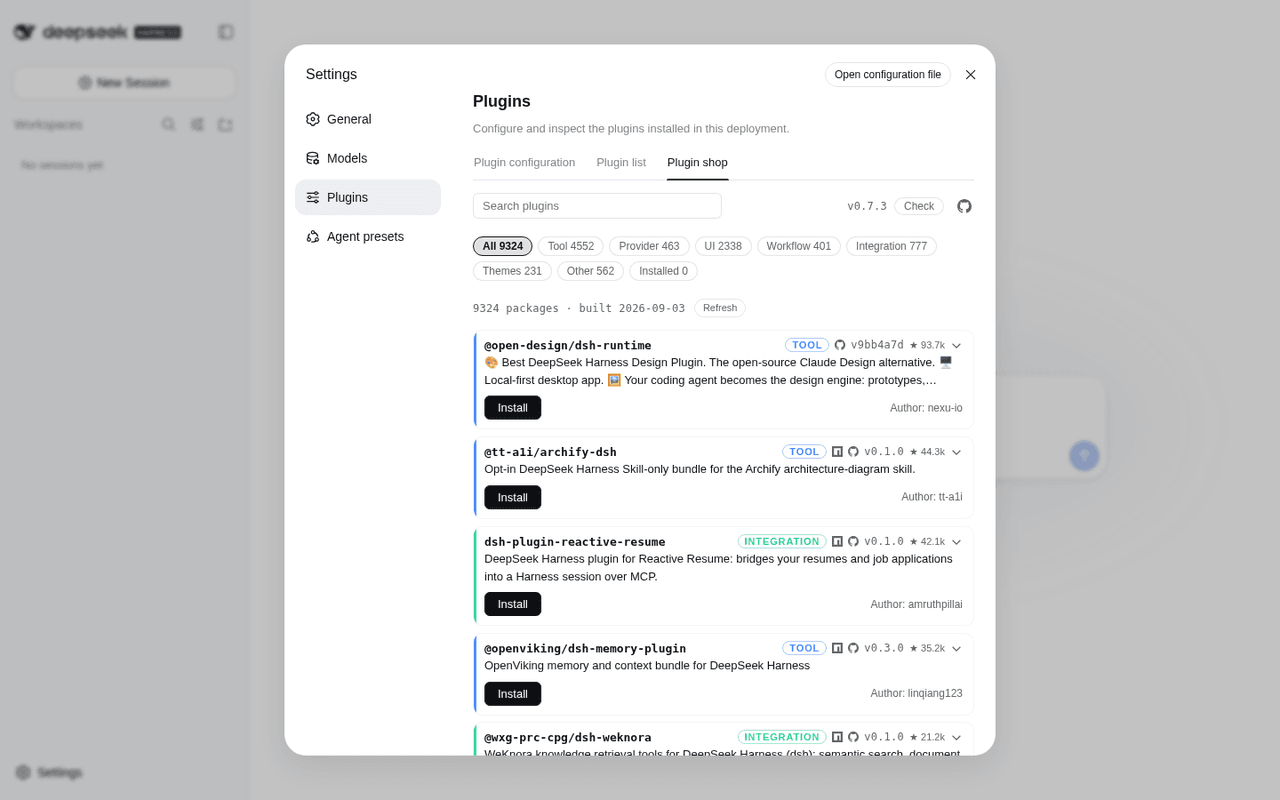 LivXue/dsh-plugin-shop
The most comprehensive DeepSeek Harness plugin market — refreshed daily, sourced across the Internet, reviewed before pu…
LivXue/dsh-plugin-shop
The most comprehensive DeepSeek Harness plugin market — refreshed daily, sourced across the Internet, reviewed before pu…
-
 Hilbert-beinghappy/seektty
面向 DeepSeek Harness 的 Claude Code 风格终端界面,支持 Windows、macOS 与 Linux,兼容透明终端、VS Code 主题和自定义配色。
Hilbert-beinghappy/seektty
面向 DeepSeek Harness 的 Claude Code 风格终端界面,支持 Windows、macOS 与 Linux,兼容透明终端、VS Code 主题和自定义配色。
-
 xiajiajun516/dsh-config-manager
DeepSeek Harness (DSH) backup & restore plugin — export, import, migrate and sync your complete DSH configuration, plugi…
xiajiajun516/dsh-config-manager
DeepSeek Harness (DSH) backup & restore plugin — export, import, migrate and sync your complete DSH configuration, plugi…
-
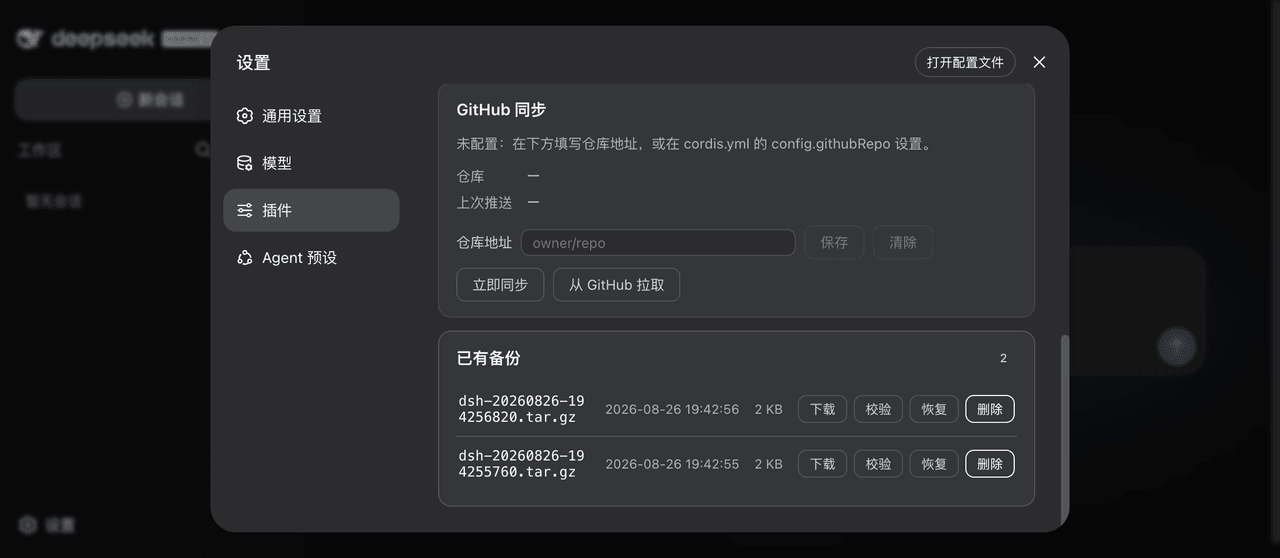 xiaoyuyu6420/dsh-backup
一条命令备份/恢复 DeepSeek Harness(dsh)的全部数据:升级快照、会话日志体检修复、迁移预检、救援通道、凭据脱敏、GitHub 同步。 One command to back up & restore all of ~/.…
xiaoyuyu6420/dsh-backup
一条命令备份/恢复 DeepSeek Harness(dsh)的全部数据:升级快照、会话日志体检修复、迁移预检、救援通道、凭据脱敏、GitHub 同步。 One command to back up & restore all of ~/.…
-
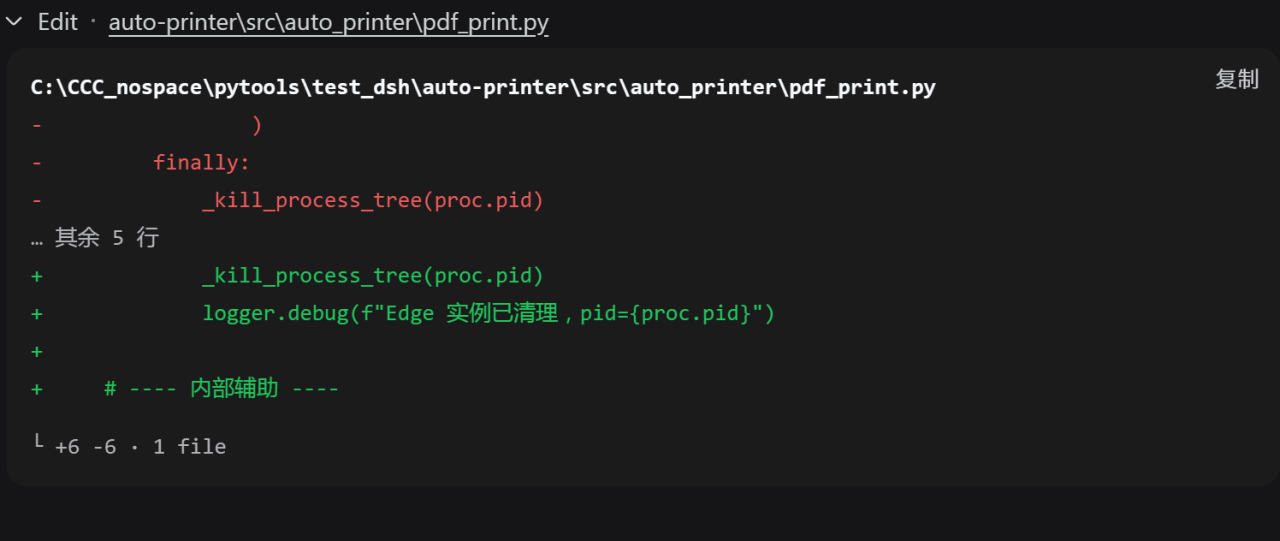 better-er/dsh-edit-diff
「DSH·质量 diff」:接管 edit/write 及 extraTools 配置的其他工具卡片,行级去重与行内高亮,消除相同内容在删除与新增两区的重复;兼容 PTC 模式。
better-er/dsh-edit-diff
「DSH·质量 diff」:接管 edit/write 及 extraTools 配置的其他工具卡片,行级去重与行内高亮,消除相同内容在删除与新增两区的重复;兼容 PTC 模式。
-
 polarskicpl/dsh-codex-migrate
Migrate Codex CLI conversations / MCP servers / memories into DeepSeek Harness | 把 Codex CLI 的对话、MCP、记忆迁移到 DeepSeek Harn…
polarskicpl/dsh-codex-migrate
Migrate Codex CLI conversations / MCP servers / memories into DeepSeek Harness | 把 Codex CLI 的对话、MCP、记忆迁移到 DeepSeek Harn…
- peterwangze/dsh-novel-writing DSH (DeepSeek Harness) 自动化小说写作发布流水线插件:claude-writing-workflow 迁移版 agent 预设 + 小说工作台(可视化/实时渲染/章节编辑)+ 多平台发布配置与数据驱动优化闭环
- qingmomo233/dsh-thinking-language 更改 deepseek harness 思考过程语言