Xingkong42/dsh-zh-labels
DSH 界面中文标签持久化插件 - Persistent Chinese UI labels for DeepSeek Harness
Project Overview项目介绍
dsh-zh-labels is a DSH plugin that replaces hardcoded English labels in the web UI, including tool rows, thinking collapse, trace panel, and sidebar, with Chinese. Its core capability is auto-scanning client modules across multiple deployment roots on startup and applying 316 batch replacement rules, restoring Chinese labels after DSH upgrades. Use it when persistent Chinese UI labels are required. Note: if DSH upgrade changes the English string structure, the PATCHES table in lib/index.js must be updated accordingly.
dsh-zh-labels 是 DSH 插件,将 Web 界面的英文硬编码标签(含工具行、思考折叠、轨迹面板、侧边栏等)替换为中文。核心能力是启动时自动扫描多部署根的 client 模块,按 316 条规则批量替换,升级后再次启动自动恢复。适用于希望 Web 界面持续显示中文标签的 DSH 用户。需注意:升级 DSH 若英文字符串结构变化,需同步更新 lib/index.js 中的 PATCHES 规则表。
请帮我了解并安装插件:【dsh-zh-labels】【https://github.com/Xingkong42/dsh-zh-labels】Send this message to DSH in your current session. CLI install commands may not be accurate across systems — DSH will figure it out for you.把上面这条消息直接发给当前会话里的 DSH,让它帮你了解并安装。安装命令不一定准确,发给 DSH 更稳。
Or use CLI install (for developers)或使用命令行安装(适合开发者)
CLI Install命令行安装
dsh plugin --profile web add github:Xingkong42/dsh-zh-labels把 Xingkong42/dsh-zh-labels 加入你的 DSH 配置(web profile)即可启用。
READMEREADME
dsh-zh-labels — DSH 界面中文标签持久化插件

中文 | English
让 DeepSeek Harness 的 Web 界面永远显示中文标签——升级也不失效。
DSH 的 Web 界面中,工具行标题(Read / Write / Bash / Pwsh…)、思考折叠标题(Think)、
轨迹面板标签、侧边栏品牌名等硬编码在 client 模块(lib/client.js)中。
直接修改 node_modules 里的文件会在升级 DSH 时被覆盖,中文标签随之失效。
本插件在每次 DSH 启动时自动重新应用补丁:扫描部署安装的 client 模块文件, 把已知的英文标签替换为中文。升级覆盖文件后,下次启动自动恢复,无需手动干预。
特性
- 启动自动修补:挂载后每次启动 DSH 自动执行,升级后自动恢复
- 316 条替换规则:覆盖工具标题、思考标题、轨迹面板全部标签、侧边栏、技能行等
- 多部署根探测:自动扫描 npm 全局、profile 共享、profile web 三个 DSH 安装点
- 幂等安全:文件已含中文则跳过,重复运行无副作用
- 容错:单条规则失败不影响其余;升级后字符串变化时自动跳过该条
- UTF-8 安全:读写保持无 BOM,不破坏源文件编码
安装
方式一:DSH 插件安装(推荐)
dsh plugin --profile web add github:Xingkong42/dsh-zh-labels
方式二:手动安装
将本仓库克隆或复制到 profile 的 node_modules:
cd ~/.dsh/profiles/web/node_modules
git clone https://github.com/Xingkong42/dsh-zh-labels.git
编辑
~/.dsh/profiles/web/package.json,在dsh.profile.bundles列表末尾加入:"dsh-zh-labels"重启 DSH(
dsh web),插件启动时自动应用补丁。
验证
安装后重启 DSH,浏览器打开 Web 界面(建议 Ctrl+F5 强制刷新)即可看到中文标签。 也可以通过 HTTP 接口验证:
# 检查 client 模块是否已包含中文标签
curl -s http://127.0.0.1:3080/plugins/@deepseek-ai%2Fdsh-client-ui-tool/client.js | grep -c "搜索"
返回非 0 即已生效。
更新规则
升级 DSH 后如果某些标签失效,说明对应英文字符串在该版本中发生了结构变化。
更新 lib/index.js 中的 PATCHES 规则表后重启 DSH 即可;规则表设计为容错,
未匹配的规则会自动跳过,不影响其他标签。
目录结构
dsh-zh-labels/
├── lib/
│   └── index.js          # 补丁引擎(316 条替换规则 + 部署扫描)
├── cordis.patch.yml      # 组合挂载行(bundle patch 入口)
├── package.json          # 插件声明
└── tools/
    └── verify.mjs        # 规则命中率验证脚本
许可
Related相关推荐
-
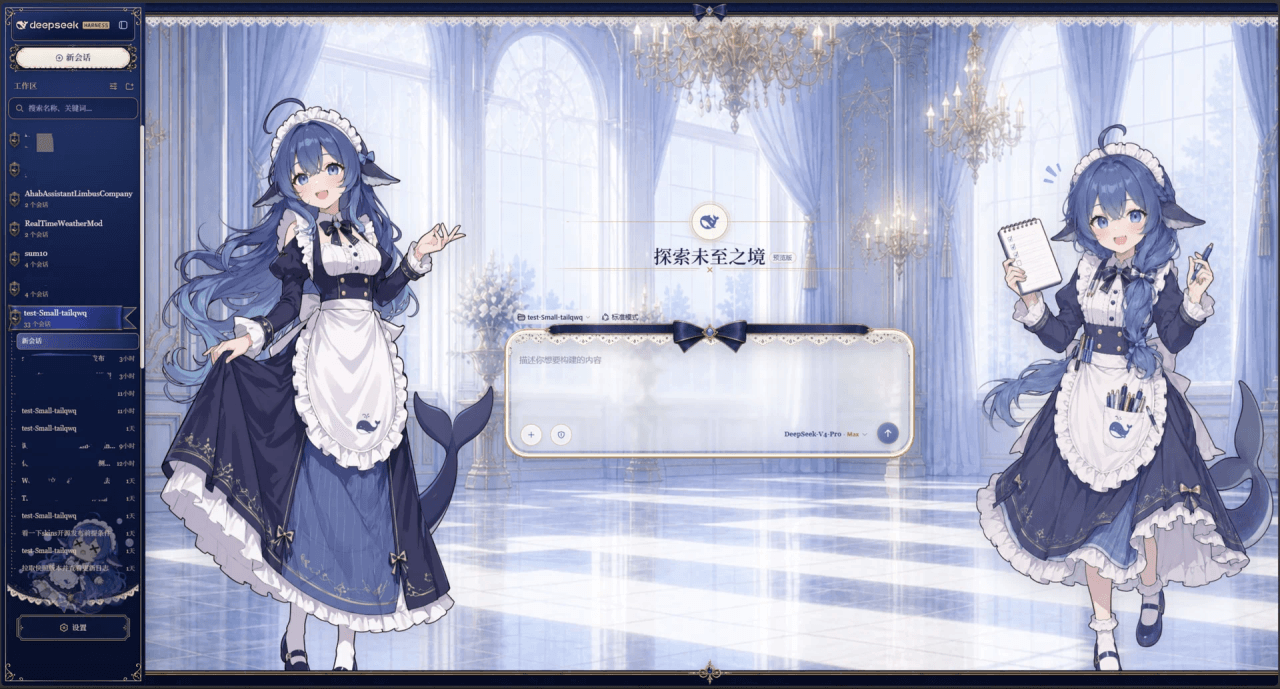 Small-tailqwq/dsh-deep-whale
Whale Girl skin series for DeepSeek Harness. 适用于 DeepSeek Harness 的,鲸鱼娘系列皮肤。
Small-tailqwq/dsh-deep-whale
Whale Girl skin series for DeepSeek Harness. 适用于 DeepSeek Harness 的,鲸鱼娘系列皮肤。
-
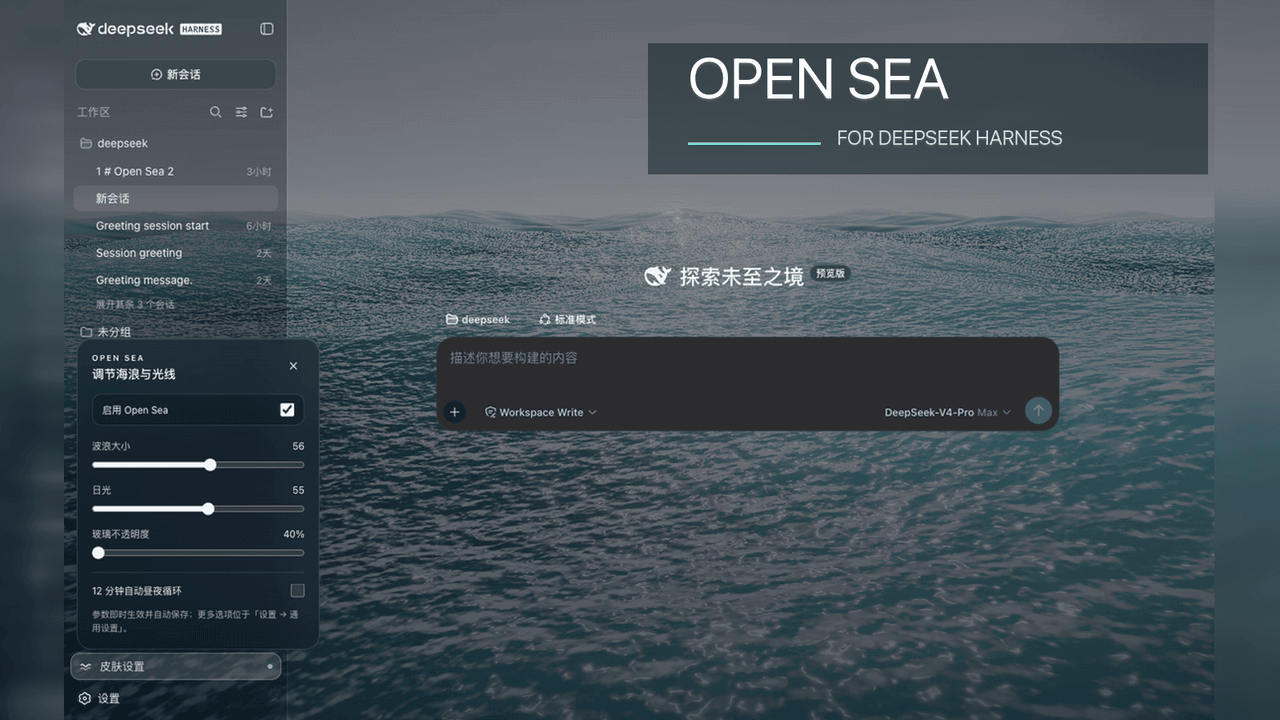 d-dev0101/open-sea-skin
🌊 DeepSeek Harness 海洋皮肤与动态主题 | Real-time ocean theme with adjustable waves, sunset & glass opacity. DSH plugin + Chrome…
d-dev0101/open-sea-skin
🌊 DeepSeek Harness 海洋皮肤与动态主题 | Real-time ocean theme with adjustable waves, sunset & glass opacity. DSH plugin + Chrome…
-
 kingOfSoySauce/dsh-liang-skin
DeepSeek Harness 滑动变阻器皮肤
kingOfSoySauce/dsh-liang-skin
DeepSeek Harness 滑动变阻器皮肤
-
 RevolutionLA/dsh-dream-skin
DeepSeek Harness 换肤 / 壁纸 / 主题包插件 (dsh-plugin) — 8 套 Mirage 主题、每用户强调色、壁纸2.0、主题包导入导出/分享链接、收藏与随机,纯原生 token 系统实现。
RevolutionLA/dsh-dream-skin
DeepSeek Harness 换肤 / 壁纸 / 主题包插件 (dsh-plugin) — 8 套 Mirage 主题、每用户强调色、壁纸2.0、主题包导入导出/分享链接、收藏与随机,纯原生 token 系统实现。
-
 Fishquito7/dsh-skill-mcp-panel
DSH Web UI plugin: skill and MCP management(Web界面的skill/MCP管理工具)
Fishquito7/dsh-skill-mcp-panel
DSH Web UI plugin: skill and MCP management(Web界面的skill/MCP管理工具)
-
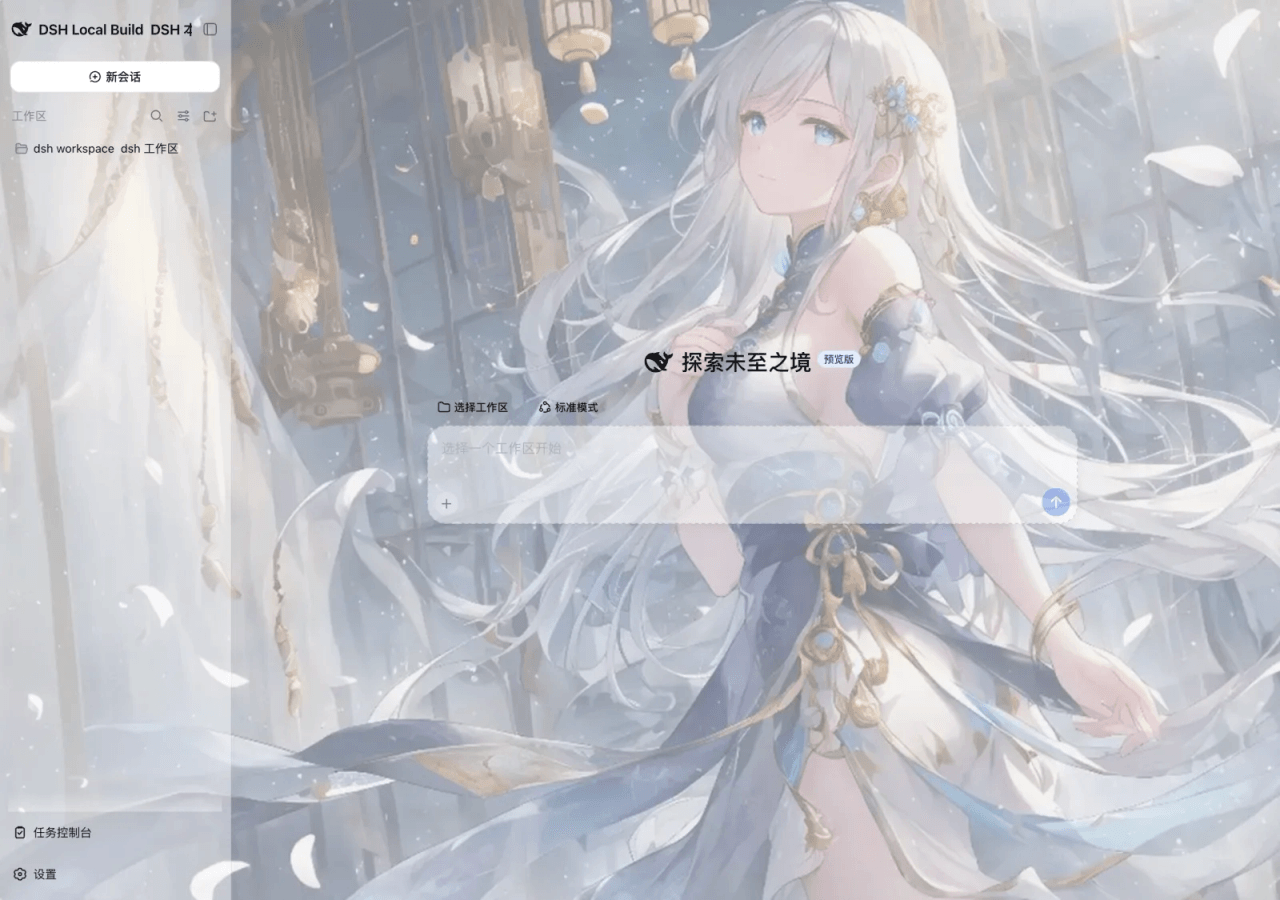 SLin-code/dsh-custom-skin
DSH自定义壁纸/皮肤插件——Custom wallpapers and translucent skins for DeepSeek Harness Web
SLin-code/dsh-custom-skin
DSH自定义壁纸/皮肤插件——Custom wallpapers and translucent skins for DeepSeek Harness Web
-
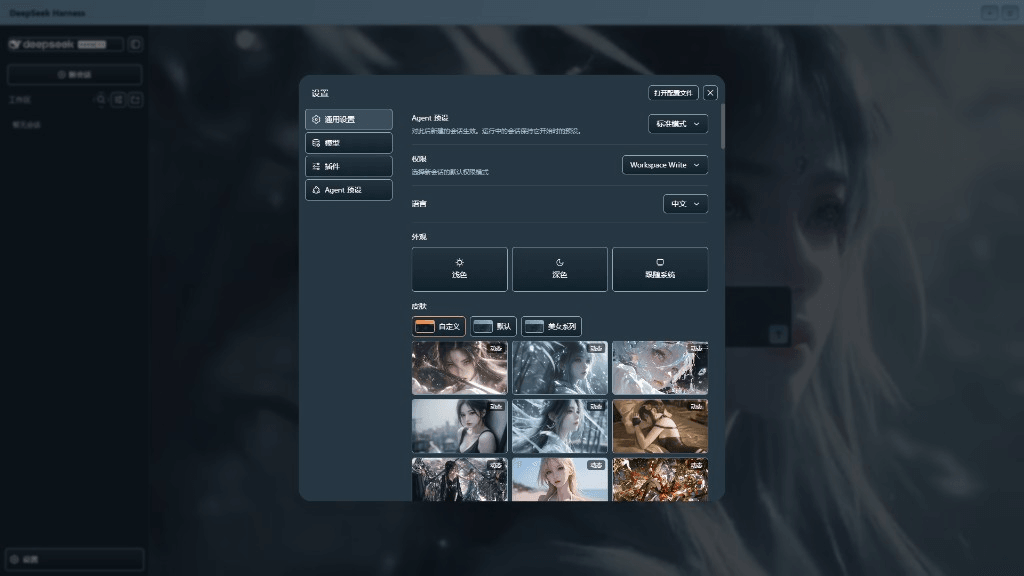 XieRW/dsh-beauty-skins
给 DeepSeek Harness 用的美女系列皮肤:设置里从 哲风壁纸 拉预览网格,点一张即应用,配色从壁纸提取。支持动态壁纸,也保留自定义选图。
XieRW/dsh-beauty-skins
给 DeepSeek Harness 用的美女系列皮肤:设置里从 哲风壁纸 拉预览网格,点一张即应用,配色从壁纸提取。支持动态壁纸,也保留自定义选图。
- ymh0000123/dsh-theme-endfield 终末地官网风格的 DSH Web 主题:奶油纸底、墨黑文字、信号黄强调、全直角工业编辑风。