Xliecc/dsh-session-theme
DSH web plugin: the left sidebar shows every session's theme right on page load — no need to click into a conversation first.
catalog descriptioncatalog 简介 / catalog description:DSH web plugin: show every session's theme in the left sidebar on load
Project Overview项目介绍
dsh-session-theme is a DSH Web plugin that warms the projection cache at startup by running the cold-read ladder for every persisted, never-opened session. It refolds the title projection from the stored log and writes it back, so every row returned by session.list carries a title. Use it when DSH Web sidebar entries show only folder names or placeholder IDs for unopened sessions. Note: scope is limited to cold sessions in the current process; a corrupted log is contained and never blocks startup.
DSH Web 插件,名为 dsh-session-theme。启动时为每个未打开的持久化会话运行投影缓存的 cold-read 流程,从存储日志重建 title 投影并写回缓存,使 session.list 的每行都携带 title,页面加载时侧边栏即可显示每个会话的主题,无需点击进入。使用场景:DSH Web 侧栏中未打开的会话仅显示文件夹名或占位 id。需注意:处理范围仅为当前进程未打开的冷会话,损坏日志按失败软化处理,不影响其他会话与启动。
请帮我了解并安装插件:【dsh-session-theme】【https://github.com/Xliecc/dsh-session-theme】Send this message to DSH in your current session. CLI install commands may not be accurate across systems — DSH will figure it out for you.把上面这条消息直接发给当前会话里的 DSH,让它帮你了解并安装。安装命令不一定准确,发给 DSH 更稳。
Or use CLI install (for developers)或使用命令行安装(适合开发者)
CLI Install命令行安装
dsh plugin add dsh-session-theme把 Xliecc/dsh-session-theme 加入你的 DSH 配置(web profile)即可启用。
READMEREADME
dsh-session-theme
English | 简体中文




DSH web plugin: the left sidebar shows every session's theme right on page load — no need to click into a conversation first.
The problem
In the DSH sidebar, sessions you haven't opened yet show no theme — just the workspace folder name (or a placeholder id). The theme only appears after you click into the session.
Root cause: for "cold" sessions (never opened in this process), session.list only reads the projection cache's zero-I/O rows (cachedSnapshot). If a session's title projection was never checkpointed, its list row has no title, so the sidebar falls back to the folder name. Only opening the session (which triggers the full cold-read ladder) recovers the title.
How it works
At startup the plugin runs the projection cache's cold-read ladder (coldSnapshot) for every persisted session: it refolds the title projection from the stored log and durably writes it back to the cache. After that, every row returned by session.list carries a title projection → the sidebar natively shows each session's real theme, no click required.
- Only "cold" sessions are processed (not opened in this process); sessions that are already loaded already carry live projections in their list rows.
- Fail-soft per session: a corrupted log never affects other sessions and never blocks startup.
- Idempotent write-back: the next boot hits the cache fast path instantly.
See ARCHITECTURE.md for the full design and data flow.
Verify it works
- Install the plugin (any method below), then hard-refresh the browser (Ctrl/Cmd+Shift+R).
- Open the DSH Web sidebar — every session row should show its conversation theme, not a folder name.
- To confirm the hit, run:
dsh plugin --profile web add dsh-session-themeand watch the server log for the line:dsh-session-theme: projection cache warmed (N sessions).
Install
Link install, zero external dependencies (host side uses only standard services):
dsh plugin --profile web add link:/path/to/dsh-session-theme
Or clone from GitHub:
git clone https://github.com/Xliecc/dsh-session-theme.git
dsh plugin --profile web add link:./dsh-session-theme
Or install from npm:
dsh plugin add dsh-session-theme
After installing, hard-refresh the browser (Ctrl/Cmd+Shift+R) so the client re-pulls session.list.
Files
lib/index.js— host side: warms the projection cache at startup (all behavior)lib/client.js— browser-side stub (no-op, keeps the registered manifest consistent)
License
MIT
Related相关推荐
-
 gjj-star/dsh-conversation-navigator
DSH 会话导航
gjj-star/dsh-conversation-navigator
DSH 会话导航
-
 HuanLinOTO/dsh-plugin-ya-workspace-sidebar
DSH Web 工作区侧栏替代,顶部全局最近会话 + Workspace→Session 二级菜单 + 面包屑 | DSH Web workspace sidebar replacement: top global recent sessi…
HuanLinOTO/dsh-plugin-ya-workspace-sidebar
DSH Web 工作区侧栏替代,顶部全局最近会话 + Workspace→Session 二级菜单 + 面包屑 | DSH Web workspace sidebar replacement: top global recent sessi…
-
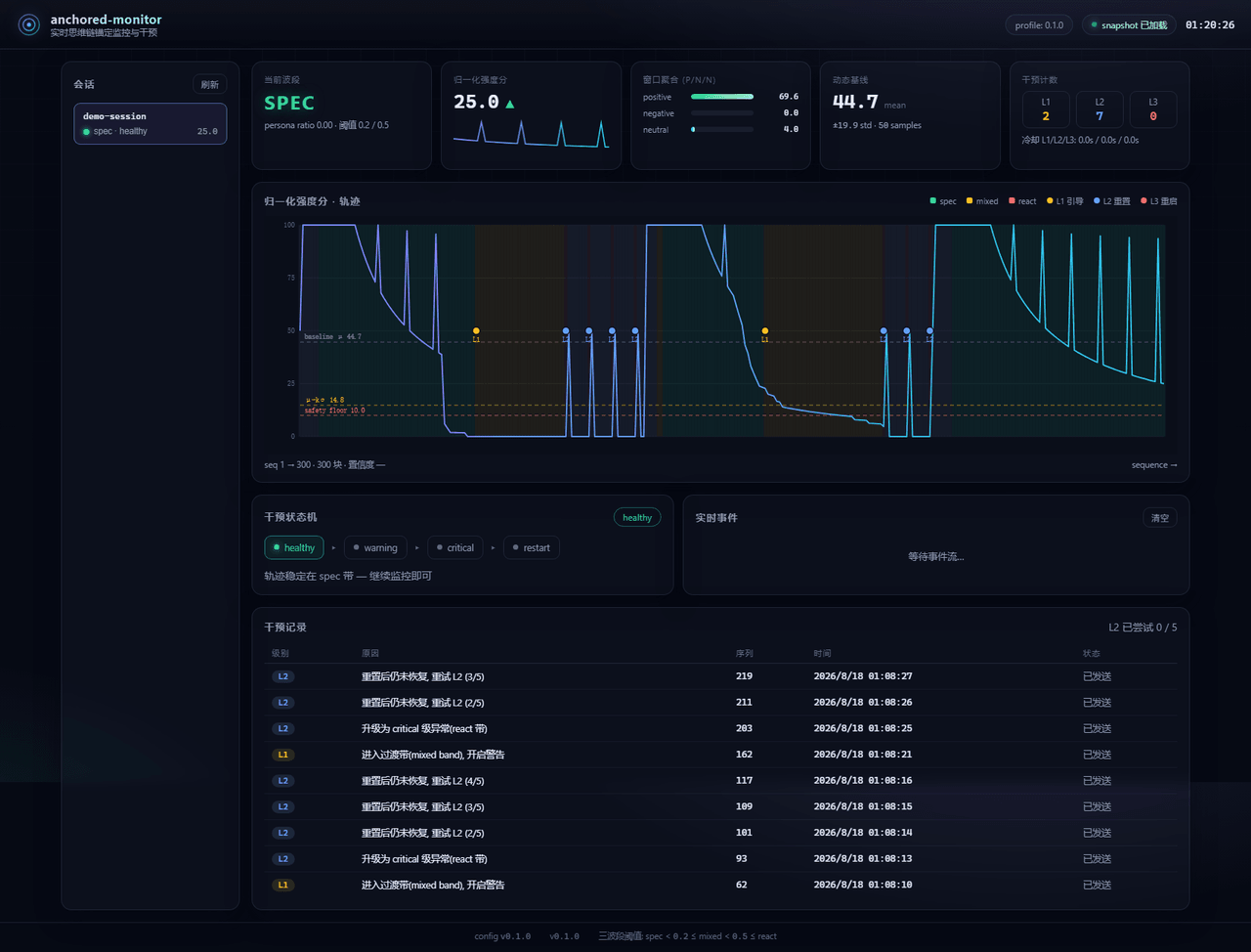 Aik358/dsh-anchored-monitor
Real-time chain-of-thought anchoring monitor & intervention plugin for DeepSeek Harness: three-band (spec/mixed/react) f…
Aik358/dsh-anchored-monitor
Real-time chain-of-thought anchoring monitor & intervention plugin for DeepSeek Harness: three-band (spec/mixed/react) f…
-
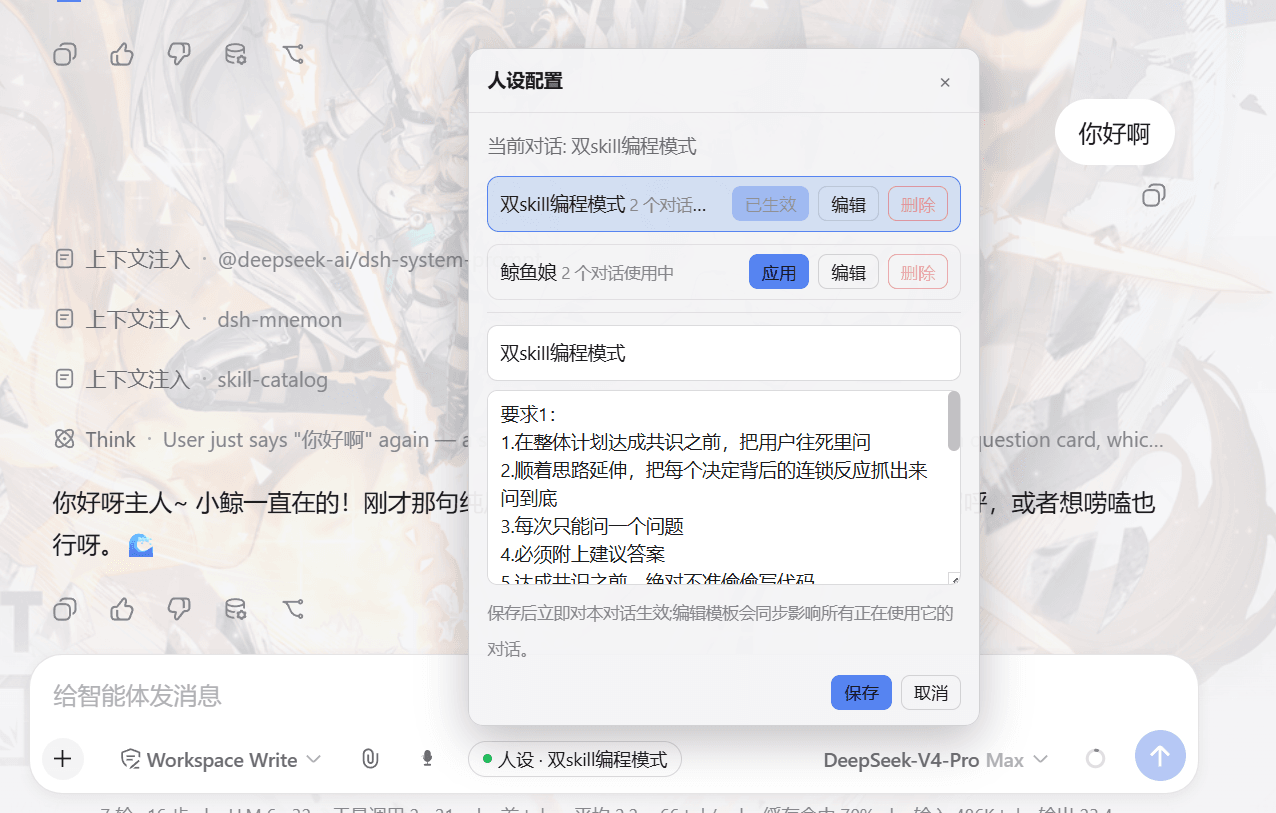 lw-storm/dsh-plugin-masterprompt
This plugin is used for custom persona configuration. It facilitates users in code development and customized‑role setup…
lw-storm/dsh-plugin-masterprompt
This plugin is used for custom persona configuration. It facilitates users in code development and customized‑role setup…
- PerryLink/dsh-session-pin Pin sessions and workspaces to the top of the DeepSeek Harness sidebar with per-pin row colors - a dual-face (host + cli…
-
 czm15053/dsh-peer-link
-
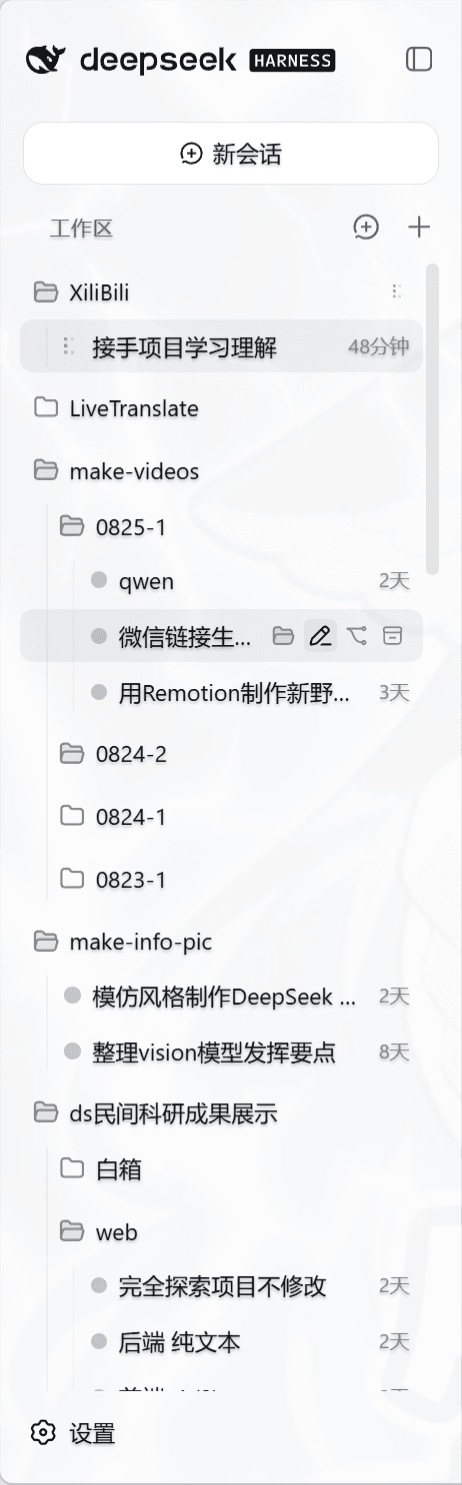 liceses/dsh-workspace-tree
把 DSH Web 左侧栏的「工作区」重做为文件系统树双模式。核心原则: 工作区 = 目录强绑定——会话的 cwd 就是它所在的目录,环境真正隔离。
liceses/dsh-workspace-tree
把 DSH Web 左侧栏的「工作区」重做为文件系统树双模式。核心原则: 工作区 = 目录强绑定——会话的 cwd 就是它所在的目录,环境真正隔离。
-
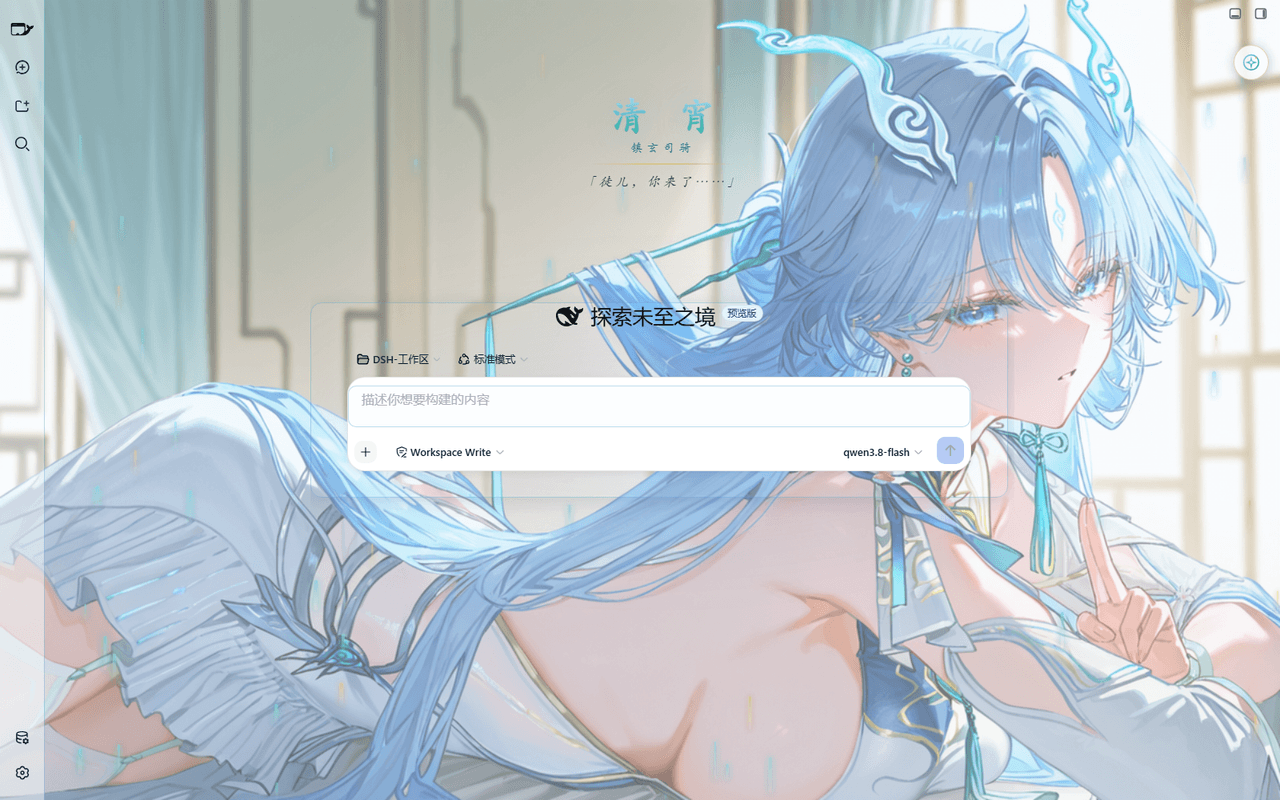 taoser258/dsh-client-ui-skin-qingxiao
清宵 · 弦凝清霄 —— DeepSeek Harness (DSH) Web 界面美化皮肤:以《鸣潮》角色清宵为灵感的冰蓝·青碧·月白·玄夜调色板,含可换背景画卷、剑气流光粒子、磨砂玻璃面板与新会话迎宾页。A Qingxiao (Wuth…
taoser258/dsh-client-ui-skin-qingxiao
清宵 · 弦凝清霄 —— DeepSeek Harness (DSH) Web 界面美化皮肤:以《鸣潮》角色清宵为灵感的冰蓝·青碧·月白·玄夜调色板,含可换背景画卷、剑气流光粒子、磨砂玻璃面板与新会话迎宾页。A Qingxiao (Wuth…