xut1021/dsh-plugin-host
Windows 外置 DSH 插件托管:官方兼容检查、配置保留、版本切换、插件市场与加密快照
Project Overview项目介绍
dsh-plugin-host is a Windows-only external manager panel that gives DeepSeek Harness plugins and settings a fixed home. Instead of rewriting DSH internals, it dynamically imports functions from the user's installed DSH runtime, including loadProfileDirectory and evaluatePluginCompatibility from @deepseek-ai/dsh-app-boot, and calls operations.runPluginCommand from the official DSH plugin manager to install packages with the version pinned by DSH's own pnpm. It checks version declarations, switches between a current and a retained executable, queues plugin enable/disable changes for the next launch, fixes DSH_HOME, the desktop profile and the Electron data directory, and presents a categorized browse of the awesome-dsh-plugin community catalog with author, repository, description and Stars.
Typical workflow: clone the repo into a stable location, copy local.example.json to local.json, and replace the three placeholder paths with a real existing DSH data root containing profiles/desktop/package.json, the current DeepSeek Harness.exe, and a fallback executable. Run python -X utf8 ./host.py check to scan for blockers, then python -X utf8 ./ui.py to open the Tk-based panel; the optional install.ps1 -Action Install rebinds desktop and Start Menu shortcuts, creates a per-user DSH_HOME that also affects DSH CLI launches, and installs a roughly 20-second background checker that notifies on abnormal changes. The intended audience is desktop users juggling multiple DSH builds who want offline access to plugin status when the host itself fails to start.
Dependencies are Windows, Python 3.12 with Tkinter and pythonw.exe, PowerShell 7, plus CustomTkinter 5.2.2 with darkdetect 0.8.0 and packaging 26.3 vendored via pip; Node.js 22 is only used to run the source tests. The project ships its own MIT Python/JavaScript/PowerShell code, never DSH binaries, plugin packages, the vendor/ tree, or community catalog snapshots, and the DPAPI configuration snapshot is bound to the original Windows user and machine, excluding credentials, sessions, attachments, and node_modules. There is no isolated full dry-run, no automatic promotion between versions, and no silent migration after arbitrary updates, while plugin compatibility passes still do not prove runtime correctness, so users should treat the tool as an early-stage community utility.
dsh-plugin-host 是一个面向 Windows 的外置插件托管面板,用来给 DeepSeek Harness 的插件与设置一个固定的"家"。它通过动态调用用户已安装 DSH 自带的 @deepseek-ai/dsh-app-boot 兼容检查接口与官方插件管理器的 operations.runPluginCommand,检查版本声明、切换新旧版本、控制插件启停、浏览 awesome-dsh-plugin 社区目录,并通过 DSH 随附的 pnpm 固定版本安装插件;同时固定 DSH_HOME、desktop profile 与 Electron 数据目录,避免更新后误用配置。
典型用法是先准备一个已有的 DSH 数据根目录与保留版本可执行文件,编辑 local.json 填入 home、current_exe、fallback_exe 等真实路径,再用 python -X utf8 ./host.py check 检查、python -X utf8 ./ui.py 打开面板。可选的 install.ps1 会备份并接管桌面与开始菜单快捷方式,创建用户级 DSH_HOME 与开机检查器,约每 20 秒查看变化,但不会自动下载更新或禁用插件。目标用户是需要在多版本间切换、保留历史配置并查看插件来源的 DSH 桌面端使用者。
依赖要求 Windows、Python 3.12(带 Tkinter 与 pythonw.exe)、PowerShell 7;UI 使用 CustomTkinter 5.2.2,间接依赖 darkdetect 与 packaging。本项目不下载或分发 DSH 本身,托管的是用户自行准备的版本;配置快照使用 Windows DPAPI 加密并完整性校验,不包含凭据、会话或 node_modules,也不是完整数据备份。未实现隔离环境全功能试运行、自动晋升与任意更新后的无感迁移;界面语言、DPAPI 跨机迁移等亦未逐项验证,请按早期社区工具对待。
请帮我安装这个 DSH 插件。安装前先完成【兼容性检查 + 安全性检查】,检查通过再动手。

插件:dsh-plugin-host(xut1021/dsh-plugin-host)
仓库:https://github.com/xut1021/dsh-plugin-host
本站详情页:https://www.yhbd.top/plugins/xut1021-dsh-plugin-host/
本站登记:类型 plugin · 归类 原生 DSH 插件 · 许可证 MIT · ⭐ 2 · 最近提交 2026-09-28 · 主语言 Python · 未检测到 DSH 插件清单

按下面顺序执行,每步先把结论告诉我,再进入下一步:

【1 兼容性检查】
① 我这边:DSH 版本、Node 版本、操作系统、当前 profile(web / desktop)。
② 读它的 README、package.json、插件 manifest,列出它要求的 DSH 版本 / Node 版本 / 操作系统 / 外部依赖 / 需要另外先装的运行时。
③ 逐条比对,结论只写「满足 / 不满足 / 未知」三种;不满足的给出可行替代方案。
④ 检查是否和我已装的插件冲突:命令名重复、skill / tool 重名、端口占用、重复注册的 MCP server。

【2 安全性检查】
① 仓库可信度:和上面「本站登记」是否一致;star / fork 数、创建时间、最近提交,是否归档或长期停更。
② 安装脚本:逐行看 package.json 的 preinstall / install / postinstall,以及 install.sh、setup.ps1 之类脚本。出现 curl|bash、下载后直接执行、混淆代码、访问与插件功能无关的域名,立刻停下来告诉我,不要继续装。
③ 依赖:列出新增依赖,标出无人维护、或与知名包拼写近似的可疑包(typosquatting)。
④ 权限与副作用:它会读写哪些目录、访问哪些域名、需要哪些 DSH 权限(filesystem / network / shell / clipboard 等),以及怎么卸载和回滚。
⑤ 如果它要求 sudo / 管理员权限,或权限明显超出功能所需,先停下来问我。

【3 安装】
上面两步没有「不满足」和「高危项」时才执行;用官方推荐方式安装,不要自行提权。

【4 汇报】
用表格输出:检查项 / 结论 / 依据 / 是否需要我决策。拿不准的一律写「未知」并说明要我怎么确认——不要猜,也不要替我决定。
Send this message to DSH in your current session: it verifies compatibility and security first (answering met / not met / unknown item by item) and only installs once everything checks out — it will stop and ask you if it finds a high-risk item. The box scrolls; the copy is the full prompt. CLI install commands may not be accurate across systems, so DSH is the safer route.把上面这条消息直接发给当前会话里的 DSH:它会先核对兼容性与安全性(逐条给「满足 / 不满足 / 未知」),确认没问题再安装,有高危项会停下来问你。框内可滚动,复制到的是完整提示词;安装命令不一定准确,发给 DSH 更稳。
- Only 2 stars - very few users, little community feedback星标只有 2,几乎没人在用,遇到问题缺少社区反馈
- No DSH plugin manifest detected - it may only carry the dsh-plugin topic, so the install method must be confirmed on the spot未检测到 DSH 插件清单:可能只是打了 dsh-plugin 话题,安装方式要现场确认
DSH walks through these 9 checksDSH 会逐条核对这 9 项
Compatibility兼容性
- DSH, Node, OS and profile requirementsDSH 版本 / Node 版本 / 操作系统 / profile 是否满足要求
- External dependencies and runtimes (Electron / Python / Docker, ...)外部依赖与运行时(Electron / Python / Docker 等)是否齐备
- Conflicts with installed plugins: command names, skill / tool names, ports, duplicate MCP registration与已装插件是否冲突:命令名、skill / tool 重名、端口占用、重复 MCP 注册
Security安全性
- Repo matches the facts registered here; archived or abandoned?仓库是否与页面登记一致,是否归档或长期停更
- Safety of preinstall / install / postinstall and install.sh / setup.ps1preinstall / install / postinstall 与 install.sh、setup.ps1 是否安全
- curl|bash, download-then-execute, obfuscation, unrelated domains → stop immediatelycurl|bash、下载即执行、混淆代码、无关域名 → 立刻停止
- Typosquatting or unmaintained packages among the new dependencies新增依赖里有没有 typosquatting 或无人维护的包
- Requested permissions vs. what the feature actually needs申请了哪些权限、是否超出功能所需(filesystem / network / shell / clipboard)
- Any sudo / admin requirement, plus uninstall and rollback是否要求 sudo / 管理员权限,以及卸载与回滚方式
Anything uncertain must be marked unknown with a note on how to confirm it. This site's signal screen is a static snapshot, not a security audit.拿不准的必须标「未知」并说明要我怎么确认。本站的信号筛查是静态快照,不能替代安全审计。
Or use CLI install (for developers)或使用命令行安装(适合开发者)
CLI Install命令行安装
dsh plugin --profile web add github:xut1021/dsh-plugin-host把 xut1021/dsh-plugin-host 加入你的 DSH 配置(web profile)即可启用。
READMEREADME
DSH 插件托管
给 DeepSeek Harness 的插件和设置一个固定的家。
Windows 外置管理面板:更新前后检查插件声明与依赖、保留可用版本、管理插件启停、浏览插件市场,并加密备份配置。DSH 无法启动时,仍可单独打开面板查看原因。
这是一个早期社区工具,与 DeepSeek 官方无隶属关系。它复用已安装 DSH 的官方兼容检查和包管理能力;检查通过不等于插件实际功能正常。目前没有实现隔离环境中的全功能试运行、自动晋升或任意更新后的完全无感迁移。
能做什么
| 功能 | 当前行为 |
|---|---|
| 更新检查 | 使用所选 DSH 版本自己的加载器检查版本声明;结合插件依赖和历史启动日志提示阻断原因 |
| 版本切换 | 在本机配置的新版本、保留版本之间选择,并记住默认选择;检查不通过时优先使用可用版本 |
| 插件开关 | 关闭项排在底部,重新开启恢复原有顺序;运行中更改记为“待重启”,下次托管启动前应用 |
| 来源展示 | 区分本地、npm、GitHub 等安装声明与项目仓库地址;点击可查看来源详情 |
| 插件市场 | 搜索、分类、查看详情和 Star 数;通过 DSH 包管理器安装目录中明确的 npm 固定版本 |
| 配置保留 | 固定 DSH_HOME、desktop profile 和 Electron 数据目录,避免更新后误用另一个配置目录 |
| 配置快照 | Windows 当前用户 DPAPI 加密、完整性检查、恢复前检查、写入失败回滚 |
不强制结束正在运行的 DSH。切换版本需要正常退出当前实例;安装插件及恢复配置也需要先退出 DSH。复杂条件控制的插件显示“自动”,不会把原表达式覆盖成简单开关。
安装与使用
需要 Windows、Python 3.12(带 Tkinter 和 pythonw.exe)、PowerShell 7,以及已经安装并初始化 desktop profile 的 DSH 桌面版。保留版本由你自行准备;本项目不下载或重新分发 DSH。
开发时使用的 DSH 版本为 0.1.7-rc.2 和 0.2.0-rc.1。这些版本的内部加载器布局是当前适配依据,不保证其他版本接口相同。Node.js 22 仅用于运行源码测试;日常探测和安装使用 DSH 随附运行时。
在 PowerShell 7 中执行:
git clone https://github.com/xut1021/dsh-plugin-host.git
cd dsh-plugin-host
python -m pip install --target vendor -r requirements.txt
Copy-Item local.example.json local.json
notepad local.json
把示例中的三个路径改成自己的真实路径:
| 配置项 | 应填内容 |
|---|---|
home |
已有的 DSH 数据根目录,其下应有 profiles/desktop/package.json。不要为了切换版本新建一个空目录 |
current_exe |
当前安装版本的 DeepSeek Harness.exe 完整路径 |
fallback_exe |
保留版本的可执行文件完整路径;只有一个版本时,填与 current_exe 相同的路径 |
launch_env |
可选的启动环境变量;默认为空对象。不要把含私人代理或凭据的配置提交到仓库 |
路径可使用 JSON 中的正斜杠,例如 C:/DSH/data;示例路径只是占位,不会自动创建数据目录。preferred_exe 会由面板保存,无须手填。
先检查,再打开面板:
python -X utf8 ./host.py check
python -X utf8 ./ui.py
“检查版本”下拉框只切换兼容性预览;顶部“切换版本”才设置启动选择。检查有阻断项时查看具体插件,不要通过批量修改声明或豁免假装兼容。
可选:接管启动入口
确认 local.json 正确后,可运行:
pwsh -NoProfile -File ./install.ps1 -Action Install
这一步会备份并绑定桌面/开始菜单的 DSH 快捷方式,创建“DSH 插件托管”入口和当前用户的开机检查器,并设置用户级 DSH_HOME。用户级 DSH_HOME 也会影响未显式指定数据目录的 DSH CLI。 后台约每 20 秒查看安装及配置变化,异常证据变化时提醒;不自动下载更新或禁用插件。
请保持项目目录位置稳定。撤销整合会恢复安装前的快捷方式和 DSH_HOME,保留项目、快照及 DSH 数据:
pwsh -NoProfile -File ./install.ps1 -Action Remove
Showing the opening section of the README — the full document lives in the repository以上为 README 开头摘要,完整文档在仓库内 · View the full README on GitHub →在 GitHub 查看完整 README →
Related相关推荐
-
 LX2000WASD/dsh-web-plugin-manager
在 Web UI 中一键管理 DeepSeek Harness (DSH) 插件:查看、实时启停、安装/卸载、更新检测、健康检查(依赖/冲突/兼容性分析)、环境管理、插件市场。bundle 与非 bundle 插件全覆盖
LX2000WASD/dsh-web-plugin-manager
在 Web UI 中一键管理 DeepSeek Harness (DSH) 插件:查看、实时启停、安装/卸载、更新检测、健康检查(依赖/冲突/兼容性分析)、环境管理、插件市场。bundle 与非 bundle 插件全覆盖
-
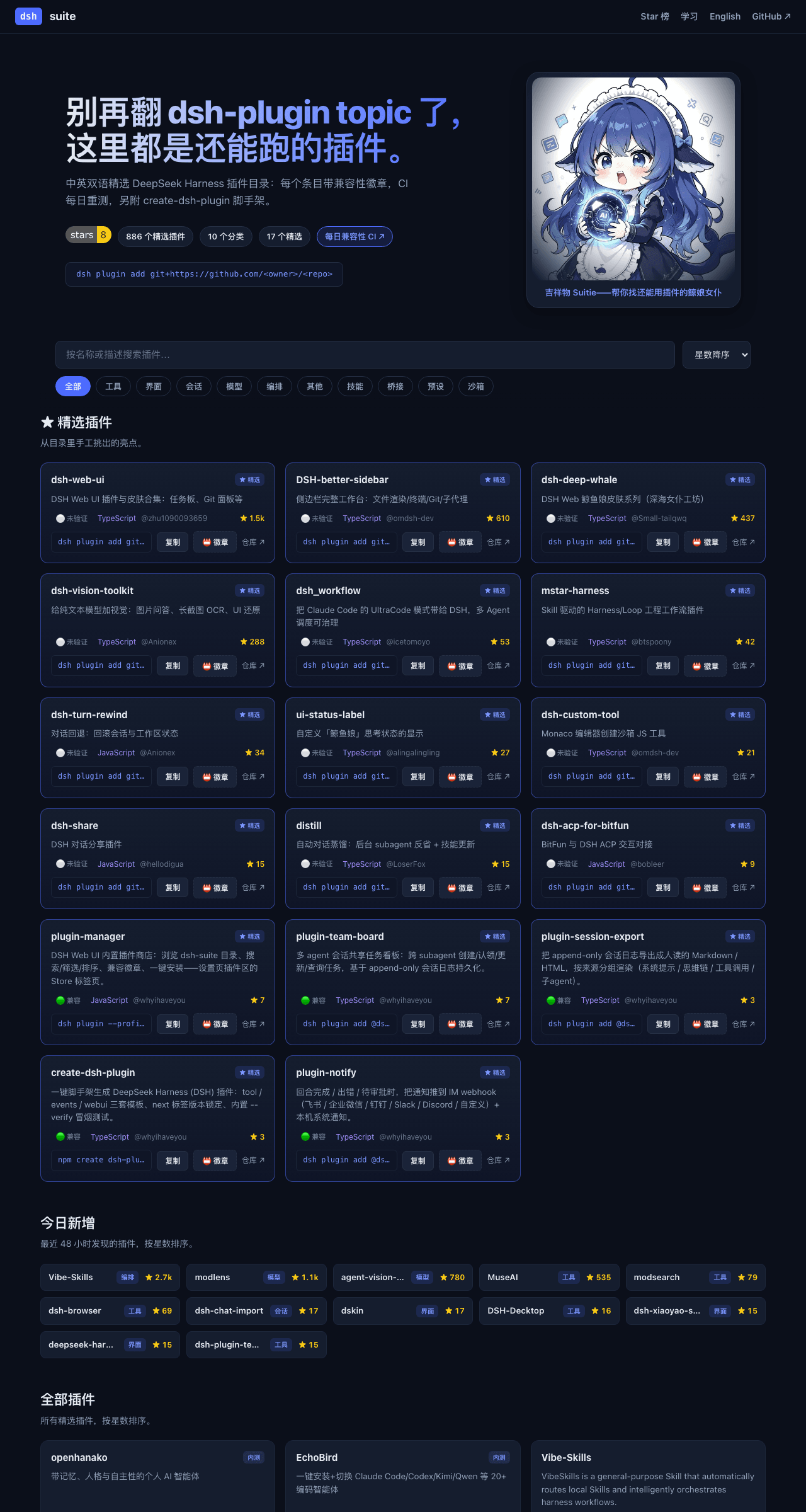 whyihaveyou/dsh-suite
The living DeepSeek Harness plugin directory — refreshed hourly, compat-tested daily, with an in-app plugin store and sc…
whyihaveyou/dsh-suite
The living DeepSeek Harness plugin directory — refreshed hourly, compat-tested daily, with an in-app plugin store and sc…
- Thanksgiver233/dsh-mobile DeepSeek Harness Mobile 是 DeepSeek Harness 的 Android 原生应用,将原本仅支持 PC 浏览器的 AI Agent 框架完整迁移至移动端。采用 Kotlin + Jetpack Compose…
-
 arkyu2077/awesome-dsh-plugin
面向 DeepSeek Harness 用户的插件产品说明书与导航:按场景选插件,了解安装、权限、兼容性和风险
arkyu2077/awesome-dsh-plugin
面向 DeepSeek Harness 用户的插件产品说明书与导航:按场景选插件,了解安装、权限、兼容性和风险
-
 dsh-plugins/dsh-loader
A version‑aware adapter registry that decouples third‑party Cordis plugins from dsh’s internal service names, paths, and…
dsh-plugins/dsh-loader
A version‑aware adapter registry that decouples third‑party Cordis plugins from dsh’s internal service names, paths, and…
- hackerFish/dsh-lab DSH 实验室:每个条目都经真机四关测试的 DeepSeek Harness 实测精选与中文指南(安装→冒烟→安全快检→兼容钉版)
-
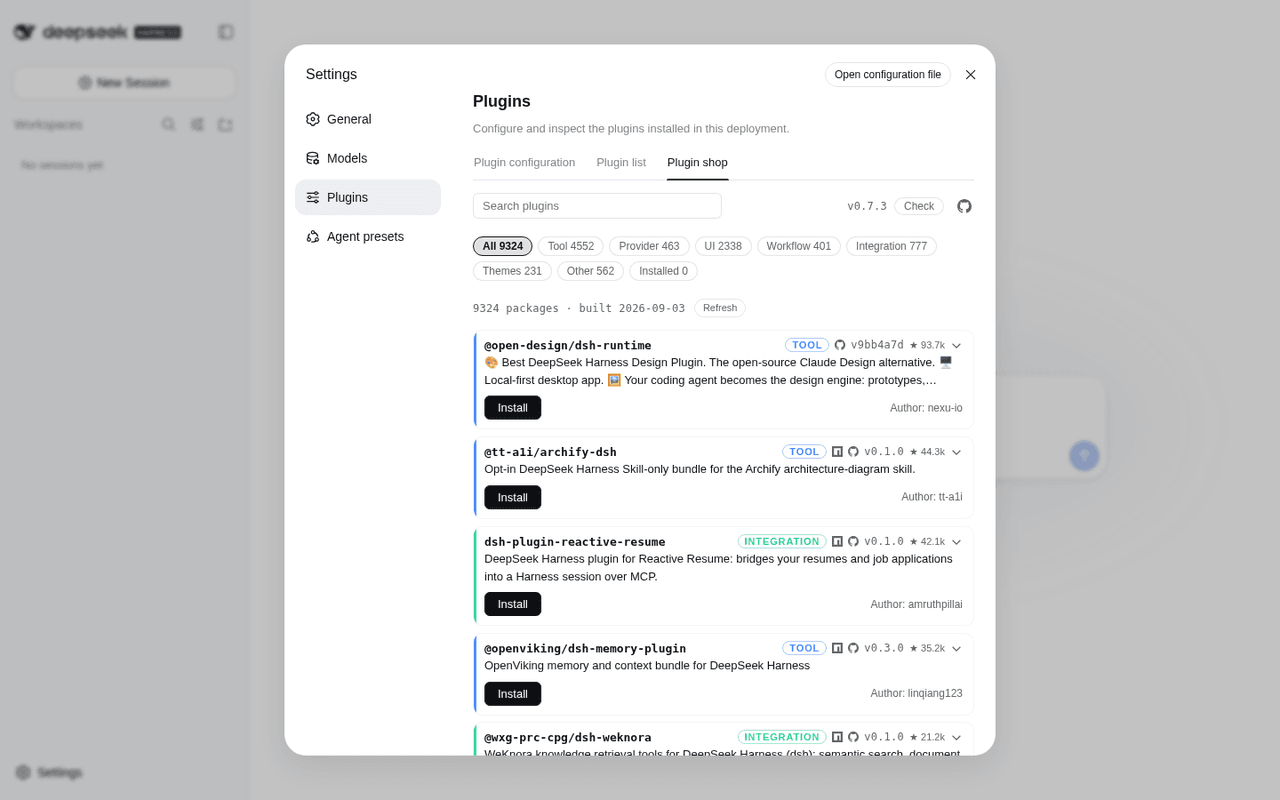 LivXue/dsh-plugin-shop
The most comprehensive DeepSeek Harness plugin market — refreshed daily, sourced across the Internet, reviewed before pu…
LivXue/dsh-plugin-shop
The most comprehensive DeepSeek Harness plugin market — refreshed daily, sourced across the Internet, reviewed before pu…
-
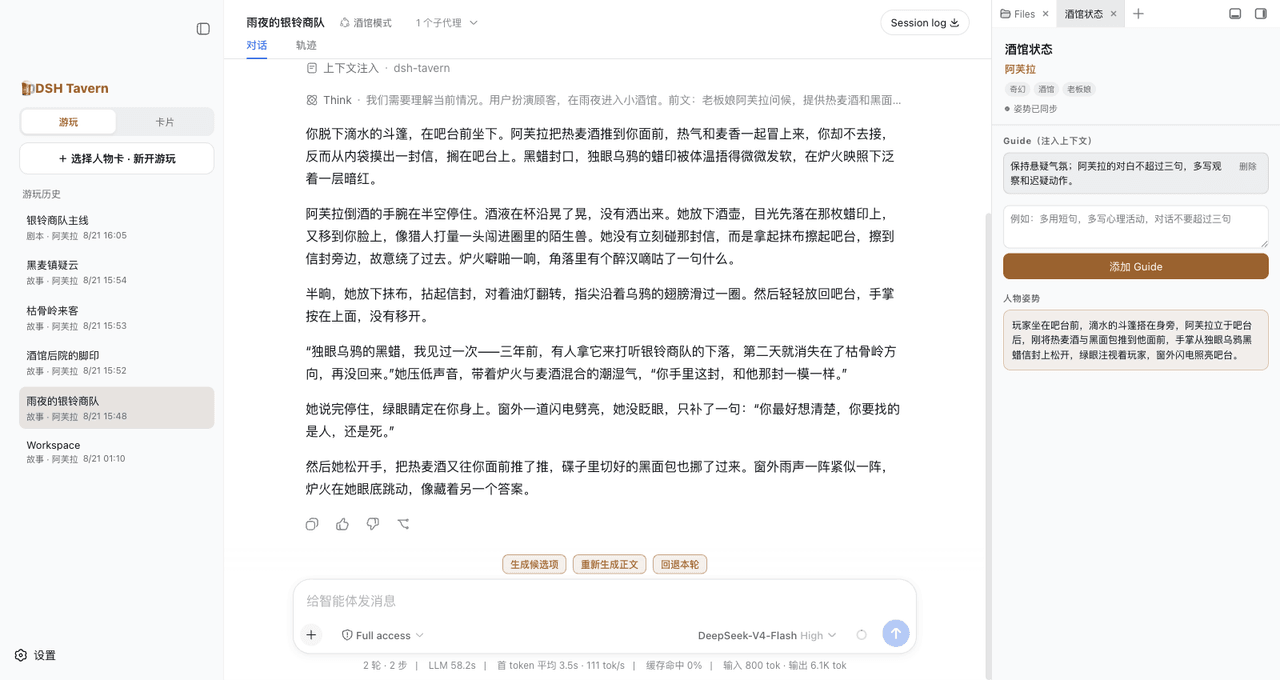 flizzywine/dsh-tavern
基于DSH的Agent酒馆。兼容SillyTavern生态,人物卡直接导入就能玩。更快、更稳、更鲜活。所有模型都能用。手机也能玩。
flizzywine/dsh-tavern
基于DSH的Agent酒馆。兼容SillyTavern生态,人物卡直接导入就能玩。更快、更稳、更鲜活。所有模型都能用。手机也能玩。