yaoshuo530/dsh-prompt-enhancer
A prompt-enhancement plugin for DeepSeek Harness: an ✨ Enhance composer button that rewrites prompts with first-principles thinking using session context, and asks clarifying questions when key info is missing.
Project Overview项目介绍
dsh-prompt-enhancer is a DeepSeek Harness plugin that adds an "✨ Enhance" button to the composer's tool row. It rewrites draft prompts into more detailed, clear, and structured versions using first-principles thinking, automatically reading the session's system prompt, persona, memory, and recent 30 messages. When key details are missing, a clarification card with option buttons and free-text input appears before generation. Enhanced output is previewed and only written into the composer after the user clicks "Apply to input"; it is never sent automatically. Use it to polish rough prompts before sending. Caveat: requires DSH web with at least one working model route configured, and Method 1 (host profile install) is recommended for stable browser UI loading.
DSH 提示词增强插件:在 DeepSeek Harness 对话框工具栏新增"✨ Enhance"按钮,基于第一性原理将草稿提示重写为更详细、清晰、结构化的版本,自动读取当前会话的系统提示、人设、记忆和最近 30 条消息。点击按钮后,模型先判断是否需要补充关键信息,必要时弹出澄清卡片(选项按钮+自由输入);生成的增强提示仅预览不直发,确认后再写入输入框。适合提示词粗糙、想要快速润色的场景。注意事项:必须使用 DSH web 且至少配置一条可用模型路由;建议采用主机 profile 方式安装以获得最稳定的浏览器 UI 加载效果。
请帮我了解并安装插件:【dsh-prompt-enhancer】【https://github.com/yaoshuo530/dsh-prompt-enhancer】Send this message to DSH in your current session. CLI install commands may not be accurate across systems — DSH will figure it out for you.把上面这条消息直接发给当前会话里的 DSH,让它帮你了解并安装。安装命令不一定准确,发给 DSH 更稳。
Or use CLI install (for developers)或使用命令行安装(适合开发者)
CLI Install命令行安装
dsh plugin --profile web add github:yaoshuo530/dsh-prompt-enhancer把 yaoshuo530/dsh-prompt-enhancer 加入你的 DSH 配置(web profile)即可启用。
READMEREADME
dsh-prompt-enhancer


A prompt-enhancement plugin for DeepSeek Harness (DSH): an "✨ Enhance" button in the composer that rewrites your draft prompt into a more detailed, clearer, and structured version using first-principles thinking — grounded in your session context, memory, and recent conversation. When key information is missing, it asks you through a clarification card before generating.
Features
- One-click enhance: an "✨ Enhance" button on the right end of the composer tool row
- First-principles methodology: Think (return to the essence) → Plan (break down the structure) → Execute (organize the expression) → Review (check coherence)
- Context-aware: automatically reads the current session's agent system prompt (persona, memory, skill injections) and the recent conversation history
- Clarification card: when the model judges key information is missing, it pops up a card (option buttons + free-text input + cancel) and continues after you answer
- Preview then apply: the enhanced prompt is shown for review first; clicking "Apply to input" writes it into the composer — it is never sent automatically
- DSH-native look & feel: blue button with white text, reusing DSH's send-button theme tokens (
--dsw-alias-button-info-fill)
Installation
Method 1: Host profile plugin (recommended — survives refresh and restart)
- Clone or copy this repository to any local path, e.g.
~/dsh-plugins/dsh-prompt-enhancer - Edit the DSH web profile (
~/.dsh/profiles/web/):- Append to
package.json→dependencies:"dsh-prompt-enhancer": "link:/absolute/path/to/dsh-prompt-enhancer" - Append to
cordis.patch.yml:- insert: - name: dsh-prompt-enhancer
- Append to
- Run
pnpm installin~/.dsh/profiles/web/ - Restart
dsh web, then refresh the page — the button appears in the composer tool row
Method 2: Agent preset plugin
Add the plugin row to your agent preset's composition (~/.dsh/.agent-presets/<id>/agent.cordis.yml) and mount the package in that preset. Note: loading the browser UI via the host profile (Method 1) is the most stable.
Configuration
None required. The plugin automatically uses:
- Model route: the current session agent's model (
agent.options), falling back to theagent-default-modelselection; it calls the model with thinking disabled (reasoningEffort: off) for speed and stability - Context:
systemPrompt.assemble()(persona / memory / skills) +sessionQuery.readSurface()(last 30 messages)
Usage
- Type a draft prompt in the composer, e.g.
Write a weekly summary report - Click the "✨ Enhance" button
- If the model decides key information is missing, a clarification card appears (e.g. "What did you complete this week?", "Who is the audience?") — select or type your answers, then click "Generate"
- Preview the enhanced prompt, click "Apply to input" to write it into the composer, then edit and send as you like
The output language follows your input language.
Example
Input:
Write a weekly summary report
Enhanced output:
## Objective
Generate a submittable weekly report that covers this week's completed work,
achievements, issues, and next week's plan, so progress can be synced with
your manager or team.

## Background
You want a clearly structured, results-focused weekly report. Fill in the
placeholders below with your own details.

## Requirements
- Summarize completed tasks, milestones, and outcomes this week
- Note any blockers or issues and their current status
- List next week's planned work with priorities
- Keep the tone concise and professional; use bullet points and short sentences

## Output Format
Markdown with the sections: This Week's Work / Achievements / Issues / Next Week's Plan

## Acceptance Criteria
- All four sections are present and non-empty
- No placeholders remain
- The report can be submitted as-is
Dependencies
- DeepSeek Harness (DSH) web, with at least one working model route (e.g. DeepSeek official API)
- Node.js
^22.19.0 || >=24 - Browser-side packages (bundled with DSH web):
@deepseek-ai/dsh-client-runtime,@deepseek-ai/dsh-client-connection,@deepseek-ai/dsh-client-ui-slots,@deepseek-ai/dsh-client-locale
How It Works
| Component | Description |
|---|---|
Host half (lib/index.js) |
Serves POST /__dsh-enhance/api JSON RPC: prepare (decides whether clarification is needed and returns a structured question JSON), complete (generates the final enhanced prompt as plain text); assembles context and calls llm.stream |
Client half (lib/client.js) |
ModuleLoader browser plugin: the composer button (conversation.input.right) and the overlay cards (shell.overlay — busy / clarify / preview / error states) |
License
Related相关推荐
-
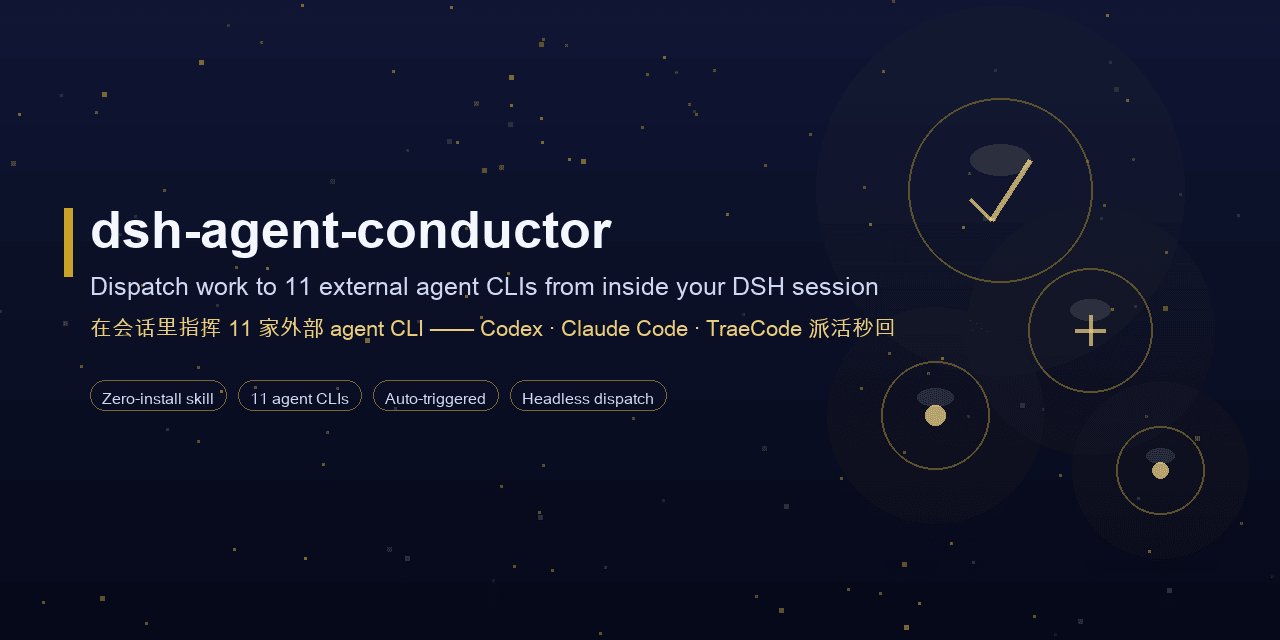 MJorgin/dsh-agent-conductor
⚡ DSH 指挥家 / Conductor for DeepSeek Harness — in-session dispatch to 11 external agent CLIs (Codex, Claude Code, TraeCode…
MJorgin/dsh-agent-conductor
⚡ DSH 指挥家 / Conductor for DeepSeek Harness — in-session dispatch to 11 external agent CLIs (Codex, Claude Code, TraeCode…
- rxa3c/chat2skill Extracting and iterating skills from daily conversations with AI
- ffyuuu/dsh-llm-longcat LongCat (LongCat-2.0) provider for DeepSeek Harness — 1M context, thinking mode, tool calling
- Nagi-ovo/voyager Enhancement suite for Gemini, AI Studio, Claude & ChatGPT — plus a prompt manager for any websites, DeepSeek Harness inc…
-
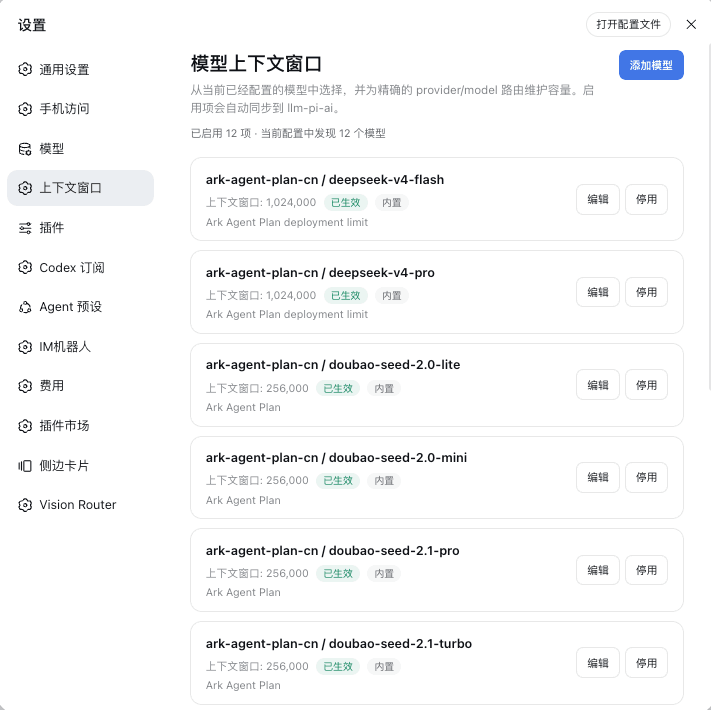 HOWILLMAKEIT/dsh-model-context-catalog
DeepSeek Harness 插件:维护 llm-pi-ai 模型的准确上下文窗口,避免长会话被误判为上下文溢出。
HOWILLMAKEIT/dsh-model-context-catalog
DeepSeek Harness 插件:维护 llm-pi-ai 模型的准确上下文窗口,避免长会话被误判为上下文溢出。
-
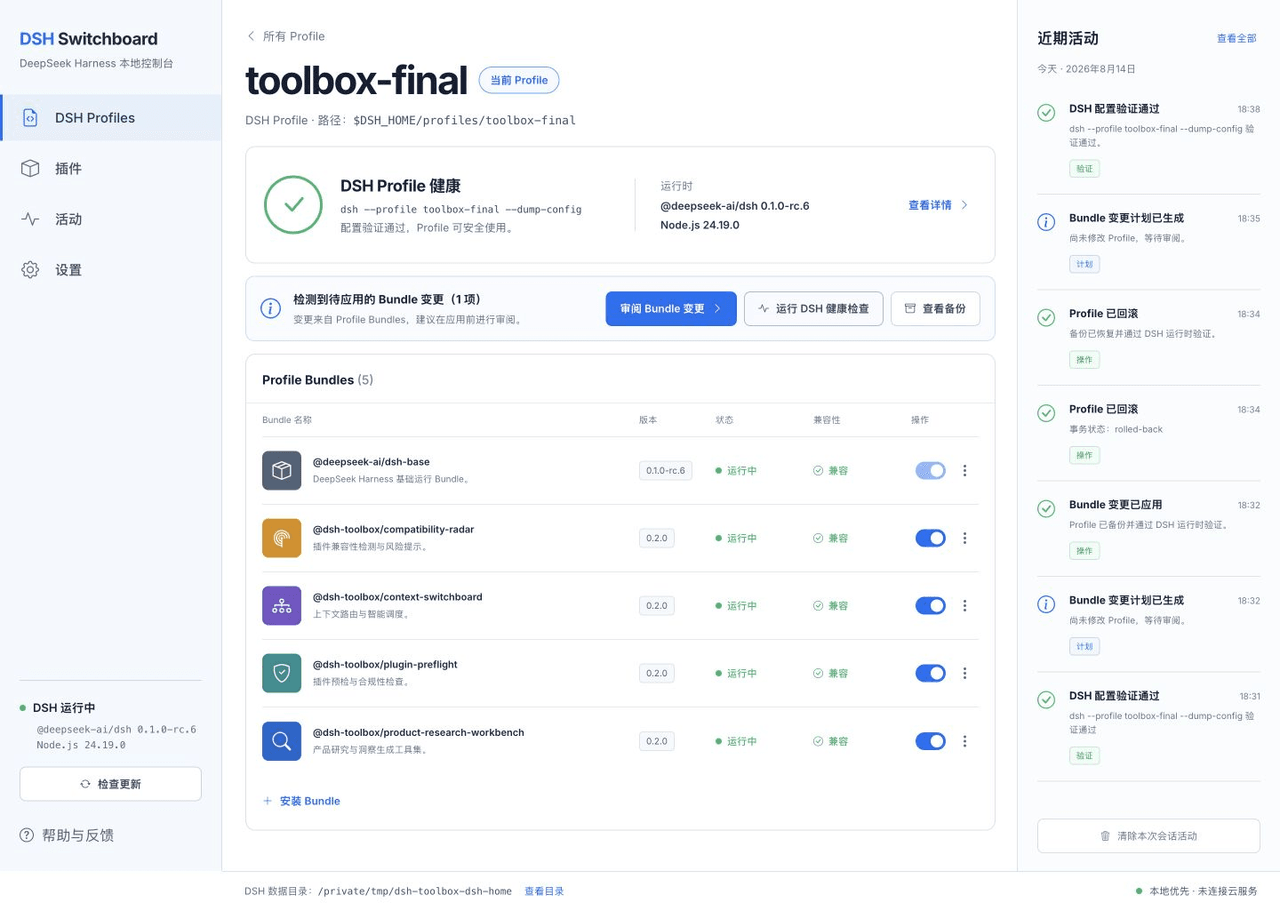 HiWhaleW/dsh-toolbox
Local-first DeepSeek Harness plugins for product research, context routing, plugin preflight, and compatibility monitori…
HiWhaleW/dsh-toolbox
Local-first DeepSeek Harness plugins for product research, context routing, plugin preflight, and compatibility monitori…
-
 a735624258/dsh-skill-picker
DSH 实现 workbuddy 同款选择 skill 功能 | WorkBuddy-style skill picker for DeepSeek Harness: pick a skill in the composer, insert…
a735624258/dsh-skill-picker
DSH 实现 workbuddy 同款选择 skill 功能 | WorkBuddy-style skill picker for DeepSeek Harness: pick a skill in the composer, insert…
-
 omdsh-dev/dsh-llm-fallbacks
An dsh plugin for role-based LLM retry&fallback strategy. 基于角色的模型重试备用策略插件
omdsh-dev/dsh-llm-fallbacks
An dsh plugin for role-based LLM retry&fallback strategy. 基于角色的模型重试备用策略插件