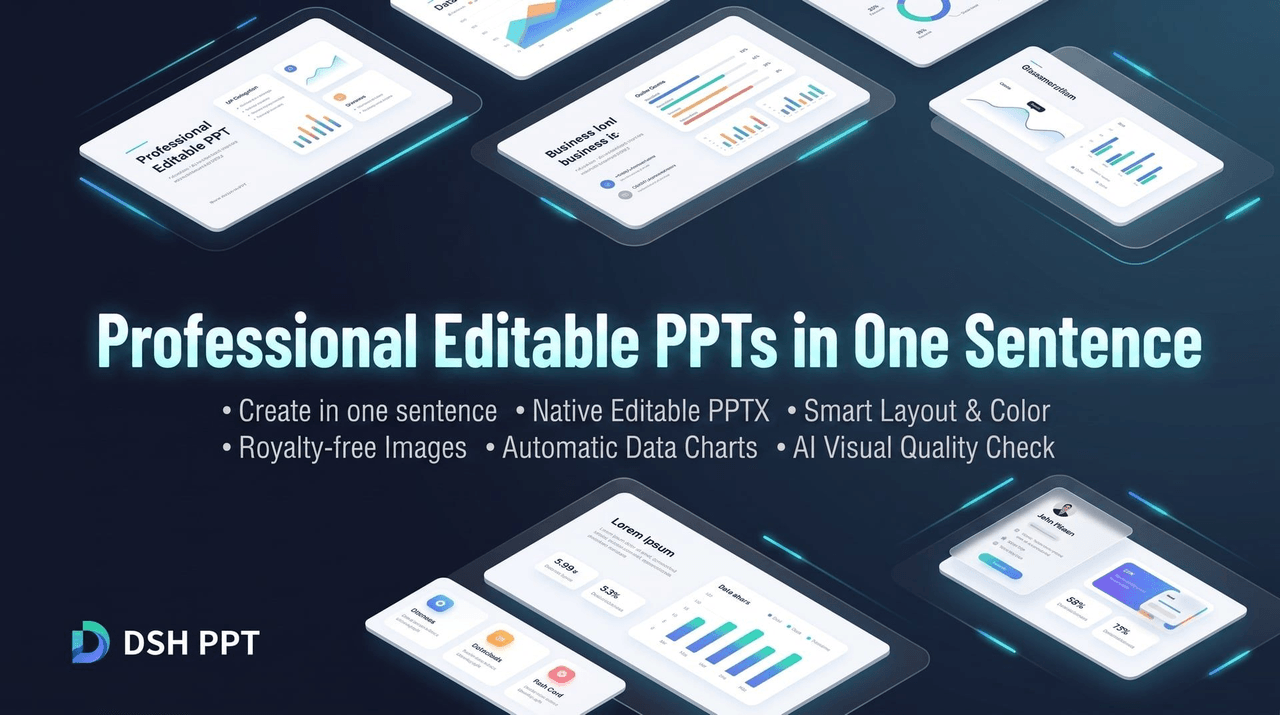
yejiming/dsh-ppt
PPT design preset and editable PPTX production tools for DeepSeek Harness
Project Overview项目介绍
dsh-ppt is a native presentation-generation plugin built specifically for the DSH (DeepSeek Harness) runtime, turning a single natural-language prompt into a fully editable .pptx slide deck rather than a flat image. It is installed exclusively through the DSH plugin manager, with the documented commands being dsh plugin --profile web add @yejiming/dsh-ppt or the headless counterpart dsh plugin --profile headless add @yejiming/dsh-ppt, and is then invoked either from the Web console's dedicated "PPT mode" or directly from a terminal via dsh --profile headless "...". The repository, its packaging, and its npm name are all DSH-centric, and no alternative agent or CLI is mentioned anywhere in the README.
The plugin focuses on professionals who need polished decks for business reviews, client proposals, product launches, and training sessions. It applies AI-driven layout, color palette, and typography decisions, fetches royalty-free commercial imagery, and auto-generates data charts that fit the topic. After rendering, an AI visual-review pass re-inspects every slide to catch overflow, overlap, and other layout defects before final delivery, which addresses a common pain point of AI-generated decks. Outputs are organized under ppt-output/<project>/ and include deck.pptx, a preview/ folder of high-resolution page screenshots, and an assets/ folder listing every image and chart together with its licensing source.
On the dependency side, users must have the DSH runtime plus at least one office application for high-fidelity rendering and visual QA: Keynote or Microsoft PowerPoint on macOS, PowerPoint on Windows, or LibreOffice on Linux and other platforms. The README stresses that all generation and rendering happen locally for privacy and that system fonts such as Microsoft YaHei, PingFang, and Source Han Sans are preferred for cross-platform layout stability. The project is released under the MIT License, and first-time users are advised to confirm a compatible office app and font set is installed before issuing their first prompt to avoid rendering or character-display issues.
dsh-ppt 是一个面向 DSH(DeepSeek Harness)的原生 PPT 制作插件,专注于用一句话自然语言生成可二次编辑的 .pptx 文件。用户通过 dsh plugin --profile web add @yejiming/dsh-ppt 或 dsh plugin --profile headless add @yejiming/dsh-ppt 安装后,可在 Web 控制台的 PPT 模式中与 AI 对话,或在命令行以 dsh --profile headless "..." 直接生成整套演示文稿。它与 DSH 运行时深度集成,仅作为 DSH 插件存在。
插件采用 AI 智能排版与配色策略,可根据主题自动定制色彩、字体与版式,搜索合规免版权商业配图并基于数据绘制图表;同时引入 AI 视觉审稿机制,把渲染后的页面重新审视一遍,自动纠正文字溢出、元素重叠与排版瑕疵。生成产物全部落入 ppt-output/<项目文件夹>/,包含 deck.pptx、preview/ 高清截图以及 assets/ 素材与版权来源清单,适合业务复盘、商业方案、产品发布、培训分享等场景。
依赖方面,本地需配备 DSH 运行时,并在 macOS(Keynote / PowerPoint)、Windows(PowerPoint)或通用平台(LibreOffice)中至少安装一款办公软件用于高保真渲染与视觉质检。所有生成与渲染流程均在本地完成,商业素材来源与授权清晰可追溯。项目以 MIT 协议开源,首次运行建议先准备系统字体(微软雅黑、苹方、思源黑体)以保证跨平台排版稳定。
请帮我安装这个 DSH 插件。安装前先完成【兼容性检查 + 安全性检查】,检查通过再动手。

插件:dsh-ppt(yejiming/dsh-ppt)
仓库:https://github.com/yejiming/dsh-ppt
本站详情页:https://www.yhbd.top/plugins/yejiming-dsh-ppt/
本站登记:类型 plugin · 归类 原生 DSH 插件 · 许可证 MIT · ⭐ 3 · 最近提交 2026-08-31 · 主语言 TypeScript

按下面顺序执行,每步先把结论告诉我,再进入下一步:

【1 兼容性检查】
① 我这边:DSH 版本、Node 版本、操作系统、当前 profile(web / desktop)。
② 读它的 README、package.json、插件 manifest,列出它要求的 DSH 版本 / Node 版本 / 操作系统 / 外部依赖 / 需要另外先装的运行时。
③ 逐条比对,结论只写「满足 / 不满足 / 未知」三种;不满足的给出可行替代方案。
④ 检查是否和我已装的插件冲突:命令名重复、skill / tool 重名、端口占用、重复注册的 MCP server。

【2 安全性检查】
① 仓库可信度:和上面「本站登记」是否一致;star / fork 数、创建时间、最近提交,是否归档或长期停更。
② 安装脚本:逐行看 package.json 的 preinstall / install / postinstall,以及 install.sh、setup.ps1 之类脚本。出现 curl|bash、下载后直接执行、混淆代码、访问与插件功能无关的域名,立刻停下来告诉我,不要继续装。
③ 依赖:列出新增依赖,标出无人维护、或与知名包拼写近似的可疑包(typosquatting)。
④ 权限与副作用:它会读写哪些目录、访问哪些域名、需要哪些 DSH 权限(filesystem / network / shell / clipboard 等),以及怎么卸载和回滚。
⑤ 如果它要求 sudo / 管理员权限,或权限明显超出功能所需,先停下来问我。

【3 安装】
上面两步没有「不满足」和「高危项」时才执行;用官方推荐方式安装,不要自行提权。

【4 汇报】
用表格输出:检查项 / 结论 / 依据 / 是否需要我决策。拿不准的一律写「未知」并说明要我怎么确认——不要猜,也不要替我决定。
Send this message to DSH in your current session: it verifies compatibility and security first (answering met / not met / unknown item by item) and only installs once everything checks out — it will stop and ask you if it finds a high-risk item. The box scrolls; the copy is the full prompt. CLI install commands may not be accurate across systems, so DSH is the safer route.把上面这条消息直接发给当前会话里的 DSH:它会先核对兼容性与安全性(逐条给「满足 / 不满足 / 未知」),确认没问题再安装,有高危项会停下来问你。框内可滚动,复制到的是完整提示词;安装命令不一定准确,发给 DSH 更稳。
- Only 3 stars - very few users, little community feedback星标只有 3,几乎没人在用,遇到问题缺少社区反馈
DSH walks through these 9 checksDSH 会逐条核对这 9 项
Compatibility兼容性
- DSH, Node, OS and profile requirementsDSH 版本 / Node 版本 / 操作系统 / profile 是否满足要求
- External dependencies and runtimes (Electron / Python / Docker, ...)外部依赖与运行时(Electron / Python / Docker 等)是否齐备
- Conflicts with installed plugins: command names, skill / tool names, ports, duplicate MCP registration与已装插件是否冲突:命令名、skill / tool 重名、端口占用、重复 MCP 注册
Security安全性
- Repo matches the facts registered here; archived or abandoned?仓库是否与页面登记一致,是否归档或长期停更
- Safety of preinstall / install / postinstall and install.sh / setup.ps1preinstall / install / postinstall 与 install.sh、setup.ps1 是否安全
- curl|bash, download-then-execute, obfuscation, unrelated domains → stop immediatelycurl|bash、下载即执行、混淆代码、无关域名 → 立刻停止
- Typosquatting or unmaintained packages among the new dependencies新增依赖里有没有 typosquatting 或无人维护的包
- Requested permissions vs. what the feature actually needs申请了哪些权限、是否超出功能所需(filesystem / network / shell / clipboard)
- Any sudo / admin requirement, plus uninstall and rollback是否要求 sudo / 管理员权限,以及卸载与回滚方式
Anything uncertain must be marked unknown with a note on how to confirm it. This site's signal screen is a static snapshot, not a security audit.拿不准的必须标「未知」并说明要我怎么确认。本站的信号筛查是静态快照,不能替代安全审计。
Or use CLI install (for developers)或使用命令行安装(适合开发者)
CLI Install命令行安装
dsh plugin --profile web add @yejiming/dsh-ppt把 yejiming/dsh-ppt 加入你的 DSH 配置(web profile)即可启用。
READMEREADME
DSH PPT · 一句话生成专业可编辑 PPT
中文 | English
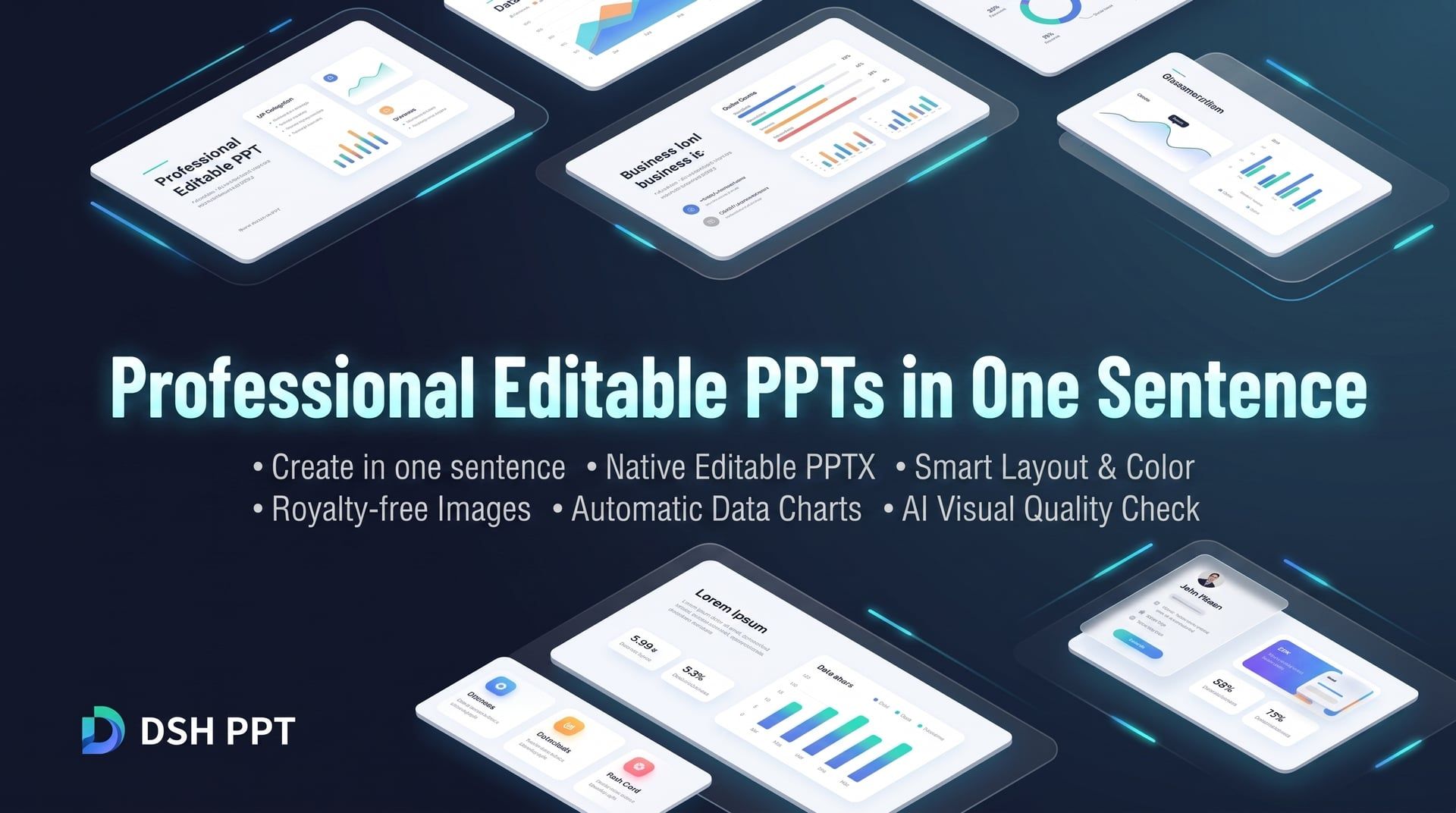


专为职场人打造的 DeepSeek 智能 PPT 创作助手
一句话生成 · 原生可编辑 PPTX · 智能排版与配色 · 免版权配图 · 自动数据图表 · AI 视觉审稿质检
产品亮点 · 快速上手 · 使用场景 · 产物说明 · 常见问题 · 开源协议
产品亮点
做 PPT 总是耗费大量时间找模板、调对齐、排版面?市面上的 AI PPT 要么生成无法修改的“整页死图”,要么模板僵硬千篇一律。
DSH PPT 让 PPT 制作回归内容本身:
- 📝 真正原生可编辑:生成的不是整页死图,而是标准的
.pptx文件。文字、图形、图表均可在 PowerPoint、Keynote 或 WPS 中随意二次修改与微调。 - 🎨 专业级版式与审美:告别套路化模板,AI 根据主题内容智能定制色彩搭配、字体层级与页面构图,呈现高级商务质感。
- 📈 智能图表与精选配图:自动搜索合规免版权商业配图,并根据数据自动绘制高品质图表,告别枯燥的大段纯文本。
- 👁️ AI 视觉闭环审稿:AI 会把做好的 PPT 真正“渲染并审阅一遍”,自动发现并纠正文字溢出、重叠与排版瑕疵,确保出片品质。
- 🔒 本地安全与隐私保护:所有制作与渲染过程在本地安全运行,素材来源与授权清晰记录,商业汇报更放心。
快速上手
1. 运行环境准备
- DeepSeek Harness(DSH 运行时环境)
- 电脑已安装以下任意办公软件(用于高保真渲染与视觉质检):
- macOS:Keynote 或 Microsoft PowerPoint
- Windows:Microsoft PowerPoint
- 通用 / Linux:LibreOffice
2. 快速安装
在终端执行以下命令直接从 npm 安装插件:
# 通过 DSH 插件管理器直接安装
dsh plugin --profile web add @yejiming/dsh-ppt
dsh plugin --profile headless add @yejiming/dsh-ppt
3. 开始创作
方式一:Web 界面(推荐)
启动 Web 控制台后,新建会话并选择 「PPT 模式」,像和设计师沟通一样直接向 AI 提出需求:
dsh --profile web
方式二:命令行极速生成
也可以直接在命令行输入一句话指令,快速生成整套演示文稿:
dsh --profile headless "为管理层制作一份6页的AI项目季度复盘与规划汇报"
使用场景
| 场景分类 | 提示词示例 |
|---|---|
| 📊 业务复盘 / 述职报告 | "制作一份 6 页的 Q3 电商运营复盘 PPT,重点突出 GMV 增长、转化漏斗分析及下季度策略" |
| 💼 商业计划 / 方案提案 | "为客户撰写一份关于企业私有化 AI 知识库的解决方案 PPT,8 页,商务科技风" |
| 📢 产品发布 / 功能推介 | "围绕新上线的移动端应用设计一份产品发布宣讲 PPT,突出核心卖点与用户体验升级" |
| 🎓 培训分享 / 团队规范 | "制作一份 5 页的敏捷开发入门与团队协作规范分享 PPT,风格轻松明快、条理清晰" |
Showing the opening section of the README — the full document lives in the repository以上为 README 开头摘要,完整文档在仓库内 · View the full README on GitHub →在 GitHub 查看完整 README →
Related相关推荐
-
 yogsoth-ai/de-anthropocentric-research-engine
A 267-skill research graph in pure markdown — 51 research operations built from 216 single-purpose steps, composed in an…
yogsoth-ai/de-anthropocentric-research-engine
A 267-skill research graph in pure markdown — 51 research operations built from 216 single-purpose steps, composed in an…
- Andiii208/dsh-ultramath UltraMath 数学建模竞赛多 Agent 求解 DSH 插件: 5 角色预设 + 33 篇模型库 + 论文模板/审稿脚本随包 + 进度可视化
-
 mudden2380078550-creator/write-chinese-long-screenplay
中文电影与剧集长剧本写作 skill
mudden2380078550-creator/write-chinese-long-screenplay
中文电影与剧集长剧本写作 skill
-
 liustack/pptwise
A real PowerPoint, not HTML. Tell your AI what to cover and pptwise builds an editable deck on your own machine. Agent s…
liustack/pptwise
A real PowerPoint, not HTML. Tell your AI what to cover and pptwise builds an editable deck on your own machine. Agent s…
- gongyijie85/mattpocock-skills-dsh Matt Pocock's skills for DeepSeek Harness (DSH): grilling, writing-for-agents, wait-what, TDD and more — 25 skills adapt…
- omdsh-dev/dsh-plugin-dev DSH 插件开发踩坑与做法档案(skill + 文档):cordis 双副本、tsconfig 三件套、Windows junction、多帧 zstd 等实测记录
- lutrodev/dsh-roleplay Roleplay plugin suite for DeepSeek Harness: character cards, lorebooks, personas, presets, state, and conversation tools…
-
 STARDUSTLC666/dsh-ppt
把材料制作成 HTML 放映、可编辑 PPTX 和可继续修改的工程文件。
STARDUSTLC666/dsh-ppt
把材料制作成 HTML 放映、可编辑 PPTX 和可继续修改的工程文件。