Yihong89/dsh-voice-core
语音引擎,使用Qwen TTS模型
项目介绍Project Overview
dsh-voice-core 是 DSH 平台的共享语音引擎库,为 dsh-teacher 与 dsh-companion 提供底层能力,而非独立插件。Host 端通过 applyVoice(ctx, config) 路由 Qwen3-TTS 代理、注册模型工具与斜杠命令、调度每日问候;Client 端通过 createVoiceClient(opts) 提供无 UI 的朗读行为,包括音频队列播放、助理回复自动朗读,以及按会话持久化的 localStorage cursor 防止重复。消费插件需自带音色选择与配置界面,适用于需要本地 TTS 集成与持久化朗读状态的会话场景。需注意 pnpm 11 默认阻止 git 子依赖,需关闭 blockExoticSubdeps。
dsh-voice-core is a shared voice engine library for the DSH platform, providing underlying capabilities for dsh-teacher and dsh-companion rather than functioning as a standalone plugin. The Host side exposes applyVoice(ctx, config) to route Qwen3-TTS proxy requests, register model tools and slash commands, and schedule daily greetings. The Client side offers createVoiceClient(opts), a UI-less library delivering audio queue playback, automatic assistant-reply narration, and a per-session localStorage cursor that prevents re-reading old messages after switching sessions or reloading. Consumer plugins must implement their own voice selection and configuration UI. Suitable for sessions requiring local TTS integration with persistent narration state. Note: pnpm 11 blocks git sub-dependencies by default, so blockExoticSubdeps must be disabled.
请帮我了解并安装插件:【dsh-voice-core】【https://github.com/Yihong89/dsh-voice-core】把上面这条消息直接发给当前会话里的 DSH,让它帮你了解并安装。安装命令不一定准确,发给 DSH 更稳。Send this message to DSH in your current session. CLI install commands may not be accurate across systems — DSH will figure it out for you.
或使用命令行安装(适合开发者)Or use CLI install (for developers)
命令行安装CLI Install
dsh plugin --profile web add github:Yihong89/dsh-voice-core把 Yihong89/dsh-voice-core 加入你的 DSH 配置(web profile)即可启用。
READMEREADME
dsh-voice-core
共享语音引擎(Shared Voice Engine)—— dsh-teacher 与 dsh-companion 的公共底层。
一个 library,不是独立插件:消费插件(dsh-teacher / dsh-companion)在自己的
apply() 里调用 applyVoice(ctx, config)(host 侧),client 侧通过
createVoiceClient(opts) 组合共享 UI。语音由 mac mini 上的 Qwen3-TTS
(VoiceDesign,MPS 加速)生成,浏览器播放——声音从使用者自己的机器出来。
提供的能力
Host(applyVoice(ctx, config))
- Qwen3-TTS 代理路由:
{ttsPath}(如/dsh-teacher/tts)+-health,转发到 本地 TTS 服务(127.0.0.1:3091,可用DSH_VOICE_TTS_URL覆盖) speak/cheer模型工具(log-onlyvoice/*事件)/speak /cheer /cheer-at /cheer-text /voice命令voiceSpeak会话投影(foldvoice/speak/voice/spoken/voice/cheer)- 每日问候调度器:到点
agent.followup让 Agent 自己生成"欢迎 + 趣闻/新闻" (或配置固定文案直接朗读);schedulerEnabled控制开关 - 音色配置驱动:
config.styles(音色目录)+config.defaultStyle
Client(createVoiceClient(opts))
- 无内置 UI(不渲染任何图标/按钮)——只提供底层行为:自动朗读、音频播放、 💛 cheer 卡片,配置/选择界面完全交给消费插件自己实现
- 音频队列播放(fetch WAV →
<audio>,顺序播放不重叠) - 自动朗读每条 assistant 回复(1s 先显示文字),带按会话持久化的 localStorage cursor —— 切换会话/刷新页面不会重复朗读旧消息
- preset 门控:只在该消费插件的 agent preset 会话里生效
opts.resolveInstruct(sessionId)可选:按会话动态决定 TTS instruct(优先于defaultStyle的静态值),供需要"每个会话自己的音色"的消费者使用
配置示例
// dsh-teacher 的 apply()
import { applyVoice } from 'dsh-voice-core'

await applyVoice(ctx, {
  presetName: 'teacher',
  ttsPath: '/dsh-teacher/tts',
  styles: { onee: { label: '🎧 清冷御姐', instruct: '清冷柔和的成年女声…' } },
  defaultStyle: 'onee',
  schedulerEnabled: false,
})
// client 侧
import { createVoiceClient } from 'dsh-voice-core'

var voiceClient = createVoiceClient({
  presetName: 'teacher',
  ttsPath: '/dsh-teacher/tts',
  styles: { onee: { label: '🎧 清冷御姐', instruct: '…' } },
  defaultStyle: 'onee',
})
// 在 apply 里:voiceClient.apply(ctx)
安装
dsh plugin --profile web add github:Yihong89/dsh-voice-core
profile 的 cordis.patch.yml 注册事件:
- insert:
    - id: dsh-voice-registrar
      name: dsh-voice-core/register-events
pnpm 11 默认
blockExoticSubdeps: true,而 dsh-teacher/dsh-companion 把 dsh-voice-core 作为 git 子依赖。若报ERR_PNPM_EXOTIC_SUBDEP,在 profile 的pnpm-workspace.yaml加blockExoticSubdeps: false。
测试
node --test test/*.test.js # 49 tests
License
MIT
相关推荐Related
-
 nexu-io/open-design
🎨 Best DeepSeek Harness Design Plugin. The open-source Claude Design alternative. 🖥️ Local-first desktop app. 🖼️ Your…
nexu-io/open-design
🎨 Best DeepSeek Harness Design Plugin. The open-source Claude Design alternative. 🖥️ Local-first desktop app. 🖼️ Your…
-
 Devin-AXIS/iPolloWork
Enterprise-grade, local-first Agent Workbench for people and agent teams. A unified multi-engine workspace for Codex Har…
Devin-AXIS/iPolloWork
Enterprise-grade, local-first Agent Workbench for people and agent teams. A unified multi-engine workspace for Codex Har…
-
 liustack/modlens
The first vision plugin for DeepSeek Harness, and the vision bridge for every text-only coding agent. Paste an image, ge…
liustack/modlens
The first vision plugin for DeepSeek Harness, and the vision bridge for every text-only coding agent. Paste an image, ge…
-
 ysr666/dsh-vision-router
Eyes for text-only DeepSeek Harness agents: built-in free vision chain (no key) + pixel-level vision tools (Q&A, groundi…
ysr666/dsh-vision-router
Eyes for text-only DeepSeek Harness agents: built-in free vision chain (no key) + pixel-level vision tools (Q&A, groundi…
-
 Anionex/dsh-vision-toolkit
[dsh]为纯文本模型设计更强大的视觉工具箱:一行安装使用、粘贴图片直接识别、多张图片问答、截图到前端UI 还原等|DeepSeek Harness-native integration for agent-vision-toolkit: …
Anionex/dsh-vision-toolkit
[dsh]为纯文本模型设计更强大的视觉工具箱:一行安装使用、粘贴图片直接识别、多张图片问答、截图到前端UI 还原等|DeepSeek Harness-native integration for agent-vision-toolkit: …
-
 fufankeji/deepseek-harness-studio
DeepSeek Harness 零代码桌面端|一键启动,支持 Windows 与 macOS;内置插件发现、热点插件推送、一键安装与管理、AI 智能推荐和视觉增强。
fufankeji/deepseek-harness-studio
DeepSeek Harness 零代码桌面端|一键启动,支持 Windows 与 macOS;内置插件发现、热点插件推送、一键安装与管理、AI 智能推荐和视觉增强。
-
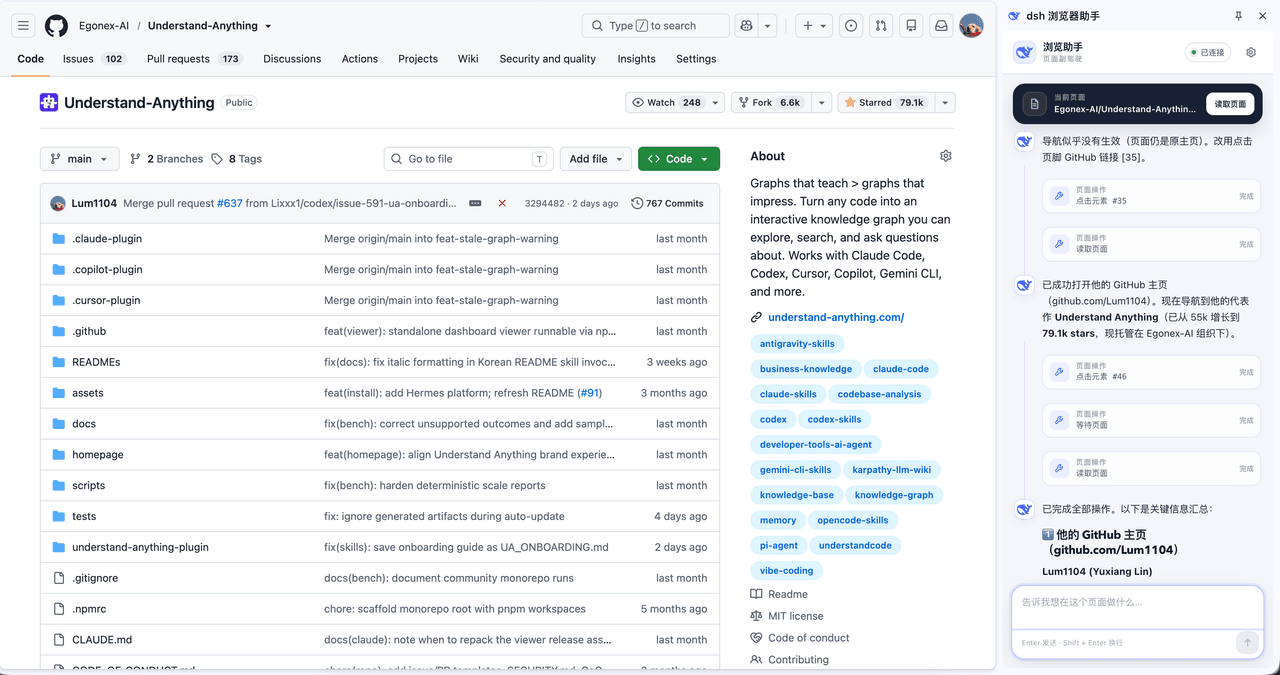 Lum1104/dsh-browser
Chrome sidebar extension that lets DeepSeek Harness operate your browser directly, no vision capabilities required. 一款 C…
Lum1104/dsh-browser
Chrome sidebar extension that lets DeepSeek Harness operate your browser directly, no vision capabilities required. 一款 C…
-
 ZSeven-W/dsh-ios
DeepSeek Harness (DSH) plugin: a live iOS Simulator — and a USB-connected iPhone — inside the conversation. 22 agent too…
ZSeven-W/dsh-ios
DeepSeek Harness (DSH) plugin: a live iOS Simulator — and a USB-connected iPhone — inside the conversation. 22 agent too…