yunfei07/dsh-song-ui
浅色调色板融合了丝纸表面、暖墨文字、汝瓷青互动以及朱砂错误状态。深色调色板采用夜墨表面,搭配更明亮的青瓷强调色。展示标题优先使用已安装的宋体及中日韩衬线字体;正文保持Harness无衬线字体堆栈。
Project Overview项目介绍
ui-song-theme is a Song-inspired visual theme plugin for DeepSeek Harness. It contributes a reversible ThemeRuntime.overrideTokens() layer with complete light and dark values for surface, text, accent, and error tokens, preserving the user's light, dark, or system preference. Headings prefer installed Song and CJK serif fonts, while body text keeps the Harness sans-serif stack. Use it on a Web profile to replace the default blue palette with silk-paper surfaces and botanical accents. Caveat: exact Song glyph metrics depend on system font availability.
ui-song-theme 是为 DeepSeek Harness 打造的宋风视觉主题插件。它通过可逆的 ThemeRuntime.overrideTokens() 层注入完整明暗配色,覆盖 surface、文字、强调色、错误色等令牌,并保留用户的 light、dark、system 偏好。字体优先使用已安装的宋体与 CJK 衬线,正文沿用 Harness 无衬线栈。适用于 Web profile 下希望替换默认蓝调、获得水墨纸面与植物色调的阅读场景。注意:精确宋体字形受系统字体可用性影响。
请帮我了解并安装插件:【dsh-song-ui】【https://github.com/yunfei07/dsh-song-ui】Send this message to DSH in your current session. CLI install commands may not be accurate across systems — DSH will figure it out for you.把上面这条消息直接发给当前会话里的 DSH,让它帮你了解并安装。安装命令不一定准确,发给 DSH 更稳。
Or use CLI install (for developers)或使用命令行安装(适合开发者)
CLI Install命令行安装
dsh plugin --profile web add github:yunfei07/ui-song-theme把 yunfei07/dsh-song-ui 加入你的 DSH 配置(web profile)即可启用。
READMEREADME
ui-song-theme
English | 中文
A Song-inspired visual theme plugin for DeepSeek Harness. It contributes a reversible ThemeRuntime.overrideTokens() layer with complete light and dark values while preserving the user's light, dark, or system preference.
The light palette combines silk-paper surfaces, warm ink text, botanical gray-green interactions, and cinnabar error states. The dark palette uses pine-ink green-black surfaces with a restrained pale-jade accent. Display headings prefer installed Song and CJK serif fonts; body text keeps the Harness sans-serif stack. The layer also recasts visible legacy blue selections and the browser focus outline into the same botanical color family.
Install
Install the repository as a bundle into a Web profile:
dsh plugin --profile web add github:yunfei07/ui-song-theme
dsh --profile web
For reproducible installations, pin a commit:
dsh plugin --profile web add github:yunfei07/ui-song-theme#<commit-sha>
The repository commits its lib/ artifacts, so a GitHub installation does not need to run a package build script. The bundle adds a unique ui-song-theme-external client row; its theme service injection ensures the base dsh theme is ready before this token layer mounts. That row stacks after the Web bundle's built-in theme, and removing the external plugin restores the built-in layer.
Remove it with:
dsh plugin --profile web remove ui-song-theme
Palette
| Role | Light | Dark |
|---|---|---|
| Base surface | Silk paper | Night ink |
| Primary text | Warm ink | Pale paper |
| Accent | Pine botanical green | Restrained pale jade |
| Error | Cinnabar | Light cinnabar |
| Geometry | 2 to 12 px semantic radii | Same |
Every override has paired light and dark values. Unloading the plugin removes only its layer and restores the theme below it.
Development
corepack pnpm@11.21.0 install
pnpm check
pnpm build
pnpm pack:check
Build output is committed intentionally because dsh supports installing plugins directly from Git repositories.
Compatibility
- Node.js
^22.19.0or>=24.0.0 - DeepSeek Harness UI theme
>=0.1.0-rc.6 <0.2.0 - System font availability affects exact Song glyph metrics
License
Related相关推荐
-
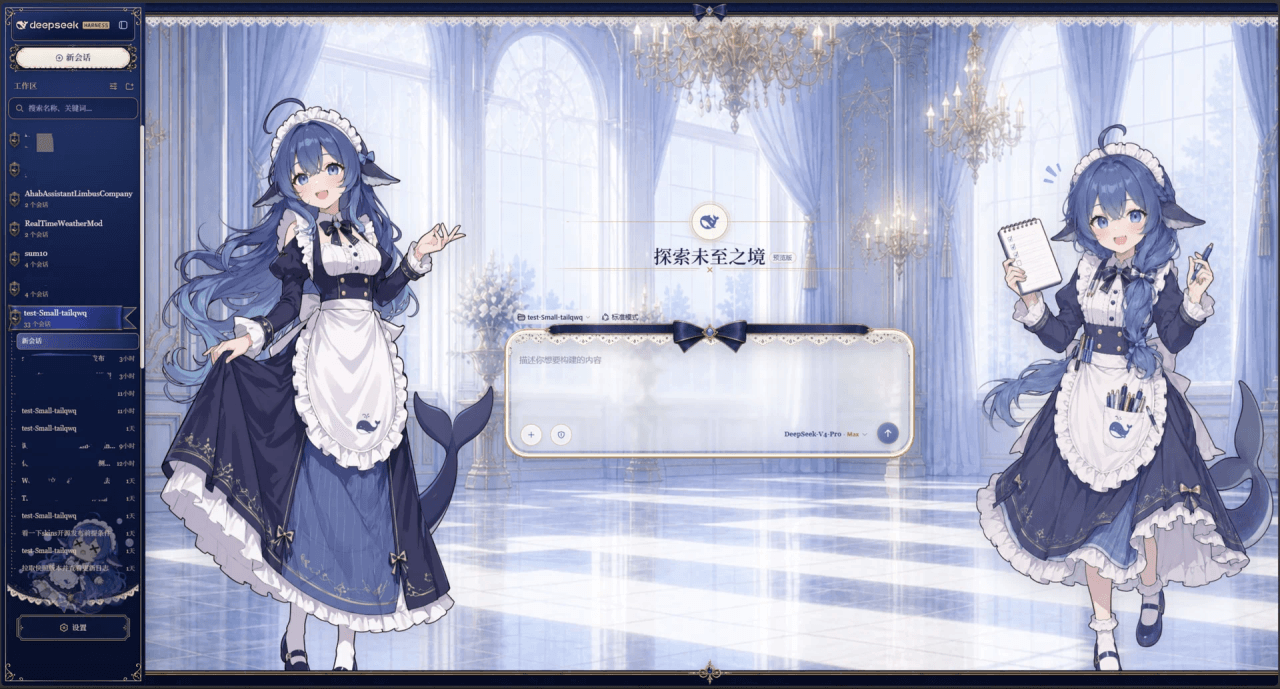 Small-tailqwq/dsh-deep-whale
Whale Girl skin series for DeepSeek Harness. 适用于 DeepSeek Harness 的,鲸鱼娘系列皮肤。
Small-tailqwq/dsh-deep-whale
Whale Girl skin series for DeepSeek Harness. 适用于 DeepSeek Harness 的,鲸鱼娘系列皮肤。
-
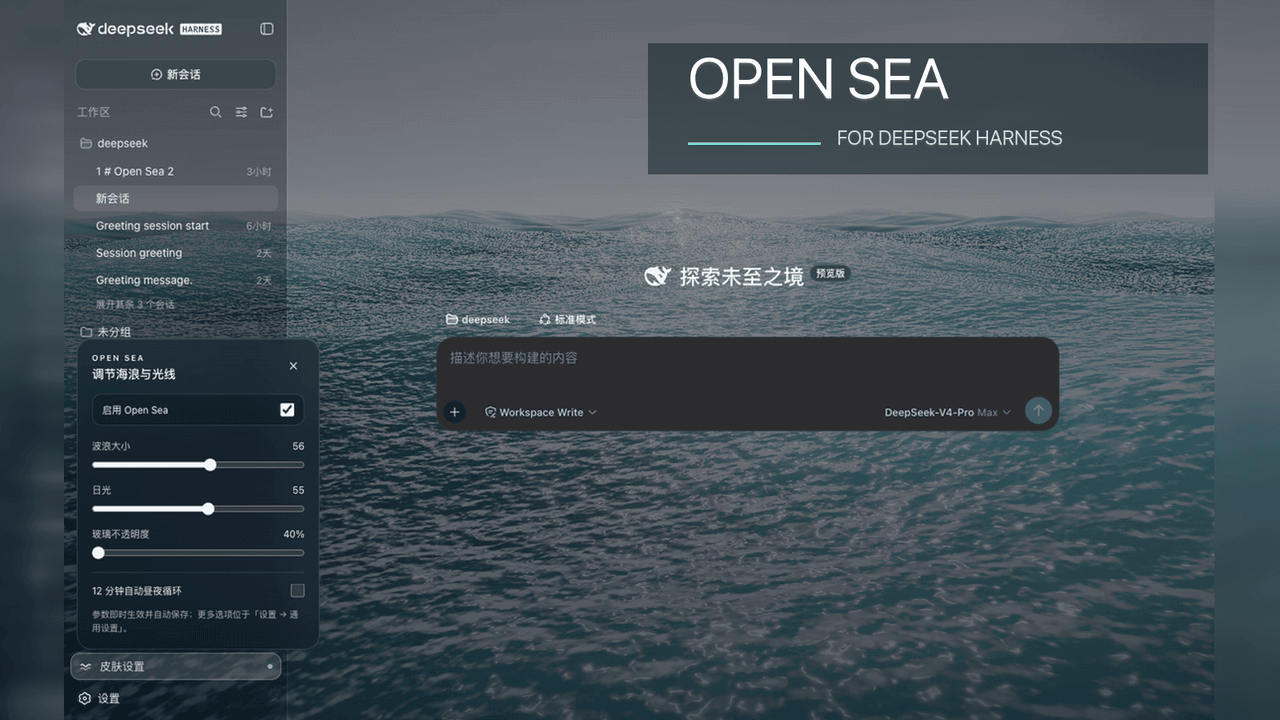 d-dev0101/open-sea-skin
🌊 DeepSeek Harness 海洋皮肤与动态主题 | Real-time ocean theme with adjustable waves, sunset & glass opacity. DSH plugin + Chrome…
d-dev0101/open-sea-skin
🌊 DeepSeek Harness 海洋皮肤与动态主题 | Real-time ocean theme with adjustable waves, sunset & glass opacity. DSH plugin + Chrome…
-
 kingOfSoySauce/dsh-liang-skin
DeepSeek Harness 滑动变阻器皮肤
kingOfSoySauce/dsh-liang-skin
DeepSeek Harness 滑动变阻器皮肤
-
 RevolutionLA/dsh-dream-skin
DeepSeek Harness 换肤 / 壁纸 / 主题包插件 (dsh-plugin) — 8 套 Mirage 主题、每用户强调色、壁纸2.0、主题包导入导出/分享链接、收藏与随机,纯原生 token 系统实现。
RevolutionLA/dsh-dream-skin
DeepSeek Harness 换肤 / 壁纸 / 主题包插件 (dsh-plugin) — 8 套 Mirage 主题、每用户强调色、壁纸2.0、主题包导入导出/分享链接、收藏与随机,纯原生 token 系统实现。
-
 Fishquito7/dsh-skill-mcp-panel
DSH Web UI plugin: skill and MCP management(Web界面的skill/MCP管理工具)
Fishquito7/dsh-skill-mcp-panel
DSH Web UI plugin: skill and MCP management(Web界面的skill/MCP管理工具)
-
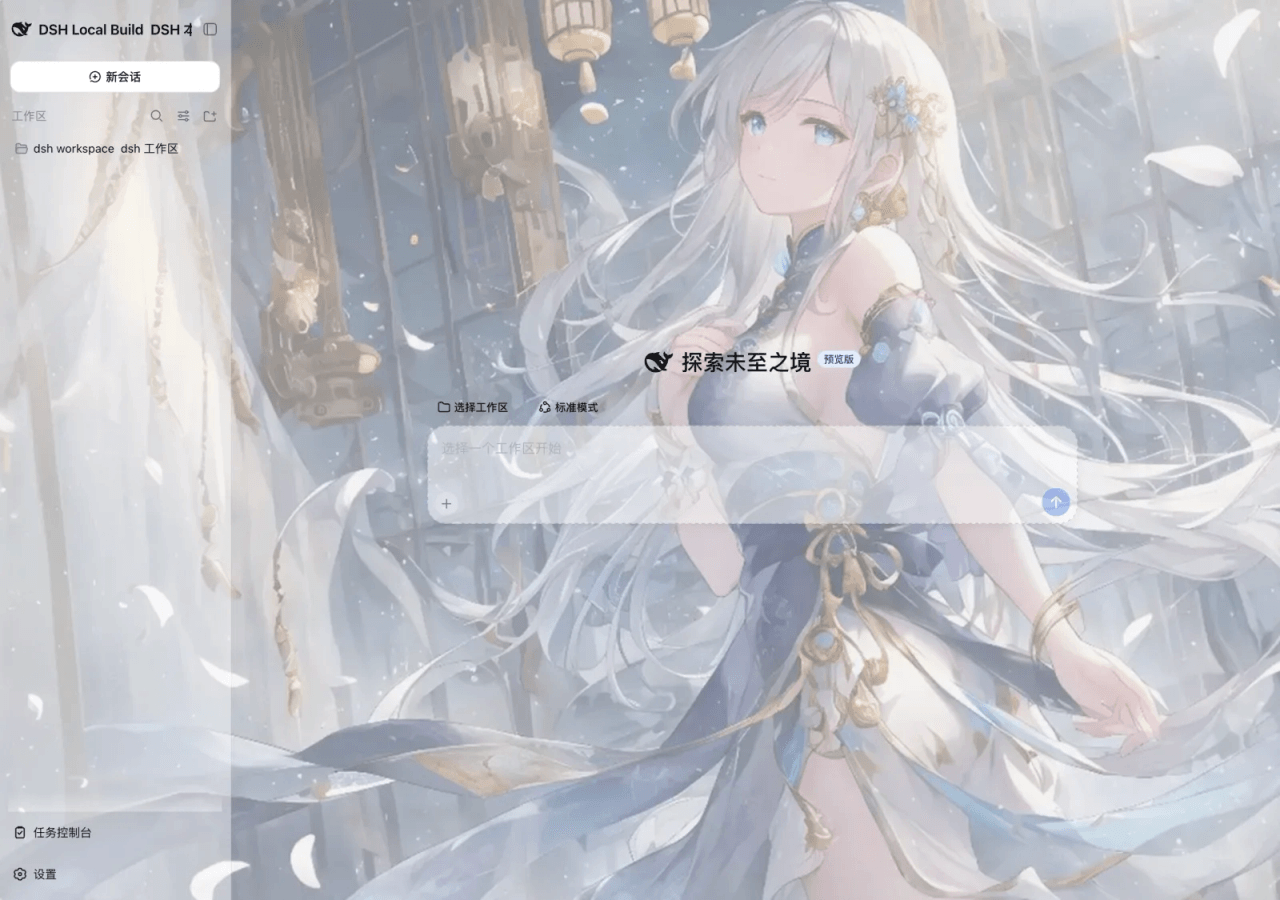 SLin-code/dsh-custom-skin
DSH自定义壁纸/皮肤插件——Custom wallpapers and translucent skins for DeepSeek Harness Web
SLin-code/dsh-custom-skin
DSH自定义壁纸/皮肤插件——Custom wallpapers and translucent skins for DeepSeek Harness Web
-
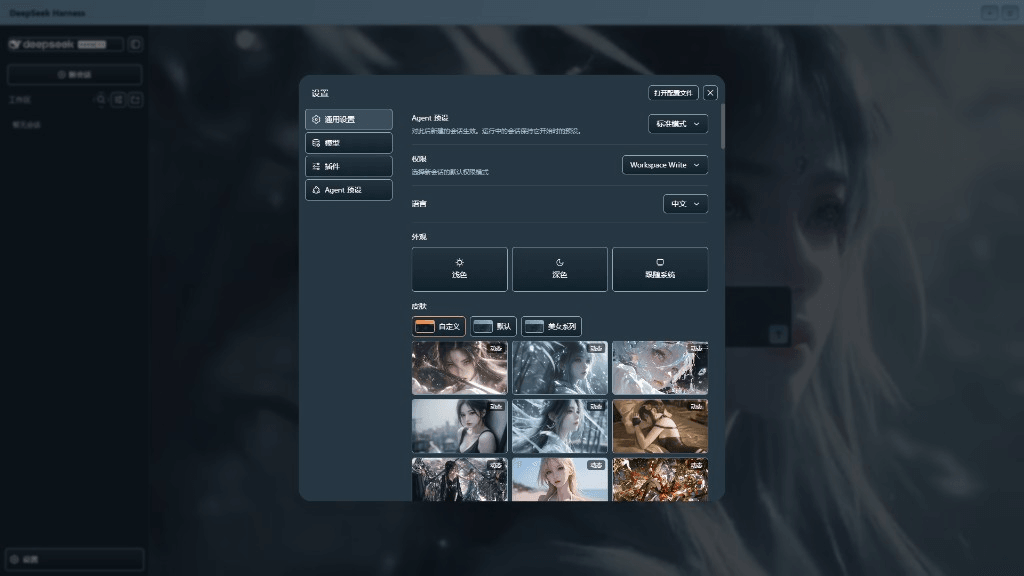 XieRW/dsh-beauty-skins
给 DeepSeek Harness 用的美女系列皮肤:设置里从 哲风壁纸 拉预览网格,点一张即应用,配色从壁纸提取。支持动态壁纸,也保留自定义选图。
XieRW/dsh-beauty-skins
给 DeepSeek Harness 用的美女系列皮肤:设置里从 哲风壁纸 拉预览网格,点一张即应用,配色从壁纸提取。支持动态壁纸,也保留自定义选图。
- ymh0000123/dsh-theme-endfield 终末地官网风格的 DSH Web 主题:奶油纸底、墨黑文字、信号黄强调、全直角工业编辑风。