yunxiiQwQ/dsh-maid-whale-UI
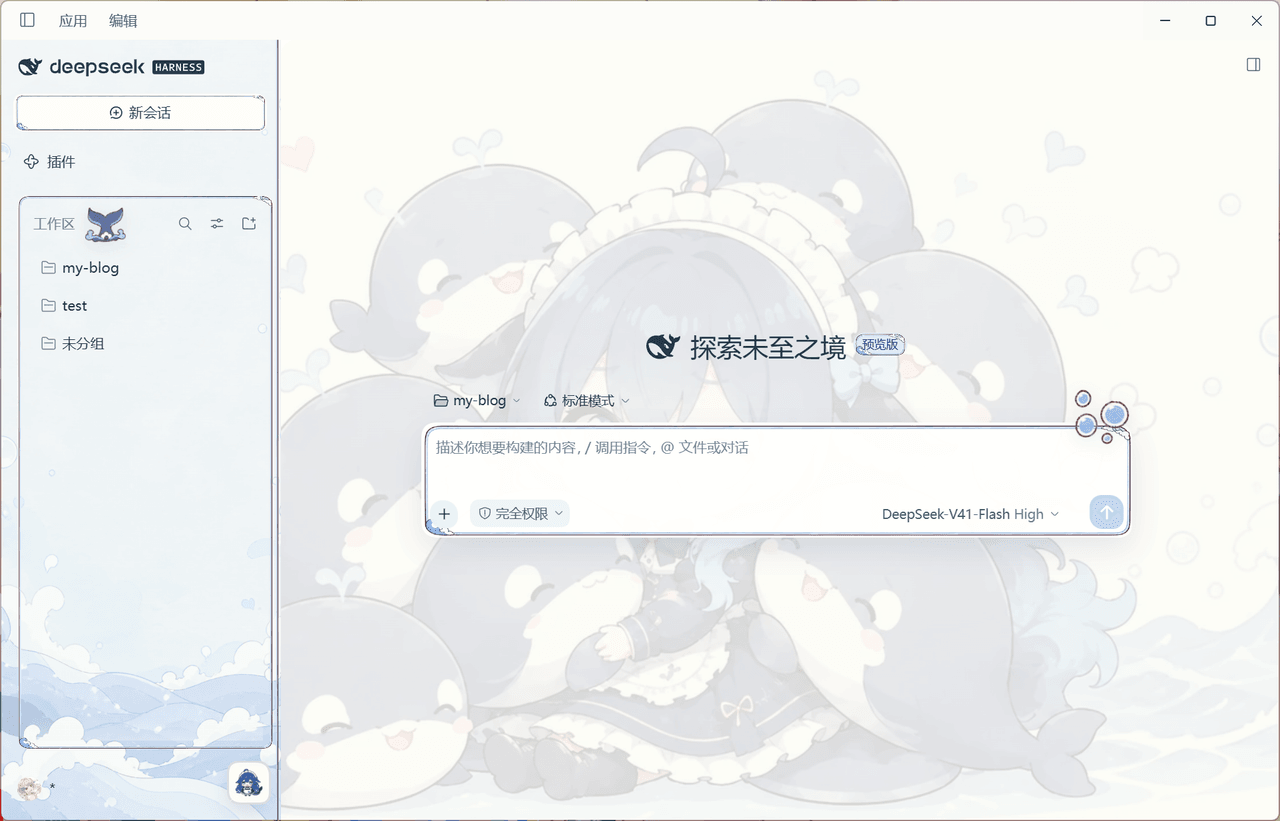
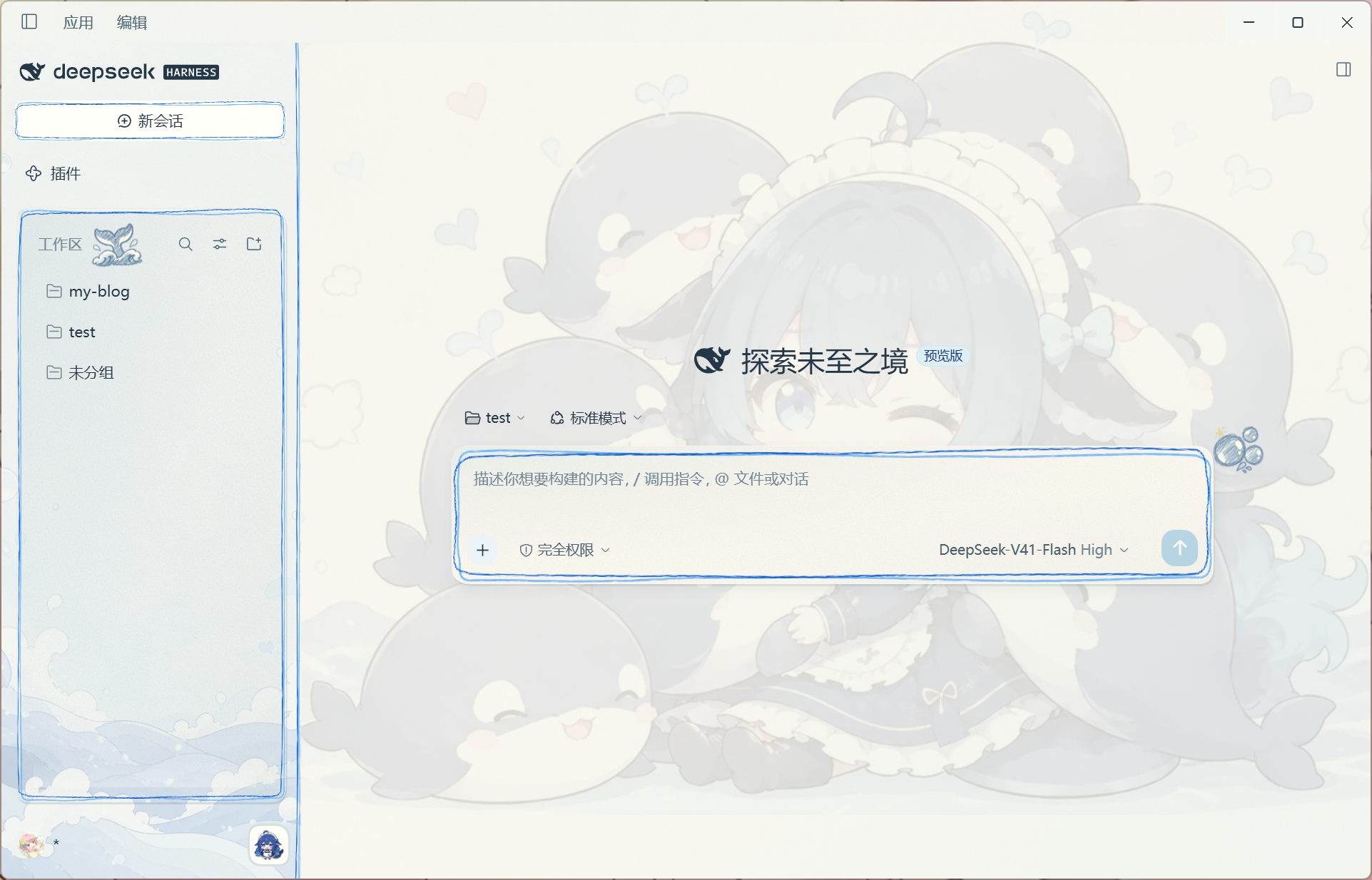
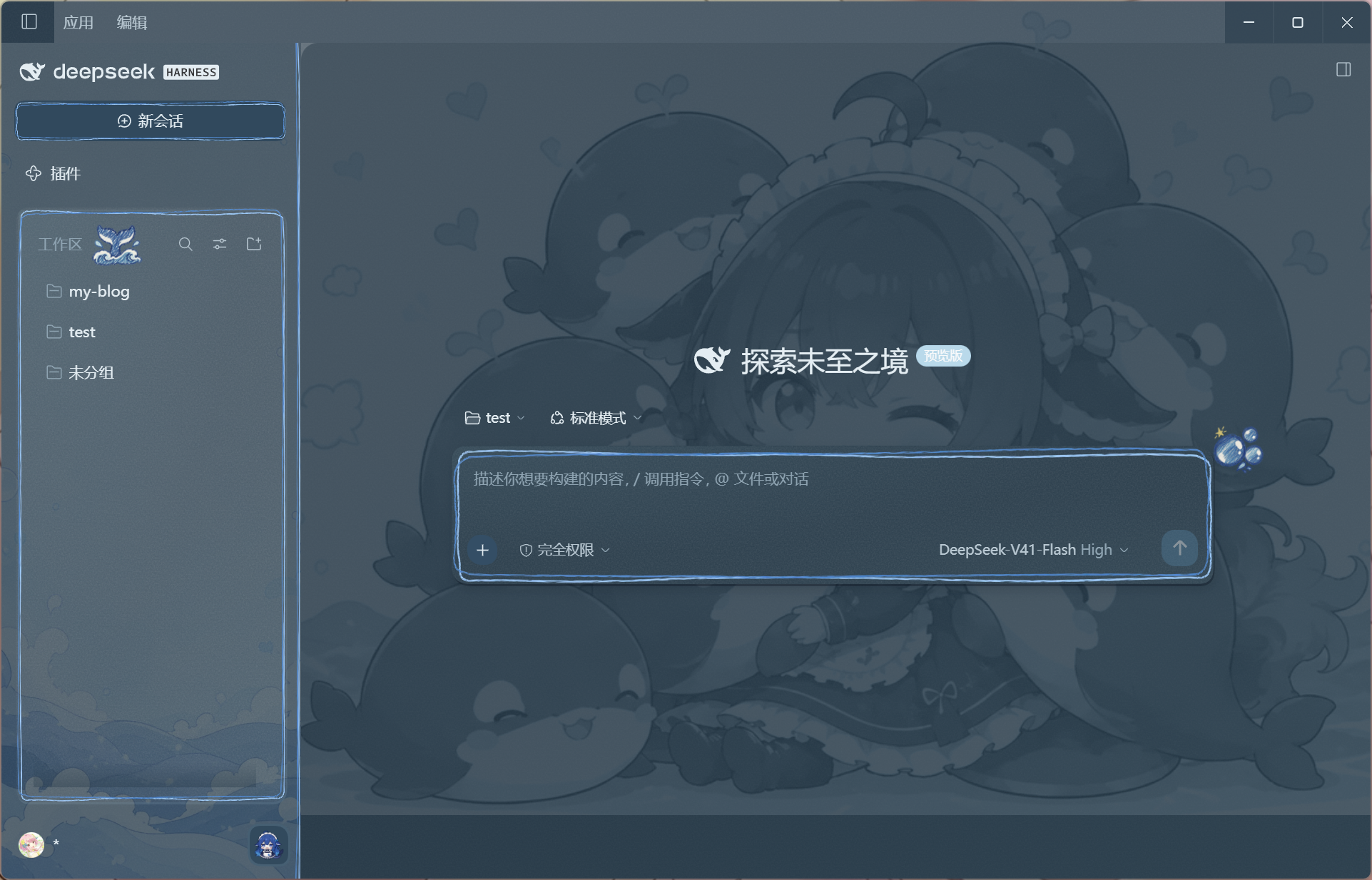
适用于 DeepSeek Harness 桌面端和 Web UI 的鲸鱼女仆主题插件:提供亮暗双主题、海洋插画壁纸、手绘边框,以及随 DSH 启停的原生 Windows 鲸鱼桌宠。
catalog descriptioncatalog 简介 / catalog description:DeepSeek Harness Web UI 鲸鱼女仆主题插件
Project Overview项目介绍
dsh-maid-whale-UI is a community maid-whale skin plugin built specifically for DeepSeek Harness, shipping a paired light and dark theme, ocean-illustration wallpapers, hand-drawn borders, and a native Windows desktop pet that mirrors DSH lifecycle and agent events. Installation runs through the official DSH plugin channel: fully quit DSH (including the tray process), clone the repository, and execute either dsh plugin --profile desktop add ./maid-whale-webui for the desktop client or dsh plugin --profile web add ./maid-whale-webui for the Web UI, then relaunch DeepSeek Harness; users can alternatively tell DSH to install the skin URL directly. The bundled pet helper binary removes any need to install Python or Node separately, and the "Open DSH" menu item invokes the desktop window through the dsh://open URI scheme instead of a fixed local port.
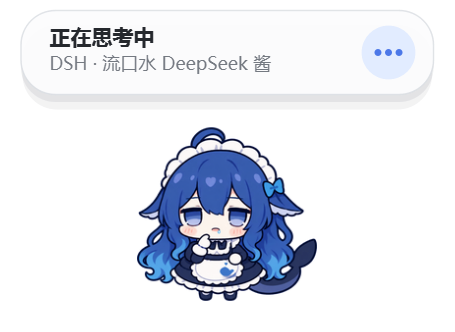
Day-to-day usage is centered on the desktop pet button at the bottom-right corner of the workspace panel, where over a dozen animated states (idle, sleep, thinking, working, searching, executing commands, verifying, awaiting confirmation, success, error, dragging, head-pat, poke, tail-touch, and idle micro-actions) react in real time to DSH agent telemetry, with multi-session priority ordering of awaiting confirmation, error, working, thinking, and idle. The plugin targets Chinese-speaking users and character-skin enthusiasts who want a more personable DSH experience, but the native pet binary is Windows 10/11 x64 only; macOS and Linux users can still load the Web UI theme without the pet layer, and the desktop and web profiles keep their own settings.
Engineering-wise, the client theme and host bridge are written in TypeScript while the pet runtime is a Python/Qt helper compiled to a Windows executable, and contributors need Node.js 22.19+ and pnpm 11.21.0 to run pnpm install --frozen-lockfile, pnpm art:embed:check, pnpm lint, pnpm typecheck, pnpm test, pnpm build, and pnpm pack:check, with pnpm build:helper:windows producing the executable plus its SHA-256 file. The source is BSD-3-Clause licensed, inherits MIT code from QCYTSN/dsh-dafeiyu as documented in maid-whale-webui/NOTICE, uses only the official DSH client plugin mechanism, and explicitly stores no keys, captures no screenshots, sends no telemetry, and opens no new network ports.
dsh-maid-whale-UI 是一个面向 DeepSeek Harness(DSH)桌面端与 Web UI 的鲸鱼女仆主题插件,提供亮色与暗色双主题、海洋风格插画壁纸、手绘装饰边框,以及一个会跟随 DSH 启停状态切换动作的原生 Windows 鲸鱼桌宠。安装方式非常直接:完全退出 DSH 后,在终端执行 git clone 拉取仓库,再运行 dsh plugin --profile desktop add ./maid-whale-webui 或 dsh plugin --profile web add ./maid-whale-webui 即可加载,也可以直接把皮肤链接发给 DSH 让它自动安装;插件包内已自带桌宠所需的二进制辅助程序,用户无需另行安装 Python 或 Node。
典型使用流程是启用主题后启动 DSH,桌宠会在工作区面板右下角的鲸鱼按钮处即时出现,桌宠待机、思考、工作、查找、执行命令、验证、等待确认、成功、错误等十余种动画会随 Agent 实时状态自动切换,抚摸、戳一戳、碰尾巴等交互也会在 Agent 空闲时给出反馈。该插件适合想要个性化 DSH 视觉与陪伴感的中文用户与角色主题爱好者,但原生桌宠仅支持 Windows 10/11 x64,macOS 与 Linux 用户只能使用 Web UI 主题部分。
开发与依赖方面,主题样式、Host 入口与桌宠进程桥接以 TypeScript 编写,桌宠 runtime 使用 Python 加 Qt 构建为 Windows 可执行文件,开发时需要 Node.js 22.19+ 与 pnpm 11.21.0,通过 pnpm install、pnpm art:embed:check、pnpm lint、pnpm typecheck、pnpm test、pnpm build、pnpm pack:check 等命令完成检查与构建。代码遵循 BSD-3-Clause 许可证,并继承 MIT 协议的 QCYTSN/dsh-dafeiyu 项目,插件只使用 DSH 官方客户端插件机制,不修改 DSH 源码、不拦截模型请求,也不存储密钥、截图或新增网络端口。
请帮我安装这个 DSH 插件。安装前先完成【兼容性检查 + 安全性检查】,检查通过再动手。

插件:dsh-maid-whale-UI(yunxiiQwQ/dsh-maid-whale-UI)
仓库:https://github.com/yunxiiQwQ/dsh-maid-whale-UI
本站详情页:https://www.yhbd.top/plugins/yunxiiqwq-dsh-maid-whale-ui/
本站登记:类型 plugin · 归类 原生 DSH 插件 · 许可证未声明 · ⭐ 38 · 最近提交 2026-09-30 · 主语言 TypeScript · 未检测到 DSH 插件清单

按下面顺序执行,每步先把结论告诉我,再进入下一步:

【1 兼容性检查】
① 我这边:DSH 版本、Node 版本、操作系统、当前 profile(web / desktop)。
② 读它的 README、package.json、插件 manifest,列出它要求的 DSH 版本 / Node 版本 / 操作系统 / 外部依赖 / 需要另外先装的运行时。
③ 逐条比对,结论只写「满足 / 不满足 / 未知」三种;不满足的给出可行替代方案。
④ 检查是否和我已装的插件冲突:命令名重复、skill / tool 重名、端口占用、重复注册的 MCP server。

【2 安全性检查】
① 仓库可信度:和上面「本站登记」是否一致;star / fork 数、创建时间、最近提交,是否归档或长期停更。
② 安装脚本:逐行看 package.json 的 preinstall / install / postinstall,以及 install.sh、setup.ps1 之类脚本。出现 curl|bash、下载后直接执行、混淆代码、访问与插件功能无关的域名,立刻停下来告诉我,不要继续装。
③ 依赖:列出新增依赖,标出无人维护、或与知名包拼写近似的可疑包(typosquatting)。
④ 权限与副作用:它会读写哪些目录、访问哪些域名、需要哪些 DSH 权限(filesystem / network / shell / clipboard 等),以及怎么卸载和回滚。
⑤ 如果它要求 sudo / 管理员权限,或权限明显超出功能所需,先停下来问我。

【3 安装】
上面两步没有「不满足」和「高危项」时才执行;用官方推荐方式安装,不要自行提权。

【4 汇报】
用表格输出:检查项 / 结论 / 依据 / 是否需要我决策。拿不准的一律写「未知」并说明要我怎么确认——不要猜,也不要替我决定。
Send this message to DSH in your current session: it verifies compatibility and security first (answering met / not met / unknown item by item) and only installs once everything checks out — it will stop and ask you if it finds a high-risk item. The box scrolls; the copy is the full prompt. CLI install commands may not be accurate across systems, so DSH is the safer route.把上面这条消息直接发给当前会话里的 DSH:它会先核对兼容性与安全性(逐条给「满足 / 不满足 / 未知」),确认没问题再安装,有高危项会停下来问你。框内可滚动,复制到的是完整提示词;安装命令不一定准确,发给 DSH 更稳。
- No license declared - all rights reserved by default; ask the author before commercial use or redistribution未声明开源许可证 —— 默认「保留所有权利」,商用或再分发前先问作者
- 38 stars - an early-stage project星标 38,属于早期项目
- No DSH plugin manifest detected - it may only carry the dsh-plugin topic, so the install method must be confirmed on the spot未检测到 DSH 插件清单:可能只是打了 dsh-plugin 话题,安装方式要现场确认
DSH walks through these 9 checksDSH 会逐条核对这 9 项
Compatibility兼容性
- DSH, Node, OS and profile requirementsDSH 版本 / Node 版本 / 操作系统 / profile 是否满足要求
- External dependencies and runtimes (Electron / Python / Docker, ...)外部依赖与运行时(Electron / Python / Docker 等)是否齐备
- Conflicts with installed plugins: command names, skill / tool names, ports, duplicate MCP registration与已装插件是否冲突:命令名、skill / tool 重名、端口占用、重复 MCP 注册
Security安全性
- Repo matches the facts registered here; archived or abandoned?仓库是否与页面登记一致,是否归档或长期停更
- Safety of preinstall / install / postinstall and install.sh / setup.ps1preinstall / install / postinstall 与 install.sh、setup.ps1 是否安全
- curl|bash, download-then-execute, obfuscation, unrelated domains → stop immediatelycurl|bash、下载即执行、混淆代码、无关域名 → 立刻停止
- Typosquatting or unmaintained packages among the new dependencies新增依赖里有没有 typosquatting 或无人维护的包
- Requested permissions vs. what the feature actually needs申请了哪些权限、是否超出功能所需(filesystem / network / shell / clipboard)
- Any sudo / admin requirement, plus uninstall and rollback是否要求 sudo / 管理员权限,以及卸载与回滚方式
Anything uncertain must be marked unknown with a note on how to confirm it. This site's signal screen is a static snapshot, not a security audit.拿不准的必须标「未知」并说明要我怎么确认。本站的信号筛查是静态快照,不能替代安全审计。
Or use CLI install (for developers)或使用命令行安装(适合开发者)
CLI Install命令行安装
dsh plugin --profile web add github:yunxiiQwQ/dsh-maid-whale-UI把 yunxiiQwQ/dsh-maid-whale-UI 加入你的 DSH 配置(web profile)即可启用。
READMEREADME
dsh-maid-whale-UI

English | 中文
适用于 DeepSeek Harness 桌面端和 Web UI 的鲸鱼女仆主题插件:提供亮暗双主题、海洋插画壁纸、手绘边框,以及随 DSH 启停的原生 Windows 鲸鱼桌宠。
主题和 Pet 预览
主题截图来自 DeepSeek Harness 桌面端 0.1.7-rc.2。
| 亮色模式 | 暗色模式 |
|---|---|
 |
 |
Pet 预览
安装说明
环境要求
- 可正常运行的 DSH(DeepSeek Harness)桌面端或 Web UI。
- Windows 10/11 x64:原生桌宠仅支持 Windows;单独使用 Web UI 主题不受此限制。
- 无需另外安装 Python 或 Node:桌宠帮助程序已包含在插件包中。
让 DSH 安装
直接对 DSH 说:
安装一下这个皮肤包:https://github.com/yunxiiQwQ/dsh-maid-whale-UI/tree/main/maid-whale-webui
桌面端安装
完全退出 DSH(包括托盘进程),在可使用 DSH CLI 的终端中执行:
git clone https://github.com/yunxiiQwQ/dsh-maid-whale-UI.git
cd dsh-maid-whale-UI
dsh plugin --profile desktop add ./maid-whale-webui
随后从桌面快捷方式打开 DeepSeek Harness。桌面端和 Web 端使用独立的 profile。桌宠菜单中的 打开 DSH 会通过 dsh://open 唤起桌面窗口,无需配置固定的本地端口。
Web 端安装
# 1. 完全退出 DSH(包括托盘进程)
# 2. 克隆仓库并添加插件
git clone https://github.com/yunxiiQwQ/dsh-maid-whale-UI.git
cd dsh-maid-whale-UI
dsh plugin --profile web add ./maid-whale-webui

# 3. 启动 DSH Web UI
dsh --profile web
主题会在启动后自动应用,桌宠也会自动出现。若桌宠未显示,请前往 设置 → 插件 → 插件配置 → 鲸鱼桌宠 检查启用开关。工作区面板右下角的鲸鱼按钮也可即时启停桌宠;同一时间建议只启用一个界面主题。
Windows 下,若 helper 因 Low 完整性标签无法创建临时目录,插件会检测标签并自动使用 %USERPROFILE%\AppData\LocalLow\DSH\maid-whale-webui 重试;该目录也用于保存桌宠布局。显式配置的 DSH_DAFEIYU_LAYOUT_PATH 仍优先使用,需指向 Low 进程可写的位置。
启动诊断保存在 %LOCALAPPDATA%\DSH\maid-whale-webui\helper-startup.json,每次启用桌宠时覆盖,记录程序路径、启动时间、ready 状态、退出码及最多 4096 字符的启动 stderr。排查启动失败时可将该文件附到 issue;其中包含本机路径,分享前可遮盖用户名。
更新与卸载
# 更新任一版本:完全退出 DSH,在仓库目录拉取最新版本,再重新打开
git pull

# 卸载:先完全退出 DSH
# 桌面端
dsh plugin --profile desktop remove @yunxii/dsh-client-ui-skin-maid-whale-webui

# Web 端
dsh plugin --profile web remove @yunxii/dsh-client-ui-skin-maid-whale-webui
Showing the opening section of the README — the full document lives in the repository以上为 README 开头摘要,完整文档在仓库内 · View the full README on GitHub →在 GitHub 查看完整 README →
Related相关推荐
-
 Ayase34/gal-view
把dsh会话界面切换成galgame游戏界面的插件
Ayase34/gal-view
把dsh会话界面切换成galgame游戏界面的插件
-
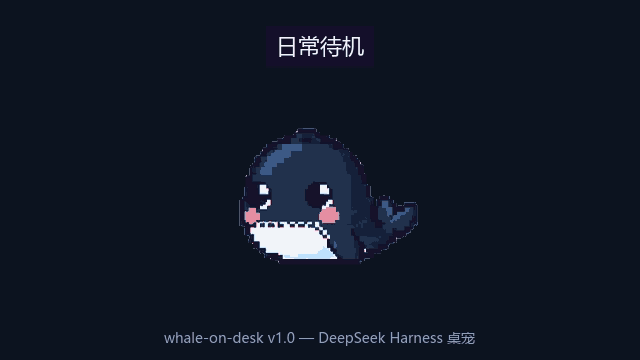 cookiesheep/whale-on-desk
A pixel-art whale companion for DeepSeek Harness — it swims while your agents work and taps the glass when an approval i…
cookiesheep/whale-on-desk
A pixel-art whale companion for DeepSeek Harness — it swims while your agents work and taps the glass when an approval i…
-
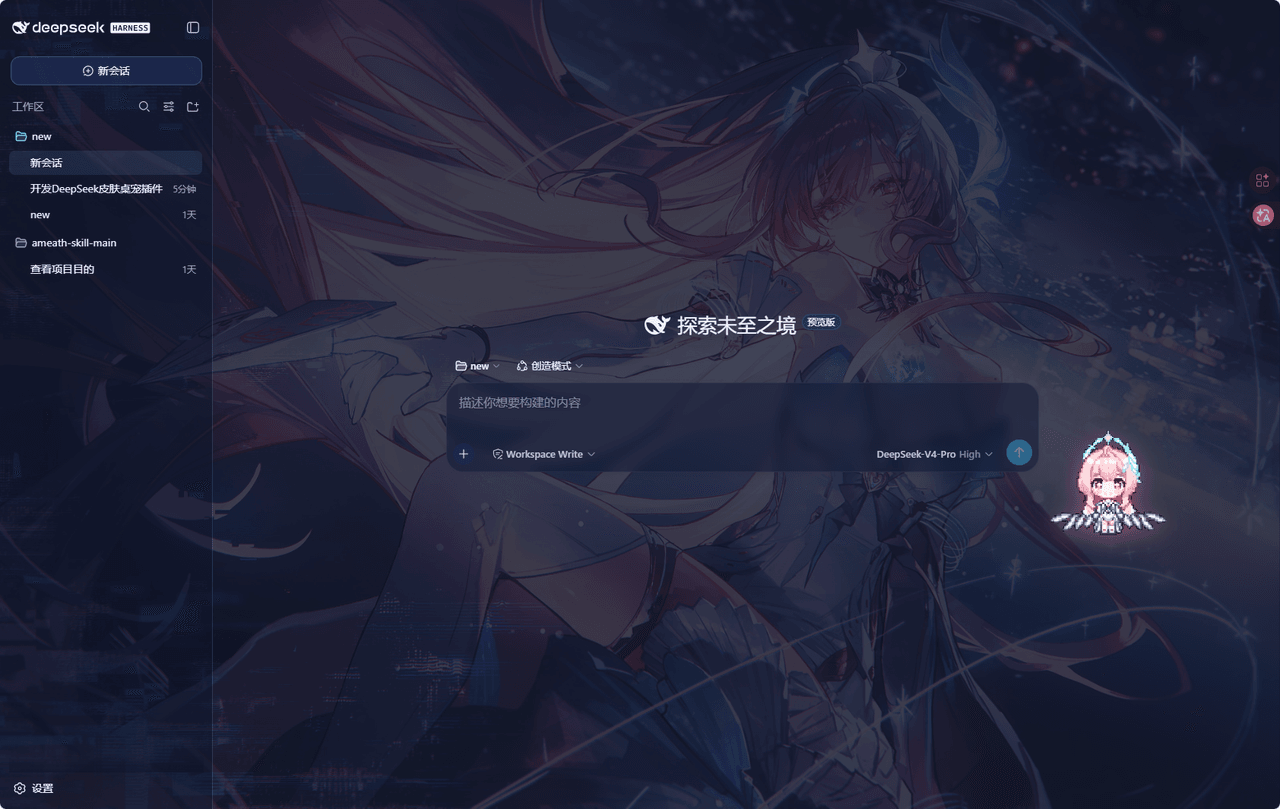 hachimi-ai/dsh-aemeath
爱弥斯主题皮肤 + 像素桌宠(鸣潮 Aemeath / Wuthering Waves),用于 DeepSeek Harness Web GUI。
hachimi-ai/dsh-aemeath
爱弥斯主题皮肤 + 像素桌宠(鸣潮 Aemeath / Wuthering Waves),用于 DeepSeek Harness Web GUI。
-
 meto-ventus/dsh-ventus-whale
🐳 蓝色大肥鱼 · DeepSeek 虎鲸 3D 桌宠插件 — 由 DeepSeek 虎鲸 logo 轮廓重建,悬浮于 Web GUI 角落:拖拽旋转、360° 转圈、爱心互动、悬停工具栏、大小/灵敏度/文字设置,配置本地持久化 / A …
meto-ventus/dsh-ventus-whale
🐳 蓝色大肥鱼 · DeepSeek 虎鲸 3D 桌宠插件 — 由 DeepSeek 虎鲸 logo 轮廓重建,悬浮于 Web GUI 角落:拖拽旋转、360° 转圈、爱心互动、悬停工具栏、大小/灵敏度/文字设置,配置本地持久化 / A …
-
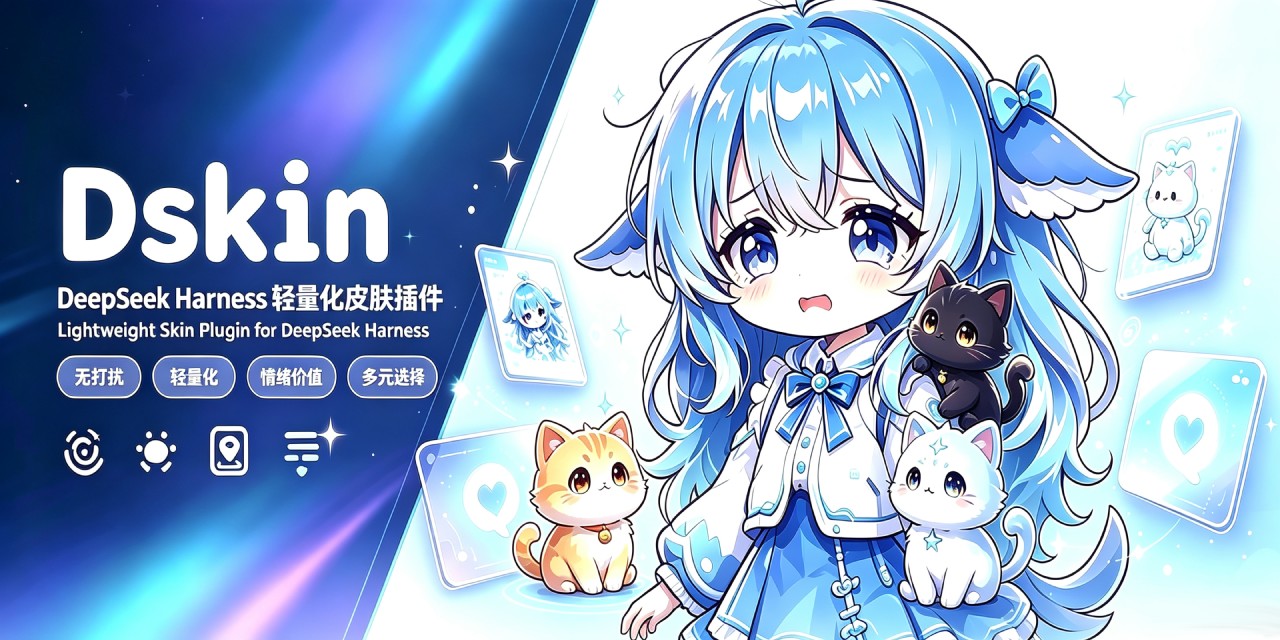 dancingmemory/dskin
DSKIN · DeepSeek Harness(DSH)卡通像素皮肤插件 / Cartoon pixel skin plugin for DSH Web GUI — 原始界面不动,像素宠物会散步、眨眼、跳跃 / living pixel …
dancingmemory/dskin
DSKIN · DeepSeek Harness(DSH)卡通像素皮肤插件 / Cartoon pixel skin plugin for DSH Web GUI — 原始界面不动,像素宠物会散步、眨眼、跳跃 / living pixel …
-
 anneheartrecord/dsh-desk-pet
macOS desk pet for DeepSeek Harness: a real always-on-top window that clears fullscreen Spaces, six states driven by you…
anneheartrecord/dsh-desk-pet
macOS desk pet for DeepSeek Harness: a real always-on-top window that clears fullscreen Spaces, six states driven by you…
- Ddamage/dsh-shunshun-wallpaper
-
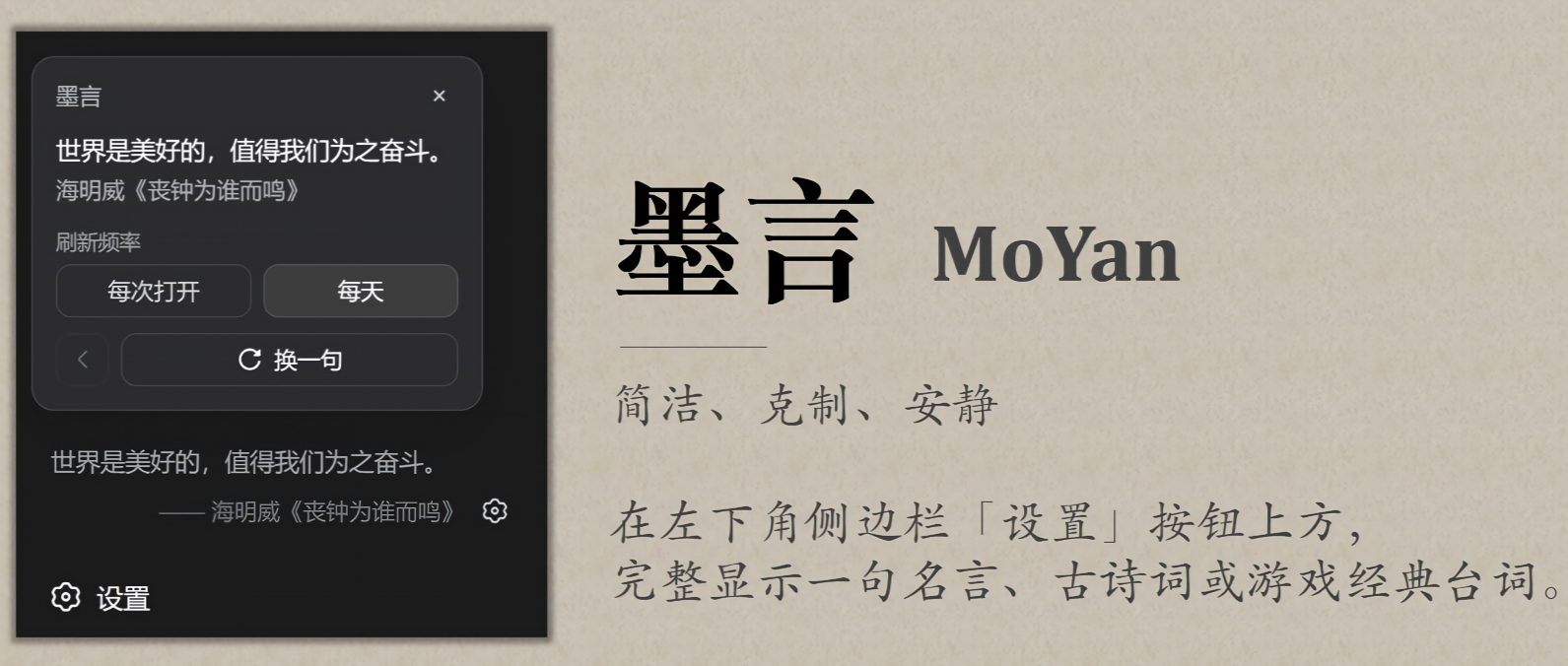 elviszhang007/dsh-moyan
简洁、克制、安静,旨在为您的Vibe Coding增加些许文艺感。每次打开WebUI,左下角都会出现一句话,从古诗词到文采句,再到脍炙人口的游戏台词,应有尽有。语料库可高度自定义,插件风格完全适配原生Harness界面,功能简洁明确,绝不喧…
elviszhang007/dsh-moyan
简洁、克制、安静,旨在为您的Vibe Coding增加些许文艺感。每次打开WebUI,左下角都会出现一句话,从古诗词到文采句,再到脍炙人口的游戏台词,应有尽有。语料库可高度自定义,插件风格完全适配原生Harness界面,功能简洁明确,绝不喧…