yushi-xxh/dsh-homepage-skin
为dsh web换上DeepSeek Harness首页同款背景:深海流体、点线网格、数字鲸鱼,深浅双主题
Project Overview项目介绍
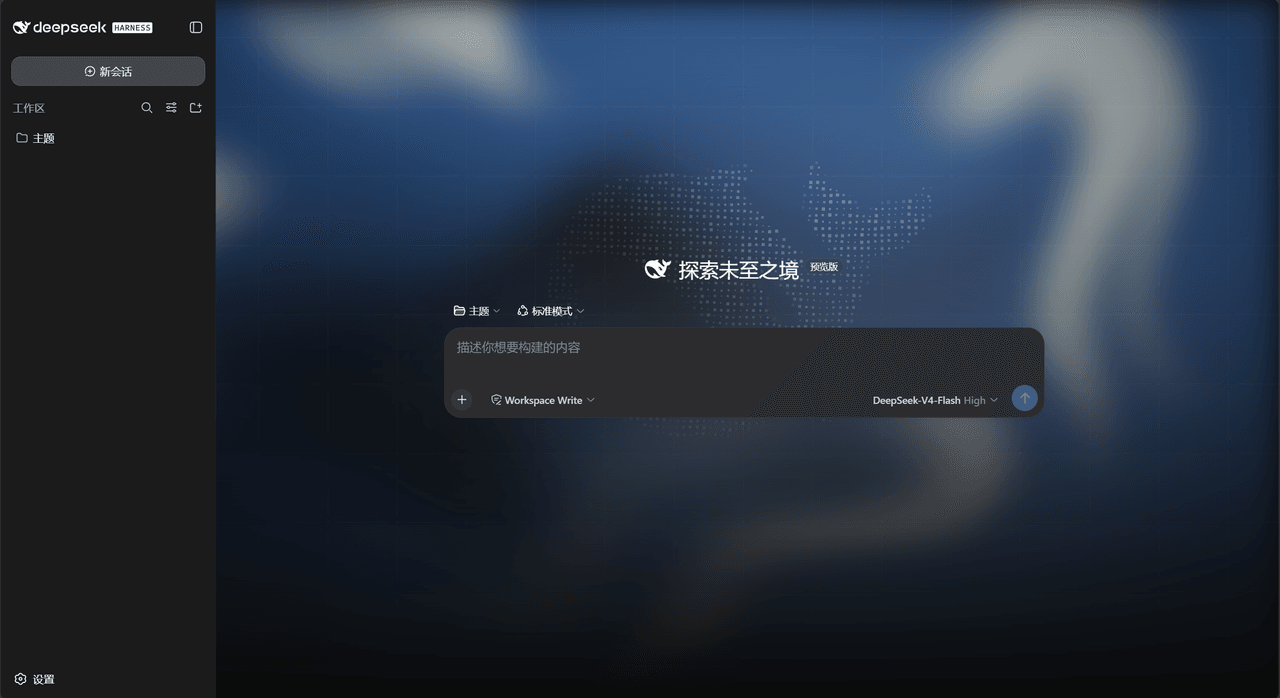
This plugin skins the dsh web interface with the DeepSeek Harness homepage background: WebGL fluid light, a dot-line grid, and a digital point-cloud whale. The dark theme keeps the homepage deep-sea blue; the light theme adapts to a pale fluid with slate-blue grid and whale. Use it when you want the chat UI to match the homepage aesthetic. Toggle via Settings → General → Homepage Skin. Uninstalling or disabling instantly restores defaults; layout, brand colors, and icons are untouched, and headless or TUI setups have no UI to skin.
为 dsh web 注入 DeepSeek Harness 首页同款皮肤:WebGL 流体光效、点线网格与数字点云鲸鱼,深色沿用首页深海蓝,亮色为浅色流体加深灰蓝变体。适用于想让聊天界面获得首页视觉风格的场景。通过设置→通用→首页皮肤开关切换。开关关闭或卸载后立即恢复出厂样式;不修改布局、品牌色或图标,且 headless/TUI 环境无界面无需安装。
请帮我了解并安装插件:【dsh-homepage-skin】【https://github.com/yushi-xxh/dsh-homepage-skin】Send this message to DSH in your current session. CLI install commands may not be accurate across systems — DSH will figure it out for you.把上面这条消息直接发给当前会话里的 DSH,让它帮你了解并安装。安装命令不一定准确,发给 DSH 更稳。
Or use CLI install (for developers)或使用命令行安装(适合开发者)
CLI Install命令行安装
dsh plugin --profile web add dsh-homepage-skin把 yushi-xxh/dsh-homepage-skin 加入你的 DSH 配置(web profile)即可启用。
READMEREADME
dsh-homepage-skin
给 dsh web 界面铺上 DeepSeek Harness 首页同款背景:WebGL 流体光效、点线网格和数字点云鲸鱼。
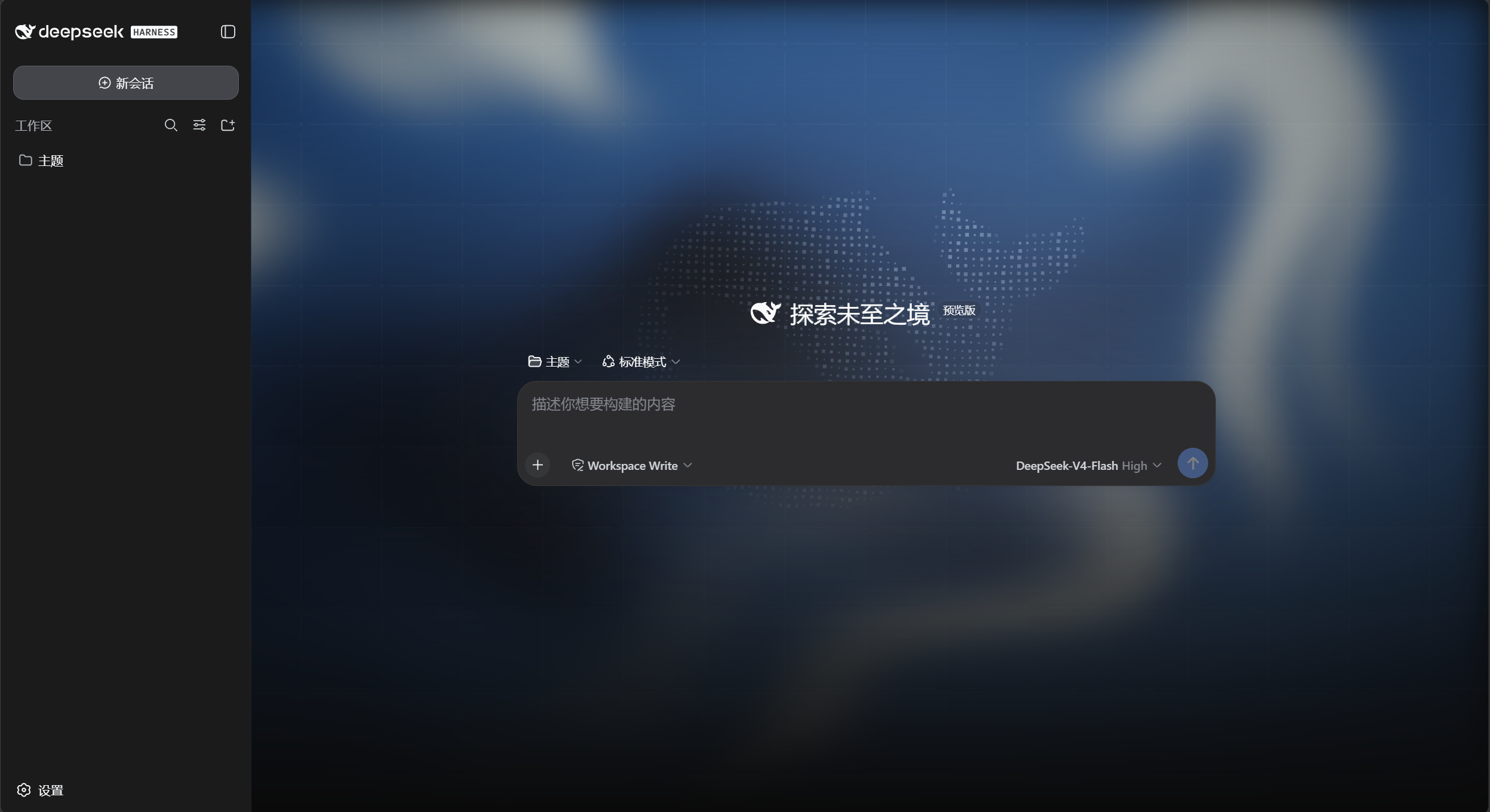
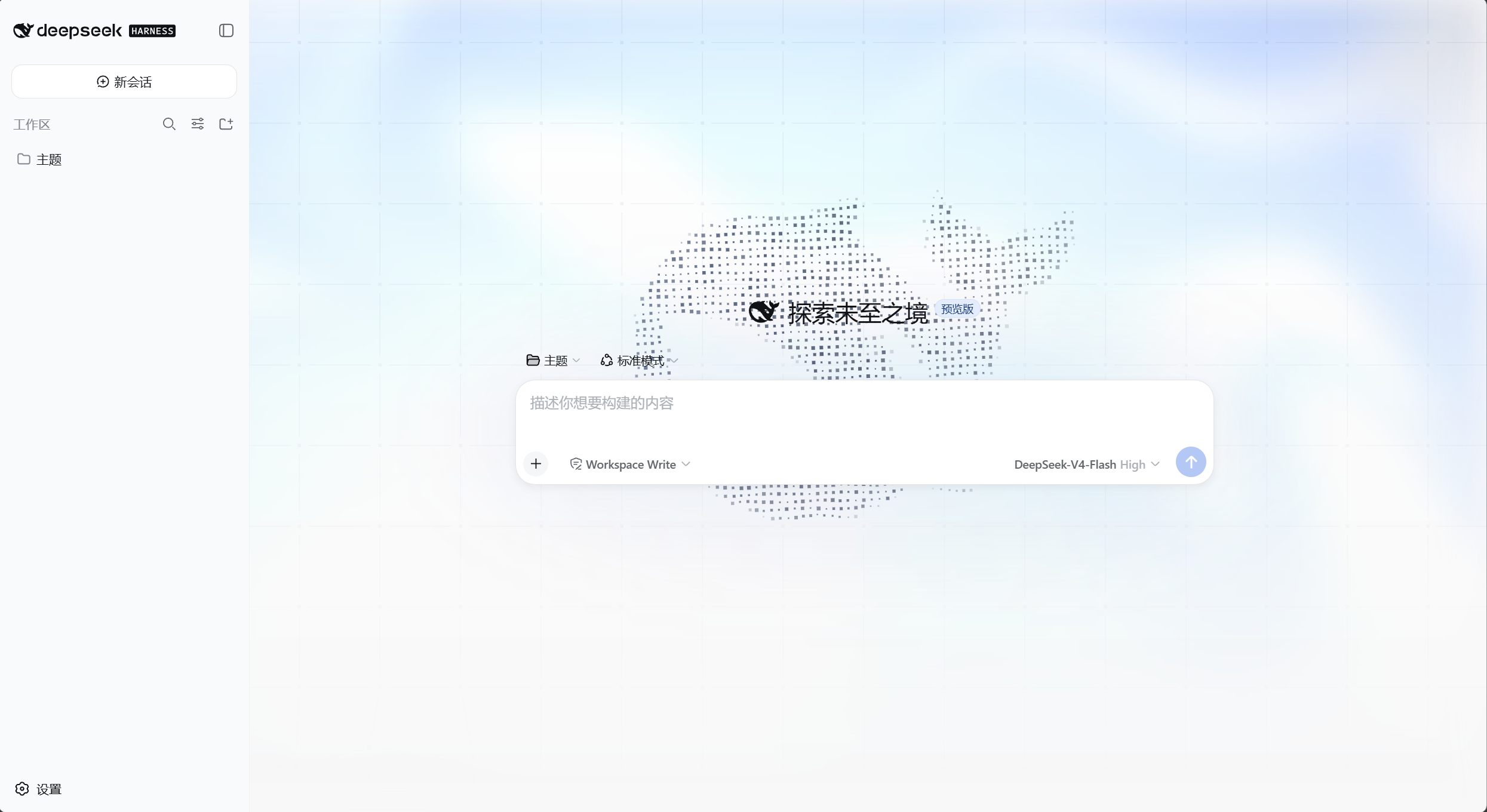
深色沿用首页深海蓝配色;亮色是适配变体(浅色流体 + 深灰蓝网格与鲸鱼)。亮 / 暗 / 跟随系统仍走自带的「外观」。
安装
# npm(推荐)
dsh plugin --profile web add dsh-homepage-skin

# 或从 GitHub
dsh plugin --profile web add github:yushi-xxh/dsh-homepage-skin
重启 dsh web,再硬刷新浏览器(Ctrl+Shift+R)。默认开启。
打开 设置 → 通用 → 首页皮肤。标题旁绿点表示已开启。
装完怎么验
| 现象 | 结论 |
|---|---|
| 聊天区背后出现流体光效 + 点线网格 + 鲸鱼 | 已生效 |
| 外观切到亮色 → 出现亮色变体 | 已生效 |
| 关掉开关背景立刻消失 | 正常 |
改了什么
| 出厂 DSH | 本皮肤 | |
|---|---|---|
| 页面背景 | 纯色 | 流体光效 + 点线网格 + 数字鲸鱼 |
| 深色配色 | 自带深色 | 首页深海蓝(#0a0a0a 基底) |
| 亮色配色 | 自带亮色 | 浅色流体 + 深灰蓝网格/鲸鱼 |
| 侧栏 | 实底 | 半透明玻璃 |
| 输入区 | 实底 | 不动(保持出厂原样) |
关掉或卸载后,出厂样式立刻恢复。
不做的事
- 不改布局和信息密度
- 不改品牌色、标签页图标或桌面壳图标
prefers-reduced-motion时不动画;768px 以下隐藏网格与鲸鱼- headless / TUI 没有界面,不必装
许可
MIT
Related相关推荐
-
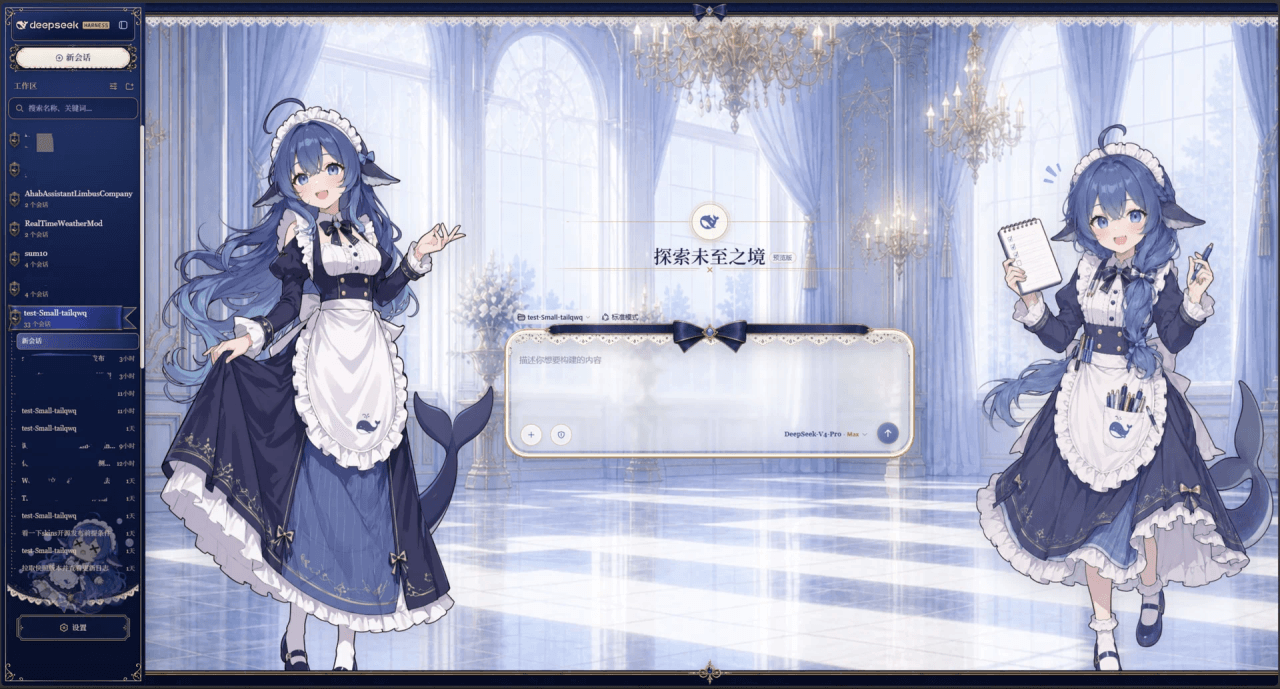 Small-tailqwq/dsh-deep-whale
Whale Girl skin series for DeepSeek Harness. 适用于 DeepSeek Harness 的,鲸鱼娘系列皮肤。
Small-tailqwq/dsh-deep-whale
Whale Girl skin series for DeepSeek Harness. 适用于 DeepSeek Harness 的,鲸鱼娘系列皮肤。
-
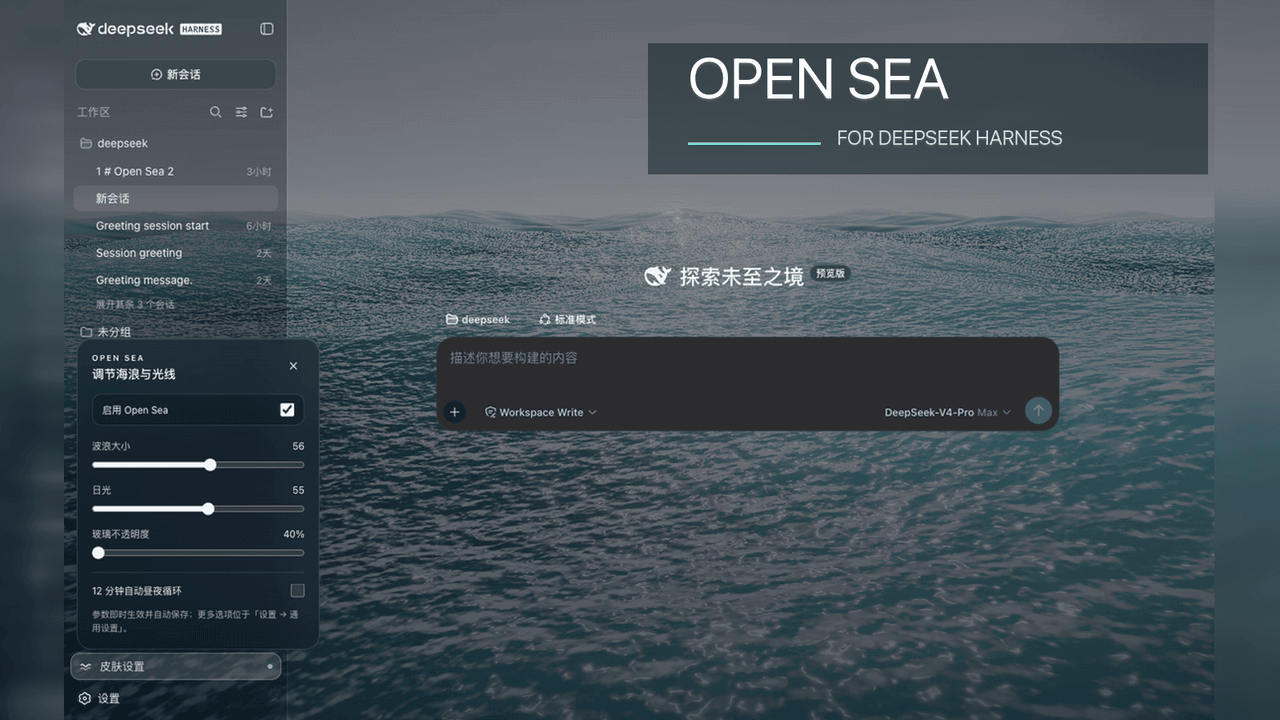 d-dev0101/open-sea-skin
🌊 DeepSeek Harness 海洋皮肤与动态主题 | Real-time ocean theme with adjustable waves, sunset & glass opacity. DSH plugin + Chrome…
d-dev0101/open-sea-skin
🌊 DeepSeek Harness 海洋皮肤与动态主题 | Real-time ocean theme with adjustable waves, sunset & glass opacity. DSH plugin + Chrome…
-
 kingOfSoySauce/dsh-liang-skin
DeepSeek Harness 滑动变阻器皮肤
kingOfSoySauce/dsh-liang-skin
DeepSeek Harness 滑动变阻器皮肤
-
 RevolutionLA/dsh-dream-skin
DeepSeek Harness 换肤 / 壁纸 / 主题包插件 (dsh-plugin) — 8 套 Mirage 主题、每用户强调色、壁纸2.0、主题包导入导出/分享链接、收藏与随机,纯原生 token 系统实现。
RevolutionLA/dsh-dream-skin
DeepSeek Harness 换肤 / 壁纸 / 主题包插件 (dsh-plugin) — 8 套 Mirage 主题、每用户强调色、壁纸2.0、主题包导入导出/分享链接、收藏与随机,纯原生 token 系统实现。
-
 Fishquito7/dsh-skill-mcp-panel
DSH Web UI plugin: skill and MCP management(Web界面的skill/MCP管理工具)
Fishquito7/dsh-skill-mcp-panel
DSH Web UI plugin: skill and MCP management(Web界面的skill/MCP管理工具)
-
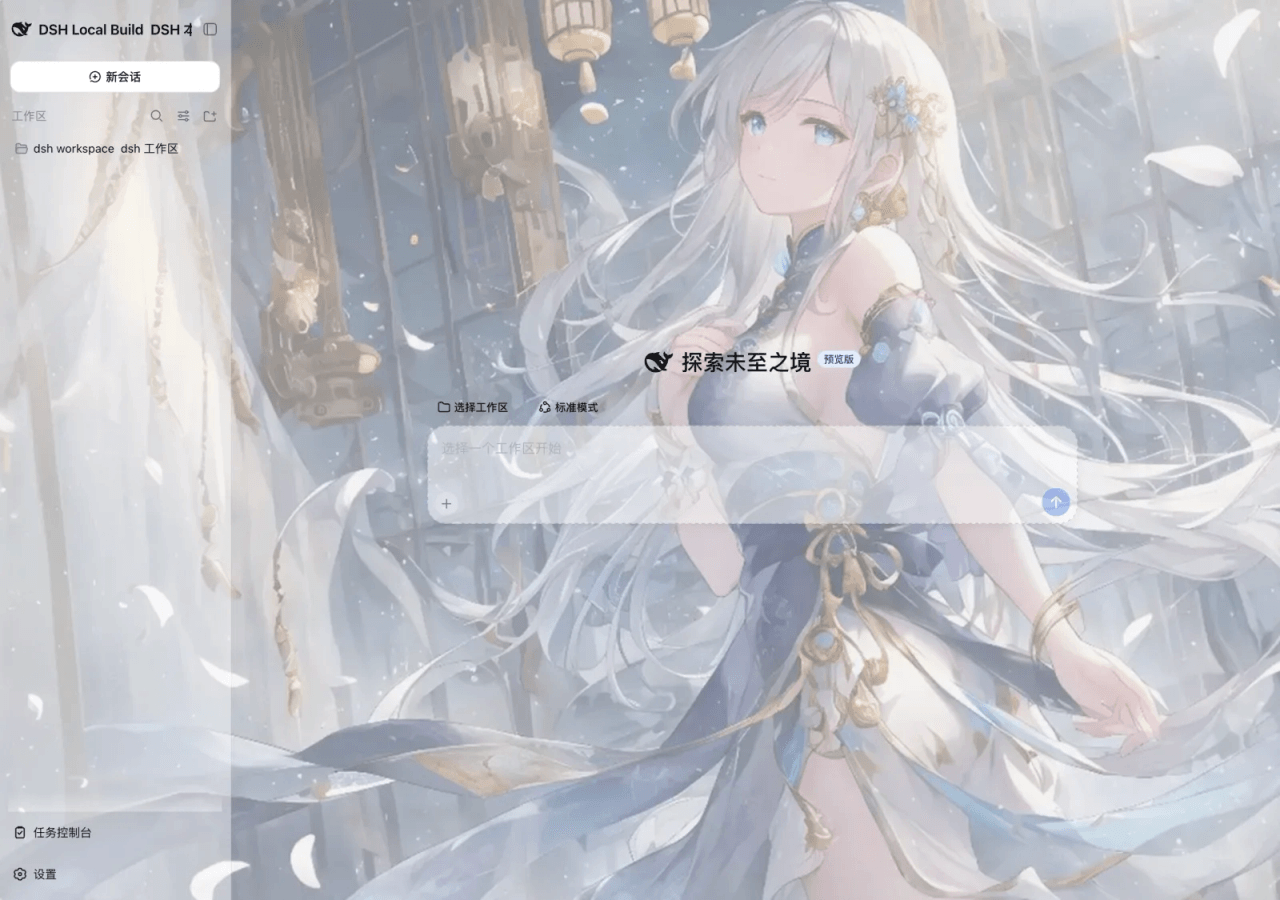 SLin-code/dsh-custom-skin
DSH自定义壁纸/皮肤插件——Custom wallpapers and translucent skins for DeepSeek Harness Web
SLin-code/dsh-custom-skin
DSH自定义壁纸/皮肤插件——Custom wallpapers and translucent skins for DeepSeek Harness Web
-
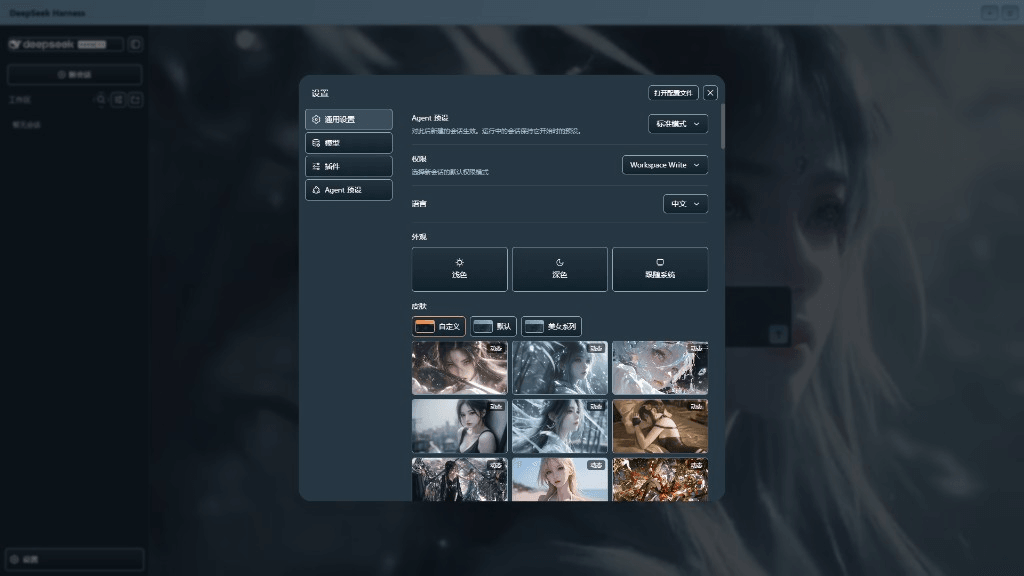 XieRW/dsh-beauty-skins
给 DeepSeek Harness 用的美女系列皮肤:设置里从 哲风壁纸 拉预览网格,点一张即应用,配色从壁纸提取。支持动态壁纸,也保留自定义选图。
XieRW/dsh-beauty-skins
给 DeepSeek Harness 用的美女系列皮肤:设置里从 哲风壁纸 拉预览网格,点一张即应用,配色从壁纸提取。支持动态壁纸,也保留自定义选图。
- ymh0000123/dsh-theme-endfield 终末地官网风格的 DSH Web 主题:奶油纸底、墨黑文字、信号黄强调、全直角工业编辑风。