zhtx2024/dsh-pdf
PDF解析工具包,适用于DeepSeek Harness:支持pdf_info、pdf_extract_text、pdf_render_page功能,采用pdfjs/内置混合引擎,并为非嵌入CJK PDF提供系统字体渲染。
Project Overview项目介绍
This is a native DSH plugin that adds three agent-facing PDF processing tools to your DeepSeek Harness instance. The tools cover all common PDF processing needs agents have, from getting basic document info to extracting text and rendering full pages as image files. To install it, run the command dsh plugin --profile web add @zhtx2026/dsh-pdf in your terminal, or link a local development checkout with dsh plugin --profile web add link:<path-to-repo>. After installation, you just need to restart DSH or open a new session to activate the tools and the embedded agent guidance block.
This plugin is built specifically to solve a common pain point for hardware developers: unrenderable text in schematic PDFs exported from JLC EDA or EasyEDA. Generic PDF libraries like pdfjs-dist fail to render text when fonts are not embedded and lack a ToUnicode map, resulting in missing CJK characters and broken, unusable schematics. The hybrid engine design automatically switches between the standard pdfjs engine for normal PDFs and a fully custom system-font engine for problematic schematics, so agents can reliably and correctly extract text and render full schematics.
The plugin comes with a few known limitations that users should be aware of before using it for production work. Scanned or image-only PDFs will return no text from extraction, though rendering of the page image still works as expected. Exotic CID fonts that don’t follow the common UniGB-UCS2-H encoding fall back to the pdfjs engine, and large PDFs are fully parsed into memory all at once. The entire project is released under the permissive MIT license, so you can modify or reuse it freely for any personal or commercial purpose.
这是专为DeepSeek Harness开发的原生PDF解析工具插件,提供三个面向AI代理的工具调用接口,分别用于获取PDF信息、提取文本内容和渲染指定页面。它针对未嵌入CJK字体的PDF做了特殊优化,比如嘉立创EDA和EasyEDA导出的原理图PDF这类常见场景,解决了通用PDF库无法正确渲染和提取文字的问题。
该插件适合需要处理电子设计原理图PDF的开发者使用,在日常工作流中,AI代理可以先调用pdf_info获取文档页码、尺寸、元数据和字体嵌入状态,再根据结果选择合适的引擎提取文字或渲染页面。你可以通过dsh命令行工具一键安装,安装后重启DeepSeek Harness即可启用,无需额外配置复杂环境。
插件采用双引擎自动选择设计,字体全部嵌入的标准PDF使用pdfjs引擎处理,未嵌入字体的PDF使用自带的系统字体渲染引擎处理。它的已知限制包括扫描版图像PDF无法提取文字,大体积PDF会全量加载到内存中,项目采用MIT开源协议,可免费使用和修改。
请帮我安装这个 DSH 插件。安装前先完成【兼容性检查 + 安全性检查】,检查通过再动手。

插件:dsh-pdf(zhtx2024/dsh-pdf)
仓库:https://github.com/zhtx2024/dsh-pdf
本站详情页:https://www.yhbd.top/plugins/zhtx2024-dsh-pdf/
本站登记:类型 plugin · 归类 原生 DSH 插件 · 许可证 MIT · ⭐ 3 · 最近提交 2026-08-20 · 主语言 JavaScript

按下面顺序执行,每步先把结论告诉我,再进入下一步:

【1 兼容性检查】
① 我这边:DSH 版本、Node 版本、操作系统、当前 profile(web / desktop)。
② 读它的 README、package.json、插件 manifest,列出它要求的 DSH 版本 / Node 版本 / 操作系统 / 外部依赖 / 需要另外先装的运行时。
③ 逐条比对,结论只写「满足 / 不满足 / 未知」三种;不满足的给出可行替代方案。
④ 检查是否和我已装的插件冲突:命令名重复、skill / tool 重名、端口占用、重复注册的 MCP server。

【2 安全性检查】
① 仓库可信度:和上面「本站登记」是否一致;star / fork 数、创建时间、最近提交,是否归档或长期停更。
② 安装脚本:逐行看 package.json 的 preinstall / install / postinstall,以及 install.sh、setup.ps1 之类脚本。出现 curl|bash、下载后直接执行、混淆代码、访问与插件功能无关的域名,立刻停下来告诉我,不要继续装。
③ 依赖:列出新增依赖,标出无人维护、或与知名包拼写近似的可疑包(typosquatting)。
④ 权限与副作用:它会读写哪些目录、访问哪些域名、需要哪些 DSH 权限(filesystem / network / shell / clipboard 等),以及怎么卸载和回滚。
⑤ 如果它要求 sudo / 管理员权限,或权限明显超出功能所需,先停下来问我。

【3 安装】
上面两步没有「不满足」和「高危项」时才执行;用官方推荐方式安装,不要自行提权。

【4 汇报】
用表格输出:检查项 / 结论 / 依据 / 是否需要我决策。拿不准的一律写「未知」并说明要我怎么确认——不要猜,也不要替我决定。
Send this message to DSH in your current session: it verifies compatibility and security first (answering met / not met / unknown item by item) and only installs once everything checks out — it will stop and ask you if it finds a high-risk item. The box scrolls; the copy is the full prompt. CLI install commands may not be accurate across systems, so DSH is the safer route.把上面这条消息直接发给当前会话里的 DSH:它会先核对兼容性与安全性(逐条给「满足 / 不满足 / 未知」),确认没问题再安装,有高危项会停下来问你。框内可滚动,复制到的是完整提示词;安装命令不一定准确,发给 DSH 更稳。
- Only 3 stars - very few users, little community feedback星标只有 3,几乎没人在用,遇到问题缺少社区反馈
DSH walks through these 9 checksDSH 会逐条核对这 9 项
Compatibility兼容性
- DSH, Node, OS and profile requirementsDSH 版本 / Node 版本 / 操作系统 / profile 是否满足要求
- External dependencies and runtimes (Electron / Python / Docker, ...)外部依赖与运行时(Electron / Python / Docker 等)是否齐备
- Conflicts with installed plugins: command names, skill / tool names, ports, duplicate MCP registration与已装插件是否冲突:命令名、skill / tool 重名、端口占用、重复 MCP 注册
Security安全性
- Repo matches the facts registered here; archived or abandoned?仓库是否与页面登记一致,是否归档或长期停更
- Safety of preinstall / install / postinstall and install.sh / setup.ps1preinstall / install / postinstall 与 install.sh、setup.ps1 是否安全
- curl|bash, download-then-execute, obfuscation, unrelated domains → stop immediatelycurl|bash、下载即执行、混淆代码、无关域名 → 立刻停止
- Typosquatting or unmaintained packages among the new dependencies新增依赖里有没有 typosquatting 或无人维护的包
- Requested permissions vs. what the feature actually needs申请了哪些权限、是否超出功能所需(filesystem / network / shell / clipboard)
- Any sudo / admin requirement, plus uninstall and rollback是否要求 sudo / 管理员权限,以及卸载与回滚方式
Anything uncertain must be marked unknown with a note on how to confirm it. This site's signal screen is a static snapshot, not a security audit.拿不准的必须标「未知」并说明要我怎么确认。本站的信号筛查是静态快照,不能替代安全审计。
Or use CLI install (for developers)或使用命令行安装(适合开发者)
CLI Install命令行安装
dsh plugin --profile web add @zhtx2026/dsh-pdf把 zhtx2024/dsh-pdf 加入你的 DSH 配置(web profile)即可启用。
READMEREADME
@zhtx2026/dsh-pdf
PDF parsing toolkit for DeepSeek Harness — three agent-facing tools (
pdf_info/pdf_extract_text/pdf_render_page) with hybrid engines, including system-font rendering for PDFs with non-embedded CJK fonts (e.g. EasyEDA / JLC EDA schematic exports).
Tags: dsh-plugin · pdf · pdfjs · canvas · schematic · tools
Install
dsh plugin --profile web add @zhtx2026/dsh-pdf
Or from a local checkout during development:
dsh plugin --profile web add link:<path-to-repo>
Then restart DSH (or open a new session) — the three tools and an agent guidance block become available.
Tools
| Tool | What it does |
|---|---|
pdf_info |
Page count, page sizes (pt), document metadata, and the font list with per-font embedded flags. |
pdf_extract_text |
Extracts text per page; optional page and withPosition (per-line x/y coordinates + font size). |
pdf_render_page |
Renders one page to a PNG (local file) with configurable scale/outDir; engine auto-selection. |
Why a custom renderer?
pdfjs-dist cannot render text in PDFs whose fonts are not embedded and lack a
ToUnicode map — the classic case is JLC EDA / EasyEDA schematic exports
(SimSun/SimHei Type0 fonts with UniGB-UCS2-H encoding): pdfjs emits
translateFont failed and drops the glyphs.
dsh-pdf solves this with a two-engine design:
- pdfjs engine — used when all fonts are embedded (standard PDFs).
- sysfont engine — a built-in content-stream renderer that decodes the
PDF text operators (
BT/ET,Tf,Tm,Td,Tj,TJ) itself, mapsUniGB-UCS2-H/UTF-16BE strings to Unicode, and draws them with system fonts (SimSun,SimHei,Microsoft YaHei, …) via@napi-rs/canvas.
Text extraction uses the same auto-selection: embedded fonts → pdfjs text layer; non-embedded fonts → the built-in decoder (which correctly recovers CJK text pdfjs loses).
Example
pdf_info("D:/Downloads/SCH_SA-V11A.pdf")
→ 3 pages, A3 landscape, jsPDF producer, 6 fonts (all non-embedded)

pdf_extract_text("D:/Downloads/SCH_SA-V11A.pdf", { page: 1 })
→ net names, pin numbers, and Chinese labels ("主控板", "嘉立创", …)

pdf_render_page("D:/Downloads/SCH_SA-V11A.pdf", { page: 1, scale: 2 })
→ D:/Downloads/SCH_SA-V11A-pages/page-1.png  (2396×1698, engine: sysfont)
Showing the opening section of the README — the full document lives in the repository以上为 README 开头摘要,完整文档在仓库内 · View the full README on GitHub →在 GitHub 查看完整 README →
Related相关推荐
-
 ZSeven-W/dsh-openpencil
The DeepSeek Harness plugin for OpenPencil — preview, inspect, and edit real .op documents inside a conversation.
ZSeven-W/dsh-openpencil
The DeepSeek Harness plugin for OpenPencil — preview, inspect, and edit real .op documents inside a conversation.
-
 HuanLinOTO/dsh-plugin-better-sidebar-plugin-office
为 better-sidebar 提供 Office 三件套预览(.docx/.xlsx/.pptx),独立 bundle 瘦身主体 | Provides Office-suite preview (.docx/.xlsx/.pptx) f…
HuanLinOTO/dsh-plugin-better-sidebar-plugin-office
为 better-sidebar 提供 Office 三件套预览(.docx/.xlsx/.pptx),独立 bundle 瘦身主体 | Provides Office-suite preview (.docx/.xlsx/.pptx) f…
-
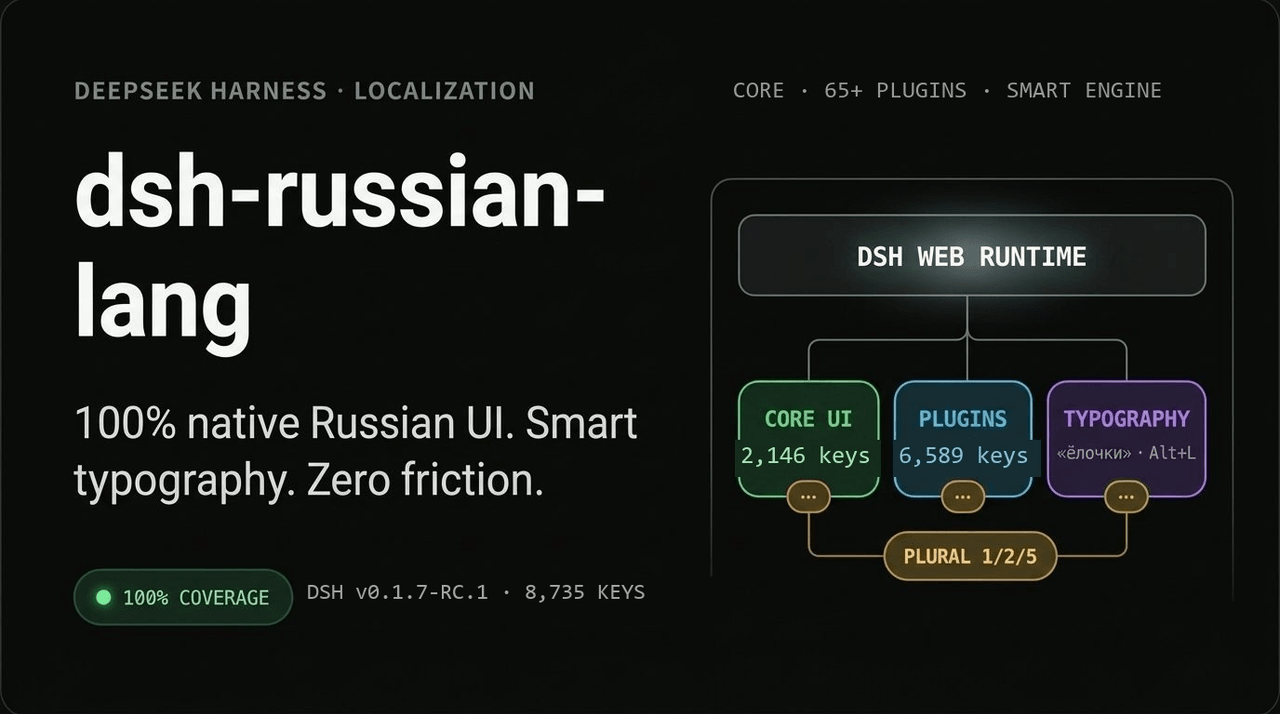 GooDAnDReaDY/dsh-russian-lang
100% русская локализация и Smart UX для DeepSeek Harness (DSH v0.1.7+): 7574 ключа (ядро + 59 плагинов), живые оверрайды…
GooDAnDReaDY/dsh-russian-lang
100% русская локализация и Smart UX для DeepSeek Harness (DSH v0.1.7+): 7574 ключа (ядро + 59 плагинов), живые оверрайды…
-
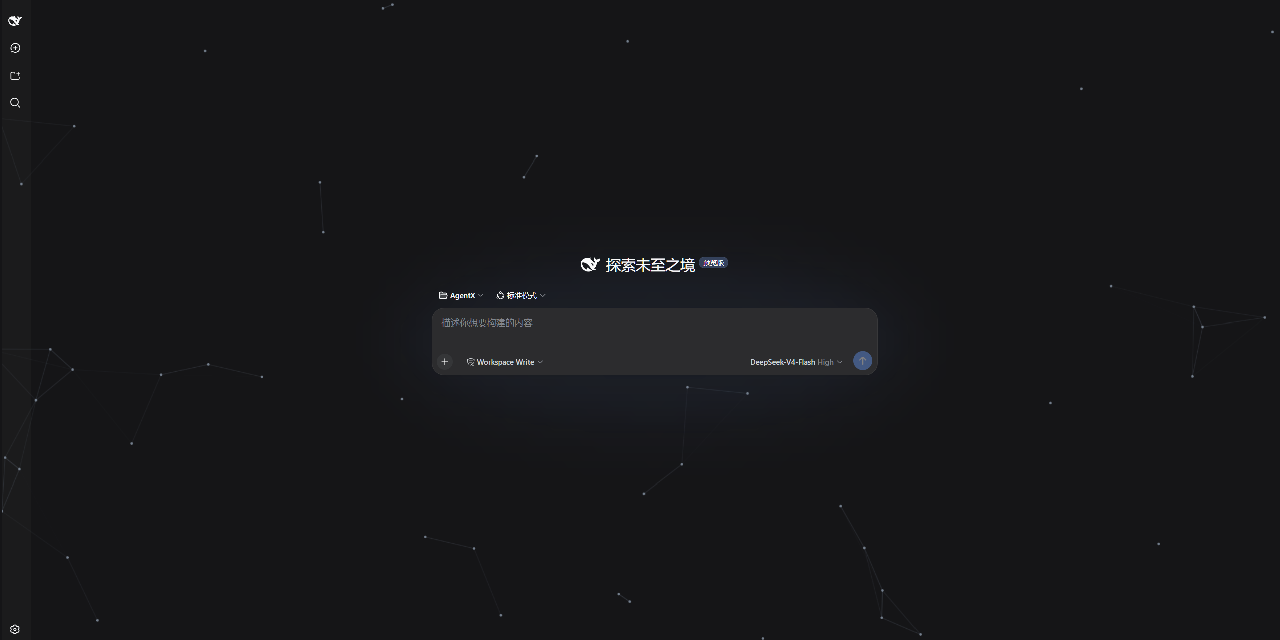 AKS1st/dsh-cyber-particle
为 DeepSeek Harness Web 界面添加动态粒子网络背景 | Particle-network background plugin for DeepSeek Harness web
AKS1st/dsh-cyber-particle
为 DeepSeek Harness Web 界面添加动态粒子网络背景 | Particle-network background plugin for DeepSeek Harness web
-
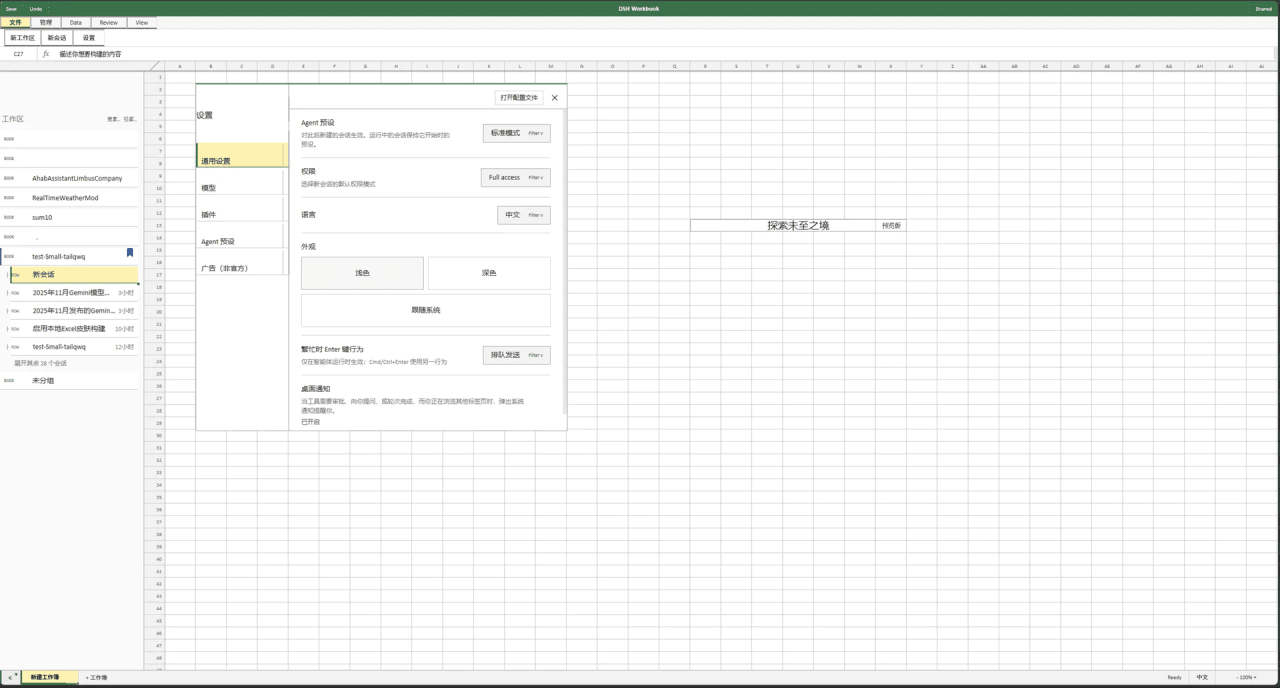 Small-tailqwq/dsh-deepcel
一款模仿 excel 的 dsh 皮肤
Small-tailqwq/dsh-deepcel
一款模仿 excel 的 dsh 皮肤
-
 zhxqc/dsh-oh-my-theme
DeepSeek Harness (dsh) web plugin with themes, global typography, @file mentions, project file tree, and Markdown previe…
zhxqc/dsh-oh-my-theme
DeepSeek Harness (dsh) web plugin with themes, global typography, @file mentions, project file tree, and Markdown previe…
- MrElysium/dsh-md-quiz DeepSeek Harness plugin: quiz-style reading (答题式阅读) of any Markdown document — 5-stage game loop with a sidebar panel an…
- rong-coder/dsh-office-tool dsh plugin for DeepSeek Harness: complete Office document tools for the agent (create/read/edit .docx/.xlsx/.pptx via Of…