zhtx2024/dsh-pdf
PDF解析工具包,适用于DeepSeek Harness:支持pdf_info、pdf_extract_text、pdf_render_page功能,采用pdfjs/内置混合引擎,并为非嵌入CJK PDF提供系统字体渲染。
项目介绍Project Overview
@zhtx2026/dsh-pdf 是 DeepSeek Harness 的 PDF 解析插件,提供 pdf_info、pdf_extract_text、pdf_render_page 三个工具,混合使用 pdfjs 与内置 sysfont 渲染引擎,自动选择以正确处理未嵌入字体的 PDF(如 EasyEDA/JLC EDA 原理图导出的 SimSun/SimHei CJK 字体)。适用于需要解析中文 PDF、原理图或导出页面 PNG 的场景。注意:扫描件无文本层可提取,sysfont 仅针对 UniGB-UCS2-H 编码,大文件全量入内存。
@zhtx2026/dsh-pdf is a PDF parsing plugin for DeepSeek Harness, exposing three agent tools: pdf_info, pdf_extract_text, and pdf_render_page. It pairs pdfjs with a built-in sysfont renderer, auto-selecting the engine to correctly handle PDFs with non-embedded CJK fonts, such as SimSun/SimHei Type0 exports from EasyEDA or JLC EDA schematics. Use it when parsing Chinese documents, schematic PDFs, or rendering pages to PNG. Caveats: scanned PDFs have no extractable text layer, sysfont covers UniGB-UCS2-H only, and large files are fully loaded into memory.
请帮我了解并安装插件:【dsh-pdf】【https://github.com/zhtx2024/dsh-pdf】把上面这条消息直接发给当前会话里的 DSH,让它帮你了解并安装。安装命令不一定准确,发给 DSH 更稳。Send this message to DSH in your current session. CLI install commands may not be accurate across systems — DSH will figure it out for you.
或使用命令行安装(适合开发者)Or use CLI install (for developers)
命令行安装CLI Install
dsh plugin --profile web add @zhtx2026/dsh-pdf把 zhtx2024/dsh-pdf 加入你的 DSH 配置(web profile)即可启用。
READMEREADME
@zhtx2026/dsh-pdf
PDF parsing toolkit for DeepSeek Harness — three agent-facing tools (
pdf_info/pdf_extract_text/pdf_render_page) with hybrid engines, including system-font rendering for PDFs with non-embedded CJK fonts (e.g. EasyEDA / JLC EDA schematic exports).
Tags: dsh-plugin · pdf · pdfjs · canvas · schematic · tools
Install
dsh plugin --profile web add @zhtx2026/dsh-pdf
Or from a local checkout during development:
dsh plugin --profile web add link:<path-to-repo>
Then restart DSH (or open a new session) — the three tools and an agent guidance block become available.
Tools
| Tool | What it does |
|---|---|
pdf_info |
Page count, page sizes (pt), document metadata, and the font list with per-font embedded flags. |
pdf_extract_text |
Extracts text per page; optional page and withPosition (per-line x/y coordinates + font size). |
pdf_render_page |
Renders one page to a PNG (local file) with configurable scale/outDir; engine auto-selection. |
Why a custom renderer?
pdfjs-dist cannot render text in PDFs whose fonts are not embedded and lack a
ToUnicode map — the classic case is JLC EDA / EasyEDA schematic exports
(SimSun/SimHei Type0 fonts with UniGB-UCS2-H encoding): pdfjs emits
translateFont failed and drops the glyphs.
dsh-pdf solves this with a two-engine design:
- pdfjs engine — used when all fonts are embedded (standard PDFs).
- sysfont engine — a built-in content-stream renderer that decodes the
PDF text operators (
BT/ET,Tf,Tm,Td,Tj,TJ) itself, mapsUniGB-UCS2-H/UTF-16BE strings to Unicode, and draws them with system fonts (SimSun,SimHei,Microsoft YaHei, …) via@napi-rs/canvas.
Text extraction uses the same auto-selection: embedded fonts → pdfjs text layer; non-embedded fonts → the built-in decoder (which correctly recovers CJK text pdfjs loses).
Example
pdf_info("D:/Downloads/SCH_SA-V11A.pdf")
→ 3 pages, A3 landscape, jsPDF producer, 6 fonts (all non-embedded)

pdf_extract_text("D:/Downloads/SCH_SA-V11A.pdf", { page: 1 })
→ net names, pin numbers, and Chinese labels ("主控板", "嘉立创", …)

pdf_render_page("D:/Downloads/SCH_SA-V11A.pdf", { page: 1, scale: 2 })
→ D:/Downloads/SCH_SA-V11A-pages/page-1.png  (2396×1698, engine: sysfont)
Architecture
lib/index.js— cordis plugin entry (name,inject,apply); registers the three tools as native tool objects (plain JSON-Schemaparametersandoutput— no@deepseek-ai/dsh-toolsdependency needed) and injects the agent guidance block (systemPrompt.section, order 160).lib/pdf-core.js— self-contained engine: PDF object parser, font scanner, pdfjs loading with fs-basedCMapReaderFactory/StandardFontDataFactory(Node 24's globalfetchdoesn't speakfile://), the built-in text extractor, and the sysfont renderer.cordis.patch.yml— thedsh.bundle.patchinsert row.
Limitations
- Scanned/image-only PDFs have no text layer — extraction returns nothing (rendering still works, as a plain image).
- The sysfont renderer assumes
Type0CID codes equal Unicode code points (true forUniGB-UCS2-Hexports); exotic CID fonts fall back to pdfjs. - Large PDFs are parsed fully into memory.
License
相关推荐Related
-
 ZSeven-W/dsh-openpencil
The DeepSeek Harness plugin for OpenPencil — preview, inspect, and edit real .op documents inside a conversation.
ZSeven-W/dsh-openpencil
The DeepSeek Harness plugin for OpenPencil — preview, inspect, and edit real .op documents inside a conversation.
-
 HuanLinOTO/dsh-plugin-better-sidebar-plugin-office
为 better-sidebar 提供 Office 三件套预览(.docx/.xlsx/.pptx),独立 bundle 瘦身主体 | Provides Office-suite preview (.docx/.xlsx/.pptx) f…
HuanLinOTO/dsh-plugin-better-sidebar-plugin-office
为 better-sidebar 提供 Office 三件套预览(.docx/.xlsx/.pptx),独立 bundle 瘦身主体 | Provides Office-suite preview (.docx/.xlsx/.pptx) f…
-
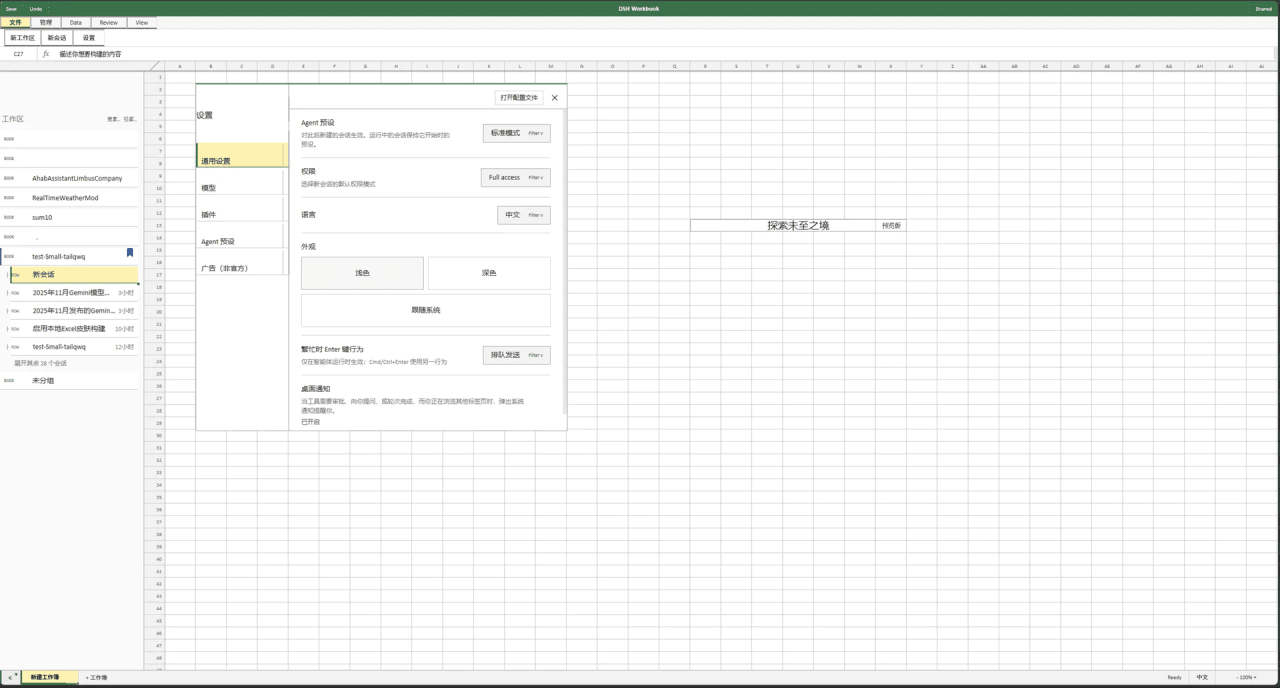 Small-tailqwq/dsh-deepcel
一款模仿 excel 的 dsh 皮肤
Small-tailqwq/dsh-deepcel
一款模仿 excel 的 dsh 皮肤
-
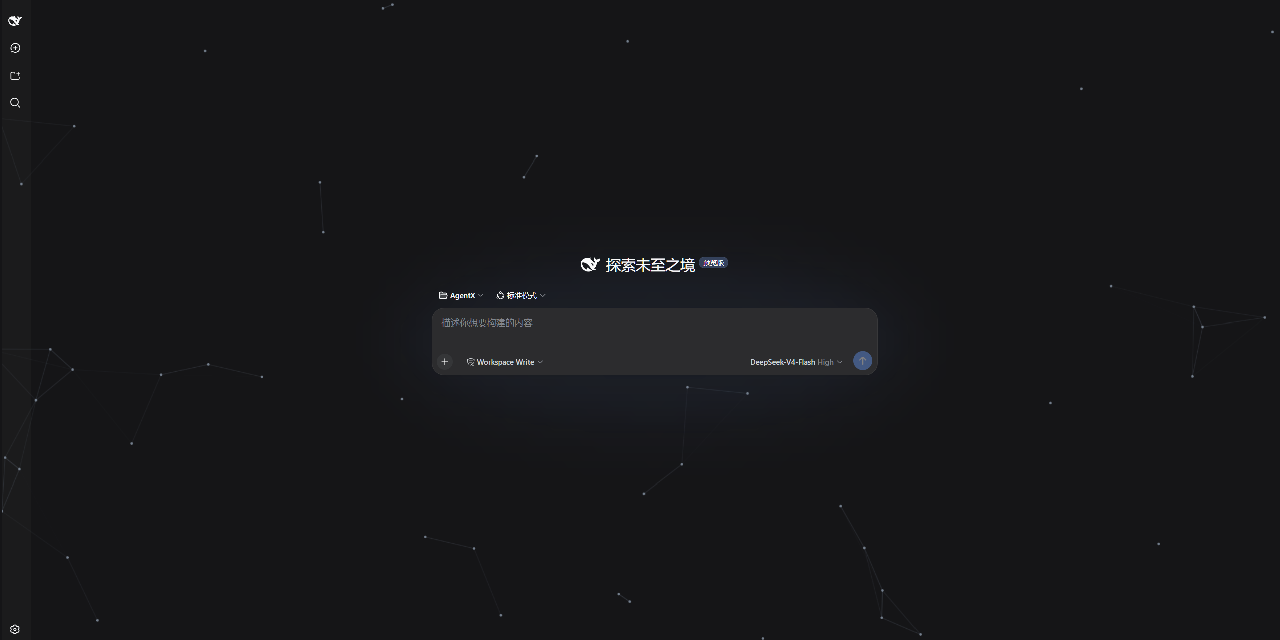 AKS1st/dsh-cyber-particle
为 DeepSeek Harness Web 界面添加动态粒子网络背景 | Particle-network background plugin for DeepSeek Harness web
AKS1st/dsh-cyber-particle
为 DeepSeek Harness Web 界面添加动态粒子网络背景 | Particle-network background plugin for DeepSeek Harness web
-
 zhxqc/dsh-oh-my-theme
DeepSeek Harness (dsh) web plugin with themes, global typography, @file mentions, project file tree, and Markdown previe…
zhxqc/dsh-oh-my-theme
DeepSeek Harness (dsh) web plugin with themes, global typography, @file mentions, project file tree, and Markdown previe…
- MrElysium/dsh-md-quiz DeepSeek Harness plugin: quiz-style reading (答题式阅读) of any Markdown document — 5-stage game loop with a sidebar panel an…
- nyantused-cpun/folio 兰亭 (Folio) · 咨询材料生成引擎:15 个 DSH 原生工具 + 会话协议自动执行 + L0 守卫 + 可换方法论包,零 key 起步。Consulting material engine for DeepSeek Harness…
-
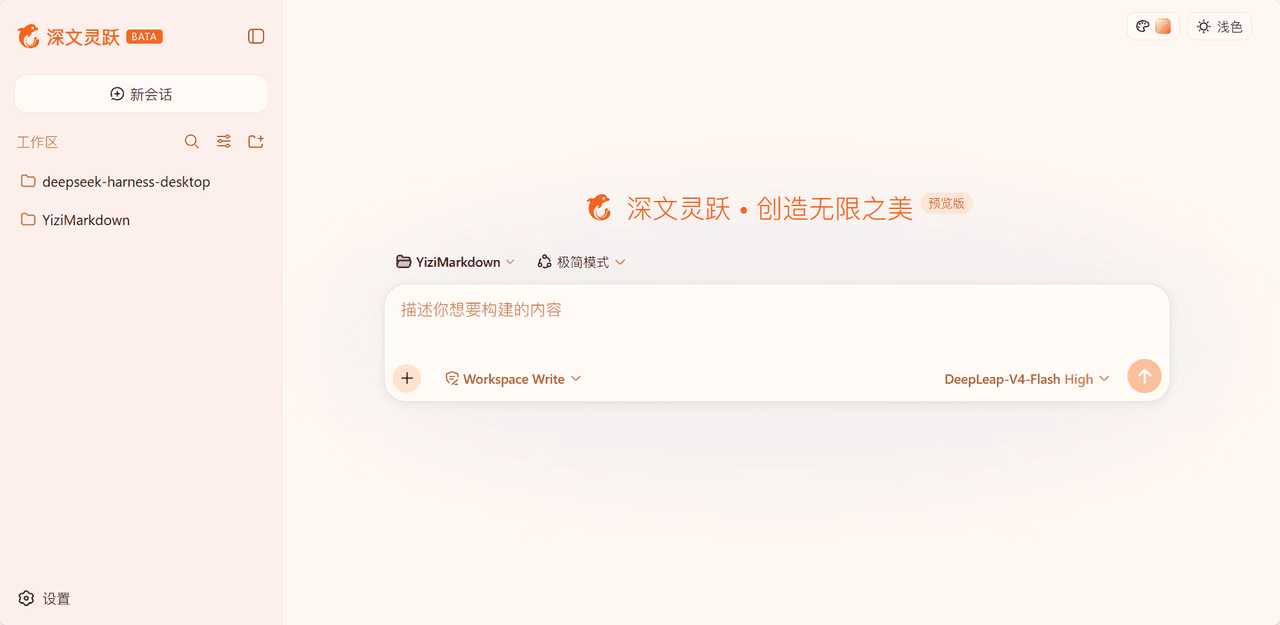 laoduu/DeepSeek-Harness-yizi-themes
为 DeepSeek Harness(dsh)Web UI 提供的 19 个精品风格主题,完整移植自 YiziMarkdown 的设计语言。
laoduu/DeepSeek-Harness-yizi-themes
为 DeepSeek Harness(dsh)Web UI 提供的 19 个精品风格主题,完整移植自 YiziMarkdown 的设计语言。