zjzqs/dsh-client-ui-voice-input
DeepSeek Harness (dsh) Web UI plugin: voice input + prompt optimization for the composer. 语音输入 + 提示词优化(Web Speech API,宿主端 LLM 优化,支持撤回)
项目介绍Project Overview
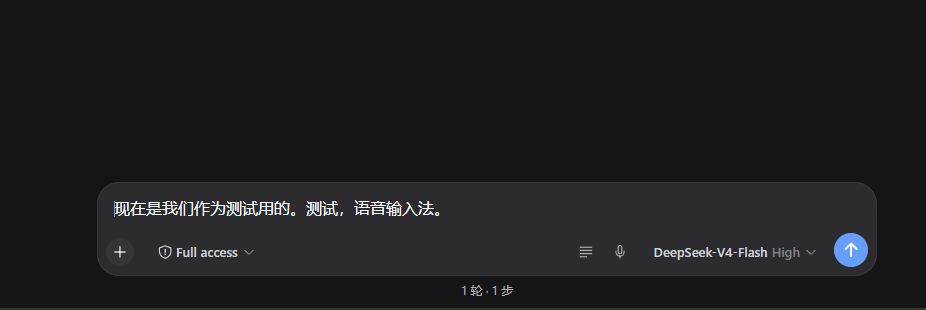
dsh-client-ui-voice-input 是 DeepSeek Harness Web GUI 的插件,在输入框工具行右侧新增 🎤 语音输入和 ✨ 优化提示词两个按钮。语音输入基于浏览器 Web Speech API,持续监听并把识别结果实时写入草稿箱,意外中断可自动恢复。优化按钮把当前草稿发给宿主端 /dsh-voice-input/optimize,由 harness 默认 LLM(DeepSeek,已关闭推理)改写为更清晰具体的提示词并替换草稿;草稿被改则不覆盖。成功后按钮变撤回图标,可恢复原草稿。注意:仅支持 Chrome/Edge,需联网进行云端识别,且必须作为 profile 的依赖安装。
dsh-client-ui-voice-input is a DeepSeek Harness Web GUI plugin adding a 🎤 voice input and ✨ prompt optimization button to the input toolbar. Voice input uses the browser Web Speech API for continuous listening, writing interim and final results live into the draft (replacing in place, no stacking) and auto-recovering from unexpected stops. The optimize button POSTs the current draft to /dsh-voice-input/optimize, where the host's default LLM (DeepSeek, reasoning off) rewrites it into a clearer, more specific prompt; if the draft changes during optimization, it is not overwritten. On success, the button becomes an undo icon that restores the prior draft. Use Chrome/Edge with internet access; the plugin must be a profile dependency.
请帮我了解并安装插件:【dsh-client-ui-voice-input】【https://github.com/zjzqs/dsh-client-ui-voice-input】把上面这条消息直接发给当前会话里的 DSH,让它帮你了解并安装。安装命令不一定准确,发给 DSH 更稳。Send this message to DSH in your current session. CLI install commands may not be accurate across systems — DSH will figure it out for you.
或使用命令行安装(适合开发者)Or use CLI install (for developers)
命令行安装CLI Install
dsh plugin --profile web add github:zjzqs/dsh-client-ui-voice-input把 zjzqs/dsh-client-ui-voice-input 加入你的 DSH 配置(web profile)即可启用。
READMEREADME
dsh-client-ui-voice-input
English | 中文
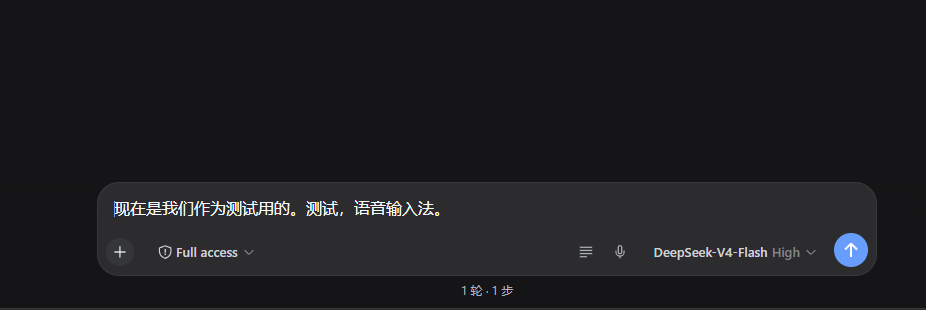
语音输入 + 提示词优化插件 for DeepSeek Harness 的 Web GUI(dsh web)。
输入框工具行右侧(发送按钮左边)有两个按钮:
- 🎤 语音输入:点击开始连续监听(不会因停顿自动断掉),识别文字实时
写入草稿箱(最终+中间结果原地替换,不叠加不重复),意外中断自动恢复;
再点一下结束。识别用浏览器 Web Speech API(
SpeechRecognition),纯前端。 - ✨ 优化提示词:把当前草稿发给宿主端
POST /dsh-voice-input/optimize端点,由 harness 自己的 LLM 服务(ctx.llm,provider/model 取agentDefaultModel的当前默认值,即 DeepSeek,已关闭推理)重写为更 清晰、具体的提示词,成功后替换草稿;若优化期间草稿被修改则不覆盖。优化 成功后 ✨ 按钮变为撤回图标(↶),点击恢复优化前的草稿,撤回入口 常驻直到被使用或草稿变化。优化中/成功/失败有状态提示条。
- 默认识别语言:
zh-CN(普通话),修改lib/client.js顶部的RECOGNITION_LANG常量后重新部署 - 识别走 Chromium 内置的 Web Speech 云端识别,需要联网
- 支持浏览器:Chrome / Edge;Firefox 不支持(按钮置灰并提示)
工作原理
- 包声明
dsh.client: { platform: "web" };浏览器端 bundle 在lib/client.js(window.__ModuleLoader__.load({ id, factory })工厂格式, 与官方dsh-client-ui-*包一致) apply(ctx)把组件注册进conversation.input.right插槽;locale命名空间voice.input提供中/英文案- 宿主端
lib/index.js注入webServer/llm/agentDefaultModel服务, 注册/dsh-voice-input/optimize精确路由:读请求体 →ctx.llm.stream(system 提示词限定"只返回优化后的提示词",reasoningEffort: "off", 30s 超时,4096 token 上限)→ 返回{ text };所有错误路径返回 JSON 错误 - 依赖:宿主端需要
@deepseek-ai/dsh-llm(npm 安装插件时会自动带上)
安装到另一台电脑(从 GitHub)
前提:该电脑已能运行 dsh web,浏览器为 Chrome / Edge。
# ① 下载插件源码(或 GitHub 页面 Code → Download ZIP)
git clone https://github.com/zjzqs/dsh-client-ui-voice-input.git D:\dsh-voice-input

# ② web profile 目录
$profile = "$env:USERPROFILE\.dsh\profiles\web"

# ③ 源码放入 profile 树内(必须放 profile 目录下:宿主端 import 依赖时
#    从自身真实路径向上找 node_modules,放 profile 树内才能解析到)
Copy-Item -Recurse -Force "D:\dsh-voice-input" "$profile\voice-input-src"

# ④ 在 $profile\package.json 的 "dependencies" 里加一行:
#      "dsh-client-ui-voice-input": "file:./voice-input-src"
#    然后安装(npm 会自动装插件的依赖 @deepseek-ai/dsh-llm 并建好链接):
& npm.cmd install --no-audit --no-fund --prefix $profile
⑤ 启用插件 —— 编辑 $profile\cordis.patch.yml:
# Voice input + prompt optimization (dsh-client-ui-voice-input).
- insert:
    - id: voice-input
      name: dsh-client-ui-voice-input
⑥ 重启 dsh web,刷新页面后输入框右侧出现 🎤 和 ✨ 即可使用。
注意:
dsh-client-ui-voice-input必须是 profile package.json 的依赖,否则npm install会把它当多余包裁掉- 优化功能调用该电脑 dsh 自己配置的默认模型(
agentDefaultModel), 配置好 DeepSeek API key 即可,插件不存任何凭据 - 语音识别走浏览器 Web Speech 云端识别,需要联网
修改后重新部署(本机开发时)
编辑源码后同步到 profile 内的安装副本,然后重启 dsh web:
Copy-Item -Recurse -Force "本仓库目录\*" "$env:USERPROFILE\.dsh\profiles\web\voice-input-src\"
# 重启 dsh web(杀进程 → 重新启动)
浏览器端 bundle 由服务器按请求实时读取(no-cache),仅改 lib/client.js
时刷新页面即可;改宿主端 lib/index.js 必须重启。
相关推荐Related
-
 Anionex/dsh-vision-toolkit
[dsh]为纯文本模型设计更强大的视觉工具箱:一行安装使用、粘贴图片直接识别、多张图片问答、截图到前端UI 还原等|DeepSeek Harness-native integration for agent-vision-toolkit: …
Anionex/dsh-vision-toolkit
[dsh]为纯文本模型设计更强大的视觉工具箱:一行安装使用、粘贴图片直接识别、多张图片问答、截图到前端UI 还原等|DeepSeek Harness-native integration for agent-vision-toolkit: …
-
 zhaoolee/notes
开源版锤子便签,复刻锤科美学,一键Docker私有化部署,支持skill调用,支持dsh plugin,支持多租户,一键生成公众号格式,支持导出便签为图片
zhaoolee/notes
开源版锤子便签,复刻锤科美学,一键Docker私有化部署,支持skill调用,支持dsh plugin,支持多租户,一键生成公众号格式,支持导出便签为图片
-
 Fishsb/dsh-prompt-enhancer
DeepSeek Harness (DSH) 插件:✨ 提示词一键增强 + 💬 语音识别(说完自动停·云端/本地双引擎)· 附 🔁 服务异常一键重启
Fishsb/dsh-prompt-enhancer
DeepSeek Harness (DSH) 插件:✨ 提示词一键增强 + 💬 语音识别(说完自动停·云端/本地双引擎)· 附 🔁 服务异常一键重启
- beiyege-01/dsh-voice-ai-girlfriend 语音 AI 女友(Voice AI girlfriend for DeepSeek Harness):Whisper 语音输入 + Qwen3-TTS 声音克隆 + 句子级流式朗读 + 数字人动画窗。插话/排队双模式,说话即打断。
-
 jing-hy/picturereader
DSH plugin: pixel-to-text image reading for text-only models. image_scan/image_ocr/image_sample tools + image-reading sk…
jing-hy/picturereader
DSH plugin: pixel-to-text image reading for text-only models. image_scan/image_ocr/image_sample tools + image-reading sk…
-
 MJorgin/dsh-media-skills
Free image reading & generation for DeepSeek Harness (rc.7 / rc.8 / v0.1.1-rc.1 / rc.2) — paste-image reading with auto …
MJorgin/dsh-media-skills
Free image reading & generation for DeepSeek Harness (rc.7 / rc.8 / v0.1.1-rc.1 / rc.2) — paste-image reading with auto …
-
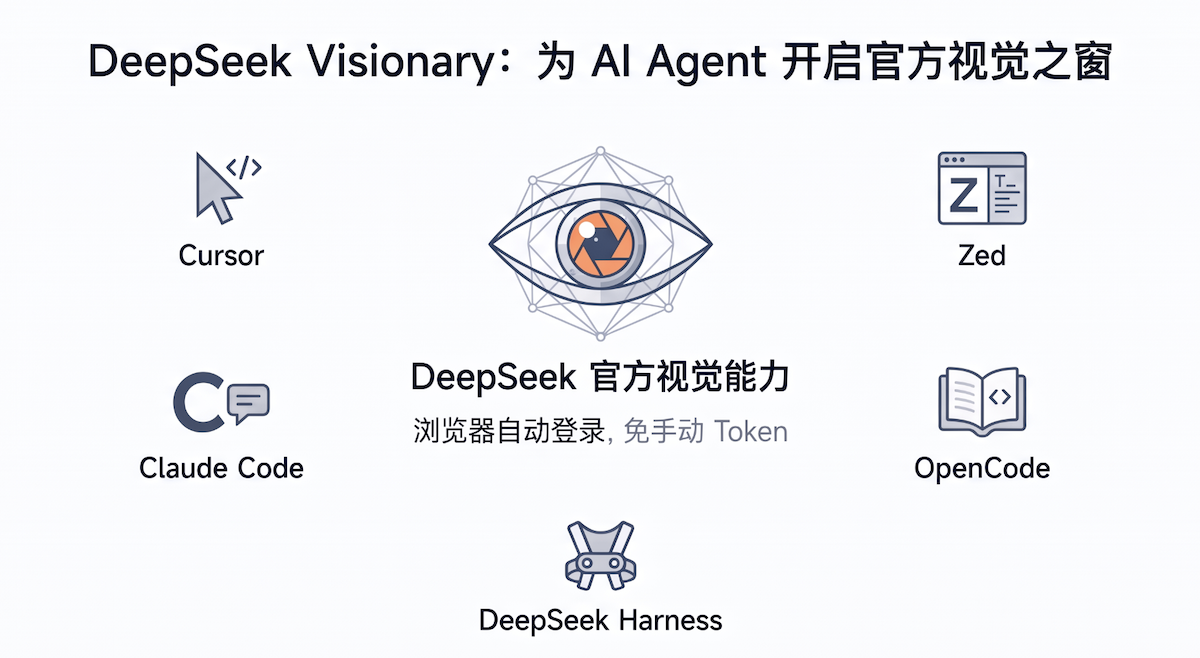 xlight/deepseek-visionary
使用 DeepSeek 官方多模态视觉模型让你的 Agent 不再眼瞎(支持 DSH、Zed、OpenCode、Codex、Claude Code、Cursor、Claude Desktop)
xlight/deepseek-visionary
使用 DeepSeek 官方多模态视觉模型让你的 Agent 不再眼瞎(支持 DSH、Zed、OpenCode、Codex、Claude Code、Cursor、Claude Desktop)
-
 LaplaceYoung/dsh-directorx
DirectorX as a DeepSeek Harness plugin: AI video/image/audio skills, knowledge corpus, and configurable vision/image/vid…
LaplaceYoung/dsh-directorx
DirectorX as a DeepSeek Harness plugin: AI video/image/audio skills, knowledge corpus, and configurable vision/image/vid…