Zoria-Lind/dsh-behavior-enhancer
| 模块 | 机制 | 说明 | | :--- | :--- | :--- | | behaviorPrompt | ctx.inject(['systemPrompt']) + systemPrompt.section() | 注册静态行为约束段(先读后写、批量前先验证、失败即收敛、同类修改串行)。软约束,强制靠下面模块 | | parallelConvergence | tools/result + settings.update('agent-loop', {maxParallelToolCalls}) | 任何工具失败(含命令级失败)→ 并行池上限压到 1;连续 3 次成功 → 恢复用户原值;上下文压力 ≥60%(idle 测量)→ 降档,回落 <54% 滞回恢复。串行状态跨进程持久化,重启自动接管还原 | | failureGuard | tools/result + agent.followup() | 同工具连续失败 ≥2 次 → 向模型注入提示,引导它向用户确认而不是继续重试 |
catalog descriptioncatalog 简介 / catalog description:Behavior-management plugin for DeepSeek Harness: tool-call discipline prompt section, failure-triggered parallelism convergence (pool drops to 1, auto-restores), consecutive-failure user intervention. Complements dsh-token-optimizer; works standalone.
Project Overview项目介绍
This is a behavior management plugin for DeepSeek Harness (DSH). It regulates model tool calling, improves stability for complex tasks via behavior constraints, dynamic parallelism adjustment, and failure intervention, without interfering with content generation. Use it for complex multi-tool tasks. It is only verified for DSH 0.1.1-rc.2, dynamic prompts break prefix caching.
这是DeepSeek Harness(DSH)的行为管理插件,用于规范模型工具调用行为,通过添加行为约束、动态调整并行工具调用上限、连续失败介入提升复杂任务稳定性,不干预模型生成内容。适合处理多工具调用的复杂任务,仅验证兼容DSH 0.1.1-rc.2,动态修改行为提示会破坏前缀缓存。
请帮我了解并安装插件:【dsh-behavior-enhancer】【https://github.com/Zoria-Lind/dsh-behavior-enhancer】Send this message to DSH in your current session. CLI install commands may not be accurate across systems — DSH will figure it out for you.把上面这条消息直接发给当前会话里的 DSH,让它帮你了解并安装。安装命令不一定准确,发给 DSH 更稳。
Or use CLI install (for developers)或使用命令行安装(适合开发者)
CLI Install命令行安装
dsh plugin --profile web add github:Zoria-Lind/dsh-behavior-enhancer把 Zoria-Lind/dsh-behavior-enhancer 加入你的 DSH 配置(web profile)即可启用。
READMEREADME
dsh-behavior-enhancer
DeepSeek Harness 行为管理插件:改变模型怎么调用工具,让复杂任务更稳定,不干预内容本身。 与 dsh-token-optimizer 职责互补—— token-optimizer 管内容(压缩/裁剪/采样),本插件管行为(调用纪律/失败收敛/连续失败介入)。两者互不依赖,可独立安装。
它做什么(30 秒版)
| 模块 | 机制 | 说明 |
|---|---|---|
| behaviorPrompt | ctx.inject(['systemPrompt']) + systemPrompt.section() |
注册静态行为约束段(先读后写、批量前先验证、失败即收敛、同类修改串行)。软约束,强制靠下面模块 |
| parallelConvergence | tools/result + settings.update('agent-loop', {maxParallelToolCalls}) |
任何工具失败(含命令级失败)→ 并行池上限压到 1;连续 3 次成功 → 恢复用户原值;上下文压力 ≥60%(idle 测量)→ 降档,回落 <54% 滞回恢复。串行状态跨进程持久化,重启自动接管还原 |
| failureGuard | tools/result + agent.followup() |
同工具连续失败 ≥2 次 → 向模型注入提示,引导它向用户确认而不是继续重试 |
| postWriteCheck | tools/execute(写前快照)+ tools/post-execute(写后检查) |
write/edit 写入后做轻量语法解析(JSON 用 JSON.parse;YAML/代码做字符串与注释感知的括号配对 + YAML tab 缩进检查)。失败自动从 .bak 快照回滚并改写工具结果报告模型;≥3 个问题弹窗三选一(仅本次校验 / 本次+后续自动升级 / 不校验)。快照存 ~/.dsh-memory/files/(独立于记忆池),每文件保留最近 5 份 |
失败识别两档:工具级 isError + 命令级签名(stderrAsFailure,默认开)——DSH 的 pwsh 工具只有基础设施错误才标 isError,命令失败(非零退出/stderr 错误)作为普通结果返回;本插件按 [exit code: N] 与 stderr 错误关键词补识别,普通 warning 不误判。
设计依据(DSH 核心源码核实)
- 核心已内置写操作排他:
isConcurrencySafe分类(read/read_image 并行,edit/write/pwsh 等 exclusive 屏障),插件不需要做 per-tool 串行规则; - 插件唯一动态并行杠杆是池上限
maxParallelToolCalls(settings 活 getter,运行时update即生效); - "暂停其他进行中的调用"无 API,不支持;工具失败无核心重试,改为"降并行让模型逐步修正";
- 行为约束段是静态文本,保护 DeepSeek 前缀缓存(实测命中率 99.75%,动态内容会杀缓存)。
安装
dsh plugin --profile web add ./dsh-behavior-enhancer
配置
- id: behavior-enhancer
  name: 'dsh-behavior-enhancer'
  config:
    behaviorPrompt:
      enabled: true
      order: -98
      text: |        # 可整体替换;必须保持静态(禁时间戳/动态值)
        ## 工具调用行为纪律(本会话)
        - 先读后写
        - 批量操作前先验证
        - 失败立即收敛
        - 同类修改串行
        - 证据与诚实
        - 上下文已压缩时先查日志再回答
    parallelConvergence:
      enabled: true
      recoveryThreshold: 3     # 连续成功次数达到后恢复原并行度
      complexRatio: 0.6        # 上下文压力比(idle 测量),超阈值降档
      minParallel: 1
      defaultParallel: 10      # 读不到当前值时的 fallback(核心默认 10)
      contextWindowFallback: 1000000
    failureGuard:
      enabled: true
      maxFailures: 2
      followupMessage: '工具 {tool} 已连续失败 {count} 次。请停止重试,向用户说明失败原因并询问下一步。'
      blockFeedback: false     # 慎用:拦截错误结果正文,模型会看不到失败细节
      feedbackText: '该工具调用失败。请先分析失败原因并修正调用参数后再重试,不要原样重复。'
    postWriteCheck:            # v1.1 写后检查(默认开启)
      enabled: true
      writeTools: ['write', 'edit']
      checkExtensions: ['json', 'yaml', 'yml', 'js', 'mjs', 'cjs', 'ts', 'tsx', 'jsx', 'py', 'ps1', 'sh', 'toml', 'xml']
      maxFileBytes: 500000     # 超过该大小跳过检查(也跳过快照)
      keepBackups: 5           # 每文件保留的 .bak 快照份数
      askThreshold: 3          # ≥3 个问题才弹窗询问(1~2 个自动回滚)
      askTimeoutMs: 120000     # 询问超时,超时按 autoRollback 降级
      snapshotDir: '~/.dsh-memory/files'
      autoRollback: true       # 询问不可用/超时时自动回滚(fail-safe)
    memory_bridge:             # dsh-memory-bridge 联动占位节(阶段 3b 完成后开开关)
      enabled: false
      sync_on_check: true
      rollback_from_memory: true
      post_write_check: true
开发
node test/smoke.mjs # 单进程全量自检(无需 API),npm test 同
路线图
- 实验分支:给 grep/glob 补
isConcurrencySafe(需 agent 作用域 shadow 包装器,复杂度高,主线不依赖) - dsh-memory-bridge 联动(配置节已占位;
~/.dsh-memory/files/文件快照已就绪,等 bridge 服务上线后支持"从快照找回文件正确版本")
权限与边界(上架声明)
| 类别 | 实际行为 | 边界 |
|---|---|---|
| 文件 files | 读写 ~/.dsh/behavior-enhancer/state.json(parallelConvergence 串行状态);postWriteCheck 在 write/edit 执行前把目标文件快照到 ~/.dsh-memory/files/(.bak-<时间戳>,每文件留 5 份),写后检查失败时把快照回滚写回目标文件 |
不写 Profile 配置、不改 DSH 核心/官方包;用户工作区的读写仅限模型主动调用的 write/edit 目标文件,快照目录固定为 ~/.dsh-memory/files/ |
| 网络 network | 无 | 不发起任何网络请求 |
| 命令 commands | 无 | 不执行任何子进程 |
| 凭据 credentials | 无 | 不读取任何环境变量或凭据 |
- 运行时依赖:零 npm 依赖,无外部服务。
- 失败边界:所有模块 fail-open——状态文件损坏即丢弃重来;约束段是软约束(行为提示),强制收敛由并行池与 followup 两条独立路径保证,任何一条失效不影响 DSH 核心流程。
- 已知风险:
failureGuard通过agent.followup()注入提示,模型是否服从取决于模型本身;behaviorPrompt.text若被改成动态内容会破坏 DeepSeek 前缀缓存(默认静态)。postWriteCheck的轻量解析是启发式(非编译器),回滚恢复的是整个文件的写入前版本(文件写入前已存在的问题会一并带回);检查范围仅 write/edit 工具,经 pwsh/bash 等命令写入的文件不检查。 - 兼容范围:完整开发与验证基于 DSH
0.1.1-rc.2(Node ≥ 18);0.1.2+与0.1.3+尚未验证,在package.json的dsh.compatibility.dshReleases中标为unknown。
开发
node test/smoke.mjs # 单进程全量自检(无需 API),npm test 同
路线图
- 实验分支:给 grep/glob 补
isConcurrencySafe(需 agent 作用域 shadow 包装器,复杂度高,主线不依赖) - dsh-memory-bridge 联动(配置节已占位;
~/.dsh-memory/files/文件快照已就绪,等 bridge 服务上线后支持"从快照找回文件正确版本")
许可 / License
MIT © 2026 Zoria Lind
Related相关推荐
-
 freestylefly/awesome-gpt-image-2
Prompt as Code | GPT Image 2 / 2.5 提示词与案例库,530+ 个案例、20+ 套工业级模板与可复用 Skills,新增 2.5 同提示词对比专区,附完整提示词与生成记录,持续更新。
freestylefly/awesome-gpt-image-2
Prompt as Code | GPT Image 2 / 2.5 提示词与案例库,530+ 个案例、20+ 套工业级模板与可复用 Skills,新增 2.5 同提示词对比专区,附完整提示词与生成记录,持续更新。
- Zhiyuan-Fan/Awesome-DeepSeek-Harness-Plugins Curated DeepSeek Harness (DSH) plugins, extensions, tools, skills, clients, runtimes, integrations, and verified referen…
-
 cheshireez/dsh-skill-hub
DeepSeek Harness(dsh)Web GUI 技能中枢:浏览/搜索完整本地技能目录、启用/禁用、查看正文、排查诊断、新建技能,基于官方 ctx.skills 注册表。 In-GUI skill hub for dsh: brow…
cheshireez/dsh-skill-hub
DeepSeek Harness(dsh)Web GUI 技能中枢:浏览/搜索完整本地技能目录、启用/禁用、查看正文、排查诊断、新建技能,基于官方 ctx.skills 注册表。 In-GUI skill hub for dsh: brow…
-
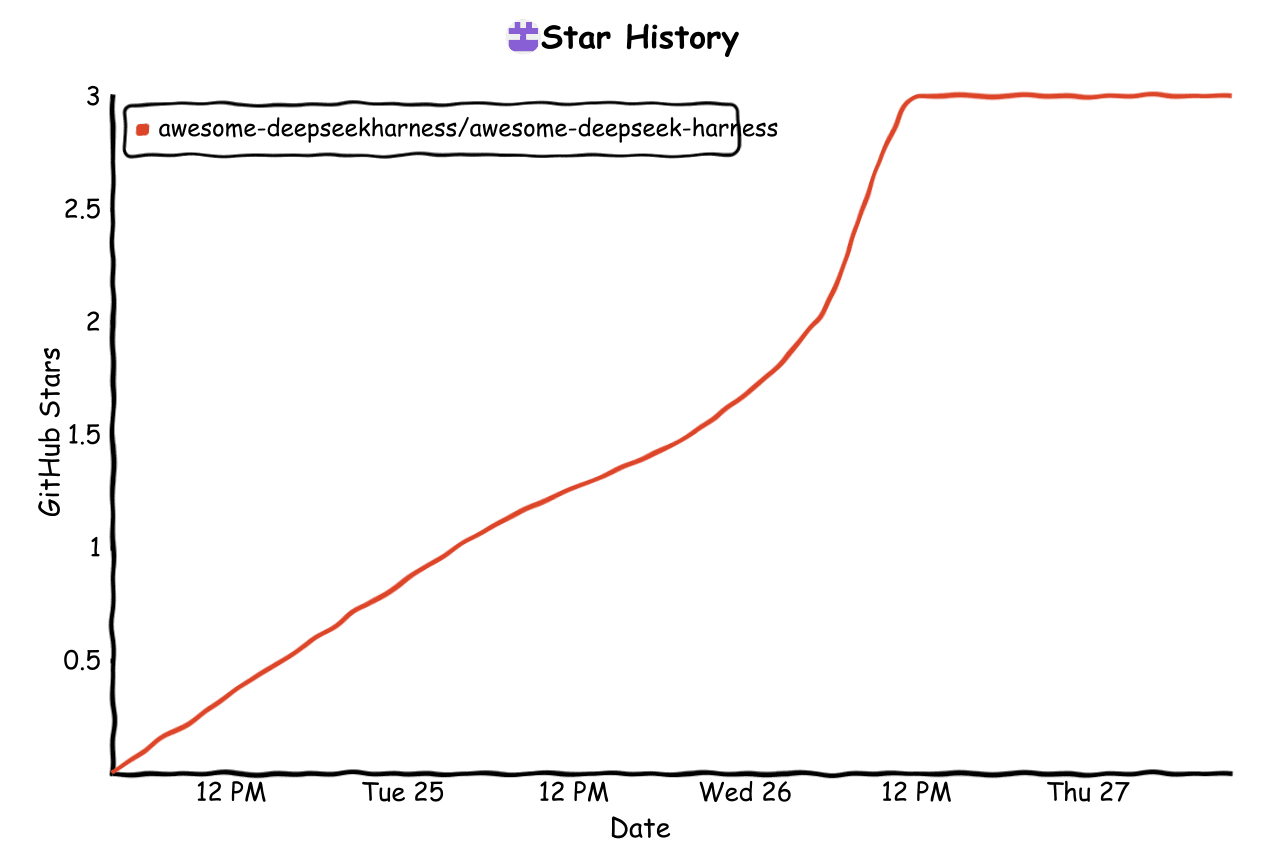 awesome-deepseekharness/awesome-deepseek-harness
Awesome DeepSeek Harness (dsh) — curated awesome list of plugins, tools, skills & resources. Everything is a plugin.
awesome-deepseekharness/awesome-deepseek-harness
Awesome DeepSeek Harness (dsh) — curated awesome list of plugins, tools, skills & resources. Everything is a plugin.
-
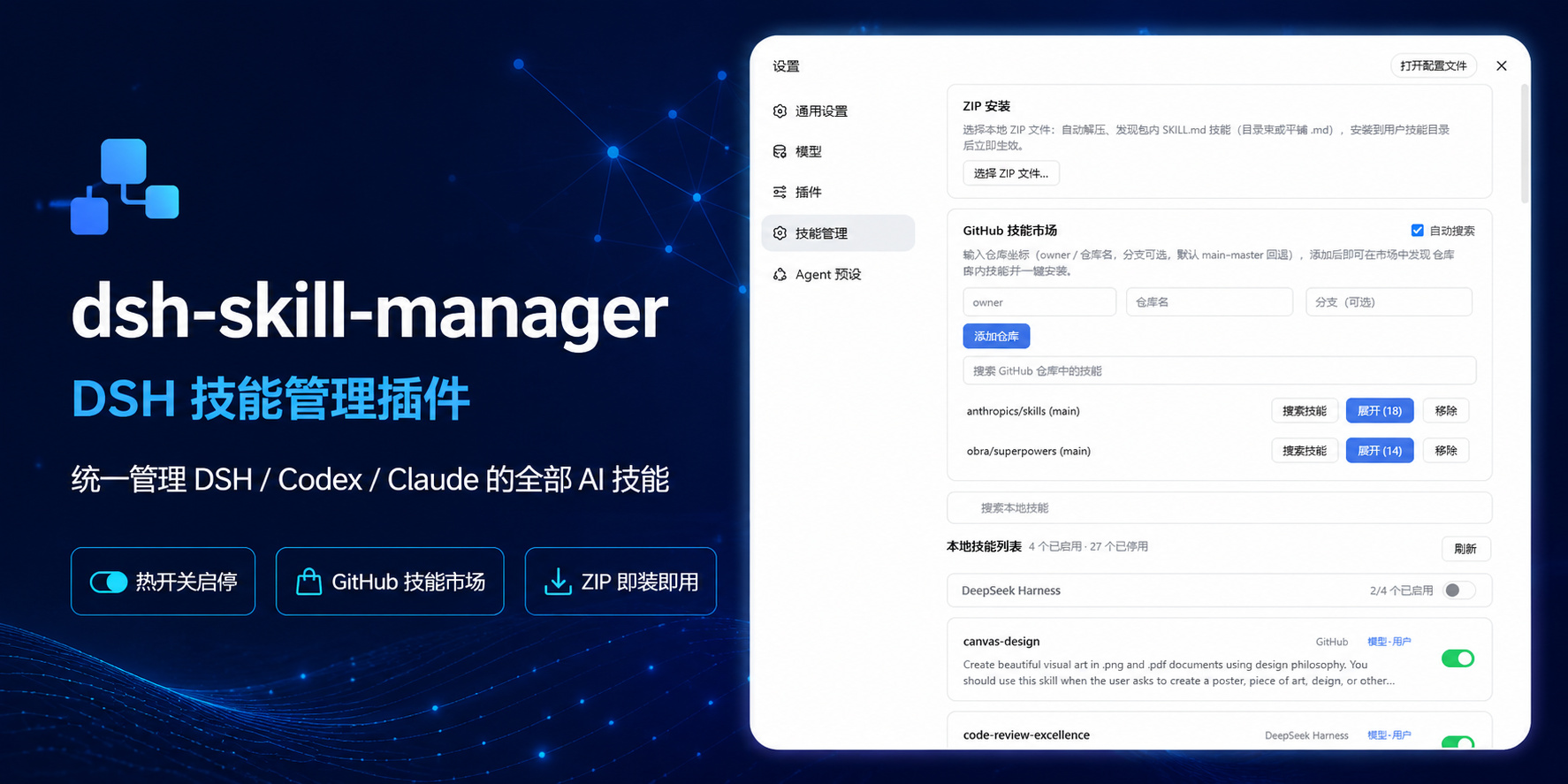 sulfide2085/dsh-skill-manager
在 DeepSeek Harness 设置页统一管理 DSH / Codex / Claude 的 AI 技能:热开关启停、GitHub 技能市场一键发现安装、本地 ZIP 导入(dsh-plugin skill hub)
sulfide2085/dsh-skill-manager
在 DeepSeek Harness 设置页统一管理 DSH / Codex / Claude 的 AI 技能:热开关启停、GitHub 技能市场一键发现安装、本地 ZIP 导入(dsh-plugin skill hub)
-
 peiqi10086/dsh-skills-market
DSH(DeepSeek Harness)Skills 管理 + SkillHub 商城插件:侧边栏面板管理本地 skills(用户级/工作区项目级/内置只读),搜索并一键安装 SkillHub 公开技能,附模型工具 dsh_skillhu…
peiqi10086/dsh-skills-market
DSH(DeepSeek Harness)Skills 管理 + SkillHub 商城插件:侧边栏面板管理本地 skills(用户级/工作区项目级/内置只读),搜索并一键安装 SkillHub 公开技能,附模型工具 dsh_skillhu…
-
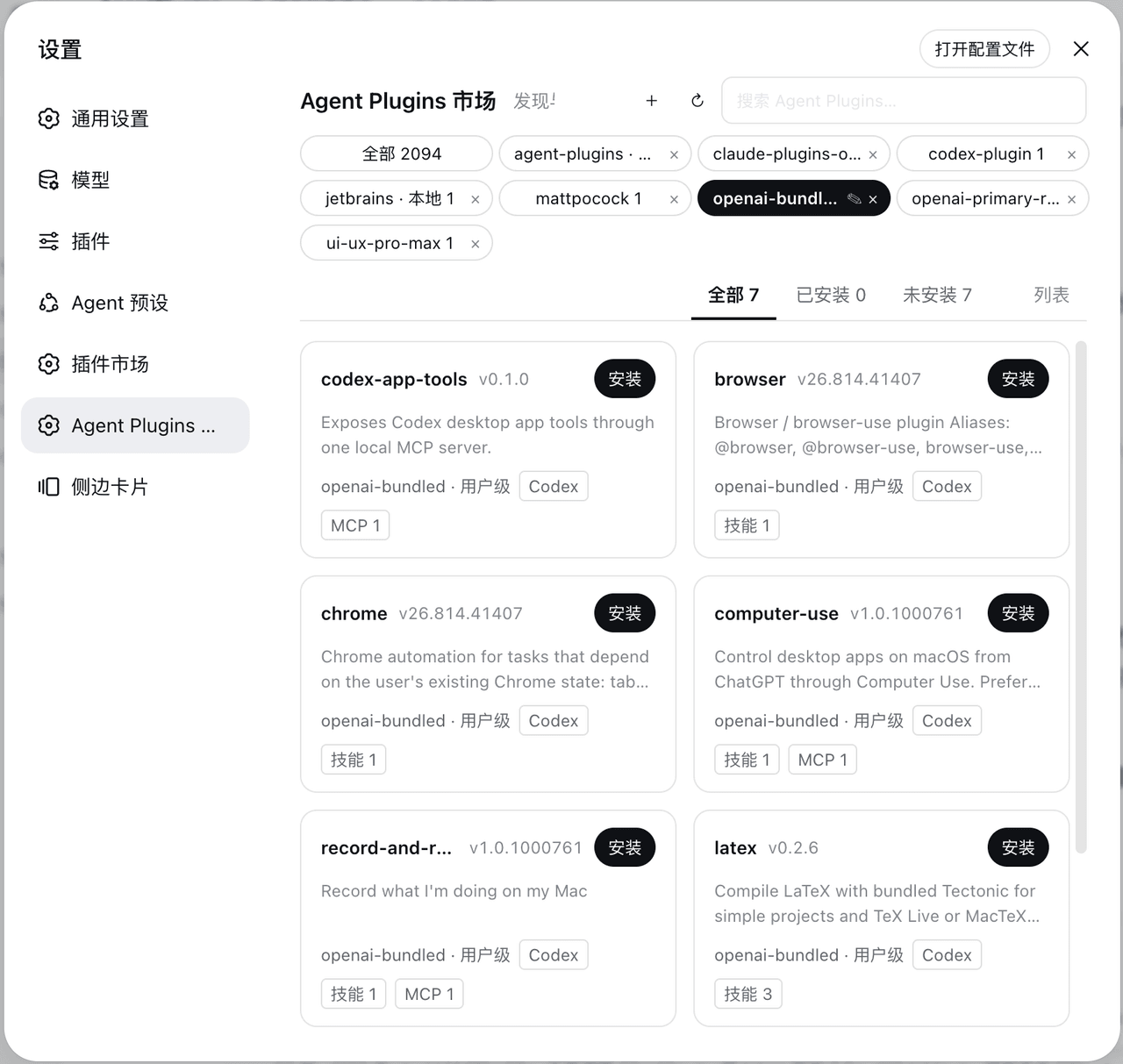 Sivan757/dsh-agent-plugins-market
DeepSeek Harness (DSH) plugin marketplace: install & inject Claude Code / Codex / Cursor agent plugins — skills, MCP ser…
Sivan757/dsh-agent-plugins-market
DeepSeek Harness (DSH) plugin marketplace: install & inject Claude Code / Codex / Cursor agent plugins — skills, MCP ser…
-
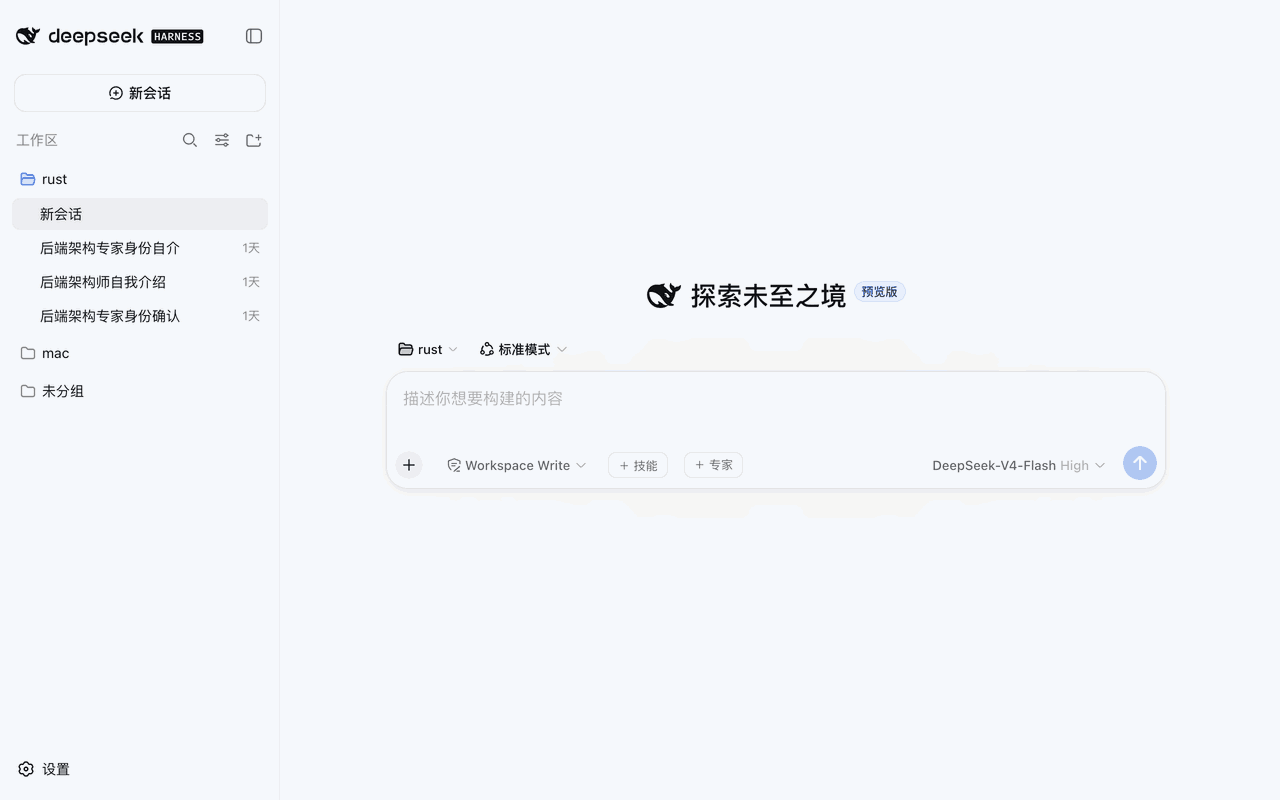 weibaohui/skills-management
DeepSeek Harness 插件:技能市场——安装/删除/详情 API + 管理界面
weibaohui/skills-management
DeepSeek Harness 插件:技能市场——安装/删除/详情 API + 管理界面