Zouu-X/DSH_WebNotification
这是一个DSH的网页提示插件,当Agent完成任务时会发送通知。
Project Overview项目介绍
dsh-notify is a behavior-only Web client plugin for DeepSeek Harness that raises a browser system notification the moment a session transitions from running to idle, so you don't have to keep checking back after handing off a long task. It only fires when the tab is hidden, the window has lost focus, or a different session completes, and each notification is deduplicated per session. The permission prompt is deferred to the first user interaction so it works in Safari. Caveat: there is no toggle yet, and on macOS you must also allow the browser in System Settings → Notifications, otherwise the OS suppresses the banner.
dsh-notify 是 DeepSeek Harness Web UI 的轻量浏览器通知插件,监听会话 running→idle 状态变化,在你切换标签页或窗口失焦时弹出系统通知,告知会话名称及完成状态。通知按会话去重,权限会在首次交互时请求,无需任何界面配置。安装后启动 dsh --profile web 即可。需注意:macOS 需在系统设置中允许浏览器通知,否则系统会静默屏蔽;此外目前无开关与提示音。
请帮我了解并安装插件:【DSH_WebNotification】【https://github.com/Zouu-X/DSH_WebNotification】Send this message to DSH in your current session. CLI install commands may not be accurate across systems — DSH will figure it out for you.把上面这条消息直接发给当前会话里的 DSH,让它帮你了解并安装。安装命令不一定准确,发给 DSH 更稳。
Or use CLI install (for developers)或使用命令行安装(适合开发者)
CLI Install命令行安装
dsh plugin --profile web add dsh-notify把 Zouu-X/DSH_WebNotification 加入你的 DSH 配置(web profile)即可启用。
READMEREADME
dsh-notify
Browser notification for the DeepSeek Harness Web UI — get a system notification the moment a session finishes running.
dsh-notify is a small, behavior-only Web client plugin for DeepSeek Harness (dsh). When you hand the model a long task and switch to another tab or application, it raises a browser notification the instant the task completes, so you never have to keep checking back.
Features
- 🛎️ System notification on completion — fires exactly when a session's
runningstate flips to idle, titled with the session name and a Chinese completion body. - 👀 No noise while you watch — it stays silent only when you are actively looking at the session that just finished. It notifies when:
- the page is hidden (you switched tab), or
- the browser window lost focus (you switched to another app), or
- the completing session is not the currently selected one.
- 🔁 Per-session dedup — each notification is tagged by session, so a repeat replaces the previous instead of stacking.
- 🔐 Permission asked at the right moment — the permission prompt appears on your first click or keystroke, not while you are away (this is what makes it work in Safari).
- ⚙️ Zero UI — no buttons, no settings screen, no host-side changes. It is one browser row in your profile.
Requirements
- DeepSeek Harness with the Web UI (
dsh web, ordsh --profile web). - A modern browser. The Web UI runs on
http://127.0.0.1:<port>, which is a secure context, so theNotificationAPI is available. - On macOS, also allow the browser in System Settings → Notifications, otherwise the OS suppresses the banner even when the page has permission.
Install
dsh-notify is an installable bundle. Install it into a profile from npm, a tarball, or straight from this repository.
# from GitHub (this repo)
dsh plugin --profile web add github:you/dsh-notify

# from npm
dsh plugin --profile web add dsh-notify

# from a local checkout or packed tarball
dsh plugin --profile web add ./dsh-notify
dsh plugin forwards to pnpm, so any pnpm spec works. Installing a bundle appends it to the profile's dsh.profile.bundles and applies its patch layer; no manual cordis.yml editing is needed.
GitHub installs need no build step. This repository commits its built
lib/, sodsh plugin add github:you/dsh-notifyworks directly, with no install-time build allowance to grant.
Usage
Install, then boot the Web UI and grant the notification permission the first time the browser asks (on your first click or keystroke):
dsh --profile web
Start a task in any session, switch away, and a system notification appears when the model finishes. There is nothing else to configure.
How it works
The plugin injects the runtime's sessions service and subscribes to the session list snapshot — the same fact source the sidebar reads. A small fold keeps each session's previous running bit, records the first observation without notifying, and dispatches one notification per running → idle edge, gated by the "are you looking at this session" rule above.
The browser half is a CJS bundle registered through window.__ModuleLoader__.load, which the harness's client module system scans and serves under /plugins/dsh-notify/client.js. The node half is a no-op host plugin body.
Development
pnpm install     # install dev tooling
pnpm build       # bundle lib/index.js (node) and lib/client.js (browser)
pnpm typecheck   # tsc --noEmit
pnpm test        # vitest
Build artifacts are committed under lib/ so GitHub installs work without a build step.
dsh-notify/
├── package.json        # dsh.client + dsh.bundle.patch manifests
├── cordis.patch.yml    # bundle layer: inserts the dsh-notify row
├── tsdown.config.ts    # builds the node half and browser half
├── src/
│   ├── index.ts        # node half (no-op host plugin)
│   └── client/
│       ├── index.ts    # apply / inject
│       ├── watcher.ts  # running→idle edge detection
│       ├── notifier.ts # Notification dispatch + permission bootstrap
│       └── types.ts    # minimal local runtime views
└── tests/notify.spec.ts
Known limitations
- Always on — there is no user-facing toggle yet. A settings row (enable/disable, sound, only-when-hidden) is the natural follow-up.
- System notification only — completion does not also produce an in-app toast or a title flash; the sidebar's built-in green "done" dot remains the in-app signal.
- Browser-owned permission — if the user denies the permission prompt, the plugin is disabled for that origin with no in-app recovery.
- No sound — a short chime is deferred.
License
Related相关推荐
-
 hanshanyike/dsh-yolo
把对话里说过的重要事情,变成持续可跟进的计划。 为 deepseek-harness 打造的个人助手:从对话中整理事项、跟踪变化,并在需要时提醒你。
hanshanyike/dsh-yolo
把对话里说过的重要事情,变成持续可跟进的计划。 为 deepseek-harness 打造的个人助手:从对话中整理事项、跟踪变化,并在需要时提醒你。
-
 Smalldy/godot-bridge
DSH (DeepSeek Harness) plugin that launches and drives a running Godot 4.x game through its in-game TCP interaction serv…
Smalldy/godot-bridge
DSH (DeepSeek Harness) plugin that launches and drives a running Godot 4.x game through its in-game TCP interaction serv…
-
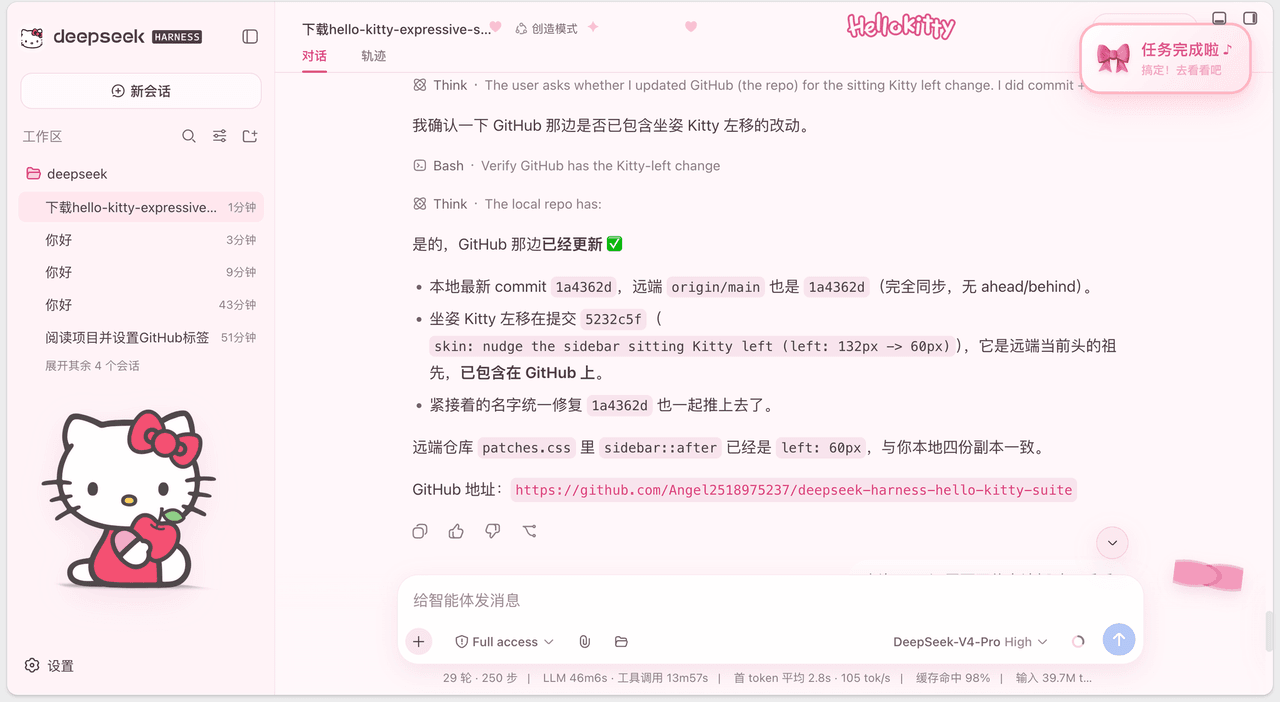 Angel2518975237/deepseek-harness-hello-kitty-suite
💗 一套给 DeepSeek Harness 的粉色 Hello Kitty 主题皮肤 + 任务完成/提问提醒插件(Sweetheart Workspace Expressive skin & Hello Kitty Task-Done …
Angel2518975237/deepseek-harness-hello-kitty-suite
💗 一套给 DeepSeek Harness 的粉色 Hello Kitty 主题皮肤 + 任务完成/提问提醒插件(Sweetheart Workspace Expressive skin & Hello Kitty Task-Done …
-
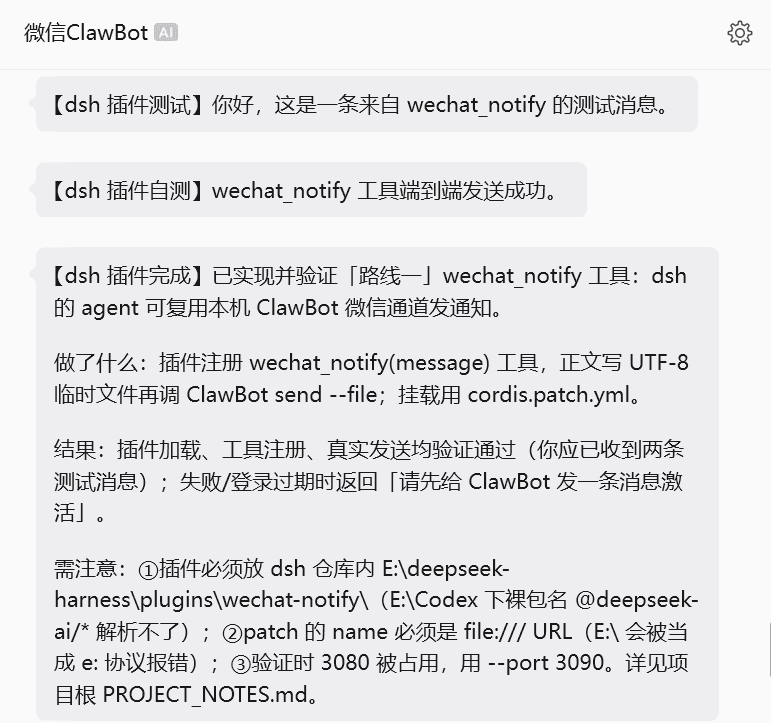 wssfk12138/dsh-wechat-notify
DeepSeek Harness 插件:为 agent 新增 wechat_notify 工具,让 AI 通过本机 ClawBot 微信通道主动给你发通知(任务完成 / 需决策时),中文可靠、掉线自提示。
wssfk12138/dsh-wechat-notify
DeepSeek Harness 插件:为 agent 新增 wechat_notify 工具,让 AI 通过本机 ClawBot 微信通道主动给你发通知(任务完成 / 需决策时),中文可靠、掉线自提示。
- cryjkd/dsh-clawbot 在 DeepSeek Harness(DSH)里接入微信官方 ilink 机器人网关:扫码绑定后,AI 能主动给自己发微信通知;每次回复后自动推送任务完成摘要;目标完成/阻断时自动通知;需要批准/选择时主动微信提醒。自带设置界面(设置 → …
- lhh010/dsh-ui-progress DSH Web UI 会话进度插件:输入框停靠区常驻会话进度条(todos 真实进度 / 实时 token 生成速率 / 中断橘红态 / 待办提醒),零核心改动
-
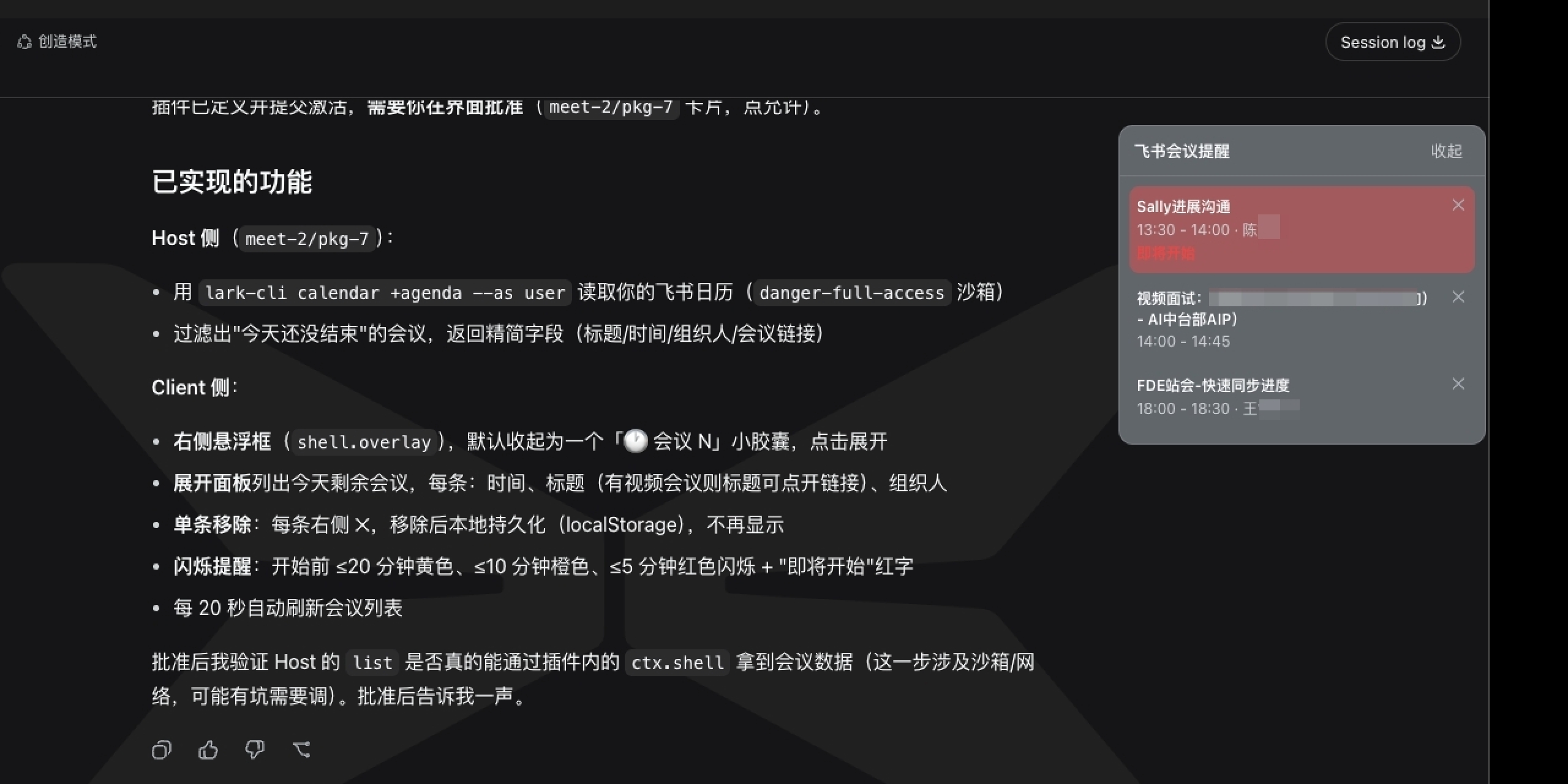 yeruizhi/dsh-lark-meeting-notifier
一个只有副作用的DeepSeekHarness插件:在你跟 AI 聊得神魂颠倒时,提醒你「该去跟碳基生命开会了」。
yeruizhi/dsh-lark-meeting-notifier
一个只有副作用的DeepSeekHarness插件:在你跟 AI 聊得神魂颠倒时,提醒你「该去跟碳基生命开会了」。
-
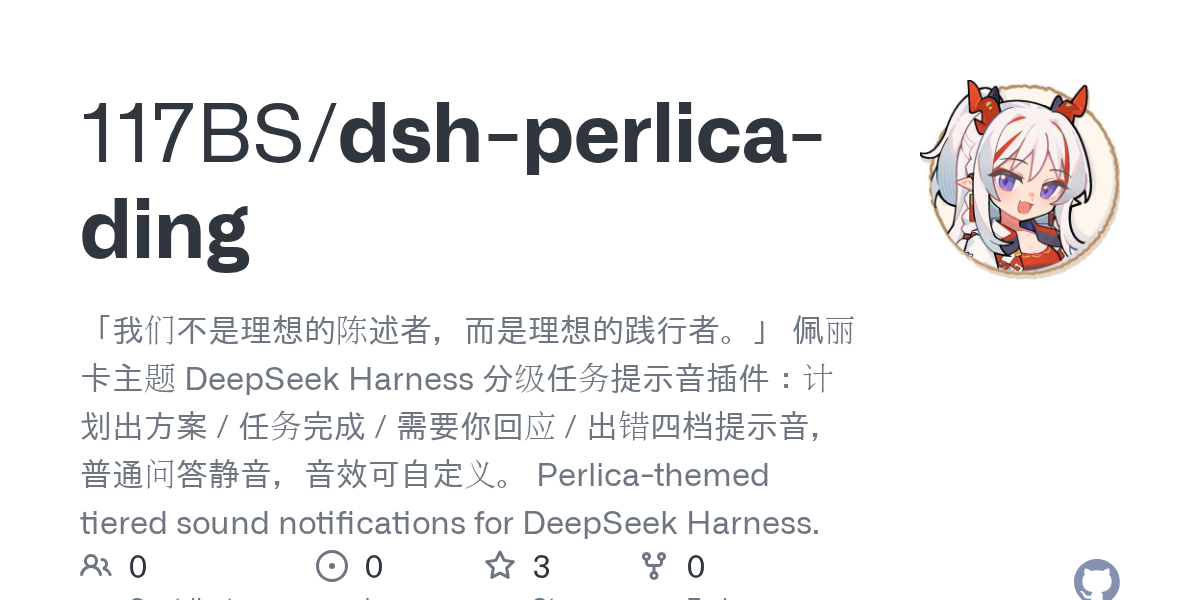 117BS/dsh-perlica-ding
「我们不是理想的陈述者,而是理想的践行者。」 佩丽卡主题 DeepSeek Harness 分级任务提示音插件:计划出方案 / 任务完成 / 需要你回应 / 出错四档提示音,普通问答静音,音效可自定义。 Perlica-themed tie…
117BS/dsh-perlica-ding
「我们不是理想的陈述者,而是理想的践行者。」 佩丽卡主题 DeepSeek Harness 分级任务提示音插件:计划出方案 / 任务完成 / 需要你回应 / 出错四档提示音,普通问答静音,音效可自定义。 Perlica-themed tie…