133563825as-ai/dsh-localdream
开源(MIT)的 DeepSeek Harness 专用插件:把手机端 Local Dream 的本地 NPU 生图接进对话 —— 一句话出图、图生图、放大与分块重绘,全程只跟本机 loopback 说话,不走云端、不计费、无内容审查。
catalog descriptioncatalog 简介 / catalog description:DeepSeek Harness 插件:将手机端 Local Dream 的本地 NPU 生图接入对话,含文生图、图生图、四倍放大与分块重绘。
Project Overview项目介绍
dsh-localdream is a DeepSeek Harness-native plugin that wires the on-device NPU image generation of Android's Local Dream app (3.0.0-alpha.3 or newer) into the DSH chat surface. It talks to the Local Dream "controlled mode" over loopback only, hitting 127.0.0.1:8808 (JSON control API: /info, /models, /status, /select, /stop) and 127.0.0.1:8081 (native generation backend: /generate via SSE, /upscale with a raw RGB24 body). Installation is a git clone followed by dsh plugin --profile web add link:~/dsh-localdream, then a DSH restart, verified via dsh --profile web --dump-config | grep -A3 dsh-localdream. The plugin carries zero runtime dependencies, imports only Node built-ins, ships empty dependencies and peerDependencies, and intentionally avoids a node_modules symlink so a stray npm install cannot pollute the host installation.
The intended workflow is ld_status → ld_draw → ld_enhance(mode: "upscale") → ld_enhance(mode: "ultrafix"), supported by ld_select for explicit model mounting, ld_config for editing per-model JSON presets, and ld_prompt for managing prompt templates. It targets users running SD1.5 QNN or SDXL QNN backends on a phone, plus developers who want an Agent to call local generation, 4× upscaling, and tile-based img2img refinement without ever leaving the device or paying for cloud inference. A sidebar pill plus a full panel (Draw, History, Models, Prompts, Settings) reuses the host's --dsw-* design tokens.
Hard limits: width/height parameters are silently ignored and only aspect_ratio decides output size; img2img inputs must be resized to the exact aspect-ratio pixel count or the backend returns Img size mismatch; cfg = 1.0 disables negative prompts; UltraFix works only on SD1.5 QNN and SDXL QNN backends, not MNN, Anima, or DiT; only one generation may run at a time because mobile NPUs cannot tolerate concurrency. First-run requires manually enabling Controlled Mode inside the Local Dream app (Local Dream → ⋮ → Device Interconnect → Enter Controlled Mode) because AndroidManifest.xml exports that service as false, and the recommended "pure-black keep-alive screen" plus battery-unoptimized settings prevent Android from recycling the backend between requests.
dsh-localdream 是一个面向 DeepSeek Harness(DSH)的原生插件,作用是把 Android 端 Local Dream(3.0.0-alpha.3 及以上)的本地 NPU 生图能力接进对话界面。它通过 loopback 上的 127.0.0.1:8808(JSON 控制口)与 127.0.0.1:8081(原生生成口)两条端口与后端通信,全程离线、无计费、无内容审查。安装方式为 git clone 后用 dsh plugin --profile web add link:~/dsh-localdream 挂入,再重启 dsh 生效;运行期零依赖,不写 node_modules,不污染宿主。
典型用法是先跑 ld_status 确认受控模式在线,再依次调用 ld_draw、ld_enhance(upscale)、ld_enhance(ultrafix) 完成文生图、×4 放大与分块重绘;预设、负面词、模板都存在 <DSH_HOME>/localdream/ 的 JSON 里,可在对话里用 ld_config 与 ld_prompt 直接改。它面向在手机上用 NPU 跑 SD1.5 / SDXL QNN 模型、又希望 Agent 在 DSH 内一键调用、且不愿走云端的用户与开发者。
依赖上仅要求 Node 内置模块和本地 Local Dream 服务,端口固定不可发现;约束包括 width/height 无效、图生图必须先按比例标准化、cfg=1 会跳过负面词、UltraFix 只支持 QNN 后端、同一时刻只能跑一个出图任务。建议在 App 中开启「纯黑屏幕」并把 Local Dream 设为电池不优化,否则受控模式易被系统回收。
请帮我安装这个 DSH 插件。安装前先完成【兼容性检查 + 安全性检查】,检查通过再动手。

插件:dsh-localdream(133563825as-ai/dsh-localdream)
仓库:https://github.com/133563825as-ai/dsh-localdream
本站详情页:https://www.yhbd.top/plugins/133563825as-ai-dsh-localdream/
本站登记:类型 plugin · 归类 原生 DSH 插件 · 许可证 MIT · ⭐ 2 · 最近提交 2026-10-02 · 主语言 JavaScript

按下面顺序执行,每步先把结论告诉我,再进入下一步:

【1 兼容性检查】
① 我这边:DSH 版本、Node 版本、操作系统、当前 profile(web / desktop)。
② 读它的 README、package.json、插件 manifest,列出它要求的 DSH 版本 / Node 版本 / 操作系统 / 外部依赖 / 需要另外先装的运行时。
③ 逐条比对,结论只写「满足 / 不满足 / 未知」三种;不满足的给出可行替代方案。
④ 检查是否和我已装的插件冲突:命令名重复、skill / tool 重名、端口占用、重复注册的 MCP server。

【2 安全性检查】
① 仓库可信度:和上面「本站登记」是否一致;star / fork 数、创建时间、最近提交,是否归档或长期停更。
② 安装脚本:逐行看 package.json 的 preinstall / install / postinstall,以及 install.sh、setup.ps1 之类脚本。出现 curl|bash、下载后直接执行、混淆代码、访问与插件功能无关的域名,立刻停下来告诉我,不要继续装。
③ 依赖:列出新增依赖,标出无人维护、或与知名包拼写近似的可疑包(typosquatting)。
④ 权限与副作用:它会读写哪些目录、访问哪些域名、需要哪些 DSH 权限(filesystem / network / shell / clipboard 等),以及怎么卸载和回滚。
⑤ 如果它要求 sudo / 管理员权限,或权限明显超出功能所需,先停下来问我。

【3 安装】
上面两步没有「不满足」和「高危项」时才执行;用官方推荐方式安装,不要自行提权。

【4 汇报】
用表格输出:检查项 / 结论 / 依据 / 是否需要我决策。拿不准的一律写「未知」并说明要我怎么确认——不要猜,也不要替我决定。
Send this message to DSH in your current session: it verifies compatibility and security first (answering met / not met / unknown item by item) and only installs once everything checks out — it will stop and ask you if it finds a high-risk item. The box scrolls; the copy is the full prompt. CLI install commands may not be accurate across systems, so DSH is the safer route.把上面这条消息直接发给当前会话里的 DSH:它会先核对兼容性与安全性(逐条给「满足 / 不满足 / 未知」),确认没问题再安装,有高危项会停下来问你。框内可滚动,复制到的是完整提示词;安装命令不一定准确,发给 DSH 更稳。
- Only 2 stars - very few users, little community feedback星标只有 2,几乎没人在用,遇到问题缺少社区反馈
DSH walks through these 9 checksDSH 会逐条核对这 9 项
Compatibility兼容性
- DSH, Node, OS and profile requirementsDSH 版本 / Node 版本 / 操作系统 / profile 是否满足要求
- External dependencies and runtimes (Electron / Python / Docker, ...)外部依赖与运行时(Electron / Python / Docker 等)是否齐备
- Conflicts with installed plugins: command names, skill / tool names, ports, duplicate MCP registration与已装插件是否冲突:命令名、skill / tool 重名、端口占用、重复 MCP 注册
Security安全性
- Repo matches the facts registered here; archived or abandoned?仓库是否与页面登记一致,是否归档或长期停更
- Safety of preinstall / install / postinstall and install.sh / setup.ps1preinstall / install / postinstall 与 install.sh、setup.ps1 是否安全
- curl|bash, download-then-execute, obfuscation, unrelated domains → stop immediatelycurl|bash、下载即执行、混淆代码、无关域名 → 立刻停止
- Typosquatting or unmaintained packages among the new dependencies新增依赖里有没有 typosquatting 或无人维护的包
- Requested permissions vs. what the feature actually needs申请了哪些权限、是否超出功能所需(filesystem / network / shell / clipboard)
- Any sudo / admin requirement, plus uninstall and rollback是否要求 sudo / 管理员权限,以及卸载与回滚方式
Anything uncertain must be marked unknown with a note on how to confirm it. This site's signal screen is a static snapshot, not a security audit.拿不准的必须标「未知」并说明要我怎么确认。本站的信号筛查是静态快照,不能替代安全审计。
Or use CLI install (for developers)或使用命令行安装(适合开发者)
CLI Install命令行安装
dsh plugin --profile web add github:133563825as-ai/dsh-localdream把 133563825as-ai/dsh-localdream 加入你的 DSH 配置(web profile)即可启用。
READMEREADME
dsh-localdream
开源(MIT)的 DeepSeek Harness 专用插件:把手机端 Local Dream 的本地 NPU 生图接进对话 —— 一句话出图、图生图、放大与分块重绘,全程只跟本机 loopback 说话,不走云端、不计费、无内容审查。
插件不内置任何模型清单、不预设任何画风偏好:基准尺寸与默认步数 / CFG / 采样器全部从 Local Dream 后端现读,换模型、换机器都照样能用。属于你自己那台机器的偏好(默认负面词、比例、per-model 参数、提示词模板)都放在容器里的普通 JSON 文件里,随时可查可改。
运行期零依赖:dependencies 与 peerDependencies 都是空的,不需要软链、不需要 npm install,装它不会动你现有的任何东西。详见安装一节。
前置条件
手机上装了 Local Dream(3.0.0-alpha.3 及以上实测通过,更低版本未验证)。
在 App 里手动打开受控模式 —— 这一步只能手点:
Local Dream → 模型列表右上角 ⋮ → 设备互联 → 受控模式区块 → 「进入受控模式」
受控模式的服务在
AndroidManifest.xml里是exported="false",外部唤起不了,插件也不会替你去点。
打开后会暴露两个端口,插件就用这两个:
| 端口 | 性质 | 用到的端点 |
|---|---|---|
127.0.0.1:8808 |
控制口(JSON API) | GET /info /models /status,POST /select /stop |
127.0.0.1:8081 |
生成口(native 后端) | POST /generate(SSE)、POST /upscale(raw body) |
自检:
curl -s --max-time 6 http://127.0.0.1:8808/info
# {"app":"localdream","protocol":1,"version":"3.0.0-alpha.3","device":"..."}
没有响应就是受控模式没开或被系统回收了,回 App 里重点一次 —— 重试不会让它自己起来。
安装
git clone https://github.com/133563825as-ai/dsh-localdream.git ~/dsh-localdream

dsh plugin --profile web add link:~/dsh-localdream
装完重启 dsh 才生效。验证装上了:
dsh --profile web --dump-config | grep -A3 dsh-localdream
不需要装依赖,也不会碰你的环境
插件运行期零依赖:它只 import Node 内置模块,dependencies 和 peerDependencies 都是空的。
所以不要往插件目录里放 node_modules,也不要在那里跑 npm install —— 不需要。这一点是刻意的:
- 如果插件目录里有一条
node_modules -> <宿主>/node_modules的软链,任何人误在插件目录跑一次npm install,都会顺着链接把包写进宿主的node_modules,污染整个 dsh 安装。这个插件从设计上不留这个口子。 - 插件不注册全局命令、不改宿主文件、不写 profile 之外的路径。它只做三件事:注册工具、在
<DSH_HOME>/localdream/下读写自己的 JSON、往 webServer 挂一组/localdream/*接口。 - 卸载就是
dsh plugin --profile web remove dsh-localdream,删掉目录即可;<DSH_HOME>/localdream/留着不影响任何东西,想一起清掉就删它。
这一条是给别人用的前提。 一台机器上装几十个插件时,最怕的不是功能少,而是某个插件在你没注意的时候动了别人的东西。
六个工具
| 工具 | 作用 |
|---|---|
ld_status |
受控模式在不在线、当前挂着哪个模型、后端状态、生成口是否可连、已装模型与放大器清单。出图前先跑它。 |
ld_select |
显式挂载模型并等到可出图。ld_draw 的 model 只在后端被回收时才重挂,想主动换模型得用它。 |
ld_draw |
文生图 / 图生图。 |
ld_enhance |
mode="upscale" ×4 放大;mode="ultrafix" 分块重绘。 |
ld_config |
查看与修改容器里的使用偏好、per-model 参数预设。 |
ld_prompt |
提示词模板库:存、列、看、删。 |
Showing the opening section of the README — the full document lives in the repository以上为 README 开头摘要,完整文档在仓库内 · View the full README on GitHub →在 GitHub 查看完整 README →
Related相关推荐
-
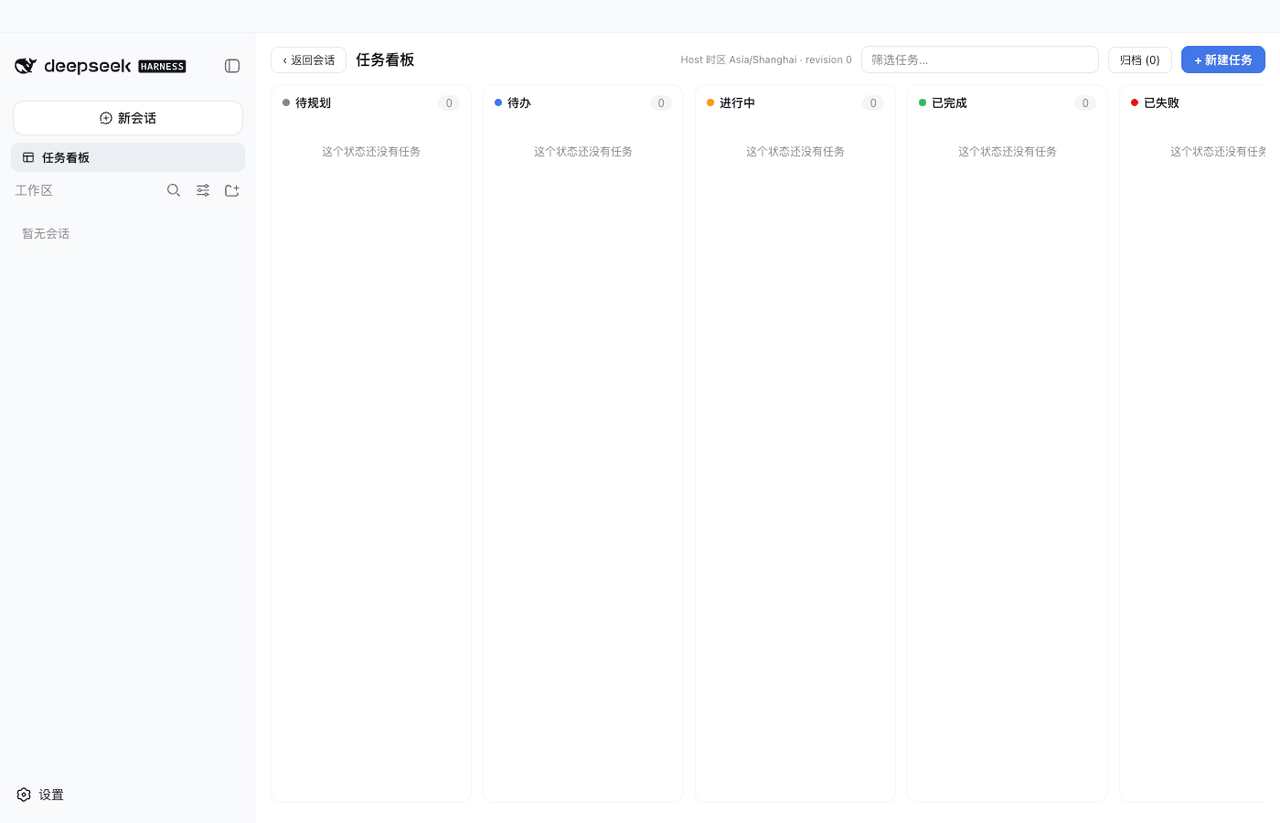 vibeinging/dsh-desktop
DeepSeek Harness Desktop App: a local AI desktop workspace for DSH Sessions, projects, files, web research, plugins, and…
vibeinging/dsh-desktop
DeepSeek Harness Desktop App: a local AI desktop workspace for DSH Sessions, projects, files, web research, plugins, and…
-
 chokwinlee/deepseek-harness-desktop
Compact DeepSeek Harness desktop host with a native SwiftUI iPhone Remote source preview.
chokwinlee/deepseek-harness-desktop
Compact DeepSeek Harness desktop host with a native SwiftUI iPhone Remote source preview.
-
 ZSeven-W/dsh-android
DeepSeek Harness plugin for Android — build, run, and interact with a live emulator or USB device stream inside a conver…
ZSeven-W/dsh-android
DeepSeek Harness plugin for Android — build, run, and interact with a live emulator or USB device stream inside a conver…
-
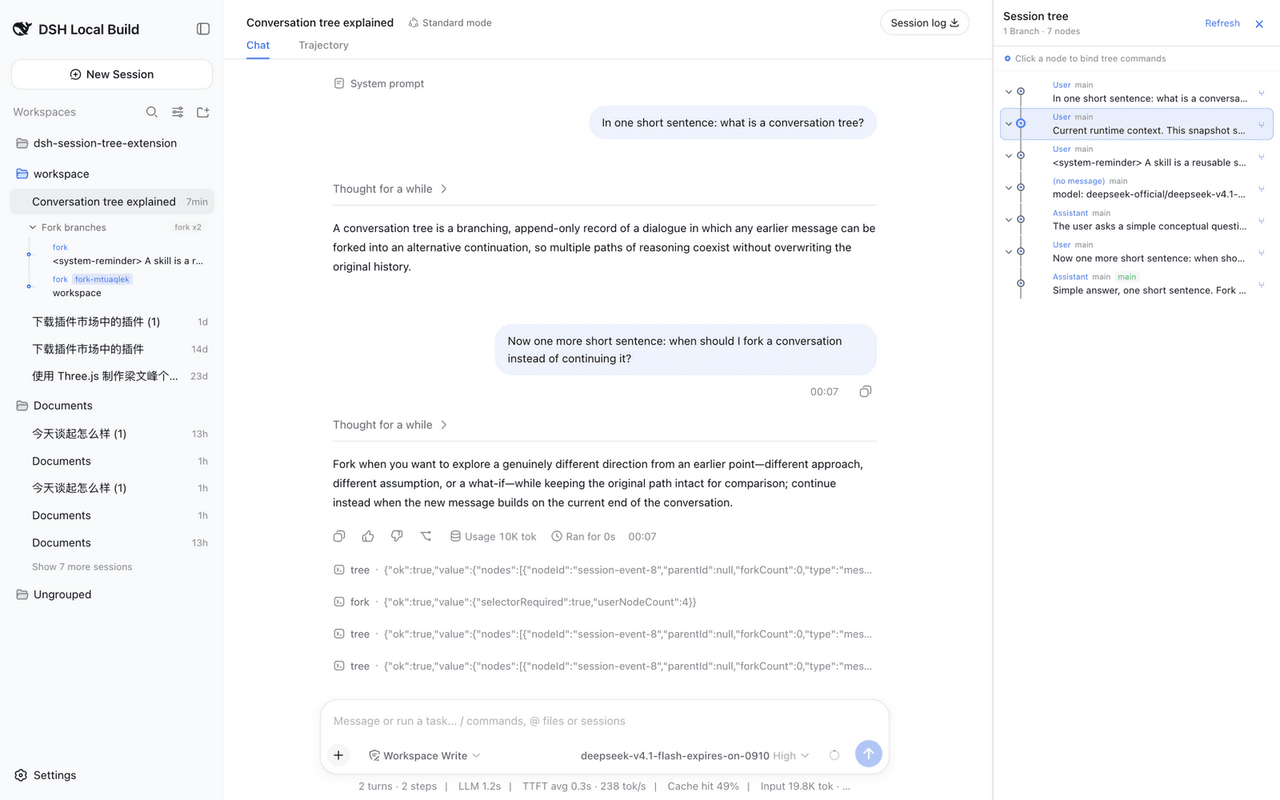 robiteame/dsh-session-tree-extension
dsh-session-tree-extension Append-only, multi-branch conversation trees for DeepSeek-Harness — a PI-Agent-style SessionT…
robiteame/dsh-session-tree-extension
dsh-session-tree-extension Append-only, multi-branch conversation trees for DeepSeek-Harness — a PI-Agent-style SessionT…
-
 baihejiangnan/dsh-session-context-menu
更好的右键:DeepSeek Harness 应用封装端的完整原生风格上下文菜单
baihejiangnan/dsh-session-context-menu
更好的右键:DeepSeek Harness 应用封装端的完整原生风格上下文菜单
-
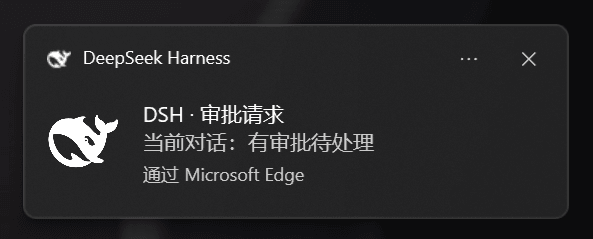 chromoany/dsh-notify-me
DSH 桌面消息提醒插件 / desktop notification and message alerts for DeepSeek Harness web:需要你操作(可操作提醒)与回复完成提醒,系统通知+提示音+标签页标题,设置页开关…
chromoany/dsh-notify-me
DSH 桌面消息提醒插件 / desktop notification and message alerts for DeepSeek Harness web:需要你操作(可操作提醒)与回复完成提醒,系统通知+提示音+标签页标题,设置页开关…
-
 wallpap/dsh-compact-activity
compact reasoning, tool activity groups and pictures for DeepSeek Harness Web and DeepSeek Harness Desktop.
wallpap/dsh-compact-activity
compact reasoning, tool activity groups and pictures for DeepSeek Harness Web and DeepSeek Harness Desktop.
-
 HuanLinOTO/dsh-plugin-merge-tool-calls
把 WebUI 会话流中连续相邻的同工具调用合并为「主卡片+紧凑子行」树状展示,默认覆盖所有内置通用行工具 | Merges consecutive same-tool calls in the WebUI chat flow into a…
HuanLinOTO/dsh-plugin-merge-tool-calls
把 WebUI 会话流中连续相邻的同工具调用合并为「主卡片+紧凑子行」树状展示,默认覆盖所有内置通用行工具 | Merges consecutive same-tool calls in the WebUI chat flow into a…