173787247/dsh-wsl-env
Inject WSL/Windows path and shell facts into the DeepSeek Harness system prompt.
Project Overview项目介绍
A DeepSeek Harness plugin that injects WSL and Windows path and shell facts into the system prompt, so the model prefers Linux paths, understands /mnt/c mapping, and avoids CRLF, git, and Node 24 proxy pitfalls. Use it when an agent runs inside WSL but the model still defaults to Windows-style commands. Restart dsh web and open a new session, because existing sessions keep the old prompt. Set when: always to inject on non-WSL hosts too.
DSH 插件,向 system prompt 注入 WSL 与 Windows 路径及 shell 事实,让模型在 WSL 中优先用 Linux 路径,理解 /mnt/c 映射,避开 CRLF、git 与 Node 24 代理问题。安装后重启 dsh web 并开新会话。配置 when: always 可在非 WSL 环境也注入。
请帮我了解并安装插件:【dsh-wsl-env】【https://github.com/173787247/dsh-wsl-env】Send this message to DSH in your current session. CLI install commands may not be accurate across systems — DSH will figure it out for you.把上面这条消息直接发给当前会话里的 DSH,让它帮你了解并安装。安装命令不一定准确,发给 DSH 更稳。
Or use CLI install (for developers)或使用命令行安装(适合开发者)
CLI Install命令行安装
dsh plugin --profile web add github:173787247/dsh-wsl-env把 173787247/dsh-wsl-env 加入你的 DSH 配置(web profile)即可启用。
READMEREADME
dsh-wsl-env
Install set: part of dsh-wsl-kit. Prefer
KIT_SET=daily|llm|github|full(see kit README). Fault tree: TROUBLESHOOTING.md.
DeepSeek Harness plugin: inject WSL / Windows path and shell facts into the system prompt.
Part of dsh-wsl-kit.
Compatibility
| Field | Value |
|---|---|
| Plugin | dsh-wsl-env 0.3.0 |
| Minimum dsh | ≥ 0.1.2 (web UI one-shot ?token= on Windows relay :3081) |
| Latest verified | See dsh-wsl-kit Compatibility (currently 0.1.5-rc.1) — single source of truth for the suite |
| Kit set | daily (also in github / full; fetch+net also in llm) |
| Cloud Flash | Use model id deepseek-flash (V4.1 Flash) in ~/.dsh/settings.yaml / llm-deepseek — not configured by this plugin |
| Agent Teams | Upstream experimental; not required here |
Suite floor versions: kit check-plugin-versions.sh. Fault tree: TROUBLESHOOTING.md.
Why
The model often assumes a Windows shell (C:\, PowerShell) even when the agent runs in Linux/WSL. This plugin adds a short system-prompt section so it prefers Linux paths, understands /mnt/c, and knows about Node 24 proxy quirks.
What gets injected
Kept short on purpose:
- Distro name and Linux user
- Linux path mapping (
C:\Users\...→/mnt/c/Users/...) - CRLF / git caveats on
/mnt/c - Prefer Linux home over the Windows mount for day-to-day work
NODE_USE_ENV_PROXY=1when Node 24 must useHTTP(S)_PROXY
Install
dsh plugin --profile web add github:173787247/dsh-wsl-env
# or:
dsh plugin --profile web add /absolute/path/to/dsh-wsl-env
Restart dsh web. Open a new session (existing sessions keep the old prompt).
Verify
- Send any message.
- Trajectory → SYSTEM → System Prompt (not the Tools tab).
- Search for
Windows Subsystem for Linux.
You should see the distro name and path mapping. The UI concatenates sections, so the internal id runtime:wsl-windows may not appear as a heading.
Non-WSL hosts skip injection by default (when: wsl).
Config
Later profile layers that set config replace the whole object—restate every key you keep:
- id: dsh-wsl-env
  name: dsh-wsl-env
  config:
    when: wsl          # or: always
    order: 15
    extraNotes: "Prefer /home over /mnt/c for new files."
| Key | Default | Meaning |
|---|---|---|
when |
wsl |
Inject only in WSL, or always |
order |
15 |
Prompt section order |
extraNotes |
"" |
Extra operator notes appended to the section |
Test
npm test
License
MIT
Related相关推荐
-
 chuspeeism/dashi-taskboard
现代化可灵活嵌入的任务面板,支持 Codex、DeepSeek Harness
chuspeeism/dashi-taskboard
现代化可灵活嵌入的任务面板,支持 Codex、DeepSeek Harness
-
 zhoushoujianwork/easyeda-agent
嘉立创EDA专业版(EasyEDA Pro)自动化:给 AI harness 装上画板的「手」—— 一套 typed 原理图/PCB 动作,CLI / Agent Skill / stdio MCP 三形态融合接入。承接嘉立创「不以卖板赚钱…
zhoushoujianwork/easyeda-agent
嘉立创EDA专业版(EasyEDA Pro)自动化:给 AI harness 装上画板的「手」—— 一套 typed 原理图/PCB 动作,CLI / Agent Skill / stdio MCP 三形态融合接入。承接嘉立创「不以卖板赚钱…
-
 morluto/rea
Reverse engineer anything with agents, from app behavior down to native binaries.
morluto/rea
Reverse engineer anything with agents, from app behavior down to native binaries.
-
 linhay/harmony-next.skills
Offline HarmonyOS NEXT developer skill library for AI coding assistants. Covers API 12–26 declarations, ArkTS/ArkUI, NDK…
linhay/harmony-next.skills
Offline HarmonyOS NEXT developer skill library for AI coding assistants. Covers API 12–26 declarations, ArkTS/ArkUI, NDK…
-
 liceses/dsh-gitbash-preset
DeepSeek Harness 插件:一键安装「极简模式 (Git Bash)」agent preset —— 把 DSH 自带极简模式中的 bash 调用映射到 Git for Windows 的 bash(MSYS),让 Window…
liceses/dsh-gitbash-preset
DeepSeek Harness 插件:一键安装「极简模式 (Git Bash)」agent preset —— 把 DSH 自带极简模式中的 bash 调用映射到 Git for Windows 的 bash(MSYS),让 Window…
-
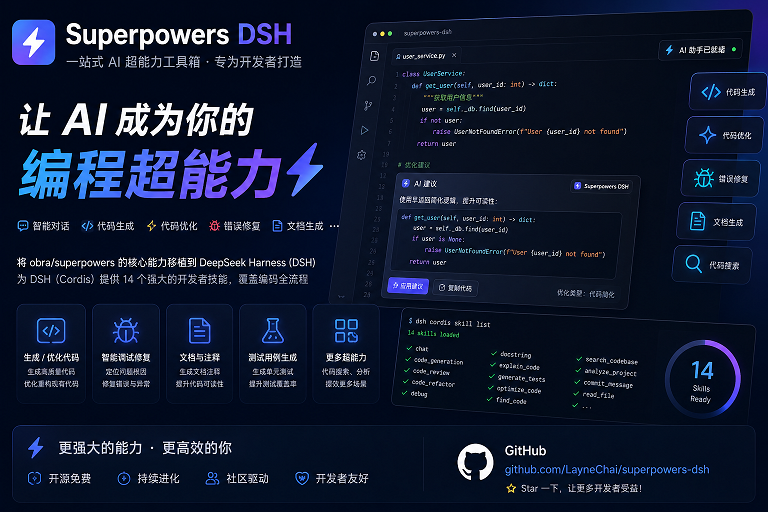 LayneChai/superpowers-dsh
Superpowers skills for DeepSeek Harness: TDD, debugging, planning, and collaboration skills adapted from obra/superpower…
LayneChai/superpowers-dsh
Superpowers skills for DeepSeek Harness: TDD, debugging, planning, and collaboration skills adapted from obra/superpower…
-
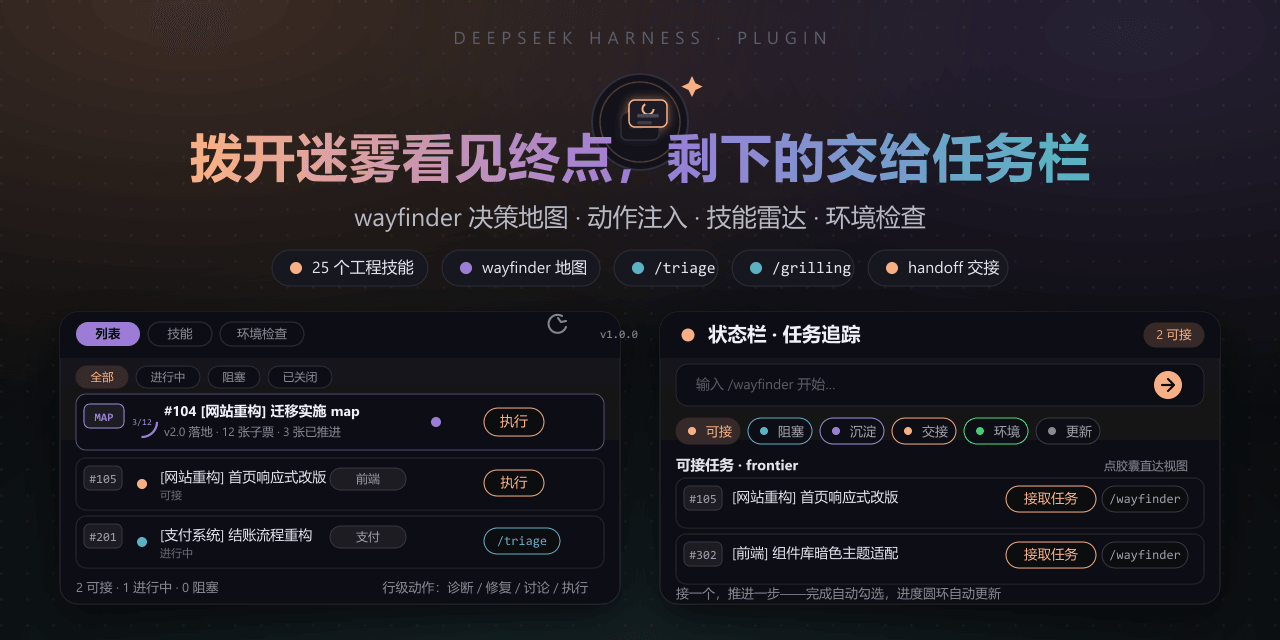 FeatherHunter/dsh-mattpocock-skills-deck
Matt Pocock 技能面板(DSH Deck):安装即自带 25 个工程与效率技能(mattpocock/skills v1.2.3:triage、grilling、wayfinder、handoff 等),右侧面板直接调用,无需手动…
FeatherHunter/dsh-mattpocock-skills-deck
Matt Pocock 技能面板(DSH Deck):安装即自带 25 个工程与效率技能(mattpocock/skills v1.2.3:triage、grilling、wayfinder、handoff 等),右侧面板直接调用,无需手动…
-
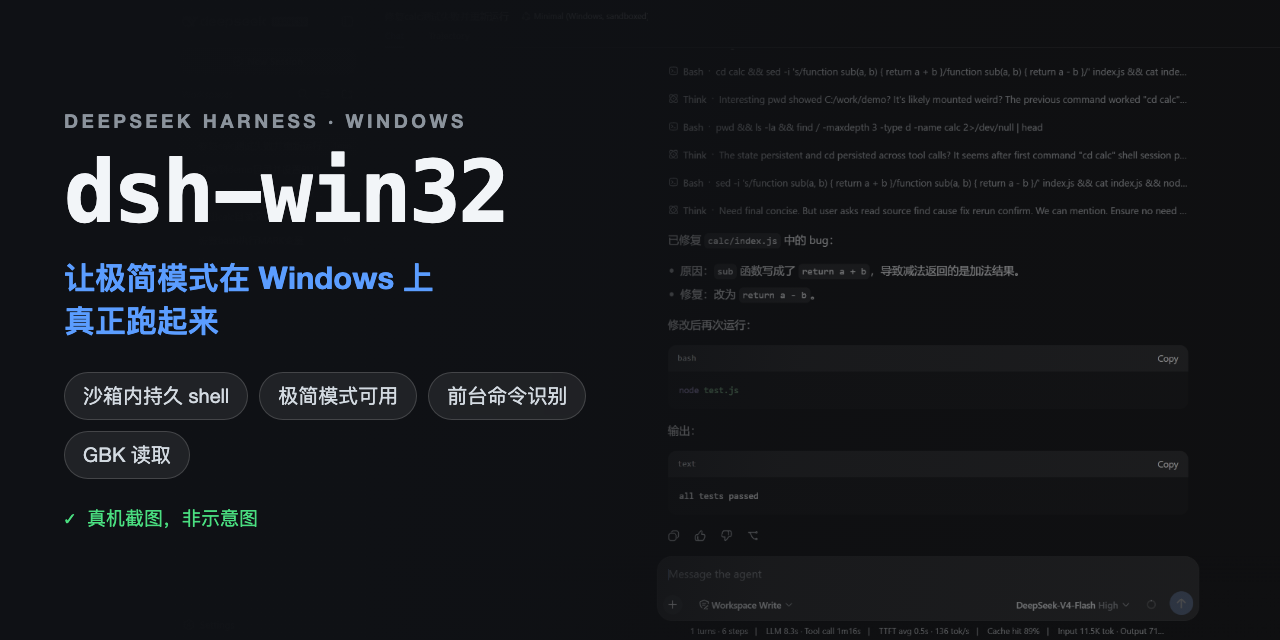 sjh9714/dsh-win32
Fix and diagnose DeepSeek Harness on native Windows. Official PowerShell, Workspace Write, shortcuts, and legacy preset …
sjh9714/dsh-win32
Fix and diagnose DeepSeek Harness on native Windows. Official PowerShell, Workspace Write, shortcuts, and legacy preset …