1e0zj/dsh-plugin-mall
DSH插件市场:搜索GitHub上dsh-plugin话题的插件,一键安装到本地dsh(agent工具+设置页插件市场标签页)
Project Overview项目介绍
dsh-plugin-mall is an open-source plugin marketplace built exclusively for DeepSeek Harness (DSH). It automatically searches all GitHub repositories tagged with topic:dsh-plugin, verifies which repositories host valid DSH plugins, and lets users install and update plugins with a single click. The marketplace offers two entry points for users: a dedicated Marketplace tab under the Settings → Plugins menu in DSH’s web UI, and five agent tools that can be called from any DSH session. To start using it, you install it directly into your existing DSH profile via npm or DSH’s built-in plugin loader.
Unlike curated plugin lists that only include plugins that have been manually reviewed and merged, this marketplace is open by design. Any repository tagged with topic:dsh-plugin becomes discoverable immediately after being pushed to GitHub, with no submission process or approval wait required. To keep the open ecosystem usable, it includes automatic verification that filters out roughly 73% of noise from empty or unrelated repositories, marks verified plugins with a green badge, and defaults to a verified-only view. It is designed for all DSH users who want to browse, install, and manage third-party DSH plugins easily.
This project is released under the permissive MIT license, so it is completely free to use and modify. For developers contributing to the project, all @deepseek-ai/* framework packages must be declared as peerDependencies, not regular dependencies, because placing them in dependencies will cause duplicate loading issues in DSH. Each core module has offline self-test fixtures, and developers must run the corresponding tests before modifying core logic. Releases are triggered by pushing a v* tag, use npm’s trusted publishing OIDC flow, and do not store long-lived npm credentials in the repository.
dsh-plugin-mall 是专门为 DeepSeek Harness(DSH)打造的开源插件市场,核心能力是自动检索 GitHub 上所有标记了 topic:dsh-plugin 的仓库,自动验证其中真正有效的 DSH 插件,支持用户一键完成插件的安装与更新。它提供两种使用入口:一是 DSH 网页端设置菜单中「插件」分类下的专属市场标签页,二是可在任意 DSH 会话中调用的五个代理工具。
不同于仅收录审核后插件的精选列表,这个市场采用开放收录机制,任何打了 dsh-plugin 标签的仓库在推送后就能立刻被检索到,不需要提交审核或等待批准。为了在开放的同时保证质量,它内置了自动验证机制,会过滤掉约 73% 的无效仓库,给通过验证的插件打上绿色标识,默认只展示验证通过的结果。它适合所有 DSH 用户寻找、安装和管理第三方 DSH 插件。
本项目采用 MIT 许可证,完全免费开放使用。开发要求框架包 @deepseek-ai/* 必须声明为 peerDependencies,不能放在 dependencies 里,否则会导致 DSH 加载出错。项目各个模块都有对应的离线自测用例,修改核心逻辑前需要先运行对应测试,发布通过打 v* 标签触发 GitHub Actions 完成,采用 npm 可信发布机制,不存储长期凭证。
请帮我安装这个 DSH 插件。安装前先完成【兼容性检查 + 安全性检查】,检查通过再动手。

插件:dsh-plugin-mall(1e0zj/dsh-plugin-mall)
仓库:https://github.com/1e0zj/dsh-plugin-mall
本站详情页:https://www.yhbd.top/plugins/1e0zj-dsh-plugin-mall/
本站登记:类型 plugin · 归类 原生 DSH 插件 · 许可证 MIT · ⭐ 4 · 最近提交 2026-08-27 · 主语言 JavaScript

按下面顺序执行,每步先把结论告诉我,再进入下一步:

【1 兼容性检查】
① 我这边:DSH 版本、Node 版本、操作系统、当前 profile(web / desktop)。
② 读它的 README、package.json、插件 manifest,列出它要求的 DSH 版本 / Node 版本 / 操作系统 / 外部依赖 / 需要另外先装的运行时。
③ 逐条比对,结论只写「满足 / 不满足 / 未知」三种;不满足的给出可行替代方案。
④ 检查是否和我已装的插件冲突:命令名重复、skill / tool 重名、端口占用、重复注册的 MCP server。

【2 安全性检查】
① 仓库可信度:和上面「本站登记」是否一致;star / fork 数、创建时间、最近提交,是否归档或长期停更。
② 安装脚本:逐行看 package.json 的 preinstall / install / postinstall,以及 install.sh、setup.ps1 之类脚本。出现 curl|bash、下载后直接执行、混淆代码、访问与插件功能无关的域名,立刻停下来告诉我,不要继续装。
③ 依赖:列出新增依赖,标出无人维护、或与知名包拼写近似的可疑包(typosquatting)。
④ 权限与副作用:它会读写哪些目录、访问哪些域名、需要哪些 DSH 权限(filesystem / network / shell / clipboard 等),以及怎么卸载和回滚。
⑤ 如果它要求 sudo / 管理员权限,或权限明显超出功能所需,先停下来问我。

【3 安装】
上面两步没有「不满足」和「高危项」时才执行;用官方推荐方式安装,不要自行提权。

【4 汇报】
用表格输出:检查项 / 结论 / 依据 / 是否需要我决策。拿不准的一律写「未知」并说明要我怎么确认——不要猜,也不要替我决定。
Send this message to DSH in your current session: it verifies compatibility and security first (answering met / not met / unknown item by item) and only installs once everything checks out — it will stop and ask you if it finds a high-risk item. The box scrolls; the copy is the full prompt. CLI install commands may not be accurate across systems, so DSH is the safer route.把上面这条消息直接发给当前会话里的 DSH:它会先核对兼容性与安全性(逐条给「满足 / 不满足 / 未知」),确认没问题再安装,有高危项会停下来问你。框内可滚动,复制到的是完整提示词;安装命令不一定准确,发给 DSH 更稳。
- Only 4 stars - very few users, little community feedback星标只有 4,几乎没人在用,遇到问题缺少社区反馈
DSH walks through these 9 checksDSH 会逐条核对这 9 项
Compatibility兼容性
- DSH, Node, OS and profile requirementsDSH 版本 / Node 版本 / 操作系统 / profile 是否满足要求
- External dependencies and runtimes (Electron / Python / Docker, ...)外部依赖与运行时(Electron / Python / Docker 等)是否齐备
- Conflicts with installed plugins: command names, skill / tool names, ports, duplicate MCP registration与已装插件是否冲突:命令名、skill / tool 重名、端口占用、重复 MCP 注册
Security安全性
- Repo matches the facts registered here; archived or abandoned?仓库是否与页面登记一致,是否归档或长期停更
- Safety of preinstall / install / postinstall and install.sh / setup.ps1preinstall / install / postinstall 与 install.sh、setup.ps1 是否安全
- curl|bash, download-then-execute, obfuscation, unrelated domains → stop immediatelycurl|bash、下载即执行、混淆代码、无关域名 → 立刻停止
- Typosquatting or unmaintained packages among the new dependencies新增依赖里有没有 typosquatting 或无人维护的包
- Requested permissions vs. what the feature actually needs申请了哪些权限、是否超出功能所需(filesystem / network / shell / clipboard)
- Any sudo / admin requirement, plus uninstall and rollback是否要求 sudo / 管理员权限,以及卸载与回滚方式
Anything uncertain must be marked unknown with a note on how to confirm it. This site's signal screen is a static snapshot, not a security audit.拿不准的必须标「未知」并说明要我怎么确认。本站的信号筛查是静态快照,不能替代安全审计。
Or use CLI install (for developers)或使用命令行安装(适合开发者)
CLI Install命令行安装
dsh plugin --profile web add @1e0zj/dsh-plugin-mall@0.4.15把 1e0zj/dsh-plugin-mall 加入你的 DSH 配置(web profile)即可启用。
READMEREADME
dsh-plugin-mall
An open plugin marketplace for DeepSeek Harness (dsh): search every GitHub repo tagged topic:dsh-plugin, automatically verify which ones are real dsh plugins, install and update with one click.
中文说明 · Install · Why another marketplace · Roadmap
Two surfaces: a Settings → Plugins → Marketplace tab in the dsh web UI, and five agent tools usable from any session.
Why another marketplace?
Curated lists only show what has been reviewed and merged. This marketplace is open by construction: any repo tagged topic:dsh-plugin is discoverable the moment it is pushed — no submission, no approval queue. To keep that openness usable:
- Automatic verification — every search result's
package.jsonis fetched (jsDelivr/raw dual-source CDN, no API quota) and checked for the officialdsh.bundle/dsh.clientmanifest. Verified plugins get a green badge; the default "verified only" view filters out ~73% of topic noise (empty repos and unrelated projects riding the tag). - Browse-time compatibility badges — each card is also statically scanned against your profile before you click anything: declared conflicts, exclusive groups, loader-id collisions (from the repo's patch file), rows the candidate's patch would switch off or reconfigure in the profile you already run, host-module shadowing, and peer/Node/OS ranges. Cards show 适配 / 有风险 / 冲突 / 适配未知 accordingly — advisory only; the install preflight remains the enforcing gate.
- Anti-squatting — an install prefers the npm tarball only when the registry entry's
repositoryURL points back to the same GitHub repo; anything else falls back to the explicitgithub:spec. - npm-first installs — registry tarballs are smaller than whole-repo GitHub downloads and come with integrity checks. Lookups follow the registry pnpm actually installs from (profile
.npmrc→pnpm config get registry→ npmjs), so a mirror user keeps npm-first instead of silently falling back to whole-repo clones. - Update management — installed plugins are compared against the registry
latest; one-click update per plugin. - Conflict guard — every install runs an isolated preflight first: the candidate is installed with scripts disabled into a throwaway directory and scanned against the live profile for loader-id collisions, double mounts, host-module shadowing and version/OS/peer ranges. A patch layer is not read entry by entry but composed the way the loader applies it — the profile is assembled with and without the candidate's layer, in the position dsh would apply it, and the two trees are diffed. That composition is checked against the loader's own
applyEntryPatcheson every test run, over fixed shapes and 300 generated patch combinations, so "what dsh would boot" is not a guess. What gets reported is what would actually change: disabling, re-enabling or replacing the config of someone else's rows warns and names them, past ten such rows the candidate is a rival composition rather than an addition and is blocked, and a bundle that is itself another front door (ownbin, terminal peers, no browser half) is blocked once it switches rows on or off or rewrites a protection row — the fingerprint corroborates, it never blocks on its own. A hard conflict is blocked, warnings require explicit confirmation. The profile's load-bearing files are snapshotted beforepnpmtouches them and restored on failure. A pending install is resolved on the next start, however you start it: this plugin runs recovery as it loads. That proof is narrower than it sounds — it means the loader reached the marketplace's position, not that the whole tree composed (#24). Starting throughguard launchadds a grace window on top, covering both a plugin that crashes seconds later and an import/apply failure in an entry after the marketplace (see Startup protection). - Resilience — rate-limit circuit breaker, GitHub's 1000-result search window handled gracefully,
corepack enable pnpmself-heal when pnpm is missing, one-click dsh restart (loopback-only,allowRestart: falseto disable). The outgoing Host exits only after the on-disk helper explicitly acknowledges the current handoff protocol and stays alive through a stability window; a missing, stale or incompatible helper leaves the existing Web service running. The successor then waits for the outgoing host to be gone before it binds — starting into an occupied port would read as "the pending plugin crashed dsh" and roll back an install that was fine. On Windows started from an interactive terminal, the restart runs in a visible console window (cmd /c start; the wrapped argv travels as a JSON plan file, never through the cmd command line): output is teed to the window and to the log, and closing the window terminates the whole guard/dsh tree (the close event bypasses console input processing entirely, so it always works). Ctrl+C in the window is honored best-effort — live testing showed a component inside dsh can flip the console into raw mode, after which no process on that console receives Ctrl+C at all; closing the window is the reliable stop. Service/scheduled-task/TTY-less Windows and every other platform keep the fully background behavior — no stray console, no re-opened browser (the page that asked is still there and reconnects on its own); whatever the restart prints lands in<home>/guard/restart-<profile>.log.
Showing the opening section of the README — the full document lives in the repository以上为 README 开头摘要,完整文档在仓库内 · View the full README on GitHub →在 GitHub 查看完整 README →
Related相关推荐
-
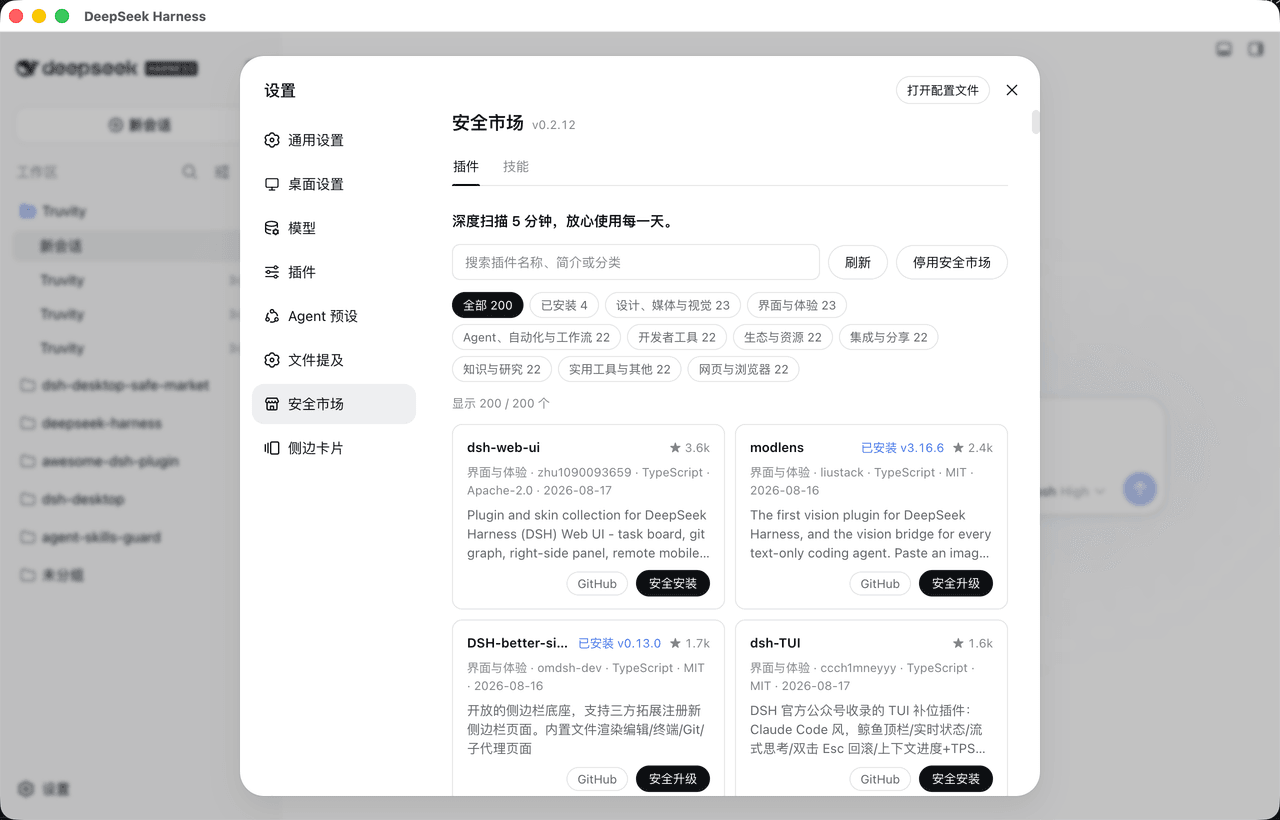 bruc3van/awesome-dsh-plugin
30 秒找到真正适合你的 DeepSeek Harness插件。每天自动抓取 GitHub 上的 `dsh-plugin` 项目并逐个复核:真实插件分类收录,蹭标签项目剔除。通过场景化分类、精选推荐、热度排行和图文导览,帮你快速看懂每个插件…
bruc3van/awesome-dsh-plugin
30 秒找到真正适合你的 DeepSeek Harness插件。每天自动抓取 GitHub 上的 `dsh-plugin` 项目并逐个复核:真实插件分类收录,蹭标签项目剔除。通过场景化分类、精选推荐、热度排行和图文导览,帮你快速看懂每个插件…
-
 awesome-dsh-plugin/dsh-find-plugin
Find DSH plugins inside the agent — live GitHub dsh-plugin topic search, star-ranked / 会话内搜索发现 DSH 插件
awesome-dsh-plugin/dsh-find-plugin
Find DSH plugins inside the agent — live GitHub dsh-plugin topic search, star-ranked / 会话内搜索发现 DSH 插件
- dshplugin/dsh-plugin-hub DeepSeek Harness 社区内置插件市场(dsh-plugin)— 搜索插件、下载并安装 10000+ 人工精选社区插件,每日更新、完全免费。内置在 Harness「设置 → 插件中心」,无需离开应用即可浏览、搜索、安装各类 AI…
-
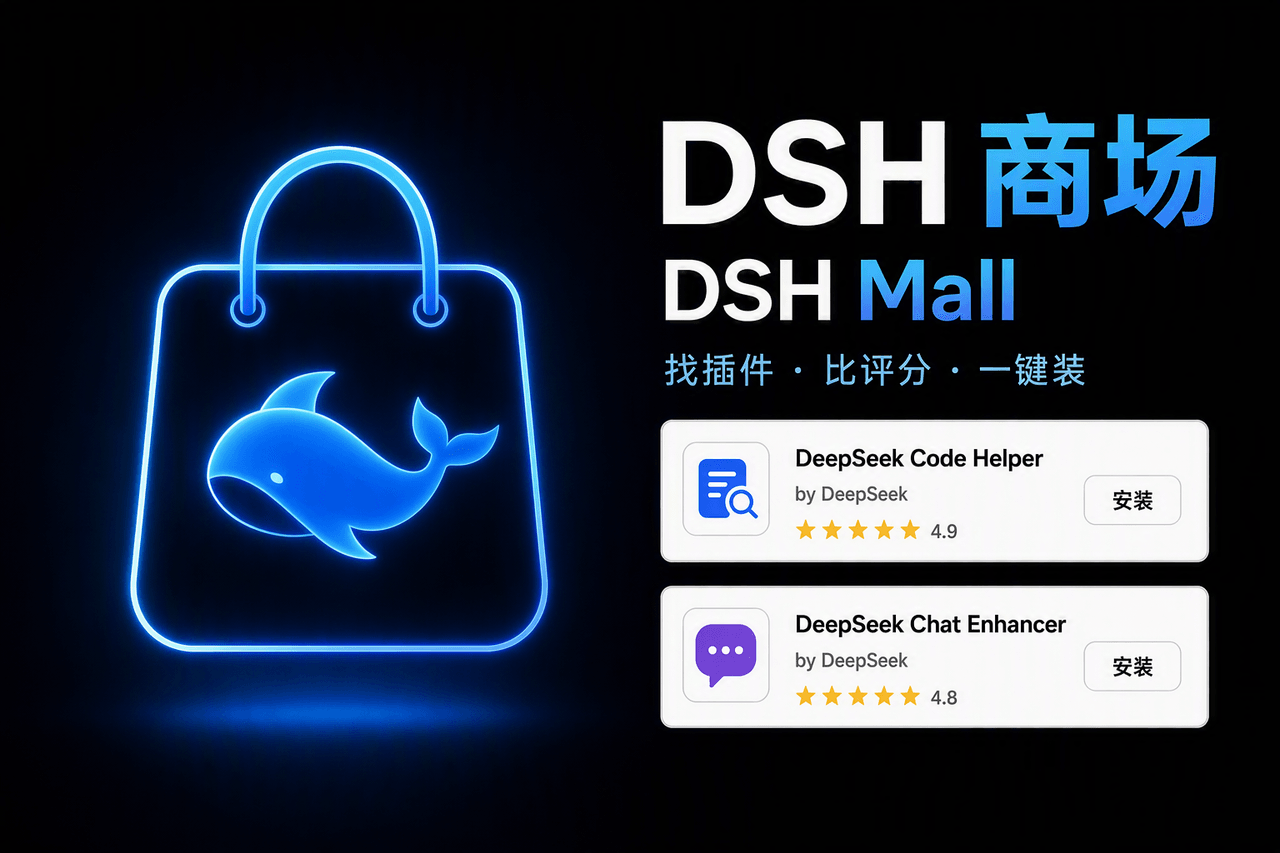 hoyyang/dsh-mall
全网最强 DeepSeek Harness 插件商场:全量收录 GitHub #dsh-plugin 生态插件,五维实用评分雷达图,智能搜索(AI 理解需求)、智能安装/更新/卸载(AI 装前审查+装后诊断)、一键批量更新、编辑精选与个性化…
hoyyang/dsh-mall
全网最强 DeepSeek Harness 插件商场:全量收录 GitHub #dsh-plugin 生态插件,五维实用评分雷达图,智能搜索(AI 理解需求)、智能安装/更新/卸载(AI 装前审查+装后诊断)、一键批量更新、编辑精选与个性化…
- lwmxiaobei/dsh-plugins DeepSeek Harness 社区插件目录,自动汇总并基础校验 GitHub 插件,支持搜索、筛选、双语详情与最新版本安装命令复制。Community directory for DeepSeek Harness plugins wit…
- fazhu4/dsh-plugin-studio DSH(DeepSeek Harness)插件管理器:在 Web 设置页中按官方/社区分组管理已安装插件(中文描述、一键启停、详情、卸载),并内置 GitHub 插件市场(高收藏/增长最快榜单 + 搜索 + 一键安装)。
-
 superdesigndev/treg
OpenRouter for agent tools. Join community here: https://discord.gg/6mQYYfFMAn
superdesigndev/treg
OpenRouter for agent tools. Join community here: https://discord.gg/6mQYYfFMAn
-
 leenkcool/Blue-Whale-Harness
🐋 DeepSeek Harness 插件总目录 · The catalog of DSH plugins:1958 个仓库 / 1819 个真插件(Skills · MCP · Tools · UI · Orchestration),中…
leenkcool/Blue-Whale-Harness
🐋 DeepSeek Harness 插件总目录 · The catalog of DSH plugins:1958 个仓库 / 1819 个真插件(Skills · MCP · Tools · UI · Orchestration),中…