acdcgz/dsh-web-search-searxng
面向 DeepSeek Harness(ctx.web)的基于 SearXNG 的 WebSearchProvider——自托管,零单次搜索模型成本,多引擎聚合
Project Overview项目介绍
The DSH SearXNG Web Search plugin registers a self-hosted SearXNG instance as the WebSearchProvider for the DeepSeek Harness web capability seam, calling /search?format=json and mapping aggregated results into the seam's normalized WebSearchResult. Use it when you want private, multi-engine aggregated search without per-call model charges, by setting SEARXNG_BASE_URL (default http://localhost:8080) and optionally maxResults and language. Results are deduplicated by URL and content is omitted. Caveat: under Docker Desktop the host reaches SearXNG via the compose gateway IP, so configure trusted_proxies and limiter.toml pass_ip for loopback and bridge ranges, otherwise the JSON API returns 429.
DSH SearXNG 网页搜索插件通过 ctx.web 接入自托管 SearXNG 实例,调用 /search?format=json 聚合 Bing、Brave、Google 等引擎结果并映射为标准化的 WebSearchResult,由 dsh plugin add 一键启用。零按次模型费用、可指定 baseURL 与语言、单次 HTTP 即可获取多条去重来源。需在配置文件中开启该 provider 并在配置中提供 baseURL。注意:Docker Desktop 环境下需将 SearXNG 的 trusted_proxies 与 limiter.toml 的 pass_ip 配置为回环与桥接网段,否则 JSON API 可能返回 429。
请帮我了解并安装插件:【dsh-web-search-searxng】【https://github.com/acdcgz/dsh-web-search-searxng】Send this message to DSH in your current session. CLI install commands may not be accurate across systems — DSH will figure it out for you.把上面这条消息直接发给当前会话里的 DSH,让它帮你了解并安装。安装命令不一定准确,发给 DSH 更稳。
Or use CLI install (for developers)或使用命令行安装(适合开发者)
CLI Install命令行安装
dsh plugin --profile web add github:acdcgz/dsh-web-search-searxng把 acdcgz/dsh-web-search-searxng 加入你的 DSH 配置(web profile)即可启用。
READMEREADME
@deepseek-ai/dsh-web-search-searxng
English | 中文
A SearXNG-backed WebSearchProvider for the DeepSeek Harness web capability seam (ctx.web). It calls a SearXNG instance's JSON API (/search?format=json) and maps the aggregated results into the seam's normalized WebSearchResult.
This is an implementation package: it registers a provider into ctx.web, resolves an optional API key through ctx.credentials or the process environment, records the auxiliary request in the initiating Agent session when one exists, and does not register a model-facing tool. It is a function/namespace plugin (inject: ['web']).
Why SearXNG
- Self-hosted & private: your queries go to your own instance, not a third-party search vendor.
- Zero per-search model cost: unlike provider-backed search that issues a full model call, one search is a single HTTP GET — cheap and fast.
- Multi-engine aggregation: SearXNG merges Bing, Brave, Baidu, Google, DuckDuckGo, … behind one endpoint.
- Portable: point
baseURLat any SearXNG — local Docker, a LAN instance, or a public one.
Requirements
- A running SearXNG instance reachable from the DSH host (default
http://localhost:8080). - DeepSeek Harness profile with the
webseam mounted (every standard profile ships it).
Install
One-command install (bundle)
The package ships a dsh.bundle.patch declaration (cordis.patch.yml), so a
single dsh plugin add registers the plugin and switches the web seam to
it — no YAML editing:
dsh plugin --profile web add /path/to/dsh-web-search-searxng
Configuration is environment-first — set these before launching dsh and no
config editing is required at all:
export SEARXNG_BASE_URL=http://localhost:8080   # optional; default http://localhost:8080
export SEARXNG_MAX_RESULTS=10                    # optional; default 10
export SEARXNG_LANGUAGE=en                       # optional; 'all' (no param) by default
Manual install (local development)
# 1. Make the package resolvable from the profile's node_modules
ln -sfn /path/to/dsh-web-search-searxng \
        "$DSH_HOME/profiles/node_modules/@deepseek-ai/dsh-web-search-searxng"

# 2. Register the plugin and switch the search provider in cordis.patch.yml:
- insert:
    - id: web-search-searxng
      name: '@deepseek-ai/dsh-web-search-searxng'
      config:
        baseURL: http://localhost:8080
        maxResults: 10

- id: web
  config:
    searchProvider: searxng-local
Restart the DSH process (or the GUI) for the patch to take effect.
Web profiles disable HMR reload by design; after editing
cordis.patch.ymla process restart is required.
Tests
node --test tests/provider.spec.js # 17 tests, zero dependencies (node:test)
Config
| Key | Default | Meaning |
|---|---|---|
baseURL |
http://localhost:8080 |
SearXNG base URL; /search is appended. Falls back to $SEARXNG_BASE_URL from any environment layer. An unparseable value makes the provider unavailable. |
maxResults |
10 |
Upper bound on sources returned by one search (the seam also enforces its own bound). |
language |
all |
Search language sent as language=... (e.g. en, zh-CN). 'all' (or unset) omits the parameter entirely. Falls back to $SEARXNG_LANGUAGE. |
apiKey |
omitted | Literal SearXNG API key, when your instance requires one. Prefer apiKeyEnv so no secret enters configuration; a non-empty literal wins. |
apiKeyEnv |
SEARXNG_API_KEY |
Credential reference resolved per search through ctx.credentials, or from the process environment when that seam is absent. A missing value is fine for keyless local instances. |
- id: web-search-searxng
  name: '@deepseek-ai/dsh-web-search-searxng'
  config:
    baseURL: http://localhost:8080
    maxResults: 10
    language: en
The entry above is the base layer of the web-search-searxng Settings section: a user layer over it reaches the NEXT search, because the provider projects the section per call rather than capturing it at registration. apiKey carries role('secret'), so it never rides a describe() response in any layer.
Rate-limit note (local Docker behind Docker Desktop)
When SearXNG runs in Docker Desktop, requests from the host arrive with the compose gateway IP (e.g. 172.18.0.1) as REMOTE_ADDR, not 127.0.0.1. The SearXNG limiter would treat that as a foreign client and 429 the JSON API (API_MAX = 4/hour). This provider sends X-Forwarded-For: 127.0.0.1 on every request; combined with trusted_proxies = ['127.0.0.0/8'] and a pass_ip entry for the loopback and Docker bridge ranges in limiter.toml, the local client bypasses the JSON-API quota entirely.
If your SearXNG is remote (LAN/cloud), drop that header from the provider or adjust trusted_proxies/pass_ip on the server accordingly.
Mapping
SearXNG returns no provider-generated answer content this provider trusts as content, so content is omitted. sources[] comes from results[]: url ← url, title ← title, snippet ← content, and publishedAt ← publishedDate. Results are deduplicated by URL.
Provider failures become WEB_PROVIDER_ERROR; caller cancellation becomes WEB_ABORTED. HTTP redirects are followed (SearXNG may 307 blob/redirect endpoints).
Request logging
Immediately before dispatch, a search running under an initiating Agent appends the log-only web/searxng-search-request session event containing the resolved endpoint and query (secret-free). Direct programmatic provider calls outside an Agent have no initiating session to log.
License
MIT
Related相关推荐
- Tannnnhauser/pivot-web-search Resilient multi-provider web search & content extraction for Claude Code, DeepSeek Harness, and any MCP host — quota-awa…
-
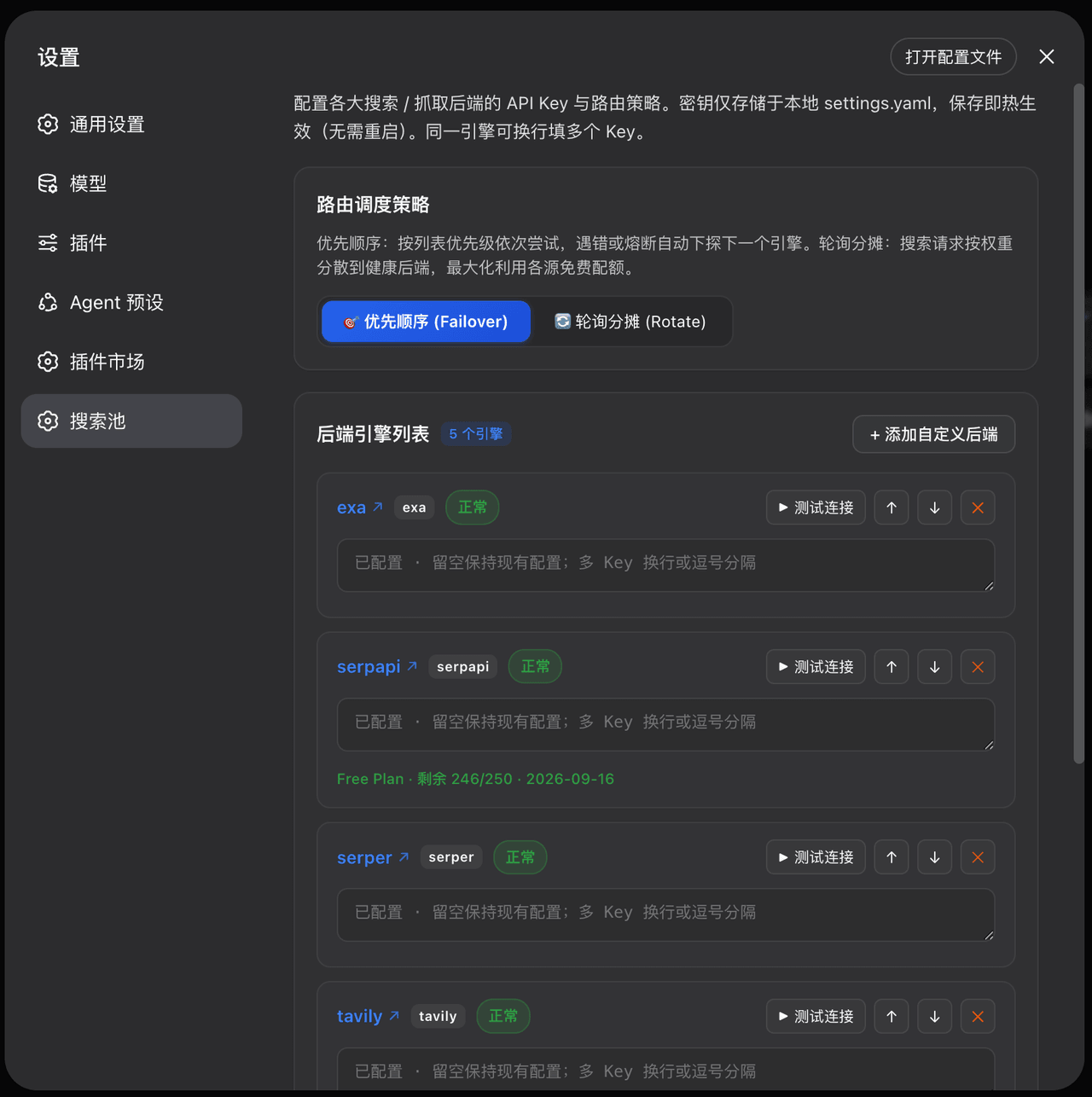 Walvez/dsh-search-failover
DSH provider-level web search failover pool: 8 free/paid backends with quota-aware circuit breaking (keeps native web_se…
Walvez/dsh-search-failover
DSH provider-level web search failover pool: 8 free/paid backends with quota-aware circuit breaking (keeps native web_se…
-
 yoshino-xiao7/dsh-grok-provider
DeepSeek Harness 的社区 Grok Build Provider:官方 CLI 浏览器 OAuth、动态模型、流式工具调用与额度面板。Community Grok Build provider with official C…
yoshino-xiao7/dsh-grok-provider
DeepSeek Harness 的社区 Grok Build Provider:官方 CLI 浏览器 OAuth、动态模型、流式工具调用与额度面板。Community Grok Build provider with official C…
-
 anysearch-team/anysearch-dsh
AnySearch web search provider and advanced search tools for DeepSeek Harness (DSH)
anysearch-team/anysearch-dsh
AnySearch web search provider and advanced search tools for DeepSeek Harness (DSH)
-
 DDDMUC/dsh-free-search
Free web search provider for DeepSeek Harness - DuckDuckGo backend, no API key needed
DDDMUC/dsh-free-search
Free web search provider for DeepSeek Harness - DuckDuckGo backend, no API key needed
-
 wxkingstar/SpecFusion
在 DeepSeek Harness / Claude Code / Cursor / Codex / Gemini CLI 里直接搜索 20 个中国开放平台的 65,600+ 篇 API 文档;零配置,支持 Skill 与 DSH 原生插…
wxkingstar/SpecFusion
在 DeepSeek Harness / Claude Code / Cursor / Codex / Gemini CLI 里直接搜索 20 个中国开放平台的 65,600+ 篇 API 文档;零配置,支持 Skill 与 DSH 原生插…
-
 A3Boy/dsh-web-tools
Multi-provider Web Search & Fetch for DeepSeek Harness — 8 deeply adapted providers, SearchHints, resilient fallback, an…
A3Boy/dsh-web-tools
Multi-provider Web Search & Fetch for DeepSeek Harness — 8 deeply adapted providers, SearchHints, resilient fallback, an…
- maxwell-feng/dsh-tinyfish-search TinyFish-backed web search provider for DeepSeek Harness (ctx.web) — 将内置 web_search 接入 TinyFish Search API 的 DeepSeek Ha…