algerkong/dsh-image-preview
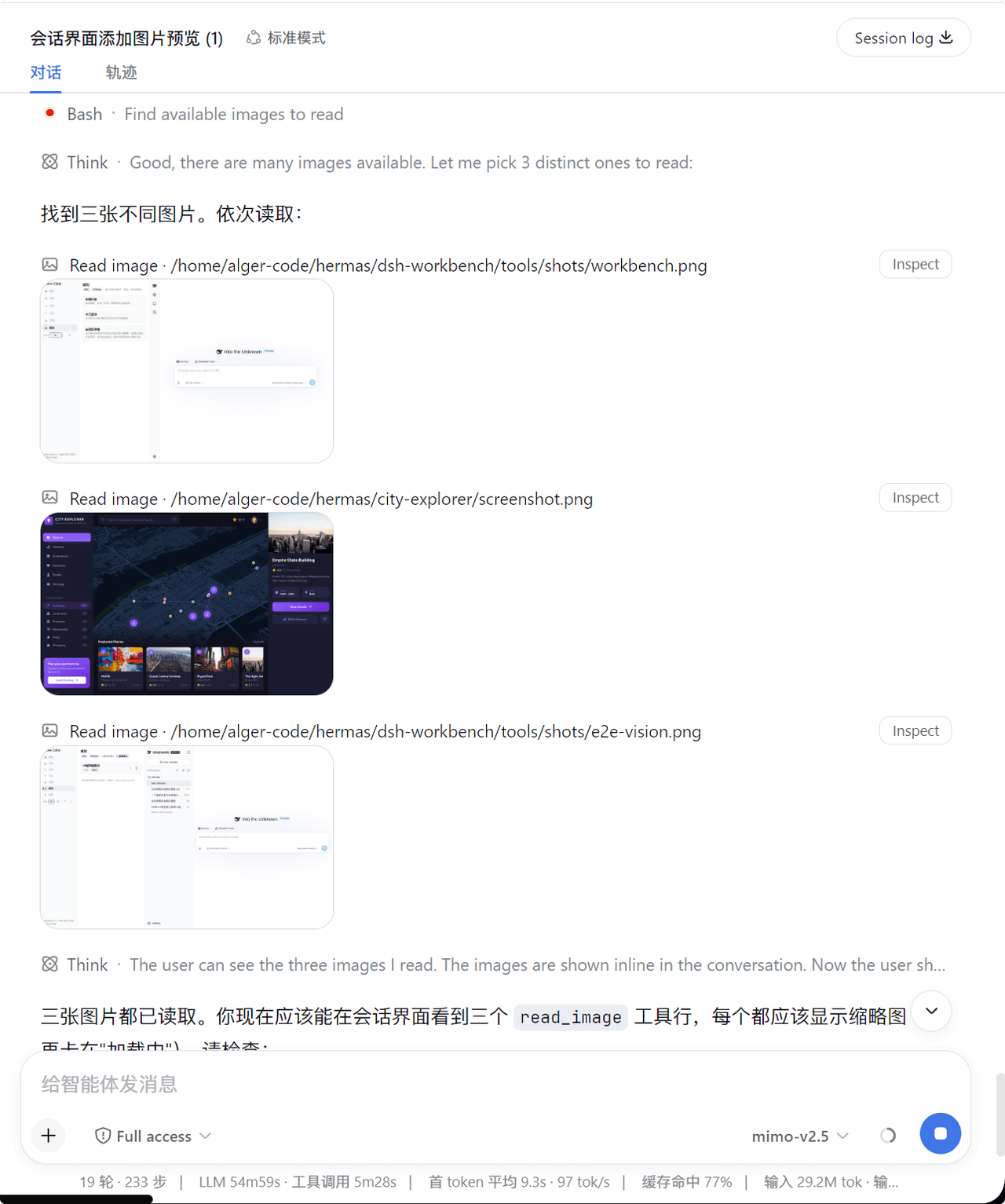
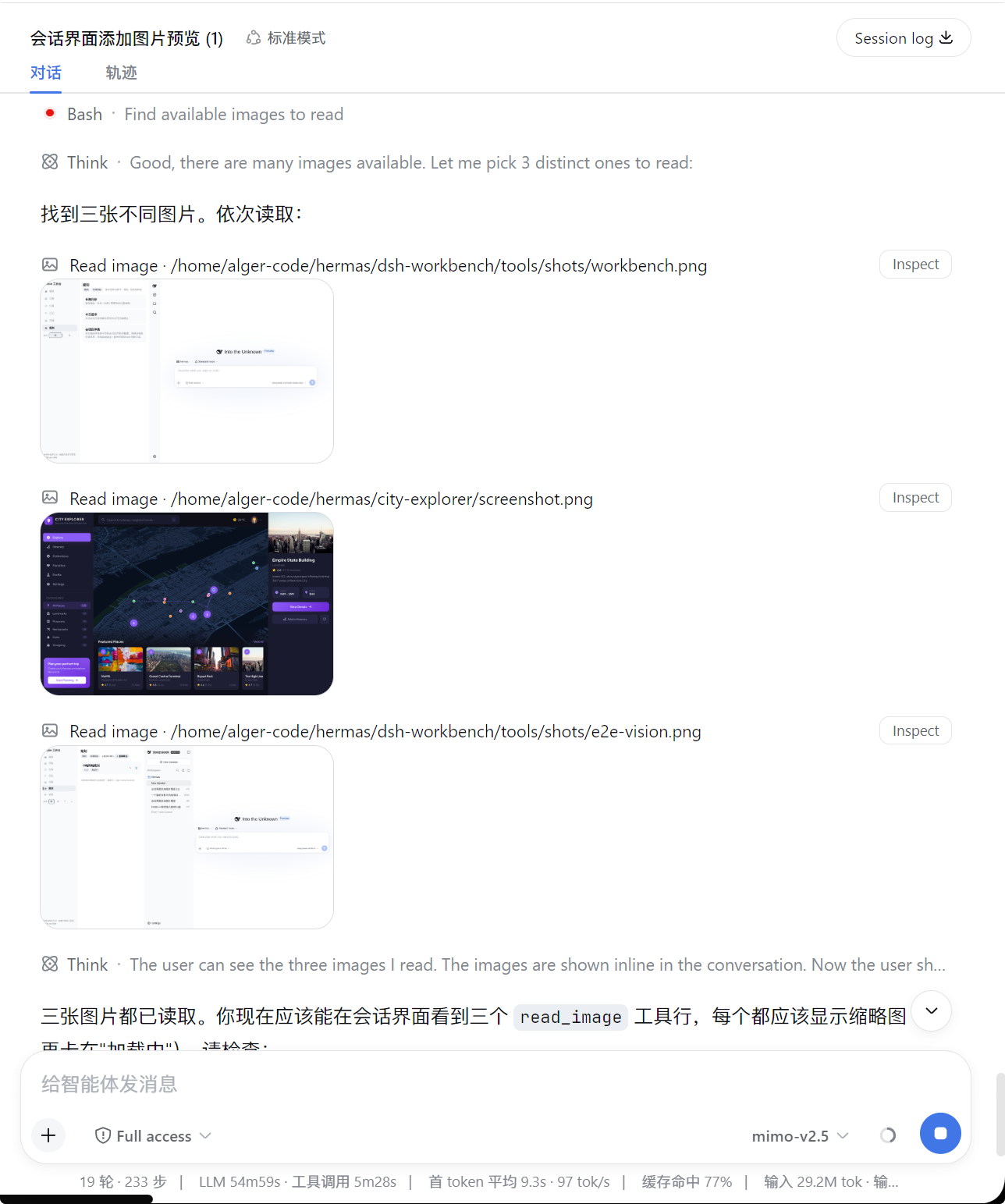
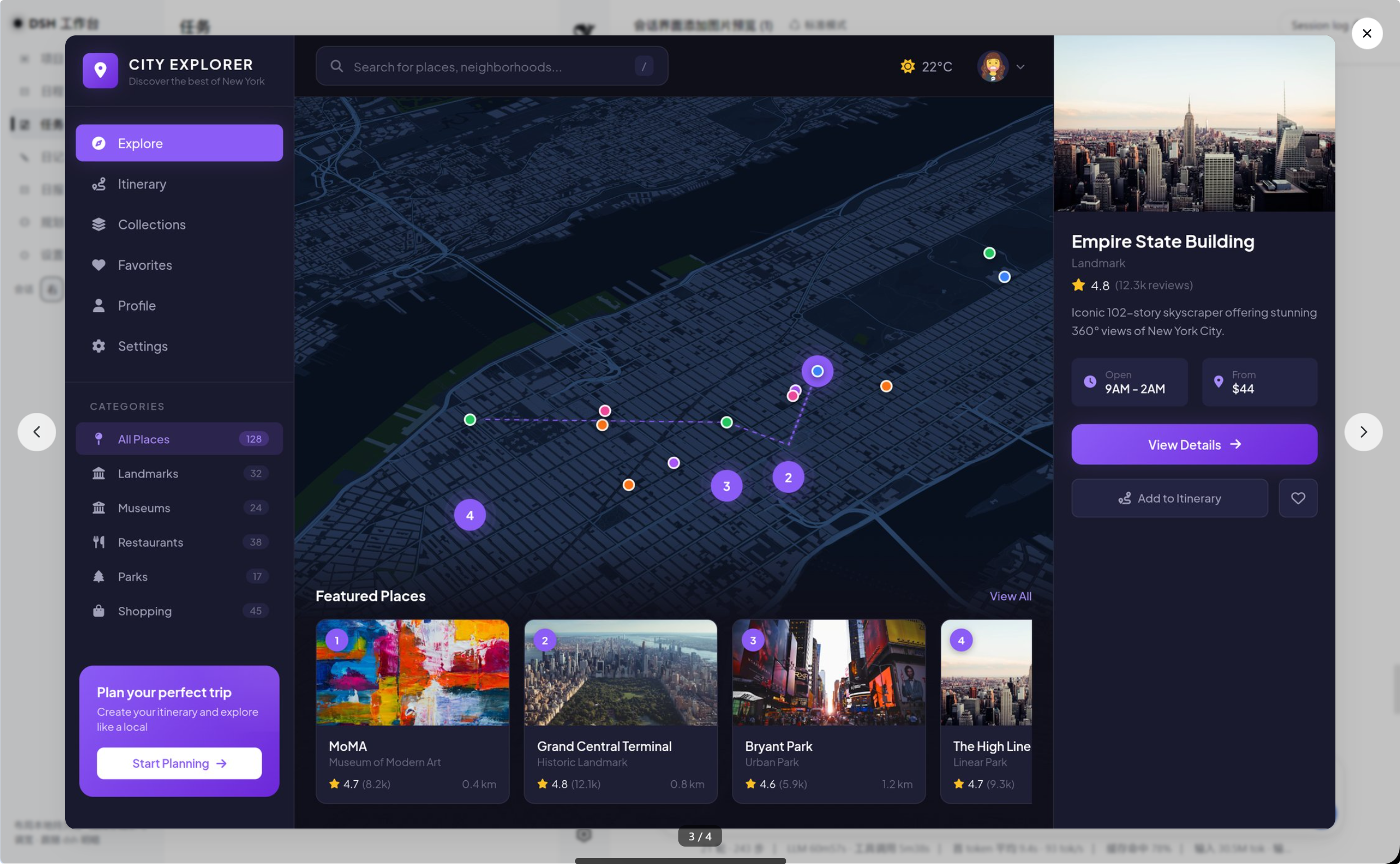
Image preview for the dsh session interface. When the agent runs the readimage tool, the result is rendered as a small thumbnail by default instead of raw JSON — click the thumbnail to view the full-size original in a lightbox styled exactly like dsh's built-in ImageLightbox.
catalog descriptioncatalog 简介 / catalog description:Image preview for DSH (DeepSeek Harness) web sessions: read_image results render as a thumbnail, click for full size in the built-in lightbox.
Project Overview项目介绍
This is a pure client-side image preview plugin for DeepSeek Harness (DSH). When the agent runs the read_image tool, it renders results as small thumbnails by default. Click to open the full-size original in a theme-aware lightbox, keeping conversation flow neat. Install it, then restart dsh web and refresh the page to enable.
这是DeepSeek Harness(DSH)的客户端图片预览插件。当代理调用read_image工具时,结果默认渲染为小缩略图,点击可在灯箱查看原图,适配DSH深浅主题,不会打乱对话流。安装后需重启DSH web端并刷新页面使用。
请帮我了解并安装插件:【dsh-image-preview】【https://github.com/algerkong/dsh-image-preview】Send this message to DSH in your current session. CLI install commands may not be accurate across systems — DSH will figure it out for you.把上面这条消息直接发给当前会话里的 DSH,让它帮你了解并安装。安装命令不一定准确,发给 DSH 更稳。
Or use CLI install (for developers)或使用命令行安装(适合开发者)
CLI Install命令行安装
dsh plugin --profile web add 'github:algerkong/dsh-image-preview'把 algerkong/dsh-image-preview 加入你的 DSH 配置(web profile)即可启用。
READMEREADME
dsh-image-preview
Image preview for the dsh session interface. When the agent runs the read_image tool, the result is rendered as a small thumbnail by default instead of raw JSON — click the thumbnail to view the full-size original in a lightbox styled exactly like dsh's built-in ImageLightbox.
Features
| 🖼️ Thumbnail by default | read_image results render as a rounded ~240px thumbnail that never blows up the conversation flow |
| 🔍 Click for full size | Click the thumbnail to open the original image in a lightbox — dismiss with Esc, clicking the backdrop, or the close button; focus is restored to the trigger on close |
| 🔐 Reuses the built-in image pipeline | Image bytes are fetched through the host's session.attachment RPC with authorization — the exact same path dsh's own resolveImage uses |
| ⏱️ Complete states | Running (row.running), failed with retry (image.loadFailed), and loading (image.loading) states are all covered |
| 🌗 Theme aware | All colors reference dsh theme tokens (--dsw-*), so the preview follows the light/dark theme automatically |
Preview
Thumbnails in the session — each read_image tool row renders a small thumbnail by default:
Full-size lightbox — click any thumbnail to open the original image. Supports ← → navigation across all images in the conversation (counter shows 3 / 4):
How it works
dsh-image-preview is a pure client-side plugin. It registers a keyed slot on tool.call.toolview with key read_image and takes over rendering of the read_image tool row:
agent runs read_image
  └─ tool result content: [{ text envelope }, { type: "image", attachment }]
       └─ tool-call node → tool.call.toolview (key = read_image)
            └─ ReadImageRow: thumbnail + click to open ImageLightbox
sessionIdis injected by the session-scoped slot's standard kit.- Attachment metadata (
attachmentId,mediaType,width,height) comes straight from the tool result block. - The lightbox (
ImageLightbox) is a clone of dsh's built-in behavior: portal tobody, backdrop mask, ESC/backdrop/close dismissal, focus restore.
Installation
From GitHub (recommended)
Requires pnpm ≥ 9. Install into your web profile with the official plugin command:
dsh plugin --profile web add 'github:algerkong/dsh-image-preview'
or manually in ~/.dsh/profiles/web/package.json:
{
  "dependencies": {
    "@alger-ai/dsh-image-preview": "github:algerkong/dsh-image-preview"
  },
  "dsh": {
    "profile": {
      "bundles": [ "@alger-ai/dsh-image-preview" ]
    }
  }
}
Then run pnpm install in the profile and restart dsh web. Refresh the page afterwards.
Local development
Link the package directly:
cd ~/.dsh/profiles/web
pnpm add link:/path/to/dsh-image-preview
Add "@alger-ai/dsh-image-preview" to dsh.profile.bundles, restart dsh web, and refresh.
Usage
- Start a session and let the agent call
read_imageon an image file. - The tool row shows a small thumbnail instead of raw JSON.
- Click the thumbnail to inspect the full-size original in the lightbox.
Development
node verify.mjs # self-check: bundle shape, slot registration, block parsing
Files
dsh-image-preview/
├── package.json        # bundle metadata (dsh.bundle.patch / dsh.client platform=web)
├── cordis.patch.yml    # registers the client entry (id: ui-image-preview)
├── lib/
│   ├── index.js        # host-side entry (empty — browser-only plugin)
│   └── client.js       # browser: read_image toolview + thumbnail + lightbox
└── verify.mjs          # self-check script
License
MIT
Related相关推荐
-
 ZSeven-W/dsh-ios
DeepSeek Harness (DSH) plugin: a live iOS Simulator — and a USB-connected iPhone — inside the conversation. 22 agent too…
ZSeven-W/dsh-ios
DeepSeek Harness (DSH) plugin: a live iOS Simulator — and a USB-connected iPhone — inside the conversation. 22 agent too…
-
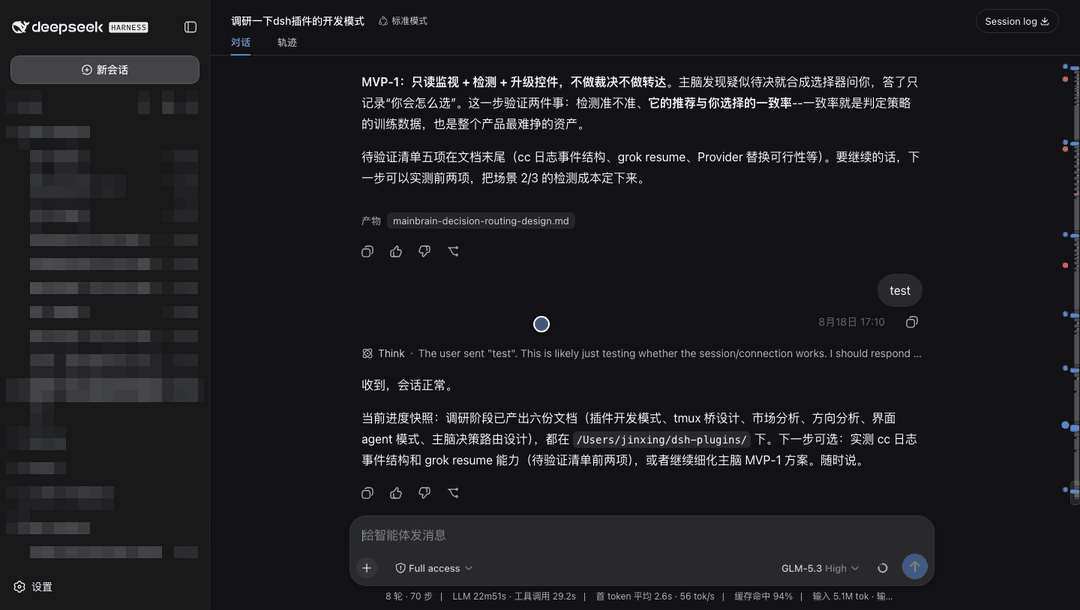 jsdvjx/dsh-strata
Session strata for the DeepSeek Harness Web GUI: the transcript's scrollbar becomes a to-scale, colour-coded map of the …
jsdvjx/dsh-strata
Session strata for the DeepSeek Harness Web GUI: the transcript's scrollbar becomes a to-scale, colour-coded map of the …
-
 hellodigua/dsh-share
DSH 对话分享插件,分享单轮或多轮对话,可导出为图片或 Markdown。Share DSH Q&As or selected conversation groups as PNG or Markdown.
hellodigua/dsh-share
DSH 对话分享插件,分享单轮或多轮对话,可导出为图片或 Markdown。Share DSH Q&As or selected conversation groups as PNG or Markdown.
-
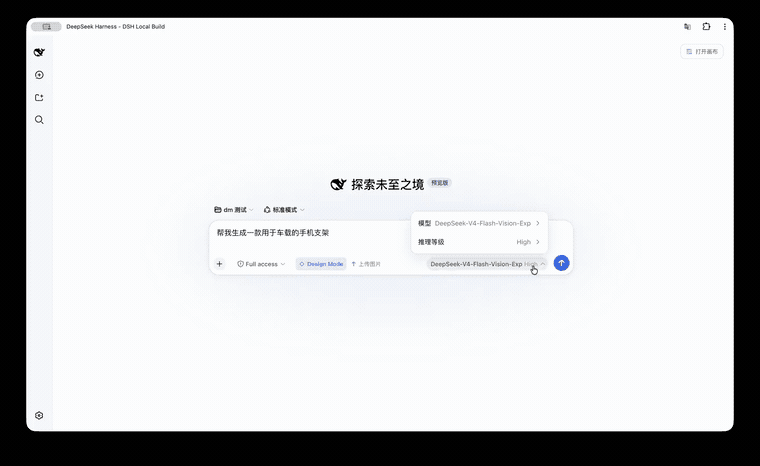 KaichenCurry/dsh-design-mode
Visual execution layer for DeepSeek Harness—guided intent, infinite canvas, contextual image tools, and chat-native comm…
KaichenCurry/dsh-design-mode
Visual execution layer for DeepSeek Harness—guided intent, infinite canvas, contextual image tools, and chat-native comm…
-
 Tkingxiao/dsh-any-background
Deepseek Harness 自定义主题插件,支持自定义图片/视频壁纸,对话框,侧边栏等透明度模糊度调整,全局主题色的色轮调整插件
Tkingxiao/dsh-any-background
Deepseek Harness 自定义主题插件,支持自定义图片/视频壁纸,对话框,侧边栏等透明度模糊度调整,全局主题色的色轮调整插件
- PerryLink/dsh-talk Voice-first session loop for DeepSeek Harness: a composer microphone button with browser/local speech-to-text (Web Speec…
-
 a903067276-rgb/dsh-file-upload
One upload button plus drag-and-drop files into the conversation as local paths: save to project uploads/, path text int…
a903067276-rgb/dsh-file-upload
One upload button plus drag-and-drop files into the conversation as local paths: save to project uploads/, path text int…
-
 Yu-tao-Li/dsh-read-image-view
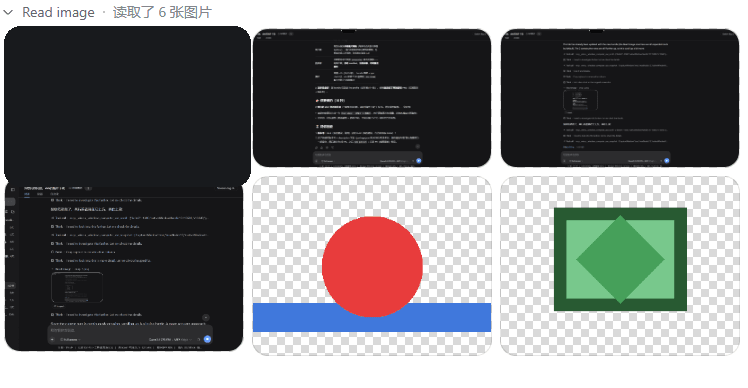
用于展示对话中读取的图片(read_image 结果):DSH Web GUI 对话流专用 Read image 行,默认缩略图 + 页面内全精度放大层(缩放按钮/滚轮/1:1)· Displays images read in the c…
Yu-tao-Li/dsh-read-image-view
用于展示对话中读取的图片(read_image 结果):DSH Web GUI 对话流专用 Read image 行,默认缩略图 + 页面内全精度放大层(缩放按钮/滚轮/1:1)· Displays images read in the c…