antibrow/dsh-antibrow
DeepSeek Harness插件:为你的代理提供一个具有持久身份的浏览器——引擎级指纹伪装、无限免费本地配置文件、安卓设备模拟、持久有效的通行密钥,以及住宅代理出口。
Project Overview项目介绍
This repository is a native plugin built specifically for DeepSeek Harness (DSH), that adds anti-detection browser functionality to DSH AI agents. It integrates the AntiBrow Chromium fork, which supports engine-level browser fingerprint spoofing and persistent browser identity profiles. You install it directly via the DSH CLI by running dsh plugin --profile <profile-name> add dsh-antibrow, then set an environment variable for your AntiBrow API key before launching DSH. The plugin exposes 16 MCP tools that let DSH agents manage browser sessions, profiles, proxies, and web page interactions. You can also override default plugin settings via your DSH profile’s cordis.patch.yml file if needed.
This plugin is designed for AI agent workflows that require persistent logged-in identities, such as checking mailboxes, monitoring dashboards, and keeping marketplace accounts active. Unlike standard browser plugins that create a new browser every run, this plugin gives each agent or account its own isolated persistent profile. Cookies, passkeys, and open tabs are saved between runs, so agents can resume work exactly where they left off without re-authenticating. It also supports creating Android emulated browser profiles, and three pre-built Android profiles are included for free use on the free tier without any additional download required.
The free tier allows unlimited browser profiles stored locally on your device, and only profile syncing and residential proxy access are paid features. A free license key only allows one concurrent browser session per machine, and extra parallel sessions require a paid plan that covers your concurrency needs. On first launch, the plugin automatically downloads a 190 to 320MB browser engine, depending on your platform, into a shared cache directory. It supports Windows, macOS, and Linux on both x86_64 and arm64 architectures, and the core project is released under the open source MIT license, with public detection reports available under CC BY 4.0.
这是一个专为DeepSeek Harness(DSH)开发的原生插件,为DSH中的AI代理提供带身份持久化的反检测浏览器能力。它集成了AntiBrow——一款内置引擎级指纹伪装的Chromium分支,遵循Playwright标准API驱动。用户可通过DSH命令行一键安装,安装命令为dsh plugin --profile <配置名称> add dsh-antibrow,安装后插件为DSH代理提供16个工具,用于管理浏览器会话、配置文件、代理和页面交互操作。
它适合需要代理维持长期登录身份的AI开发工作流,比如检查邮箱、维护仪表盘、保持电商账号活跃等。相比普通的浏览器插件,它支持每个代理或账号独立隔离的持久化配置,Cookie、密钥和会话都会保存,重启后可以恢复上次的标签页,登录状态不会丢失。还支持创建Android设备模拟的浏览器配置,自带三个预构建Android配置可供免费使用。
免费版支持创建无数量限制的浏览器配置,仅同步和住宅代理付费,单密钥同一时间只能启动一个浏览器。首次启动会自动下载190-320MB的浏览器引擎,缓存到共享目录,支持Windows、macOS、Linux的x86_64和arm64架构,项目采用MIT许可证开源,部分公开检测报告采用CC BY 4.0许可。
请帮我安装这个 DSH 插件。安装前先完成【兼容性检查 + 安全性检查】,检查通过再动手。

插件:dsh-antibrow(antibrow/dsh-antibrow)
仓库:https://github.com/antibrow/dsh-antibrow
本站详情页:https://www.yhbd.top/plugins/antibrow-dsh-antibrow/
本站登记:类型 client · 归类 原生 DSH 插件 · 许可证 MIT · ⭐ 688 · 最近提交 2026-09-12 · 主语言 JavaScript

按下面顺序执行,每步先把结论告诉我,再进入下一步:

【1 兼容性检查】
① 我这边:DSH 版本、Node 版本、操作系统、当前 profile(web / desktop)。
② 读它的 README、package.json、插件 manifest,列出它要求的 DSH 版本 / Node 版本 / 操作系统 / 外部依赖 / 需要另外先装的运行时。
③ 逐条比对,结论只写「满足 / 不满足 / 未知」三种;不满足的给出可行替代方案。
④ 检查是否和我已装的插件冲突:命令名重复、skill / tool 重名、端口占用、重复注册的 MCP server。

【2 安全性检查】
① 仓库可信度:和上面「本站登记」是否一致;star / fork 数、创建时间、最近提交,是否归档或长期停更。
② 安装脚本:逐行看 package.json 的 preinstall / install / postinstall,以及 install.sh、setup.ps1 之类脚本。出现 curl|bash、下载后直接执行、混淆代码、访问与插件功能无关的域名,立刻停下来告诉我,不要继续装。
③ 依赖:列出新增依赖,标出无人维护、或与知名包拼写近似的可疑包(typosquatting)。
④ 权限与副作用:它会读写哪些目录、访问哪些域名、需要哪些 DSH 权限(filesystem / network / shell / clipboard 等),以及怎么卸载和回滚。
⑤ 如果它要求 sudo / 管理员权限,或权限明显超出功能所需,先停下来问我。

【3 安装】
上面两步没有「不满足」和「高危项」时才执行;用官方推荐方式安装,不要自行提权。

【4 汇报】
用表格输出:检查项 / 结论 / 依据 / 是否需要我决策。拿不准的一律写「未知」并说明要我怎么确认——不要猜,也不要替我决定。
Send this message to DSH in your current session: it verifies compatibility and security first (answering met / not met / unknown item by item) and only installs once everything checks out — it will stop and ask you if it finds a high-risk item. The box scrolls; the copy is the full prompt. CLI install commands may not be accurate across systems, so DSH is the safer route.把上面这条消息直接发给当前会话里的 DSH:它会先核对兼容性与安全性(逐条给「满足 / 不满足 / 未知」),确认没问题再安装,有高危项会停下来问你。框内可滚动,复制到的是完整提示词;安装命令不一定准确,发给 DSH 更稳。
- This site's static screen found no obvious risk signal (stars, license, activity, manifest)本站静态筛查没发现明显风险信号(星标、许可证、更新活跃度、清单完整度)
DSH walks through these 9 checksDSH 会逐条核对这 9 项
Compatibility兼容性
- DSH, Node, OS and profile requirementsDSH 版本 / Node 版本 / 操作系统 / profile 是否满足要求
- External dependencies and runtimes (Electron / Python / Docker, ...)外部依赖与运行时(Electron / Python / Docker 等)是否齐备
- Conflicts with installed plugins: command names, skill / tool names, ports, duplicate MCP registration与已装插件是否冲突:命令名、skill / tool 重名、端口占用、重复 MCP 注册
Security安全性
- Repo matches the facts registered here; archived or abandoned?仓库是否与页面登记一致,是否归档或长期停更
- Safety of preinstall / install / postinstall and install.sh / setup.ps1preinstall / install / postinstall 与 install.sh、setup.ps1 是否安全
- curl|bash, download-then-execute, obfuscation, unrelated domains → stop immediatelycurl|bash、下载即执行、混淆代码、无关域名 → 立刻停止
- Typosquatting or unmaintained packages among the new dependencies新增依赖里有没有 typosquatting 或无人维护的包
- Requested permissions vs. what the feature actually needs申请了哪些权限、是否超出功能所需(filesystem / network / shell / clipboard)
- Any sudo / admin requirement, plus uninstall and rollback是否要求 sudo / 管理员权限,以及卸载与回滚方式
Anything uncertain must be marked unknown with a note on how to confirm it. This site's signal screen is a static snapshot, not a security audit.拿不准的必须标「未知」并说明要我怎么确认。本站的信号筛查是静态快照,不能替代安全审计。
Or use CLI install (for developers)或使用命令行安装(适合开发者)
CLI Install命令行安装
dsh plugin --profile web add dsh-antibrow把 antibrow/dsh-antibrow 加入你的 DSH 配置(web profile)即可启用。
READMEREADME
dsh-antibrow
A DeepSeek Harness plugin that gives the agent a browser with an identity.
The browser is AntiBrow: a Chromium fork with fingerprint configuration at engine level, driven through the standard Playwright API. SDK docs are at antibrow.com/docs, and the dated detection measurements - including the checks that fail - are at antibrow.com/reports.
dsh plugin --profile <name> add dsh-antibrow
Why not a plain browser plugin
Every other browser plugin hands the agent a fresh Chromium. That is fine for reading a public page and useless for anything behind a login: the session dies with the process, the fingerprint is a stock automation build, and the traffic leaves from your machine.
| A plain Playwright plugin | dsh-antibrow | |
|---|---|---|
| Identity between runs | new browser every time | one persistent profile per name |
| Logins | gone when the process ends | cookies and passkeys persist, optionally synced across machines |
| Fingerprint | stock build, patched from page scripts | spoofed inside the engine, before any page script runs |
| Egress | your own IP | residential proxy, with timezone, language and reported connection following its exit |
| Parallel identities | one data directory to share | one isolated profile per agent or per account |
| Tabs | start from nothing | last session restored, so the agent resumes where it stopped |
The difference shows up the first time an agent has to be someone: check a mailbox, watch a dashboard, keep a marketplace account warm. A browser with no memory has to log in again on every run, and logging in again is exactly what a site treats as suspicious.
What it brings
- Unlimited profiles, on the free tier. Not five, not fifty - profiles live on your disk, not on a plan, and creating one costs nothing. Give every account, every marketplace, every persona its own browser and stop reasoning about which cookie jar the agent is holding. Syncing them between machines and the managed residential proxies are the paid parts; the profiles themselves never are.
- 16 tools for the model: sessions, profiles, proxies, page control, live
view. All under
mcp__antibrow__*, all reachable from Code Mode as ordinary async calls. - An Android phone, from the same API. One argument -
deviceType: 'android'- and the agent is a phone: touch points, mobile client hints, phone viewport, phone GPU. See below. - Engine-level spoofing. The user agent, platform, screen, fonts, canvas, WebGL and audio are answered by the engine itself. Nothing is injected into the page, so there is no injected script for a detector to find.
- A coherent story, not a pile of overrides. Timezone, locale and the reported network profile are derived from the proxy's real exit, because a US IP that reports Shanghai time is a contradiction a page can check in one line.
- Passkeys survive. WebAuthn credentials are stored with the profile, not in the machine's keychain, so a passkey registered on one run still signs in on the next - and, with sync on, on another computer.
- Watch it work.
start_live_viewstreams the agent's browser to a dashboard, so a long unattended run is something you can look at instead of guess about. - Identities from real machines. On a paid plan a profile can be minted from a captured real-device fingerprint rather than a generated one - a whole coherent row off one physical machine, not a field-by-field invention.
- Four builds, three operating systems: Windows, macOS, and Linux on both x86_64 and arm64. The same profile runs on any of them.
- Portable, and not only to agents. Export a profile as a file and import it on another machine; leave it unsynced and it is still there, in the desktop app, for a human to open and finish by hand. The agent's browser and yours can be the same browser.
Showing the opening section of the README — the full document lives in the repository以上为 README 开头摘要,完整文档在仓库内 · View the full README on GitHub →在 GitHub 查看完整 README →
Related相关推荐
-
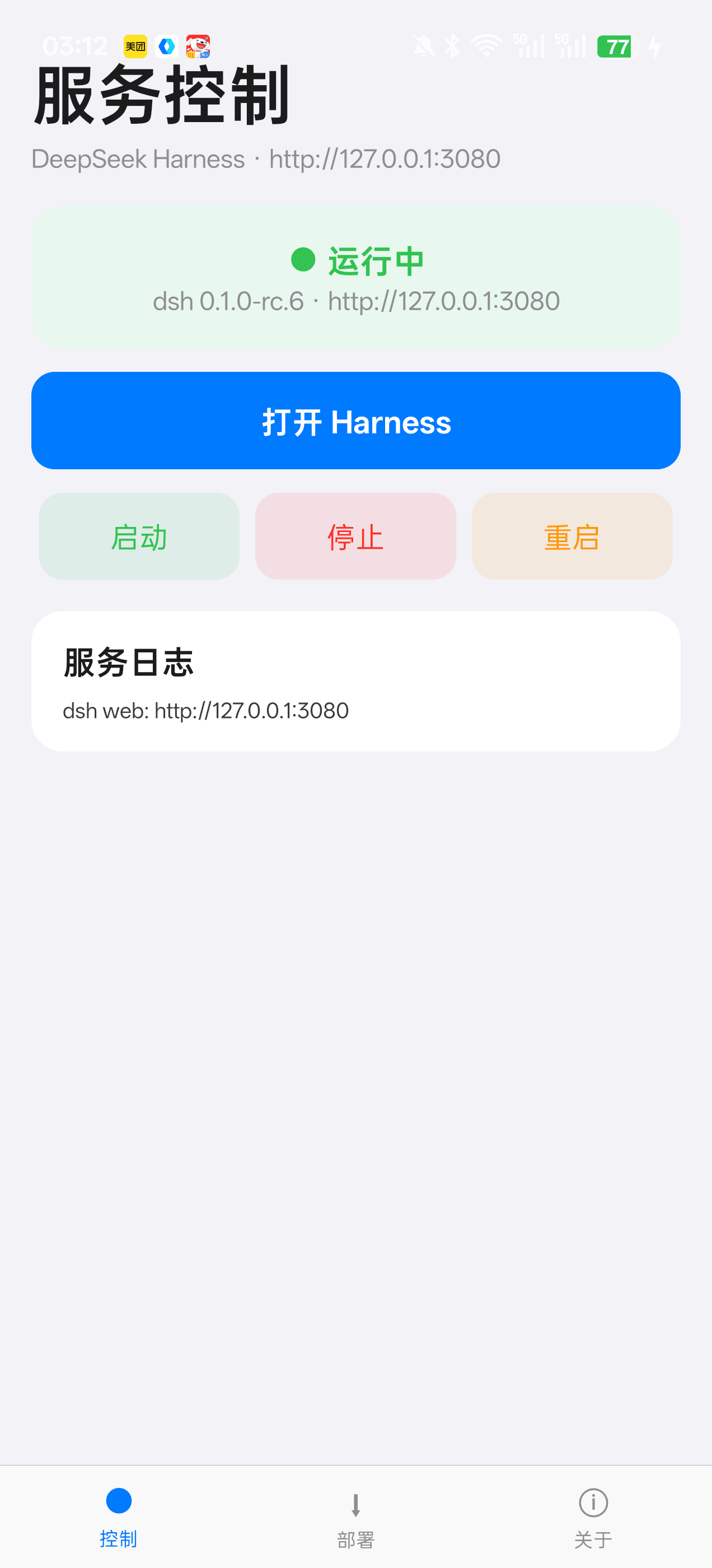 Jensen-Yao/deepseek-harness-android-app
DeepSeek Harness 安卓通用控制端:Termux 引导、一键部署、内置浏览器与存储管理(dsh-plugin 生态)
Jensen-Yao/deepseek-harness-android-app
DeepSeek Harness 安卓通用控制端:Termux 引导、一键部署、内置浏览器与存储管理(dsh-plugin 生态)
-
 zneoxlab/deepseek-harness-app
DeepSeek Harness Desktop — A native desktop app for DeepSeek Harness (dsh). Open the app and start using the agent harne…
zneoxlab/deepseek-harness-app
DeepSeek Harness Desktop — A native desktop app for DeepSeek Harness (dsh). Open the app and start using the agent harne…
-
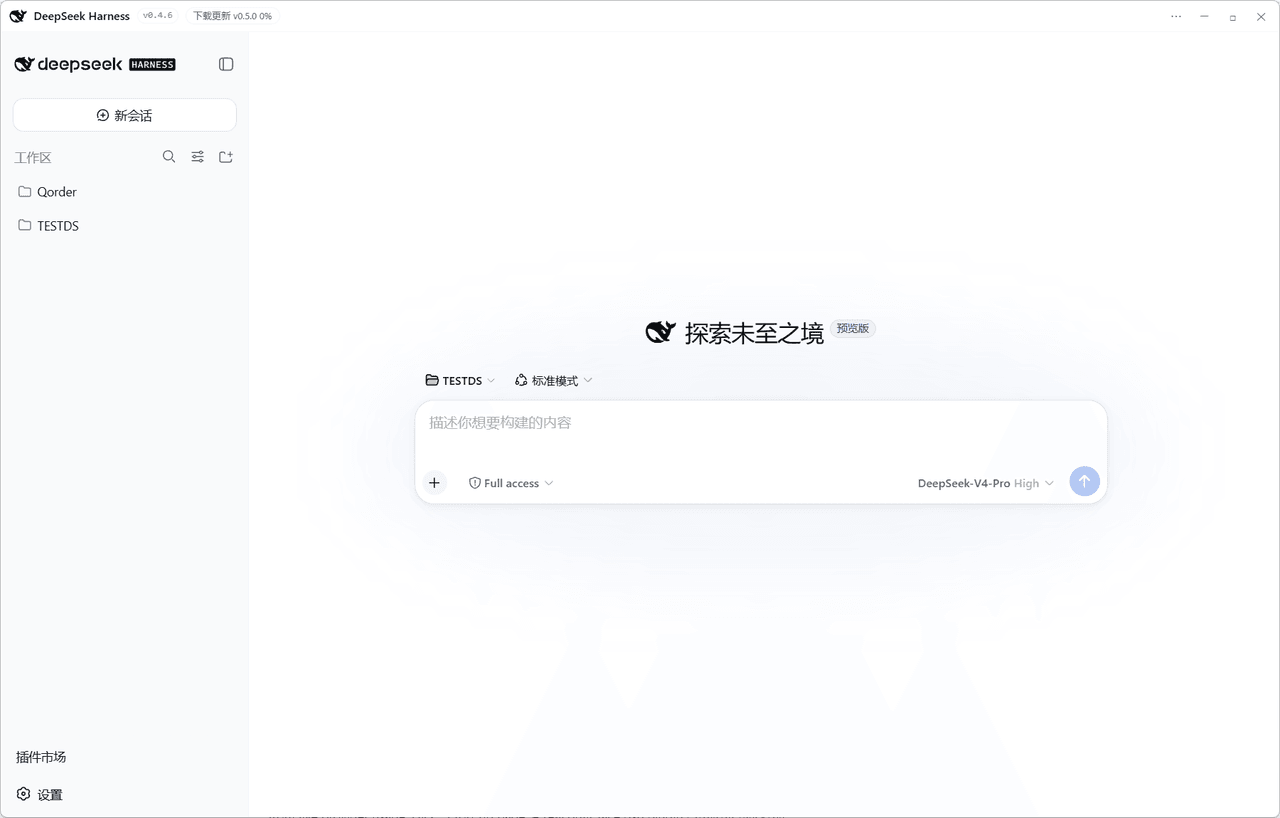 Easyhoov/deepseek-harness-desktop-windows
把 DeepSeek Harness 装进 Windows 桌面的应用:不用装 Node.js、不用敲命令,双击启动即用。进程内集成官方 DSH、零端口 IPC 传输;内置侧边栏工作台(文件 / 终端 / Git / 浏览器)与社区插件商店…
Easyhoov/deepseek-harness-desktop-windows
把 DeepSeek Harness 装进 Windows 桌面的应用:不用装 Node.js、不用敲命令,双击启动即用。进程内集成官方 DSH、零端口 IPC 传输;内置侧边栏工作台(文件 / 终端 / Git / 浏览器)与社区插件商店…
-
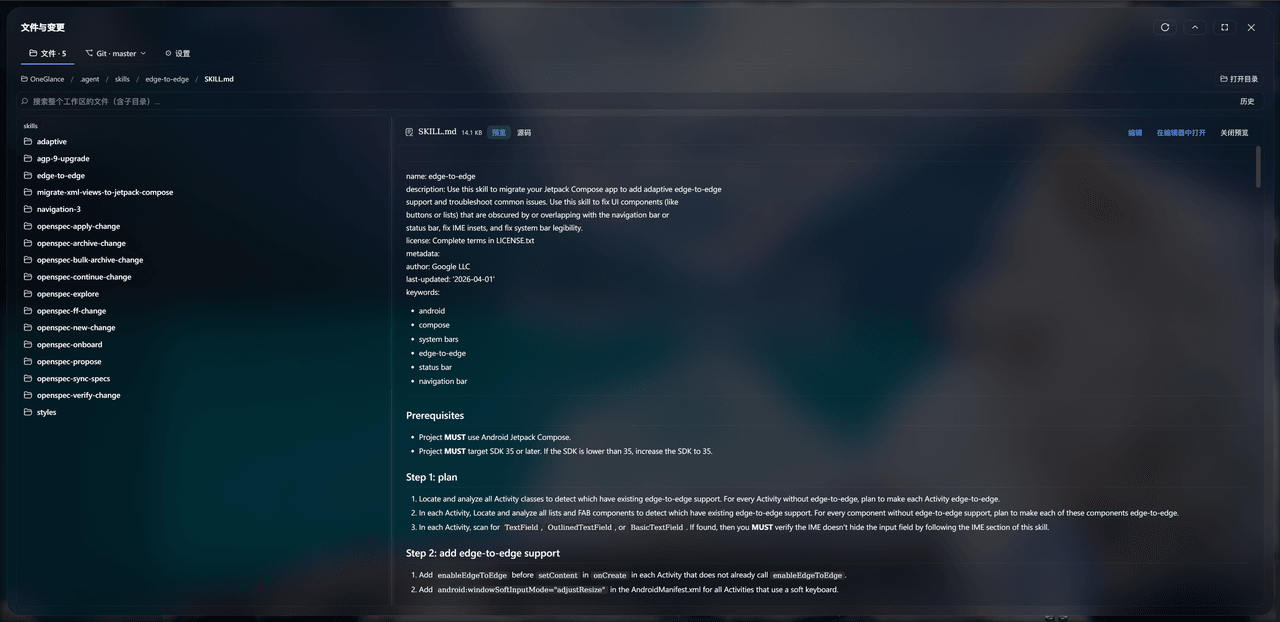 leanderli/dsh-files-git
DSH Web UI 的文件与变更面板插件:为当前会话的工作区目录提供一体化的 文件浏览 / 搜索 / 预览 / 编辑与 Git 操作(状态、暂存、提交、拉取、推送、 分支、历史、diff 等),在浏览器里以居中模态面板呈现,无需离开 We…
leanderli/dsh-files-git
DSH Web UI 的文件与变更面板插件:为当前会话的工作区目录提供一体化的 文件浏览 / 搜索 / 预览 / 编辑与 Git 操作(状态、暂存、提交、拉取、推送、 分支、历史、diff 等),在浏览器里以居中模态面板呈现,无需离开 We…
-
 Tencent/BrowserSkill
Let AI agents use your real, logged-in browser without interrupting your work. CLI + extension for browser automation ac…
Tencent/BrowserSkill
Let AI agents use your real, logged-in browser without interrupting your work. CLI + extension for browser automation ac…
-
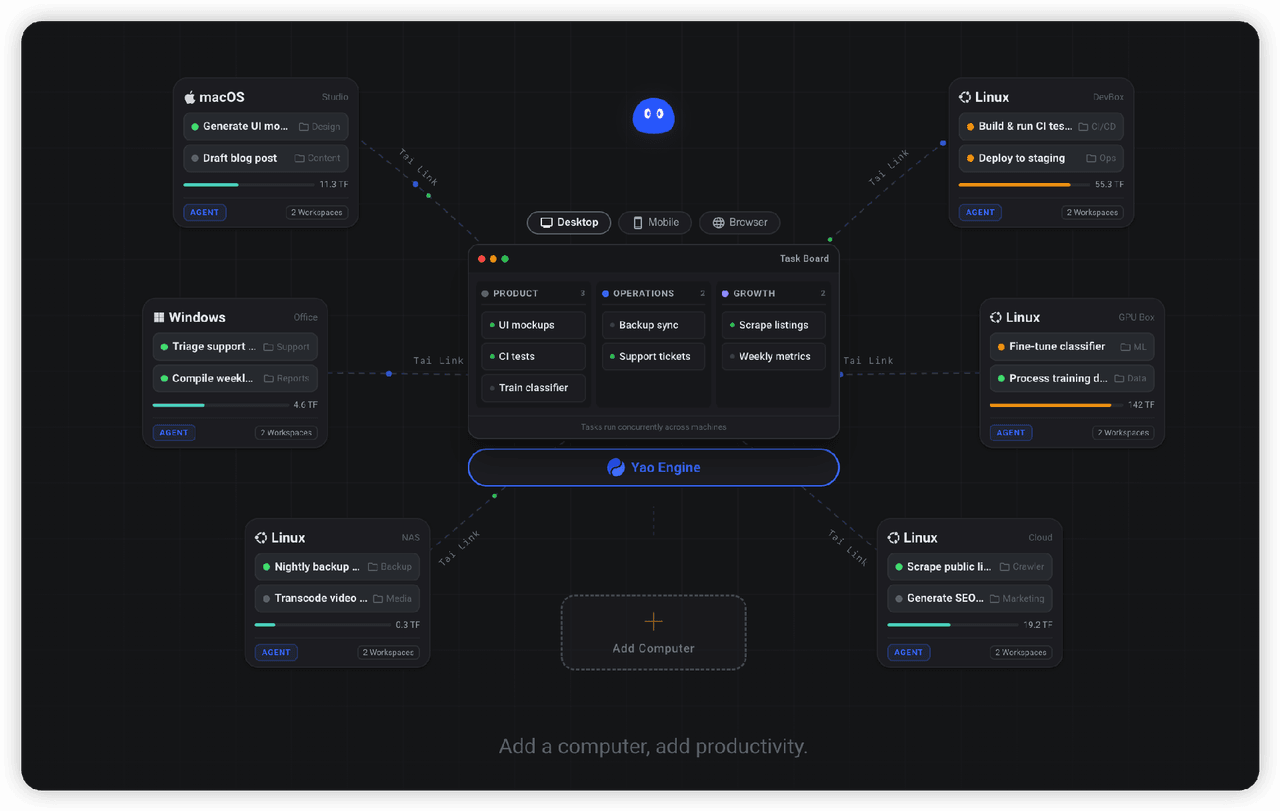 YaoApp/yao
✨ All your agents and workspaces in one place, on every device you own. Track tasks on a board, accessible from desktop,…
YaoApp/yao
✨ All your agents and workspaces in one place, on every device you own. Track tasks on a board, accessible from desktop,…
-
 anbeime/skill
收录最全、更新最快的技能Skills商店:精选原创技能包(涵盖文档处理、内容创作、编程开发、机器学习、自动化工作流),全部打包好可直接安装使用!同时自动抓取GitHub上万个Skills项目,按分类、更新时间、Star数量整理。The mo…
anbeime/skill
收录最全、更新最快的技能Skills商店:精选原创技能包(涵盖文档处理、内容创作、编程开发、机器学习、自动化工作流),全部打包好可直接安装使用!同时自动抓取GitHub上万个Skills项目,按分类、更新时间、Star数量整理。The mo…
-
 csyangwen/dsh-memory-evolve
为 DeepSeek Harness 带来「跨会话长期记忆 + 后台自我进化」能力的纯插件实现:五轨记忆 · git 分支感知 · 回合内自我审查 · 技能自我进化与技能管理器 · 四轨待办 · COI 调度 · 会话广播 · 会话搜索 ·…
csyangwen/dsh-memory-evolve
为 DeepSeek Harness 带来「跨会话长期记忆 + 后台自我进化」能力的纯插件实现:五轨记忆 · git 分支感知 · 回合内自我审查 · 技能自我进化与技能管理器 · 四轨待办 · COI 调度 · 会话广播 · 会话搜索 ·…