baisama-cloud/dsh-custom-brand
Customizable brand area for the DeepSeek Harness (DSH) Web GUI — replace the whale logo and the DeepSeek wordmark with your own local images, and edit the HARNESS badge text. Everything persists in localStorage and survives restarts.
catalog descriptioncatalog 简介 / catalog description:DeepSeek Harness(DSH)网页界面可自定义品牌区域——用您自己的本地图片替换鲸鱼标志和 DeepSeek 字标,并编辑 HARNESS 徽章文字。
Project Overview项目介绍
A DSH web-side brand-area customization plugin that replaces the top-left whale logo and DeepSeek wordmark with local images (PNG/JPG/WebP, auto-downscaled to 256px), and supports double-click editing of the HARNESS badge text with automatic browser tab title sync. Ideal for users personalizing the DeepSeek Harness web UI identity. Note: all changes are stored only in browser localStorage, so switching browsers or clearing data will lose them.
DSH 浏览器端品牌区自定义插件,用于替换左上角鲸鱼 logo 与 DeepSeek 文字为本地图片(PNG/JPG/WebP,自动缩放至 256px),并支持双击编辑 HARNESS 徽章文字,标签页标题自动同步。适合希望个性化 DeepSeek Harness Web 界面视觉标识的用户。注意:所有改动仅保存在浏览器 localStorage,换浏览器或清除数据会丢失。
请帮我了解并安装插件:【dsh-custom-brand】【https://github.com/baisama-cloud/dsh-custom-brand】Send this message to DSH in your current session. CLI install commands may not be accurate across systems — DSH will figure it out for you.把上面这条消息直接发给当前会话里的 DSH,让它帮你了解并安装。安装命令不一定准确,发给 DSH 更稳。
Or use CLI install (for developers)或使用命令行安装(适合开发者)
CLI Install命令行安装
dsh plugin --profile web add github:baisama-cloud/dsh-custom-brand把 baisama-cloud/dsh-custom-brand 加入你的 DSH 配置(web profile)即可启用。
READMEREADME
dsh-custom-brand
Customizable brand area for the DeepSeek Harness (DSH) Web GUI — replace the whale logo and the DeepSeek wordmark with your own local images, and edit the HARNESS badge text. Everything persists in localStorage and survives restarts.
DSH Web 界面左上角品牌区自定义插件:鲸鱼 logo 与 DeepSeek 文字可换成你自己的本地图片,HARNESS 徽章文字可双击编辑。所有修改保存在浏览器 localStorage,重启不丢。
Features / 功能
| Area | Interaction |
|---|---|
| Whale logo / 鲸鱼 logo | Double-click to pick a local image (auto-downscaled to 256px, PNG keeps transparency); right-click to restore the default whale |
| DeepSeek wordmark / DeepSeek 文字 | Double-click to pick a local image; right-click to restore the original lettering |
| HARNESS badge / HARNESS 徽章 | Double-click to edit the text (styled like the original badge letterforms); Enter to commit, Esc to cancel |
| Browser tab title / 标签页标题 | Syncs to the badge text |
Install / 安装
dsh plugin --profile web add github:<owner>/dsh-custom-brand
or in the DSH settings → Plugins market, search dsh-custom-brand. 或在 DSH 设置 → 插件市场中搜索安装。
Usage / 使用
- Hover the brand area in the top-left sidebar — a dashed outline hints where editing is available.
- Double-click the whale or the DeepSeek text to open the file picker; choose any image (PNG/JPG/WebP…). It is scaled to fit the small slot automatically.
- Right-click an image slot to reset it to the original artwork.
- Double-click the HARNESS badge and type a new name; the browser tab title updates with it.
Stored keys (browser localStorage): dsh.customLogo, dsh.customDeepSeekImg, dsh.customBrand.
Development / 开发
This is a standard DSH bundle:
lib/index.js— host half (intentionally empty; all behavior is client-side)lib/client.js— browser half, registered viawindow.__ModuleLoader__.loadcordis.patch.yml— loader row inserting the plugin
Build the tarball with:
pnpm pack
License / 许可证
MIT
Related相关推荐
-
 liustack/modlens
The first vision plugin for DeepSeek Harness, and the vision bridge for every text-only coding agent. Paste an image, ge…
liustack/modlens
The first vision plugin for DeepSeek Harness, and the vision bridge for every text-only coding agent. Paste an image, ge…
-
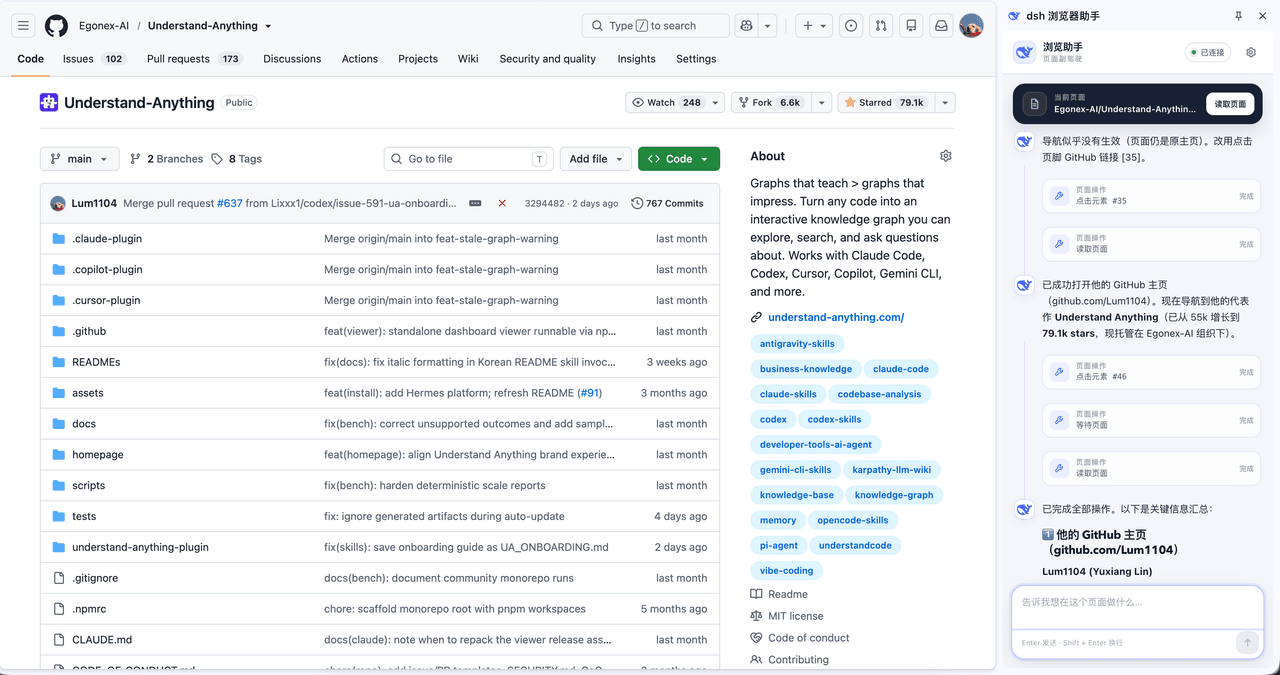 Lum1104/dsh-browser
Chrome sidebar extension that lets DeepSeek Harness operate your browser directly, no vision capabilities required. 一款 C…
Lum1104/dsh-browser
Chrome sidebar extension that lets DeepSeek Harness operate your browser directly, no vision capabilities required. 一款 C…
-
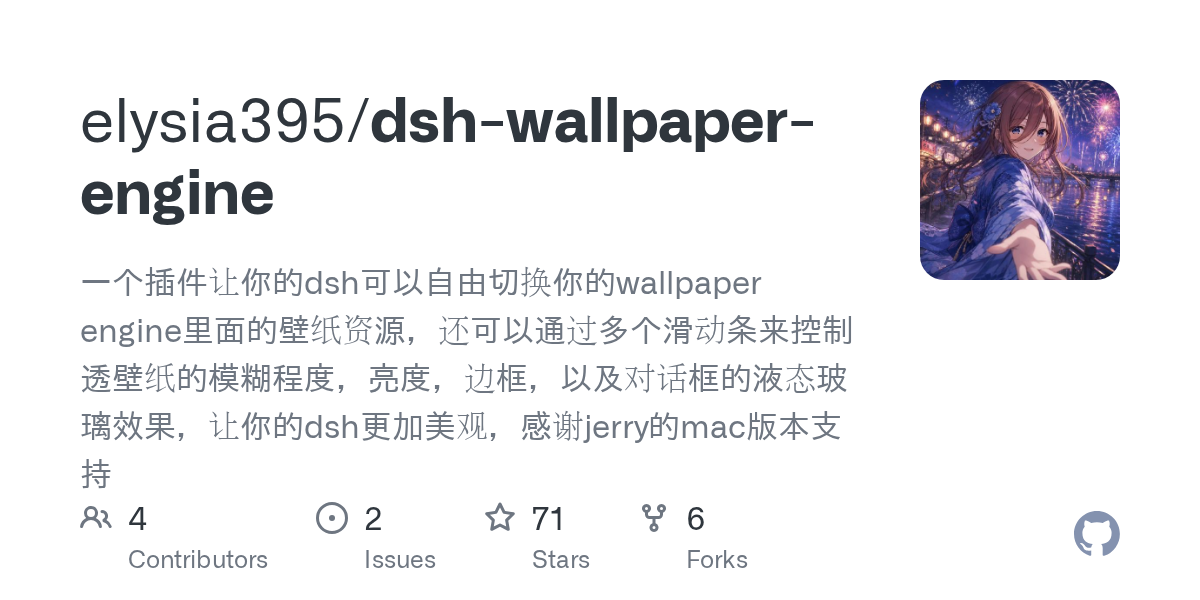 elysia395/dsh-wallpaper-engine
把本机 Wallpaper Engine 的壁纸变成 DSH 网页界面的背景:Video 动态播放、Web 以 iframe 加载、Scene 壁纸提取主纹理作为静态帧;iOS 液态玻璃设置窗口(配色 / 玻璃颜色 / 透明度)、内容分级与…
elysia395/dsh-wallpaper-engine
把本机 Wallpaper Engine 的壁纸变成 DSH 网页界面的背景:Video 动态播放、Web 以 iframe 加载、Scene 壁纸提取主纹理作为静态帧;iOS 液态玻璃设置窗口(配色 / 玻璃颜色 / 透明度)、内容分级与…
-
 starsstreaming/beautiCode
面向 AI 编程客户端的动态、可响应环境——视频背景、氛围场景与主题,适用于 DeepSeek Harness 与 Codex Desktop。
starsstreaming/beautiCode
面向 AI 编程客户端的动态、可响应环境——视频背景、氛围场景与主题,适用于 DeepSeek Harness 与 Codex Desktop。
-
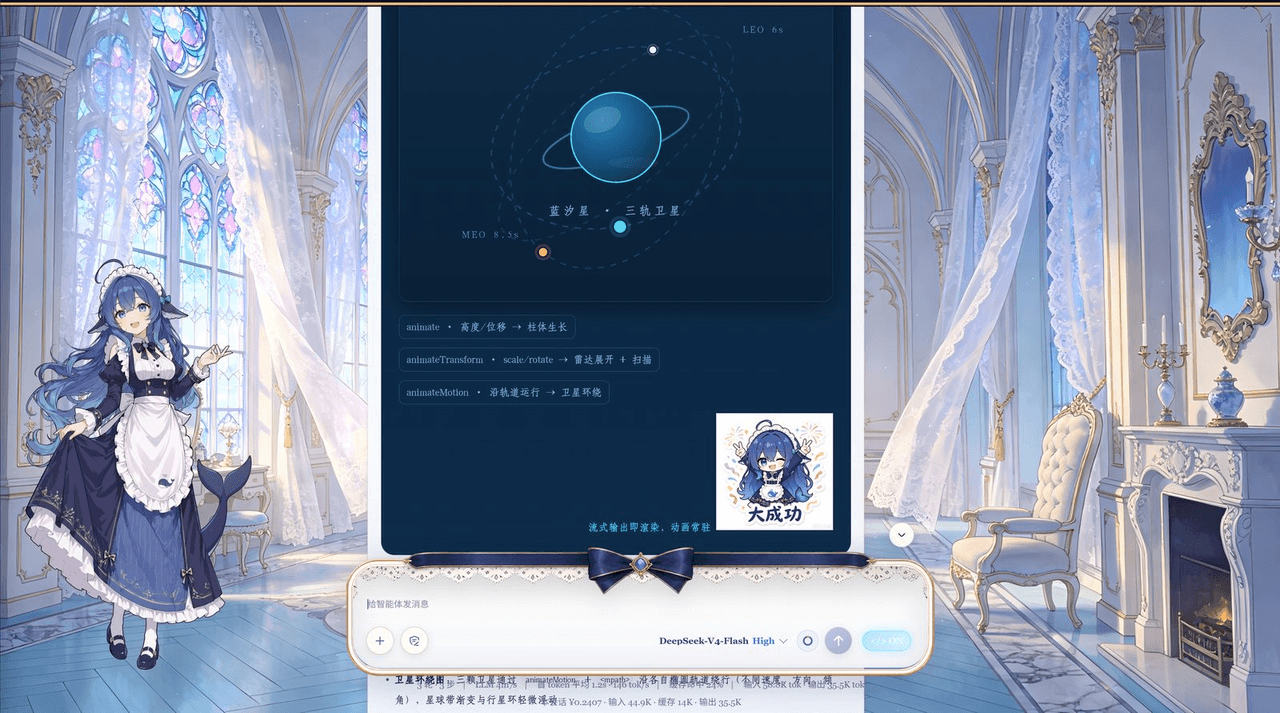 plolpl789/dsh-raw-html
VCP visual-synesthesia protocol plugin for DeepSeek Harness: render agent HTML output as real UI (cards / KaTeX math / M…
plolpl789/dsh-raw-html
VCP visual-synesthesia protocol plugin for DeepSeek Harness: render agent HTML output as real UI (cards / KaTeX math / M…
-
 Tkingxiao/dsh-any-background
Deepseek Harness 自定义主题插件,支持自定义图片/视频壁纸,对话框,侧边栏等透明度模糊度调整,全局主题色的色轮调整插件
Tkingxiao/dsh-any-background
Deepseek Harness 自定义主题插件,支持自定义图片/视频壁纸,对话框,侧边栏等透明度模糊度调整,全局主题色的色轮调整插件
-
 sz1698/dsh-bg-new
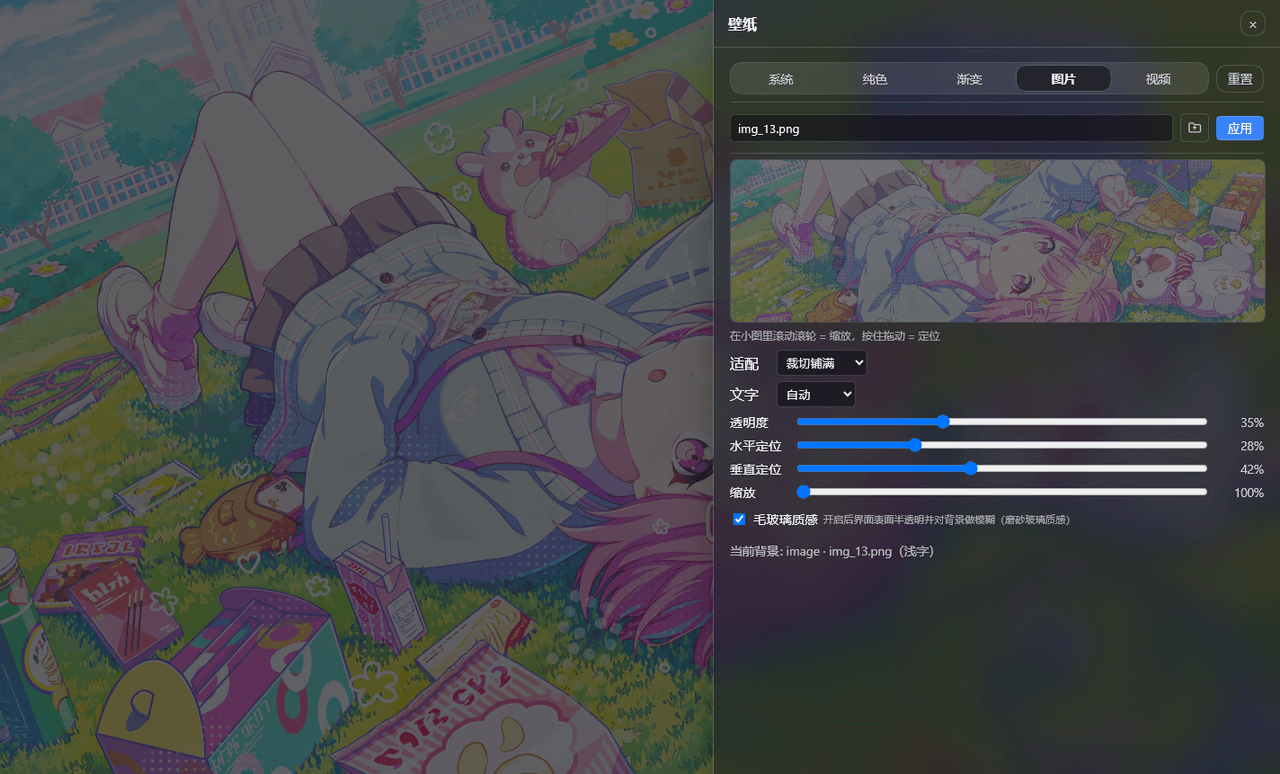
DSH 网页界面换背景:侧栏「壁纸」按钮弹出右侧抽屉,支持系统预设/纯色/渐变/图片/视频,滚轮+拖动小图同时管缩放与定位,毛玻璃质感,本地媒体伺服不走云端。DSH web background & wallpaper plugin wit…
sz1698/dsh-bg-new
DSH 网页界面换背景:侧栏「壁纸」按钮弹出右侧抽屉,支持系统预设/纯色/渐变/图片/视频,滚轮+拖动小图同时管缩放与定位,毛玻璃质感,本地媒体伺服不走云端。DSH web background & wallpaper plugin wit…
-
 TQSY114514/dsh-ui-appearance
Appearance customization plugin for DeepSeek Harness: theme color palette, background image, opacity/blur, glass effect
TQSY114514/dsh-ui-appearance
Appearance customization plugin for DeepSeek Harness: theme color palette, background image, opacity/blur, glass effect