cynch18/plugin-switch
DSH Web 插件:无需重启服务器即可在图形界面中启用/禁用插件
Project Overview项目介绍
plugin-switch adds toggle switches to the DeepSeek Harness (DSH) plugin inventory page, enabling or disabling plugins live without restarting the service. It includes grouping, search, batch operations, one-click undo with automatic backups (last 20), multi-tab sync, a CLI recovery tool, and a bilingual interface. Requires the web profile and Node 22+. Do not install twice in the same profile: duplicate entries from repeated installation cause dsh startup errors.
plugin-switch 为 DeepSeek Harness (DSH) 插件清单页添加滑块开关,支持实时启停插件而无需重启服务,并具备分组筛选、批量操作、撤销与自动备份(保留 20 份)、多标签页同步、CLI 恢复工具及双语界面。需以 web profile 运行、Node ≥ 22;切勿重复安装,同一 profile 二次安装会因条目重复导致 dsh 启动报错。
请帮我了解并安装插件:【plugin-switch】【https://github.com/cynch18/plugin-switch】Send this message to DSH in your current session. CLI install commands may not be accurate across systems — DSH will figure it out for you.把上面这条消息直接发给当前会话里的 DSH,让它帮你了解并安装。安装命令不一定准确,发给 DSH 更稳。
Or use CLI install (for developers)或使用命令行安装(适合开发者)
CLI Install命令行安装
dsh plugin --profile web add github:cynch18/plugin-switch把 cynch18/plugin-switch 加入你的 DSH 配置(web profile)即可启用。
READMEREADME
plugin-switch



English | 中文
给 DeepSeek Harness (DSH) 的插件清单页加上滑块开关:点一下即可启用/停用任何插件,立即生效、不用重启服务端,重启后状态保持。
功能
- 实时启停(主动重放通道,绕开平台 watcher 死锁,确定性生效)
- 分组(系统/第三方/本地)、状态筛选、排序、搜索
- 批量启用/停用(单事务:一次备份,撤销一步全回)
- 撤销 + 自动备份(保留最近 20 份)
- 关键条目强确认、被依赖提示 + 停用确认警告、停用来源分层、config 预览、失败诊断
- 多标签页实时同步、CLI 恢复工具、双语界面与动画
快速开始
方式一:dsh plugin add(推荐)
dsh plugin --profile web add github:cynch18/plugin-switch
方式二:直接下载(不用 git)
在 Releases 下载 plugin-switch.zip,解压后运行:
powershell -ExecutionPolicy Bypass -File .\install.ps1
方式三:git clone
git clone https://github.com/cynch18/plugin-switch.git
cd plugin-switch
powershell -ExecutionPolicy Bypass -File .\scripts\install.ps1
然后重启 dsh web,按 Ctrl+Shift+R 刷新 → 设置 → 插件 → 插件清单,每个插件右侧就是滑块开关。
⚠️ 三种方式任选其一:
dsh plugin add、zip、install.ps1 不要重复安装(同一 profile 装两次会产生重复条目,重启报错)。方式二/三的
-KeepOriginal参数保留原只读清单(仅启用 HTTP API);-Dev参数建 junction 指向源码,改代码直接生效。
常见问题(FAQ)
Q:我把"插件开关"自己关了,页面消失了,怎么恢复?
打开 %USERPROFILE%\.dsh\profiles\web\cordis.patch.yml,找到 plugin-switch 条目,把 disabled: true 改回 false(或删掉这一行),保存后约 3 秒自动生效,无需重启。
Q:开关点了没反应?
重启 dsh web 再试;若仍无效,见下方故障排查。
Q:误操作了想回退?
页面上的"↺ 撤销"按钮恢复到上一次开关前的配置(每次开关前自动备份,保留最近 20 份)。
故障排查
| 症状 | 处理 |
|---|---|
| 开关页没出现 | 确认只用了一种安装方式、已重启 dsh、已强制刷新(Ctrl+Shift+R);检查 cordis.patch.yml 里 ui-settings-plugin-inventory 与 plugin-inventory 两行是 disabled: true |
| 开关后状态没变 | 重启 dsh web 再试 |
| 服务端报错 | 看 dsh 启动窗口日志(loader apply/error 行) |
| 无法打开 GUI | 用 CLI 恢复工具:node scripts/dsh-plugin-fix.mjs list / enable <id> / disable <id> / undo / backups(在仓库目录运行) |
| 配置文件损坏 | 备份在 %USERPROFILE%\.dsh\profiles\web\backups\,把最新一份复制回 cordis.patch.yml 即可 |
卸载 / 恢复原版
- 恢复原只读清单:把
%USERPROFILE%\.dsh\profiles\web\cordis.patch.yml里ui-settings-plugin-inventory、plugin-inventory的disabled: true改回false,同时删除plugin-switch条目。 - 彻底卸载:删除
%USERPROFILE%\.dsh\profiles\web\node_modules\dsh-profile-plugin-switch,并移除cordis.patch.yml中的相关条目。
注意事项
- 需要以
webprofile 运行 DSH(npx @deepseek-ai/dsh web),Node ≥ 22。 - 关闭"插件开关"自身会让开关页消失,恢复需手动把
cordis.patch.yml里plugin-switch的disabled: true改回false(页面上会弹确认)。 /plugin-switch是无鉴权的本地 HTTP 路由(与 DSH 自带/plugins/...同级信任),仅限个人本机使用。- 改包内
index.js需重启 dsh;改client.js刷新页面即可。
开发
npm install
npm test   # 单元测试(applyPatchEdit / 备份轮换 / 来源判定 / baked-disabled scrub)
License
MIT © 2026 CYNCH18
Related相关推荐
-
 Aisland-SJL/dsh-worktable
🖥️ Agent-project workbench for DeepSeek Harness — sidebar app drawer + dockable split workspace + a live control room w…
Aisland-SJL/dsh-worktable
🖥️ Agent-project workbench for DeepSeek Harness — sidebar app drawer + dockable split workspace + a live control room w…
-
 left0ver/dsh-file-review
dsh插件 - 立刻审查agent对文件的修改,查看diff,支持在dsh-better-sidebar中使用。a dsh plugin - review files that an agent just changed,you can …
left0ver/dsh-file-review
dsh插件 - 立刻审查agent对文件的修改,查看diff,支持在dsh-better-sidebar中使用。a dsh plugin - review files that an agent just changed,you can …
-
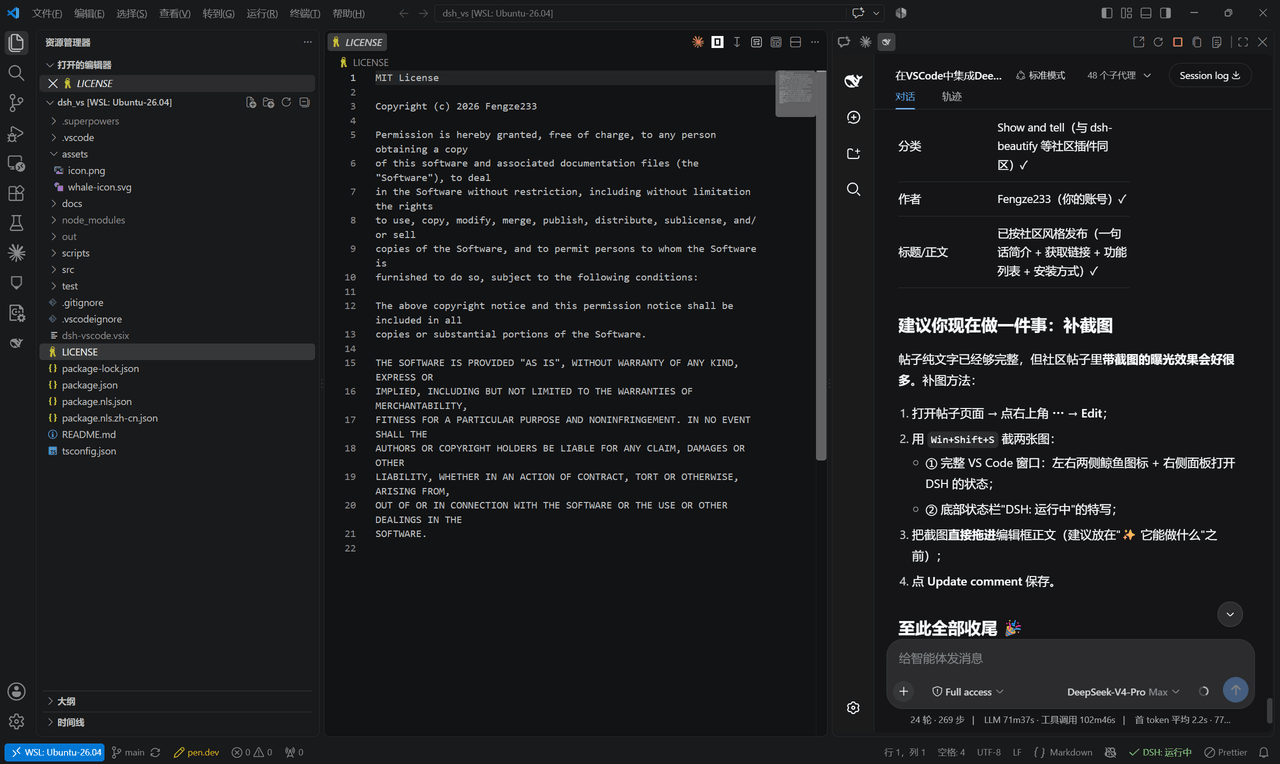 Fengze233/dsh-vscode
在 VS Code 侧边栏内嵌使用 DeepSeek Harness(DSH)网页界面的插件
Fengze233/dsh-vscode
在 VS Code 侧边栏内嵌使用 DeepSeek Harness(DSH)网页界面的插件
-
 yoli-mi/dsh-client-ui-custom
Configurable DSH web-surface plugin: wallpaper & frosted-glass themes, accent colors, custom keyboard shortcuts, app-usa…
yoli-mi/dsh-client-ui-custom
Configurable DSH web-surface plugin: wallpaper & frosted-glass themes, accent colors, custom keyboard shortcuts, app-usa…
-
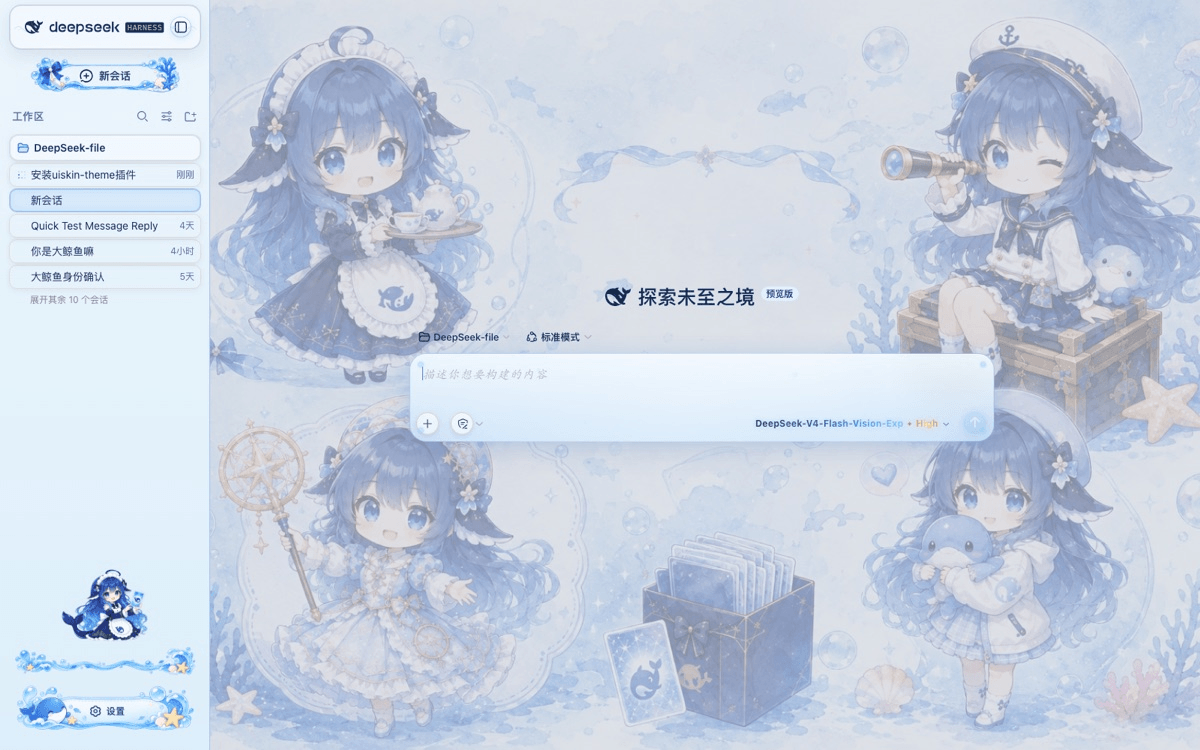 chouxiaohuai/dsh-uiskin-theme
Blue Glass Theme (ocean fantasy) for DeepSeek Harness Web — static profile bundle. 海洋幻想主题:海洋背景、玻璃气泡、海洋侧边栏、鲸鱼设置按钮、炫彩模型文字。…
chouxiaohuai/dsh-uiskin-theme
Blue Glass Theme (ocean fantasy) for DeepSeek Harness Web — static profile bundle. 海洋幻想主题:海洋背景、玻璃气泡、海洋侧边栏、鲸鱼设置按钮、炫彩模型文字。…
-
 gameswu/dsh-plugin-vscode-sidebar
提供vscode风格和功能的侧栏
gameswu/dsh-plugin-vscode-sidebar
提供vscode风格和功能的侧栏
-
 vlln/dsh-loop
DSH 插件:定时循环(/loop 命令 + loop 工具 + 活动状态条)。官方 bundle 插件,dsh plugin --profile web add 安装
vlln/dsh-loop
DSH 插件:定时循环(/loop 命令 + loop 工具 + 活动状态条)。官方 bundle 插件,dsh plugin --profile web add 安装
-
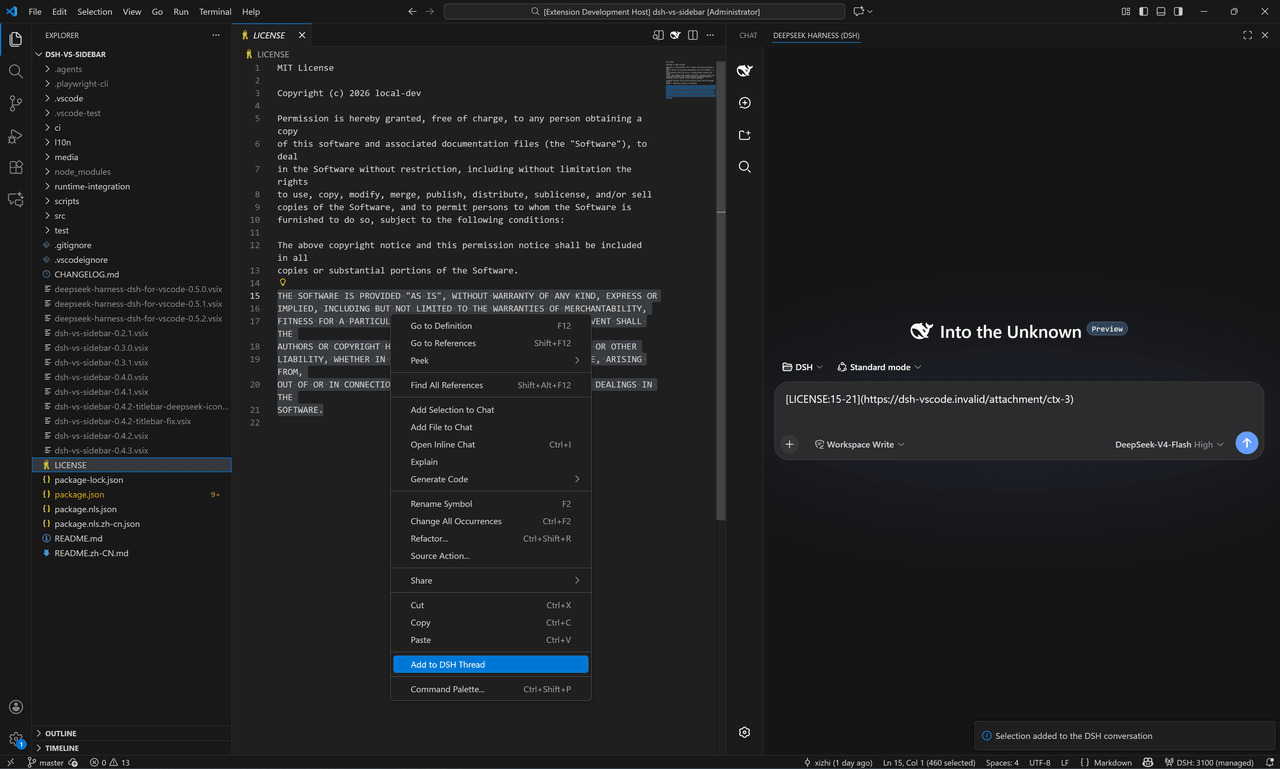 Xizhi1024/deepseek-harness-dsh-for-vscode
DeepSeek Harness(dsh) for VS Code
Xizhi1024/deepseek-harness-dsh-for-vscode
DeepSeek Harness(dsh) for VS Code