devLythen/dsh-docker
Docker image for DeepSeek Harness, with self-hosted deployment supported
Project Overview项目介绍
dsh-docker is a Docker template for self-hosting the DeepSeek Harness Web UI via docker compose, publishing only loopback ports 3080 (DSH) and 8081 (login) from .env. It mounts config/ and workspace/ for persistent Harness state and live user configuration changes, and supports profile plugins managed by pnpm inside the image. Use it for both local development and public deployments behind Nginx with TLS, session-cookie authentication (24h default, 5-strike IP lockout), and DSH_TRUSTED_HOST enforcement. Image builds always resolve @deepseek-ai/dsh@latest, so the npm registry must be reachable at startup and updates track upstream releases automatically, while profile plugins require manual compatibility checks after each update.
dsh-docker 是 DeepSeek Harness Web UI 的 Docker 部署模板,基于 docker compose 快速启动,宿主端口仅暴露 3080(DSH)与 8081(登录),默认仅绑定 loopback。提供 config/ 与 workspace/ 挂载,便于持久化状态与配置;.env 集中管理端口、可信主机与登录密码,公网部署需配合 Nginx 反向代理与 TLS,并启用基于 Cookie 的会话认证(默认 24 小时失效,错误 5 次锁定 15 分钟)。镜像在构建时始终拉取 @deepseek-ai/dsh@latest,因此更新会自动跟进上游版本,但启动需访问 npm registry 且耗时更长;升级后配置文件已通过循环回环 host/origin 验证,但变更 Nginx 代理头会破坏 API 授权,profile 插件亦需手动检查兼容性。
请帮我了解并安装插件:【dsh-docker】【https://github.com/devLythen/dsh-docker】Send this message to DSH in your current session. CLI install commands may not be accurate across systems — DSH will figure it out for you.把上面这条消息直接发给当前会话里的 DSH,让它帮你了解并安装。安装命令不一定准确,发给 DSH 更稳。
Or use CLI install (for developers)或使用命令行安装(适合开发者)
CLI Install命令行安装
dsh plugin --profile web add github:devLythen/dsh-docker把 devLythen/dsh-docker 加入你的 DSH 配置(web profile)即可启用。
READMEREADME
dsh-docker
Docker template for running the DeepSeek Harness Web UI. 简体中文
Quickstart
cp .env.example .env
docker compose up -d
The container prints an official DSH startup URL containing a one-time token. Open that URL once to exchange the token for a browser session cookie. After the redirect, use the clean URL normally.
Open http://localhost:3080 only when running locally; use the tokenized URL printed by docker compose logs dsh for the first visit.
Stop the service with:
docker compose down
Local data and live configuration
config/is mounted at/dsh-homeand stores Harness state, credentials, and user configuration.workspace/is mounted at/home/node, the Web UI's default workspace location; setDSH_WORKSPACEin.envto use another host directory.dsh pluginmanages profile plugins through pnpm, which is bundled in the image.
Configure provider settings after startup through the Web UI. DSH watches user configuration and credential files under config/; changes apply to subsequent requests without restarting the container.
DSH updates
Every docker compose up rebuilds the dsh service and installs @deepseek-ai/dsh@latest. The build requires npm registry access and may take longer than reusing an existing image. The image applies a guarded compatibility patch to the browser client so the authenticated reverse proxy can expose the settings document. The patch fails the build when the upstream client shape changes and requires a deliberate compatibility review.
Public deployment
Public deployment requires a DNS record, a TLS certificate, Nginx, and a reverse proxy. Do not expose the Docker port directly to the Internet.
Set the public authority and the URL that should be printed for the first browser visit in .env:
DSH_PORT=3080
DSH_PUBLIC_URL=https://dsh.example.com
DSH_TRUSTED_HOST=dsh.example.com
Start DSH and keep its port bound to localhost:
docker compose up -d
docker compose logs dsh
Copy the dsh web: URL from the logs and open it through the public HTTPS address. DSH exchanges its one-time token for an authority-bound, signed browser-session cookie. No separate login service or htpasswd file is required.
Use nginx/dsh.conf.example as the reverse-proxy starting point, then set its server_name, TLS certificate paths, and HTTPS listener. Render the backend port from .env:
./scripts/render-nginx-conf.sh | sudo tee /etc/nginx/sites-available/dsh.conf
sudo nginx -t
sudo systemctl reload nginx
The proxy must preserve the public authority for both Host and Origin. DSH rejects mismatched or untrusted authorities with 403; a trusted request without the official browser cookie returns 401.
The public URL is then https://dsh.example.com.
Related相关推荐
-
 Devin-AXIS/iPolloWork
Enterprise-grade, local-first Agent Workbench for people and agent teams. A unified multi-engine workspace for Codex Har…
Devin-AXIS/iPolloWork
Enterprise-grade, local-first Agent Workbench for people and agent teams. A unified multi-engine workspace for Codex Har…
-
 ysr666/dsh-vision-router
Eyes for text-only DeepSeek Harness agents: built-in free vision chain (no key) + pixel-level vision tools (Q&A, groundi…
ysr666/dsh-vision-router
Eyes for text-only DeepSeek Harness agents: built-in free vision chain (no key) + pixel-level vision tools (Q&A, groundi…
-
 Anionex/dsh-vision-toolkit
[dsh]为纯文本模型设计更强大的视觉工具箱:一行安装使用、粘贴图片直接识别、多张图片问答、截图到前端UI 还原等|DeepSeek Harness-native integration for agent-vision-toolkit: …
Anionex/dsh-vision-toolkit
[dsh]为纯文本模型设计更强大的视觉工具箱:一行安装使用、粘贴图片直接识别、多张图片问答、截图到前端UI 还原等|DeepSeek Harness-native integration for agent-vision-toolkit: …
-
 zhaoolee/notes
开源版锤子便签,复刻锤科美学,一键Docker私有化部署,支持skill调用,支持dsh plugin,支持多租户,一键生成公众号格式,支持导出便签为图片
zhaoolee/notes
开源版锤子便签,复刻锤科美学,一键Docker私有化部署,支持skill调用,支持dsh plugin,支持多租户,一键生成公众号格式,支持导出便签为图片
-
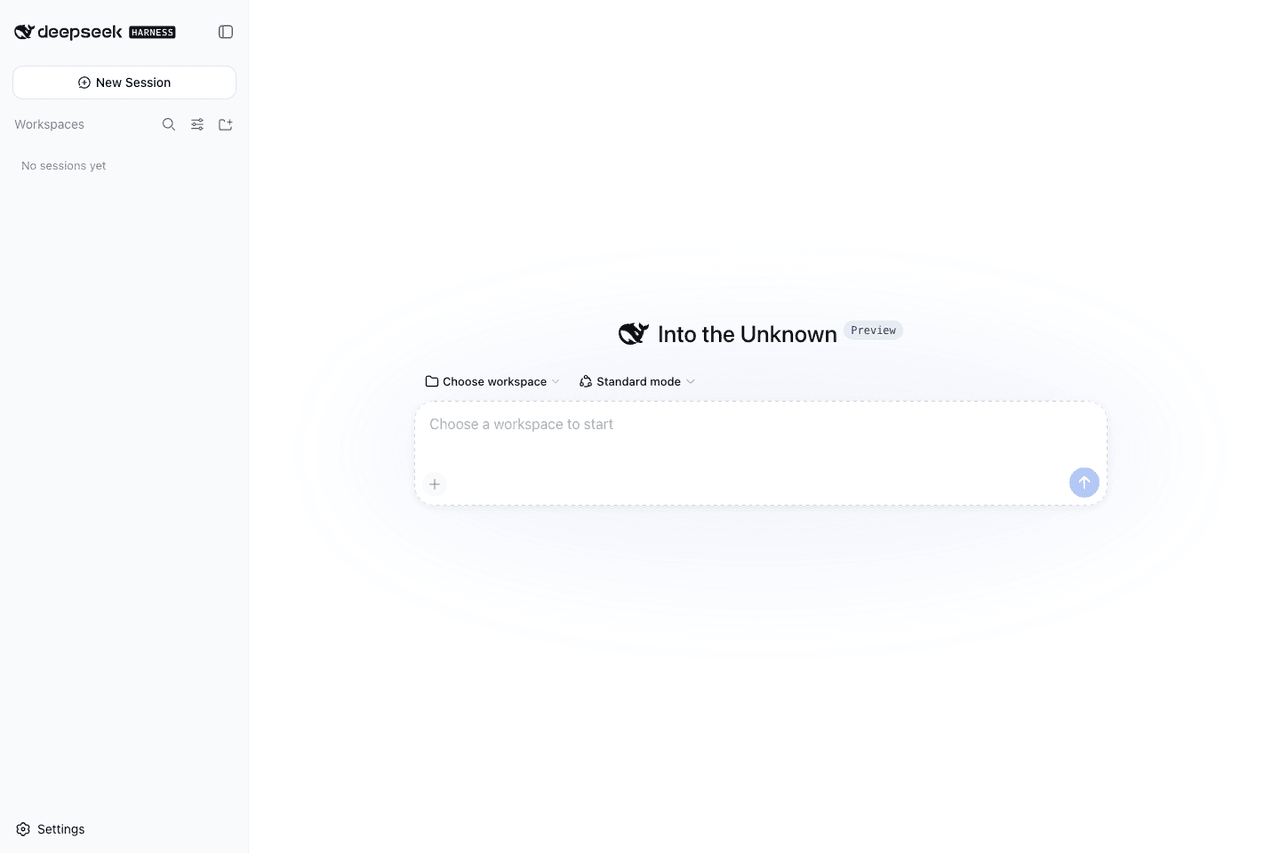 runzhliu/deepseek-harness-docker
Community Docker and Kubernetes packaging for DeepSeek Harness (@deepseek-ai/dsh), with a hardened image, Compose stack,…
runzhliu/deepseek-harness-docker
Community Docker and Kubernetes packaging for DeepSeek Harness (@deepseek-ai/dsh), with a hardened image, Compose stack,…
-
 labring/sealos-skills
AI agent skills for Sealos — deploy any project, provision databases, object storage & more with one command. Works with…
labring/sealos-skills
AI agent skills for Sealos — deploy any project, provision databases, object storage & more with one command. Works with…
-
 BlockRunAI/dsh-clawrouter
A safety gate for DeepSeek Harness: a stronger model reviews dangerous tool calls before they run. Plus vision and Block…
BlockRunAI/dsh-clawrouter
A safety gate for DeepSeek Harness: a stronger model reviews dangerous tool calls before they run. Plus vision and Block…
-
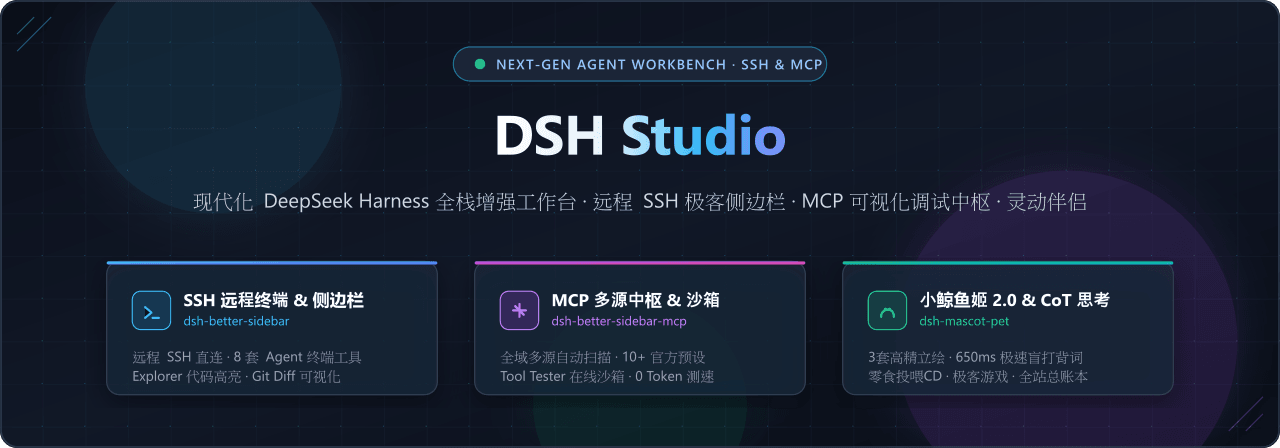 jiuge2467/dsh-studio
现代化 DeepSeek Harness (DSH) 全栈增强工作台 · 多源 MCP 可视化调试中枢 · 视觉思考引擎 · 灵动极客伴侣
jiuge2467/dsh-studio
现代化 DeepSeek Harness (DSH) 全栈增强工作台 · 多源 MCP 可视化调试中枢 · 视觉思考引擎 · 灵动极客伴侣