dhb861832993-star/pbr-render
DeepSeek Harness 的 PBR 3D 模型预览插件 — 支持 GLB/GLTF 游戏美术资源,包含纹理、材质通道检查器、轨道控制。pbr3d 栅栏及 pbr_render 工具。
Project Overview项目介绍
This is a native DeepSeek Harness (DSH) plugin that adds interactive physically-based rendering (PBR) previews for GLB and GLTF 3D model assets. It automatically detects when 3D model files are added to the DSH workspace, calls the built-in pbr_render tool without requiring any extra user prompts, and renders the interactive preview directly inside the DSH chat session. You can install it directly via the DSH CLI using the documented command, or build it locally with pnpm and esbuild for development testing after cloning the repository.
This plugin is built for game artists, 3D asset creators, and users who generate 3D models via DSH. It automatically injects usage instructions into DSH's system prompt, so the LLM knows when to trigger the preview without any extra configuration from the user. Once rendered, you can switch between different material channel views, swap out HDR environment lighting, toggle fullscreen mode, orbit the model by dragging, zoom with your mouse wheel, and adjust exposure settings to your liking. You can also view raw scalar texture channels in grayscale just like game engines do.
The plugin is released under the open-source MIT license, and includes several built-in CC0 1K HDR environment maps from Poly Haven, covering studio, sunset, outdoor, sunrise, and night lighting setups. It includes strict security safeguards: it only serves files from within the current DSH workspace, blocks non-allowed file extensions, and enforces a maximum file size limit of 512 MiB per asset. After installation, you will need to restart the DSH web client for the plugin to take effect in new chat sessions. Local development requires pnpm to install dependencies before building the package.
这是一个专为DeepSeek Harness(DSH)开发的原生插件,功能是为GLB、GLTF格式的3D游戏美术资源提供基于物理的渲染(PBR)预览。它支持自动识别工作区中新增的3D模型文件,自动调用渲染工具,直接在对话会话内生成可交互的预览视图,方便开发者和美术创作者检查资产。
面向游戏美术开发者、3D资产创作者和使用DSH生成3D模型的用户,插件会自动在DSH的系统提示中注入使用指南,无需用户额外配置触发指令。用户可以在预览界面切换不同材质通道、更换HDR环境光照,还支持全屏查看、拖拽旋转、滚轮缩放等交互操作。
该插件使用MIT许可证开源,可通过DSH CLI直接从GitHub仓库安装,本地开发则需要先安装pnpm依赖,打包后链接安装,重启DSH网页端后生效。插件对文件做了安全限制,仅允许访问工作区内文件,单文件大小上限为512MiB。
请帮我安装这个 DSH 插件。安装前先完成【兼容性检查 + 安全性检查】,检查通过再动手。

插件:pbr-render(dhb861832993-star/pbr-render)
仓库:https://github.com/dhb861832993-star/pbr-render
本站详情页:https://www.yhbd.top/plugins/dhb861832993-star-pbr-render/
本站登记:类型 plugin · 归类 原生 DSH 插件 · 许可证 MIT · ⭐ 5 · 最近提交 2026-09-04 · 主语言 JavaScript

按下面顺序执行,每步先把结论告诉我,再进入下一步:

【1 兼容性检查】
① 我这边:DSH 版本、Node 版本、操作系统、当前 profile(web / desktop)。
② 读它的 README、package.json、插件 manifest,列出它要求的 DSH 版本 / Node 版本 / 操作系统 / 外部依赖 / 需要另外先装的运行时。
③ 逐条比对,结论只写「满足 / 不满足 / 未知」三种;不满足的给出可行替代方案。
④ 检查是否和我已装的插件冲突:命令名重复、skill / tool 重名、端口占用、重复注册的 MCP server。

【2 安全性检查】
① 仓库可信度:和上面「本站登记」是否一致;star / fork 数、创建时间、最近提交,是否归档或长期停更。
② 安装脚本:逐行看 package.json 的 preinstall / install / postinstall,以及 install.sh、setup.ps1 之类脚本。出现 curl|bash、下载后直接执行、混淆代码、访问与插件功能无关的域名,立刻停下来告诉我,不要继续装。
③ 依赖:列出新增依赖,标出无人维护、或与知名包拼写近似的可疑包(typosquatting)。
④ 权限与副作用:它会读写哪些目录、访问哪些域名、需要哪些 DSH 权限(filesystem / network / shell / clipboard 等),以及怎么卸载和回滚。
⑤ 如果它要求 sudo / 管理员权限,或权限明显超出功能所需,先停下来问我。

【3 安装】
上面两步没有「不满足」和「高危项」时才执行;用官方推荐方式安装,不要自行提权。

【4 汇报】
用表格输出:检查项 / 结论 / 依据 / 是否需要我决策。拿不准的一律写「未知」并说明要我怎么确认——不要猜,也不要替我决定。
Send this message to DSH in your current session: it verifies compatibility and security first (answering met / not met / unknown item by item) and only installs once everything checks out — it will stop and ask you if it finds a high-risk item. The box scrolls; the copy is the full prompt. CLI install commands may not be accurate across systems, so DSH is the safer route.把上面这条消息直接发给当前会话里的 DSH:它会先核对兼容性与安全性(逐条给「满足 / 不满足 / 未知」),确认没问题再安装,有高危项会停下来问你。框内可滚动,复制到的是完整提示词;安装命令不一定准确,发给 DSH 更稳。
- Only 5 stars - very few users, little community feedback星标只有 5,几乎没人在用,遇到问题缺少社区反馈
DSH walks through these 9 checksDSH 会逐条核对这 9 项
Compatibility兼容性
- DSH, Node, OS and profile requirementsDSH 版本 / Node 版本 / 操作系统 / profile 是否满足要求
- External dependencies and runtimes (Electron / Python / Docker, ...)外部依赖与运行时(Electron / Python / Docker 等)是否齐备
- Conflicts with installed plugins: command names, skill / tool names, ports, duplicate MCP registration与已装插件是否冲突:命令名、skill / tool 重名、端口占用、重复 MCP 注册
Security安全性
- Repo matches the facts registered here; archived or abandoned?仓库是否与页面登记一致,是否归档或长期停更
- Safety of preinstall / install / postinstall and install.sh / setup.ps1preinstall / install / postinstall 与 install.sh、setup.ps1 是否安全
- curl|bash, download-then-execute, obfuscation, unrelated domains → stop immediatelycurl|bash、下载即执行、混淆代码、无关域名 → 立刻停止
- Typosquatting or unmaintained packages among the new dependencies新增依赖里有没有 typosquatting 或无人维护的包
- Requested permissions vs. what the feature actually needs申请了哪些权限、是否超出功能所需(filesystem / network / shell / clipboard)
- Any sudo / admin requirement, plus uninstall and rollback是否要求 sudo / 管理员权限,以及卸载与回滚方式
Anything uncertain must be marked unknown with a note on how to confirm it. This site's signal screen is a static snapshot, not a security audit.拿不准的必须标「未知」并说明要我怎么确认。本站的信号筛查是静态快照,不能替代安全审计。
Or use CLI install (for developers)或使用命令行安装(适合开发者)
CLI Install命令行安装
dsh plugin --profile web add github:dhb861832993-star/pbr-render把 dhb861832993-star/pbr-render 加入你的 DSH 配置(web profile)即可启用。
READMEREADME
PBRRender 🎨
PBR(基于物理)3D 模型预览插件 for DeepSeek Harness A Physically-Based Rendering 3D model preview plugin for DeepSeek Harness
渲染 GLB/GLTF 游戏美术资源,带贴图纹理、环境光照、轨道控制、材质通道检查,直接在模型回答里交互预览。 Render GLB/GLTF game-art assets inside chat with PBR textures, environment lighting, orbit controls, and material-channel inspection — fully interactive.
🔌 生态 / Ecosystem:仓库已挂
#dsh·#dsh-plugin·#pbr·#gltftopic,欢迎社区收录。 The repo carries the#dsh·#dsh-plugin·#pbr·#gltftopics — community welcome.
🖼️ 效果展示 / Showcase
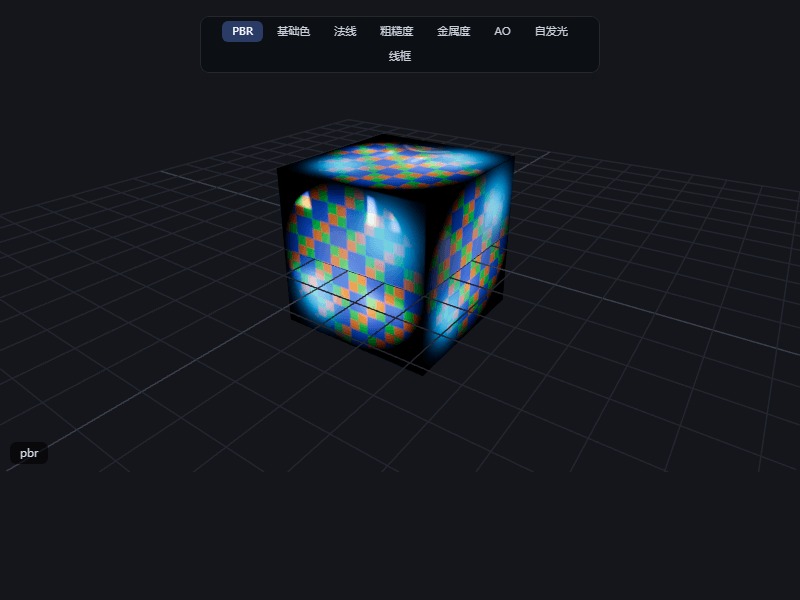
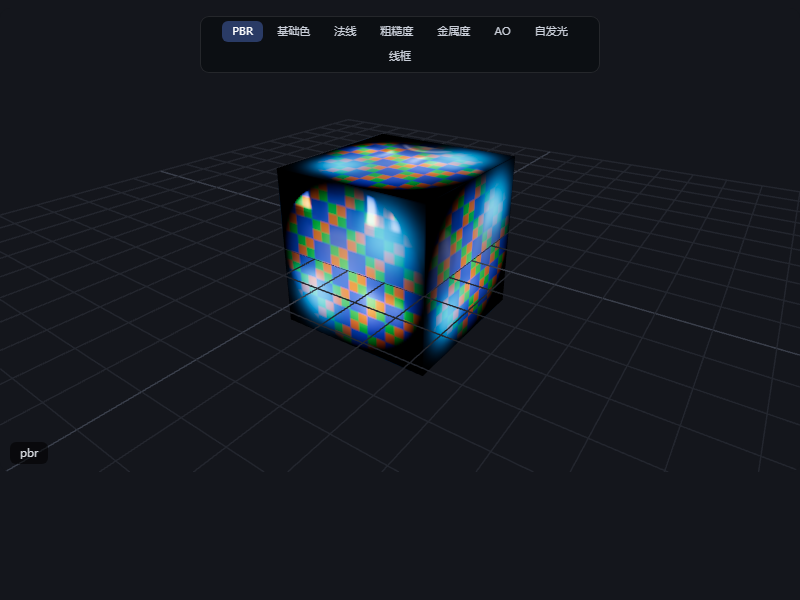
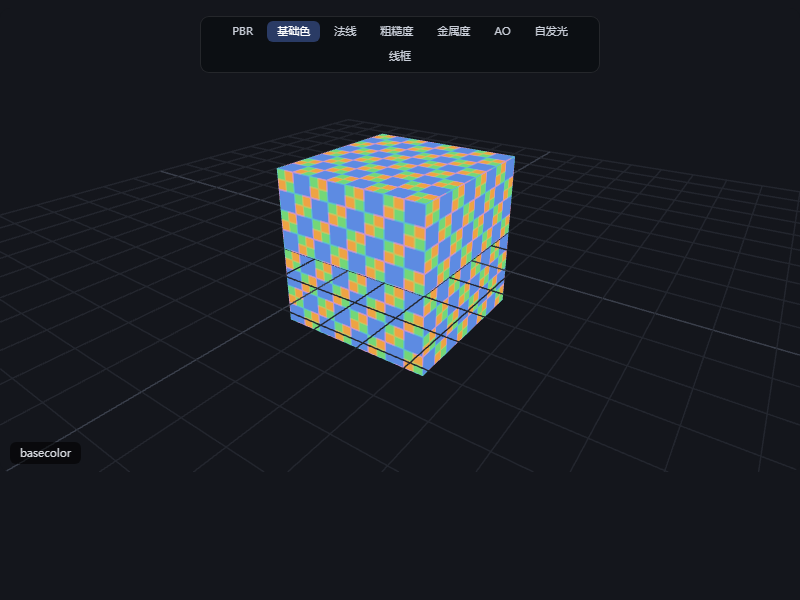
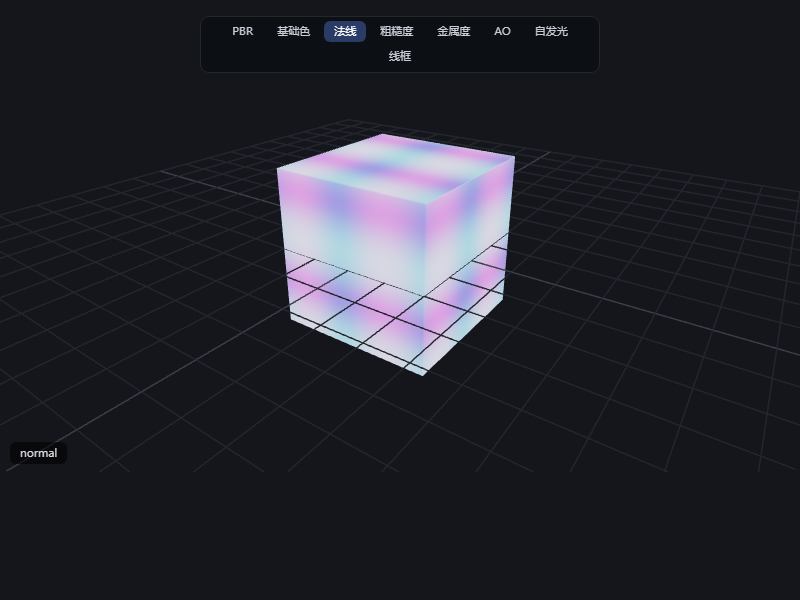
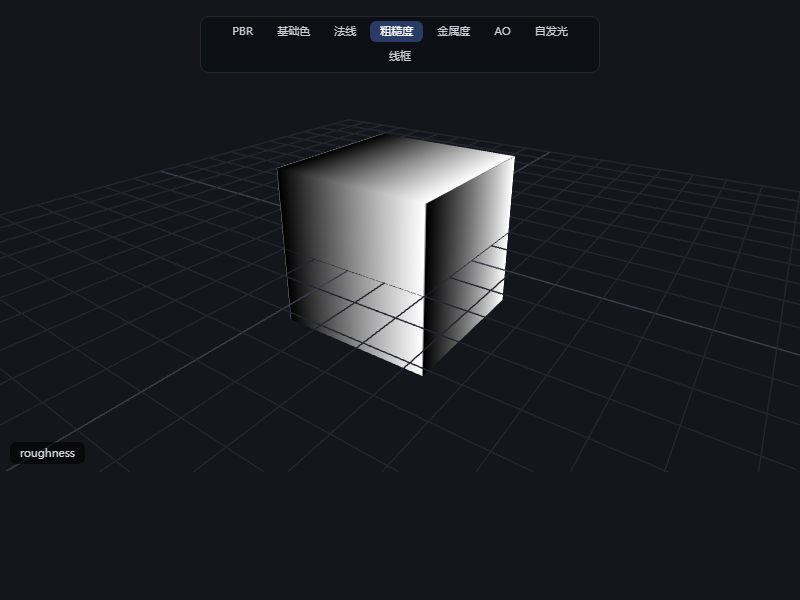
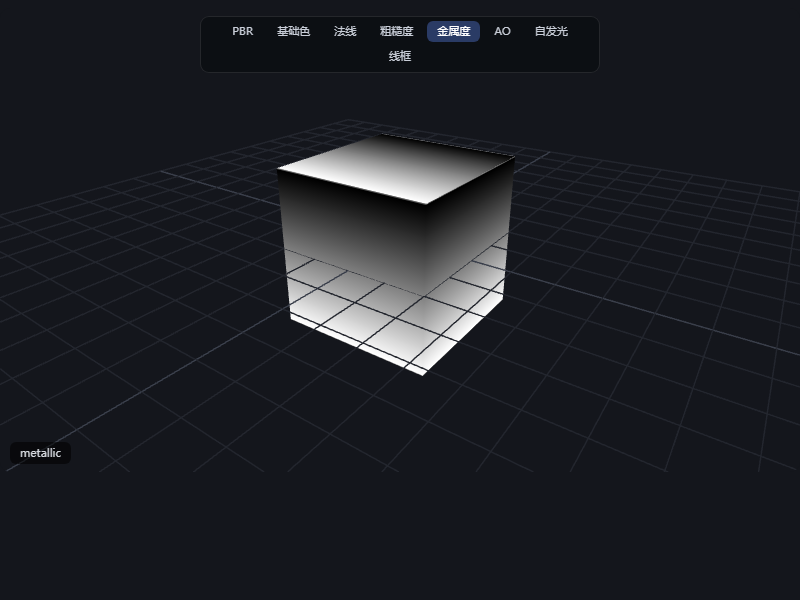
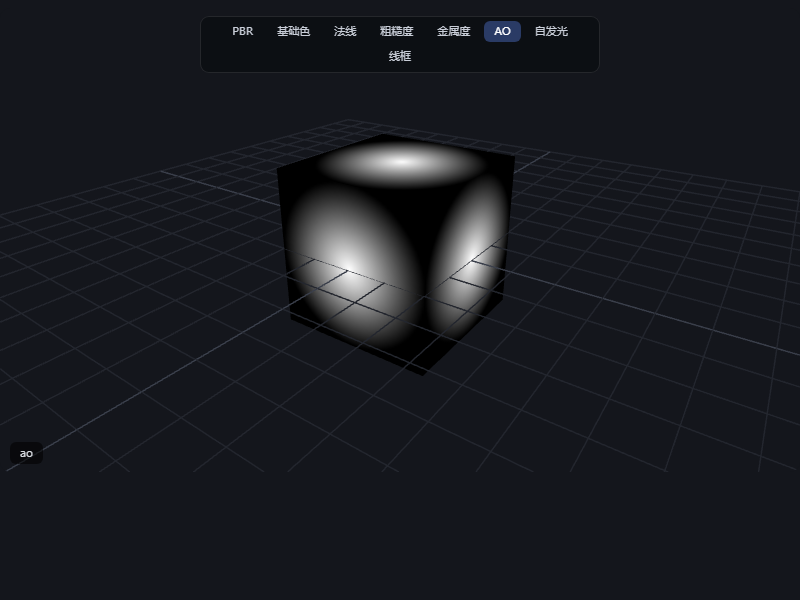
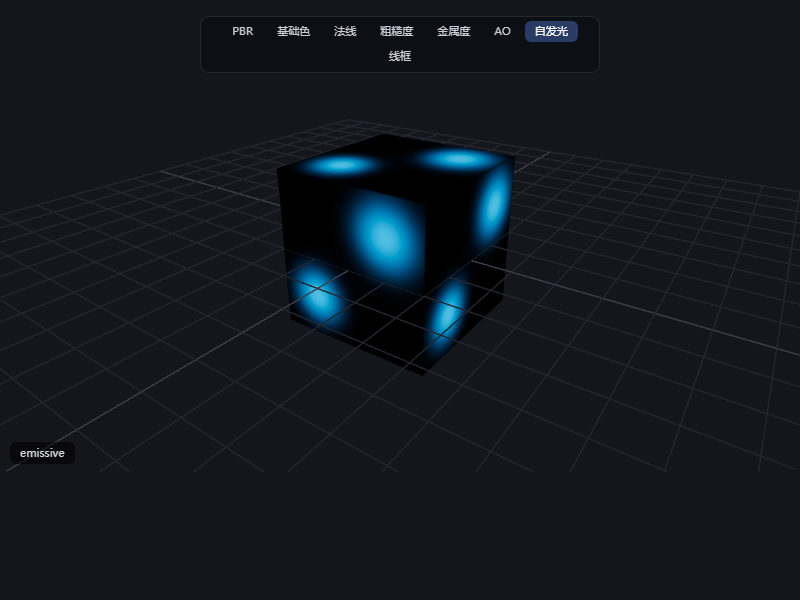
同一模型的材质通道检查(点击模式栏实时切换,以下为各模式渲染截图)。 Material-channel inspection of the same model (switch live via the mode bar; screenshots of each mode below).
| PBR(完整物理渲染 / Full PBR) | 基础色 / Base Color | 法线 / Normal |
|---|---|---|
 |
 |
 |
| 粗糙度(灰度)/ Roughness | 金属度(灰度)/ Metallic | AO(灰度)/ Ambient Occlusion |
|---|---|---|
 |
 |
 |
| 自发光 / Emissive | 线框 / Wireframe |
|---|---|
 |
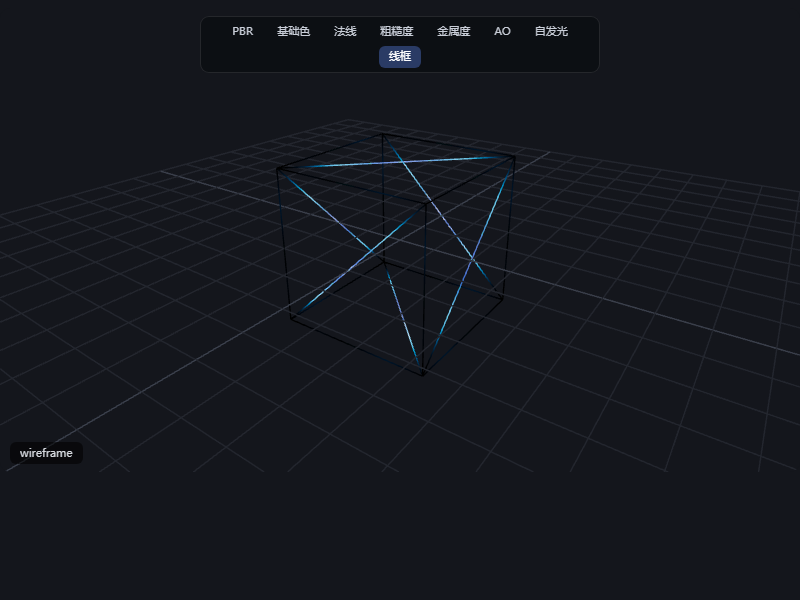 |
标量通道(粗糙度/金属度/AO)按 PBR 规范以灰度显示——正是游戏引擎(Unity/UE)读取的原始贴图通道数据。 Scalar channels (roughness/metallic/AO) are shown in grayscale per PBR convention — the raw texture-channel data game engines (Unity/UE) actually read.
✨ 特性 / Features
PBR 渲染 / PBR Rendering
- 金属/粗糙度/法线/自发光/AO 贴图自动加载(GLB 内嵌或 GLTF 兄弟文件)
- Metalness / roughness / normal / emissive / AO maps load automatically (embedded in GLB or as GLTF sibling files)
材质通道检查 / Material-Channel Inspection
- viewer 顶部模式栏一键切换 —— PBR / 基础色 / 法线 / 粗糙度 / 金属度 / AO / 自发光 / 线框
- One-click mode bar at the top of the viewer — PBR / base color / normal / roughness / metallic / AO / emissive / wireframe
真实 HDR 环境光 / Real HDR Environment Lighting
- 内置 5 种 CC0 HDR 环境图(Poly Haven 1K)——
studio棚拍 /sunset黄昏 /outdoor户外 /sunrise日出 /night夜晚,env字段切换,envBackground可显示为背景;未指定时回退程序化 RoomEnvironment。viewer 顶部有"环境"切换栏,预览时可直接点击换环境 - 5 built-in CC0 HDR environments (Poly Haven 1K) —
studio/sunset/outdoor/sunrise/night, switched via theenvfield, or shown as the background withenvBackground; falls back to a procedural RoomEnvironment when unset. An on-viewer "environment" bar lets you swap environments live
Showing the opening section of the README — the full document lives in the repository以上为 README 开头摘要,完整文档在仓库内 · View the full README on GitHub →在 GitHub 查看完整 README →
Related相关推荐
-
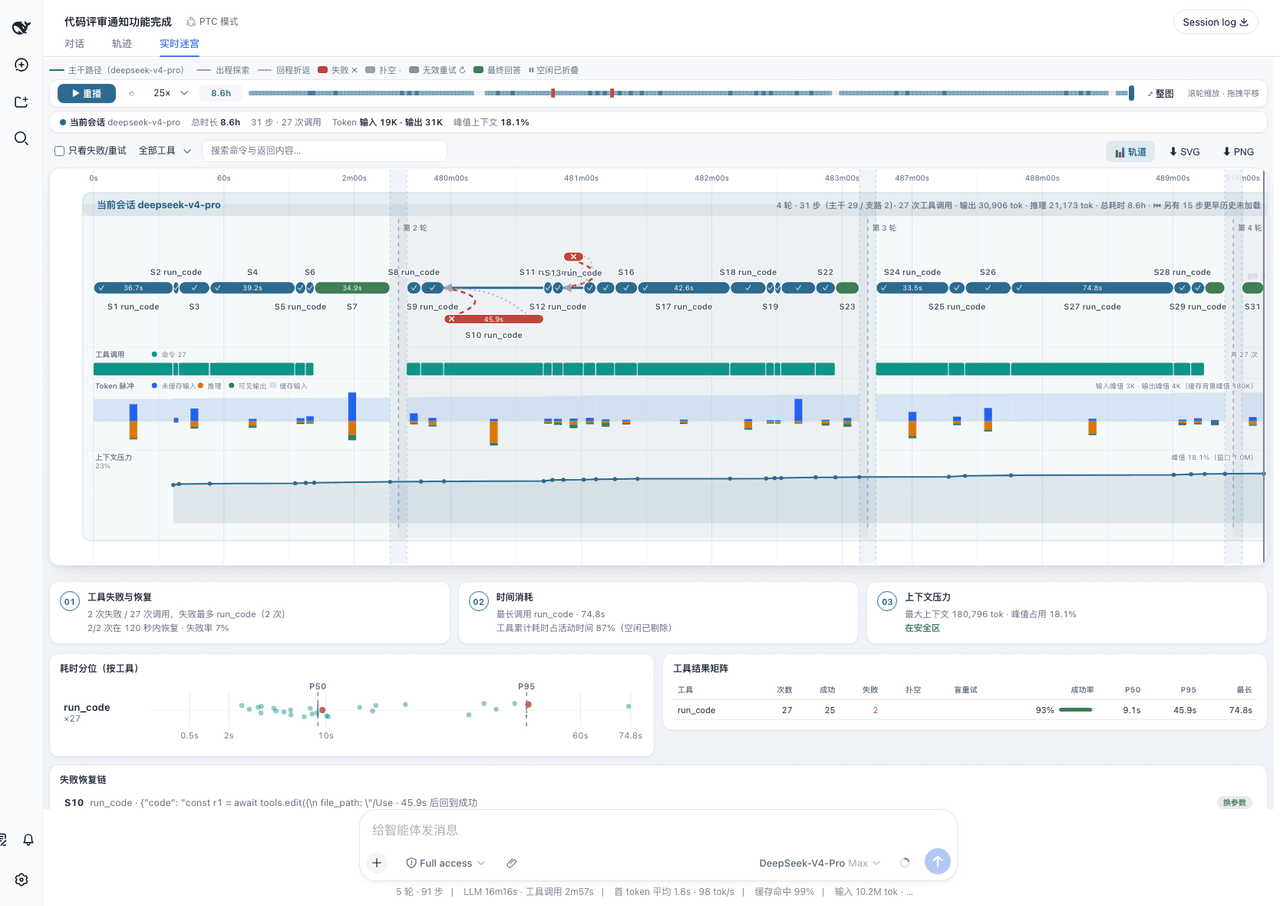 lamost423/dsh-maze
DeepSeek Harness 的执行迷宫——看 Agent 真实怎么干活:迷宫时间轴 · 数据轨道 · 确定性执行分析 · 多会话对比 | The execution maze for DSH agents: maze timeline…
lamost423/dsh-maze
DeepSeek Harness 的执行迷宫——看 Agent 真实怎么干活:迷宫时间轴 · 数据轨道 · 确定性执行分析 · 多会话对比 | The execution maze for DSH agents: maze timeline…
-
 Andersen216/dsh-whale-girl-live2d
🐋 鲸鱼娘桌宠 · Whale Girl Live2D —— DSH(DeepSeek Harness)Web 界面里的 Live2D 桌宠:跟着 agent 的真实状态换表情与动作,点一下就能直接跟 agent 说话,右键是钱包。A L…
Andersen216/dsh-whale-girl-live2d
🐋 鲸鱼娘桌宠 · Whale Girl Live2D —— DSH(DeepSeek Harness)Web 界面里的 Live2D 桌宠:跟着 agent 的真实状态换表情与动作,点一下就能直接跟 agent 说话,右键是钱包。A L…
- HuanLinOTO/dsh-plugin-pet-rs DSH 桌宠(Rust 版),5 态鲸鱼 + 双 SSE 实时推送 + 透明置顶窗 + 系统托盘,三端支持 | DSH desktop pet (Rust edition): 5-state whale + dual SSE real-ti…
-
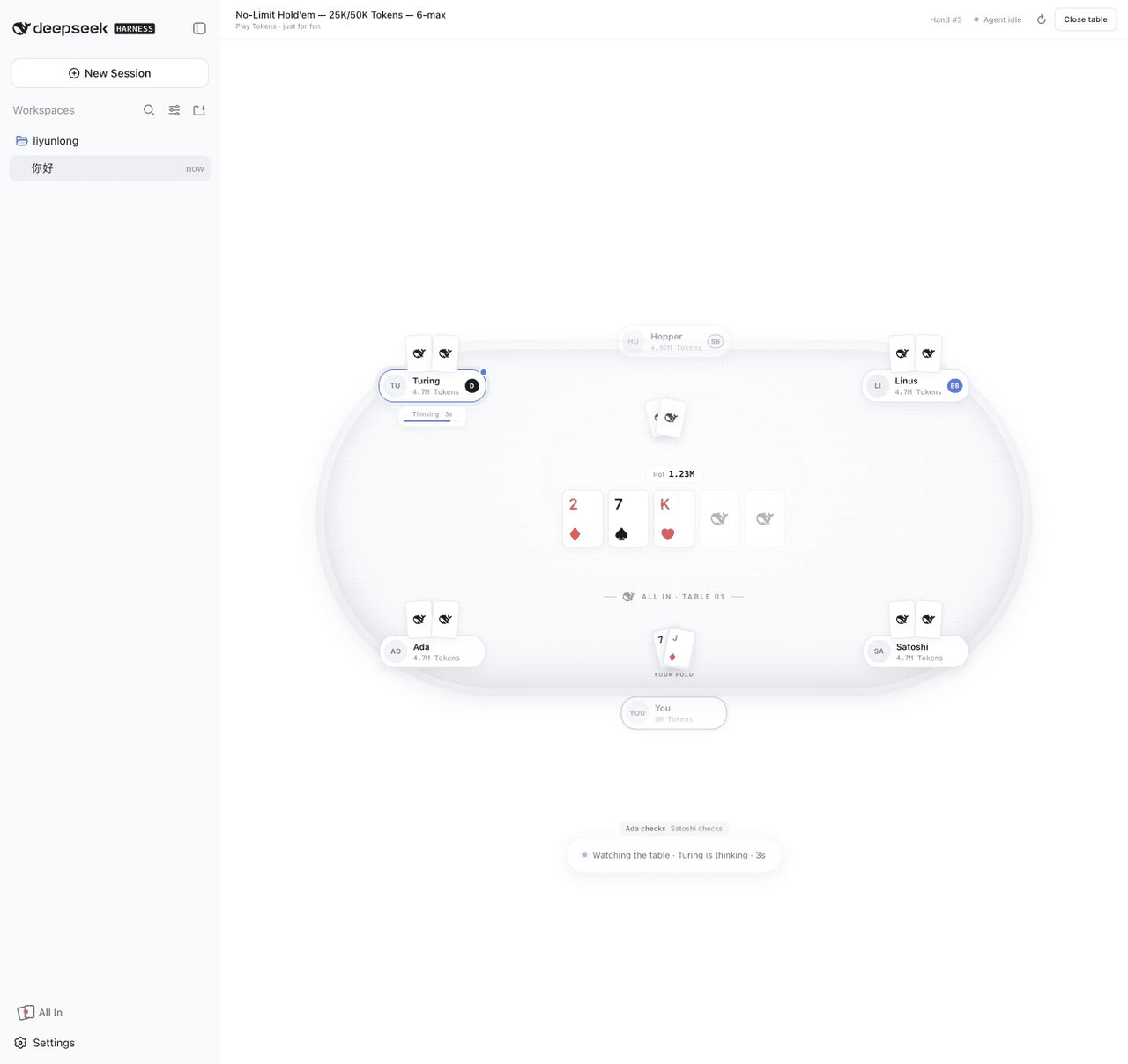 leeclouddragon/dsh-all-in
A local six-max Texas Hold'em plugin for DeepSeek Harness — play with Tokens while your agent thinks.
leeclouddragon/dsh-all-in
A local six-max Texas Hold'em plugin for DeepSeek Harness — play with Tokens while your agent thinks.
-
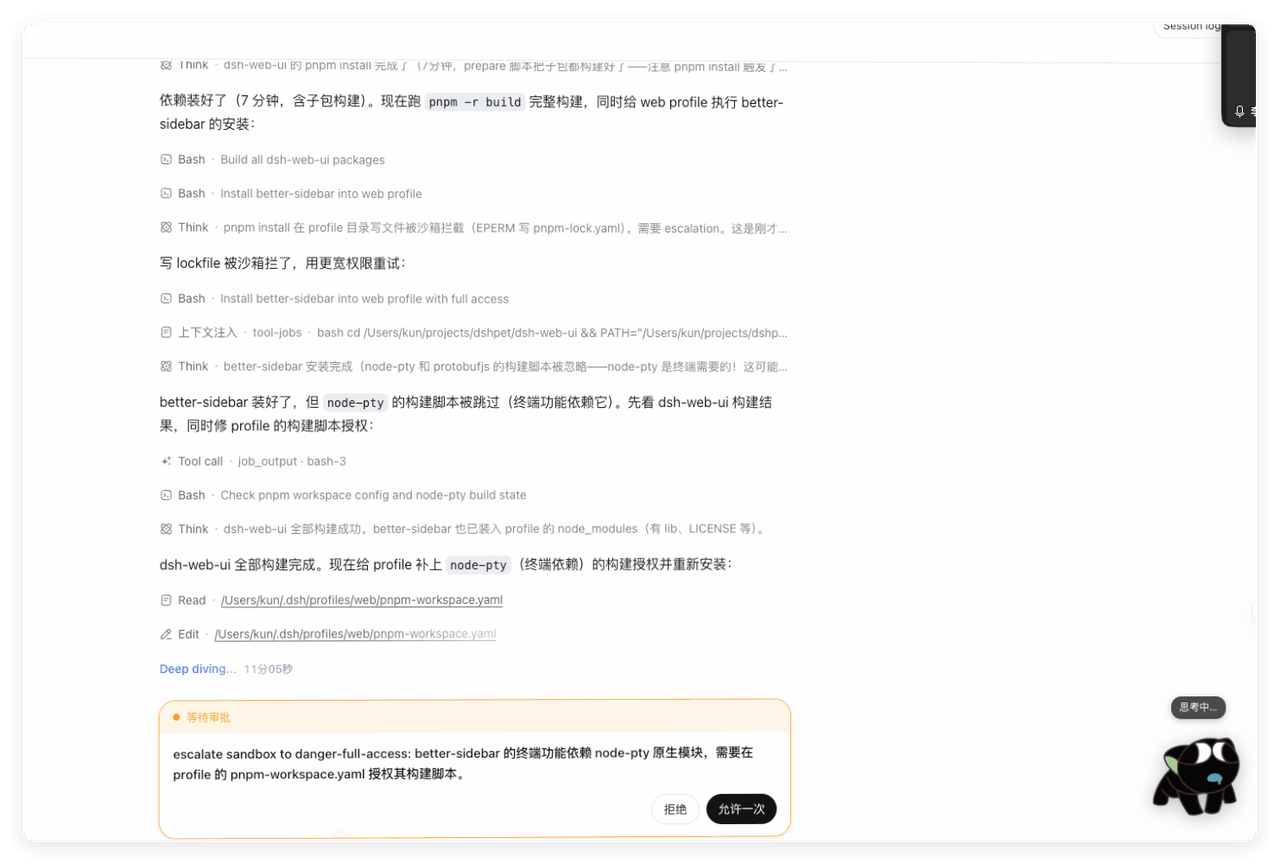 opensetk/dsh-xiaohei
dsh的罗小黑插件
opensetk/dsh-xiaohei
dsh的罗小黑插件
-
 anneheartrecord/dsh-desk-pet
macOS desk pet for DeepSeek Harness: a real always-on-top window that clears fullscreen Spaces, six states driven by you…
anneheartrecord/dsh-desk-pet
macOS desk pet for DeepSeek Harness: a real always-on-top window that clears fullscreen Spaces, six states driven by you…
-
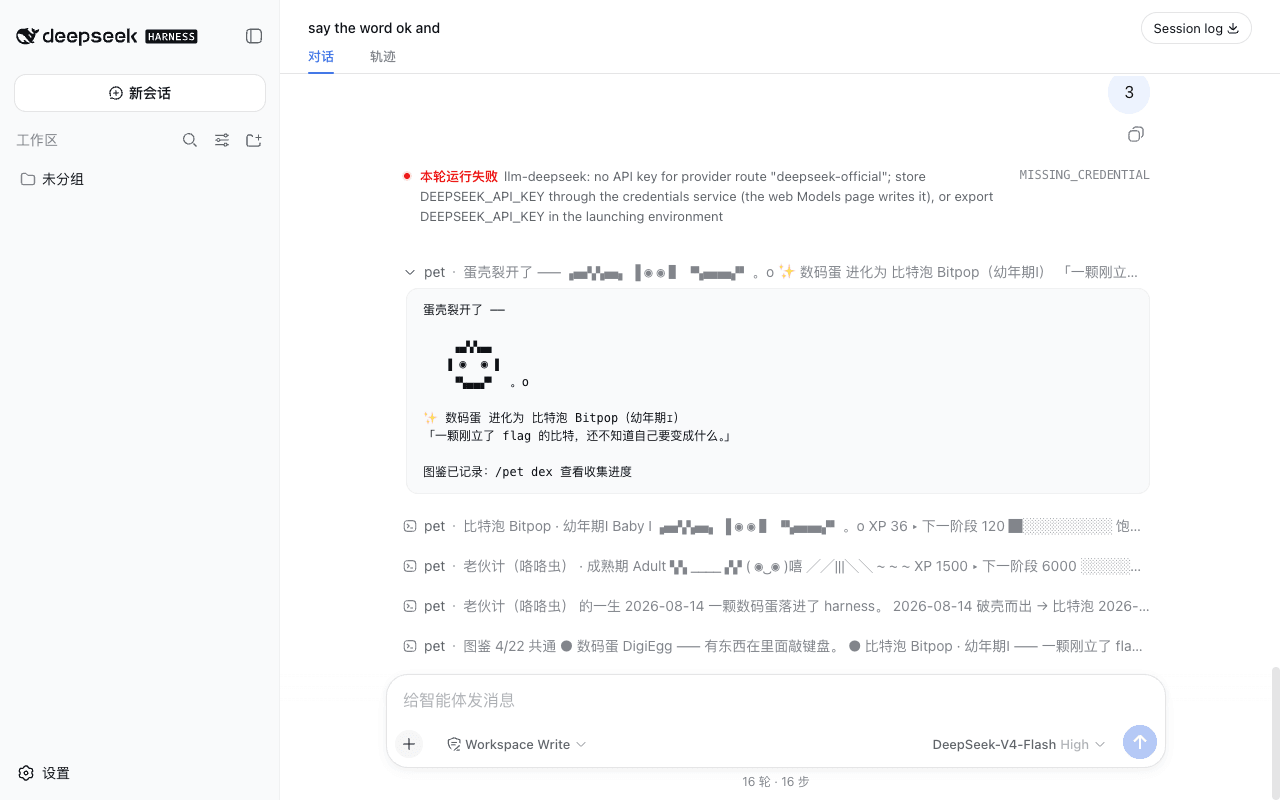 swaylq/dsh-digipet
在 DeepSeek Harness 里孵一只数码兽:吃你的真实工作长大,数码宝贝式分支进化,零 token、模型不知道它存在 | Digimon-style raising game for DSH — feeds on your rea…
swaylq/dsh-digipet
在 DeepSeek Harness 里孵一只数码兽:吃你的真实工作长大,数码宝贝式分支进化,零 token、模型不知道它存在 | Digimon-style raising game for DSH — feeds on your rea…
-
 DoloresCaritasAngelus/SeekMaid-pet
SeekMaid 女仆:基于 DeepSeek Harness 的 Windows 原生桌宠插件,自动监控 DSH 任务、授权、QA 并气泡提醒,支持零配置自动部署。
DoloresCaritasAngelus/SeekMaid-pet
SeekMaid 女仆:基于 DeepSeek Harness 的 Windows 原生桌宠插件,自动监控 DSH 任务、授权、QA 并气泡提醒,支持零配置自动部署。