dsh-cc/dsh-cc
A batteries-included coding agent for DeepSeek Harness — Claude Code-style workflows, your choice of models, TUI, skills, subagents, hooks, MCP, memory, and worktrees.
Project Overview项目介绍
dsh-cc is a collection of native DeepSeek Harness plugins that brings Claude Code-style development workflows to the open DSH runtime. It lets developers keep familiar project conventions and interaction patterns while using their preferred models, tools, and permission configurations. To get started, install DSH and the dsh-cc CLI globally via npm, then run the dsh-cc command to boot the preconfigured CC-oriented profile. It supports loading existing Claude Code project assets like .claude/agents, SKILL.md, and CLAUDE.md right out of the box, and provides model alias routing for flexible task-based model assignment.
This project is built for developers who want to retain the familiar workflow of Claude Code while running on the open, composable DeepSeek Harness runtime, with full control over model selection and deployment. After initial installation, you can choose to boot the preconfigured terminal or web profile, or manually add dsh-cc plugin bundles to your existing DSH profile. You can also install optional official plugins that add preconfigured subagent lanes and context-shunting hooks to reduce main context bloat. This makes it easy to adapt your existing CC-style projects to run on DSH without major changes.
dsh-cc requires DSH version 0.1.5-rc.1 or newer, which is satisfied by the default npm install of DSH as of the 2026 release. For local development, the project expects a sibling checkout of DeepSeek Harness and uses pnpm for dependency management and building. The project is released under the open-source Apache-2.0 license, and is still evolving alongside upstream DeepSeek Harness changes. Compatibility surfaces may change as DSH adds or modifies extension points, and a parity matrix is available to check which Claude Code features are implemented. Contributions, compatibility reports, and feature proposals are all welcome from the community.
dsh-cc 是为 DeepSeek Harness 打造的原生插件集合,目标是在 DSH 上实现 Claude Code 风格的开发工作流,让开发者在使用自定义模型、工具和权限配置的同时,沿用熟悉的项目约定和交互模式。它支持复用 Claude Code 风格的 .claude/agents、SKILL.md、CLAUDE.md 等项目资产,还提供路由别名让开发者灵活配置不同模型的分工。
适合希望在开源可扩展的 DSH 框架上保留 Claude Code 使用习惯,同时又想自行选择模型服务商和模型配置的开发者。安装完成后,开发者可以通过命令行启动预配置的 CC 风格终端或网页配置文件,也可以手动向现有 DSH 配置文件添加插件捆绑包。工作流中可以使用预配置的子代理分工、权限控制和延迟工具发现等功能。
该项目要求 DSH 版本不低于 0.1.5-rc.1,通过 npm 全局安装启动器即可使用,还可选择添加官方预配置的子代理和上下文分流插件。项目采用 Apache-2.0 许可证,仍在持续迭代中,兼容性可能随 DSH 上游更新调整,欢迎提交兼容性报告和贡献代码。
请帮我安装这个 DSH 插件。安装前先完成【兼容性检查 + 安全性检查】,检查通过再动手。

插件:dsh-cc(dsh-cc/dsh-cc)
仓库:https://github.com/dsh-cc/dsh-cc
本站详情页:https://www.yhbd.top/plugins/dsh-cc-dsh-cc/
本站登记:类型 client · 归类 原生 DSH 插件 · 许可证 Apache-2.0 · ⭐ 3 · 最近提交 2026-10-03 · 主语言 TypeScript · 未检测到 DSH 插件清单

按下面顺序执行,每步先把结论告诉我,再进入下一步:

【1 兼容性检查】
① 我这边:DSH 版本、Node 版本、操作系统、当前 profile(web / desktop)。
② 读它的 README、package.json、插件 manifest,列出它要求的 DSH 版本 / Node 版本 / 操作系统 / 外部依赖 / 需要另外先装的运行时。
③ 逐条比对,结论只写「满足 / 不满足 / 未知」三种;不满足的给出可行替代方案。
④ 检查是否和我已装的插件冲突:命令名重复、skill / tool 重名、端口占用、重复注册的 MCP server。

【2 安全性检查】
① 仓库可信度:和上面「本站登记」是否一致;star / fork 数、创建时间、最近提交,是否归档或长期停更。
② 安装脚本:逐行看 package.json 的 preinstall / install / postinstall,以及 install.sh、setup.ps1 之类脚本。出现 curl|bash、下载后直接执行、混淆代码、访问与插件功能无关的域名,立刻停下来告诉我,不要继续装。
③ 依赖:列出新增依赖,标出无人维护、或与知名包拼写近似的可疑包(typosquatting)。
④ 权限与副作用:它会读写哪些目录、访问哪些域名、需要哪些 DSH 权限(filesystem / network / shell / clipboard 等),以及怎么卸载和回滚。
⑤ 如果它要求 sudo / 管理员权限,或权限明显超出功能所需,先停下来问我。

【3 安装】
上面两步没有「不满足」和「高危项」时才执行;用官方推荐方式安装,不要自行提权。

【4 汇报】
用表格输出:检查项 / 结论 / 依据 / 是否需要我决策。拿不准的一律写「未知」并说明要我怎么确认——不要猜,也不要替我决定。
Send this message to DSH in your current session: it verifies compatibility and security first (answering met / not met / unknown item by item) and only installs once everything checks out — it will stop and ask you if it finds a high-risk item. The box scrolls; the copy is the full prompt. CLI install commands may not be accurate across systems, so DSH is the safer route.把上面这条消息直接发给当前会话里的 DSH:它会先核对兼容性与安全性(逐条给「满足 / 不满足 / 未知」),确认没问题再安装,有高危项会停下来问你。框内可滚动,复制到的是完整提示词;安装命令不一定准确,发给 DSH 更稳。
- Only 3 stars - very few users, little community feedback星标只有 3,几乎没人在用,遇到问题缺少社区反馈
- No DSH plugin manifest detected - it may only carry the dsh-plugin topic, so the install method must be confirmed on the spot未检测到 DSH 插件清单:可能只是打了 dsh-plugin 话题,安装方式要现场确认
DSH walks through these 9 checksDSH 会逐条核对这 9 项
Compatibility兼容性
- DSH, Node, OS and profile requirementsDSH 版本 / Node 版本 / 操作系统 / profile 是否满足要求
- External dependencies and runtimes (Electron / Python / Docker, ...)外部依赖与运行时(Electron / Python / Docker 等)是否齐备
- Conflicts with installed plugins: command names, skill / tool names, ports, duplicate MCP registration与已装插件是否冲突:命令名、skill / tool 重名、端口占用、重复 MCP 注册
Security安全性
- Repo matches the facts registered here; archived or abandoned?仓库是否与页面登记一致,是否归档或长期停更
- Safety of preinstall / install / postinstall and install.sh / setup.ps1preinstall / install / postinstall 与 install.sh、setup.ps1 是否安全
- curl|bash, download-then-execute, obfuscation, unrelated domains → stop immediatelycurl|bash、下载即执行、混淆代码、无关域名 → 立刻停止
- Typosquatting or unmaintained packages among the new dependencies新增依赖里有没有 typosquatting 或无人维护的包
- Requested permissions vs. what the feature actually needs申请了哪些权限、是否超出功能所需(filesystem / network / shell / clipboard)
- Any sudo / admin requirement, plus uninstall and rollback是否要求 sudo / 管理员权限,以及卸载与回滚方式
Anything uncertain must be marked unknown with a note on how to confirm it. This site's signal screen is a static snapshot, not a security audit.拿不准的必须标「未知」并说明要我怎么确认。本站的信号筛查是静态快照,不能替代安全审计。
Or use CLI install (for developers)或使用命令行安装(适合开发者)
CLI Install命令行安装
dsh plugin --profile tui add \把 dsh-cc/dsh-cc 加入你的 DSH 配置(web profile)即可启用。
READMEREADME
dsh-cc
English | 简体中文
Claude Code-style workflows. Your models. DeepSeek Harness.
dsh-cc turns DeepSeek Harness into a batteries-included coding environment for everyday development. Keep familiar project assets and interaction patterns while choosing the models, tools, permissions, and agent composition that fit your environment.
- Reuse familiar workflows:
.claude/agents,SKILL.md,CLAUDE.md, hooks, permissions, slash commands, and resumable sessions. - Bring your own model strategy: route aliases such as
sketch,draft,blueprint, andmasterplanto any provider/model pair supported by your dsh deployment. - Run a complete coding loop: TUI, MCP, memory, subagents, background tasks, worktrees, structured output, deferred tool discovery, reversible tool-output compression (
context-crusher+context_retrieve), and cost-gated compaction. - Stay composable: install the experience through native dsh profiles and plugins instead of maintaining a permanent DeepSeek Harness fork.
dsh-ccis not Claude Code and is not a wrapper around Claude Code. It implements familiar Claude Code-style workflows on the open, composable DeepSeek Harness runtime.
Quick start
Install DeepSeek Harness and the dsh-cc launcher, then start coding:
npm install -g @deepseek-ai/dsh @dsh-cc/cli
dsh-cc
dsh-cc requires dsh >= 0.2.0-rc.2; the default npm install -g @deepseek-ai/dsh currently satisfies this (as of 2026-09-29), and the launcher enforces the floor at bootstrap. This floor tracks the development line — per-release pairings are listed in the table below.
Already have dsh >= 0.2.0-rc.2? Install only the launcher:
npm install -g @dsh-cc/cli
dsh-cc
Upgrading
npm install -g @dsh-cc/cli@latest
dsh-cc
On the first launch after an upgrade, the launcher re-runs the profile's bundle install at the new version (recorded in ~/.dsh/profiles/tui/.dsh-cc-bootstrap.json), so the profile converges automatically — no manual step. A failed reconcile (e.g. network, or the fresh release still inside npm/pnpm's minimum-release-age window) warns and boots anyway, retrying on the next launch. Dev-synced profiles (via scripts/sync-local-profile.sh) are never reconciled by the launcher; they follow the dev-restore flow instead.
Showing the opening section of the README — the full document lives in the repository以上为 README 开头摘要,完整文档在仓库内 · View the full README on GitHub →在 GitHub 查看完整 README →
Related相关推荐
-
 ruvnet/ruflo
🌊 The original agent harness. Deploy intelligent multi-player swarms, coordinate autonomous workflows, and build conver…
ruvnet/ruflo
🌊 The original agent harness. Deploy intelligent multi-player swarms, coordinate autonomous workflows, and build conver…
-
 EverMind-AI/EverOS
One portable memory layer for every AI agent: local-first, Markdown-native, user-owned, and self-evolving across apps, t…
EverMind-AI/EverOS
One portable memory layer for every AI agent: local-first, Markdown-native, user-owned, and self-evolving across apps, t…
-
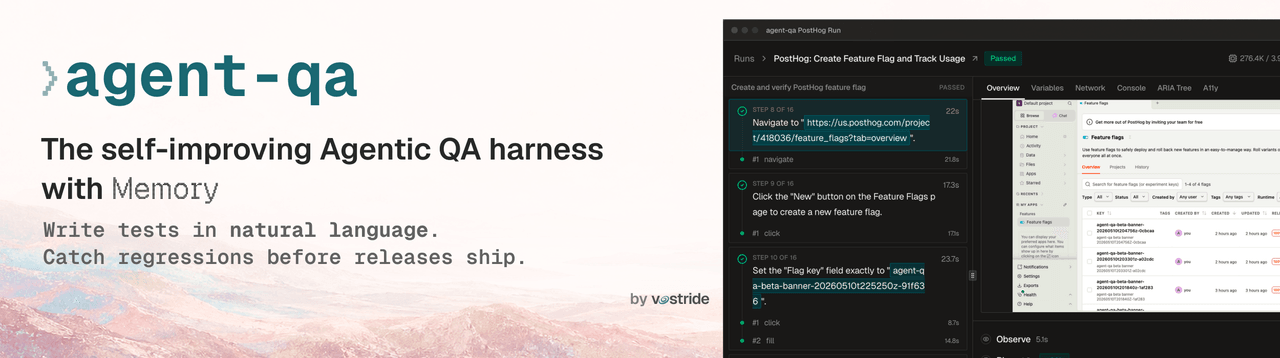 vostride/agent-qa
Open-source self-improving QA agent for software teams. A test harness with memory. Write tests in natural language for …
vostride/agent-qa
Open-source self-improving QA agent for software teams. A test harness with memory. Write tests in natural language for …
-
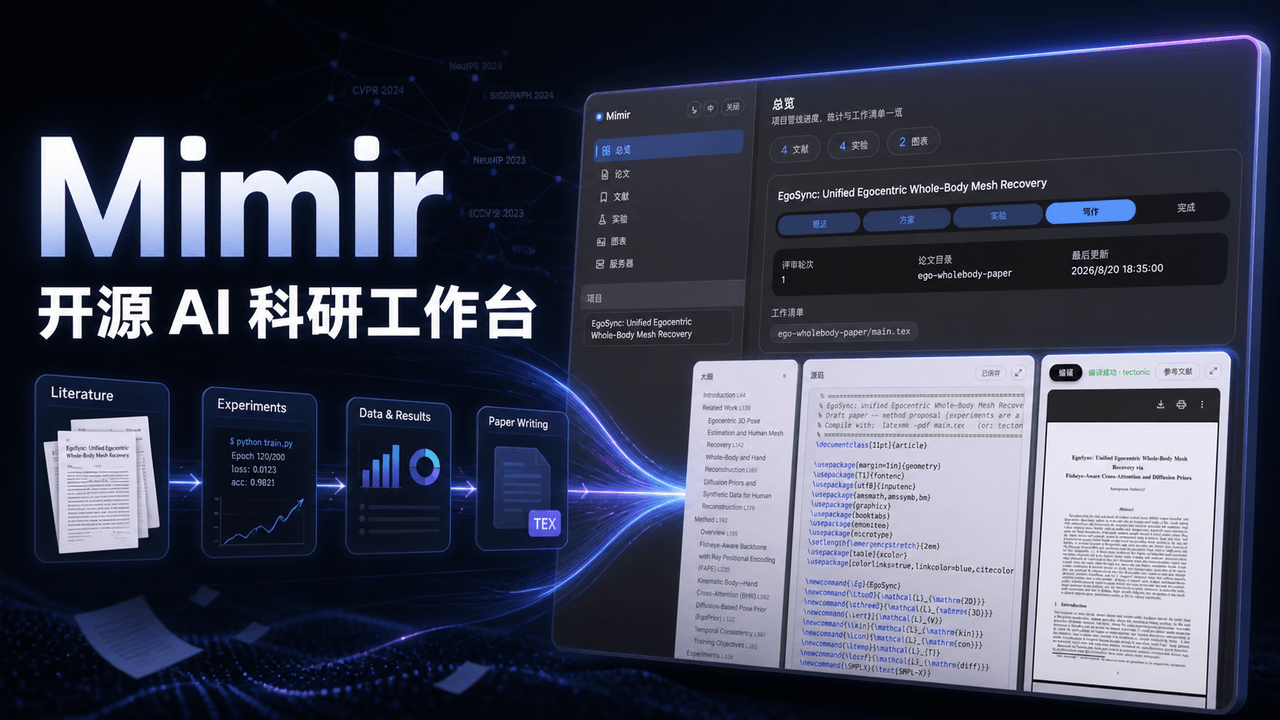 1692775560/dsh-Mimir-Academic-research
Mimir — 一站式科研工作台插件:LaTeX 论文边写边编译、arXiv 文献管理、实验追踪、指标图表、GPU 服务器 SSH 任务编排,管理科研全周期。An open-source research workbench plugin …
1692775560/dsh-Mimir-Academic-research
Mimir — 一站式科研工作台插件:LaTeX 论文边写边编译、arXiv 文献管理、实验追踪、指标图表、GPU 服务器 SSH 任务编排,管理科研全周期。An open-source research workbench plugin …
-
 text2future/flowix
Notes for you, Memory for your agents. / 内置 Deepseek harness Agent / 适用 办公 & 写作 & Coding
text2future/flowix
Notes for you, Memory for your agents. / 内置 Deepseek harness Agent / 适用 办公 & 写作 & Coding
-
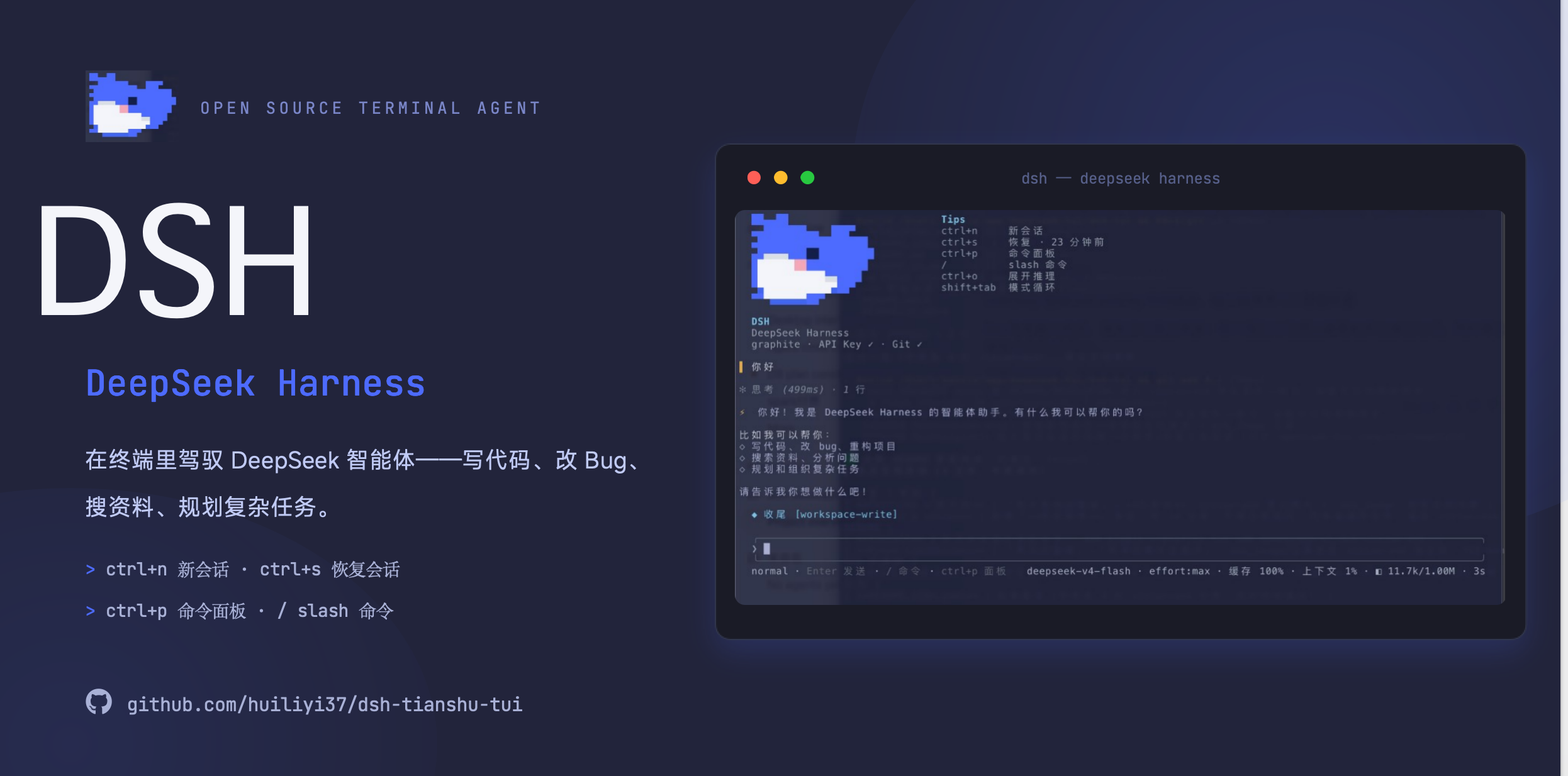 huiliyi37/dsh-tianshu-tui
官方 DeepSeek Harness 的交互式终端 UI 插件:自研 ANSI 极简交互渲染、流式 Markdown/工具卡、16+ 主题、slash 命令与选择器、输入历史与本地偏好持久化、LSP 诊断、memory记忆,很丝滑的开发体…
huiliyi37/dsh-tianshu-tui
官方 DeepSeek Harness 的交互式终端 UI 插件:自研 ANSI 极简交互渲染、流式 Markdown/工具卡、16+ 主题、slash 命令与选择器、输入历史与本地偏好持久化、LSP 诊断、memory记忆,很丝滑的开发体…
-
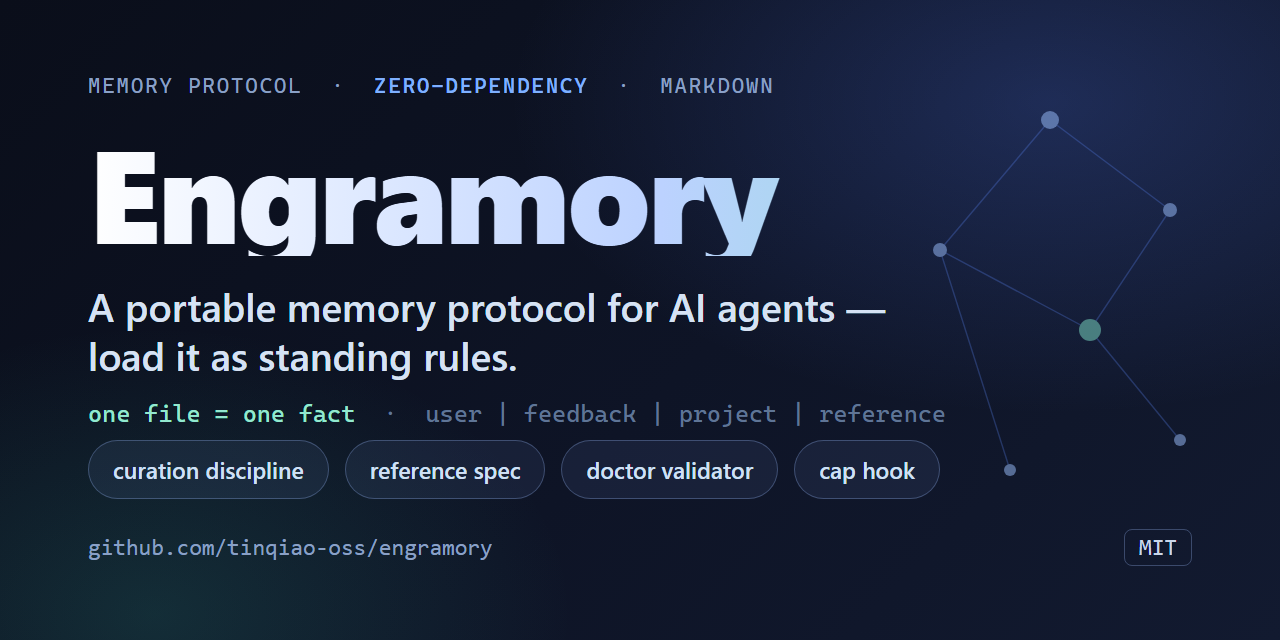 tinqiao-oss/engramory
A portable memory protocol for AI agents — load it as standing rules; a curation discipline + reference spec + optional …
tinqiao-oss/engramory
A portable memory protocol for AI agents — load it as standing rules; a curation discipline + reference spec + optional …
-
 a86582751/dsh-nexttavern
DeepSeek Harness 长篇角色扮演agent(DSH酒馆插件):SillyTavern 角色卡导入、行动选项卡、分支对话管理、长篇记忆、关键词与语义混合检索、交互式角色卡创作、世界书、多角色 Agent 集群、文风预设、小说与角…
a86582751/dsh-nexttavern
DeepSeek Harness 长篇角色扮演agent(DSH酒馆插件):SillyTavern 角色卡导入、行动选项卡、分支对话管理、长篇记忆、关键词与语义混合检索、交互式角色卡创作、世界书、多角色 Agent 集群、文风预设、小说与角…