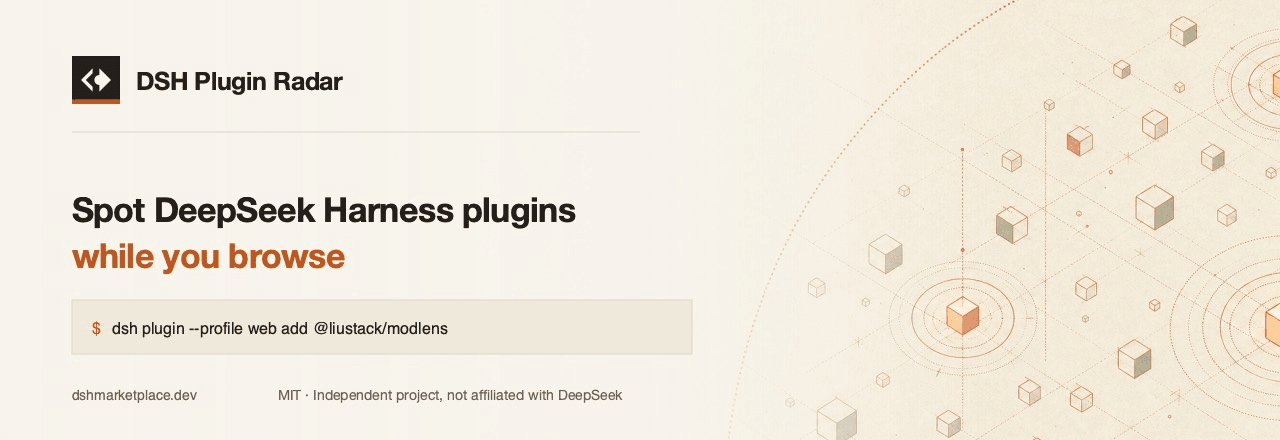
DshMarketPlace/dsh-plugin-radar
Userscript: marks DeepSeek Harness plugins on GitHub and npm, with the install command that actually works
项目介绍Project Overview
DSH Plugin Radar 是一款油猴用户脚本,在浏览 GitHub 与 npm 时识别 DeepSeek Harness 插件,展示分类、权限及可直接复制的 dsh plugin --profile ... add 安装命令,并对无法安装的 monorepo 插件如实标注。适合在逛仓库、搜索结果或 npm 包页时快速确认插件并获取正确命令。注意:命令来自 DSH Marketplace 目录,目录缺失或未收录的插件不会显示。
DSH Plugin Radar is a userscript that spots DeepSeek Harness plugins while you browse GitHub and npm. It marks catalogued repos, shows category and permissions, and provides a copy-ready dsh plugin --profile ... add command, flagging monorepo plugins that cannot be installed. Use it when reading repositories, search results, or npm pages to get a working install command. Commands come from the DSH Marketplace catalogue, so unlisted or missing entries are not shown.
请帮我了解并安装插件:【dsh-plugin-radar】【https://github.com/DshMarketPlace/dsh-plugin-radar】把上面这条消息直接发给当前会话里的 DSH,让它帮你了解并安装。安装命令不一定准确,发给 DSH 更稳。Send this message to DSH in your current session. CLI install commands may not be accurate across systems — DSH will figure it out for you.
或使用命令行安装(适合开发者)Or use CLI install (for developers)
命令行安装CLI Install
dsh plugin --profile web add github:DshMarketPlace/dsh-plugin-radar把 DshMarketPlace/dsh-plugin-radar 加入你的 DSH 配置(web profile)即可启用。
READMEREADME







English · 简体中文
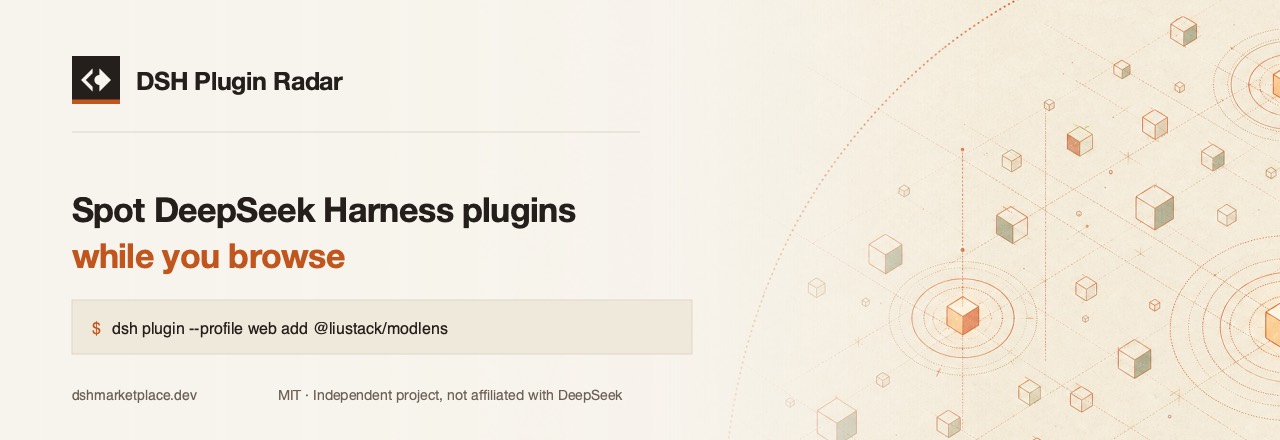
A userscript that marks DeepSeek Harness plugins while you browse GitHub and npm, and hands you the install command that actually works.
Why it exists
dsh plugin add is a thin forward to pnpm inside a profile directory, so
--profile is mandatory:
$ dsh plugin add some-plugin
error: required option '--profile <name>' not specified
Plenty of READMEs print the short form anyway. This script reads the command from the DSH Marketplace catalogue, where every listing carries the flag, and drops it on the page you are already looking at.
What it does
On a GitHub repository page — if the repo is a DSH plugin, a card goes at the top of the sidebar with its category, what it does, the install command with a copy button, and what the plugin can reach.
On any GitHub page listing repositories — topic pages, search results,
starred lists, a README that links to other repos — every link to a catalogued
plugin gets a small DSH mark. Hover it for the install command.
On an npm package page — if the package is a DSH plugin, the DSH command
appears above npm's own npm i, because npm i does not install a plugin into
the harness.
Monorepo plugins get told the truth. The obvious command does not work:
dsh plugin add forwards to pnpm, pnpm reads everything after # as a git ref,
and github:owner/repo#packages/thing fails with Could not resolve packages/thing to a commit. Rather than print a command that fails, the card
says so.
There is a form that resolves — pnpm splits the fragment on :: and treats a
path: part as a subdirectory, so github:owner/repo#path:packages/thing
installs, verified end to end. The catalogue does not publish it yet, so the
card does not either. When it does, this script gets it for free: the command
comes from the API, not from here.
Install
- Install a userscript manager — Tampermonkey, Violentmonkey or Userscripts for Safari.
- Install from Greasy Fork,
or open
dsh-plugin-radar.user.jsraw and your manager will offer to install it.
Running another profile
Commands are written against the web profile, which is the one a default DSH
install creates. If yours is named something else, set it once from the
userscript manager's menu — Set profile name — and every command on every
page is rewritten to match.
Privacy
Nothing about you is sent anywhere.
The script fetches one public file — https://dshmarketplace.dev/api/v1/index,
a list of plugin names — at most once every six hours, and does all matching in
your browser. The pages you visit are never transmitted. There is no account, no
tracking, no telemetry, and no third-party request beyond that one endpoint.
Cached data lives in your userscript manager's storage and can be cleared from its menu at any time.
The API it reads
Both endpoints are public, CORS-open and free to use.
| Endpoint | Purpose |
|---|---|
/api/v1/index |
Every listing, five columns, one request — example |
/api/v1/plugins?q= |
The full record for one plugin — example |
/api/v1/index returns positional rows to stay small — 375 KB for the current
3,417 plugins, 68 KB over the wire — and ships its column names with the
payload:
{
  "fields": ["fullName", "category", "install", "path", "npm"],
  "plugins": [
    ["liustack/modlens", "vision", "dsh plugin --profile web add @liustack/modlens", "/plugins/liustack-modlens", "@liustack/modlens"]
  ]
}
install is null when no command can install the plugin, path is null
when the listing has no page of its own yet, and npm is null when the plugin
publishes nowhere. None of them is ever a placeholder — a caller that runs
whatever is in install must not be handed a string that fails.
Building on it
There is no build step and no dependency. The script is one file you can read top to bottom, and it only ever touches the DOM by appending its own nodes.
Other ways into the same catalogue:
- Web — dshmarketplace.dev
- npm —
npx dshmarketplace-cli find memory - PyPI —
pip install dshmarketplace - Inside DSH —
dsh plugin --profile web add dshmarketplace-plugin
Contributing
Issues and pull requests are welcome. If a plugin is missing from the catalogue or its listing is wrong, that belongs on the marketplace repo or the submit form — the data lives there, not here.
Contact
- Community — LINUX DO
- Issues — GitHub Issues
Acknowledgements
- LINUX DO — where the DSH ecosystem is actually being discussed, and where this project is published and takes its feedback. Plugins whose authors posted them there carry a verified badge in the catalogue.
- awesome-dsh-plugin (CC0-1.0) — the community registry the catalogue is seeded from.
Licence
MIT. An independent project, not affiliated with DeepSeek.
相关推荐Related
-
 nexu-io/open-design
🎨 Best DeepSeek Harness Design Plugin. The open-source Claude Design alternative. 🖥️ Local-first desktop app. 🖼️ Your…
nexu-io/open-design
🎨 Best DeepSeek Harness Design Plugin. The open-source Claude Design alternative. 🖥️ Local-first desktop app. 🖼️ Your…
-
 freestylefly/awesome-gpt-image-2
Prompt as Code | GPT-Image2 工业级提示词引擎与模板库,530+ 个案例逆向工程,20+ 套工业级模板,并提炼出Skills,持续更新中
freestylefly/awesome-gpt-image-2
Prompt as Code | GPT-Image2 工业级提示词引擎与模板库,530+ 个案例逆向工程,20+ 套工业级模板,并提炼出Skills,持续更新中
-
 anywhere-labs/dsh-desktop
为 DeepSeek Harness (DSH) 插件生态打造的现代化桌面端解决方案。万物皆「插件」,桌面本身也是「插件」。
anywhere-labs/dsh-desktop
为 DeepSeek Harness (DSH) 插件生态打造的现代化桌面端解决方案。万物皆「插件」,桌面本身也是「插件」。
- Nagi-ovo/voyager Enhancement suite for Gemini, AI Studio, Claude & ChatGPT — plus a prompt manager for any web UI, DeepSeek Harness inclu…
-
 walkinglabs/learn-harness-engineering
Harness engineering beginner tutorial, from 0 to 1
walkinglabs/learn-harness-engineering
Harness engineering beginner tutorial, from 0 to 1
-
 awesome-dsh-plugin/awesome-dsh-plugin
A curated list of plugins for DeepSeek Harness (dsh) · DeepSeek Harness 插件精选列表
awesome-dsh-plugin/awesome-dsh-plugin
A curated list of plugins for DeepSeek Harness (dsh) · DeepSeek Harness 插件精选列表
-
 MemTensor/MemOS
Self-evolving memory OS for LLM & AI Agents: ultra-persistent memory, hybrid-retrieval, and cross-task skill reuse, with…
MemTensor/MemOS
Self-evolving memory OS for LLM & AI Agents: ultra-persistent memory, hybrid-retrieval, and cross-task skill reuse, with…
- yjh051108/dsh-routing-suite dsh-routing-suite — injector + router-standard kit: install the runtime injector first, then the task-aware reasoning-mo…