fan56/dsh-topics-memory
Topic memory for LLM agents — edited, not accumulated: a topic keeps the starting question, conclusion, impact and dependencies; process is not memory. OKF bundle for dsh, local-first, git-traceable, budgeted LLM-free injection.
Project Overview项目介绍
dsh-topics-memory is a DSH-native plugin built specifically for the dsh 0.1.7-rc.1 and stable release line — the README explicitly states the alpha line is no longer supported, and CI and releases resolve the newest of the latest/next dist-tags at runtime. It maintains a structured "working topic memory" as an Open Knowledge Format v0.2 knowledge bundle, with each Topic persisted as a markdown + YAML frontmatter document (type: Topic) carrying name, dependencies, open questions, current conclusion, impact, and recommendations. Storage is local-first in a git repository at ~/.dsh/topics/ by default, and a repo setting enables write-through synchronization to a single private GitHub repository on main.
The runtime flow uses a two-stage observer: the main model jots atomic observations via topic_observe during a session, while a background distill lane (fired at session end and every N turns, where N is model-configurable) batches those observations into formal Topics, optionally with the model calling topic_save directly when it deems something worth keeping. Every conclusion change produces exactly one git commit, and the topic_history tool plus /topics history make that history first-class. Each turn also writes an Injection Log capturing hits, scores, near-misses, and budget usage; /topics stats reports hit rate, top-N, near-miss distribution, and tuning suggestions. Retrieval is lexical (CJK bigrams plus words plus weighted tags plus a depends graph walk) with millisecond-scale latency, walks the dependency graph in both directions with per-level decay, and rebuilds meta/backlinks.json as a reverse index on every write so a user can check blast radius before editing a conclusion.
Dependencies and limits are tight: zero credentials and zero configuration in the default local-only mode; remote mode is single repo, single bundle, single main, with debounced write-through push and human-flagged rebase conflicts (no automatic smart-merge). Injection defaults are per-topic digest ≤300 tokens, Top-K ≤4, total budget ≤1.5k tokens, all configurable, and zero lexical matches mean zero injection with no LLM call on the hot path. Exit is local-only: the plugin's disposer makes one local git commit of meta sidecars and never waits on the network, model calls, or distill (a 10s guard remains only against a pathological git stall). Observation GC deletes raw data after three failed consumed attempts, with infrastructure failures and unparseable output exempt, and deletions stay git-traceable. The bundle manifest ships with this repository; the project is MIT-licensed.
dsh-topics-memory 是一款 DSH 原生插件,仅面向 dsh 0.1.7-rc.1 及以上版本(CI 与发布在运行时解析 latest/next dist-tag 中的最新版),不再支持 alpha 线。它以 OKF(Open Knowledge Format v0.2)知识束的形式维护"工作主题记忆",按 markdown + YAML frontmatter(type: Topic)组织,每条主题记录包含名称、依赖、未决问题、当前结论、影响面与建议,存放在本地 git 仓库(默认 ~/.dsh/topics/),可配置为同步至单一私有 GitHub 仓库。
工作流采用两阶段观察机制:主模型在会话中通过 topic_observe 写入原子观察,背景蒸馏通道在会话结束或每 N 轮(模型可配)时批量蒸馏为正式 Topic,必要时直接 topic_save。每条结论变更即一次 git 提交,topic_history 工具与 /topics history 令变更史成为一等公民;每次注入同时写入 Injection Log(命中、得分、近失分、预算占用),/topics stats 据此给出命中率、调优建议;depends 字段与 [[wikilinks]]/markdown 链接共同构成可双向游走的知识图谱,meta/backlinks.json 提供反向索引,变更前可先查爆炸半径。
依赖与限制:本地优先、零凭证零配置;GitHub 同步为单仓库单束单 main 的写穿+去抖推送,rebase 冲突降级并由人工处理,无自动合并。注入预算默认为单主题摘要 ≤300 token、Top-K ≤4、合计 ≤1.5k token,全程不调用 LLM(基于 CJK bigram+词+加权标签+依赖图游走的毫秒级词法匹配,零命中即零注入)。退出时 disposr 仅做一次本地 git 提交,不等待网络与蒸馏;观察 GC 实行三次失败即物理删除(写入仍 git 可溯),跳过条件已记录在 meta/distill-state.json。许可证 MIT。
请帮我安装这个 DSH 插件。安装前先完成【兼容性检查 + 安全性检查】,检查通过再动手。

插件:dsh-topics-memory(fan56/dsh-topics-memory)
仓库:https://github.com/fan56/dsh-topics-memory
本站详情页:https://www.yhbd.top/plugins/fan56-dsh-topics-memory/
本站登记:类型 bundle · 归类 原生 DSH 插件 · 许可证未声明 · ⭐ 4 · 最近提交 2026-09-29 · 主语言 TypeScript

按下面顺序执行,每步先把结论告诉我,再进入下一步:

【1 兼容性检查】
① 我这边:DSH 版本、Node 版本、操作系统、当前 profile(web / desktop)。
② 读它的 README、package.json、插件 manifest,列出它要求的 DSH 版本 / Node 版本 / 操作系统 / 外部依赖 / 需要另外先装的运行时。
③ 逐条比对,结论只写「满足 / 不满足 / 未知」三种;不满足的给出可行替代方案。
④ 检查是否和我已装的插件冲突:命令名重复、skill / tool 重名、端口占用、重复注册的 MCP server。

【2 安全性检查】
① 仓库可信度:和上面「本站登记」是否一致;star / fork 数、创建时间、最近提交,是否归档或长期停更。
② 安装脚本:逐行看 package.json 的 preinstall / install / postinstall,以及 install.sh、setup.ps1 之类脚本。出现 curl|bash、下载后直接执行、混淆代码、访问与插件功能无关的域名,立刻停下来告诉我,不要继续装。
③ 依赖:列出新增依赖,标出无人维护、或与知名包拼写近似的可疑包(typosquatting)。
④ 权限与副作用:它会读写哪些目录、访问哪些域名、需要哪些 DSH 权限(filesystem / network / shell / clipboard 等),以及怎么卸载和回滚。
⑤ 如果它要求 sudo / 管理员权限,或权限明显超出功能所需,先停下来问我。

【3 安装】
上面两步没有「不满足」和「高危项」时才执行;用官方推荐方式安装,不要自行提权。

【4 汇报】
用表格输出:检查项 / 结论 / 依据 / 是否需要我决策。拿不准的一律写「未知」并说明要我怎么确认——不要猜,也不要替我决定。
Send this message to DSH in your current session: it verifies compatibility and security first (answering met / not met / unknown item by item) and only installs once everything checks out — it will stop and ask you if it finds a high-risk item. The box scrolls; the copy is the full prompt. CLI install commands may not be accurate across systems, so DSH is the safer route.把上面这条消息直接发给当前会话里的 DSH:它会先核对兼容性与安全性(逐条给「满足 / 不满足 / 未知」),确认没问题再安装,有高危项会停下来问你。框内可滚动,复制到的是完整提示词;安装命令不一定准确,发给 DSH 更稳。
- No license declared - all rights reserved by default; ask the author before commercial use or redistribution未声明开源许可证 —— 默认「保留所有权利」,商用或再分发前先问作者
- Only 4 stars - very few users, little community feedback星标只有 4,几乎没人在用,遇到问题缺少社区反馈
DSH walks through these 9 checksDSH 会逐条核对这 9 项
Compatibility兼容性
- DSH, Node, OS and profile requirementsDSH 版本 / Node 版本 / 操作系统 / profile 是否满足要求
- External dependencies and runtimes (Electron / Python / Docker, ...)外部依赖与运行时(Electron / Python / Docker 等)是否齐备
- Conflicts with installed plugins: command names, skill / tool names, ports, duplicate MCP registration与已装插件是否冲突:命令名、skill / tool 重名、端口占用、重复 MCP 注册
Security安全性
- Repo matches the facts registered here; archived or abandoned?仓库是否与页面登记一致,是否归档或长期停更
- Safety of preinstall / install / postinstall and install.sh / setup.ps1preinstall / install / postinstall 与 install.sh、setup.ps1 是否安全
- curl|bash, download-then-execute, obfuscation, unrelated domains → stop immediatelycurl|bash、下载即执行、混淆代码、无关域名 → 立刻停止
- Typosquatting or unmaintained packages among the new dependencies新增依赖里有没有 typosquatting 或无人维护的包
- Requested permissions vs. what the feature actually needs申请了哪些权限、是否超出功能所需(filesystem / network / shell / clipboard)
- Any sudo / admin requirement, plus uninstall and rollback是否要求 sudo / 管理员权限,以及卸载与回滚方式
Anything uncertain must be marked unknown with a note on how to confirm it. This site's signal screen is a static snapshot, not a security audit.拿不准的必须标「未知」并说明要我怎么确认。本站的信号筛查是静态快照,不能替代安全审计。
Or use CLI install (for developers)或使用命令行安装(适合开发者)
CLI Install命令行安装
dsh plugin --profile web add @aiwayds/dsh-topics-memory把 fan56/dsh-topics-memory 加入你的 DSH 配置(web profile)即可启用。
READMEREADME
dsh-topics-memory
English | 中文
A dsh plugin: maintains "working topic memory" as an OKF (Open Knowledge Format v0.2) knowledge bundle, persisted in a local git repository (optionally synced to a private GitHub repo), with conclusions traceable through git history, sessions automatically observed and distilled into knowledge, and relevant topics injected to the model before every turn.
Requires dsh >= 0.2.0-rc.2 — this plugin targets the dsh RC/stable line only (CI and releases resolve the newest of the
latest/nextdist-tags at runtime). The alpha line is no longer supported.
Demo
The full flow in about four minutes: topics captured, distilled, and injected in a real session.
https://github.com/user-attachments/assets/8c06cc98-b1ed-402b-9110-4f9a93eb15bc
The problem it solves
Long sessions forget. Cross-session, even more so. This plugin maintains structured topic memory: each Topic records a matter's name, dependencies, open questions, current conclusion, impact, and recommendations. When a conclusion changes, edit the file and commit — git log directly answers "when, by whom, and why did this conclusion change".
Why this plugin exists: memory is edited, not accumulated
The short version: more memory is not better memory.
Most memory tools assume accumulation — record everything, retrieve broadly. That may work for humans; for LLMs it backfires twice over. Model attention is a finite resource, so a giant memory bank means every turn is spent digging for signal in noise. Worse, process memories hoard intermediate judgments that were right once and wrong later — and they will confidently steer the model into bad decisions.
So this plugin takes a hard editorial line on what deserves to be remembered: a topic records exactly four things — the question that started it, the conclusion it reached, what it impacts, and what it depends on. Everything in between — the discussion, the dead ends, the wrong turns — is deliberately not memory. Process belongs to the session; when the session ends, it goes. Only conclusions that survive distillation make it into the bundle.
Showing the opening section of the README — the full document lives in the repository以上为 README 开头摘要,完整文档在仓库内 · View the full README on GitHub →在 GitHub 查看完整 README →
Related相关推荐
-
 ruvnet/ruflo
🌊 The original agent harness. Deploy intelligent multi-player swarms, coordinate autonomous workflows, and build conver…
ruvnet/ruflo
🌊 The original agent harness. Deploy intelligent multi-player swarms, coordinate autonomous workflows, and build conver…
-
 mnemon-dev/mnemon
LLM-supervised persistent memory for AI agents — graph-based recall, cross-session knowledge, single binary. Works with …
mnemon-dev/mnemon
LLM-supervised persistent memory for AI agents — graph-based recall, cross-session knowledge, single binary. Works with …
-
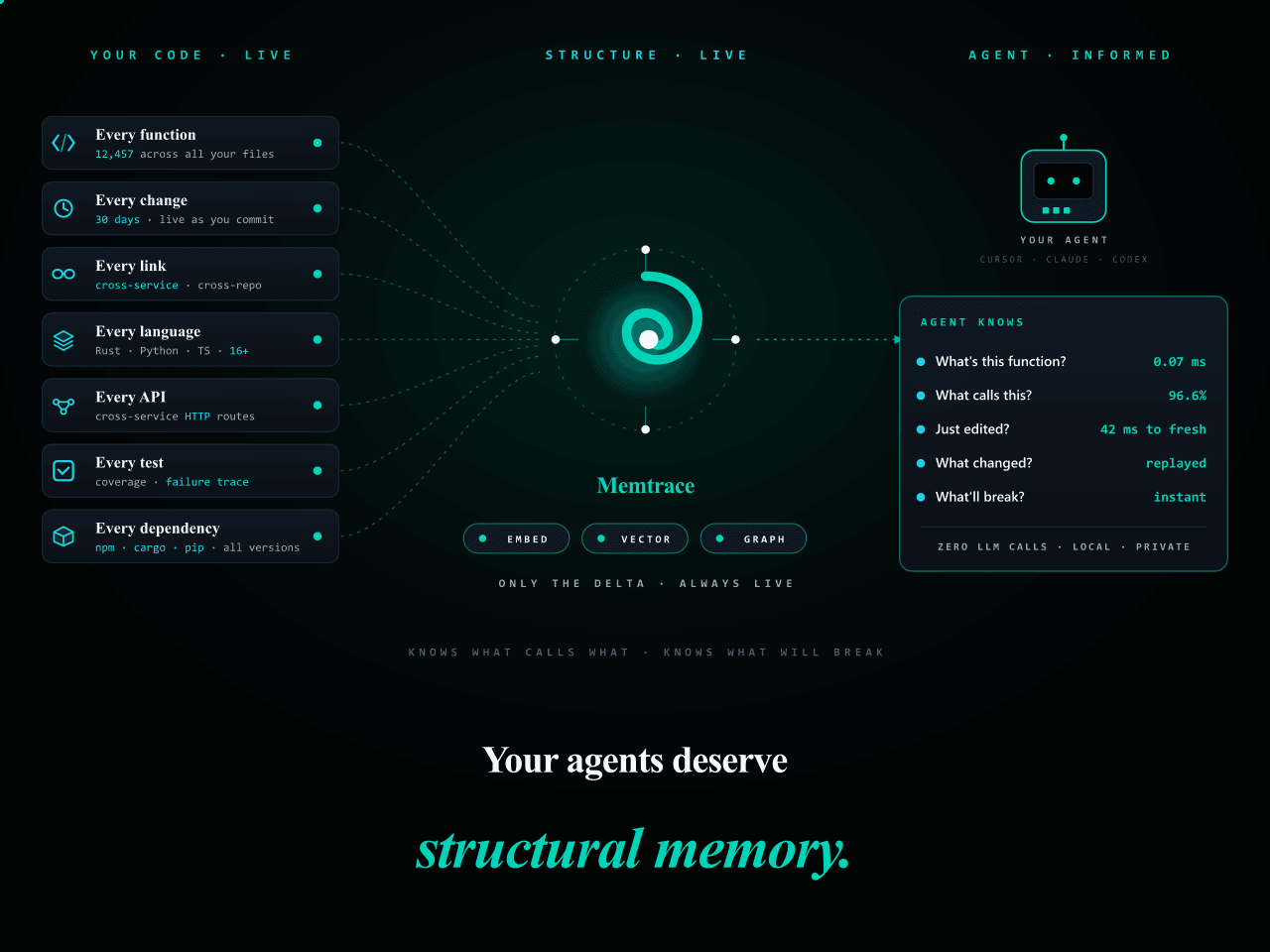 syncable-dev/memtrace-public
Structural memory for AI coding agents. Bi-temporal graph, MCP-native, zero LLM calls. Cursor · Claude Code · Codex · De…
syncable-dev/memtrace-public
Structural memory for AI coding agents. Bi-temporal graph, MCP-native, zero LLM calls. Cursor · Claude Code · Codex · De…
-
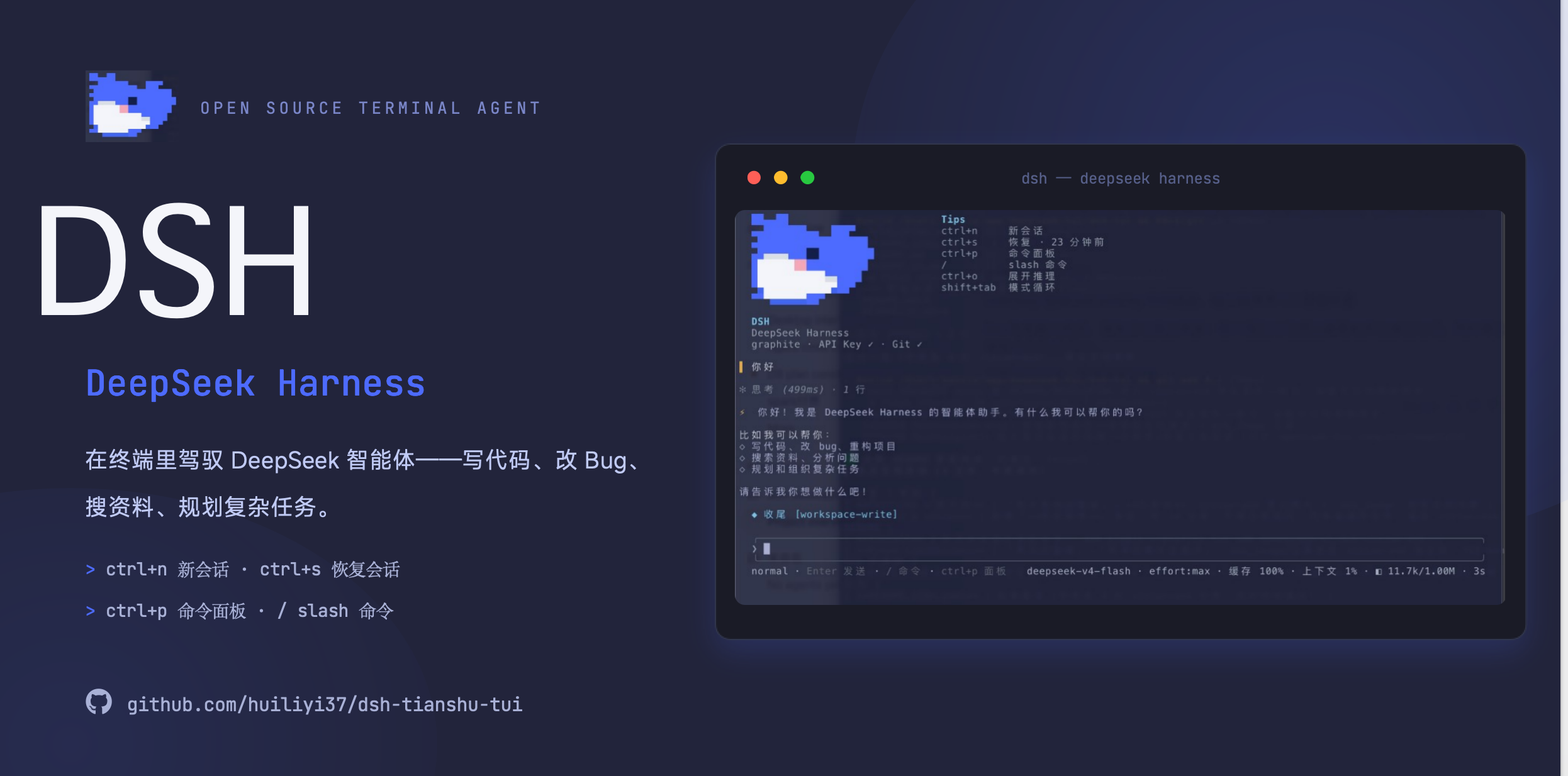 huiliyi37/dsh-tianshu-tui
官方 DeepSeek Harness 的交互式终端 UI 插件:自研 ANSI 极简交互渲染、流式 Markdown/工具卡、16+ 主题、slash 命令与选择器、输入历史与本地偏好持久化、LSP 诊断、memory记忆,很丝滑的开发体…
huiliyi37/dsh-tianshu-tui
官方 DeepSeek Harness 的交互式终端 UI 插件:自研 ANSI 极简交互渲染、流式 Markdown/工具卡、16+ 主题、slash 命令与选择器、输入历史与本地偏好持久化、LSP 诊断、memory记忆,很丝滑的开发体…
-
 xiehuan123/dsh-deepread
Evidence-first reading for AI agents — turn articles, books and PDFs into traceable claims, evidence, source locations a…
xiehuan123/dsh-deepread
Evidence-first reading for AI agents — turn articles, books and PDFs into traceable claims, evidence, source locations a…
-
 PerryLink/dsh-plugin-guide
Installable DSH bundle: the dsh-plugin-guide plugin-development knowledge base as an on-demand agent skill. Official doc…
PerryLink/dsh-plugin-guide
Installable DSH bundle: the dsh-plugin-guide plugin-development knowledge base as an on-demand agent skill. Official doc…
-
 MnemosyneOS/mnemosyne
Mnemosyne OS 8.0.0 — zero-dependency, local-first AI memory system (MCP / API / CLI / Python). MIT. https://ai-memory.ne…
MnemosyneOS/mnemosyne
Mnemosyne OS 8.0.0 — zero-dependency, local-first AI memory system (MCP / API / CLI / Python). MIT. https://ai-memory.ne…
-
 geml-spec/geml
One format, two readers. People and AI agents now co-write the same document. Legible for people; addressable, verifiabl…
geml-spec/geml
One format, two readers. People and AI agents now co-write the same document. Legible for people; addressable, verifiabl…