FYL1025/dsh-remote-workspace
DeepSeek Harness (DSH) 远程工作区插件:通过 SSH 连接一台或多台服务器,直接在 DSH 的 Web 界面中浏览文件、编辑代码、执行命令——体验类似 VS Code Remote-SSH,无需离开对话。
Project Overview项目介绍
This is a remote workspace plugin for DeepSeek Harness (DSH). It lets you browse files, edit code, and run commands on multiple SSH servers directly from the DSH web UI. Use it when you need DSH agents to operate remote server files during your conversation. It requires pre-configured passwordless SSH login.
这是DeepSeek Harness的远程工作区插件,支持在DSH网页界面直接管理多台SSH服务器,浏览文件、编辑代码、运行命令。适合配合DSH对话操作远程服务器文件时使用,需提前配置好免密SSH登录才能使用。
请帮我了解并安装插件:【dsh-remote-workspace】【https://github.com/FYL1025/dsh-remote-workspace】Send this message to DSH in your current session. CLI install commands may not be accurate across systems — DSH will figure it out for you.把上面这条消息直接发给当前会话里的 DSH,让它帮你了解并安装。安装命令不一定准确,发给 DSH 更稳。
Or use CLI install (for developers)或使用命令行安装(适合开发者)
CLI Install命令行安装
dsh plugin --profile web add git+ssh://git@github.com/FYL1025/dsh-remote-workspace.git把 FYL1025/dsh-remote-workspace 加入你的 DSH 配置(web profile)即可启用。
READMEREADME
🖥️ dsh-remote-workspace




English | 简体中文
Remote Workspace for DeepSeek Harness (DSH) — browse files, edit code, and run commands on one or more SSH servers directly from the DSH web UI. Like VS Code Remote-SSH, without leaving the conversation.
📑 Table of Contents
- ✨ Features
- 🥇 Why this plugin
- 📦 Installation
- 🚀 Quick Start
- ⚠️ Prerequisites: SSH passwordless login
- 🔒 Security
- ❓ FAQ
- 🤝 Feedback
- 📄 License
✨ Features
- Multi-server connection management (Settings → Remote Workspace): SSH alias (
~/.ssh/configHost) or host/port/user modes; switch connections anytime; config persists in browser localStorage - 🔌 Connect / ⏹ Disconnect: verify and hold/release the active server's connection state with one click
- File tree browser: lazy-loaded expand/collapse, hidden-files toggle, per-type icons, one-click copy path
- Code editor: line numbers + 👁 syntax-highlight preview (keywords/strings/comments/numbers/decorators) + ✏️ edit and save back to the server
- Command runner: run any command on the server (working directory follows the open file)
- Dock / Float dual modes: docked beside the conversation (conversation reflows, draggable divider) / wide floating panel (up to 1400px)
- Conversation-direct: ask the agent in chat to operate on server files directly
🥇 Why this plugin?
Compared with other DSH SSH / remote-file-browser plugins:
- Multi-server, not single-server — add and switch any number of SSH connections (alias or host/port/user); most similar plugins hard-code one server
- Zero-build, pure source — no tsdown/typert build step; the published source is the running code, so it is easy to audit, fork, or extend
- Dock / Float dual modes — dock beside the conversation (auto-reflow + draggable divider) or one-click widen to a 1400px floating panel; other panels usually just overlay the page
- Syntax highlighting + line numbers — IDE-like code reading (keywords / strings / comments / numbers / decorators), not a plain textarea
- Persistent config — connection settings survive page refresh (localStorage)
- Reuses your local SSH — works with existing
~/.ssh/configaliases and keys; no passwords are ever stored - Built-in command runner — run commands in the panel; the working directory follows the open file
- Conversation-direct — pairs with DSH agents: you can also just say "edit this file on the server" in chat
- Bilingual docs + MIT open source
📦 Installation
Requirements: Node.js ≥ 18 · pnpm · a DSH profile (usually web)
# SSH (recommended, port 22)
dsh plugin --profile web add git+ssh://git@github.com/FYL1025/dsh-remote-workspace.git

# or HTTPS (port 443)
dsh plugin --profile web add git+https://github.com/FYL1025/dsh-remote-workspace.git
Restart DSH after install, then open Settings → Remote Workspace.
# Verify the plugin is registered
dsh plugin --profile web list

# Update after a new release
dsh plugin --profile web update dsh-remote-workspace

# Uninstall
dsh plugin --profile web remove dsh-remote-workspace
🚀 Quick Start
- Settings → Remote Workspace → add your server (SSH alias or host/port/user) and select it as the active connection
- Click 🔌 Connect to verify connectivity (it flips to ⏹ Disconnect on success)
- Click 📂 Open Workspace Panel — the file browser appears beside the conversation
- Expand directories, click a file:
- 👁 Preview — syntax highlighting
- ✏️ Edit — modify and click Save to write back to the server
- Use the command runner at the bottom (e.g.
ls -la,python train.py) - Click ⇔ Widen for the wide floating panel; drag its edge to resize
⚠️ Prerequisites: SSH passwordless login (important)
The plugin uses your local SSH client to reach servers, so key-based passwordless login must be configured first:
- Check for an existing key —
ls ~/.ssh/— or generate one:ssh-keygen -t ed25519 -C "you@example.com"(press Enter for defaults) - Add the public key to the server:
ssh-copy-id -p <port> <user>@<server> # Linux/macOS # or manually: append ~/.ssh/id_ed25519.pub to the server's ~/.ssh/authorized_keys - (Recommended) Define an alias in
~/.ssh/config(Windows:C:\Users\<you>\.ssh\config):Host myserver HostName <server-ip> User <user> Port <port> - Verify —
ssh myservershould log in without asking for a password.
🔒 Security
- The plugin runs ssh commands with a danger-full-access policy — equivalent to you running ssh yourself in a terminal; limited to commands issued by this plugin.
- Connection settings (alias/host/port/user) are stored in browser localStorage; no passwords or private keys are ever stored.
❓ FAQ
| Issue | Fix |
|---|---|
| ❌ Connection failed | Check host/port/user; confirm passwordless login works (ssh <alias>); retry |
| Permission denied (publickey) | Public key not on the server — run ssh-copy-id or append to authorized_keys |
| Large file rejected | The plugin reads text files ≤ 2MB; ask the agent in chat for bigger files |
| Panel not visible after restart | Hard-refresh the page (Ctrl+Shift+R); ensure the plugin is listed in dsh plugin --profile web list |
🤝 Feedback
Found a bug or have an idea? Open an issue — contributions are welcome.
📄 License
MIT
Related相关推荐
-
 chokwinlee/deepseek-harness-desktop
Compact DeepSeek Harness desktop host with a native SwiftUI iPhone Remote source preview.
chokwinlee/deepseek-harness-desktop
Compact DeepSeek Harness desktop host with a native SwiftUI iPhone Remote source preview.
-
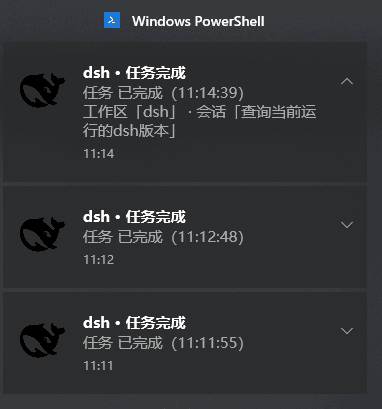 Pasumao/dsh-plugin-notify
dsh 生态唯一带系统托盘的 Windows 通知插件:agent 停止运行(完成/出错/等你选择等)自动弹原生 Toast,正文标注「工作区 · 会话」。Windows native toast + system tray for Dee…
Pasumao/dsh-plugin-notify
dsh 生态唯一带系统托盘的 Windows 通知插件:agent 停止运行(完成/出错/等你选择等)自动弹原生 Toast,正文标注「工作区 · 会话」。Windows native toast + system tray for Dee…
-
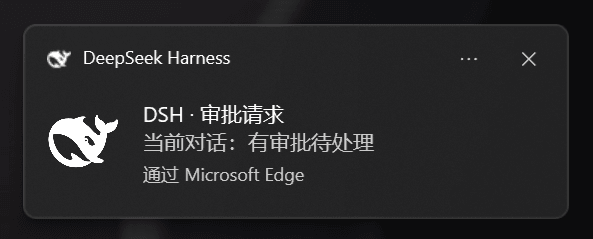 chromoany/dsh-notify-me
DSH 桌面消息提醒插件 / desktop notification and message alerts for DeepSeek Harness web:需要你操作(可操作提醒)与回复完成提醒,系统通知+提示音+标签页标题,设置页开关…
chromoany/dsh-notify-me
DSH 桌面消息提醒插件 / desktop notification and message alerts for DeepSeek Harness web:需要你操作(可操作提醒)与回复完成提醒,系统通知+提示音+标签页标题,设置页开关…
-
 ccch1mneyyy/dsh-TUI
DSH 官方公众号收录的 TUI 补位插件:Claude Code 风,鲸鱼顶栏/实时状态/流式思考/双击 Esc 回滚/上下文进度+TPS。npm 一键装。 DSH official WeChat featured TUI plugin…
ccch1mneyyy/dsh-TUI
DSH 官方公众号收录的 TUI 补位插件:Claude Code 风,鲸鱼顶栏/实时状态/流式思考/双击 Esc 回滚/上下文进度+TPS。npm 一键装。 DSH official WeChat featured TUI plugin…
-
 shaobeichen/dsh-pocket
把 DeepSeek Harness 装进你的口袋:电脑上跑 dsh web,手机扫码即同步访问(局域网 + 公网,实时同屏)Put DeepSeek Harness in your pocket: run dsh web on your …
shaobeichen/dsh-pocket
把 DeepSeek Harness 装进你的口袋:电脑上跑 dsh web,手机扫码即同步访问(局域网 + 公网,实时同屏)Put DeepSeek Harness in your pocket: run dsh web on your …
-
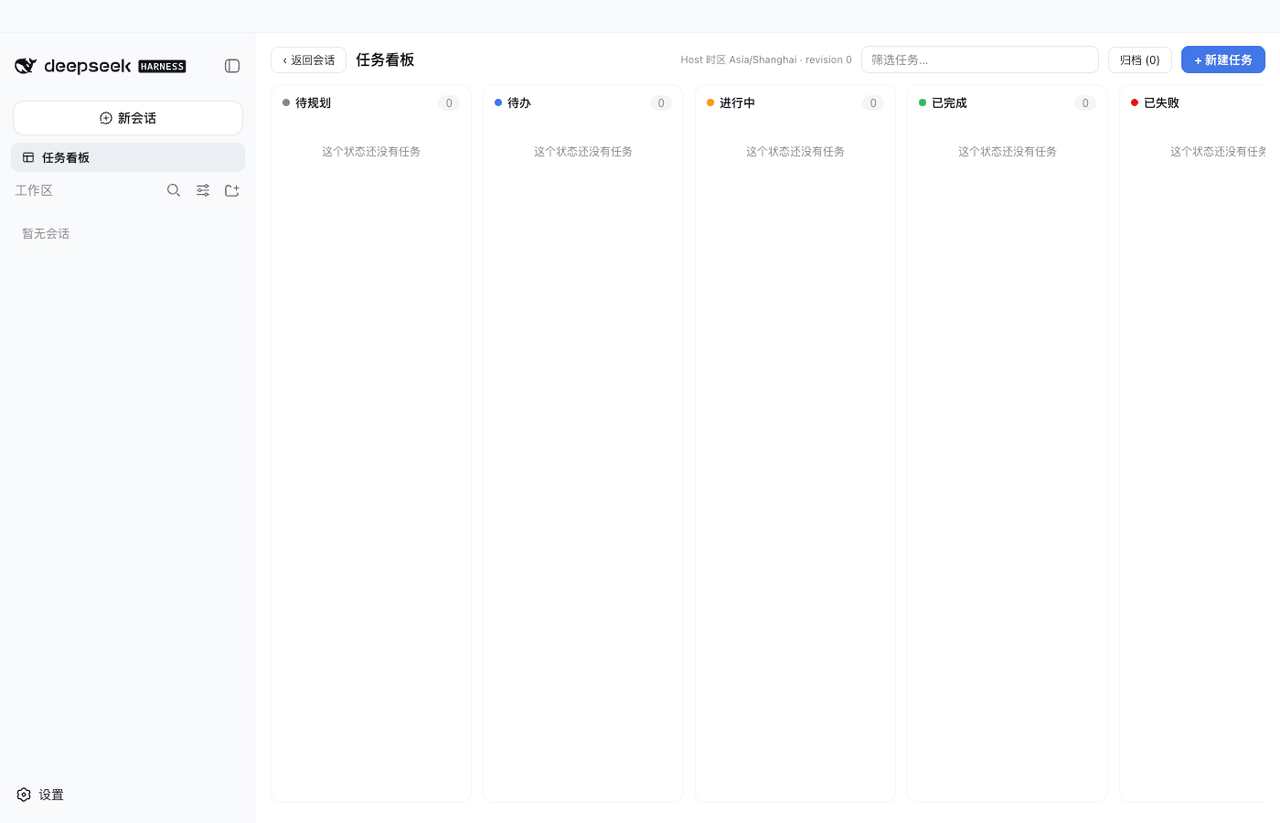 vibeinging/dsh-desktop
DeepSeek Harness Desktop App: a local AI desktop workspace for DSH Sessions, projects, files, web research, plugins, and…
vibeinging/dsh-desktop
DeepSeek Harness Desktop App: a local AI desktop workspace for DSH Sessions, projects, files, web research, plugins, and…
-
 ningbainb/deepseek-harness-desktop
Open-source Windows desktop client and GUI for DeepSeek Harness — zero-setup installer with Codex, plugins, skills, SSH,…
ningbainb/deepseek-harness-desktop
Open-source Windows desktop client and GUI for DeepSeek Harness — zero-setup installer with Codex, plugins, skills, SSH,…
-
 ZSeven-W/dsh-android
DeepSeek Harness plugin for Android — build, run, and interact with a live emulator or USB device stream inside a conver…
ZSeven-W/dsh-android
DeepSeek Harness plugin for Android — build, run, and interact with a live emulator or USB device stream inside a conver…