H1Kariiiiiii/dsh-icon-console
Project Overview项目介绍
dsh-icon-console is an icon-console plugin built exclusively for the DeepSeek Harness (DSH) Electron desktop client and cannot be loaded by the ordinary dsh command-line environment. Its core capability is letting a user import a single icon and apply it to four targets at once: the desktop shortcut, the Start-menu shortcut, the application window icon, and the system tray icon. The plugin accepts local uploads through a file picker (base64 upload) or a direct disk path; shortcuts require .ico, while window and tray icons accept both .ico and .png. Installation is done through the desktop's own CLI — pwsh -File ~\.dsh\tools\dsh-desktop-cli.ps1 plugin --profile desktop add github:H1Kariiiiiii/dsh-icon-console — and a desktop restart is mandatory before the plugin becomes active; verification runs verify-desktop-profile.mjs.
A typical workflow begins by picking or uploading an icon and clicking "Apply Icon". Shortcut icons update immediately, while window and tray icons only take effect after a restart because Electron reads them once at startup. The plugin also exposes a "Restart App" button that defers to the official desktop shell recovery dialog (rather than spawning Electron itself, since allowRestart is hard-coded false for the desktop profile) and a graceful "Quit App" action that reads ctx.appExit and falls back to process.exit. State is mirrored in ~/.dsh/icon-console/state.json and in the settings form via the volatile contract introduced in 0.1.7+, with the icon library and original-asset backups stored under ~/.dsh/icon-console/.
Dependencies and limits are clearly bounded: the plugin is Apache-2.0 and was validated against DSH desktop 0.2.0-rc.2, all HTTP routes are loopback-only, and replacing window/tray icons requires locating the install root (settable through DSH_DESKTOP_INSTALL). First-run caveats include Windows Explorer's icon cache requiring an F5 refresh after shortcut updates, app upgrades overwriting resources/ (the backup in ~/.dsh/icon-console/backup/ lets the user re-apply in one click), and pnpm in dev mode copying rather than linking file: installs so source edits need a reinstall. Private client-bundle hooks (window.__ModuleLoader__.load, settings.section) are flagged as potentially unstable, but a downgrade guarantee keeps HTTP-based icon manipulation working even if the settings card UI fails.
dsh-icon-console 是 DeepSeek Harness(DSH)桌面端的图标控制台插件,专门为 Electron 桌面端打造,无法在普通 dsh 命令行环境下运行。核心能力是把用户上传的一张图标同时应用到桌面快捷方式、开始菜单快捷方式、应用窗口图标以及系统托盘图标四个目标,支持本地上传或填写磁盘路径,快捷方式必须为 .ico,应用与托盘图标接受 .ico 与 .png。安装方式是通过桌面端自带 CLI pwsh -File ~\.dsh\tools\dsh-desktop-cli.ps1 plugin --profile desktop add github:H1Kariiiiiii/dsh-icon-console,安装后必须重启桌面端使插件生效,验证可运行 verify-desktop-profile.mjs。
典型使用流程是:导入或选择图标后点击「应用图标」,快捷方式立即生效,窗口与托盘图标需重启桌面端才可见;插件同时提供一键重启(通过外壳的官方恢复流程而非自拉 Electron)和优雅退出(ctx.appExit)两个控制按钮,以及图标库、备份恢复与自动重应用等配置。配置文件位于 ~/.dsh/icon-console/state.json,首次运行会把官方图标备份到 ~/.dsh/icon-console/backup/,升级桌面端后用户图标会被覆盖但可一键重新应用。该插件由原先的 web 版启动器 dsh-desktop-launcher2 改造而来,适合需要统一桌面与托盘视觉风格的 DSH 桌面端用户。
依赖方面,插件以 Apache-2.0 协议开源,基于桌面端 0.2.0-rc.2 实测,需要定位 DSH 桌面端安装目录(可通过 DSH_DESKTOP_INSTALL 环境变量指定)来替换 resources/icon.png 与 resources/tray.ico。所有 HTTP 路由仅限 loopback,开发模式下用 file: 路径安装时 pnpm 会复制而非链接,改源码后需要重跑 add 才会同步;window.__ModuleLoader__.load 与 settings.section 等客户端协议被标记为可能随版本变动。常见问题包括 Windows 资源管理器图标缓存(按 F5 刷新)、升级后图标被覆盖(备份一直保留)以及 client UI 失效时仍可通过 HTTP 路由直接操作图标。
请帮我安装这个 DSH 插件。安装前先完成【兼容性检查 + 安全性检查】,检查通过再动手。

插件:dsh-icon-console(H1Kariiiiiii/dsh-icon-console)
仓库:https://github.com/H1Kariiiiiii/dsh-icon-console
本站详情页:https://www.yhbd.top/plugins/h1kariiiiiii-dsh-icon-console/
本站登记:类型 plugin · 归类 原生 DSH 插件 · 许可证 Apache-2.0 · ⭐ 3 · 最近提交 2026-10-02 · 主语言 JavaScript

按下面顺序执行,每步先把结论告诉我,再进入下一步:

【1 兼容性检查】
① 我这边:DSH 版本、Node 版本、操作系统、当前 profile(web / desktop)。
② 读它的 README、package.json、插件 manifest,列出它要求的 DSH 版本 / Node 版本 / 操作系统 / 外部依赖 / 需要另外先装的运行时。
③ 逐条比对,结论只写「满足 / 不满足 / 未知」三种;不满足的给出可行替代方案。
④ 检查是否和我已装的插件冲突:命令名重复、skill / tool 重名、端口占用、重复注册的 MCP server。

【2 安全性检查】
① 仓库可信度:和上面「本站登记」是否一致;star / fork 数、创建时间、最近提交,是否归档或长期停更。
② 安装脚本:逐行看 package.json 的 preinstall / install / postinstall,以及 install.sh、setup.ps1 之类脚本。出现 curl|bash、下载后直接执行、混淆代码、访问与插件功能无关的域名,立刻停下来告诉我,不要继续装。
③ 依赖:列出新增依赖,标出无人维护、或与知名包拼写近似的可疑包(typosquatting)。
④ 权限与副作用:它会读写哪些目录、访问哪些域名、需要哪些 DSH 权限(filesystem / network / shell / clipboard 等),以及怎么卸载和回滚。
⑤ 如果它要求 sudo / 管理员权限,或权限明显超出功能所需,先停下来问我。

【3 安装】
上面两步没有「不满足」和「高危项」时才执行;用官方推荐方式安装,不要自行提权。

【4 汇报】
用表格输出:检查项 / 结论 / 依据 / 是否需要我决策。拿不准的一律写「未知」并说明要我怎么确认——不要猜,也不要替我决定。
Send this message to DSH in your current session: it verifies compatibility and security first (answering met / not met / unknown item by item) and only installs once everything checks out — it will stop and ask you if it finds a high-risk item. The box scrolls; the copy is the full prompt. CLI install commands may not be accurate across systems, so DSH is the safer route.把上面这条消息直接发给当前会话里的 DSH:它会先核对兼容性与安全性(逐条给「满足 / 不满足 / 未知」),确认没问题再安装,有高危项会停下来问你。框内可滚动,复制到的是完整提示词;安装命令不一定准确,发给 DSH 更稳。
- Only 3 stars - very few users, little community feedback星标只有 3,几乎没人在用,遇到问题缺少社区反馈
DSH walks through these 9 checksDSH 会逐条核对这 9 项
Compatibility兼容性
- DSH, Node, OS and profile requirementsDSH 版本 / Node 版本 / 操作系统 / profile 是否满足要求
- External dependencies and runtimes (Electron / Python / Docker, ...)外部依赖与运行时(Electron / Python / Docker 等)是否齐备
- Conflicts with installed plugins: command names, skill / tool names, ports, duplicate MCP registration与已装插件是否冲突:命令名、skill / tool 重名、端口占用、重复 MCP 注册
Security安全性
- Repo matches the facts registered here; archived or abandoned?仓库是否与页面登记一致,是否归档或长期停更
- Safety of preinstall / install / postinstall and install.sh / setup.ps1preinstall / install / postinstall 与 install.sh、setup.ps1 是否安全
- curl|bash, download-then-execute, obfuscation, unrelated domains → stop immediatelycurl|bash、下载即执行、混淆代码、无关域名 → 立刻停止
- Typosquatting or unmaintained packages among the new dependencies新增依赖里有没有 typosquatting 或无人维护的包
- Requested permissions vs. what the feature actually needs申请了哪些权限、是否超出功能所需(filesystem / network / shell / clipboard)
- Any sudo / admin requirement, plus uninstall and rollback是否要求 sudo / 管理员权限,以及卸载与回滚方式
Anything uncertain must be marked unknown with a note on how to confirm it. This site's signal screen is a static snapshot, not a security audit.拿不准的必须标「未知」并说明要我怎么确认。本站的信号筛查是静态快照,不能替代安全审计。
Or use CLI install (for developers)或使用命令行安装(适合开发者)
CLI Install命令行安装
dsh plugin --profile web add github:H1Kariiiiiii/dsh-icon-console把 H1Kariiiiiii/dsh-icon-console 加入你的 DSH 配置(web profile)即可启用。
READMEREADME
dsh-icon-console
DeepSeek Harness 桌面端 图标控制台:导入一个图标,一键应用到桌面快捷方式、开始菜单快捷方式、应用窗口图标与系统托盘图标;附带一键重启与优雅退出。
中文 · English
⚡ 安装(复制这一行即可)
pwsh -File ~\.dsh\tools\dsh-desktop-cli.ps1 plugin --profile desktop add github:H1Kariiiiiii/dsh-icon-console
桌面端 profile 由 Electron 独占管理,普通
dsh命令会被拒绝,因此使用桌面端自带 CLI。装完重启桌面端即可。
功能
图标自定义(核心)
| 目标 | 生效时机 | 说明 |
|---|---|---|
| 桌面快捷方式 | 立即 | 改写 DeepSeek Harness.lnk 的 IconLocation |
| 开始菜单快捷方式 | 立即 | 同上 |
| 应用窗口图标 | 需重启 | 替换 <安装目录>/resources/icon.png(窗口与任务栏) |
| 系统托盘图标 | 需重启 | 替换 <安装目录>/resources/tray.ico |
- 导入方式:本地上传(文件选择器,base64 上传)或直接填写磁盘路径
- 格式支持:快捷方式图标需要
.ico;应用/托盘图标支持.ico与.png - 自动备份:首次运行即把官方图标备份到
~/.dsh/icon-console/backup/ - 一键恢复:随时还原官方图标(快捷方式立即生效,应用/托盘图标需重启)
- 图标库:把常用图标存到
~/.dsh/icon-console/library/,随时调用或删除
应用控制
- 重启应用:结束当前 Host 进程,桌面端随后弹出官方恢复对话框——点「重启」即可(默认按钮就是重启,直接回车)
- 退出应用:优雅结束 Host 进程
为什么重启是这样做的?桌面端的窗口与进程生命周期由 Electron 外壳拥有,插件跑在 Host 子进程里。官方市场(dsh-market)在桌面端同样把
allowRestart硬编码为false,理由是「重启原生 Electron 进程会绕过桌面端的启动器生命周期」。因此本插件不自行拉起 Electron,而是把重启交回外壳的官方恢复流程——这是生命周期正确的做法。
配置(设置 → 插件 → 插件配置 → 图标控制台)
| 字段 | 默认值 | 说明 |
|---|---|---|
| 启用插件 | true |
总开关 |
| 自动重应用 | false |
发现快捷方式图标被改动时自动恢复为记住的图标 |
| 快捷方式含开始菜单 | true |
处理桌面快捷方式时一并处理开始菜单 |
配置同时保存在 ~/.dsh/icon-console/state.json 与 settings 表单(volatile 字段)。
安装
需要 DeepSeek Harness 桌面端(Electron)。所有 HTTP 路由仅限 loopback。
推荐:从 GitHub 安装
# 桌面端 profile 由 Electron 独占管理,用桌面端自带 CLI
pwsh -File ~\.dsh\tools\dsh-desktop-cli.ps1 plugin --profile desktop add github:H1Kariiiiiii/dsh-icon-console

# 然后重启桌面端
开发:本地源码安装
pwsh -File ~\.dsh\tools\dsh-desktop-cli.ps1 plugin --profile desktop add "file:C:/路径/dsh-icon-console"
file:依赖跨盘符时 pnpm 是复制而非链接;改源码后需重跑一次add(或删掉node_modules/dsh-icon-console再pnpm install)才会同步。
安装后验证
# 组合层应出现 dsh-icon-console
pwsh -File ~\.dsh\tools\verify-desktop-profile.mjs
重启桌面端后进入 设置 → 插件 → 插件配置,应看到「图标控制台」卡片。
Showing the opening section of the README — the full document lives in the repository以上为 README 开头摘要,完整文档在仓库内 · View the full README on GitHub →在 GitHub 查看完整 README →
Related相关推荐
-
 ccch1mneyyy/dsh-TUI
DSH's officially top-recommended TUI plugin — high performance, low overhead, cute pixel whale, smooth mouse interaction…
ccch1mneyyy/dsh-TUI
DSH's officially top-recommended TUI plugin — high performance, low overhead, cute pixel whale, smooth mouse interaction…
-
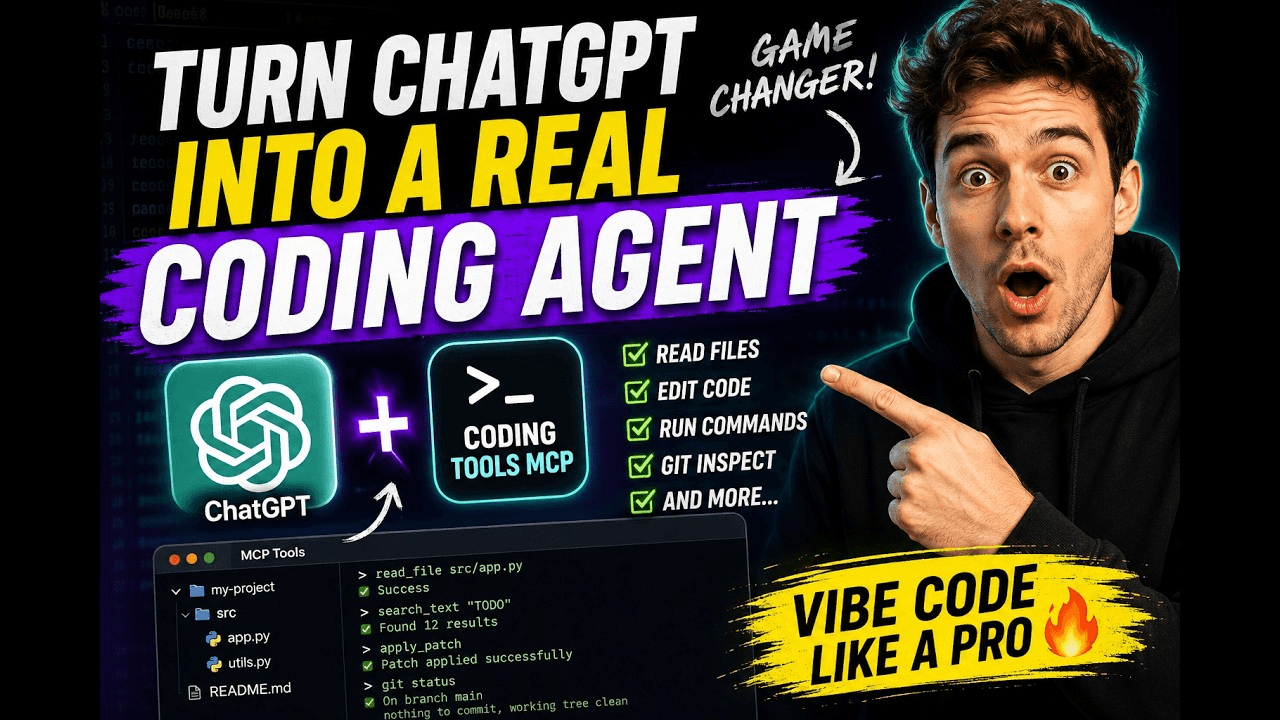 xyTom/coding-tools-mcp
Give any AI agent the ability to code
xyTom/coding-tools-mcp
Give any AI agent the ability to code
-
 myYangyunfan/dsh_desktop
DeepSeek Harness (dsh) Windows desktop client - bundled Node.js + dsh CLI, one-click launch
myYangyunfan/dsh_desktop
DeepSeek Harness (dsh) Windows desktop client - bundled Node.js + dsh CLI, one-click launch
-
 ChisaAlter/Deepseek-Harness-Desktop
DSH桌面端,支持主题和背景图等多种个性化配置。Electron desktop shell for DeepSeek Harness web UI
ChisaAlter/Deepseek-Harness-Desktop
DSH桌面端,支持主题和背景图等多种个性化配置。Electron desktop shell for DeepSeek Harness web UI
-
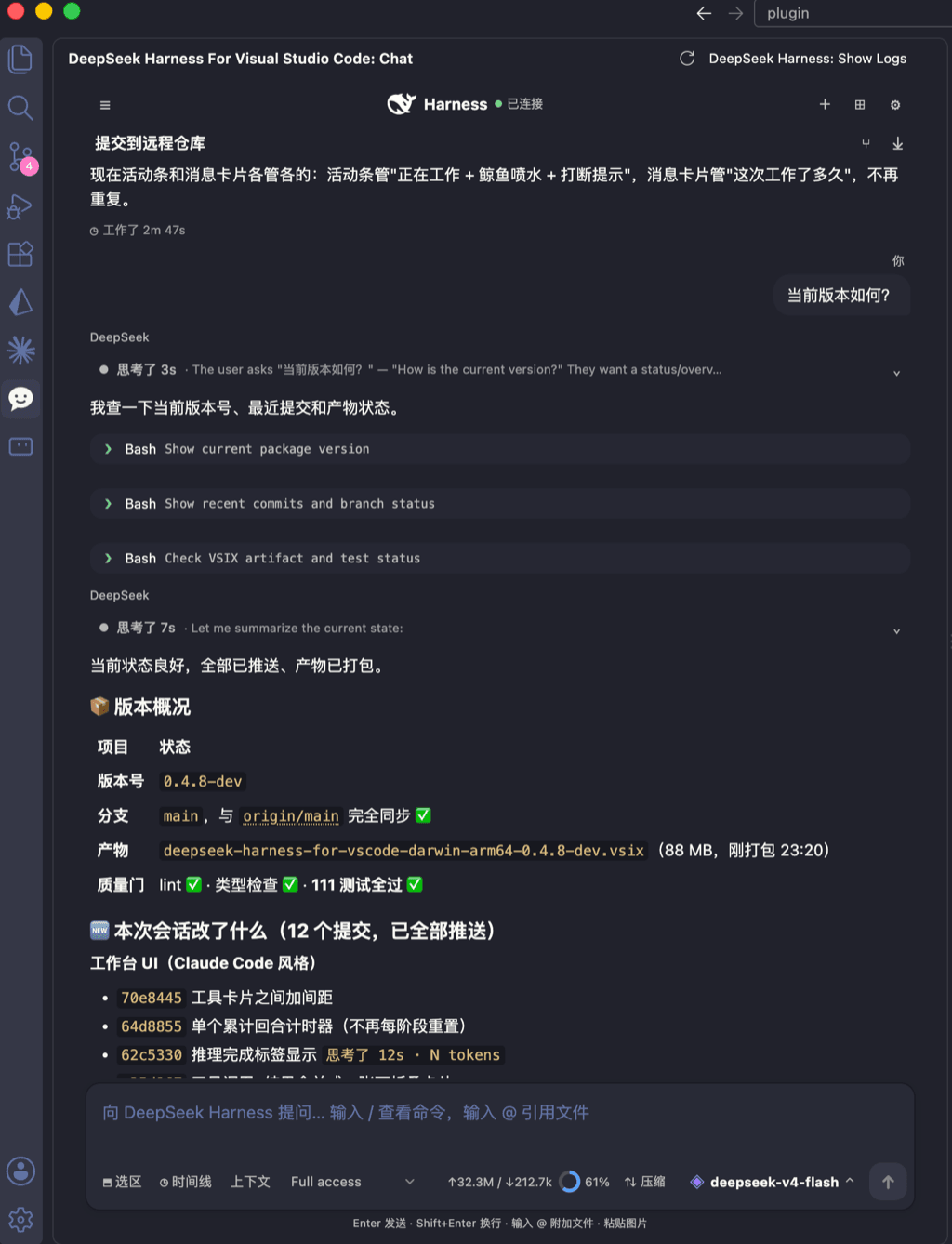 skymecode/deepseek-harness-for-vscode
deepseek-harness for vscode .A native VS Code coding-agent extension for DeepSeek Harness. Streamlined workbench with se…
skymecode/deepseek-harness-for-vscode
deepseek-harness for vscode .A native VS Code coding-agent extension for DeepSeek Harness. Streamlined workbench with se…
- Yan-Zero/dsh-std
-
 rison114514/dsh-endfield-ui
Endfield-inspired industrial UI shell for DeepSeek Harness (dsh) — non-official fan theme. Install: dsh plugin --profile…
rison114514/dsh-endfield-ui
Endfield-inspired industrial UI shell for DeepSeek Harness (dsh) — non-official fan theme. Install: dsh plugin --profile…
-
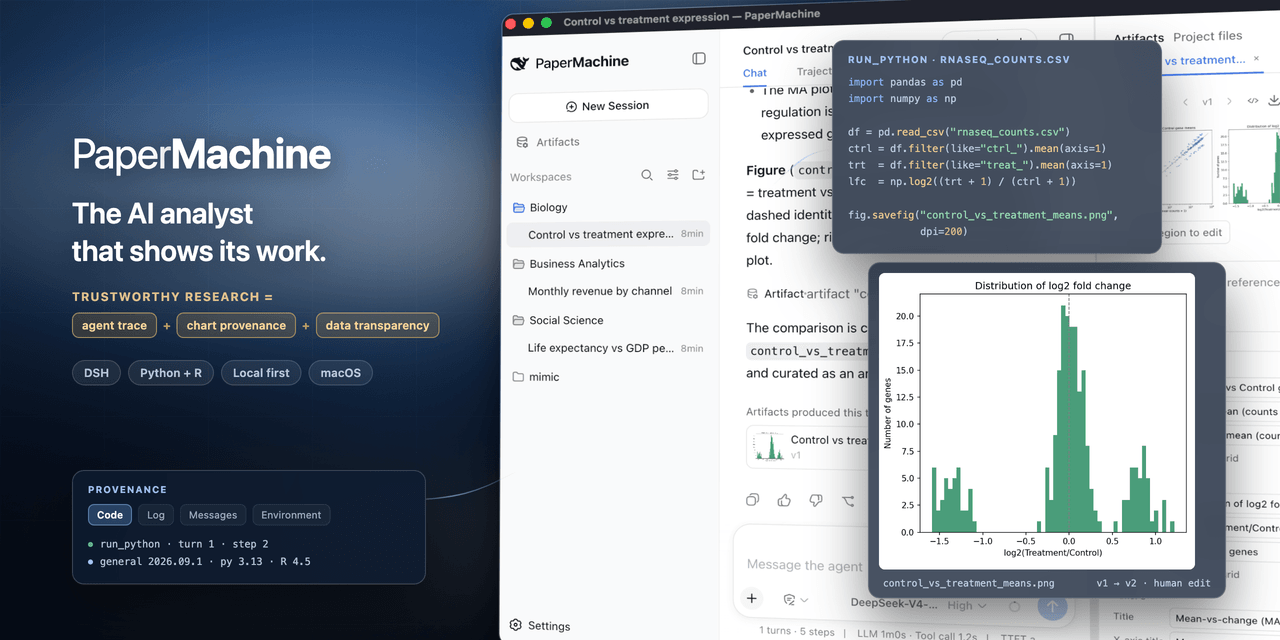 SuperJJ007/papermachine
The AI analyst that shows its work. Runs Python and R on your own machine, and traces every chart back to the code behin…
SuperJJ007/papermachine
The AI analyst that shows its work. Runs Python and R on your own machine, and traces every chart back to the code behin…