havingautism/dsh-deepresearch
@deepseek-ai/dsh-deepresearch 把证据优先的 Codemini 研究工作区带到 DSH。它提供持久工作流状态、模型工具、生成的 deepResearch Remote namespace 和“深度研究”Web 工作区,同时组合宿主已有的 Web 与 subagent 能力。
Project Overview项目介绍
This is a native plugin built exclusively for DeepSeek Harness (DSH), designed to bring Codemini’s evidence-first deep research workflow into the DSH ecosystem. It ships with an official DSH bundle manifest, and is purpose-built to integrate tightly with existing DSH core capabilities like web fetching and subagent orchestration. To install the plugin, you run the DSH CLI command dsh plugin --profile web add github:havingautism/dsh-deepresearch, then start the DSH web interface with the dsh web command. After installation, you can access the deep research workspace from the bottom of the left sidebar in the DSH web interface, and start creating your first research project right away.
The plugin supports a full end-to-end deep research workflow, starting from logging research questions, goals, constraints and seed materials, all the way to generating a final structured research report. It lets you edit sub-questions and their dependencies before confirming the plan, and associates arguments, excerpts, URLs and confidence levels with each sub-question to track coverage and resource budgets. It can manage all your existing research projects in the web interface, allowing you to search, filter, sort, resume, abort or delete any project at any time. It is built for developers, researchers and analysts who need to conduct systematic, in-depth research on specific topics.
All research data is persisted in a SQLite database, which by default is stored at ~/.dsh/storages/dsh.sqlite under the deepresearch domain, and the plugin automatically migrates legacy data on first launch without extra manual configuration. The plugin also automatically adds required dependencies like web fetch if they are not already present in your DSH installation. There are two known current limitations: running private agents stop when the host process exits, and they do not automatically resume after restart, and evidence can only be appended, not edited. Using the web scraping functionality carries SSRF-related security risks, so you should only run this plugin in a trusted environment.
这是一个专为 DeepSeek Harness 开发的原生插件,它将证据优先的 Codemini 深度研究工作流引入 DSH,提供持久化工作流状态、专用模型工具、独立的 deepResearch 远程命名空间和专属 Web 研究工作区,同时可整合 DSH 原生的 Web 访问与子代理能力。你可以通过 DSH CLI 执行命令 dsh plugin --profile web add github:havingautism/dsh-deepresearch 完成安装,之后运行 dsh web 即可使用。
该插件支持完整的深度研究流程,从记录研究问题、目标、约束条件到拆分编辑子问题,再到关联论点、摘录、URL 等证据,跟踪问题覆盖度和资源预算,最终生成结论和完整研究报告。用户可在 Web 界面中对研究项目进行搜索、筛选、排序、恢复、中止或删除操作。适用人群是需要做系统性文献调研、深度课题研究的开发者、分析师和研究人员。
该插件使用 SQLite 持久化存储研究数据,默认存储路径为 ~/.dsh/storages/dsh.sqlite,启动时会自动迁移旧数据,无需额外配置存储。已知限制是进程退出后,运行中的私有研究代理不会自动续跑,且证据只支持追加不支持编辑。使用网页抓取功能存在 SSRF 相关风险,需在可信环境中运行。
请帮我安装这个 DSH 插件。安装前先完成【兼容性检查 + 安全性检查】,检查通过再动手。

插件:dsh-deepresearch(havingautism/dsh-deepresearch)
仓库:https://github.com/havingautism/dsh-deepresearch
本站详情页:https://www.yhbd.top/plugins/havingautism-dsh-deepresearch/
本站登记:类型 plugin · 归类 原生 DSH 插件 · 许可证未声明 · ⭐ 13 · 最近提交 2026-08-26 · 主语言 JavaScript

按下面顺序执行,每步先把结论告诉我,再进入下一步:

【1 兼容性检查】
① 我这边:DSH 版本、Node 版本、操作系统、当前 profile(web / desktop)。
② 读它的 README、package.json、插件 manifest,列出它要求的 DSH 版本 / Node 版本 / 操作系统 / 外部依赖 / 需要另外先装的运行时。
③ 逐条比对,结论只写「满足 / 不满足 / 未知」三种;不满足的给出可行替代方案。
④ 检查是否和我已装的插件冲突:命令名重复、skill / tool 重名、端口占用、重复注册的 MCP server。

【2 安全性检查】
① 仓库可信度:和上面「本站登记」是否一致;star / fork 数、创建时间、最近提交,是否归档或长期停更。
② 安装脚本:逐行看 package.json 的 preinstall / install / postinstall,以及 install.sh、setup.ps1 之类脚本。出现 curl|bash、下载后直接执行、混淆代码、访问与插件功能无关的域名,立刻停下来告诉我,不要继续装。
③ 依赖:列出新增依赖,标出无人维护、或与知名包拼写近似的可疑包(typosquatting)。
④ 权限与副作用:它会读写哪些目录、访问哪些域名、需要哪些 DSH 权限(filesystem / network / shell / clipboard 等),以及怎么卸载和回滚。
⑤ 如果它要求 sudo / 管理员权限,或权限明显超出功能所需,先停下来问我。

【3 安装】
上面两步没有「不满足」和「高危项」时才执行;用官方推荐方式安装,不要自行提权。

【4 汇报】
用表格输出:检查项 / 结论 / 依据 / 是否需要我决策。拿不准的一律写「未知」并说明要我怎么确认——不要猜,也不要替我决定。
Send this message to DSH in your current session: it verifies compatibility and security first (answering met / not met / unknown item by item) and only installs once everything checks out — it will stop and ask you if it finds a high-risk item. The box scrolls; the copy is the full prompt. CLI install commands may not be accurate across systems, so DSH is the safer route.把上面这条消息直接发给当前会话里的 DSH:它会先核对兼容性与安全性(逐条给「满足 / 不满足 / 未知」),确认没问题再安装,有高危项会停下来问你。框内可滚动,复制到的是完整提示词;安装命令不一定准确,发给 DSH 更稳。
- No license declared - all rights reserved by default; ask the author before commercial use or redistribution未声明开源许可证 —— 默认「保留所有权利」,商用或再分发前先问作者
- 13 stars - an early-stage project星标 13,属于早期项目
DSH walks through these 9 checksDSH 会逐条核对这 9 项
Compatibility兼容性
- DSH, Node, OS and profile requirementsDSH 版本 / Node 版本 / 操作系统 / profile 是否满足要求
- External dependencies and runtimes (Electron / Python / Docker, ...)外部依赖与运行时(Electron / Python / Docker 等)是否齐备
- Conflicts with installed plugins: command names, skill / tool names, ports, duplicate MCP registration与已装插件是否冲突:命令名、skill / tool 重名、端口占用、重复 MCP 注册
Security安全性
- Repo matches the facts registered here; archived or abandoned?仓库是否与页面登记一致,是否归档或长期停更
- Safety of preinstall / install / postinstall and install.sh / setup.ps1preinstall / install / postinstall 与 install.sh、setup.ps1 是否安全
- curl|bash, download-then-execute, obfuscation, unrelated domains → stop immediatelycurl|bash、下载即执行、混淆代码、无关域名 → 立刻停止
- Typosquatting or unmaintained packages among the new dependencies新增依赖里有没有 typosquatting 或无人维护的包
- Requested permissions vs. what the feature actually needs申请了哪些权限、是否超出功能所需(filesystem / network / shell / clipboard)
- Any sudo / admin requirement, plus uninstall and rollback是否要求 sudo / 管理员权限,以及卸载与回滚方式
Anything uncertain must be marked unknown with a note on how to confirm it. This site's signal screen is a static snapshot, not a security audit.拿不准的必须标「未知」并说明要我怎么确认。本站的信号筛查是静态快照,不能替代安全审计。
Or use CLI install (for developers)或使用命令行安装(适合开发者)
CLI Install命令行安装
dsh plugin --profile web add github:havingautism/dsh-deepresearch把 havingautism/dsh-deepresearch 加入你的 DSH 配置(web profile)即可启用。
READMEREADME
🔬 Deep Research
English | 中文
@deepseek-ai/dsh-deepresearch 把证据优先的 Codemini 研究工作区带到 DSH。它提供持久工作流状态、模型工具、生成的 deepResearch Remote namespace 和“深度研究”Web 工作区,同时组合宿主已有的 Web 与 subagent 能力。
✨ 特性
- 🧭 记录研究问题、目标、约束、种子材料和研究深度。
- 🧩 确认前编辑子问题、依赖关系和明确的成功标准。
- ✅ 未确认计划时拒绝写入证据。
- 🔎 为每个子问题关联论点、摘录、URL、置信度和已覆盖标准。
- 📊 跟踪问题覆盖度、搜索与抓取预算、局限和部分完成状态。
- 📝 保存结论,以及完整或明确标记为未完成的最终报告。
- 🗂️ 在 Web 资料库中搜索、筛选、排序、恢复、中止或删除项目。
- 🤖 创建项目后由私有规划 Agent 只提交计划;确认后再按子问题并行派出 Scout / Evaluator,最后用写作包撰写报告。普通聊天不挂研究工具,也不开通用 fetch。项目持久化在与随手记共用的 SQLite(默认
~/.dsh/storages/dsh.sqlite,domaindeepresearch);启动时先迁旧的deepresearch.sqlite,只有那份也空时才导入更早的 JSON 文件。 - 🔄 研究页每 750ms 刷新
progress:题列表、Scout 卡(工具 fuse、最近检索/抓取、核验、handoff)和已接受证据。 - ✨ 对齐 Codemini 的研究 Modal、加载动效和各场景按钮形态。
🚀 快速开始
安装插件:
dsh plugin --profile web add github:havingautism/dsh-deepresearch
dsh web
在左侧边栏底部打开「深度研究」,创建项目。插件会在后台建立仅供研究使用的 DSH Agent 来生成计划;页面持续刷新,计划生成后可编辑并确认。点击“确认并开始”会建立新的私有调查 Agent,使用该 profile 已安装的 Web 与 subagent 能力,并把每次检索、证据、覆盖状态和最终报告写回研究工作区。普通聊天不会收到研究 prompt、工具调用或模型输出。插件 patch 显式启用 runner,并设置项目、问题、标准、证据和报告上限。单独安装即可使用,不必先装随手记或手写 yml。
私有研究 Session 会记录宿主启动目录作为 cwd,以便 DSH persona 和运行时上下文可以完整装配。规划失败会停留在“计划”步骤并显示持久化错误,不会跳到空的调查看板。
启动时若宿主还没有 sqlite / HTTP fetch,插件会自行挂上;已经有了则共用。研究数据在 sqlite 里占用独立的 deepresearch 域。不要再 YAML insert 一遍 storage-sqlite。
网页抓取与安全
DSH 默认不挂载 fetch provider、不开放聊天 web_fetch(见 dsh-base cordis.patch.yml)。本插件在启动时若还没有 @deepseek-ai/dsh-web-fetch-http,会自行挂上,供私有 Scout 的 research_web_fetch 与宿主 ctx.web.fetch 使用;已挂过则跳过。因此和 @deepseek-ai/dsh-notebooks 同时安装不会抢同一个 loader id。聊天里的 web_fetch 仍然保持关闭。
安装即表示你接受网页抓取带来的 SSRF 类风险;请在可信环境使用。详见 Web 默认搜索决策说明。
模型体验
System prompt
What the model sees
只有插件创建的私有规划/调查 Agent 会收到对应阶段的研究工作流指引。
规划 Agent 只挂 deep_research_submit_plan。调查由编排器按标准派出 Scout(research_web_search / research_web_fetch / read_artifact / submit_criterion_candidates)和 Evaluator(read_artifact / submit_criterion_review);Writer 只挂 deep_research_complete,按写作包 URL 标源。普通聊天不继承这些工具。
Token effect
固定输入成本只由私有研究 Agent 的请求承担;普通聊天请求不增加这段指引。
KV Cache 影响
文本和注册作用域不变时,本节保持前缀稳定。
Native 工具
What the model sees
每个私有 Agent 只看到当前角色的工具;状态由编排器写入 SQLite 项目表。Remote 客户端负责创建、编辑、确认、停止、读取和删除项目。
Token effect
工具可见时承担固定 schema 成本。工具结果采用精简项目摘要;持久证据和报告受配置上限约束。
KV Cache 影响
工具定义不变时保持稳定。新证据通过后续调用与结果进入请求,不会重写之前的请求内容。
已知限制与后续工作
- 运行中的私有 Agent 会随宿主进程停止;项目、证据和报告保持持久化,但进程重启后不会自动续跑中断的任务。
- 证据只追加不编辑。错误论点应通过新项目重新调查,或在依赖报告前删除原项目。
Related相关推荐
-
 caseyyy/dsh-goal-planner
目标驱动的每日任务计划器:多目标任务数据 + Web 每日预览面板,与微信提醒推送共享数据 · Goal-driven daily task planner for DSH: multi-goal tasks + daily preview…
caseyyy/dsh-goal-planner
目标驱动的每日任务计划器:多目标任务数据 + Web 每日预览面板,与微信提醒推送共享数据 · Goal-driven daily task planner for DSH: multi-goal tasks + daily preview…
-
 tt-a1i/archify
Agent skill for beautiful, verifiable architecture, workflow, sequence, data-flow, and lifecycle diagrams—self-contained…
tt-a1i/archify
Agent skill for beautiful, verifiable architecture, workflow, sequence, data-flow, and lifecycle diagrams—self-contained…
-
 dream-num/dsh-univer-office
Give DeepSeek Harness a real office environment. Univer Office Plugin brings spreadsheets, docs, slides, canvases, rela…
dream-num/dsh-univer-office
Give DeepSeek Harness a real office environment. Univer Office Plugin brings spreadsheets, docs, slides, canvases, rela…
-
 kanghelyu/dsh-deepseek-flow
-
 ChongCyrus/Vibe-Mathematics
Vibe Mathematics —— 多代理数学问题求解与形式化验证框架
ChongCyrus/Vibe-Mathematics
Vibe Mathematics —— 多代理数学问题求解与形式化验证框架
-
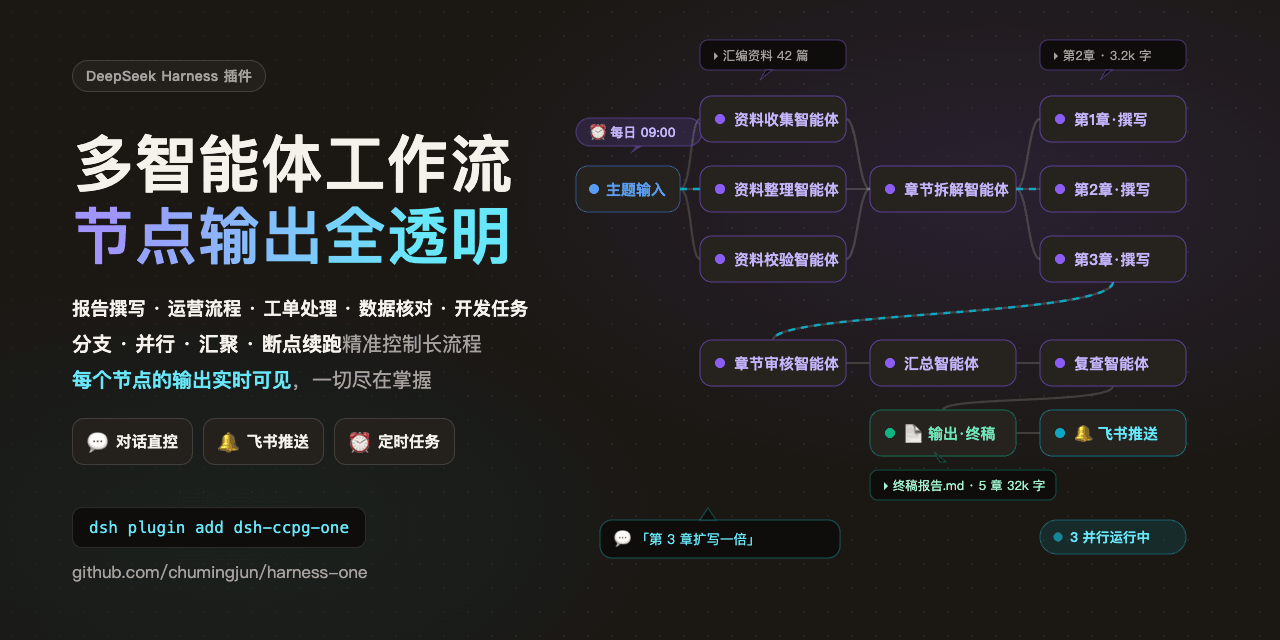 chumingjun/dsh-harness-one
Visual AI workflow orchestrator for DeepSeek Harness (dsh): multi-agent DAGs, live execution, recovery, and Feishu integ…
chumingjun/dsh-harness-one
Visual AI workflow orchestrator for DeepSeek Harness (dsh): multi-agent DAGs, live execution, recovery, and Feishu integ…
-
 alib8b8/aflare
Local-first automation Agent & deterministic workflow engine — the secure control layer between AI and your data. Data s…
alib8b8/aflare
Local-first automation Agent & deterministic workflow engine — the secure control layer between AI and your data. Data s…
-
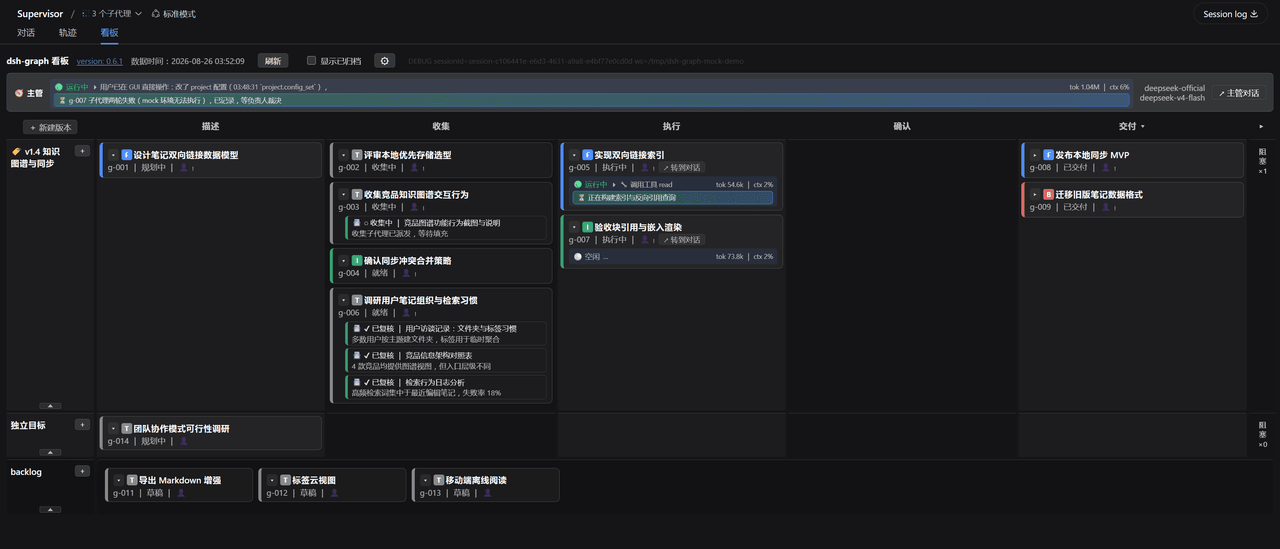 miuzel/dsh-graph
把工作组织成目标看板的 DeepSeek Harness (dsh) 插件:目标 / 判据 / 上下文卡片 / 执行 attempt 的二维泳道看板,数据以文件+事件流落在 .dsh-graph · Goal-kanban plugin f…
miuzel/dsh-graph
把工作组织成目标看板的 DeepSeek Harness (dsh) 插件:目标 / 判据 / 上下文卡片 / 执行 attempt 的二维泳道看板,数据以文件+事件流落在 .dsh-graph · Goal-kanban plugin f…