
HeShen-1/deepseek-whale-wallpaper
A live wallpaper plugin for the DeepSeek Harness web UI — the dot-matrix whale you know from DeepSeek, rebuilt as ≈1,750 breathing WebGL2 particles that slowly turn in the mist and swirl around your pointer like liquid. Light and dark themes both included. No branding, no particle connection-lines, no clutter.
catalog descriptioncatalog 简介 / catalog description:🐋 Live dot-matrix whale wallpaper plugin for the DeepSeek Harness (dsh) web UI — 1,750 breathing WebGL2 particles, pointer vortices, light/dark themes · 深度求索 Harness 点阵鲸鱼动态壁纸插件
Project Overview项目介绍
This is a live wallpaper skin plugin for DeepSeek Harness web UI. It rebuilds the DeepSeek whale as an interactive WebGL2 particle wallpaper with both light and dark themes. Use it to customize your Harness interface. Note it requires a compatible dev-preview Harness build, and may cause frame drops on low-end devices.
这是DeepSeek Harness网页端的动态壁纸皮肤插件,核心是将DeepSeek鲸鱼重构为可交互的WebGL粒子动态壁纸,支持明暗双主题。想要自定义Harness界面风格时可以使用,注意需要对应版本的Harness,低性能设备可能出现掉帧。
请帮我了解并安装插件:【deepseek-whale-wallpaper】【https://github.com/HeShen-1/deepseek-whale-wallpaper】Send this message to DSH in your current session. CLI install commands may not be accurate across systems — DSH will figure it out for you.把上面这条消息直接发给当前会话里的 DSH,让它帮你了解并安装。安装命令不一定准确,发给 DSH 更稳。
Or use CLI install (for developers)或使用命令行安装(适合开发者)
CLI Install命令行安装
dsh plugin --profile web add dsh-plugin-harness-whale把 HeShen-1/deepseek-whale-wallpaper 加入你的 DSH 配置(web profile)即可启用。
READMEREADME
🐋 Harness Whale Wallpaper




A live wallpaper plugin for the DeepSeek Harness web UI — the dot-matrix whale you know from DeepSeek, rebuilt as ≈1,750 breathing WebGL2 particles that slowly turn in the mist and swirl around your pointer like liquid. Light and dark themes both included. No branding, no particle connection-lines, no clutter.
📣 Listed in awesome-dsh-plugin — the curated DeepSeek Harness plugin list.
✨ Demo
Both themes are live wallpapers: the whale keeps breathing and turning, mist drifts, and when your pointer crosses the whale, nearby particles form a continuous liquid vortex with an outward radial glow wave, then softly settle back (~650 ms). GIFs below run at 2× speed — the real pace is calmer. Try the live preview →
Dark mode

Light mode

Inside the real Harness UI
Captured from a live DeepSeek Harness web client. The wallpaper layer sits beneath the app frame — sidebar, conversation canvas and input area keep working, particles swirl behind the interface.
| Light UI | Dark UI |
|---|---|
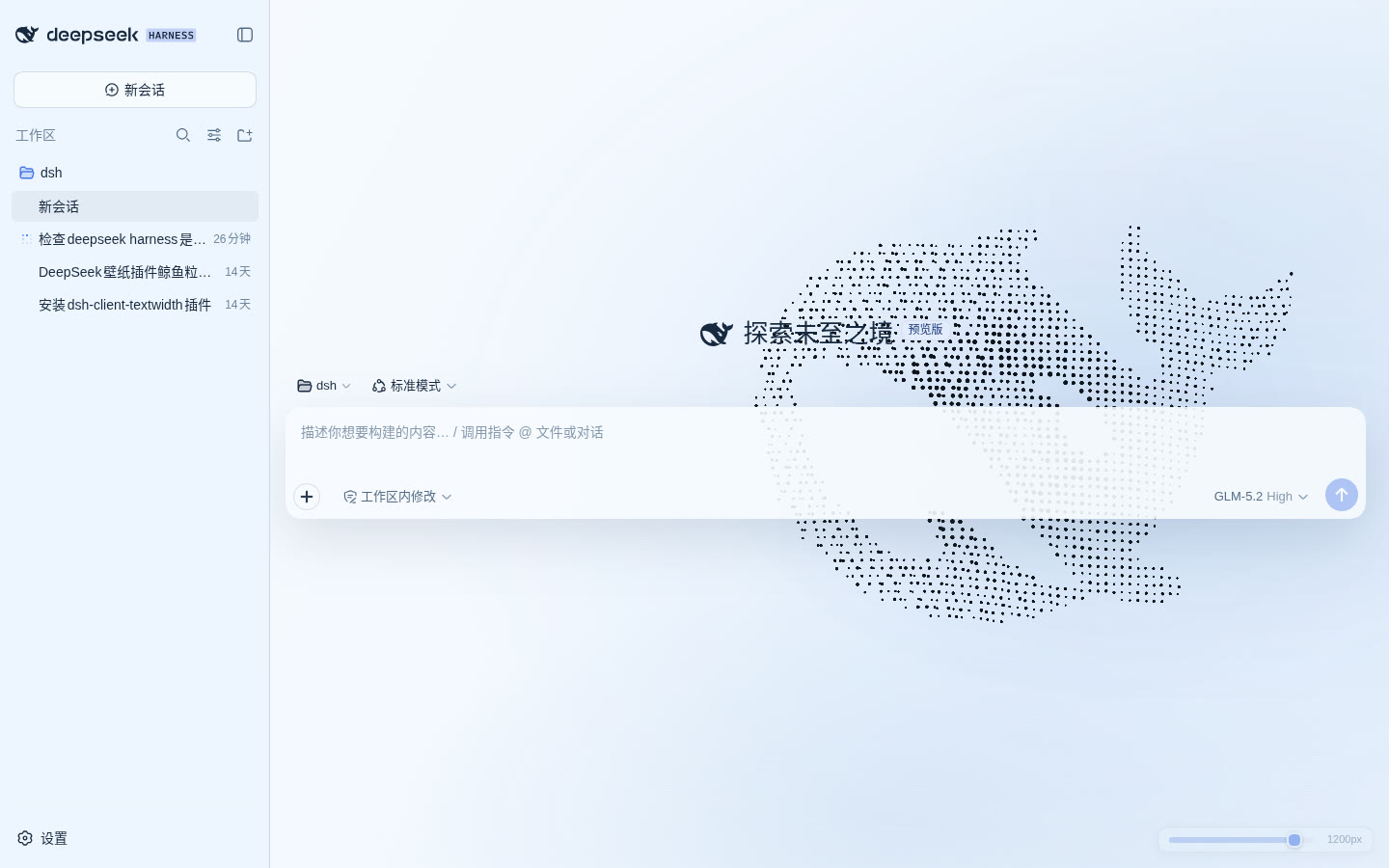 |
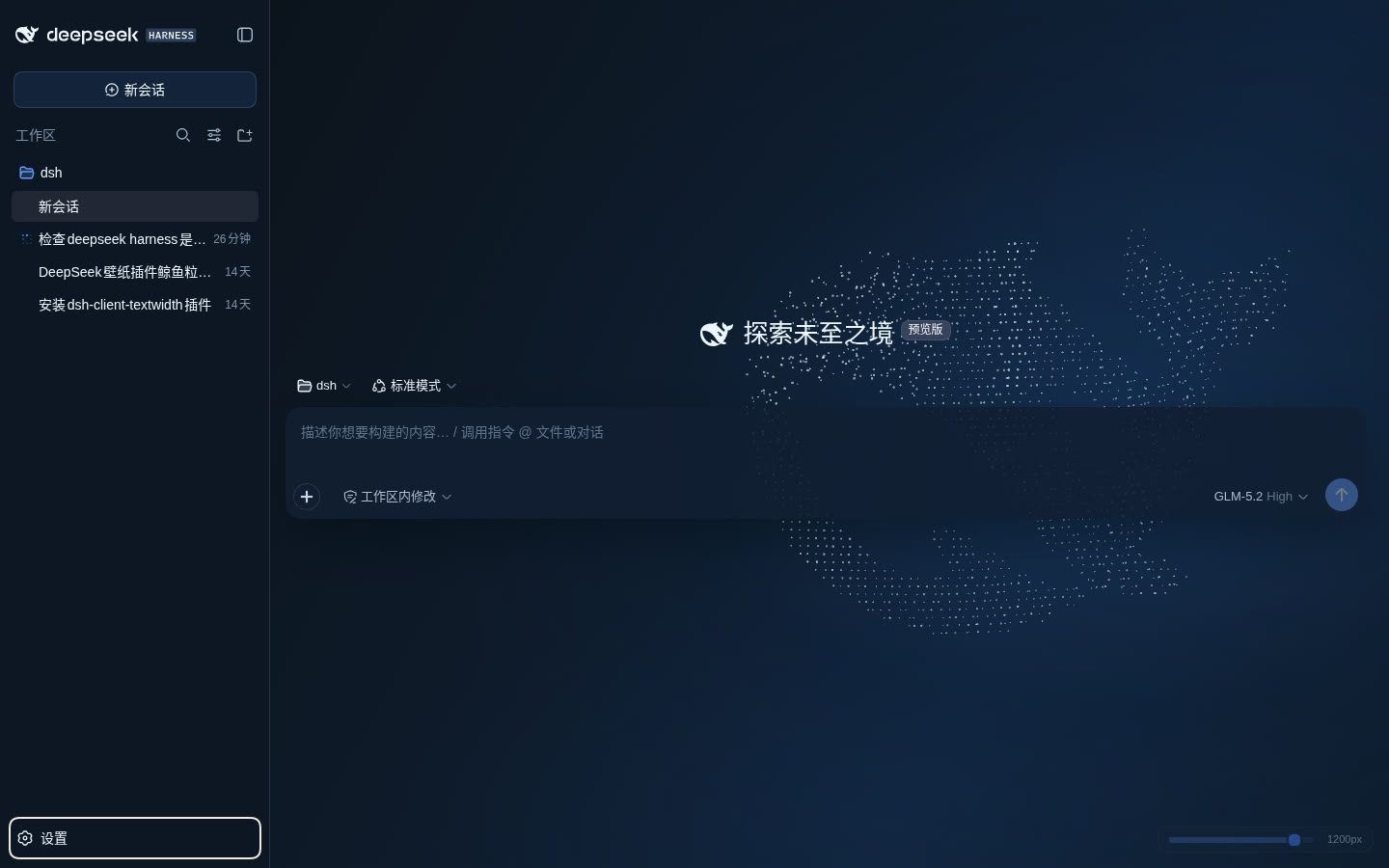 |
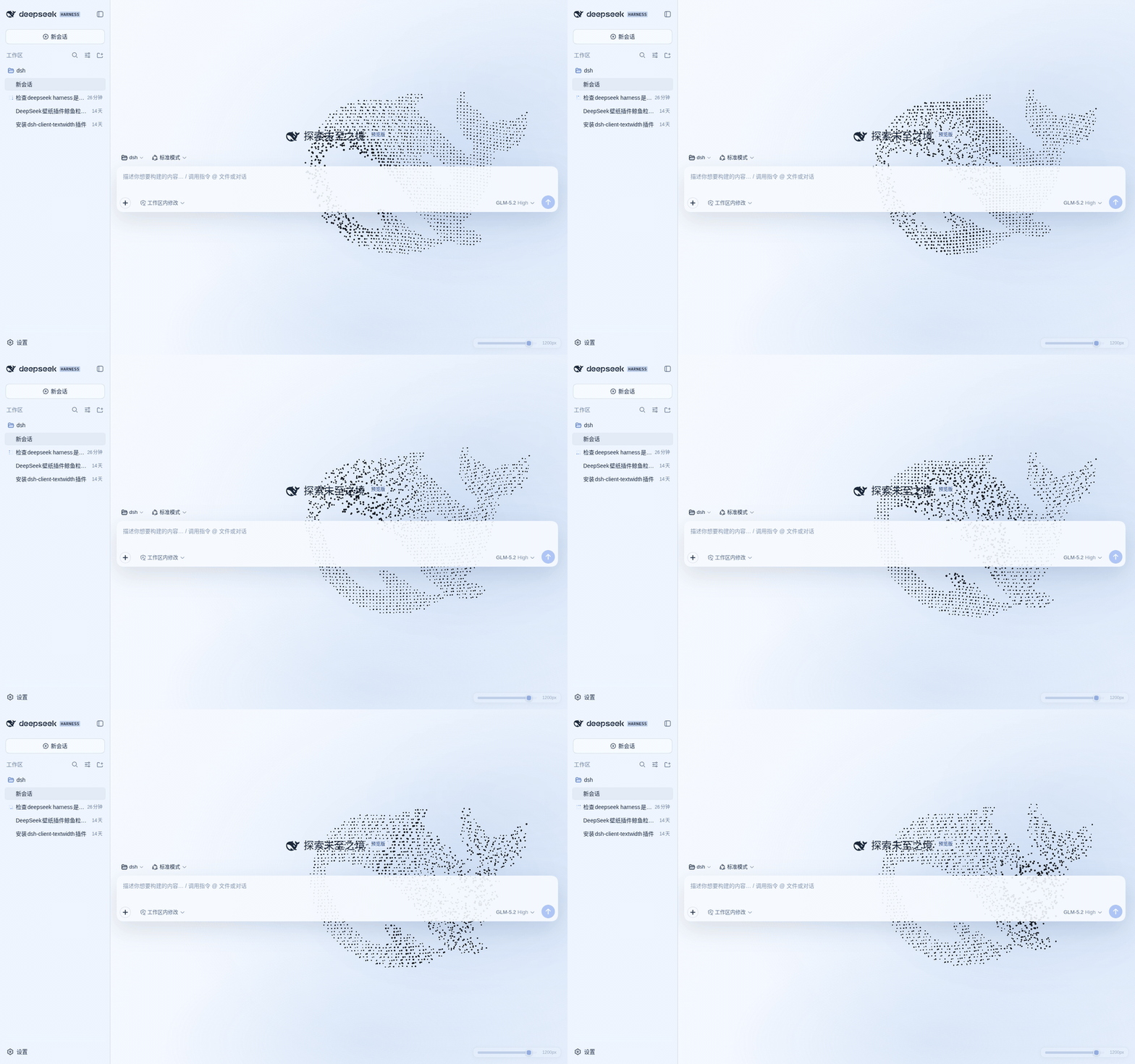
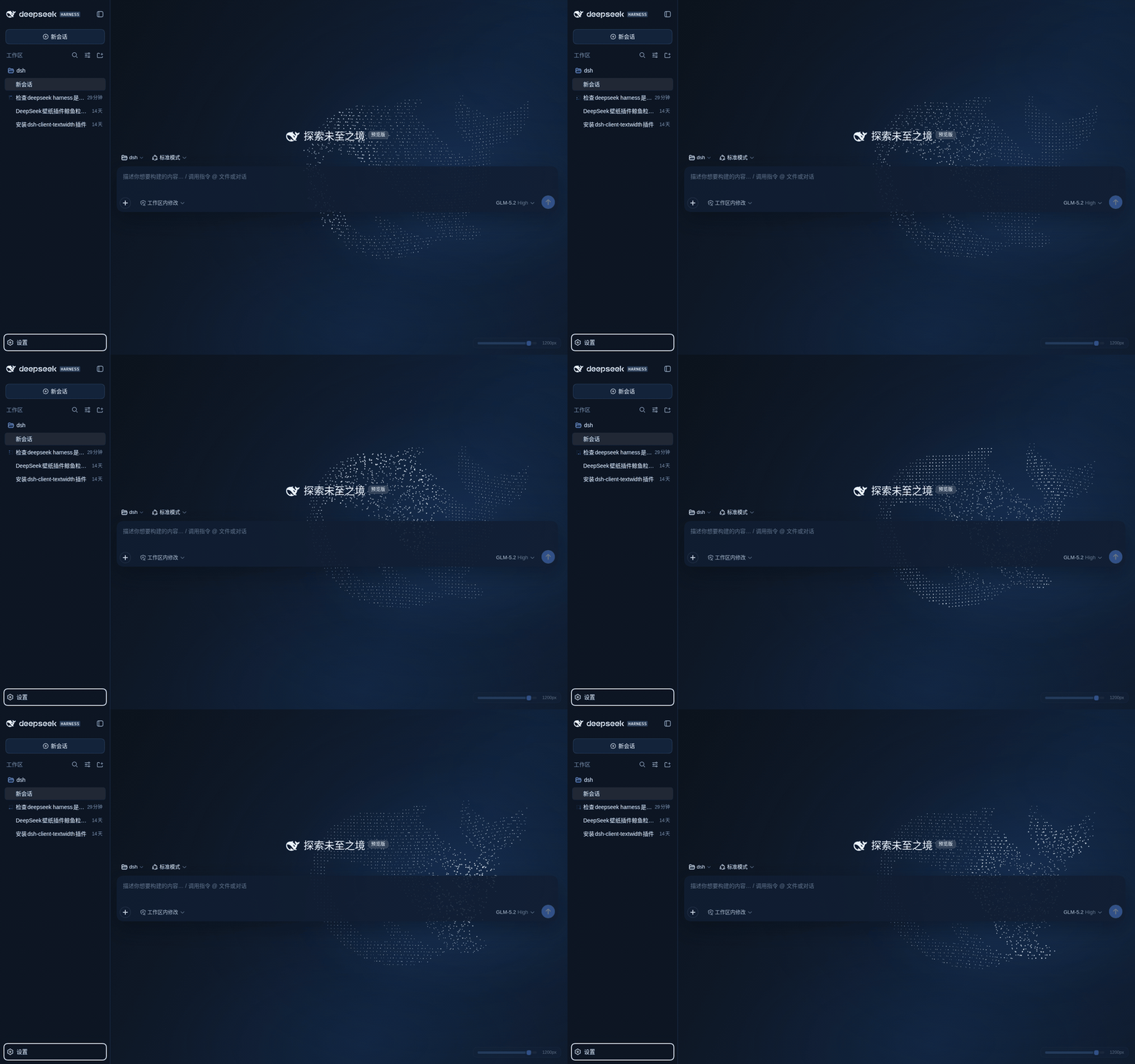
📦 Install
Requires the DeepSeek Harness dev-preview (@deepseek-ai/dsh) with its web profile and pnpm on PATH.
A. One line via npm (recommended)
dsh plugin --profile web add dsh-plugin-harness-whale
Restart dsh web and refresh http://127.0.0.1:3080 — the whale appears behind the app. The command installs the package into your profile and registers its bundle layer automatically; tweak the config in ~/.dsh/profiles/web/cordis.patch.yml if you want non-default values.
B. From a release tarball
Download
dsh-plugin-harness-whale-<version>.tgzfrom Releases and extract thepackage/folder to:~/.dsh/profiles/node_modules/dsh-plugin-harness-whaleRegister it in the
insertlist of~/.dsh/profiles/web/cordis.patch.yml:- insert: - id: harness-whale-wallpaper name: dsh-plugin-harness-whale config: enabled: true quality: auto brightness: 0.9 scale: 1 interactionStrength: 1 activeDimming: 0.22Restart
dsh web.
C. Look before you leap
Open the online preview — the same render kernel as the plugin, no install needed.
⚙️ Configuration
Override per-profile via cordis.patch.yml; defaults live in the plugin's own cordis.patch.yml:
| Field | Default | Meaning |
|---|---|---|
enabled |
true |
Enable wallpaper + theme overrides |
quality |
auto |
auto / low / medium / high |
brightness |
0.9 |
Whale brightness, 0.35–1.4 |
scale |
1 |
Whale size, 0.72–1.25 |
interactionStrength |
1 |
Parallax, local glow and vortex strength, 0–1.5 |
activeDimming |
0.22 |
Opacity while typing/running, 0.12–0.6 |
Values are validated host-side by Schemastery and served to the client through a same-origin read-only endpoint. If public slots or required services are missing in your Harness build, the plugin logs a clear error and stops safely.
🌊 Behavior
- The whale outline is sampled directly from the
favicon.svgpath in this repo — WebGL2 renders ≈1,750 regular grid points. - ~11 s vertical breathing, a ~29 s slow turn, plus tail-fin motion and gentle buoyancy; the pointer adds ~6° parallax, positional offset and an outward-spreading local brightness wave.
- Inside the whale, particles within ~160 px of the pointer form a continuous liquid vortex with a mild alternating radial wave — no hollow core forms; after the pointer leaves they settle back softly in ~650 ms. The base dot matrix is never modified.
- Follows the Harness appearance setting (light / dark / system): dark keeps white→ice-blue particles, light switches to high-contrast ink
#050b14, with matching semantic tokens, mist layers and background. - Both themes expose the full-screen base layer behind the app frame; sidebar, inputs, conversation content and settings windows keep their own surfaces — no full-screen veil washing out the dots.
- Full brightness with no session open; ~72 % once a session opens; at least 34 % while typing or a task runs (still honors a stronger
activeDimming), ~600 ms transitions. - Pauses when the page is hidden; completely still under
prefers-reduced-motion: reduce. - DPR capped at 1.5;
autosteps down high → medium → low after sustained frame drops. - Without WebGL2, a static Canvas2D dot-matrix whale is rendered automatically.
- On disable or hot-swap, every DOM node, style, listener and animation is removed and the original Harness theme is restored.
🧩 Architecture & ecosystem
This is one of the first third-party client plugins for DeepSeek Harness. It participates in the lifecycle through the public shell.overlay slot: the wallpaper canvas is prepended beneath the app frame and never blocks Harness controls.
src/
├── index.ts        host entry — config route via webServer inject
├── client.tsx      client entry — mounts through shell.overlay slot
├── renderer.ts     the single WebGL2 render kernel (shared with the preview)
├── theme.ts        semantic token overrides + injected CSS
├── activity.ts     session/input/run focus dimming
├── whale-path.ts   samples the favicon.svg outline into grid points
└── config.ts       Schemastery schema + defaults
Zero runtime dependencies; three devDependencies (esbuild, typescript, schemastery). lib/ and preview.js are build artifacts produced by pnpm build.
🔧 Development
pnpm install
pnpm build     # rebuild lib/ + preview.js
pnpm check     # schema & bundle sanity checks

# standalone preview (same renderer as the plugin)
python3 -m http.server 4173   # then open http://127.0.0.1:4173/
❓ FAQ & troubleshooting
No whale after installing? Restart dsh web (the client bundle composes at boot), then refresh. Verify with dsh plugin --profile web why dsh-plugin-harness-whale (npm route) or that the insert entry exists in ~/.dsh/profiles/web/cordis.patch.yml (tarball route). The page body should carry data-dsh-harness-whale="true".
pnpm ≥ 10 blocked the install script? This plugin declares no lifecycle scripts, so nothing is blocked — no allowBuilds entry is needed.
Frame drops / fan noise? Set quality: low or medium, lower brightness, or reduce interactionStrength. auto already steps quality down under sustained drops.
No WebGL2 in your browser? The static Canvas2D fallback renders automatically — you get the still dot-matrix whale instead.
Uninstall. npm route: dsh plugin --profile web remove dsh-plugin-harness-whale. Tarball route: remove the insert entry and delete ~/.dsh/profiles/node_modules/dsh-plugin-harness-whale. Either way the original theme and layout come back after a restart.
Updating. npm route: dsh plugin --profile web add dsh-plugin-harness-whale@latest. Tarball route: extract the new release over the old directory. Restart dsh web afterwards.
🔭 Compatibility
Targets the browser web UI of @deepseek-ai/dsh 0.1.1-rc.2. The Harness is in dev-preview — if dsh.client, ctx.theme or the shell.overlay protocol change, compatibility needs a re-check.
🗒️ Changelog
See CHANGELOG.md.
📄 License
Related相关推荐
-
 ZSeven-W/dsh-openpencil
The DeepSeek Harness plugin for OpenPencil — preview, inspect, and edit real .op documents inside a conversation.
ZSeven-W/dsh-openpencil
The DeepSeek Harness plugin for OpenPencil — preview, inspect, and edit real .op documents inside a conversation.
-
 HuanLinOTO/dsh-plugin-better-sidebar-plugin-office
为 better-sidebar 提供 Office 三件套预览(.docx/.xlsx/.pptx),独立 bundle 瘦身主体 | Provides Office-suite preview (.docx/.xlsx/.pptx) f…
HuanLinOTO/dsh-plugin-better-sidebar-plugin-office
为 better-sidebar 提供 Office 三件套预览(.docx/.xlsx/.pptx),独立 bundle 瘦身主体 | Provides Office-suite preview (.docx/.xlsx/.pptx) f…
-
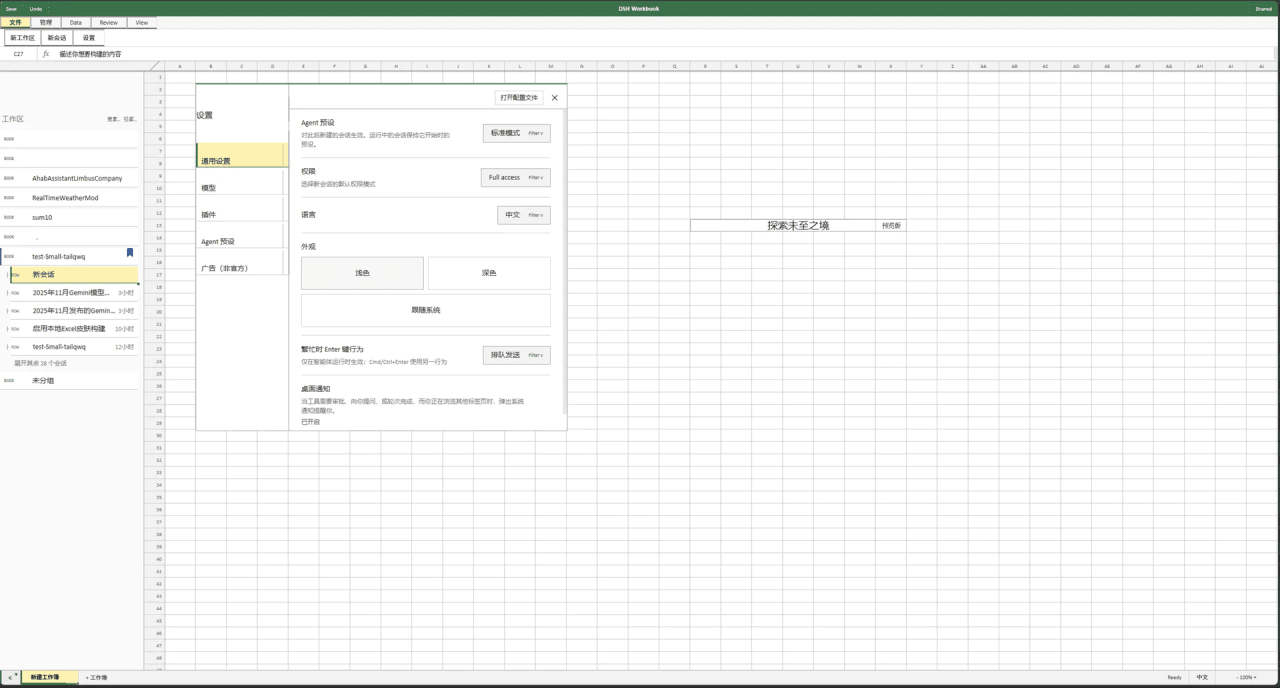 Small-tailqwq/dsh-deepcel
一款模仿 excel 的 dsh 皮肤
Small-tailqwq/dsh-deepcel
一款模仿 excel 的 dsh 皮肤
-
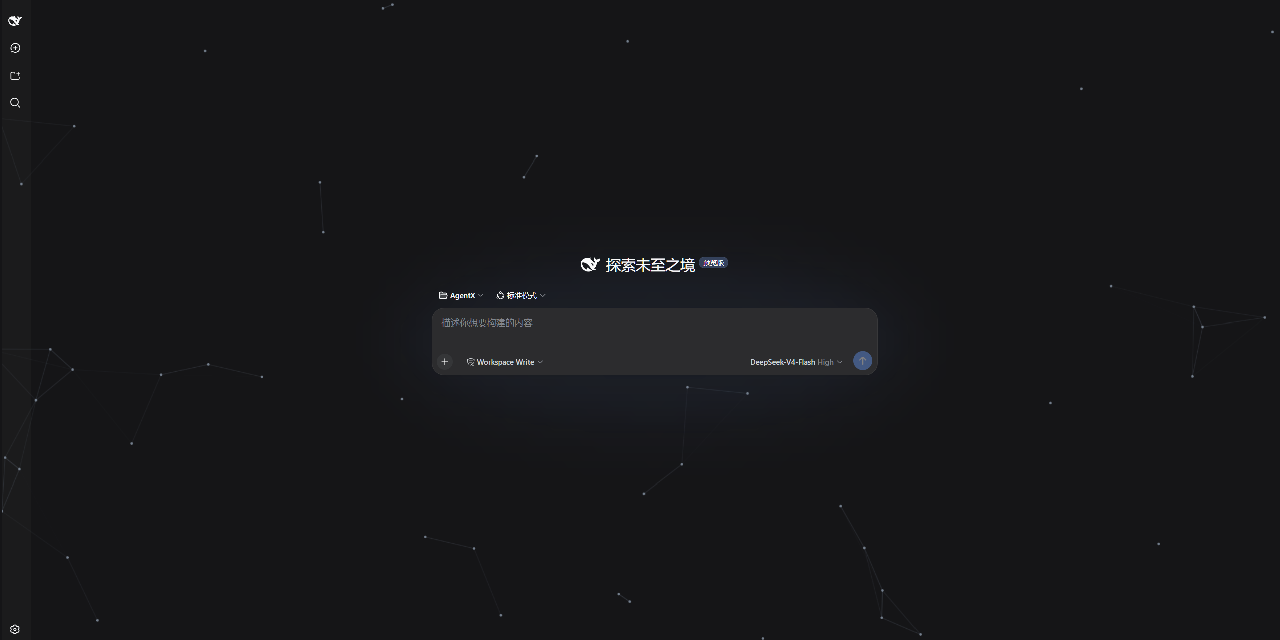 AKS1st/dsh-cyber-particle
为 DeepSeek Harness Web 界面添加动态粒子网络背景 | Particle-network background plugin for DeepSeek Harness web
AKS1st/dsh-cyber-particle
为 DeepSeek Harness Web 界面添加动态粒子网络背景 | Particle-network background plugin for DeepSeek Harness web
-
 zhxqc/dsh-oh-my-theme
DeepSeek Harness (dsh) web plugin with themes, global typography, @file mentions, project file tree, and Markdown previe…
zhxqc/dsh-oh-my-theme
DeepSeek Harness (dsh) web plugin with themes, global typography, @file mentions, project file tree, and Markdown previe…
- MrElysium/dsh-md-quiz DeepSeek Harness plugin: quiz-style reading (答题式阅读) of any Markdown document — 5-stage game loop with a sidebar panel an…
- rong-coder/dsh-office-tool dsh plugin for DeepSeek Harness: complete Office document tools for the agent (create/read/edit .docx/.xlsx/.pptx via Of…
-
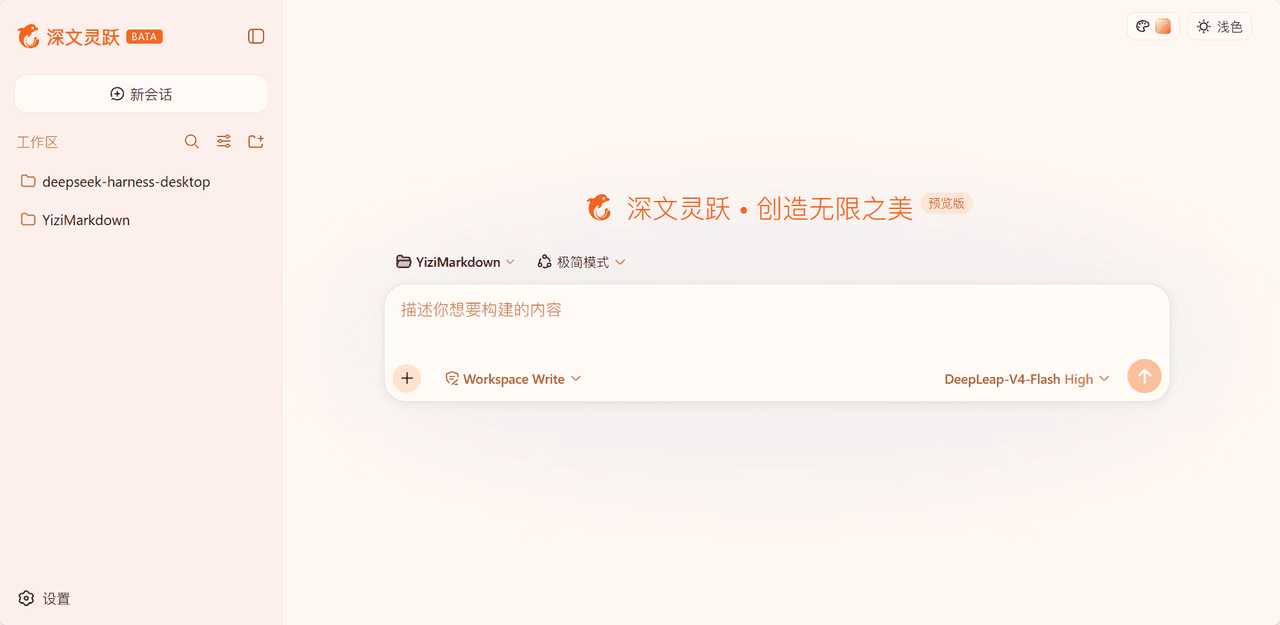 laoduu/DeepSeek-Harness-yizi-themes
为 DeepSeek Harness(dsh)Web UI 提供的 19 个精品风格主题,完整移植自 YiziMarkdown 的设计语言。
laoduu/DeepSeek-Harness-yizi-themes
为 DeepSeek Harness(dsh)Web UI 提供的 19 个精品风格主题,完整移植自 YiziMarkdown 的设计语言。