Hou-DL/dsh-token-pulse
Local Token heatmap plugin for DSH Web — GitHub-style calendar views, per-hour/week/month/quarter/year, fully local, zero billing.
Project Overview项目介绍
dsh-token-pulse is a local token usage heatmap plugin for DSH Web, rendering a GitHub-style calendar view inside the Settings page. It reads only local session logs with zero network or billing calls, offering weekly, monthly, quarterly, and yearly views, plus today/week/month/total stats and Top 5 models. Use it to track token consumption locally. Requires Node.js ≥ 23.8 and a running dsh web profile; timezone is fixed to Beijing with Monday as week start.
dsh-token-pulse 是 DSH Web 的本地 Token 用量热图插件,GitHub 风格日历视图直接嵌入设置页。核心能力是只读本地会话日志,零网络零计费,提供周、月、季、年多视图与今日/本周/本月/累计统计及模型 Top 5。需 Node.js ≥ 23.8 且 dsh web 已运行。时区固定为北京,周一为周起始。
请帮我了解并安装插件:【dsh-token-pulse】【https://github.com/Hou-DL/dsh-token-pulse】Send this message to DSH in your current session. CLI install commands may not be accurate across systems — DSH will figure it out for you.把上面这条消息直接发给当前会话里的 DSH,让它帮你了解并安装。安装命令不一定准确,发给 DSH 更稳。
Or use CLI install (for developers)或使用命令行安装(适合开发者)
CLI Install命令行安装
dsh plugin --profile web add dsh-token-pulse把 Hou-DL/dsh-token-pulse 加入你的 DSH 配置(web profile)即可启用。
READMEREADME
dsh-token-pulse
English: README.en.md
本地 Token 用量热图插件,GitHub 风格日历视图,内置于 DSH Web 设置页。
环境要求
- Node.js ≥ 23.8(内置
node:zlib的 zstd 解码,无需额外安装);更早版本会回退到外部zstdCLI(sudo apt install zstd/brew install zstd)。 - DSH Web profile(
dsh web已运行)。
安装
# 从 npm(推荐,最短)
dsh plugin --profile web add dsh-token-pulse

# 或从 GitHub
dsh plugin --profile web add github:Hou-DL/dsh-token-pulse

# 或从 Gitee(国内访问更快)
dsh plugin --profile web add "git+https://gitee.com/HouDL/dsh-token-pulse.git"
重启后打开 设置 → Token Pulse 即可。
- 零网络、零计费:只读本地会话日志,不触碰任何计费 / 余额接口
- 持久化:历史落盘,删除会话不丢数据
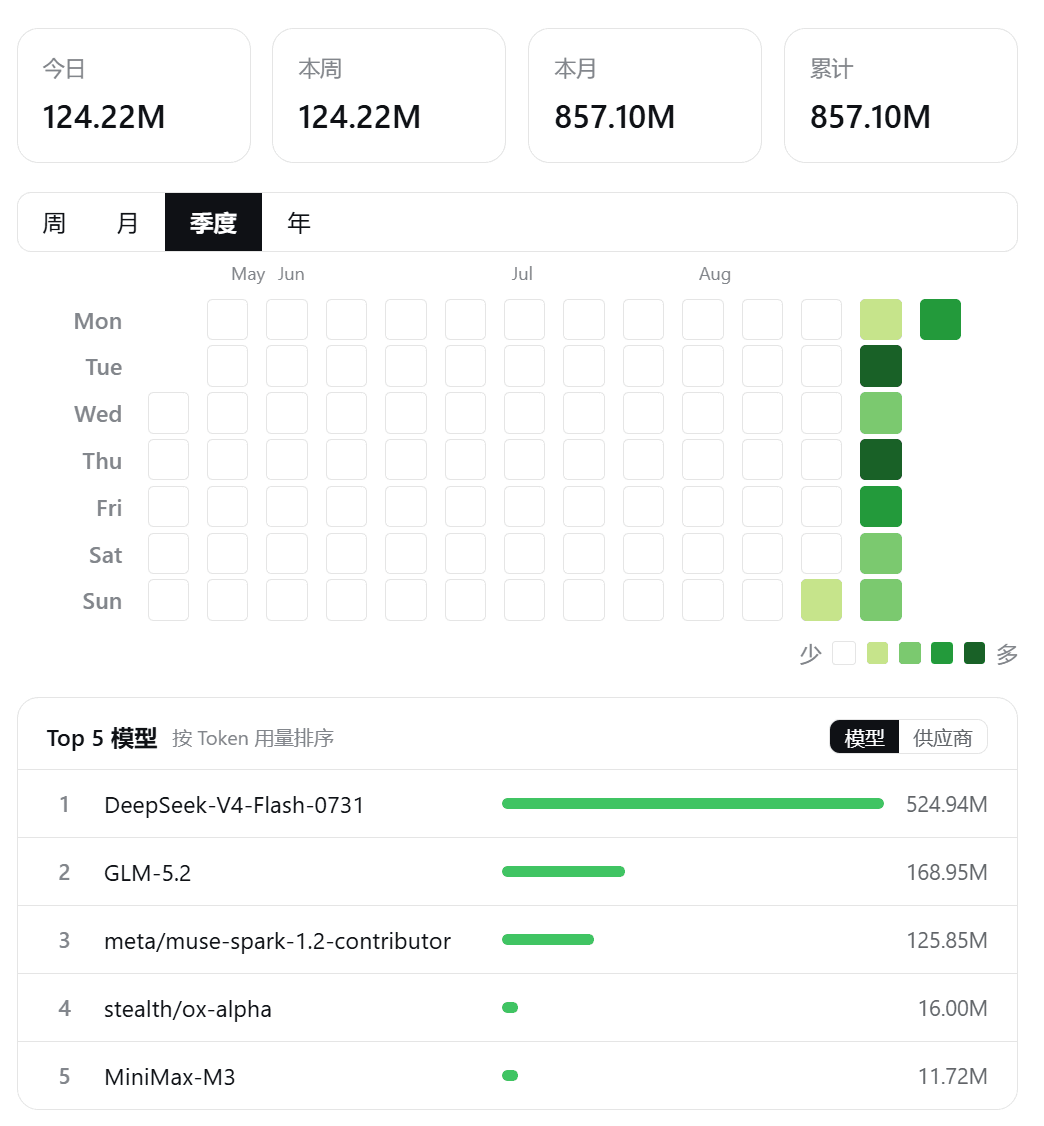
- 多视图:周(按小时展开)/ 月(日历)/ 季度(近 90 天)/ 年(整年双行)
- 统计:今日 / 本周 / 本月 / 累计 + 按模型与供应商的 Top 5
截图
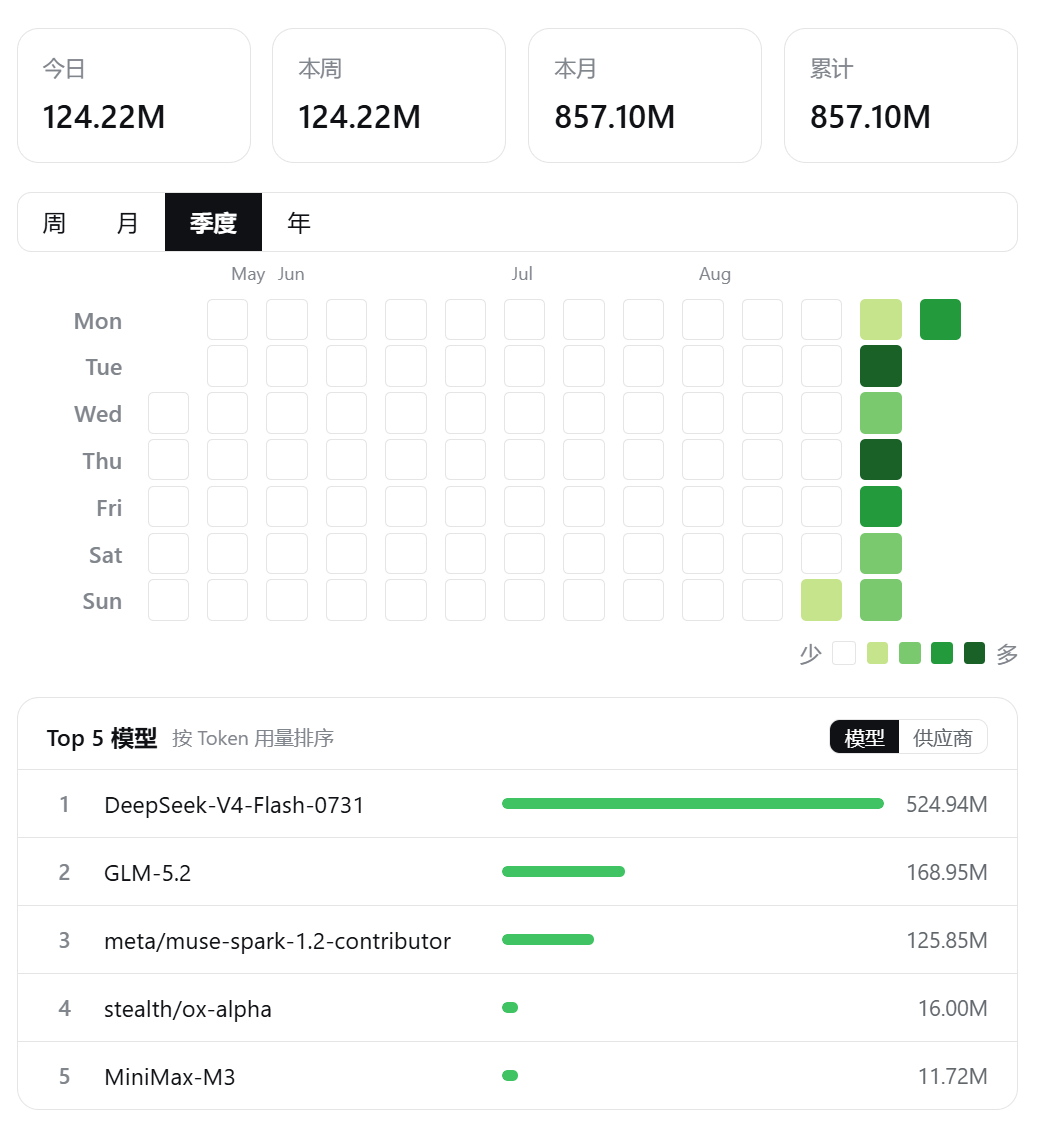
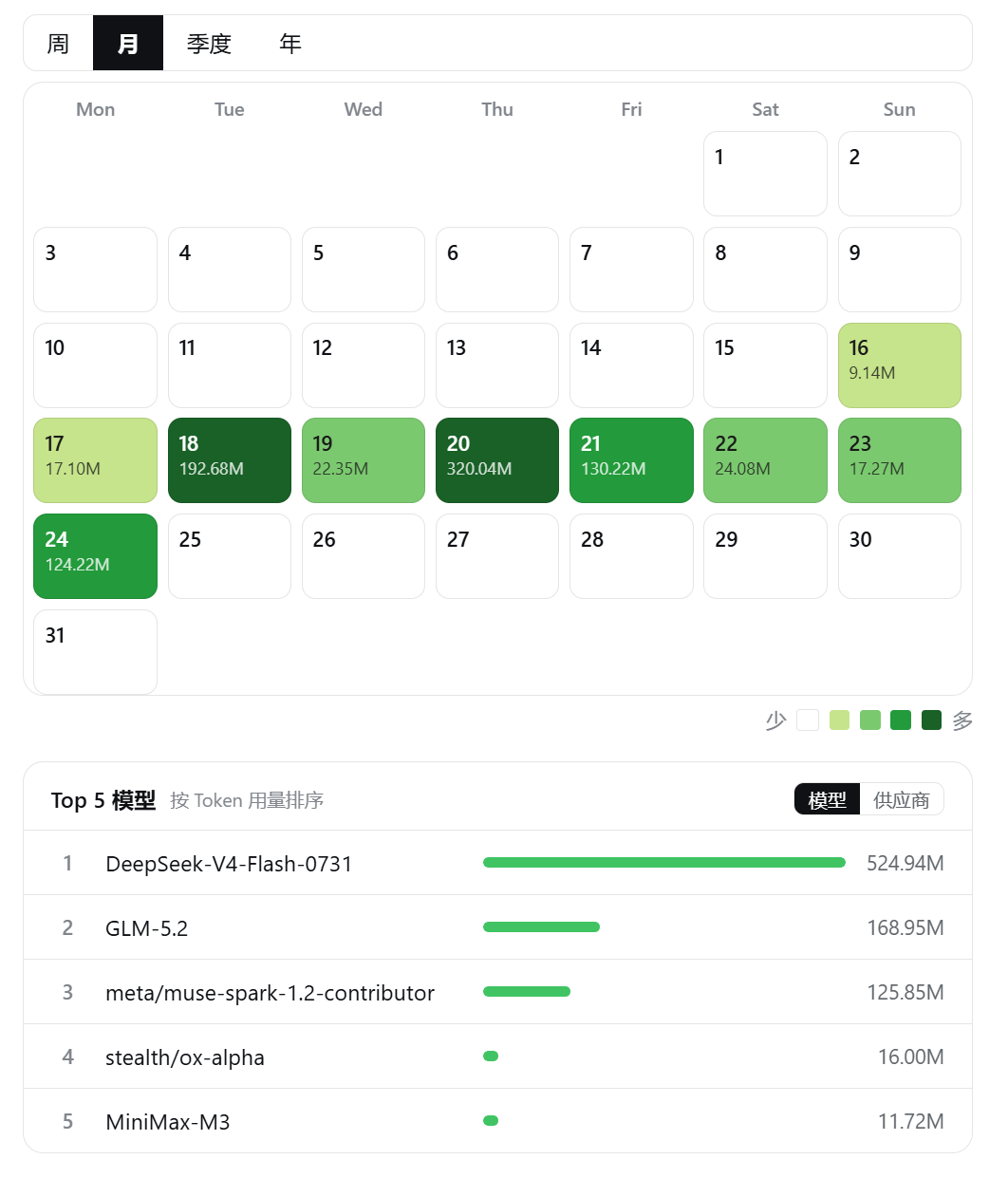
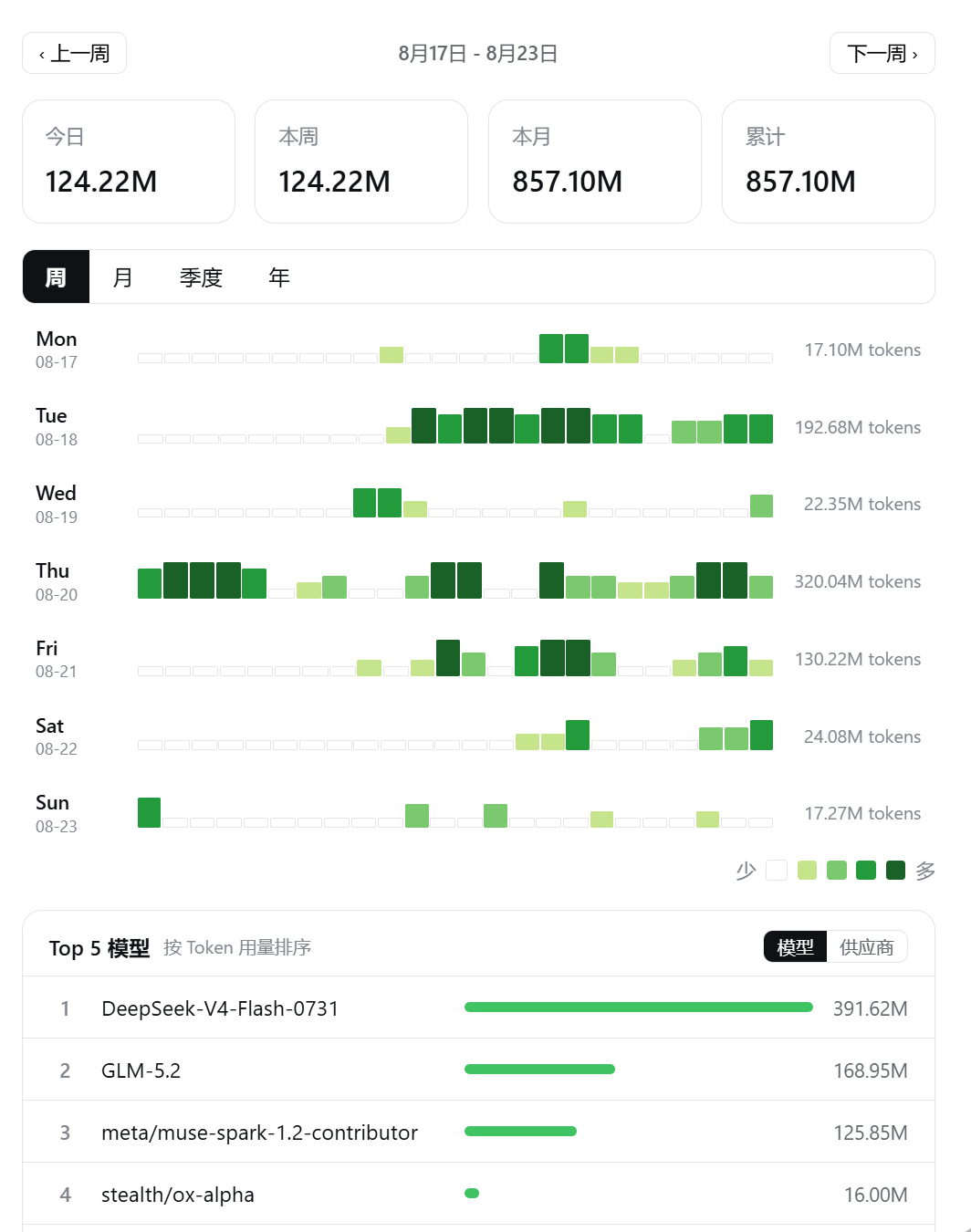
功能
| 模块 | 说明 |
|---|---|
| 视图切换 | 周 / 月 / 季度 / 年,颜色按视图内 25% / 50% / 75% / 100% 四档分档 |
| 周视图 | 每天 24 个小时柱,看高峰时段;可点击行查看当日 Top 5 |
| 月视图 | 日历格显示日期与当日用量 |
| 季度 / 年度 | GitHub 风格栅格,季度放大便于观察,年度双行排布 |
| 顶部统计 | 今日 / 本周 / 本月 / 累计,M / k 缩写 |
| 模型 Top 5 | 按模型或供应商查看,随视图窗口 / 点击日期动态切换 |
| 刷新 | 手动刷新 + 自动刷新(5 / 10 / 30 / 60 分钟,可关闭) |
| 语言 | 中 / 英文切换 |
常见问题
- 显示 0? 确认
$DSH_HOME/sessions下有含usage字段的会话日志。 - 会联网吗? 不会,纯本地统计。
- 时区? 固定北京时区,周一为周起始。
- 如何重置? 设置页右上角 ⋯ → 「重置历史」。
开发
pnpm install && npx tsdown   # 构建
node --test src/             # 运行测试
License
MIT
Related相关推荐
-
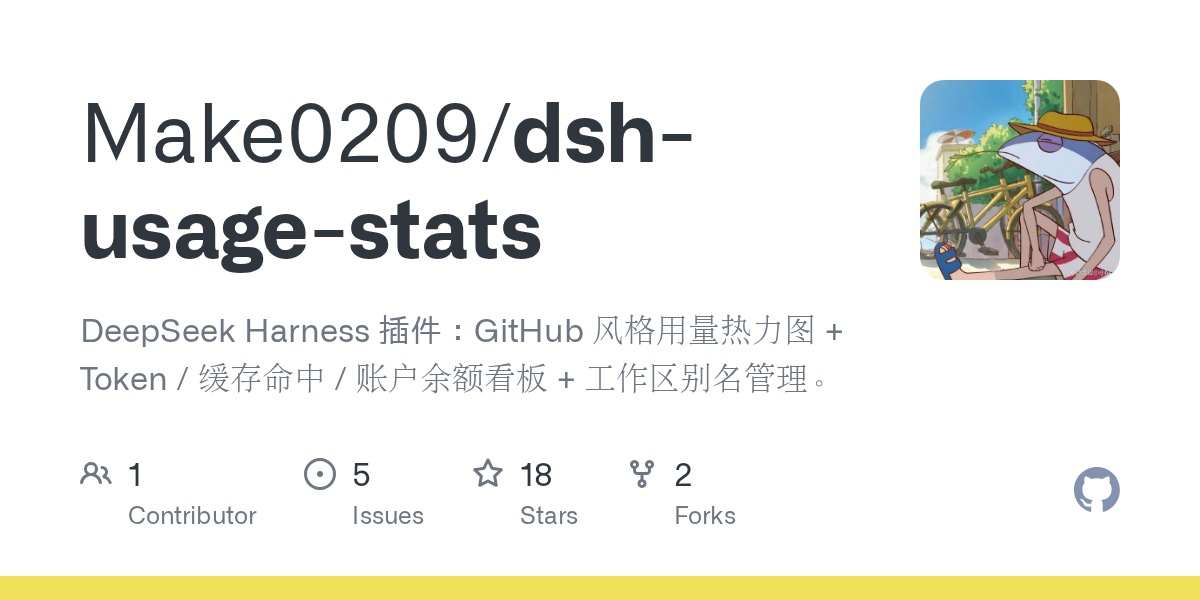 Make0209/dsh-usage-stats
DeepSeek Harness 插件:GitHub 风格用量热力图 + Token / 缓存命中 / 账户余额看板 + 工作区别名管理。
Make0209/dsh-usage-stats
DeepSeek Harness 插件:GitHub 风格用量热力图 + Token / 缓存命中 / 账户余额看板 + 工作区别名管理。
-
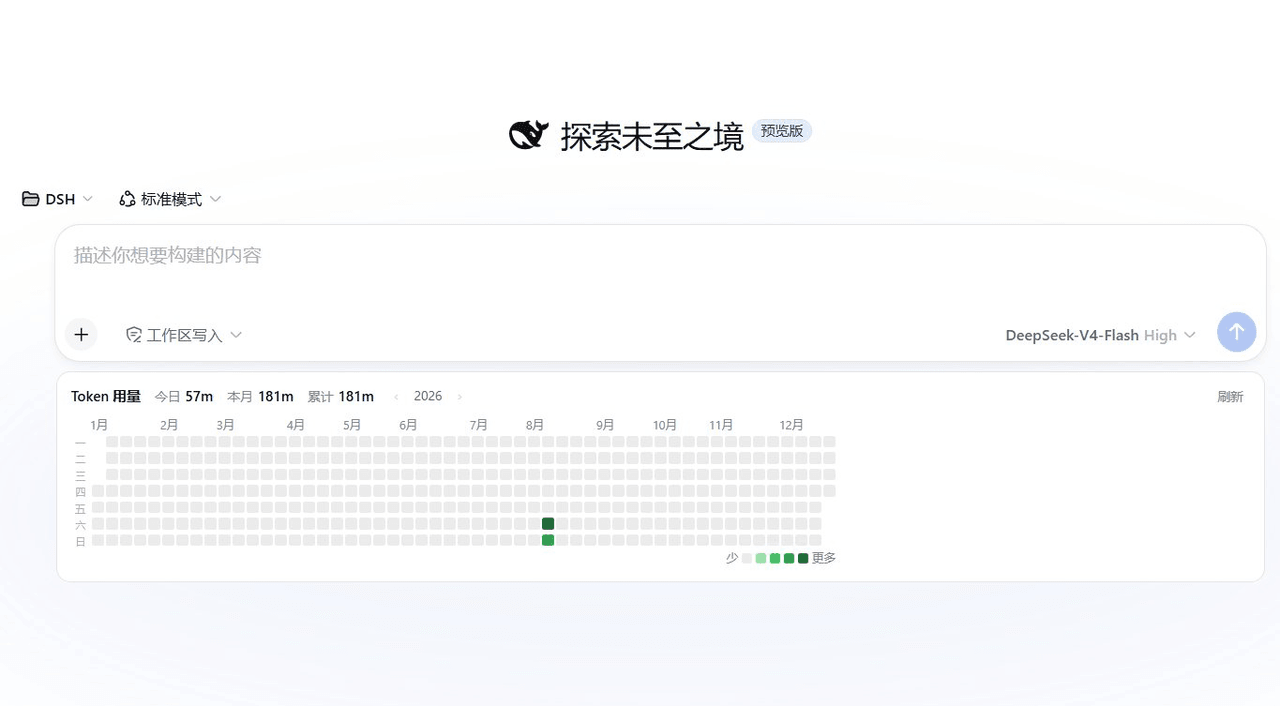 KIDLi1412/dsh-token-heatmap
DSH web plugin: GitHub-style daily token-usage heatmap on the new-session screen with a selectable calendar-year view, g…
KIDLi1412/dsh-token-heatmap
DSH web plugin: GitHub-style daily token-usage heatmap on the new-session screen with a selectable calendar-year view, g…
-
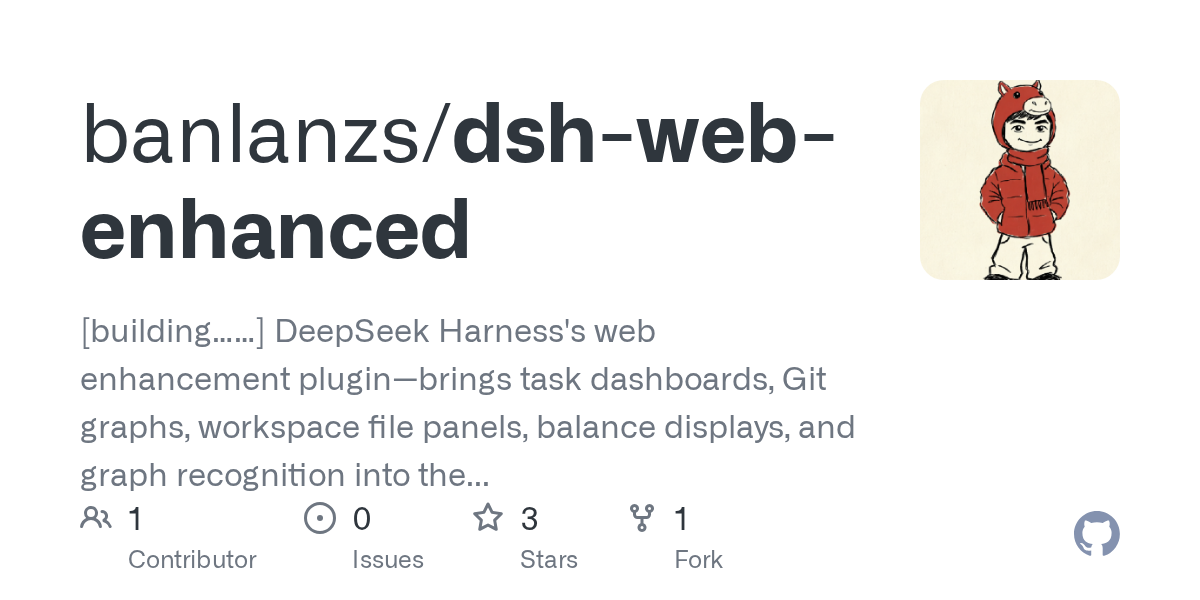 banlanzs/dsh-web-enhanced
[building……] DeepSeek Harness's web enhancement plugin—brings task dashboards, Git graphs, workspace file panels, balanc…
banlanzs/dsh-web-enhanced
[building……] DeepSeek Harness's web enhancement plugin—brings task dashboards, Git graphs, workspace file panels, balanc…
-
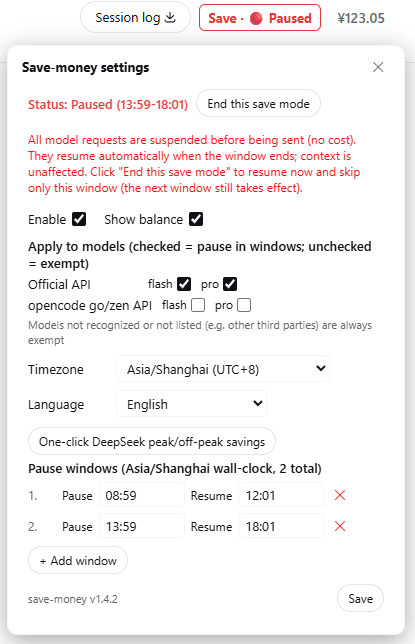 zhu168/dsh-save-money
Save-money plugin for DSH (DeepSeek Harness) — define your own "pause / resume" time windows; at pause time running long…
zhu168/dsh-save-money
Save-money plugin for DSH (DeepSeek Harness) — define your own "pause / resume" time windows; at pause time running long…
-
 lanlandeli/dsh-usage-stats
DeepSeek Harness 使用统计插件|Token 总量与构成、7/30 天趋势、年度活跃热力图、模型占比、工作区/任务筛选、CSV/JSON 导出
lanlandeli/dsh-usage-stats
DeepSeek Harness 使用统计插件|Token 总量与构成、7/30 天趋势、年度活跃热力图、模型占比、工作区/任务筛选、CSV/JSON 导出
-
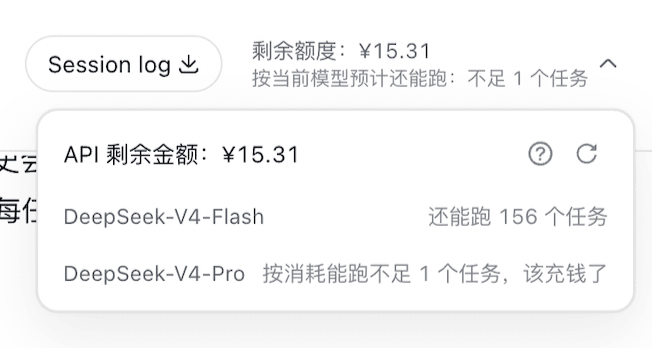 WilliamLIiii/DeepSeek-Harness-billing-plugin
DeepSeek Harness billing plugin: account balance + per-model remaining-task estimator with a session-header badge
WilliamLIiii/DeepSeek-Harness-billing-plugin
DeepSeek Harness billing plugin: account balance + per-model remaining-task estimator with a session-header badge
-
 133563825as-ai/dsh-api-dashboard
多平台 API 余额看板插件 for DeepSeek Harness Web GUI
133563825as-ai/dsh-api-dashboard
多平台 API 余额看板插件 for DeepSeek Harness Web GUI
-
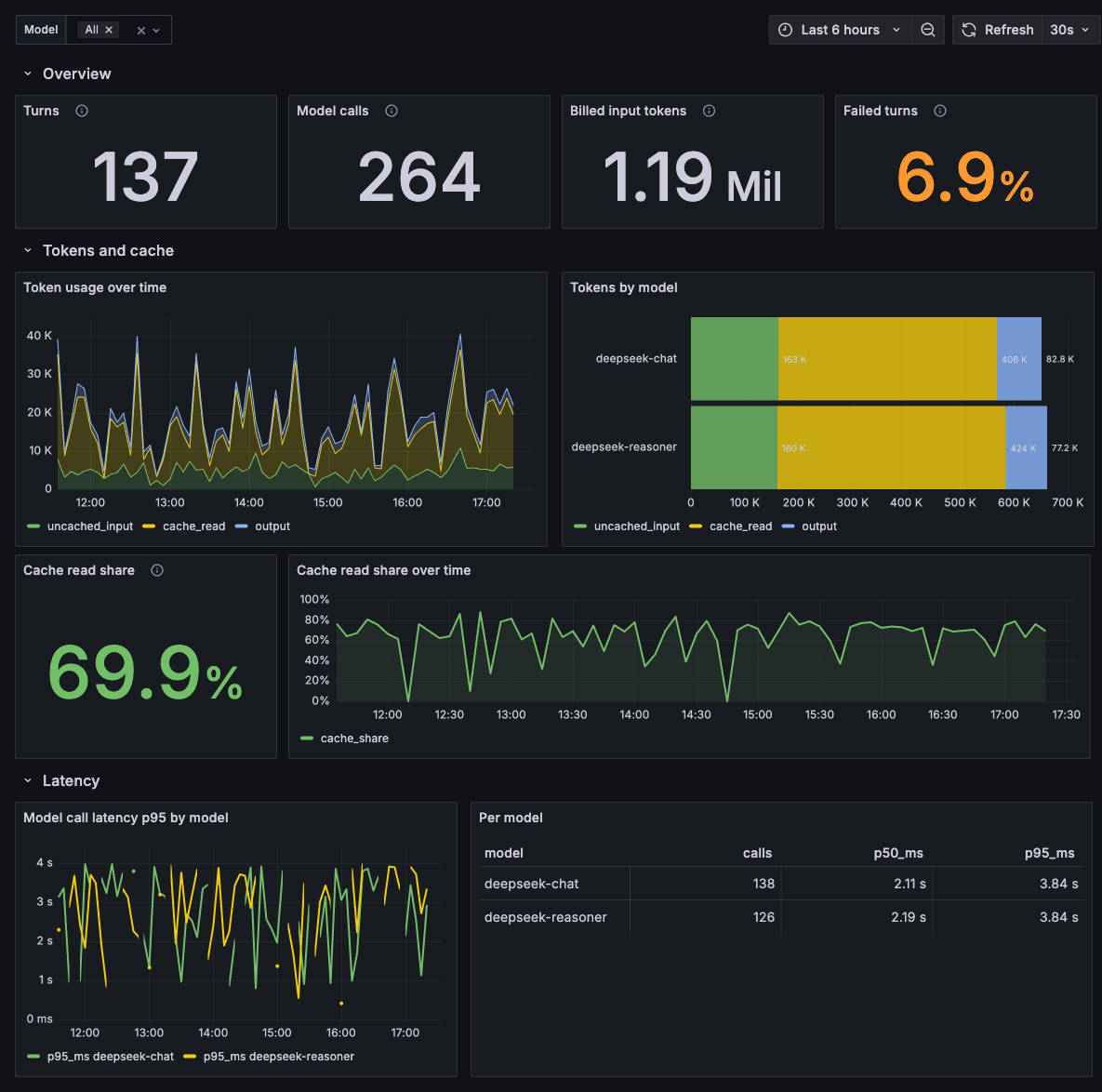 tma1-ai/dsh-otel
What a DeepSeek Harness run costs in tokens, money, and time. OpenTelemetry traces, metrics, and logs in GreptimeDB, wit…
tma1-ai/dsh-otel
What a DeepSeek Harness run costs in tokens, money, and time. OpenTelemetry traces, metrics, and logs in GreptimeDB, wit…