Jamailar/beav-deepseek-harness
Beav Creator for Xiaohongshu/RED,社媒AI运营、研究、文案、图片与视频,集成于DeepSeek Harness|小红书与社媒AI运营
项目介绍Project Overview
Beav Creator 是 DeepSeek Harness 插件,把 Beav 平台的工作流接入 Harness。它支持小红书选题、趋势调研、知识管理、文案写作、封面与配图、音频及短视频制作,并通过 Cordis 服务、工具、后台任务、斜杠命令等暴露工作区、项目、任务与审批接口。适用于需要持续产出多步骤社媒内容的创作者与运营人员。注意:需 Beav 2.7.4+、Harness 0.1.0-rc.6+ 和 Node 22+,且仅接受本地回环 HTTP 端点,无法自动批准付费或破坏性操作。
Beav Creator is a DeepSeek Harness plugin that integrates Beav workflows into Harness. It supports Xiaohongshu (RED) topic research, trend analysis, knowledge management, copywriting, cover and post images, audio, short video, and durable multi-step content production, exposing workspaces, projects, tasks, approvals, and verified artifacts via Cordis services, tools, background jobs, slash commands, session events, and web contributions. It is intended for creators and social-media operators running multi-step content pipelines. Note: requires Beav 2.7.4+, Harness 0.1.0-rc.6+, Node.js 22+, accepts loopback HTTP endpoints only, and cannot auto-approve paid or destructive actions.
请帮我了解并安装插件:【beav-deepseek-harness】【https://github.com/Jamailar/beav-deepseek-harness】把上面这条消息直接发给当前会话里的 DSH,让它帮你了解并安装。安装命令不一定准确,发给 DSH 更稳。Send this message to DSH in your current session. CLI install commands may not be accurate across systems — DSH will figure it out for you.
或使用命令行安装(适合开发者)Or use CLI install (for developers)
命令行安装CLI Install
dsh plugin --profile web add beav-creator-dsh把 Jamailar/beav-deepseek-harness 加入你的 DSH 配置(web profile)即可启用。
READMEREADME
Beav Creator
Beav Creator brings Xiaohongshu (RED/RedNote), social-media operations, and creator AI workflows into DeepSeek Harness. Use it for topic and trend research, knowledge management, copywriting, cover and post images, audio, short video, and durable multi-step content production. It exposes Beav workspaces, projects, tasks, approvals, and verified artifacts through Cordis services, Harness tools, background jobs, slash commands, session events, and Web client contributions. It does not use MCP.
Install
Requirements:
- Beav 2.7.4 or later
- DeepSeek Harness
0.1.0-rc.6or later (rc.7/rc.8web clients requirebeav-creator-dsh@0.1.5or later) - Node.js 22 or later
Install into a Harness profile:
dsh plugin --profile web add beav-creator-dsh
Start that profile, open Settings → Plugins → Beav Creator, and select Connect Beav. Harness opens beav://connect/authorize; Beav starts if needed and shows the requested permissions. After you approve in Beav, the connector completes a five-minute, single-use PKCE exchange and stores the resulting credential under BEAV_CREATOR_TOKEN. No token is copied through the clipboard, URL, browser client, chat, session event, or tool result.
If Beav is not running, an operation that needs it opens beav://open once and performs a bounded health retry. You can override the local endpoint or credential reference in the profile patch:
- update:
    id: beav
    config:
      endpoint: http://127.0.0.1:41700
      tokenRef: BEAV_CREATOR_TOKEN
      autoLaunch: on-demand
      requestTimeoutMs: 30000
Only loopback HTTP endpoints are accepted.
Use
- Ask naturally: “Use Beav to research a Xiaohongshu topic and turn the latest knowledge in my launch workspace into a post, cover images, and a 60-second video.”
- Type
@beavto select a stable workspace or project reference. - Use
/beav connect,/beav status,/beav open,/beav workspaces,/beav new,/beav import, or/beav savefor direct actions without a model turn. - Long-running work appears as a native Harness job and a replayable Beav task card.
- Completion is accepted only after Beav reports durable artifact read-back verification and each returned artifact can be read back through the Creator Gateway.
Beav retains ownership of AI orchestration, knowledge access, media generation, approvals, billing, persistence, and artifact verification. The connector cannot auto-approve paid or destructive actions.
Trust and privacy
This package runs as trusted local Host code. Pairing exposes only a local approval/status surface before authorization; creator operations still require a revocable client credential. Deep links contain a random request ID and PKCE challenge, never a token or verifier. The connector connects only to Beav on loopback, requests bounded summaries, and never transfers raw media bytes through model tool parameters. The connector source is public so the community can audit the integration. The Beav desktop application, creator runtime, knowledge engine, media pipeline, and commercial services remain proprietary and are not included in this repository or npm package.
This is a community plugin and is not an official DeepSeek product or endorsement.
Development
Clone the official Harness checkout at the pinned compatibility revision beside this repository:
git clone https://github.com/deepseek-ai/deepseek-harness.git ../deepseek-harness
git -C ../deepseek-harness checkout 47f943859bef60e4160492346772ded9b24f765a
pnpm -C ../deepseek-harness install
pnpm -C ../deepseek-harness run build:lib
pnpm install
pnpm check
The published tarball contains prebuilt lib/ files and treats every Harness runtime package as a peer dependency. Users do not run a build or prepare script during plugin installation.
License
MIT. This license applies to the connector only, not to the Beav application or services.
相关推荐Related
-
 nexu-io/open-design
🎨 Best DeepSeek Harness Design Plugin. The open-source Claude Design alternative. 🖥️ Local-first desktop app. 🖼️ Your…
nexu-io/open-design
🎨 Best DeepSeek Harness Design Plugin. The open-source Claude Design alternative. 🖥️ Local-first desktop app. 🖼️ Your…
-
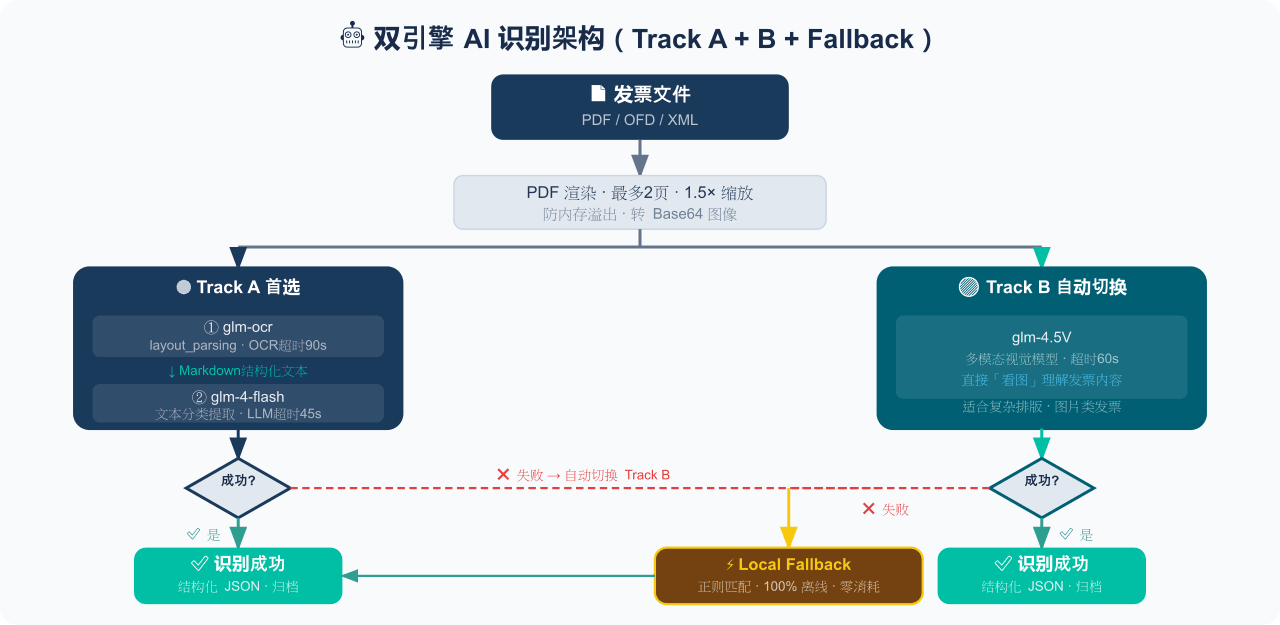 EthanYoQ/Invoice-Downloader
电子发票整理与报销准备工具:从邮箱批量收集 PDF/OFD/XML 发票,OCR 识别、分类归档并生成 Excel 汇总;提供 Windows/macOS 桌面版与 DSH 插件。
EthanYoQ/Invoice-Downloader
电子发票整理与报销准备工具:从邮箱批量收集 PDF/OFD/XML 发票,OCR 识别、分类归档并生成 Excel 汇总;提供 Windows/macOS 桌面版与 DSH 插件。
-
 HuanLinOTO/dsh-plugin-mineru
向模型暴露 MinerU 文档解析工具,将 PDF/图片/DOCX/PPTX/XLSX 转为结构化 Markdown/JSON | Exposes MinerU document-parsing tools to the model, co…
HuanLinOTO/dsh-plugin-mineru
向模型暴露 MinerU 文档解析工具,将 PDF/图片/DOCX/PPTX/XLSX 转为结构化 Markdown/JSON | Exposes MinerU document-parsing tools to the model, co…
-
 jing-hy/picturereader
DSH plugin: pixel-to-text image reading for text-only models. image_scan/image_ocr/image_sample tools + image-reading sk…
jing-hy/picturereader
DSH plugin: pixel-to-text image reading for text-only models. image_scan/image_ocr/image_sample tools + image-reading sk…
-
 hellodigua/dsh-share
DSH 对话分享插件,分享单轮或多轮对话,可导出为图片或 Markdown。Share DSH Q&As or selected conversation groups as PNG or Markdown.
hellodigua/dsh-share
DSH 对话分享插件,分享单轮或多轮对话,可导出为图片或 Markdown。Share DSH Q&As or selected conversation groups as PNG or Markdown.
-
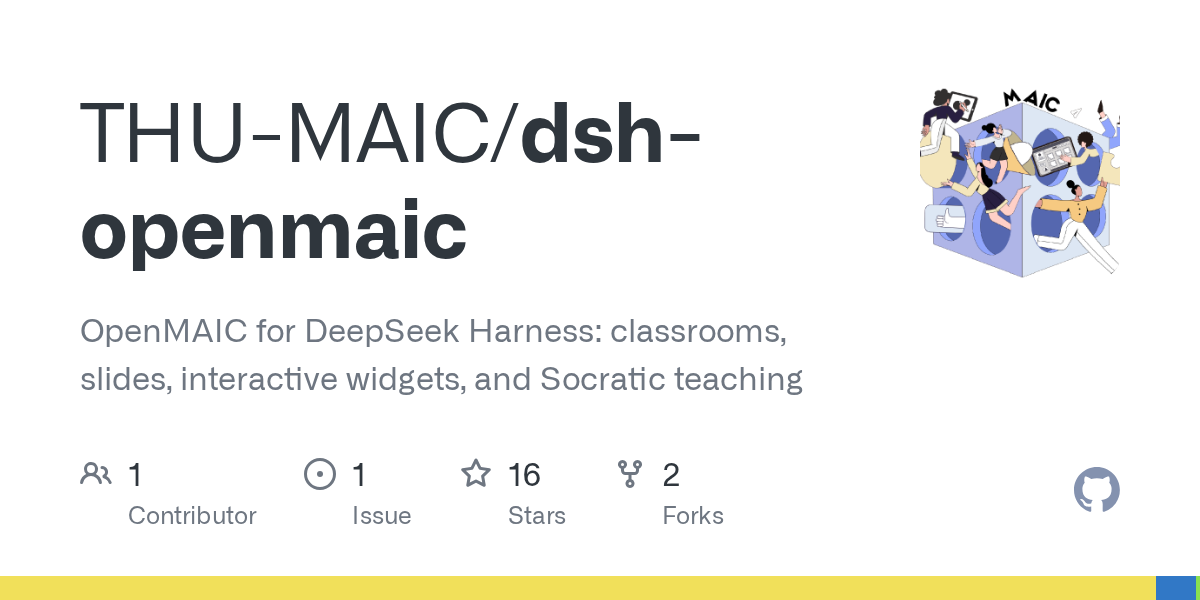 THU-MAIC/dsh-openmaic
OpenMAIC for DeepSeek Harness: classrooms, slides, interactive widgets, and Socratic teaching
THU-MAIC/dsh-openmaic
OpenMAIC for DeepSeek Harness: classrooms, slides, interactive widgets, and Socratic teaching
-
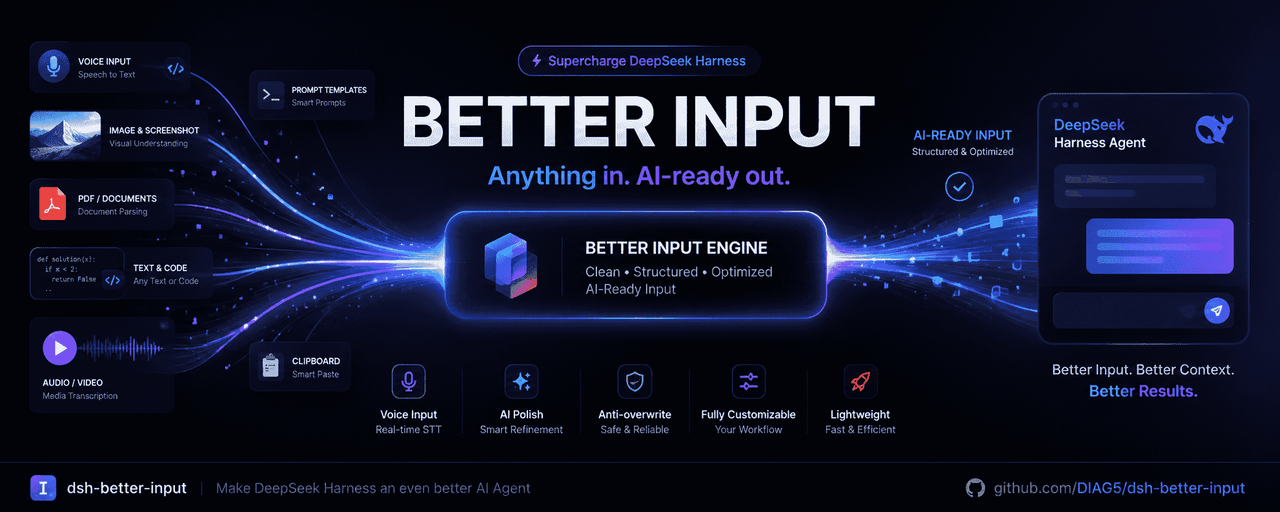 DIAG5/dsh-better-input
BetterInput是一套输入增强套件:从语音识别、AI 润色、提示词优化,到把各类文件转成结构清晰的Md,再到交互体验优化等——把每一种喂给智能体的输入都变得更好。BetterInput is an input-enhancement …
DIAG5/dsh-better-input
BetterInput是一套输入增强套件:从语音识别、AI 润色、提示词优化,到把各类文件转成结构清晰的Md,再到交互体验优化等——把每一种喂给智能体的输入都变得更好。BetterInput is an input-enhancement …
-
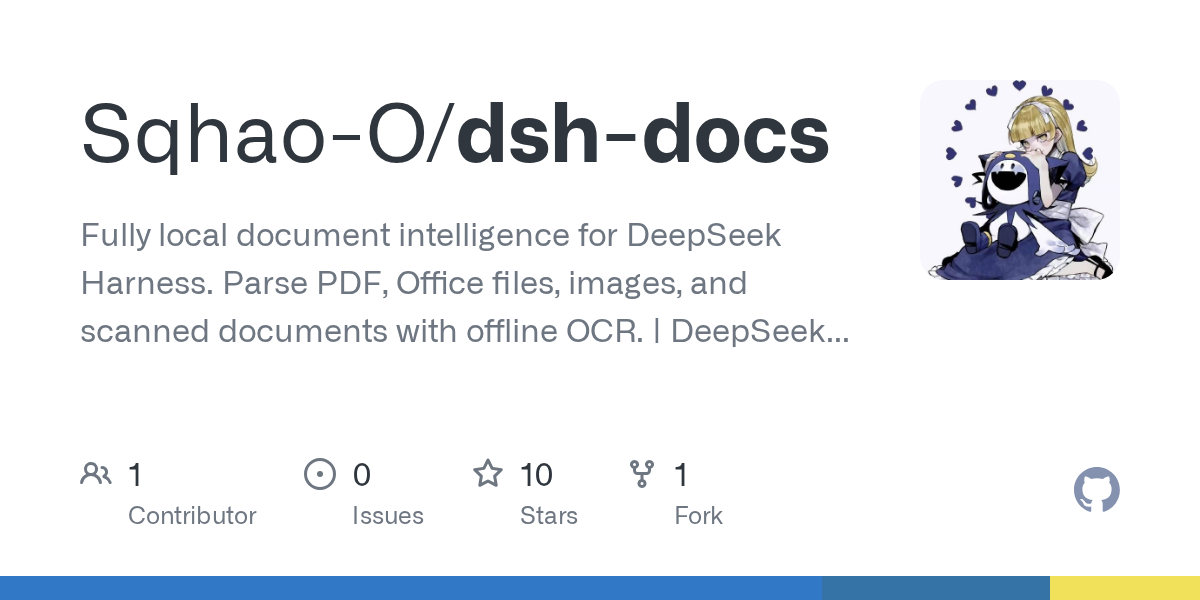 Sqhao-O/dsh-docs
Fully local document intelligence for DeepSeek Harness. Parse PDF, Office files, images, and scanned documents with offl…
Sqhao-O/dsh-docs
Fully local document intelligence for DeepSeek Harness. Parse PDF, Office files, images, and scanned documents with offl…