jsoncode/dsh-jenkins
可以在DeepSeek Harness中,快捷配置和管理多台 Jenkins 服务器与 Token, 支持设置页配置、模型工具触发构建、工作区级「执行 Jenkins Job」入口。无硬编码路径、 全量 TypeScript、可发布到 npm / GitHub。界面文案中英双语(跟随主界面语言)。
项目介绍Project Overview
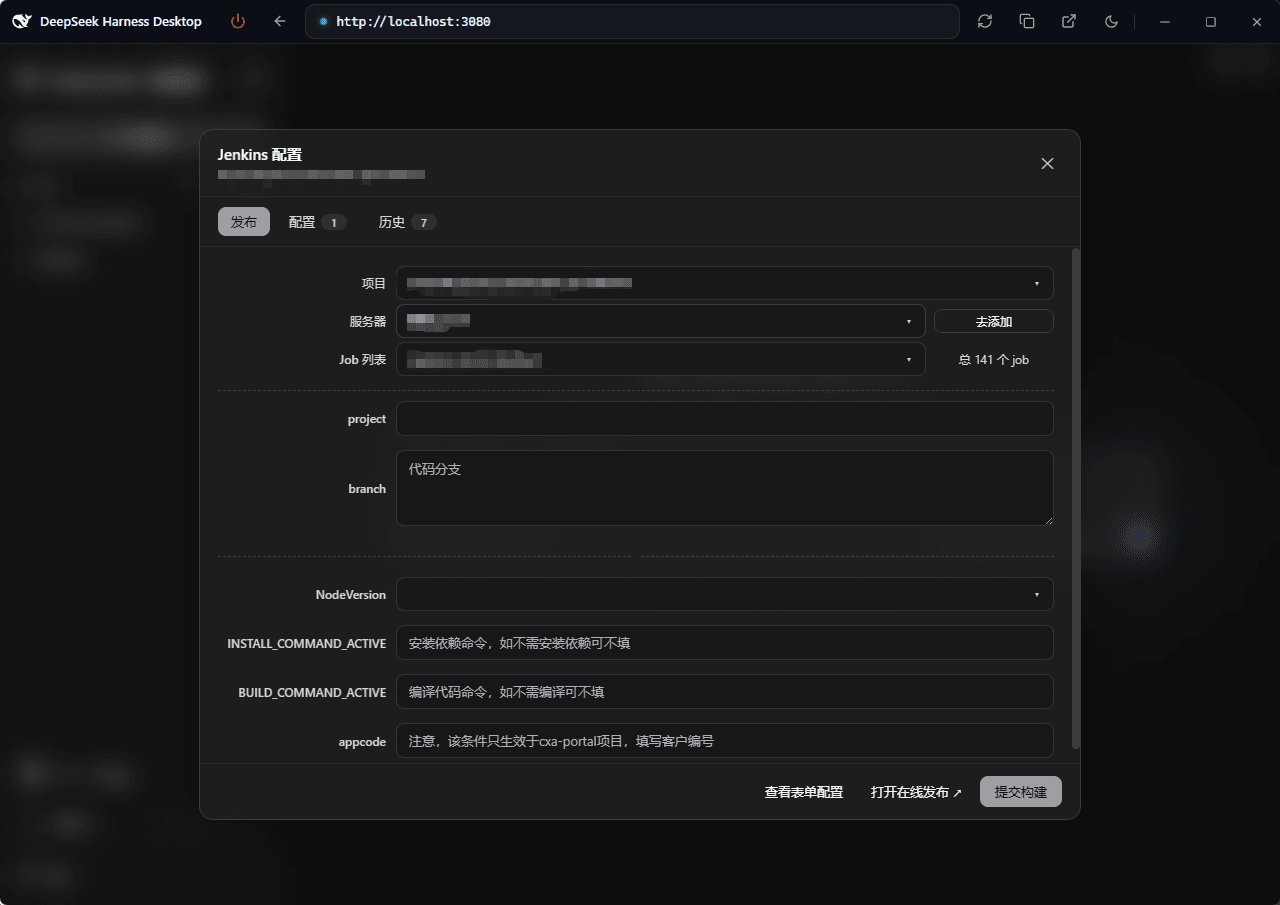
dsh-jenkins 是基于 DeepSeek Harness 主机的 Jenkins 管理插件,集中管理多台服务器与任务。核心能力:参数化一键发布,实时跟踪排队→构建→结果状态,并提供日志查看、构建停止及 50 条历史记录过滤。适用场景:研发需在多环境 Jenkins 上快速触发并追踪发布流程时使用。注意:服务器 Token 经机器绑定密钥加密存储,缓存文件以明文形式保存。
dsh-jenkins is a Jenkins management plugin on the DeepSeek Harness host, centralizing multiple servers and jobs. Core capability: parameterized one-click publishing with real-time queue-to-result tracking, plus logs, build cancellation, and 50-entry filterable history. Use it when teams need to trigger and monitor parameterized Jenkins builds across multiple servers and environments. Note: server tokens are encrypted with a machine-bound key, while the cache file is stored in plaintext on disk.
请帮我了解并安装插件:【dsh-jenkins】【https://github.com/jsoncode/dsh-jenkins】把上面这条消息直接发给当前会话里的 DSH,让它帮你了解并安装。安装命令不一定准确,发给 DSH 更稳。Send this message to DSH in your current session. CLI install commands may not be accurate across systems — DSH will figure it out for you.
或使用命令行安装(适合开发者)Or use CLI install (for developers)
命令行安装CLI Install
dsh plugin --profile web add dsh-jenkins把 jsoncode/dsh-jenkins 加入你的 DSH 配置(web profile)即可启用。
READMEREADME
dsh-jenkins
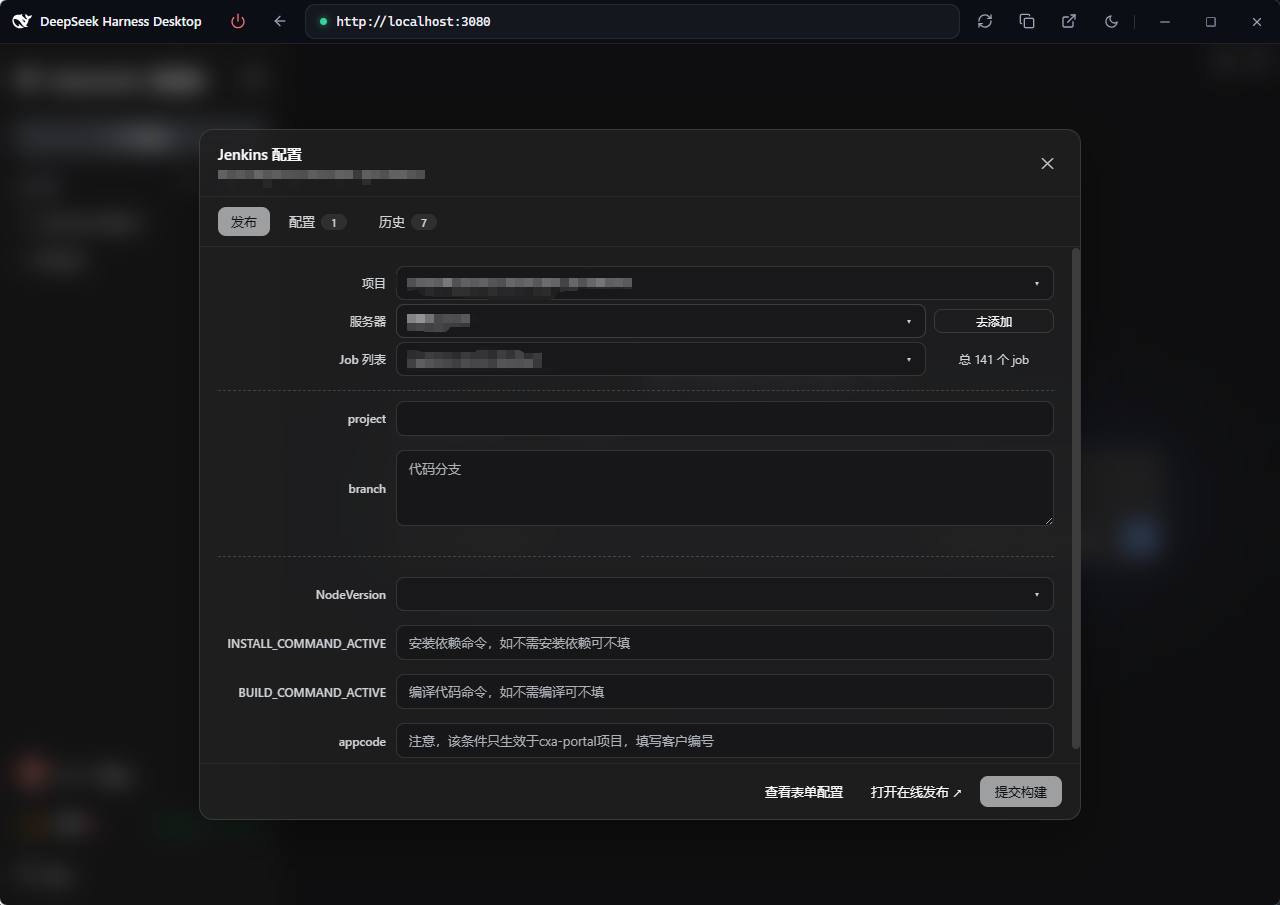
dsh-jenkins is a Jenkins management plugin built on the DeepSeek Harness (DSH) host, centralizing multiple servers and jobs for fast build publishing.
- Multi-server / multi-job management — configure and manage multiple Jenkins servers and jobs in one place
- One-click publishing — trigger parameterized builds, track queue → building → result in real time
- Logs & operations — view build logs, stop or cancel builds at any time
- Bilingual UI — follows the host interface language (中文 / English)
Available from the Settings page, a per-workspace entry, and model tools.
Preview
Screenshots of the Settings page, workspace entry and run/history modals: see preview.md.
Features
- Settings → Jenkins Config page (
settings.section): add / edit / delete multiple servers (URL, username, Token), test connections, skip TLS verification. Only Server URL and Token are required (username defaults toadmin). - Workspace entry (
sidebar.footer.action): a footer group with the Jenkins logo button (opens the Run Jenkins Job modal) and a History button (clock icon, publish history of the last 50 runs across all workspaces, filterable by workspace — defaults to All) appears when the current workspace root contains adsh-jenkins.{json,js,ts}config file. The modal has searchable dropdowns for server / job, a parameter form pre-filled from the config, build triggering, and status polling (queued → building → result, with a 10-minute timeout). The server dropdown shows the intersection of the servers referenced by the config and the servers configured in the plugin; selecting a server auto-selects the configured job and echoes its parameters. The last submitted server / job / parameters are remembered per workspace and auto-echoed the next time the modal opens (browserlocalStorage). A missing or invalid config file is treated as "not configured" — no entry is shown. - Model tools (docs/develop/basic/tool):
dsh_jenkins_build,dsh_jenkins_status. - Config (docs/develop/basic/config): Schemastery
Config+ a plugin data file$DSH_HOME/dsh-jenkins.json(server tokens encrypted with the machine-bound key$DSH_HOME/dsh-jenkins.key, cache in plaintext; on first run any legacydsh-jenkinsnamespace insettings.yamlis migrated once and cleared). - Packaging (docs/develop/basic/publish):
dsh.bundle+dsh.client(web) manifests.
Structure
├── src/host/*.ts       # Host half source: index.ts (entry), jenkins.ts (curl core), ops.ts (op dispatch), workspace-config.ts, types.ts
├── src/client/*.tsx    # Browser half source (React TSX components): Settings page, footer entry, run-job modal, history modal
├── lib/index.js        # Host half build artifact (tsdown, ESM), committed for git installs
├── lib/client.js       # Browser half build artifact (tsdown → __ModuleLoader__ factory), committed
├── lib/types/          # Type declarations (generated by tsc -b)
├── scripts/            # verify-client.mjs (host-seed simulation check)
├── tsdown.config.ts    # tsdown build config (node half + client bundle banner wrapper)
├── tsconfig.json       # solution: references tsconfig.host.json / tsconfig.client.json
├── cordis.patch.yml    # Bundle patch: plugin row referenced by package name (no paths)
├── package.json        # dsh.bundle + dsh.client(web) manifests + peerDependencies
├── README.md           # This file (English)
├── README.zh.md        # 中文文档
└── preview.md          # Screenshot preview (references assets/preview/*.png)
Workspace config file (dsh-jenkins.json / .js / .ts)
Place it in the workspace root. It is an array; each element is one deploy
target (job + server + environments params). .json is parsed directly; .js / .ts
are evaluated with node (CJS module.exports or ESM export default):
[
  {
    "job": "build-app",
    "server": "http://uat.example.com",
    "environments": { "BRANCH": "main", "DEPLOY": false }
  },
  {
    "job": "build-app",
    "server": "http://prod.example.com",
    "environments": { "BRANCH": "release-1.0", "DEPLOY": true }
  }
]
- Every element requires
job(Jenkins job path, e.g.build-apporfolder/build-app) andserver(the server name / id / URL as configured in Settings → Jenkins). environments(optional): the parameter map for this target (booleans render as checkboxes, everything else as text fields).- The modal's server dropdown shows the intersection of the servers referenced
by the config and the servers configured in the plugin; selecting a server
auto-selects the matching
job(left empty when absent from the Jenkins job list, letting the user choose) and echoes its parameters. If the intersection is empty, the dropdown degrades to all servers with a hint. A missing or invalid config is treated as "not configured" — the entry is hidden.
Installation
# Local development
dsh plugin --profile web add ./dsh-jenkins

# Published: npm / tarball / GitHub
dsh plugin --profile web add dsh-jenkins
dsh plugin --profile web add ./dsh-jenkins-0.1.4.tgz
dsh plugin --profile web add github:you/dsh-jenkins#<sha>

dsh --profile web --dump-config   # verify the layer
dsh --profile web                 # start (restart required for the host half to reload)
Local development dependencies: the host loads
index.jsthrough native Node ESM, so@deepseek-ai/schemastery,@deepseek-ai/dsh-toolsand@deepseek-ai/dsh-settingsmust be resolvable from the plugin directory (node_modulesis gitignored). Either:
- run
pnpm installinside the plugin directory (these three are declared as devDependencies); or- junction the host's flat fallback copies, e.g.:
New-Item -ItemType Directory "$PWD\node_modules\@deepseek-ai" -Force
foreach ($p in 'schemastery','dsh-tools','dsh-settings') {
  New-Item -ItemType Junction "$PWD\node_modules\@deepseek-ai\$p" -Target "$env:DSH_HOME\profiles\node_modules\@deepseek-ai\$p"
}
Static server defaults can also be set in the profile's cordis.patch.yml:
- insert:
    - id: dsh-jenkins
      name: dsh-jenkins
      config:
        servers:
          - id: prod
            name: 生产环境
            baseUrl: https://jenkins.example.com
            username: admin
            token: <API Token or password>
            insecure: false
Publish
The build toolchain is tsc + tsdown (same as @lemcae/dsh-balance and other
similar plugins — no vite): tsc -b type-checks and emits declarations, while
tsdown (Rolldown core) bundles the host half (lib/index.js, ESM) and the
browser half (lib/client.js, single-file CJS __ModuleLoader__ factory with
auto banner wrapping). Dependency management uses pnpm 10 (Node 26; the
pnpm-lock.yaml is committed and CI installs with --frozen-lockfile):
pnpm install     # install per pnpm-lock.yaml
pnpm run build   # clean lib → tsc -b (types + declarations) → tsdown (both halves)
pnpm run verify  # simulate the host module table to check lib/client.js (optional)
pnpm publish     # or pnpm pack / git push origin main (lib/ is committed; git installs need no build)
Automated publishing (GitHub Actions)
Pushing a v* tag (pnpm run release bumps the patch version, rebuilds the
artifact, and tags it automatically) triggers
.github/workflows/publish.yml:
- release job: Setup Node 26 →
pnpm install --frozen-lockfile→pnpm run check(tsc -b) →pnpm run build(tsc -b && tsdown) →pnpm pack→ creates a GitHub Release (auto-generated changelog, tarball attached); - publish-npm job: publishes to npm — requires the
NPM_TOKENrepository secret (Settings → Secrets and variables → Actions); fails fast with a hint when it is missing.
Development
Requirements: Node ≥ 26 + pnpm 10 (the packageManager field in
package.json pins the pnpm version).
pnpm install           # devDependencies: typescript, tsdown, @types/react, @deepseek-ai/* type packages, etc.
pnpm run check         # whole-tree TypeScript type check (tsc -b)
pnpm run build         # rebuild both halves after editing source (tsc -b && tsdown)
pnpm run watch         # tsdown watch mode (rebuild on src/client changes)
pnpm run verify        # simulate the host seed table to check lib/client.js loads
- Host half lives in
src/host/; browser half insrc/client/(build entrysrc/client/index.ts, exporting{ name, inject, apply }directly); - The
window.__ModuleLoader__.loadfactory wrapper oflib/client.jsis generated by tsdown's banner/intro/footer options (no hand-written wrap script); - External dependencies in the artifact (
react,@deepseek-ai/dsh-client-ui-primitives, ...) stay external and resolve from the host module table (seed) at runtime.
Implementation notes
- Jenkins REST via
curl.exethrough the hostshellservice: Basic auth + CSRF crumb--data-binary @-(form body over stdin, UTF-8 without BOM);-D -parses status and theLocationheader.
- Browser ↔ host transport:
ctx.remote.commands.execute(sessionId, '/dsh-jenkins <json>'), host errors carry acodethat the client localizes (fallback to the raw message). - Peer dependencies (
@deepseek-ai/cordis,dsh-tools,schemastery,dsh-settings,dsh-commands,dsh-session,dsh-api-remotes, client runtime/ui-slots/ui-settings/ cordis-client-runner,react) are resolved by the host at install time. - The official
deepseek-harnessproject is not modified; all features use existing slots (sidebar.footer.action,settings.section,shell.overlay) and the command transport.
相关推荐Related
-
 Aisland-SJL/dsh-worktable
🖥️ Agent-project workbench for DeepSeek Harness — sidebar app drawer + dockable split workspace + a live control room w…
Aisland-SJL/dsh-worktable
🖥️ Agent-project workbench for DeepSeek Harness — sidebar app drawer + dockable split workspace + a live control room w…
-
 vlln/dsh-navbar
DSH 插件:对话节点导航条(右缘节点串快速跳转 user 消息)。官方 bundle 插件,dsh plugin --profile web add 安装
vlln/dsh-navbar
DSH 插件:对话节点导航条(右缘节点串快速跳转 user 消息)。官方 bundle 插件,dsh plugin --profile web add 安装
-
 yoli-mi/dsh-client-ui-custom
Configurable DSH web-surface plugin: wallpaper & frosted-glass themes, accent colors, custom keyboard shortcuts, app-usa…
yoli-mi/dsh-client-ui-custom
Configurable DSH web-surface plugin: wallpaper & frosted-glass themes, accent colors, custom keyboard shortcuts, app-usa…
-
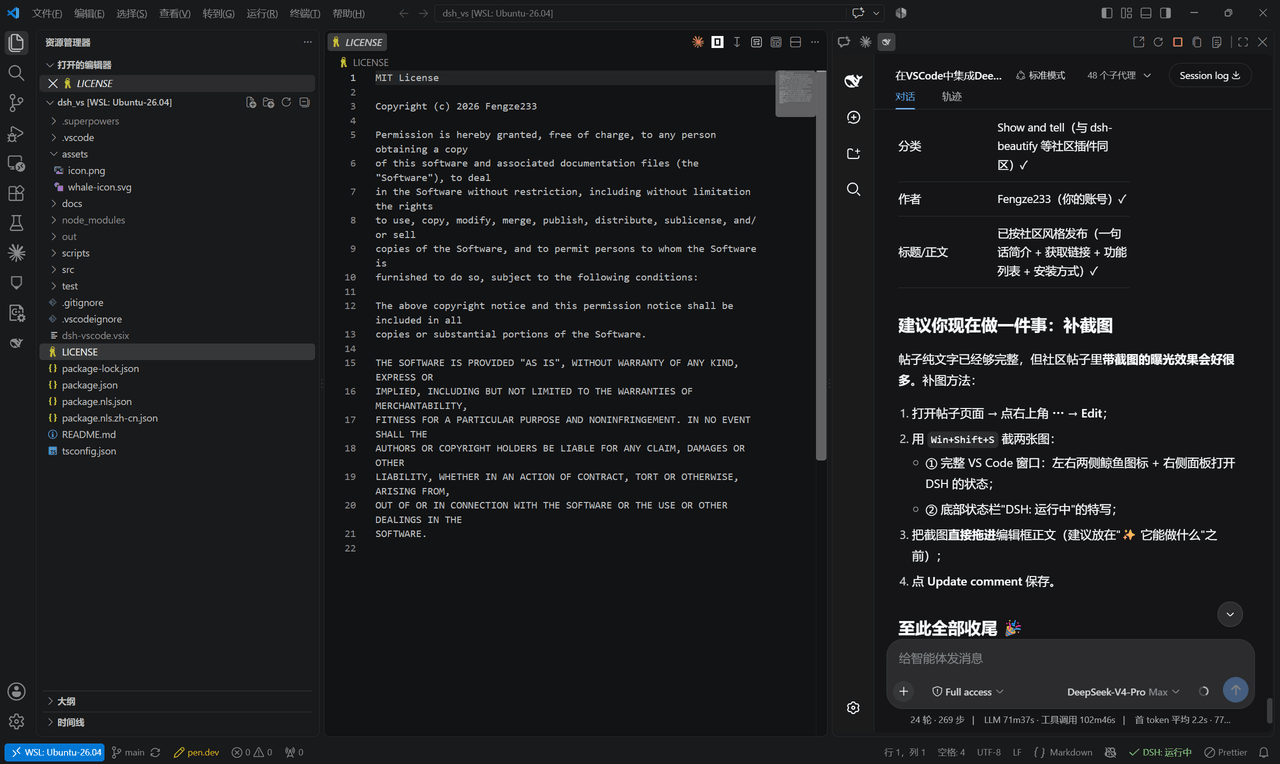 Fengze233/dsh-vscode
在 VS Code 侧边栏内嵌使用 DeepSeek Harness(DSH)网页界面的插件
Fengze233/dsh-vscode
在 VS Code 侧边栏内嵌使用 DeepSeek Harness(DSH)网页界面的插件
-
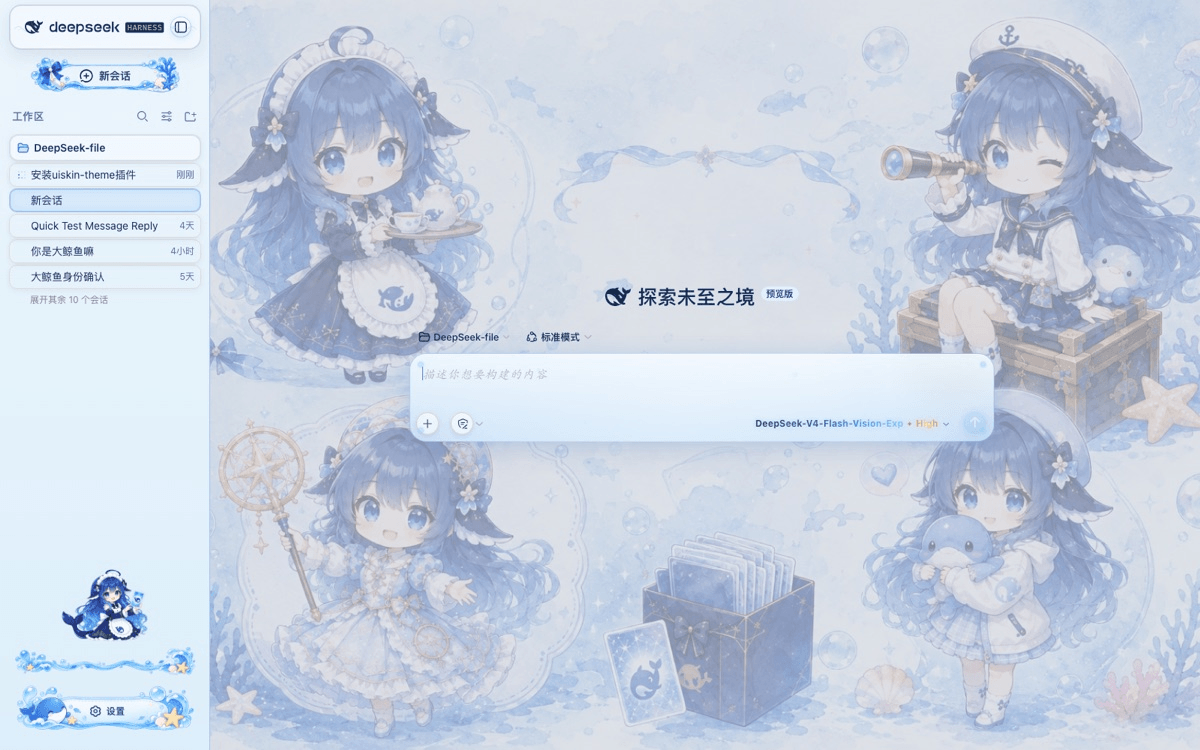 chouxiaohuai/dsh-uiskin-theme
Blue Glass Theme (ocean fantasy) for DeepSeek Harness Web — static profile bundle. 海洋幻想主题:海洋背景、玻璃气泡、海洋侧边栏、鲸鱼设置按钮、炫彩模型文字。…
chouxiaohuai/dsh-uiskin-theme
Blue Glass Theme (ocean fantasy) for DeepSeek Harness Web — static profile bundle. 海洋幻想主题:海洋背景、玻璃气泡、海洋侧边栏、鲸鱼设置按钮、炫彩模型文字。…
-
 gameswu/dsh-plugin-vscode-sidebar
提供vscode风格和功能的侧栏
gameswu/dsh-plugin-vscode-sidebar
提供vscode风格和功能的侧栏
-
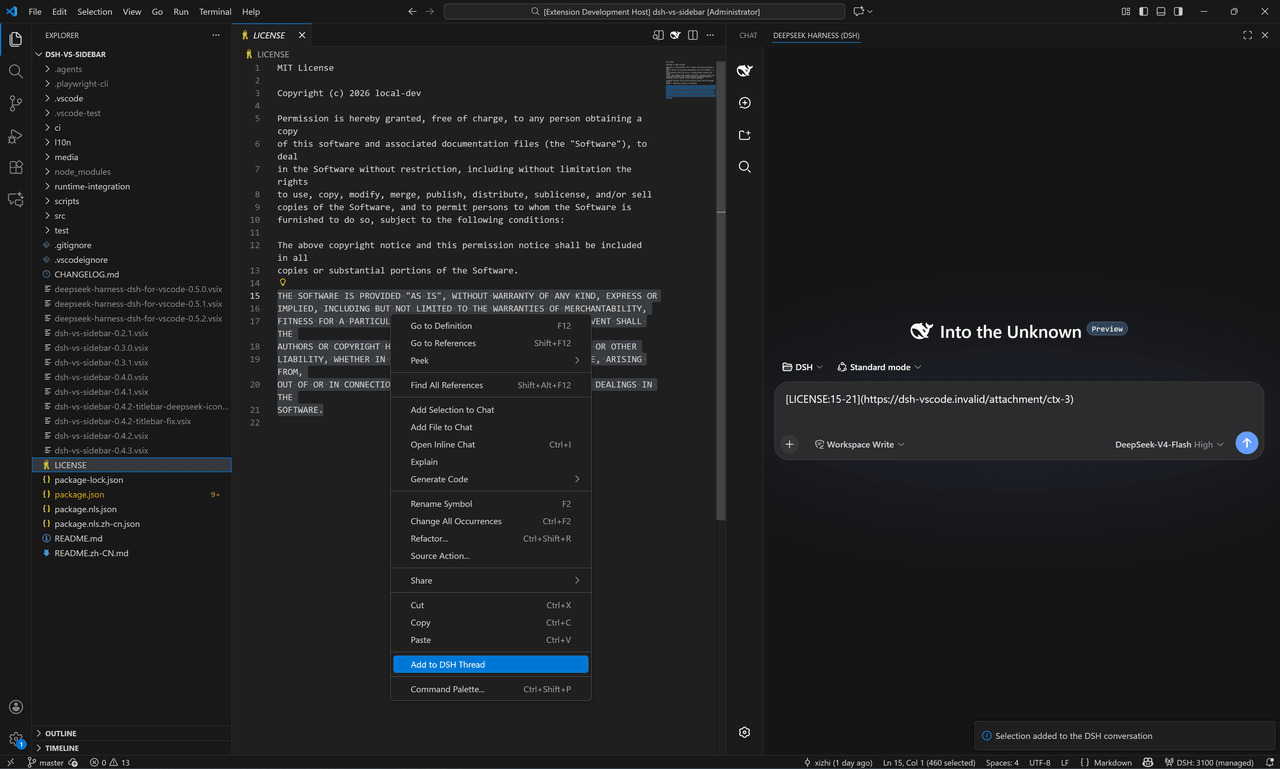 Xizhi1024/deepseek-harness-dsh-for-vscode
DeepSeek Harness(dsh) for VS Code
Xizhi1024/deepseek-harness-dsh-for-vscode
DeepSeek Harness(dsh) for VS Code
-
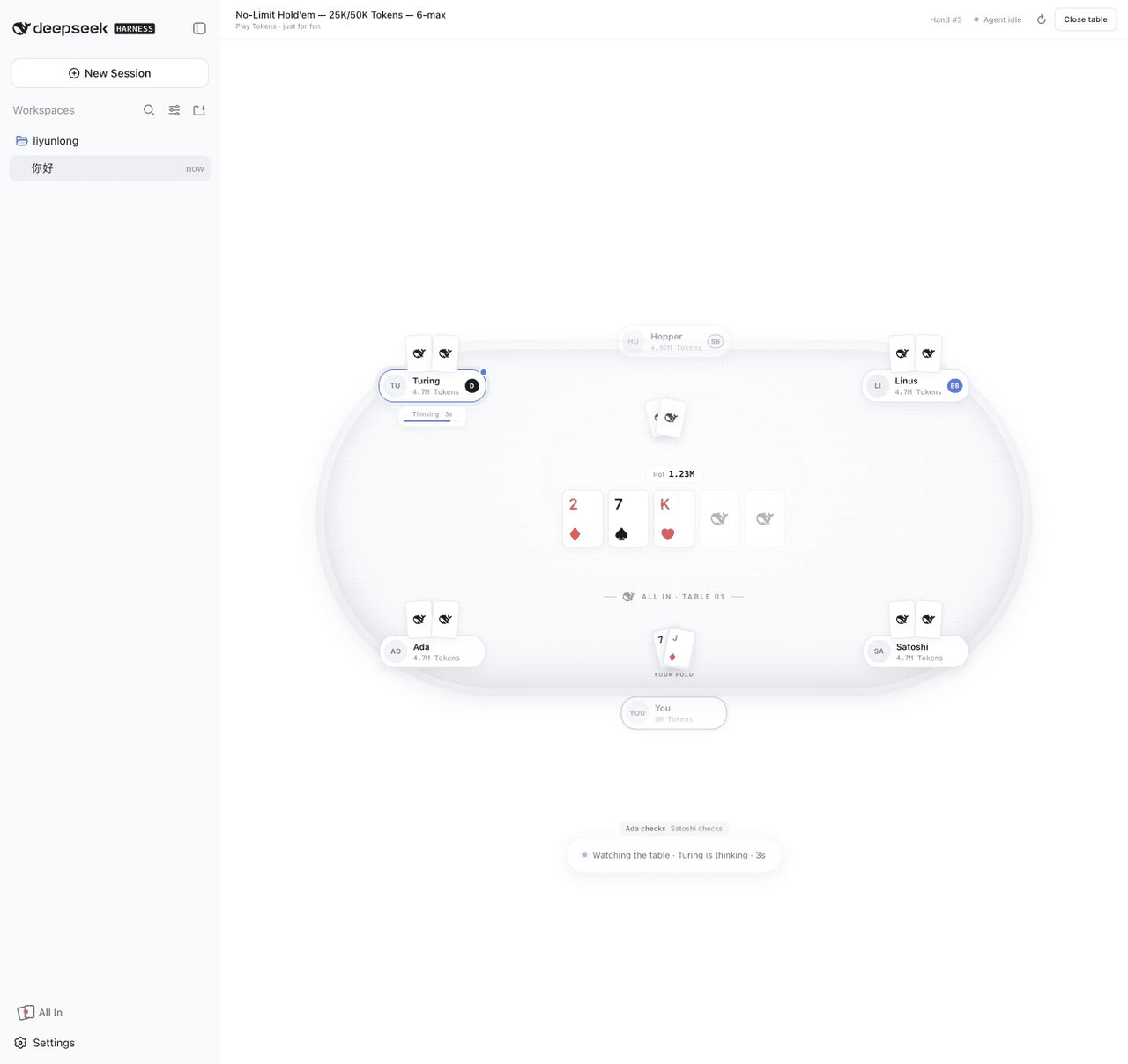 leeclouddragon/dsh-all-in
A local six-max Texas Hold'em plugin for DeepSeek Harness — play with Tokens while your agent thinks.
leeclouddragon/dsh-all-in
A local six-max Texas Hold'em plugin for DeepSeek Harness — play with Tokens while your agent thinks.