LamplitIsles/dsh-companion
@lamplitisles/dsh-companion is a small, one-to-one Svelte surface for DeepSeek Harness (DSH). It keeps DSH's durable Workspace/Session contracts and adds a calm chat presentation at /companion/.
catalog descriptioncatalog 简介 / catalog description:dsh-companion turns DeepSeek Harness into a focused AI companion experience, with persistent relationship state and continuity across sessions
Project Overview项目介绍
This is a Svelte frontend plugin for DeepSeek Harness (DSH). It adds a clean, simple chat interface at /companion/ for a pre-configured fixed workspace. Use it when you want a calm, minimalist chat experience on DSH. It only supports DSH 0.1.2-rc.1 and is not compatible with other versions.
这是DeepSeek Harness(DSH)的Svelte前端插件,提供简洁清爽的聊天界面位于/companion/,适配已配置的固定工作区对话。需要安静简洁的DSH聊天体验时可使用,注意它仅支持DSH 0.1.2-rc.1版本,不兼容其他版本。
请帮我了解并安装插件:【dsh-companion】【https://github.com/LamplitIsles/dsh-companion】Send this message to DSH in your current session. CLI install commands may not be accurate across systems — DSH will figure it out for you.把上面这条消息直接发给当前会话里的 DSH,让它帮你了解并安装。安装命令不一定准确,发给 DSH 更稳。
Or use CLI install (for developers)或使用命令行安装(适合开发者)
CLI Install命令行安装
dsh plugin --profile web add github:LamplitIsles/dsh-companion把 LamplitIsles/dsh-companion 加入你的 DSH 配置(web profile)即可启用。
READMEREADME
dsh-companion
@lamplitisles/dsh-companion is a small, one-to-one Svelte surface for DeepSeek Harness (DSH). It keeps DSH's durable Workspace/Session contracts and adds a calm chat presentation at /companion/.
The package is published from the LamplitIsles/dsh-companion repository as a
public npm package. Its optional voice integration is provided by the separately
installed Kepos Speech plugin.
Install and build
This repository uses Bun:
bun install
bun run typecheck
bun run test
bun run build
The publishable package contains the Host bundle, the browser bundle, the Cordis patch, declarations, and this README. To install a local build into a disposable or real DSH profile, pack it and use DSH's plugin manager:
bun run build
npm pack --pack-destination .
dsh plugin --profile web add ./lamplitisles-dsh-companion-0.1.0.tgz
The package is pinned to the published DSH 0.1.2-rc.1 contract family (Cordis 4.0.2). It is intentionally not a compatibility layer for other DSH releases. Session-derived behavior reads the rc.1 snapshot API; older eager event-array contracts are not supported.
Two surfaces
/remains the stock DSH Web UI, including advanced navigation, ordinary Tool views, Kepos ImageGen's React view, and plugin settings./companion/selects the lower-priority Companion root. It shows one configured Workspace and one remembered/recent Session, human and assistant chat, allowlisted ImageGen images, and finalized Kepos Speech voice messages. A small 高级 DSH link returns to/with a full-page navigation so the two compositions do not leak into one another.
Typing /compact as the complete Companion input invokes DSH's Session command channel and keeps the continuity checkpoint invisible; other slash-prefixed text remains an ordinary message.
Messages sent during a reply use DSH's durable FIFO queue and remain separate turns. With an empty draft, the composer action stops the current reply without clearing queued messages; DSH resumes those messages in order after cancellation settles.
The ordinary-send optimistic echo, request/RPC identity model, Session-to-Chat handoff, failure restoration, image ownership, and regression strategy are documented in Optimistic message sending and visual continuity.
DSH continues to stream and persist model output internally, while Companion shows assistant text only after its message is finalized. The typing bubble gains a slowly rotating, non-repeating companion note after a 12-second wait; stopping or completing the reply clears that transient timer state.
While ImageGen is running, its image skeleton and “正在画一张图…” status replace the generic typing bubble. If the agent resumes text generation after the image settles, the typing indicator returns with a fresh long-wait timer.
The Companion deliberately does not include a Workspace picker, session list/new-chat flow, model or preset controls, permissions/approvals, reasoning, Trajectory, generic Tool cards, prompt-injection inspection, generic file upload, notifications, or multi-contact UI. It supports image messages through DSH's Session attachment contract and one short voice-input control in the composer.
Configuration and recovery
Open the native DSH plugin settings page on / and configure:
- one stable Workspace id;
- Companion and user display names;
- an optional bounded local avatar for each identity (PNG/JPEG/WebP/GIF, at most 5 MB, decoded dimensions at most 4096 px);
- the user's preferred form of address; and
- the default affinity for a new or explicitly reset relationship (integer 0–100).
The configured Workspace is resolved by id and the live Session cwd. A missing id, stale Session, failed open, send rejection, or lost connection is shown as a recovery state; the Companion never silently selects another Workspace. The settings card keeps staged edits after a rejected/conflicted write and provides native Discard/Save actions. Editing the default affinity does not rewrite an established relationship.
Mood, affinity, and signature are Host-owned state stored as append-only records under the configured Workspace at .dsh/dsh-companion/state.jsonl. Each successful change adds one timestamped complete state; the newest record drives the UI and Agent context, while earlier notes and per-field reasons remain available as relationship history. Session logs are not the runtime state authority. Tests use only test-owned state and never mutate a live Workspace. The Host validates and bounds every load and mutation. The Companion exposes only a read-only relationship RPC to the browser; the agent's companion_update_relationship Tool atomically changes mood, affinity, or both, while companion_set_signature independently changes its durable signature. companion_read_history deliberately validates the full bounded JSONL and returns 1–20 recent records newest first without mutation; history is never injected automatically into every turn. All three Tools remain hidden from the chat timeline. Cross-field and numeric bounds are enforced by Host TypeScript rather than advanced provider-facing JSON Schema. Affinity movement is clamped to ±10 net per accepted turn, and the dynamic prompt context is bounded descriptive metadata—not instructions, permissions, or a score to maximize.
For Sessions in that configured Workspace only, the package replaces DSH basic compaction's final instruction with its fixed companion continuity checkpoint. Other Sessions and LLM calls are unchanged. A request that is otherwise eligible but no longer has DSH basic compaction's expected final message fails visibly, rather than applying the companion prompt to an unknown backend; the runtime instruction is the single source of truth for its wording.
The execution posture is fixed to workspace-write with escalation disabled. Operations requiring broader authority fail; no approval or permission picker is presented.
Media dependencies
Images use the selected DSH Session attachment contract. Only assistant structured image blocks and successful/running/failed kepos_image_generate results are projected; unrelated Tool output is hidden. Object URLs are page-owned and revoked when replaced or unloaded. The stock / ImageGen renderer remains untouched.
Voice rows recognize exactly one finalized [[tts:text]]...[[/tts:text]] passage (fenced code and malformed/multiple passages are ignored; normalized text is limited to 240 Unicode code points). Synthesis calls the already-installed Kepos Speech synthesize RPC on /kepos-speech with the live Session id. The returned audio URL must remain on the same-origin /kepos-speech/audio/ route. A page-local cache shares preparation by Session and normalized text, requires user activation for playback, and always leaves a transcript fallback. Install Kepos Speech alongside Companion when voice output or input is needed.
The composer microphone sits immediately left of the context-capacity circle. Click 开始录音 to request microphone access and click 结束录音 to stop; the browser stops automatically at five minutes or before the provider's complete data:<mediaType>;base64,... payload reaches its 10 MiB bound. The exact raw-byte ceiling depends on the normalized emitted media type (its prefix is part of that bound). Voice input requires a secure browser context, MediaRecorder, the installed Kepos Speech plugin's optional keposSpeech.transcribe Host capability, and its shared DashScope credential (KEPOS_SPEECH_DASHSCOPE_API_KEY). The recording is held only long enough to send its Base64 bytes through Companion's authenticated Host RPC, is transcribed, and is then discarded: Companion writes no localStorage entry, workspace file, audio cache, player, attachment, or provider credential. A successful transcript is submitted as one ordinary Session text turn prefixed with 🎙️ ; when Kepos Speech supplies a recognized expression label, only its raw bracketed form (for example [sad]) is appended. Missing or unknown labels are omitted. The marker and bracketed label are model-readable voice metadata, not transcript content or a claim about the speaker's inner state. Typed sending remains available while 正在转写语音… is shown, and a failed or empty attempt creates no turn.
Themes and device target
DSH's effective appearance is the only theme authority: light maps to the authored Sticker Messenger palette and dark maps to Night Voyage. The root updates in place on theme/change; it does not write a second preference or remount the timeline. Tailwind Preflight is omitted, utilities/components are prefixed, and Companion selectors are rooted at #dsh-companion, leaving / untouched.
The committed fixture and Playwright project cover desktop and Pixel 7a-sized Chromium geometry (412×915 CSS px, DPR 2.625, mobile UA/touch), including reduced-height composer behavior, IME/newline handling, scroll anchoring, overlays/Back, media states, both themes, and reduced motion. This is a Pixel 7a-sized Chromium behavior claim, not exhaustive physical-device certification.
Verification
The local acceptance commands are:
bun run typecheck
bun run test
bunx playwright test --config=playwright.config.ts --workers=1
bun run pack:check
DSH_CLI=/absolute/path/to/dsh bun run test:dsh-link
pack:check builds and inspects the publishable tarball. test:dsh-link uses the explicitly supplied rc.1 CLI to add this source tree through file: in a test-owned DSH_HOME, then verifies the composed bundle and client registration. It does not start DSH Web, a browser, or touch a live profile. Update the host-local linked web profile with just deploy-local; packaged or Kosmos deployment and production cutover remain outside local acceptance.
Publishing releases
Releases are tag-gated by .github/workflows/release.yml. The workflow runs on
v<semver> tags only and checks that the tag exactly matches the package
version before it creates the publishable tarball. Stable tags such as
v0.1.0 use npm's latest channel; prereleases such as v0.1.0-beta.1 use
beta.
Tags use strict SemVer prerelease identifiers: every purely numeric segment is
0 or has no leading zero (v1.2.3-0 is valid, while v1.2.3-01 and
v1.2.3-alpha.01 are invalid). Mixed identifiers containing letters, such as
v1.2.3-alpha01, remain valid, as does build metadata such as
v1.2.3+build.1.
First-time bootstrap and Trusted Publishing
Bootstrap the package with a prerelease version that has never been published.
For the first release, set package.json to 0.1.0-beta.0, run the local
checks, and then publish that exact prerelease once with the maintainer's local
npm authentication:
bun install --frozen-lockfile
bun run typecheck
bun run test
bun run build
bun run pack:check
GITHUB_REF_NAME=v0.1.0-beta.0 bun run release:check
npm publish --access public --tag beta
This bootstrap prerelease is deliberately distinct from the first stable
0.1.0; never manually publish or reuse 0.1.0 for bootstrap. Each npm
version must be new and unpublished before a release.
After the bootstrap succeeds, configure Trusted Publishing for the exact
@lamplitisles/dsh-companion package in npm: add the LamplitIsles GitHub
owner, repository dsh-companion, workflow
.github/workflows/release.yml, and environment npm as the trusted
publisher. Create a protected GitHub environment named npm with the
maintainers or deployment rules required for release approval.
First stable OIDC release
Push the intended release commit. The supported tag command is
og tag [<version> | --bump <major|minor|patch>] (see og tag --help); it
creates and pushes the tag. CI synchronizes its disposable release manifest
from that tag before checks and publication. Create the first stable tag with:
og tag v0.1.0
The verification job must finish before the protected publish job can publish.
For each subsequent release, choose an unpublished tag version, push the
intended change, and create its tag with the same supported operation (for
example, og tag v0.2.0-beta.1). Stable tags use npm's latest channel; tags
containing a prerelease identifier use beta.
Trusted Publishing is the only automated release authentication path. Do not
add NPM_TOKEN, NODE_AUTH_TOKEN, or a provider credential to the workflow;
the protected publish job receives an OIDC identity and records npm
provenance for the verified tarball. The one-time bootstrap publication uses
the maintainer's local npm authentication only.
Related相关推荐
-
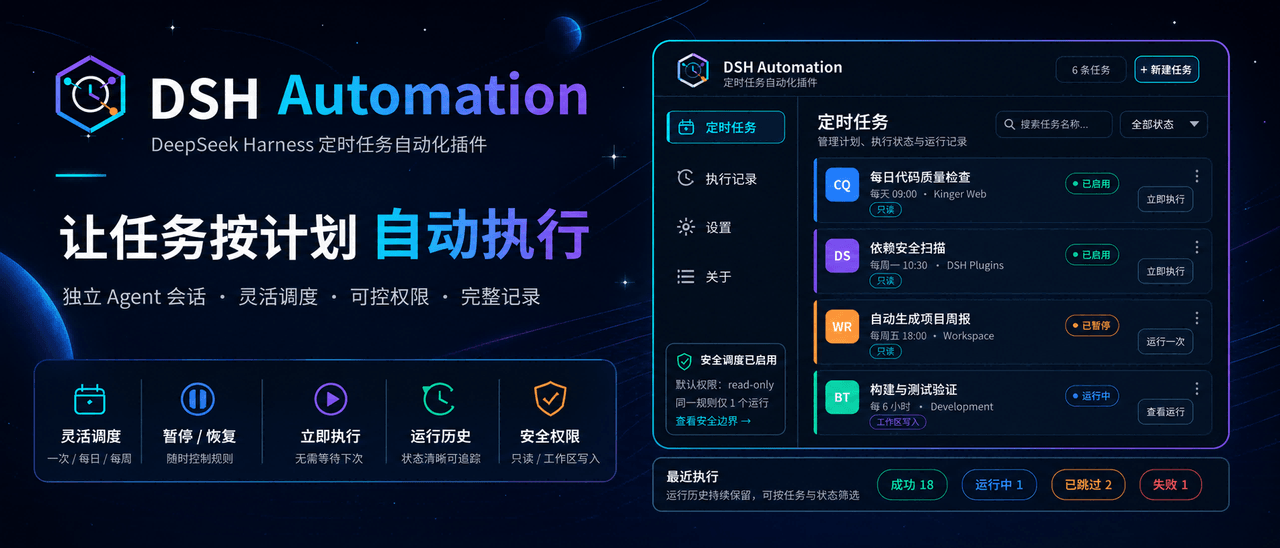 MichengAI/dsh-automation
DSH Automation — 在独立 DSH Session 中按计划执行和管理编码任务 · Schedule and manage coding tasks in isolated DSH sessions
MichengAI/dsh-automation
DSH Automation — 在独立 DSH Session 中按计划执行和管理编码任务 · Schedule and manage coding tasks in isolated DSH sessions
-
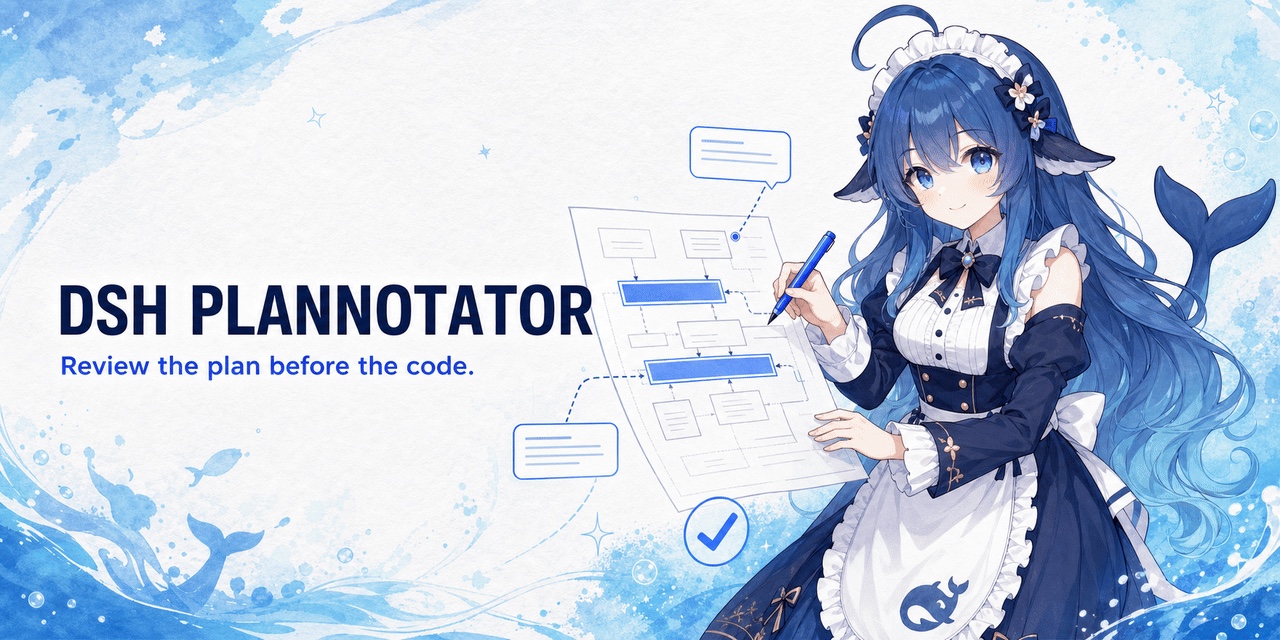 titanwings/dsh-plannotator
DSH 计划批注插件:选中计划原文、逐条批注,并把结构化反馈送回 Agent。 / A DSH plan-review plugin for anchored annotations and structured Agent feedbac…
titanwings/dsh-plannotator
DSH 计划批注插件:选中计划原文、逐条批注,并把结构化反馈送回 Agent。 / A DSH plan-review plugin for anchored annotations and structured Agent feedbac…
-
 AHGGG/dsh-side-chat
Codex-style Side Chat for DeepSeek Harness — select text, ask follow-up questions in a focused side conversation, and ke…
AHGGG/dsh-side-chat
Codex-style Side Chat for DeepSeek Harness — select text, ask follow-up questions in a focused side conversation, and ke…
-
 iyllyt/dsh-btw
个人很喜欢 Claude Code 的 /btw,于是为 DSH 做了复刻:共享当前上下文快速旁路提问,不中断主任务,也不写入主会话历史。
iyllyt/dsh-btw
个人很喜欢 Claude Code 的 /btw,于是为 DSH 做了复刻:共享当前上下文快速旁路提问,不中断主任务,也不写入主会话历史。
-
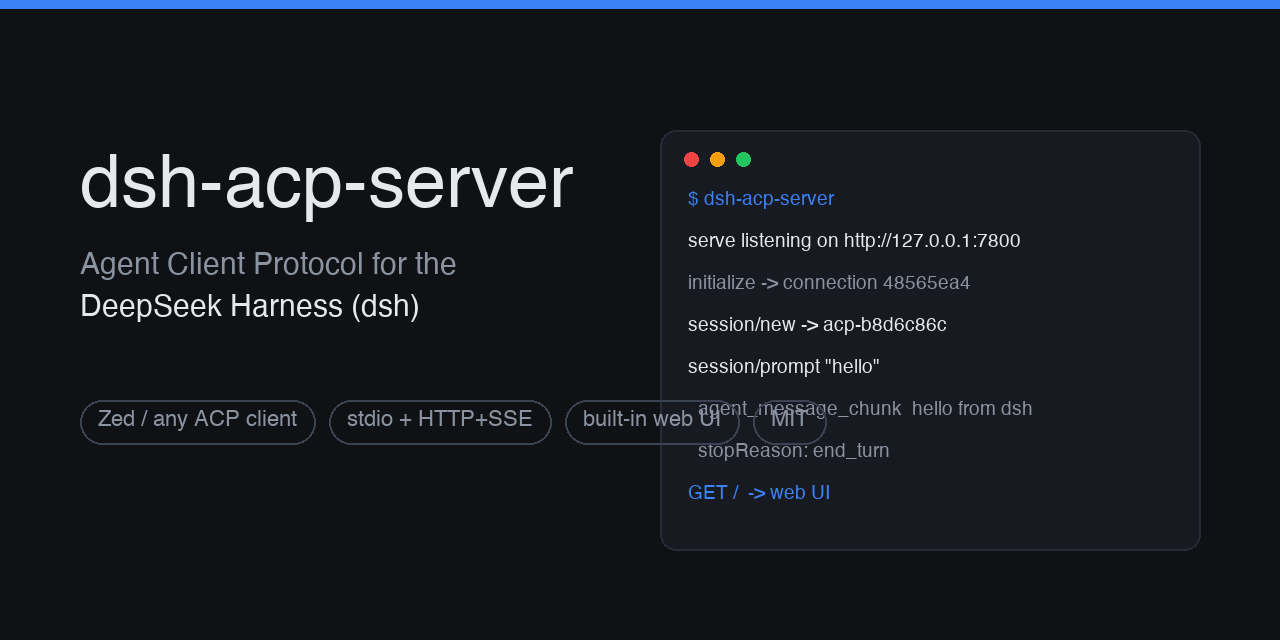 dushaobindoudou/dsh-acp
Agent Client Protocol (ACP) server plugin for the DeepSeek Harness (dsh) - drive dsh agents from Zed, any ACP v1 client,…
dushaobindoudou/dsh-acp
Agent Client Protocol (ACP) server plugin for the DeepSeek Harness (dsh) - drive dsh agents from Zed, any ACP v1 client,…
-
 Electricitysheep/dsh-tool-turbo
Per-round reasoning_effort optimizer for DeepSeek Harness (dsh): auto-downgrades tool-call reasoning for simple tool cha…
Electricitysheep/dsh-tool-turbo
Per-round reasoning_effort optimizer for DeepSeek Harness (dsh): auto-downgrades tool-call reasoning for simple tool cha…
-
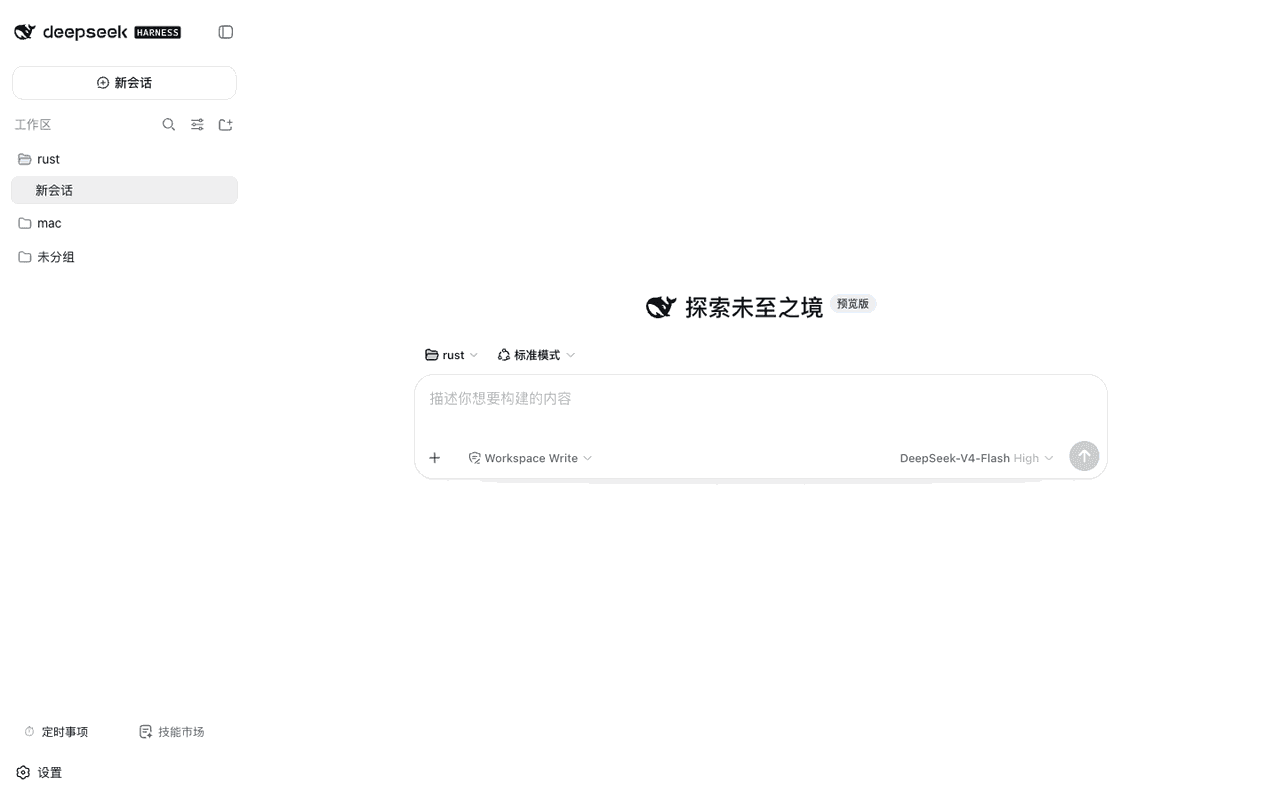 weibaohui/dsh-tasks
DeepSeek Harness 插件:cron 定时事项——定时/立即执行新建 agent 会话提交提示词,全屏管理界面
weibaohui/dsh-tasks
DeepSeek Harness 插件:cron 定时事项——定时/立即执行新建 agent 会话提交提示词,全屏管理界面
-
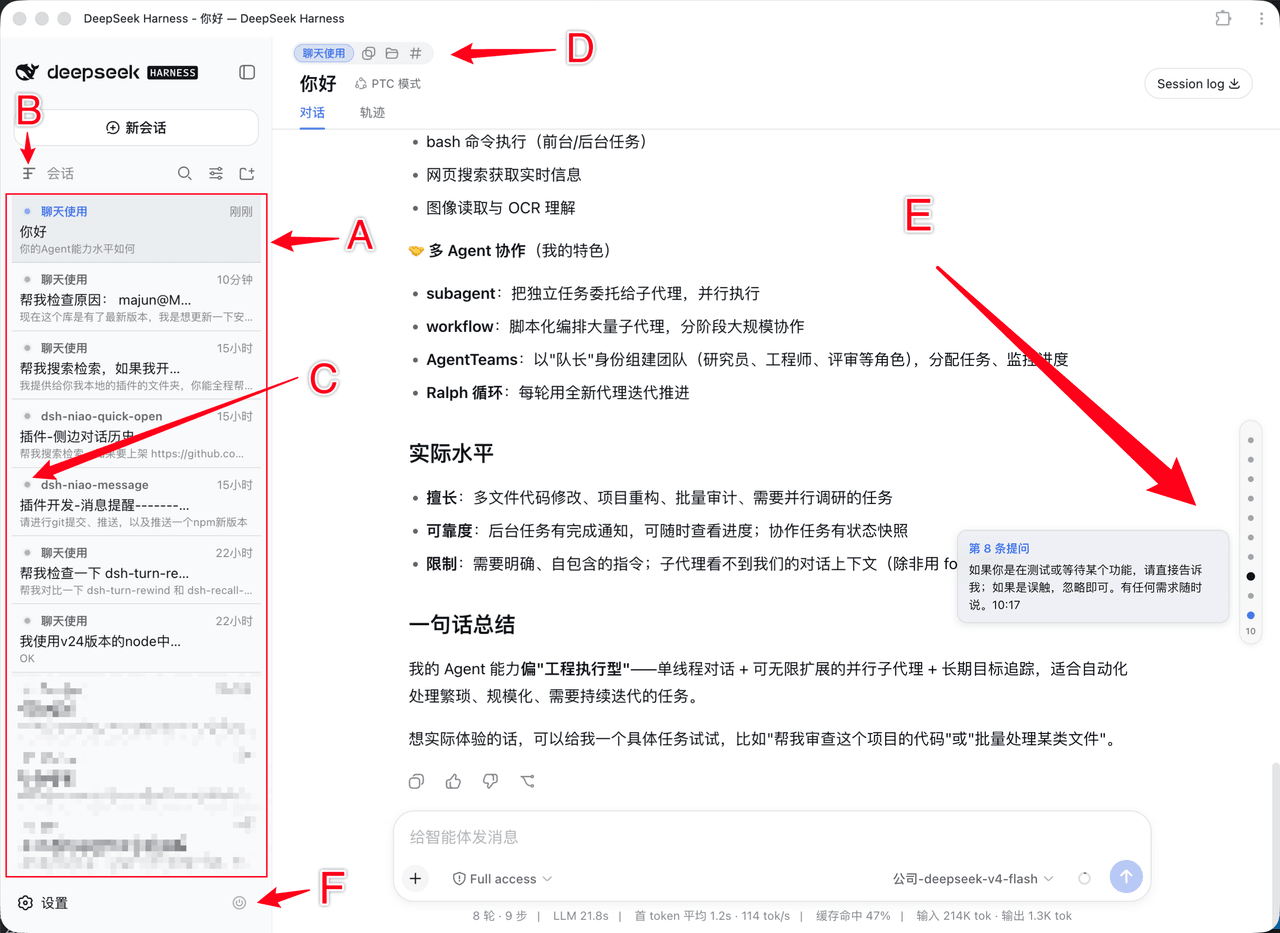 dsh-niao/dsh-niao-quick-open
会话/工作区快捷操作插件:一键打开工作区、编辑器自动发现、DeepSeek 网页版同款用户消息导航条、会话待办标记、硬性重启
dsh-niao/dsh-niao-quick-open
会话/工作区快捷操作插件:一键打开工作区、编辑器自动发现、DeepSeek 网页版同款用户消息导航条、会话待办标记、硬性重启