Lin-Dongg/dsh-musage-card
Multi-provider (11) quota & balance glass card for the DSH sidebar footer — local fork of dsh-musage with SiliconFlow/Tavily/ZenMux/MiMo/Claude support
Project Overview项目介绍
dsh-musage-card is a DSH-native cordis plugin forked from the official dsh-musage, packaged as a local npm bundle so marketplace updates cannot overwrite it. It registers at the sidebar.footer.action slot, order -100, sitting just above the "移动访问" button in the left sidebar footer of DeepSeek Harness. The card is a translucent glass panel with backdrop-filter blur that shows remaining-quota progress bars — flowing green for the 5h window, rainbow for 7d, purple for long-cycle — and automatically switches to whichever provider the current uiSession binding has selected. Installation is via dsh plugin --profile web add -w dsh-musage-card, the DSH in-app plugin marketplace search, agent market_install, or a file: mount in ~/.dsh/profiles/desktop/package.json followed by pnpm install and an app restart.
The intended workflow targets DSH users juggling multi-provider coding subscriptions. Eleven providers are supported — minimax, deepseek, kimi, zhipu, openrouter, stepfun, siliconflow, tavily, zenmux, xiaomi-mimo, and claude — and the card refreshes every 60 seconds plus on click. For the first nine, credentials are reused from DSH's <PROVIDER>_API_KEY settings; for MiMo, Claude, and StepFun, which require web-session cookies, the v1.5.0 / v1.6.0 login assistant opens a dedicated Edge/Chrome window at the official login page, captures the cookie via the Chrome DevTools Protocol on the loopback port only after the user finishes logging in, and stores it directly in DSH's credential store without the plugin ever touching the password.
Dependencies are MIT-licensed and zero-build on the client side, while the host side uses a hand-written lazy bundle protocol over window.__ModuleLoader__.load. Tests run with node --test across 95 cases, with CDP integration auto-skipping when no Edge/Chrome is present. Known limits: cookies expire (Claude ~8 hours, MiMo on logout) and the ⚠ state prompts a re-login; mounting it alongside the original dsh-musage produces duplicate cards, so users must choose between them. One-click login also fails gracefully on machines where the corporate policy blocks debug ports, falling back to manual cookie extraction through ~/.dsh/.credentials.yaml, whose edits are hot-reloaded by DSH.
dsh-musage-card 是一个面向 DSH 的本地包化二次开发版本,取代官方 dsh-musage,作为 cordis 插件挂载在 DSH 侧边栏底部"移动访问"按钮上方。它以玻璃材质卡片的形式展示多 provider 的用量与余额,自动跟随 uiSession 当前绑定切换模型,剩余量进度条分 5h 流动绿、7d 流动彩、长周期紫。安装方式支持 npm 市场(dsh plugin --profile web add -w dsh-musage-card)、插件市场搜索与 agent 调用 market_install,或 file: 本地挂载后于 profile 目录执行 pnpm install。
典型工作流:DSH 用户在编码会话中打开插件市场或本地挂载,安装后重启即可看到侧边栏底部卡片;卡片每 60 秒刷新并响应点击即时刷新,当 5h / 7d 余额或长周期额度下降时,进度条与百分比直观提醒切换或续订。前 9 家 provider 自动复用 DSH 已配置的 <PROVIDER>_API_KEY,无需重复填写;对于只能走网页登录态的 MiMo、Claude 与 StepFun 三家,v1.5.0 / v1.6.0 引入的"一键登录"会弹出专用浏览器窗口完成登录后自动写入凭据。
依赖与限制:依赖 DSH 的 uiSession 服务、sidebar.footer.action 注册槽与 ~/.dsh/.credentials.yaml 热观察机制;客户端无构建步骤,host 端采用手写懒加载 bundle 协议。测试用 node --test,95 个用例,cdp 集成在无浏览器时跳过。一键登录要求本机安装 Edge 或 Chrome,企业策略禁用调试时会降级到手动 Cookie。Cookie 会过期,Claude 约 8 小时、MiMo 随登出失效,显示 ⚠ 时需重新登录。与官方 dsh-musage 同挂会重复,二选一即可。MIT 许可。
请帮我安装这个 DSH 插件。安装前先完成【兼容性检查 + 安全性检查】,检查通过再动手。

插件:dsh-musage-card(Lin-Dongg/dsh-musage-card)
仓库:https://github.com/Lin-Dongg/dsh-musage-card
本站详情页:https://www.yhbd.top/plugins/lin-dongg-dsh-musage-card/
本站登记:类型 plugin · 归类 原生 DSH 插件 · 许可证 MIT · ⭐ 3 · 最近提交 2026-10-02 · 主语言 JavaScript

按下面顺序执行,每步先把结论告诉我,再进入下一步:

【1 兼容性检查】
① 我这边:DSH 版本、Node 版本、操作系统、当前 profile(web / desktop)。
② 读它的 README、package.json、插件 manifest,列出它要求的 DSH 版本 / Node 版本 / 操作系统 / 外部依赖 / 需要另外先装的运行时。
③ 逐条比对,结论只写「满足 / 不满足 / 未知」三种;不满足的给出可行替代方案。
④ 检查是否和我已装的插件冲突:命令名重复、skill / tool 重名、端口占用、重复注册的 MCP server。

【2 安全性检查】
① 仓库可信度:和上面「本站登记」是否一致;star / fork 数、创建时间、最近提交,是否归档或长期停更。
② 安装脚本:逐行看 package.json 的 preinstall / install / postinstall,以及 install.sh、setup.ps1 之类脚本。出现 curl|bash、下载后直接执行、混淆代码、访问与插件功能无关的域名,立刻停下来告诉我,不要继续装。
③ 依赖:列出新增依赖,标出无人维护、或与知名包拼写近似的可疑包(typosquatting)。
④ 权限与副作用:它会读写哪些目录、访问哪些域名、需要哪些 DSH 权限(filesystem / network / shell / clipboard 等),以及怎么卸载和回滚。
⑤ 如果它要求 sudo / 管理员权限,或权限明显超出功能所需,先停下来问我。

【3 安装】
上面两步没有「不满足」和「高危项」时才执行;用官方推荐方式安装,不要自行提权。

【4 汇报】
用表格输出:检查项 / 结论 / 依据 / 是否需要我决策。拿不准的一律写「未知」并说明要我怎么确认——不要猜,也不要替我决定。
Send this message to DSH in your current session: it verifies compatibility and security first (answering met / not met / unknown item by item) and only installs once everything checks out — it will stop and ask you if it finds a high-risk item. The box scrolls; the copy is the full prompt. CLI install commands may not be accurate across systems, so DSH is the safer route.把上面这条消息直接发给当前会话里的 DSH:它会先核对兼容性与安全性(逐条给「满足 / 不满足 / 未知」),确认没问题再安装,有高危项会停下来问你。框内可滚动,复制到的是完整提示词;安装命令不一定准确,发给 DSH 更稳。
- Only 3 stars - very few users, little community feedback星标只有 3,几乎没人在用,遇到问题缺少社区反馈
DSH walks through these 9 checksDSH 会逐条核对这 9 项
Compatibility兼容性
- DSH, Node, OS and profile requirementsDSH 版本 / Node 版本 / 操作系统 / profile 是否满足要求
- External dependencies and runtimes (Electron / Python / Docker, ...)外部依赖与运行时(Electron / Python / Docker 等)是否齐备
- Conflicts with installed plugins: command names, skill / tool names, ports, duplicate MCP registration与已装插件是否冲突:命令名、skill / tool 重名、端口占用、重复 MCP 注册
Security安全性
- Repo matches the facts registered here; archived or abandoned?仓库是否与页面登记一致,是否归档或长期停更
- Safety of preinstall / install / postinstall and install.sh / setup.ps1preinstall / install / postinstall 与 install.sh、setup.ps1 是否安全
- curl|bash, download-then-execute, obfuscation, unrelated domains → stop immediatelycurl|bash、下载即执行、混淆代码、无关域名 → 立刻停止
- Typosquatting or unmaintained packages among the new dependencies新增依赖里有没有 typosquatting 或无人维护的包
- Requested permissions vs. what the feature actually needs申请了哪些权限、是否超出功能所需(filesystem / network / shell / clipboard)
- Any sudo / admin requirement, plus uninstall and rollback是否要求 sudo / 管理员权限,以及卸载与回滚方式
Anything uncertain must be marked unknown with a note on how to confirm it. This site's signal screen is a static snapshot, not a security audit.拿不准的必须标「未知」并说明要我怎么确认。本站的信号筛查是静态快照,不能替代安全审计。
Or use CLI install (for developers)或使用命令行安装(适合开发者)
CLI Install命令行安装
dsh plugin --profile web add github:Lin-Dongg/dsh-musage-card把 Lin-Dongg/dsh-musage-card 加入你的 DSH 配置(web profile)即可启用。
READMEREADME
dsh-musage-card


dsh-musage 的二次开发版 —— 挂在 DSH 侧边栏底部("移动访问"按钮上方) 的多 provider
用量/余额玻璃卡片:跟随当前会话选中的模型自动切换,剩余量进度条(5h 流动绿 / 7d 流动彩 / 长周期额度紫)。
发布到 npm 与 dsh-plugin 插件市场(见「安装」),也支持 file: 本地挂载(开发调试)。
支持的 Provider(11 家)
| Provider(DSH route id 变体) | 显示 | 端点 | 凭据 |
|---|---|---|---|
minimax / minimax-cn / minimax-en |
5h / 7d 双窗口 | api.minimaxi.com/v1/api/openplatform/coding_plan/remains |
MINIMAX_CN_API_KEY 等 |
deepseek / deepseek-official / deepseek-account |
余额(¥ / $) | api.deepseek.com/user/balance |
DEEPSEEK_API_KEY |
kimi / kimi-coding |
5h / 7d 双窗口 | api.kimi.com/coding/v1/usages |
KIMI_CODING_API_KEY |
zhipu / zai-coding-cn |
5h / 7d 双窗口 | open.bigmodel.cn/api/monitor/usage/quota/limit |
ZAI_CODING_CN_API_KEY |
openrouter |
余额($) | openrouter.ai/api/v1/credits |
OPENROUTER_API_KEY |
stepfun / stepfun-plan |
余额(¥,现金/券细分)+ 账户总览 | api.stepfun.com/v1/accounts / /api/…Dashboard/QueryAccountBalance |
STEPFUN_API_KEY;Step Plan / Credit 走网页登录态(可一键登录,见下) |
siliconflow / siliconflow-cn |
余额(¥,充值/总额细分) | api.siliconflow.cn/v1/user/info |
SILICONFLOW_API_KEY |
tavily |
已用 / 总量 credits + 明细 | api.tavily.com/usage |
TAVILY_API_KEY |
zenmux |
PAYG 余额($,充值/奖励细分) | zenmux.ai/api/v1/management/payg/balance |
ZENMUX_MANAGEMENT_API_KEY(sk-mg-v1-) |
xiaomi-token-plan-{ams,cn,sgp} / xiaomi / mimo … |
月总额 / 补偿 两行(套餐已并入月总额) | platform.xiaomimimo.com/api/v1/tokenPlan/usage |
浏览器 Cookie(key 实测被 401,自动退 Cookie;可一键登录,见下) |
claude / anthropic / claude-code |
5h / 7d 双窗口 | api.anthropic.com/api/oauth/usage |
sessionKey Cookie(可一键登录,见下) |
modlens-<provider>视觉包装路由会自动剥壳后映射到上游 provider。
凭据怎么配
- API Key 类(前 9 家):复用 DSH 模型设置里已配的 provider key
(DSH 规范:
<PROVIDER 大写去特殊字符>_API_KEY),无需重复填写。 - 小米 MiMo:需要浏览器登录态 Cookie(2026-10 实机:Token Plan API key 走 Bearer 会被
dashboard 端点 401 + loginUrl 拒绝;若命中了 key,插件会自动退 Cookie 重试一次)。
推荐用「一键登录」(见下节)——卡片失败态点击即自动打开官方登录页,完成后
Cookie 自动写入
XIAOMI_MIMO_COOKIE。手动方式:登录platform.xiaomimimo.com→ F12 → Network → 任一/api/v1/tokenPlan/*请求 → 复制完整 Cookie header 值存入 ref。 - Claude:推荐用「一键登录」——点击卡片自动打开
claude.ai登录页,完成后sessionKey自动写入 refCLAUDE_SESSION_KEY(官方 OAuth 用量端点,插件自动带Anthropic-Beta: oauth-2025-04-20与claude-codeUA)。手动方式:从claude.ai取sessionKeycookie 值存入 ref。 - Cookie 的存入方式(MiMo 兜底、Claude 必需):编辑
~/.dsh/.credentials.yaml追加一行 即可 —— DSH 凭据存储会观察外部编辑并热生效(不需要重启;值请用引号包裹):
Showing the opening section of the README — the full document lives in the repository以上为 README 开头摘要,完整文档在仓库内 · View the full README on GitHub →在 GitHub 查看完整 README →
Related相关推荐
- acdcgz/dsh-web-search-searxng SearXNG-backed WebSearchProvider for DeepSeek Harness (ctx.web) — self-hosted, zero per-search model cost, multi-engine …
-
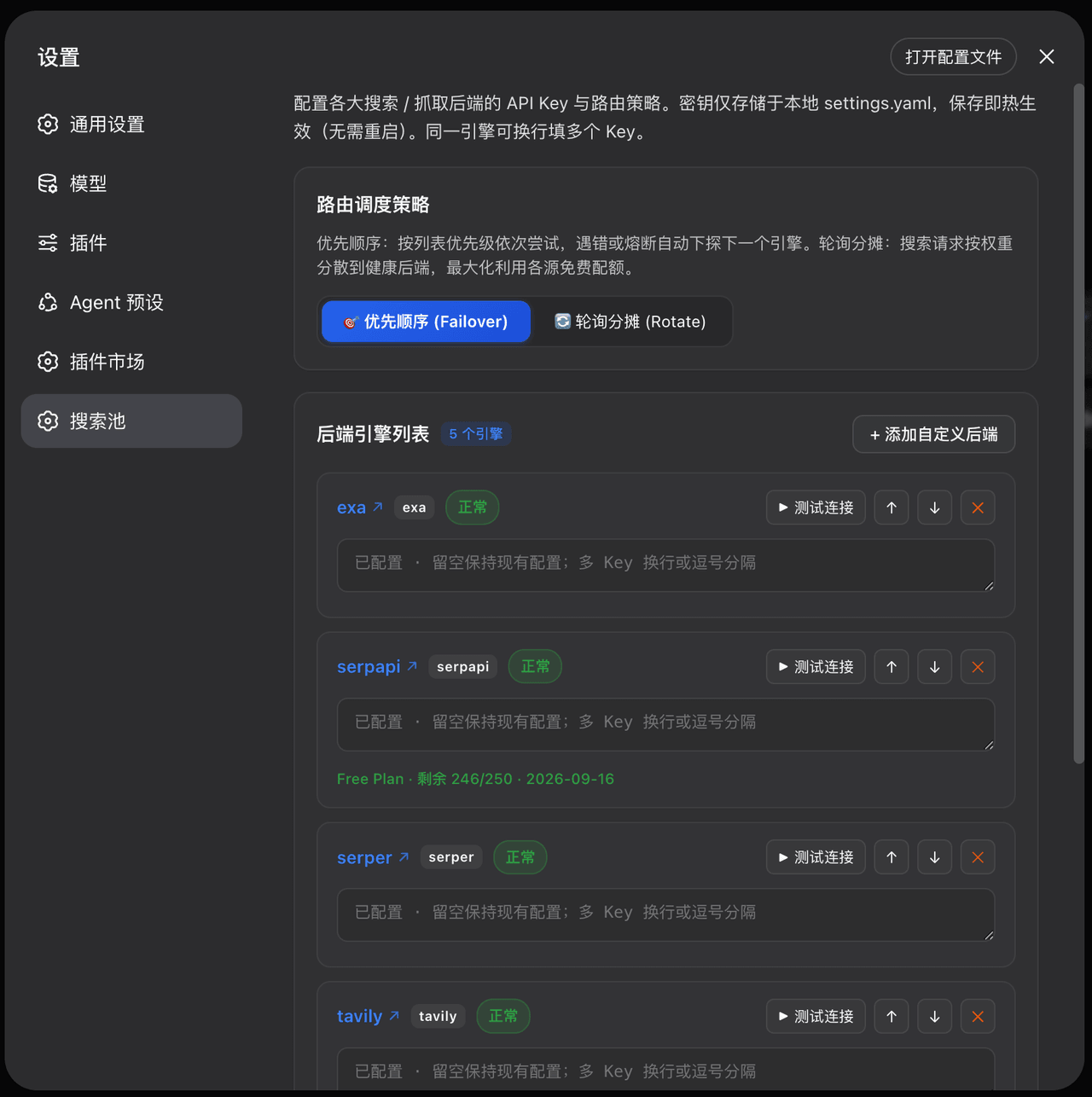 Walvez/dsh-search-failover
DSH provider-level web search failover pool: 8 free/paid backends with quota-aware circuit breaking (keeps native web_se…
Walvez/dsh-search-failover
DSH provider-level web search failover pool: 8 free/paid backends with quota-aware circuit breaking (keeps native web_se…
- Tannnnhauser/pivot-web-search Resilient multi-provider web search & content extraction for Claude Code, DeepSeek Harness, and any MCP host — quota-awa…
- Yuuz12/dsh-tavily Tavily-backed web search provider plugin for DeepSeek Harness (DSH) — multi-key balance-aware rotation with failover, ma…
-
 anysearch-team/anysearch-dsh
AnySearch web search provider and advanced search tools for DeepSeek Harness (DSH)
anysearch-team/anysearch-dsh
AnySearch web search provider and advanced search tools for DeepSeek Harness (DSH)
-
 DDDMUC/dsh-free-search
Free web search provider for DeepSeek Harness - DuckDuckGo backend, no API key needed
DDDMUC/dsh-free-search
Free web search provider for DeepSeek Harness - DuckDuckGo backend, no API key needed
-
 wxkingstar/SpecFusion
在 DeepSeek Harness / Claude Code / Cursor / Codex / Gemini CLI 里直接搜索 20 个中国开放平台的 65,600+ 篇 API 文档;零配置,支持 Skill 与 DSH 原生插…
wxkingstar/SpecFusion
在 DeepSeek Harness / Claude Code / Cursor / Codex / Gemini CLI 里直接搜索 20 个中国开放平台的 65,600+ 篇 API 文档;零配置,支持 Skill 与 DSH 原生插…
-
 A3Boy/dsh-web-tools
Multi-provider Web Search & Fetch for DeepSeek Harness — 8 deeply adapted providers, SearchHints, resilient fallback, an…
A3Boy/dsh-web-tools
Multi-provider Web Search & Fetch for DeepSeek Harness — 8 deeply adapted providers, SearchHints, resilient fallback, an…