lishize20040802-rgb/useful-dsh-plugins
Community plugins for DeepSeek Harness. Independent project; not affiliated with DeepSeek. Requires Node.js 24 or newer; locally tested with DSH 0.1.5-rc.2 and Node.js 24.18 on Windows. DSH is a developer preview: a new host version needs compatibility checks.
catalog descriptioncatalog 简介 / catalog description:Third-party DeepSeek Harness plugins with local speech recognition, portable installation and lifecycle management
Project Overview项目介绍
This is a collection of community third-party plugins for DeepSeek Harness (DSH), adding 5 functional extensions: voice input, file upload, image reading, document processing, and plugin management. Install it when you need to extend DSH's core features. It requires Node.js 24+, and has only been compatibility tested on Windows.
这是DeepSeek Harness的社区第三方插件集合,包含语音输入、文件上传、图片读取、文档处理、插件管理五类功能扩展工具。需要扩展DSH基础功能时可安装使用,要求Node.js 24+,目前仅在Windows系统完成兼容性测试,其他平台需自行适配。
请帮我了解并安装插件:【useful-dsh-plugins】【https://github.com/lishize20040802-rgb/useful-dsh-plugins】Send this message to DSH in your current session. CLI install commands may not be accurate across systems — DSH will figure it out for you.把上面这条消息直接发给当前会话里的 DSH,让它帮你了解并安装。安装命令不一定准确,发给 DSH 更稳。
Or use CLI install (for developers)或使用命令行安装(适合开发者)
CLI Install命令行安装
dsh plugin --profile web add github:lishize20040802-rgb/useful-dsh-plugins把 lishize20040802-rgb/useful-dsh-plugins 加入你的 DSH 配置(web profile)即可启用。
READMEREADME
useful-dsh-plugins
Community plugins for DeepSeek Harness. Independent project; not affiliated with DeepSeek. Requires Node.js 24 or newer; locally tested with DSH 0.1.5-rc.2 and Node.js 24.18 on Windows. DSH is a developer preview: a new host version needs compatibility checks.
| Plugin | Purpose |
|---|---|
| Voice input | Hold to record; local SenseVoiceSmall recognition. Browser audio processing is disabled when supported. |
| Upload button | Composer attachments through DSH's input and file services. |
| Vision reader | Image input and a vision tool using the configured model provider. |
| Document companion | Document display, extraction, and search. |
| Plugin manager | Manage third-party profile plugins; official host plugins are outside its scope. |
Plugin features
Voice input: turn speech into an editable draft
- Hold the composer's microphone button or the configured shortcut to record. Release it to transcribe and append text to the draft, then edit and send it when ready.
- SenseVoiceSmall runs on the local CPU and supports Chinese, English, Japanese, Korean and Cantonese. After downloading the model and engine, recognition works offline without a cloud speech account.
Upload button: attach files to a conversation
- Click the upload button in the composer toolbar to choose one or more files and preview them as cards without changing the text being edited. Failed sends retain the cards for retrying. The configurable per-file limit defaults to 64 MiB.
- Remove attachments before sending, deduplicate identical uploads, and open sent attachments from their cards in chat history. This plugin transfers files; pair it with document companion when you want the agent to read document contents.
Vision reader: inspect images with an agent
- Pasting images into a conversation automatically saves local copies while retaining the original images in the message. PNG, JPEG, WebP and GIF are supported, with up to 10 images per operation.
- The separate
visiontool takes an image path and a question to a configured vision model for tasks such as screenshot analysis, reading image text and explaining charts. This uses a model provider; the main conversation model must also accept image input.
Document companion: read and discuss documents side by side
- Click the book button in the composer toolbar to open a reading panel beside the chat. It supports PDF, DOCX, XLSX, CSV, TXT and Markdown, with continuous scrolling, single-page mode and adjustable panel width.
- Share the current reading position with the agent to ask about the visible page, read a specified page or block, search extracted text, jump to a position or switch documents. PDF pages are read through a vision model by default, requiring a configured, working model provider.
Plugin manager: manage third-party plugins and DSH updates
- Open Settings → Plugins → Manage to inspect third-party plugin versions, runtime state and data locations, enable or disable plugins, and restore disables made by the manager. Changes take effect live when the host and plugin support it.
- Check updates and reinstall supported npm-sourced plugins; update this collection through its shared installer. A separate DSH host update section supports standard global npm installations. Official plugins are excluded from ordinary plugin toggles; replacing package code or upgrading DSH still requires a restart.
Rigor 4 records requirements, plans, execution evidence, child tasks and independent reviews to help assess an agent's completion claims. It has its own repository and installer and is not included in the five-plugin collection above.
Install and remove
With DSH and pnpm already installed, one command installs the collection. On Windows, close DSH before replacing or removing packages so native dependency files are not held open; start dsh web afterwards.
npx --yes useful-dsh-plugins@0.5.1 setup
The same installer is also available directly from the public GitHub release:
npx --yes --package=https://github.com/lishize20040802-rgb/useful-dsh-plugins/releases/download/v0.5.1/useful-dsh-plugins-0.5.1.tgz useful-dsh-plugins setup
Use setup --preview to inspect the plan first. The installer verifies release checksums, stores archives and extracted packages inside <DSH_HOME>/third-party/, backs up the profile manifest, and calls the official DSH CLI to register the five packages. DSH keeps its native runtime resolution under profiles/<profile>/node_modules; the installer does not patch the host installation. Re-run the versioned command to repair or update this collection. Existing custom data paths are preserved.
<DSH_HOME>/
  third-party/
    archives/        downloaded and verified plugin packages
    packages/        extracted versioned packages
    sources/         optional development checkouts
    data/            voice runtime and plugin-manager recovery records
    backups/         local installation recovery records
  profiles/web/     native DSH plugin registrations and runtime dependencies
Remove the collection with npx --yes useful-dsh-plugins@0.5.1 uninstall. Personal data is retained. Optional --profile, --dsh-home, --dsh-package, and --store-dir support custom installations. The older aggregate package is removed during migration to avoid duplicate bundle rows; the new npm package is a zero-dependency installer.
For individual advanced installation, put the archive inside the same third-party archive directory and use the native CLI below.
Download the built .tgz for a plugin from Releases. Install it using the official CLI:
dsh plugin --profile web add ./dsh-plugin-voice-input-0.3.0.tgz
dsh web
To remove it:
dsh plugin --profile web remove dsh-plugin-voice-input
Repeat with the package name in the table. DSH registers and removes each package's dsh.bundle automatically. Restart after installing, updating, or removing package files. Disabling a loaded plugin is a separate operation; see the manager's documented live-reload conditions.
On Windows, this checkout also provides ./install.ps1 -Preview, ./install.ps1, and ./install.ps1 -Uninstall for all five plugins. Optional -Profile <name> and -StoreDir <existing-pnpm-store> use the same native CLI. Uninstalling code preserves documents, attachments, settings, and downloaded models.
The npm installer and GitHub assets use the same internal directory layout. The Windows wrapper runs the same installer.
Local speech model
The model release includes the SenseVoiceSmall INT8 ONNX weights (239,233,841 bytes), tokens, original model license, and SHA256 values. The voice plugin downloads them on first setup and recognizes audio locally thereafter. Its runtime is independent of the DSH installation, so updating DSH does not delete the model. See model provenance.
Automatic engine provisioning currently targets Windows x64. Other platforms require compatible sherpa-onnx binaries and explicit paths; they are not claimed to be tested.
New installations use <DSH_HOME>/third-party/data/voice-input; an existing legacy runtime and explicitly configured absolute paths remain supported. Relative plugin configuration paths resolve against DSH's data home, not the terminal's current directory. Package assets resolve relative to their own package.
Development and host upgrades
To update a standard npm-global DSH installation from the WebUI, open Settings → Plugins → Manage → DSH host update. The manager checks the official version, saves the previous host archive, and runs the update after the displayed confirmation. Restart DSH afterwards. Official modules remain excluded from ordinary third-party plugin operations. See the manager guide for supported installations and recovery limits.
Install root development dependencies, then each plugin's development dependencies with npm install --legacy-peer-deps. Run npm run build, npm test, npm run check:release, then npm run pack:plugins. Archives appear in artifacts/ and include built JavaScript. The SDK is provided by DSH at runtime, not copied into plugin bundles. Synthetic document fixtures are generated from source; personal files and recordings are excluded.
For local development, dsh plugin --profile web add link:./dsh-upload-button links a built package. Rebuild after source changes. Package updates, browser bundles, and host upgrades may require restarting DSH and refreshing the page even when profile patch reload is live.
Before a host upgrade, keep a local copy of the profile manifests and plugin archives, verify the new host in a separate profile, and run the plugin checks against that version. Update the pinned development SDK and testedDSHVersions only with test evidence. Plugins use public package exports and profile bundles; there are no patches to DSH's installed source. See compatibility and lifecycle.
Privacy and licenses
Plugin code is MIT. Model weights and downloaded inference binaries retain their upstream licenses. Speech recognition runs locally. Vision requests use the configured provider; document or image content sent to a model follows that provider's data handling. No personal settings, credentials, conversations, uploads, or recordings belong in this repository. The release checker reports suspicious paths and tokens without printing their contents; it complements code review and cannot prove that every possible secret is absent.
Related相关推荐
-
 nexu-io/open-design
🎨 Best DeepSeek Harness Design Plugin. The open-source Claude Design alternative. 🖥️ Local-first desktop app. 🖼️ Your…
nexu-io/open-design
🎨 Best DeepSeek Harness Design Plugin. The open-source Claude Design alternative. 🖥️ Local-first desktop app. 🖼️ Your…
-
 EthanYoQ/AI-Novel-Writer
AI 小说创作软件:把灵感、角色、世界观、大纲、章节写作、审稿和修稿组织成可控流程;提供 Windows/macOS 桌面版,支持本地和在线模型。AI Novel Writing Software: Organizes inspiratio…
EthanYoQ/AI-Novel-Writer
AI 小说创作软件:把灵感、角色、世界观、大纲、章节写作、审稿和修稿组织成可控流程;提供 Windows/macOS 桌面版,支持本地和在线模型。AI Novel Writing Software: Organizes inspiratio…
-
 fufankeji/deepseek-harness-studio
DeepSeek Harness 零代码桌面端|一键启动,支持 Windows 与 macOS;内置插件发现、热点插件推送、一键安装与管理、AI 智能推荐和视觉增强。
fufankeji/deepseek-harness-studio
DeepSeek Harness 零代码桌面端|一键启动,支持 Windows 与 macOS;内置插件发现、热点插件推送、一键安装与管理、AI 智能推荐和视觉增强。
-
 EthanYoQ/Invoice-Downloader
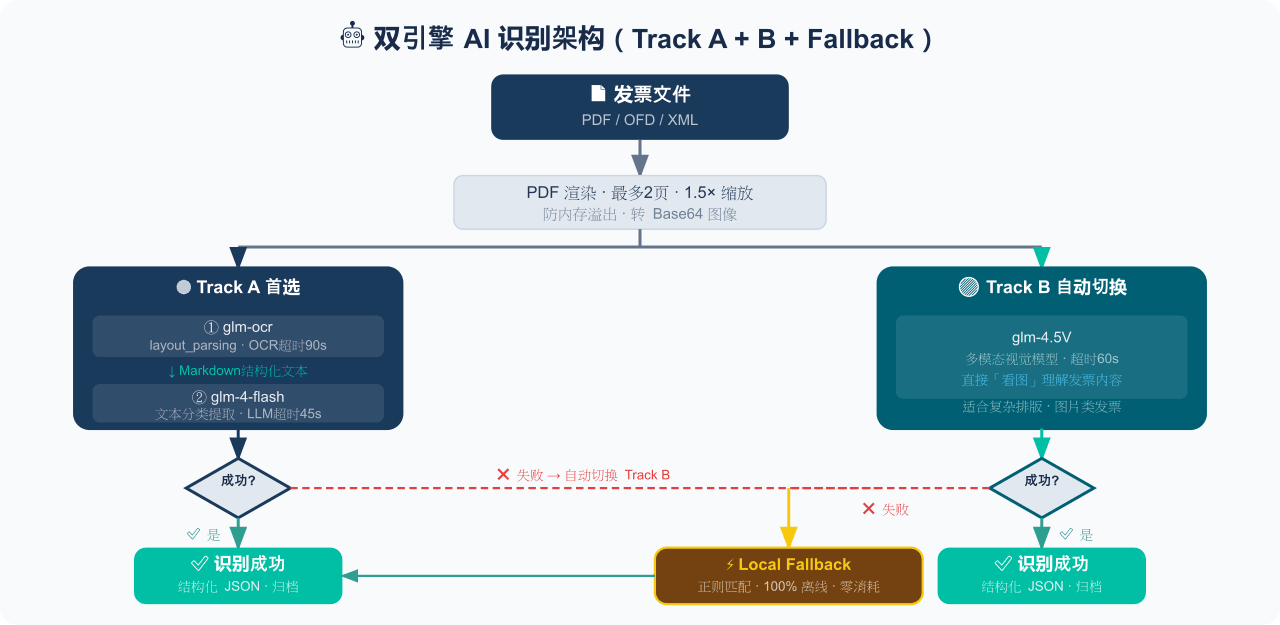
电子发票整理与报销准备工具:从邮箱批量收集 PDF/OFD/XML 发票,OCR 识别、分类归档并生成 Excel 汇总;提供 Windows/macOS 桌面版与 DSH 插件。
EthanYoQ/Invoice-Downloader
电子发票整理与报销准备工具:从邮箱批量收集 PDF/OFD/XML 发票,OCR 识别、分类归档并生成 Excel 汇总;提供 Windows/macOS 桌面版与 DSH 插件。
-
 Clarklevis1995/dsh-mobile
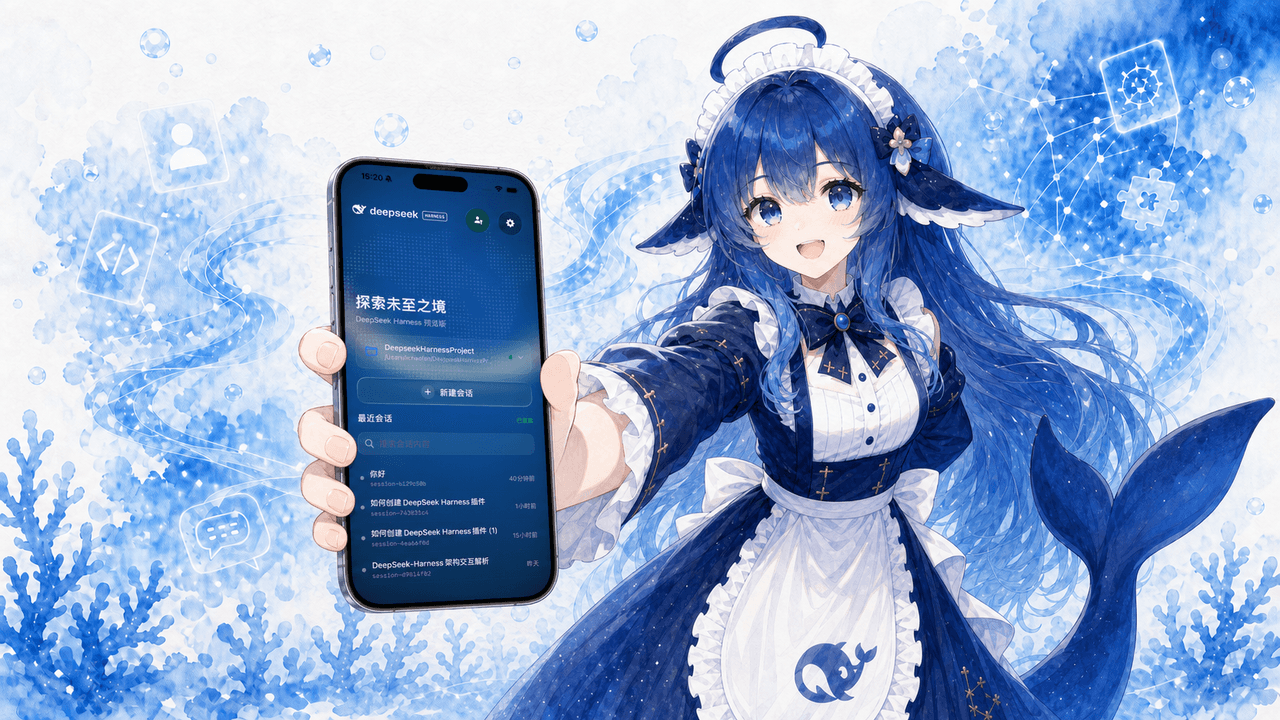
DeepSeek Harness Mobile 是一个面向 DeepSeek Harness 的原生 iOS 客户端。它通过 dsh-plugin-mobile-gateway 与 Harness 建立 WebSocket 连接,将工作区、…
Clarklevis1995/dsh-mobile
DeepSeek Harness Mobile 是一个面向 DeepSeek Harness 的原生 iOS 客户端。它通过 dsh-plugin-mobile-gateway 与 Harness 建立 WebSocket 连接,将工作区、…
-
 ZSeven-W/dsh-ios
DeepSeek Harness (DSH) plugin: a live iOS Simulator — and a USB-connected iPhone — inside the conversation. 22 agent too…
ZSeven-W/dsh-ios
DeepSeek Harness (DSH) plugin: a live iOS Simulator — and a USB-connected iPhone — inside the conversation. 22 agent too…
-
 elysia395/dsh-wallpaper-engine
把本机 Wallpaper Engine 的壁纸变成 DSH 网页界面的背景:Video 动态播放、Web 以 iframe 加载、Scene 壁纸提取主纹理作为静态帧;iOS 液态玻璃设置窗口(配色 / 玻璃颜色 / 透明度)、内容分级与…
elysia395/dsh-wallpaper-engine
把本机 Wallpaper Engine 的壁纸变成 DSH 网页界面的背景:Video 动态播放、Web 以 iframe 加载、Scene 壁纸提取主纹理作为静态帧;iOS 液态玻璃设置窗口(配色 / 玻璃颜色 / 透明度)、内容分级与…
-
 starsstreaming/beautiCode
面向 AI 编程客户端的动态、可响应环境——视频背景、氛围场景与主题,适用于 DeepSeek Harness 与 Codex Desktop。
starsstreaming/beautiCode
面向 AI 编程客户端的动态、可响应环境——视频背景、氛围场景与主题,适用于 DeepSeek Harness 与 Codex Desktop。