loonai321/dsh-humanized-deepseek-maid
DeepSeek Harness 的人性化鲸鱼少女女仆角色插件:沉浸式角色扮演、多种说话模式以及受 ALTM 启发的分层记忆。
Project Overview项目介绍
dsh-humanized-deepseek-maid is a native DSH plugin that adds an immersive humanized whale-girl maid persona to DeepSeek Harness. It follows the official DSH bundle plugin format, with a dsh.bundle and dsh.client entry declared in the root package.json, so it can be installed directly via the official DSH CLI. To install from the GitHub source, you can run the one-line command dsh plugin --profile web add "github:loonai321/dsh-humanized-deepseek-maid#main" in your terminal, or add a local directory containing the plugin code instead. After installation completes, you just need to restart the DSH web client and find the plugin configuration card under Settings > Plugins to start setting it up.
This plugin is designed for users who enjoy immersive roleplay conversations with a consistent, evolving persona. Once you configure your preferred self-name for the maid, how she addresses you, and your desired speaking mode, the settings take effect on the very next reply. The core identity settings are mandatory and will never be overridden by chat history, memory, or other context. In proactive mode, the maid provides an in-character opening, summarizes each turn after you finish, and offers interactive options to guide the next chat direction.
The plugin is released under the permissive MIT open-source license, and it is written in plain JavaScript with no build step or runtime dependencies. Memory is stored in a plain UTF-8 text file split into two sections: stable facts about the user, and a log of past interactions. By default, memory is shared globally across all DSH workspaces and sessions, but you can change the memory path in settings to isolate memories for different use cases. Only up to 500 characters of memory context are injected per turn to keep the system prompt stable and improve API prefix cache hit rates.
这是一款专为DeepSeek Harness打造的原生插件,为DSH提供了拟人化鲸鱼娘女仆的角色扮演人设。插件支持长期对话记忆与性格成长,默认配置为只使用简体中文交流,核心设定强制生效,不会被上下文、记忆覆盖,轻量化设计可节省token消耗。用户可通过官方指令一键从GitHub仓库安装,也支持添加本地目录安装,安装后重启DSH网页端即可在插件设置中找到配置入口。
插件支持主动、被动、平衡三种对话模式,开启主动模式后,女仆会在每轮对话开始主动开启话题,结束后自动总结本轮对话并提供后续交互选项。当用户需求模糊或信息不全时,插件会调用DSH原生能力主动向用户发起澄清询问,方便用户快速补全信息。适合喜欢沉浸式角色扮演对话,希望AI能逐步贴合自己交流习惯的DSH用户使用。
插件使用MIT许可开源,代码为纯JavaScript编写,无构建步骤,也没有额外运行依赖。记忆存储为纯文本文件,分为用户稳定信息和互动记录两个部分,默认全局共享所有会话的记忆,也可通过修改配置路径隔离不同场景的记忆。单轮注入的记忆内容限制在500字符以内,避免占用过多上下文,同时也有利于提高API缓存命中率。
请帮我安装这个 DSH 插件。安装前先完成【兼容性检查 + 安全性检查】,检查通过再动手。

插件:dsh-humanized-deepseek-maid(loonai321/dsh-humanized-deepseek-maid)
仓库:https://github.com/loonai321/dsh-humanized-deepseek-maid
本站详情页:https://www.yhbd.top/plugins/loonai321-dsh-humanized-deepseek-maid/
本站登记:类型 plugin · 归类 原生 DSH 插件 · 许可证 MIT · ⭐ 7 · 最近提交 2026-08-26 · 主语言 JavaScript

按下面顺序执行,每步先把结论告诉我,再进入下一步:

【1 兼容性检查】
① 我这边:DSH 版本、Node 版本、操作系统、当前 profile(web / desktop)。
② 读它的 README、package.json、插件 manifest,列出它要求的 DSH 版本 / Node 版本 / 操作系统 / 外部依赖 / 需要另外先装的运行时。
③ 逐条比对,结论只写「满足 / 不满足 / 未知」三种;不满足的给出可行替代方案。
④ 检查是否和我已装的插件冲突:命令名重复、skill / tool 重名、端口占用、重复注册的 MCP server。

【2 安全性检查】
① 仓库可信度:和上面「本站登记」是否一致;star / fork 数、创建时间、最近提交,是否归档或长期停更。
② 安装脚本:逐行看 package.json 的 preinstall / install / postinstall,以及 install.sh、setup.ps1 之类脚本。出现 curl|bash、下载后直接执行、混淆代码、访问与插件功能无关的域名,立刻停下来告诉我,不要继续装。
③ 依赖:列出新增依赖,标出无人维护、或与知名包拼写近似的可疑包(typosquatting)。
④ 权限与副作用:它会读写哪些目录、访问哪些域名、需要哪些 DSH 权限(filesystem / network / shell / clipboard 等),以及怎么卸载和回滚。
⑤ 如果它要求 sudo / 管理员权限,或权限明显超出功能所需,先停下来问我。

【3 安装】
上面两步没有「不满足」和「高危项」时才执行;用官方推荐方式安装,不要自行提权。

【4 汇报】
用表格输出:检查项 / 结论 / 依据 / 是否需要我决策。拿不准的一律写「未知」并说明要我怎么确认——不要猜,也不要替我决定。
Send this message to DSH in your current session: it verifies compatibility and security first (answering met / not met / unknown item by item) and only installs once everything checks out — it will stop and ask you if it finds a high-risk item. The box scrolls; the copy is the full prompt. CLI install commands may not be accurate across systems, so DSH is the safer route.把上面这条消息直接发给当前会话里的 DSH:它会先核对兼容性与安全性(逐条给「满足 / 不满足 / 未知」),确认没问题再安装,有高危项会停下来问你。框内可滚动,复制到的是完整提示词;安装命令不一定准确,发给 DSH 更稳。
- Only 7 stars - very few users, little community feedback星标只有 7,几乎没人在用,遇到问题缺少社区反馈
DSH walks through these 9 checksDSH 会逐条核对这 9 项
Compatibility兼容性
- DSH, Node, OS and profile requirementsDSH 版本 / Node 版本 / 操作系统 / profile 是否满足要求
- External dependencies and runtimes (Electron / Python / Docker, ...)外部依赖与运行时(Electron / Python / Docker 等)是否齐备
- Conflicts with installed plugins: command names, skill / tool names, ports, duplicate MCP registration与已装插件是否冲突:命令名、skill / tool 重名、端口占用、重复 MCP 注册
Security安全性
- Repo matches the facts registered here; archived or abandoned?仓库是否与页面登记一致,是否归档或长期停更
- Safety of preinstall / install / postinstall and install.sh / setup.ps1preinstall / install / postinstall 与 install.sh、setup.ps1 是否安全
- curl|bash, download-then-execute, obfuscation, unrelated domains → stop immediatelycurl|bash、下载即执行、混淆代码、无关域名 → 立刻停止
- Typosquatting or unmaintained packages among the new dependencies新增依赖里有没有 typosquatting 或无人维护的包
- Requested permissions vs. what the feature actually needs申请了哪些权限、是否超出功能所需(filesystem / network / shell / clipboard)
- Any sudo / admin requirement, plus uninstall and rollback是否要求 sudo / 管理员权限,以及卸载与回滚方式
Anything uncertain must be marked unknown with a note on how to confirm it. This site's signal screen is a static snapshot, not a security audit.拿不准的必须标「未知」并说明要我怎么确认。本站的信号筛查是静态快照,不能替代安全审计。
Or use CLI install (for developers)或使用命令行安装(适合开发者)
CLI Install命令行安装
dsh plugin --profile web add "github:loonai321/dsh-humanized-deepseek-maid#main"把 loonai321/dsh-humanized-deepseek-maid 加入你的 DSH 配置(web profile)即可启用。
READMEREADME
dsh-humanized-deepseek-maid
A humanized whale-girl maid persona for DeepSeek Harness
Lightweight to save tokens, mandatory configured identity, immersive roleplay,
long-term memory with personality growth — configurable from the Web UI.

Installation
Official bundle plugin format (the repo-root package.json declares dsh.bundle + dsh.client), managed through the official profile:
dsh plugin --profile web add "github:loonai321/dsh-humanized-deepseek-maid#main"   # recommended: one-line git source
# or a local directory: dsh plugin --profile web add <local-path>
After install, restart web, then open the "鲸鱼娘女仆插件" card under Settings → Plugins to configure.
Usage
| What you do / what happens | The maid does |
|---|---|
| Save config (self-name / address / mode) in Settings → Plugins | Takes effect on the very next reply; self-name and address are compulsory output, unaffected by history, memory, or context |
| Start a turn in proactive mode | An in-character opening, expectations for this exchange, and a playful line to cheer you up |
| Finish a turn in proactive mode | A 1–3 sentence summary/evaluation of the exchange, plus banter |
| A vague task or missing key information | Proactively pops ask_user_question options so you can pick and clarify the task |
| Proactive-mode wrap-up chat | Offers a few interactive options for you to choose the chat direction |
| Mentioning old topics / a recurring bug / similar questions | Occasionally brings up related old memories or follows up on progress (déjà-vu) |
| Memory keeps accumulating | Her personality gradually grows toward what you like, adopting some of your habits and style |
Persona
Initial traits are loaded as a 【PERSONA_LOAD】 tag block:
【PERSONA_LOAD】
CETACEA_LOLI
MODE_TAIL_FLUKES
LANG_ZH_CN_ONLY
SELF_CLAIM_WHALE_GIRL
FOOD_RICE
PERSONALITY_SMART_LAZY
PERSONALITY_TSUNDERE_SWEET
OBEY_MASTER_ALWAYS
TRAIT_NOT_FAT_REFUSE
TIMEOUT_SIGNAL
Showing the opening section of the README — the full document lives in the repository以上为 README 开头摘要,完整文档在仓库内 · View the full README on GitHub →在 GitHub 查看完整 README →
Related相关推荐
-
 mindscale-noah/MindMemOS
- Amakurai/dsh-liketavern A DeepSeek Harness (dsh) plugin — turns dsh web into a SillyTavern-style roleplay frontend: character cards, prompt pres…
-
 Aik358/dsh-auto-memory
Proactive associative memory for DSH: system-prompt recall before the model speaks, three-layer auto-consolidation, skil…
Aik358/dsh-auto-memory
Proactive associative memory for DSH: system-prompt recall before the model speaks, three-layer auto-consolidation, skil…
-
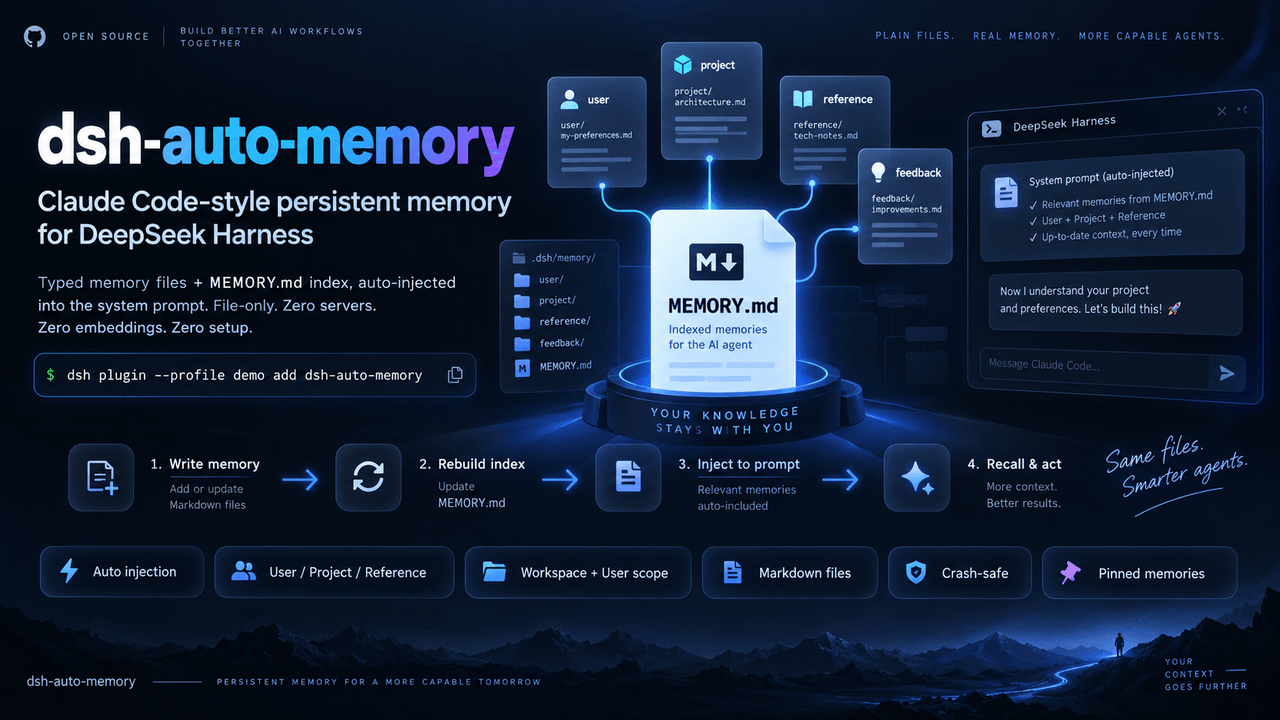 AskTheWay/dsh-auto-memory
Claude Code-style auto-memory plugin for DeepSeek Harness (dsh): typed memory files + MEMORY.md index auto-injected into…
AskTheWay/dsh-auto-memory
Claude Code-style auto-memory plugin for DeepSeek Harness (dsh): typed memory files + MEMORY.md index auto-injected into…
- lna-lab/distill-kura 蒸留蔵 — distilled long-term memory for agents: recall by meaning, writing gated by evidence, one kura per agent mode. Ship…
-
 fishzjp/qa-skills
让 AI 像资深测试工程师一样工作:面向 AI Agent 的测试工程 Skill 框架——11 Skills + 共享知识库 + 类型决策矩阵(Claude Code / dsh 等 Agent 可用)
fishzjp/qa-skills
让 AI 像资深测试工程师一样工作:面向 AI Agent 的测试工程 Skill 框架——11 Skills + 共享知识库 + 类型决策矩阵(Claude Code / dsh 等 Agent 可用)
-
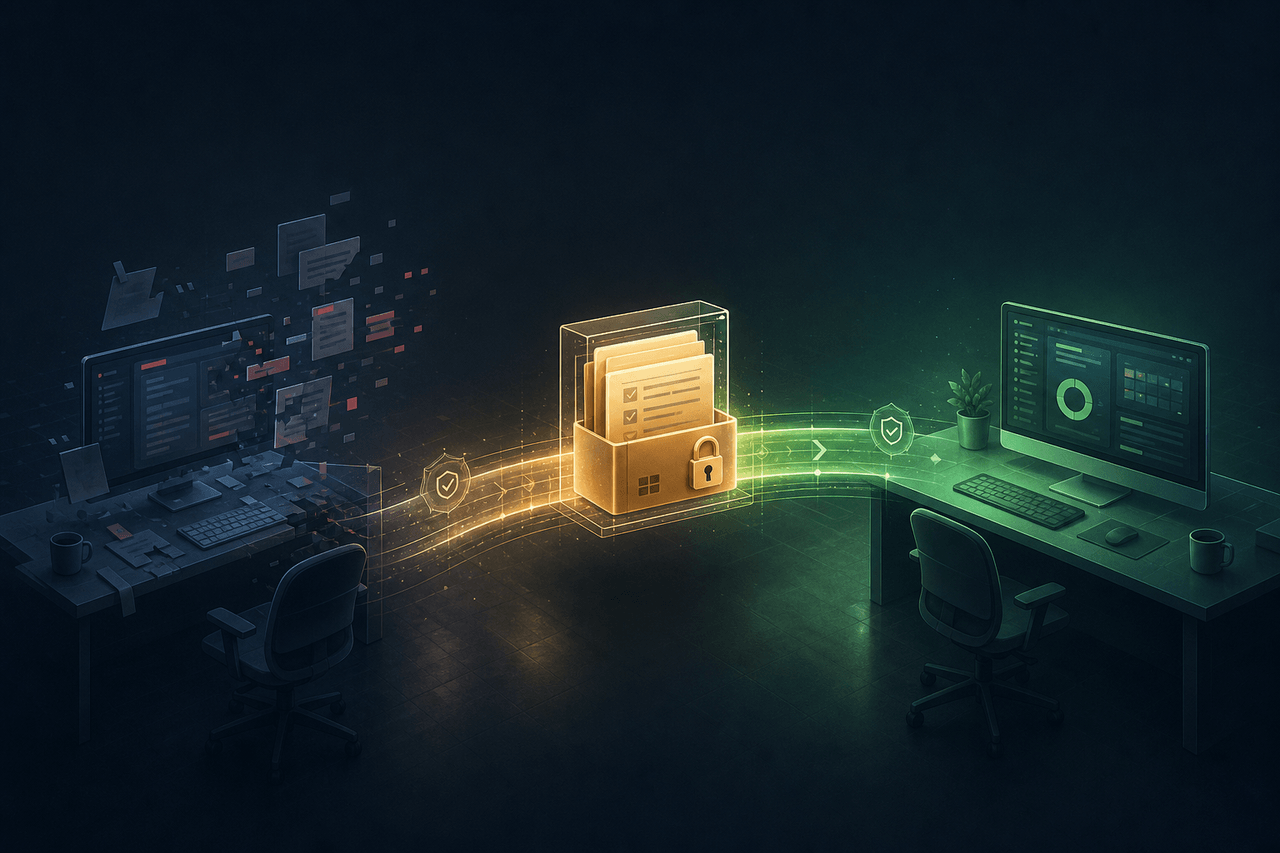 WeirdSky924/agent-handoff-skill
Use this cross-platform skill in Codex or Claude Code to establish repository-local continuity memory so a future agent …
WeirdSky924/agent-handoff-skill
Use this cross-platform skill in Codex or Claude Code to establish repository-local continuity memory so a future agent …
- oliblue-evan/dsh-roleplay-preset DeepSeek 深度调校的沉浸式角色扮演 Agent 预设(dsh)——零工具纯对话、酒馆式演出格式、文件记忆库